-
-
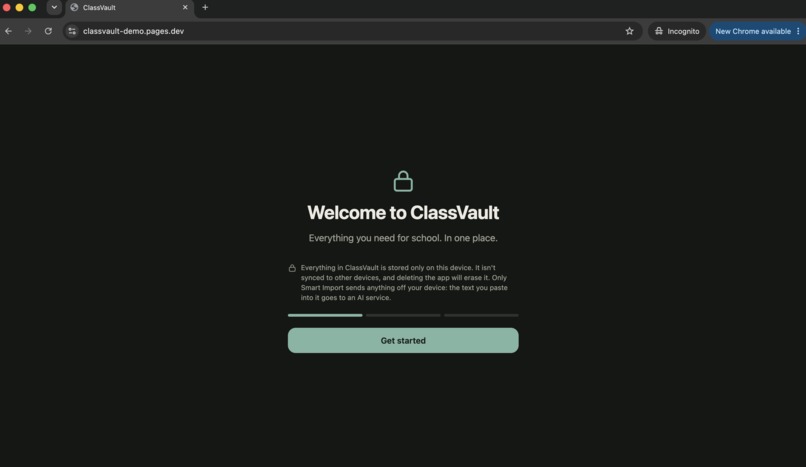
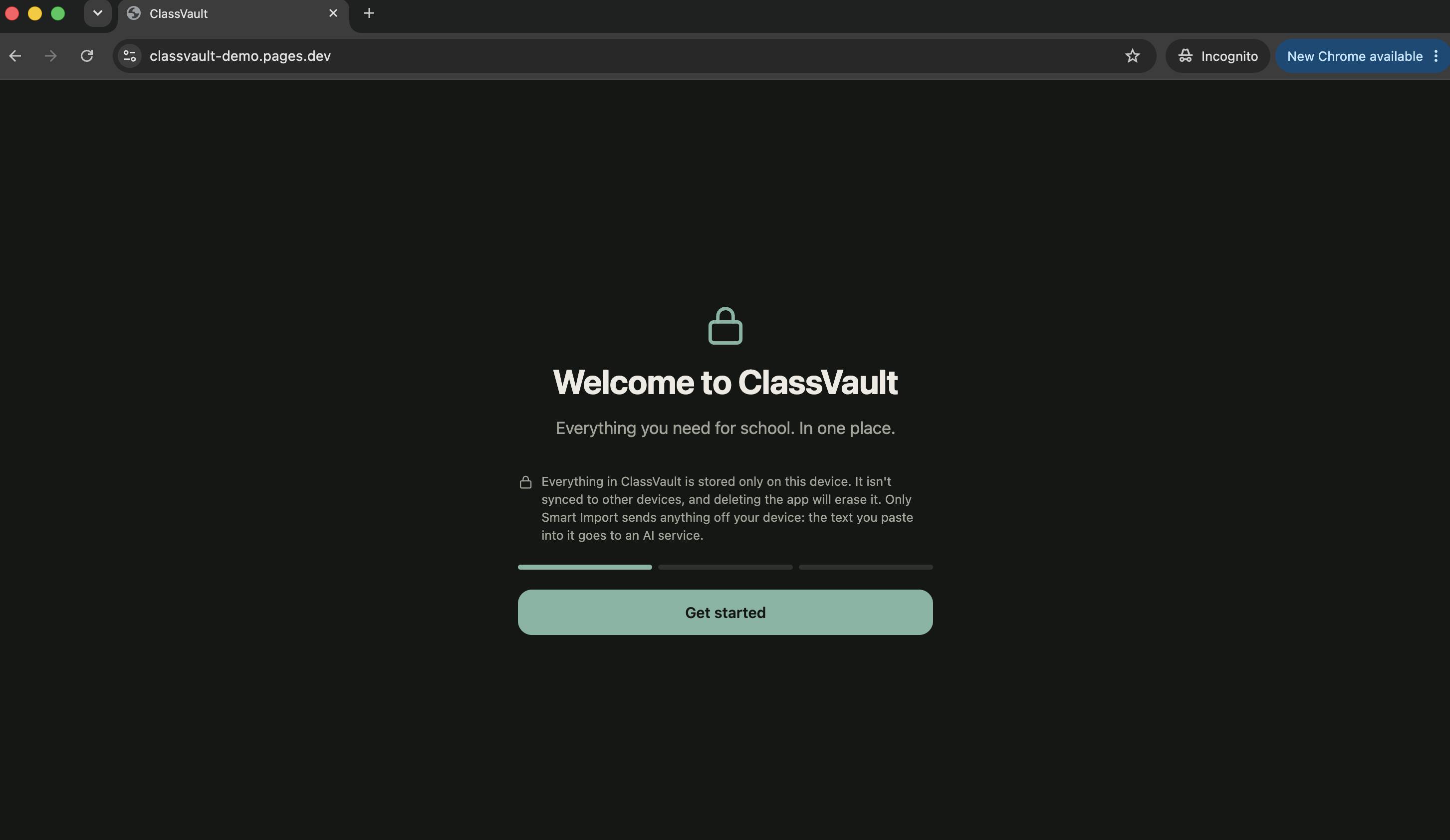
Onboarding, 1st screen.
-
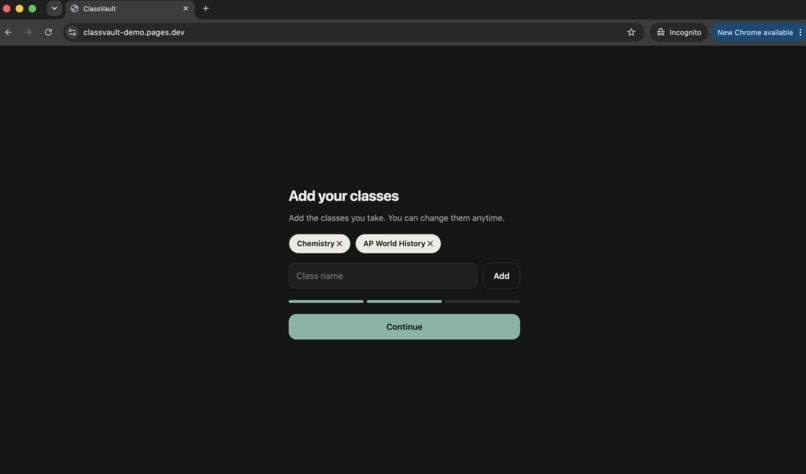
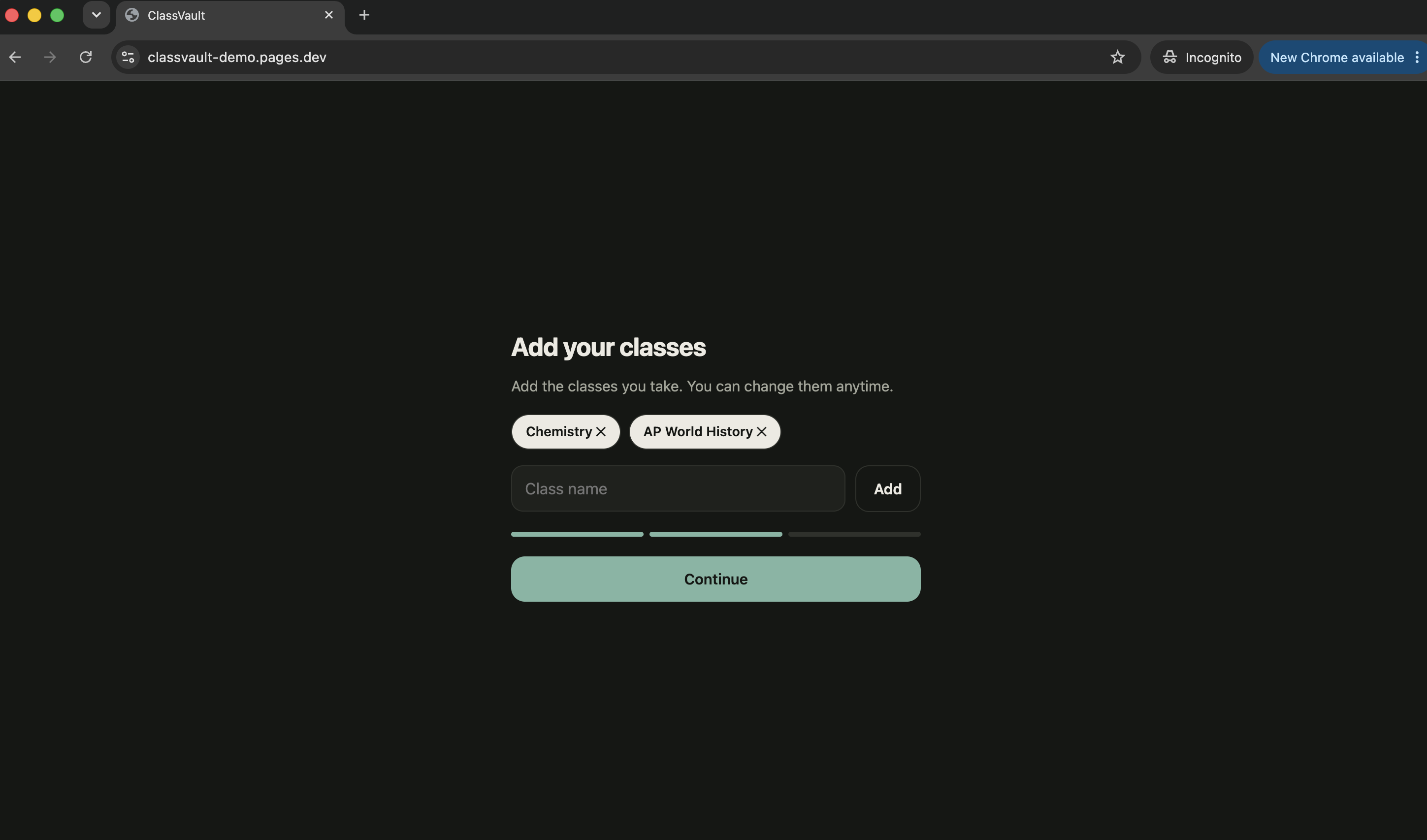
Onboarding where users add their classes.
-
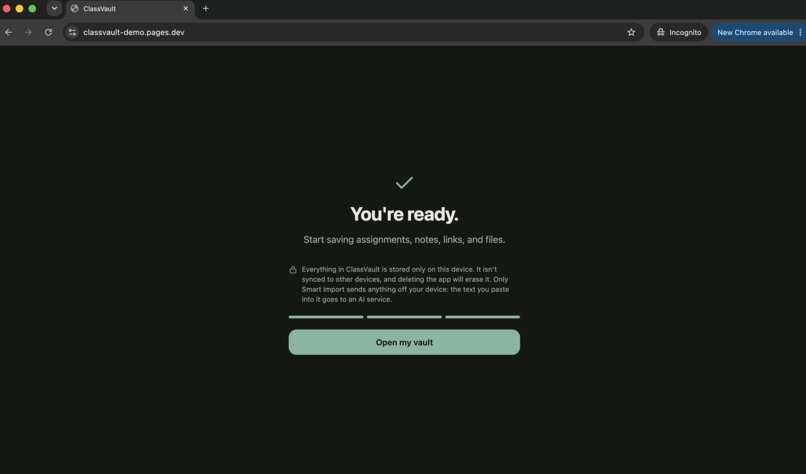
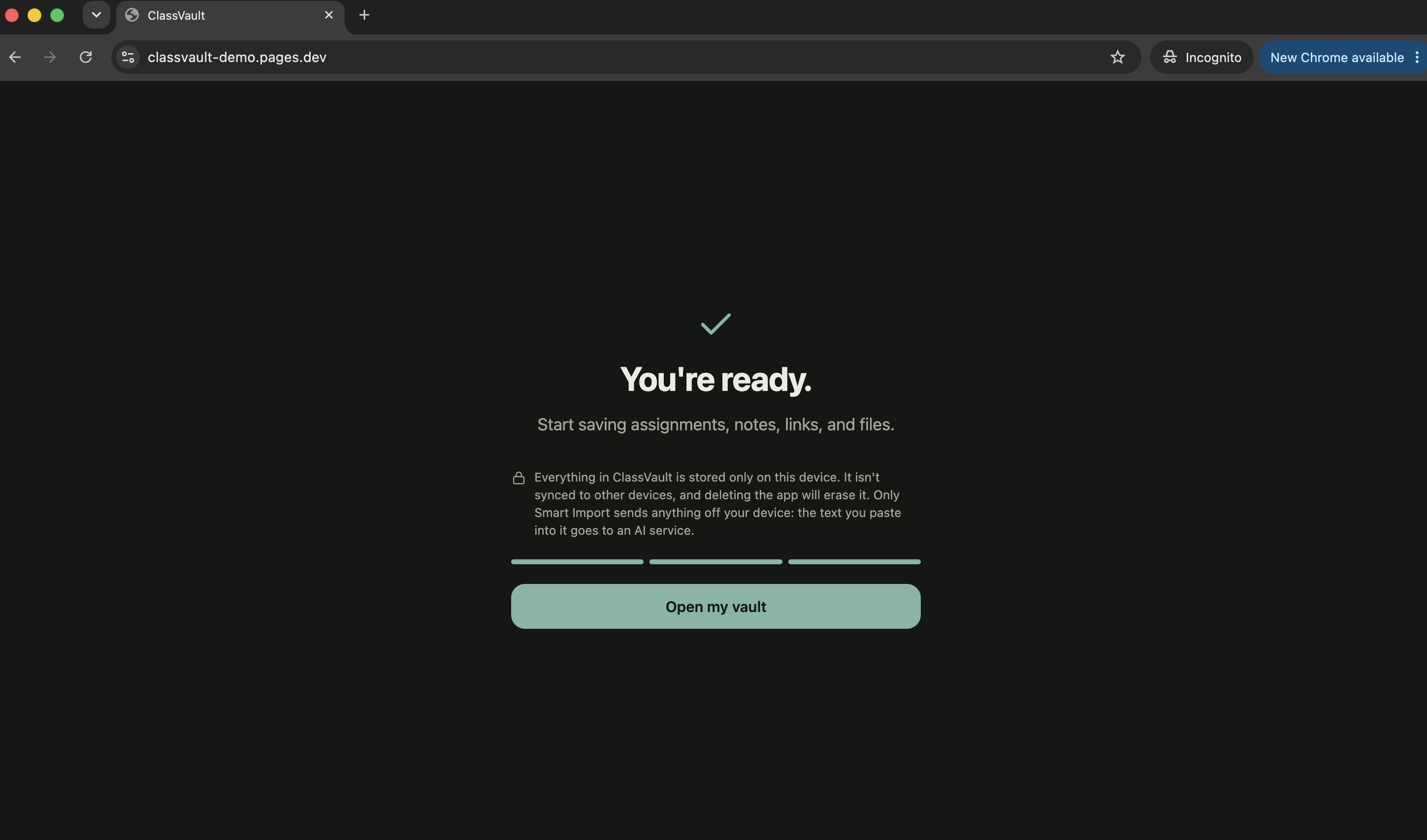
Final screen of onboarding
-
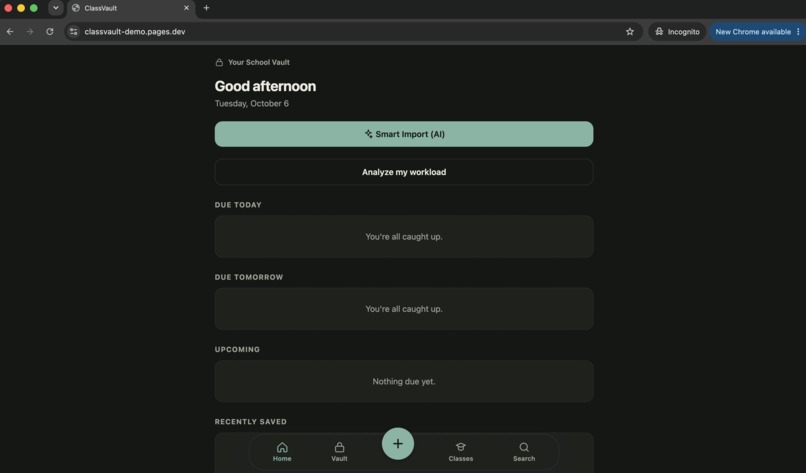
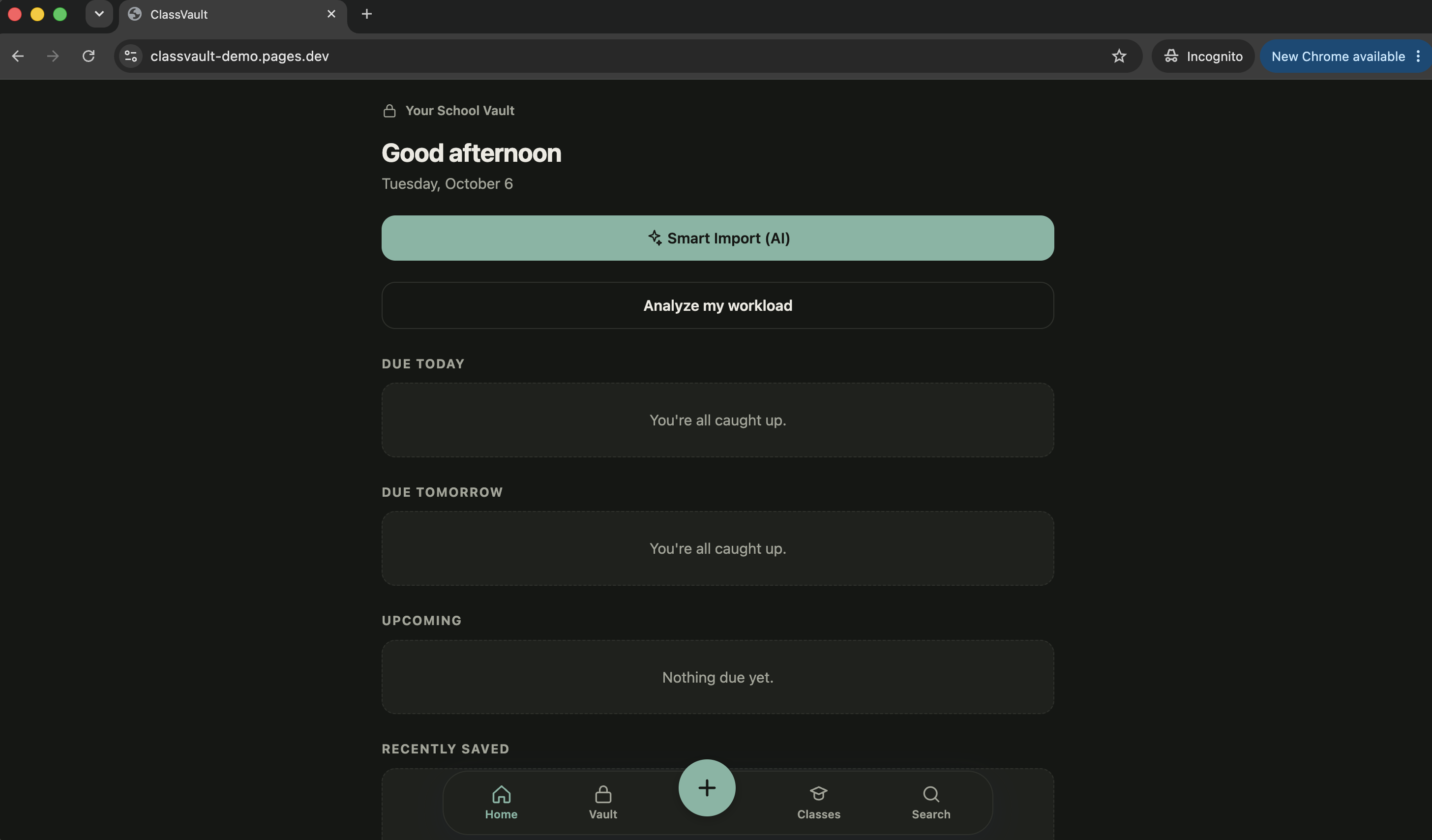
Home screen
-
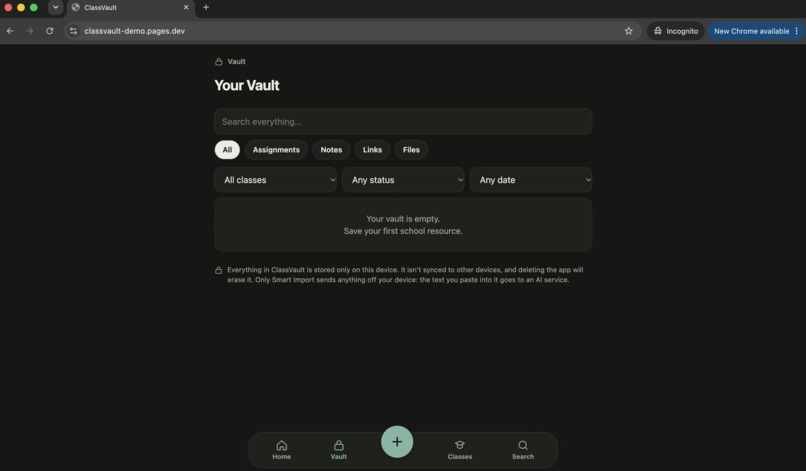
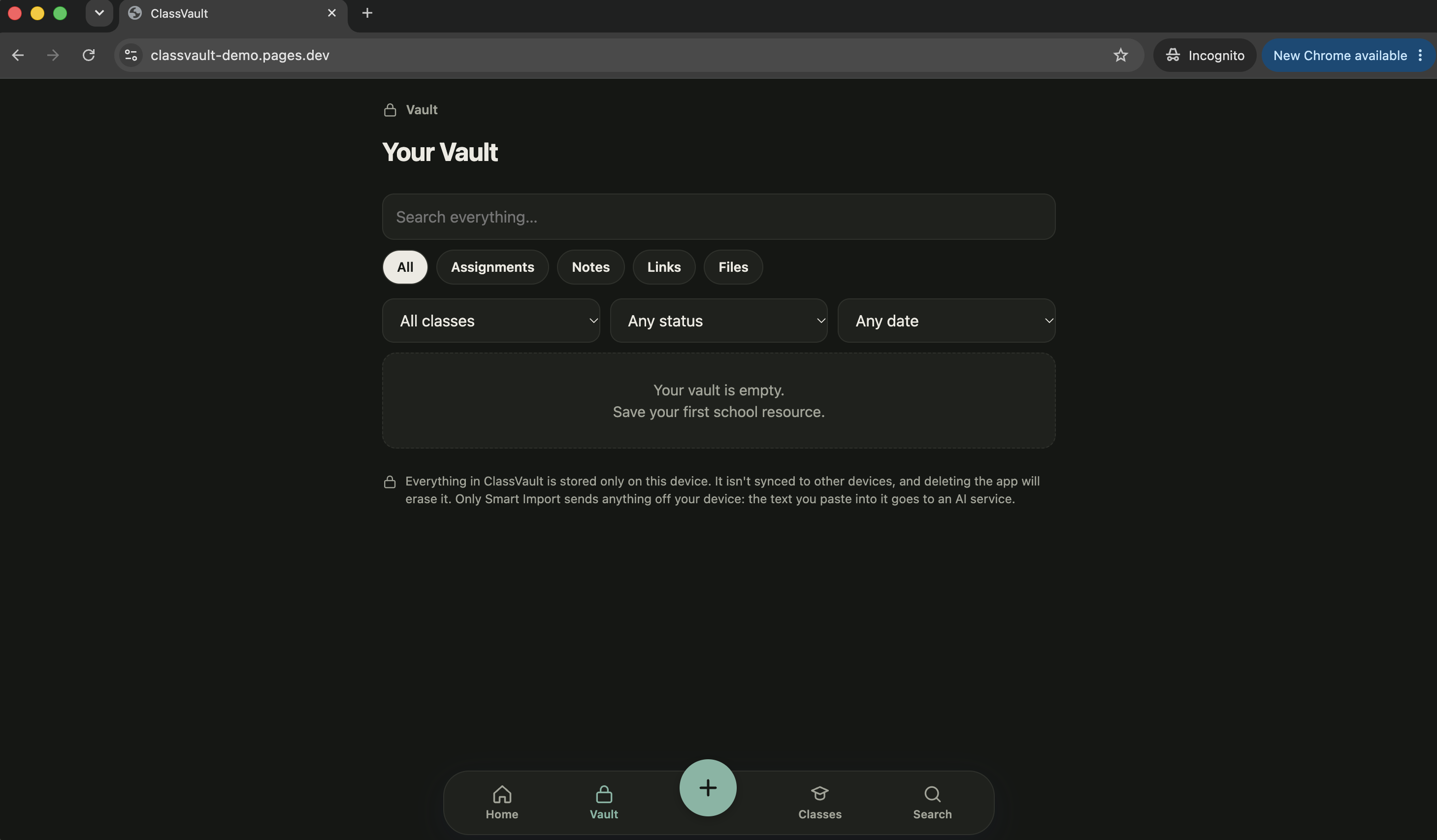
Vault screen where assignments and files are stored.
-
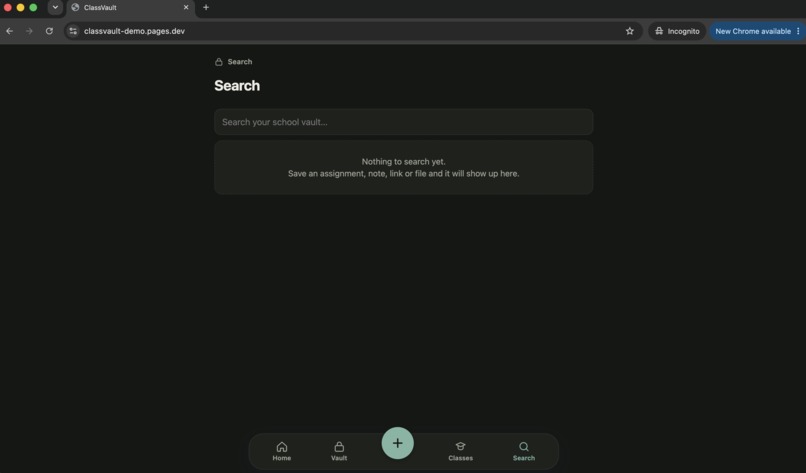
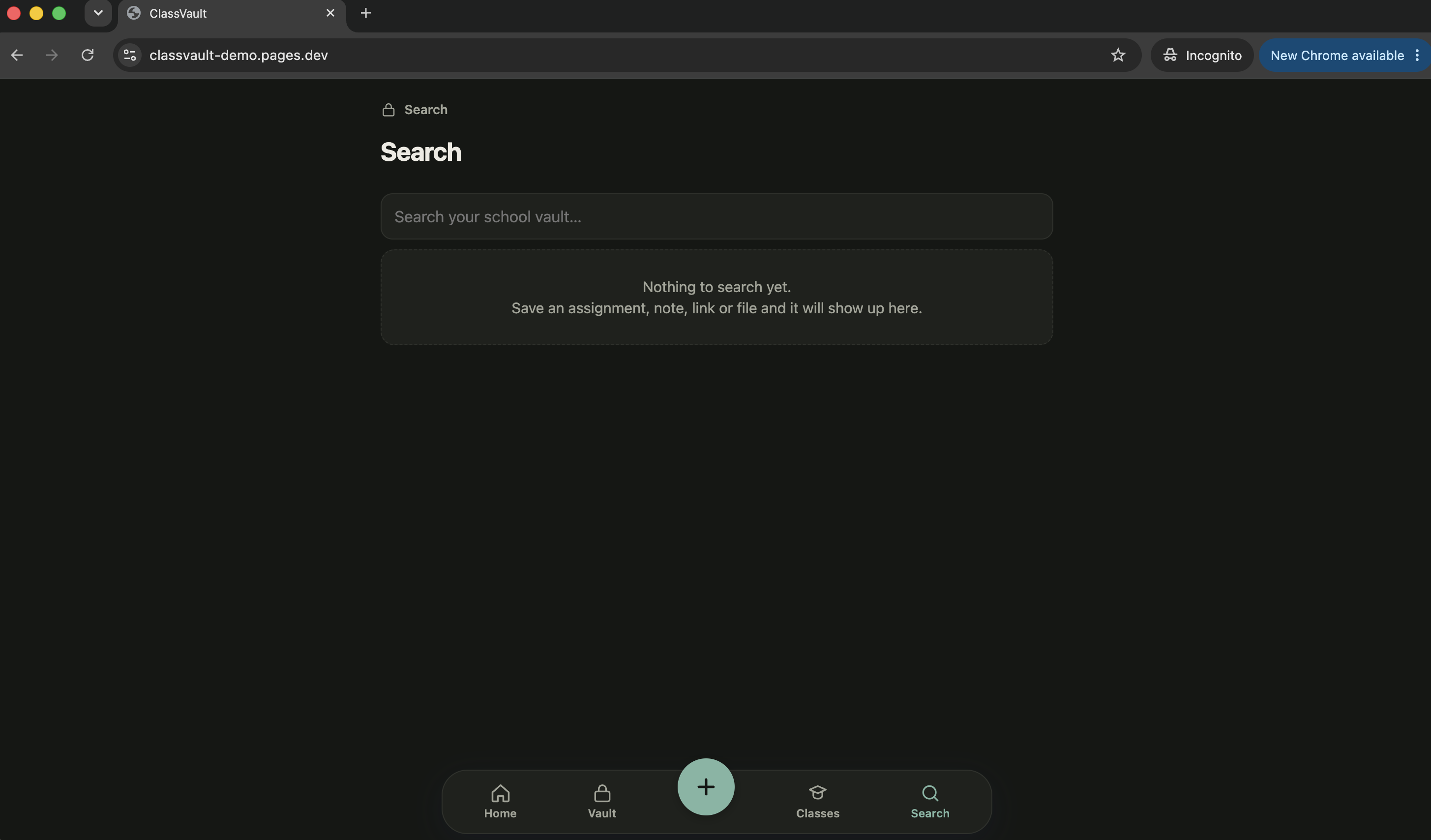
Search screen where users can search through their past assignments, notes, and files.
-
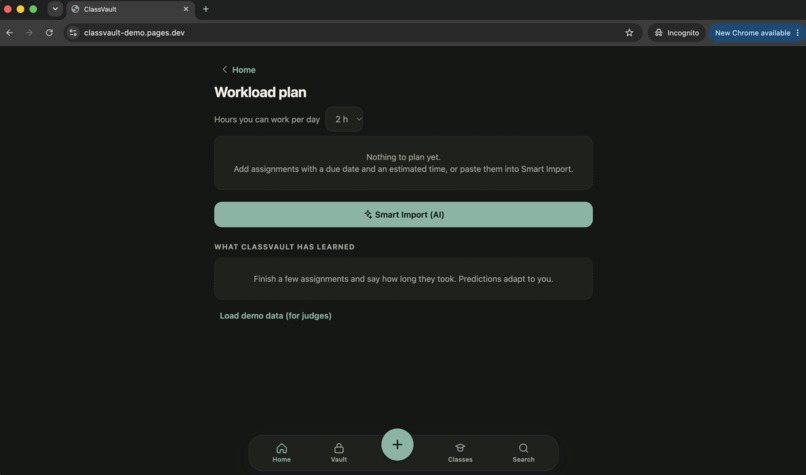
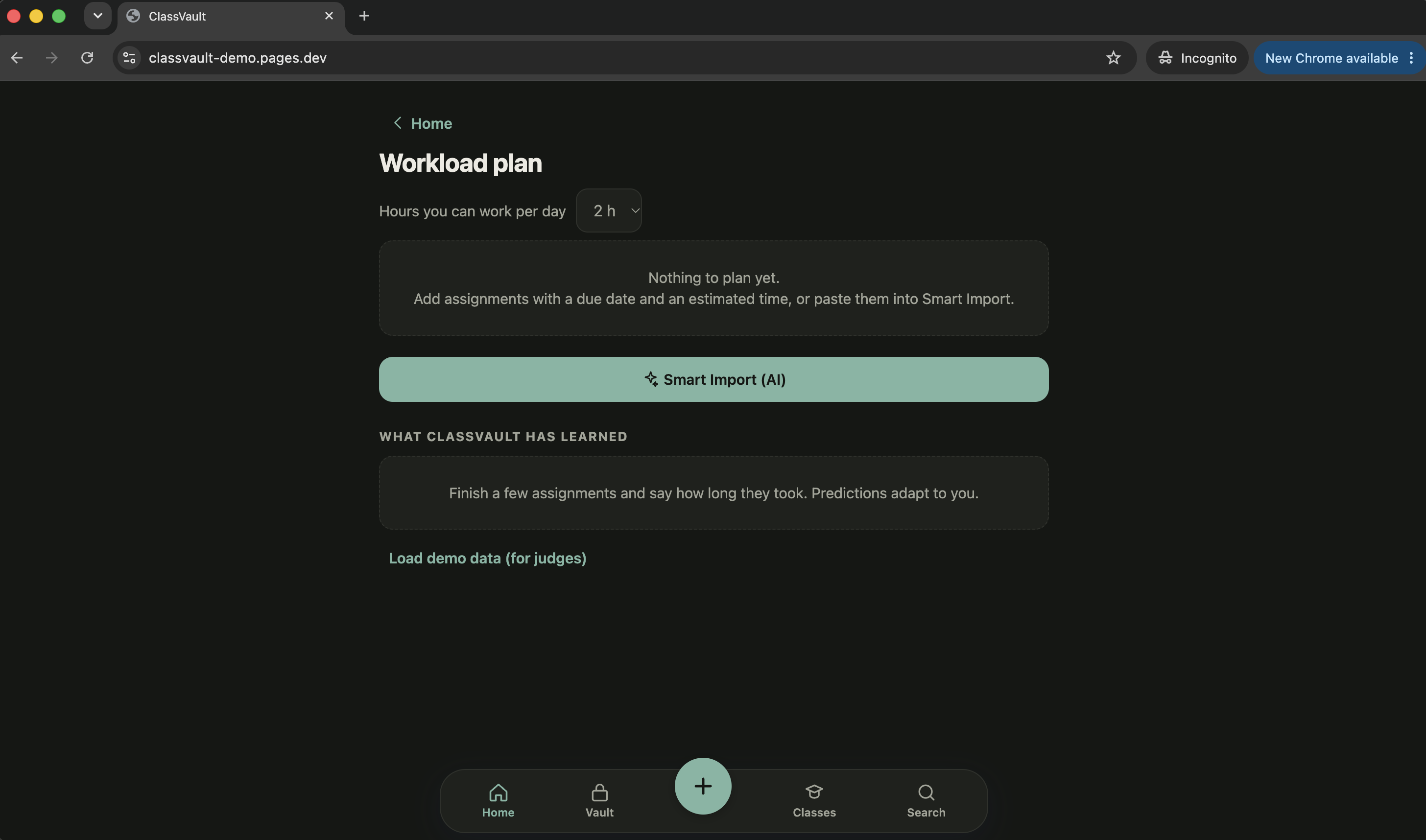
Analyze my workload where it gives you a work plan.
-
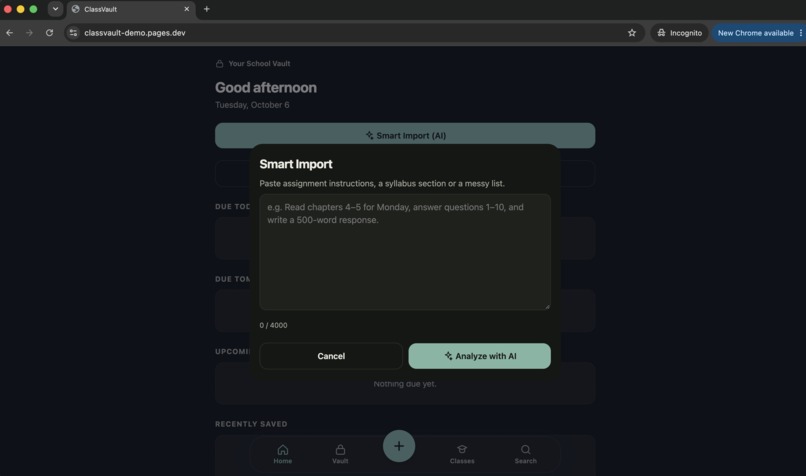
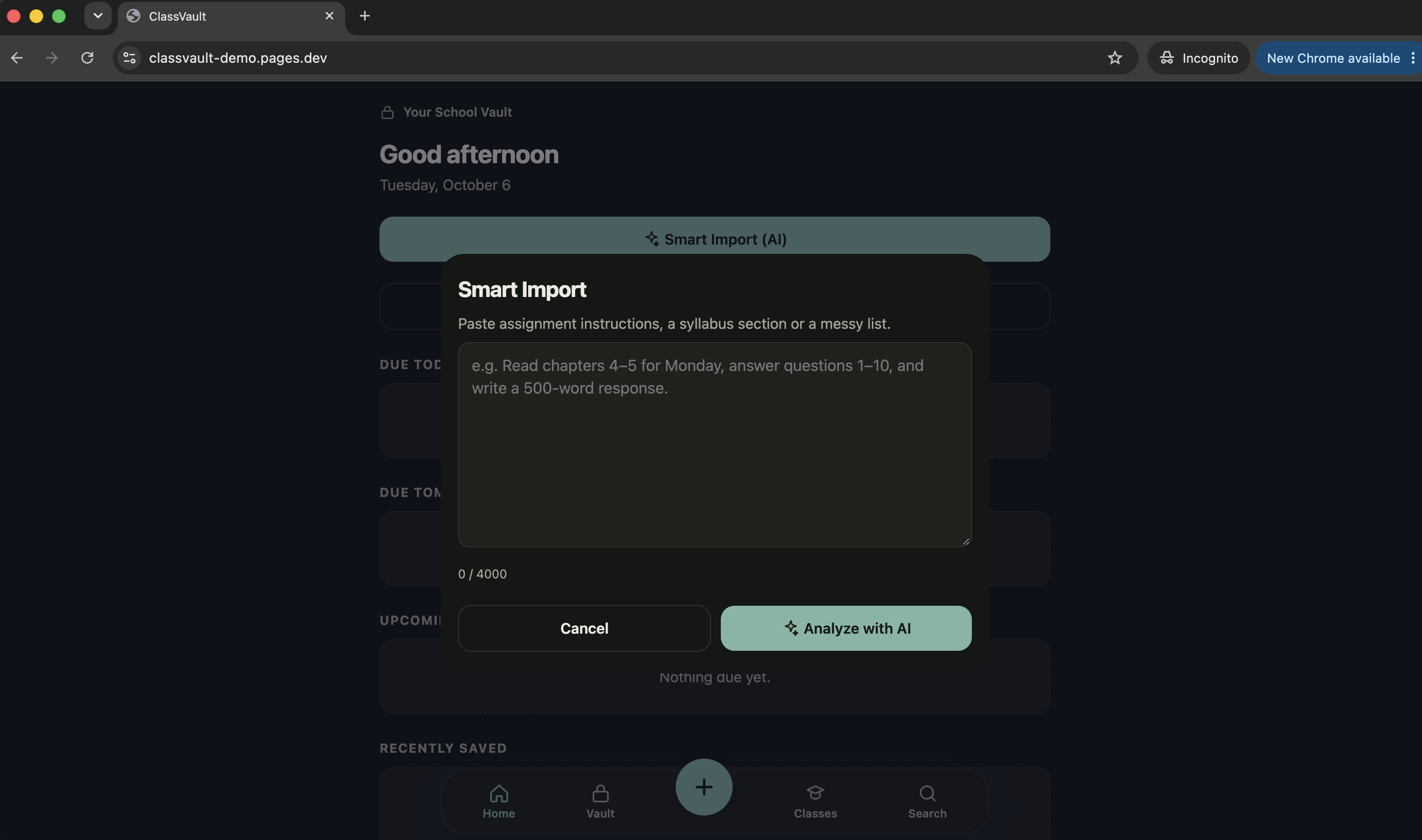
Smart import where users can type a few sentences about assignments and the AI organizes it.
My Story
What Inspired Me
I started ClassVault because schoolwork can get scattered really easily.
Assignments can come from Google Classroom, emails, screenshots, notes, group chats, or something a teacher says in class. Even when everything is written down, it can still be difficult to figure out what needs to be done first.
I wanted to build something that answered a simple question:
"What should I work on right now?"
That became the idea behind ClassVault: one place to save schoolwork and, for ImpactHack, a way to turn that information into a realistic workload plan.
How I Built It
I built ClassVault as a lightweight web application using HTML, CSS, and JavaScript.
For the hackathon, I added two major pieces.
First, I built Smart Import, which uses Llama 3.1 through Cloudflare Workers AI. Students can paste messy information about their schoolwork, and the AI extracts assignments, classes, deadlines, estimated times, and subtasks.
Second, I built an Adaptive Workload Engine. Instead of simply sorting assignments by due date, it considers deadlines, estimated time, available time, and the student's previous completion times to create a ranked workload plan.
I intentionally separated these two systems. AI handles understanding messy text, while my own deterministic algorithm handles scheduling and planning.
I also added automated tests for the AI Worker, Smart Import flow, and Workload Engine.
Challenges I Faced
One of my biggest challenges was getting the AI to produce reliable information.
Small AI models aren't always good at things like calendar calculations. For example, asking the model to figure out exactly which date "next Monday" means could lead to inconsistent results.
Instead of trusting the model with that calculation, I designed the system so the AI extracts the deadline language and my application resolves the actual date. This made the results much more predictable.
I also had to deal with AI failures, timeouts, invalid responses, and rate limits. I added validation and error handling so an AI failure wouldn't break the rest of ClassVault.
Another challenge was deciding what not to build. There are a lot of features I could have added, but I wanted to focus on the core problem instead of creating an unnecessarily complicated app.
What I Learned
This project taught me that adding AI to an application isn't just about calling an AI model.
The hardest part is designing the system around the model.
I learned how to connect a real AI model to a web application using Cloudflare Workers, validate structured AI output, handle failures, and build safeguards around AI-generated information.
I also learned that deterministic algorithms can work alongside AI really well. Instead of asking AI to do everything, I gave it the job it is good at understanding messy human input and used my own logic for the parts that need to be predictable and explainable.
Most importantly, I learned how much iteration goes into turning an idea into something that actually works.
Where I Ended Up
ClassVault started as a simple idea for organizing schoolwork.
For ImpactHack, I turned it into something more: a system that can take scattered, messy school information, organize it with AI, and help students decide what to do next.
My goal is simple:
Less time figuring out your workload. More time getting it done.
Built With
- chatgpt
- claude
- cloudfare
- css
- github
- html
- javascript
- llama

Log in or sign up for Devpost to join the conversation.