Inspiration
We were inspired by the challenges of in-person computer science classes and the advantages of online schooling. In person, students are often too scared to ask questions in class due to the risk of embarrassment and fear of public speaking. In addition, it is often cumbersome to write/debug/run coding examples in class. This project draws from certain online tools such as Zoom and Replit to solve both of those problems.
What it does
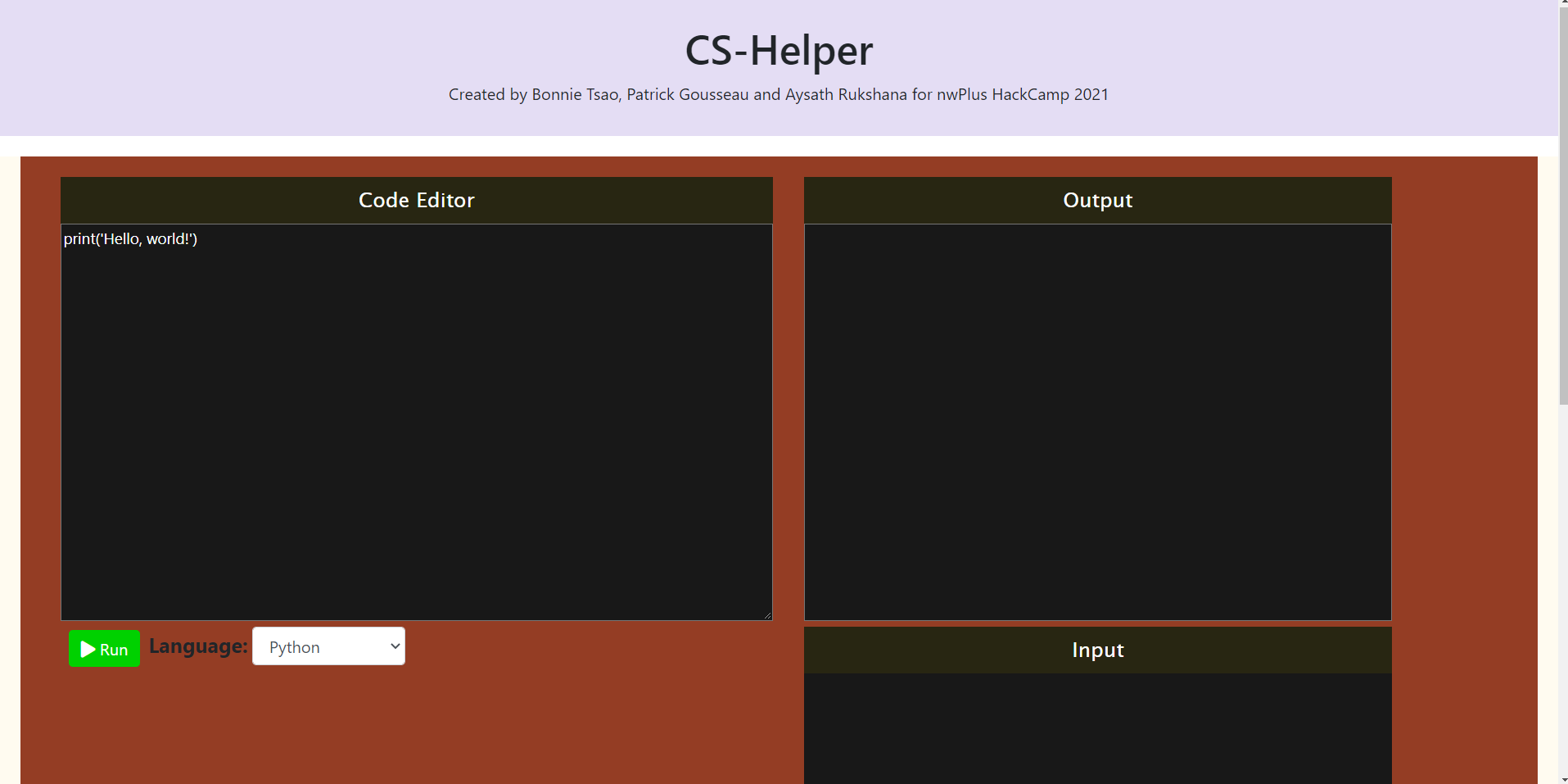
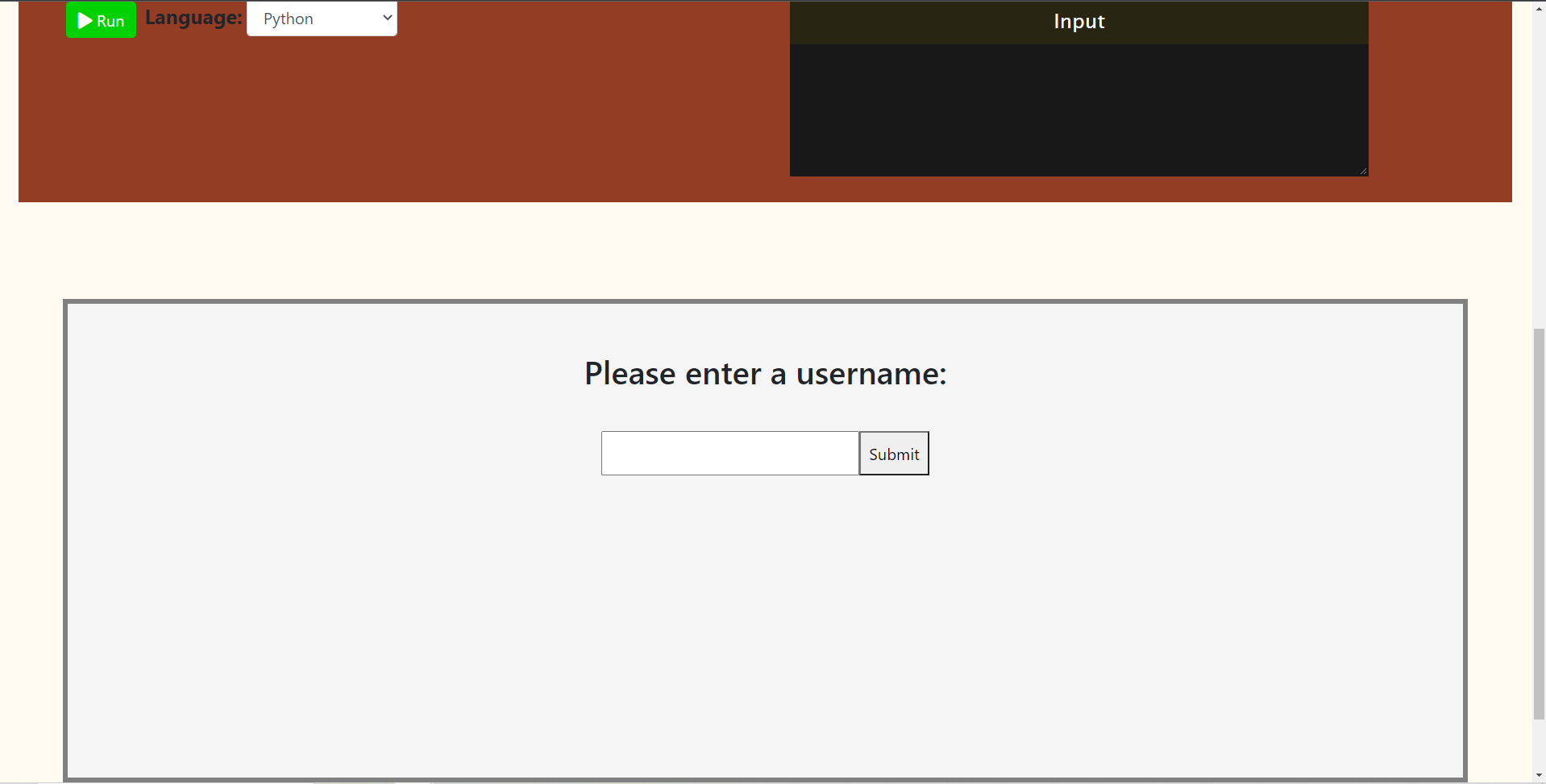
This web application is an in-class learning tool used by students and TAs during lectures. While the professor is lecturing, students can ask questions on a class-wide chat box to which TAs can answer. This eliminates the fear of asking questions, just like the Zoom chat box did during online schooling. In addition, the app contains a built in code editor that supports common languages such as Java, C and Python. This allows students to effortlessly write/debug/run coding examples in class without the need of opening an IDE, creating a new project, creating a new class etc. Combining these two features equips computer science students with an all encompassing tool that enables them to better absorb class material.
How we built it
This project was built using React, Node, Express, Bootstrap and Socket.io. The code editor uses Judge0 for the compilation of code.
Challenges we ran into
One challenge we faced was figuring out how a chat works and how to use Socket.io properly with React to create the client to server connection. We underestimated the time it would take to understand the basics of a new library, and thus didn’t have enough time to do everything we had wanted to.
Accomplishments that we're proud of
We're proud to have been able to create a chat box which connects to a server and enables multiple users to talk to one another. We're also proud to have learned a bit of React and successfully applied it to a real project. Finally, we find the objective of the project to be meaningful, which adds to the feeling of accomplishment.
What we learned
We learned to build a web application using React as well as set up a server using Node and Express. For some of us, it was our first time working with multiple people on a coding project, thus we learned to work as a team and collaborate on a single application.
What's next for Classroom in-tool
- Add syntax highlighting to the code editor
- Add a PDF viewer to allow students to view class slides
- Notification for users entering and exiting the chat, and proper disconnecting of websockets once users have exited.


Log in or sign up for Devpost to join the conversation.