-
-
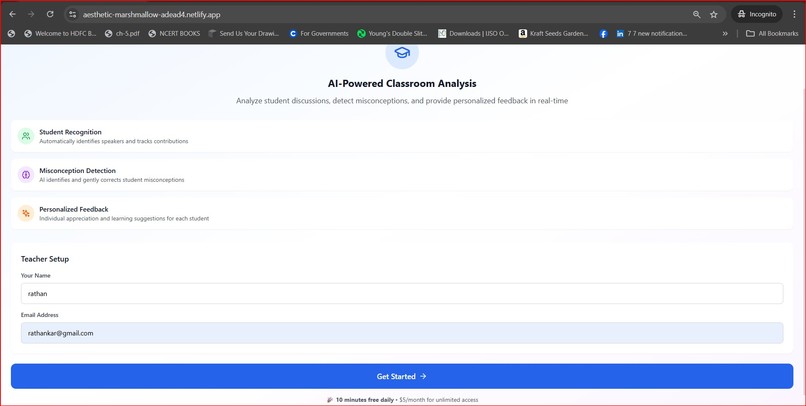
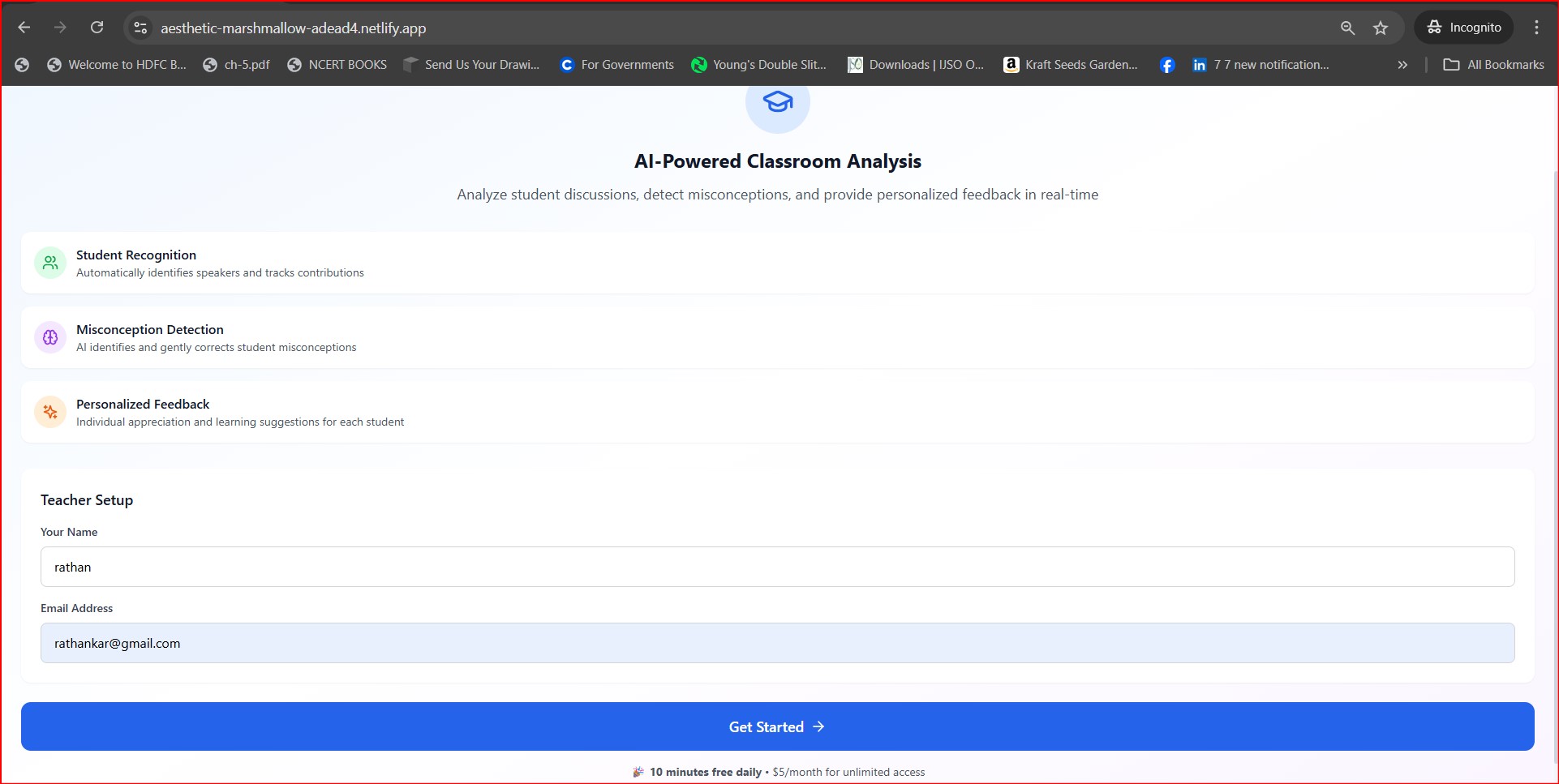
Registration page for the teacher
-
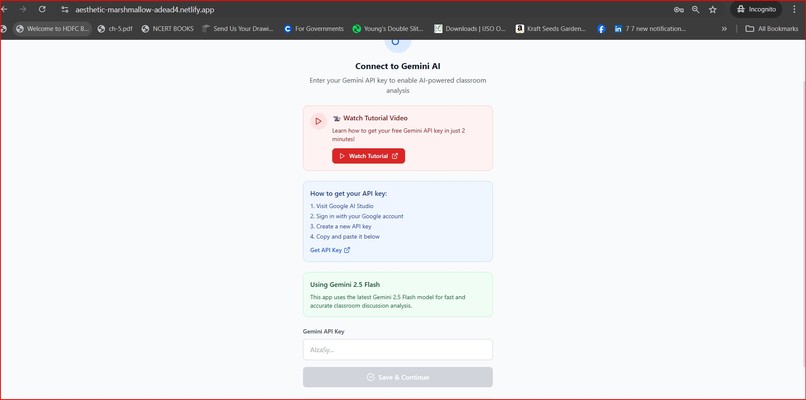
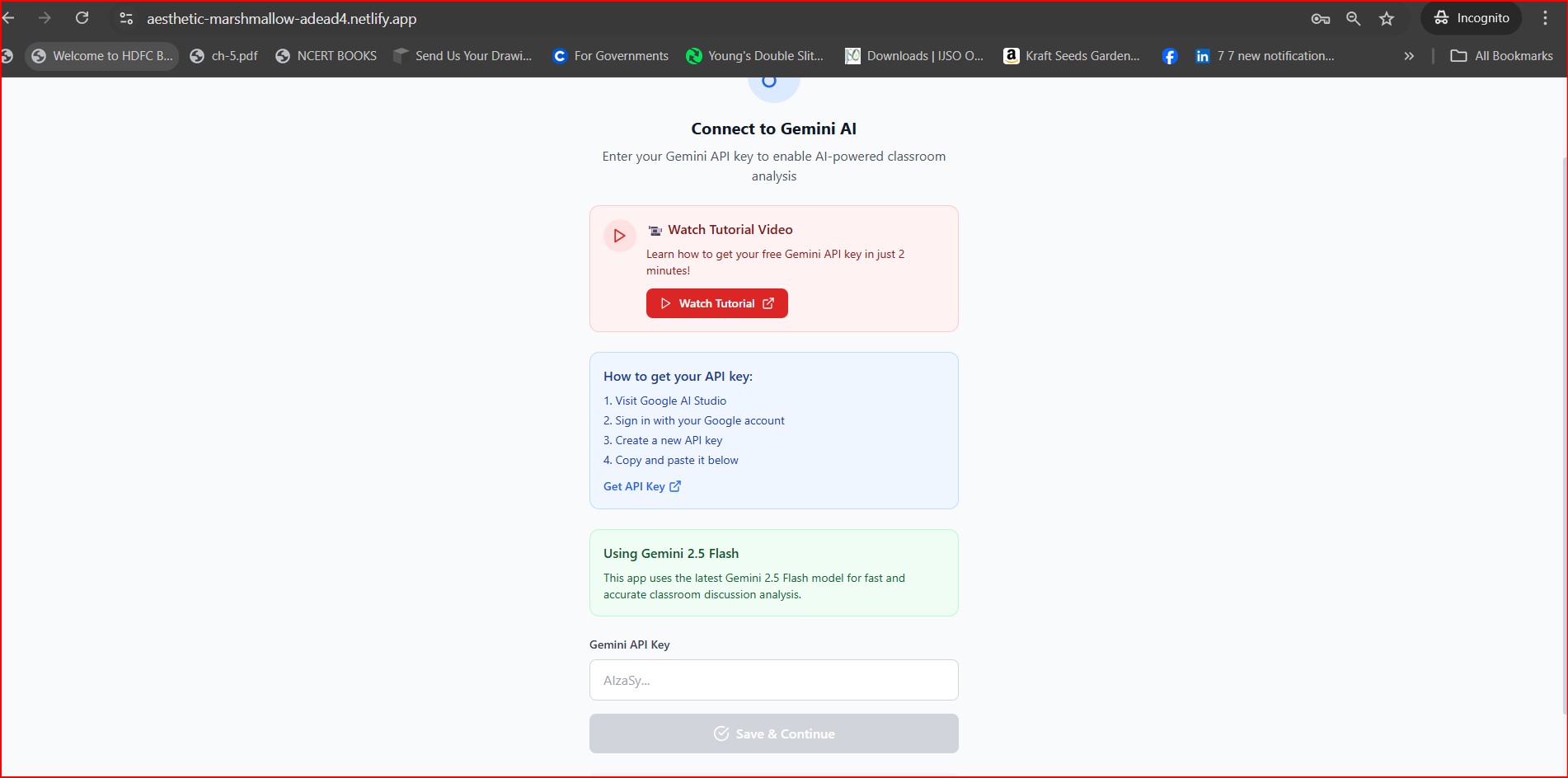
enter gemini api key to continue. One can watch the video to understand how to get the gemini api key
-
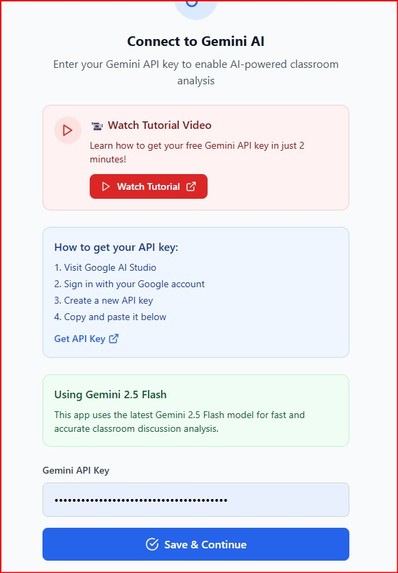
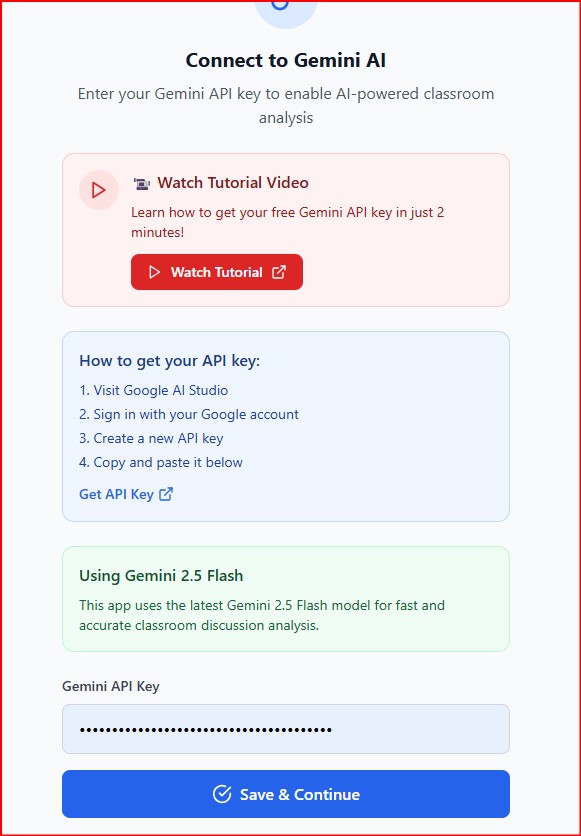
once the gemini key is entered, the grey button becomes active and turns to blue. click on it to go next page
-
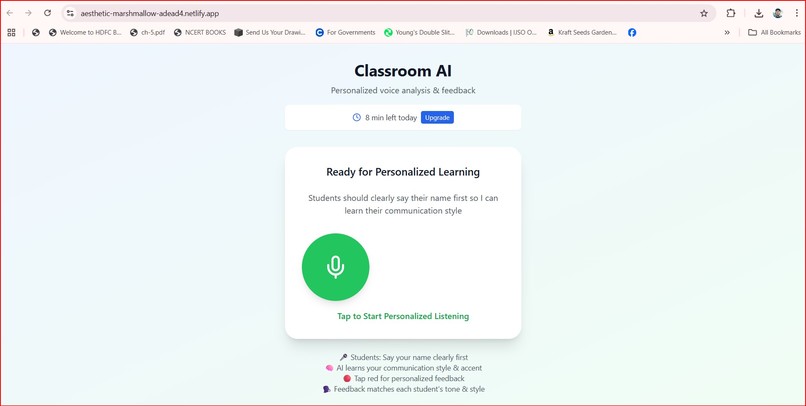
This is the interface page. Click on "Start New Session". This can be turned on when the class discussion on a concept begins
-
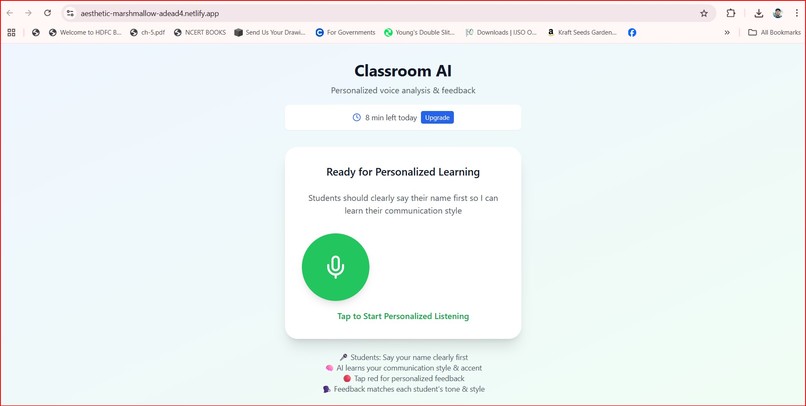
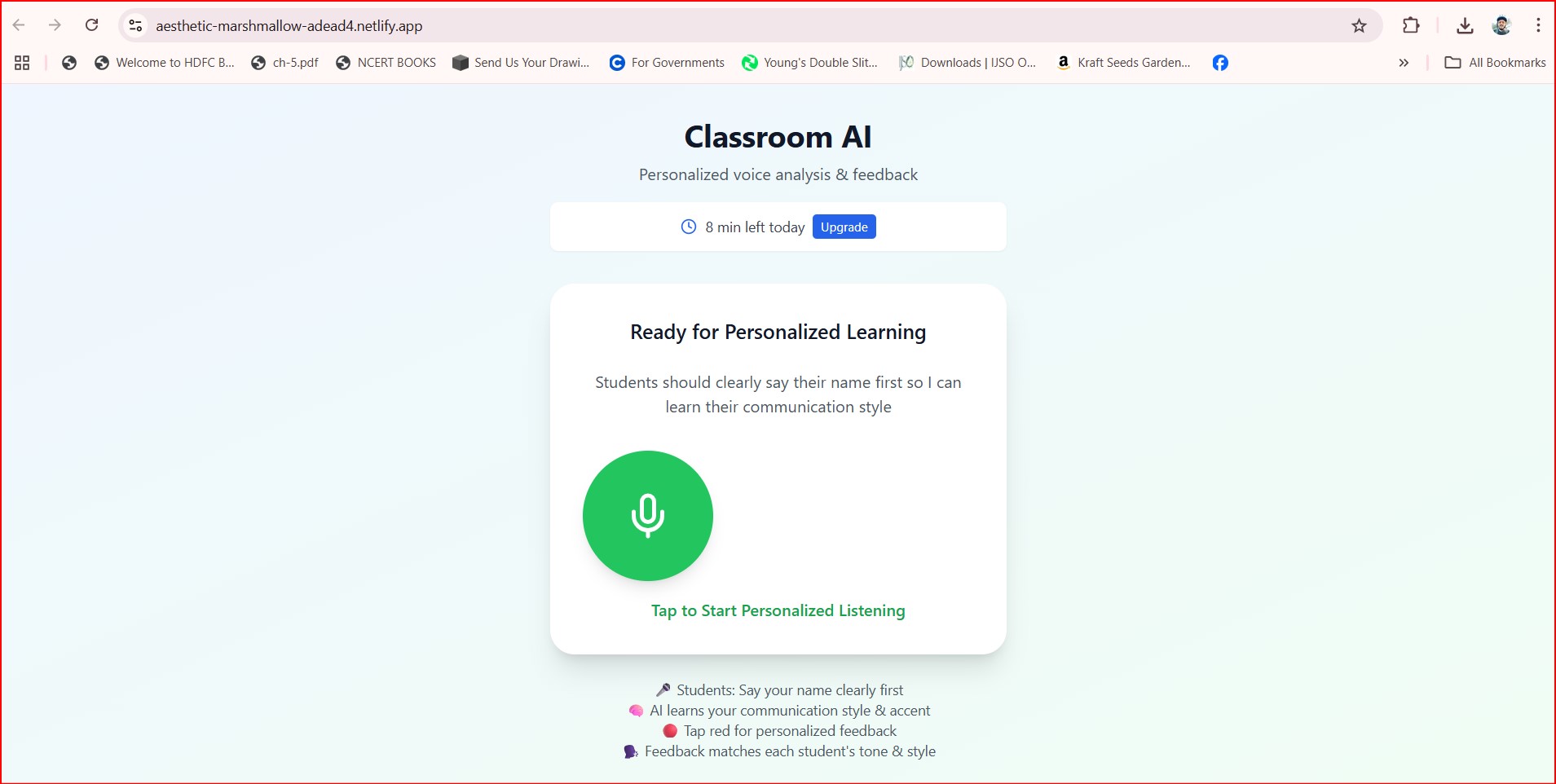
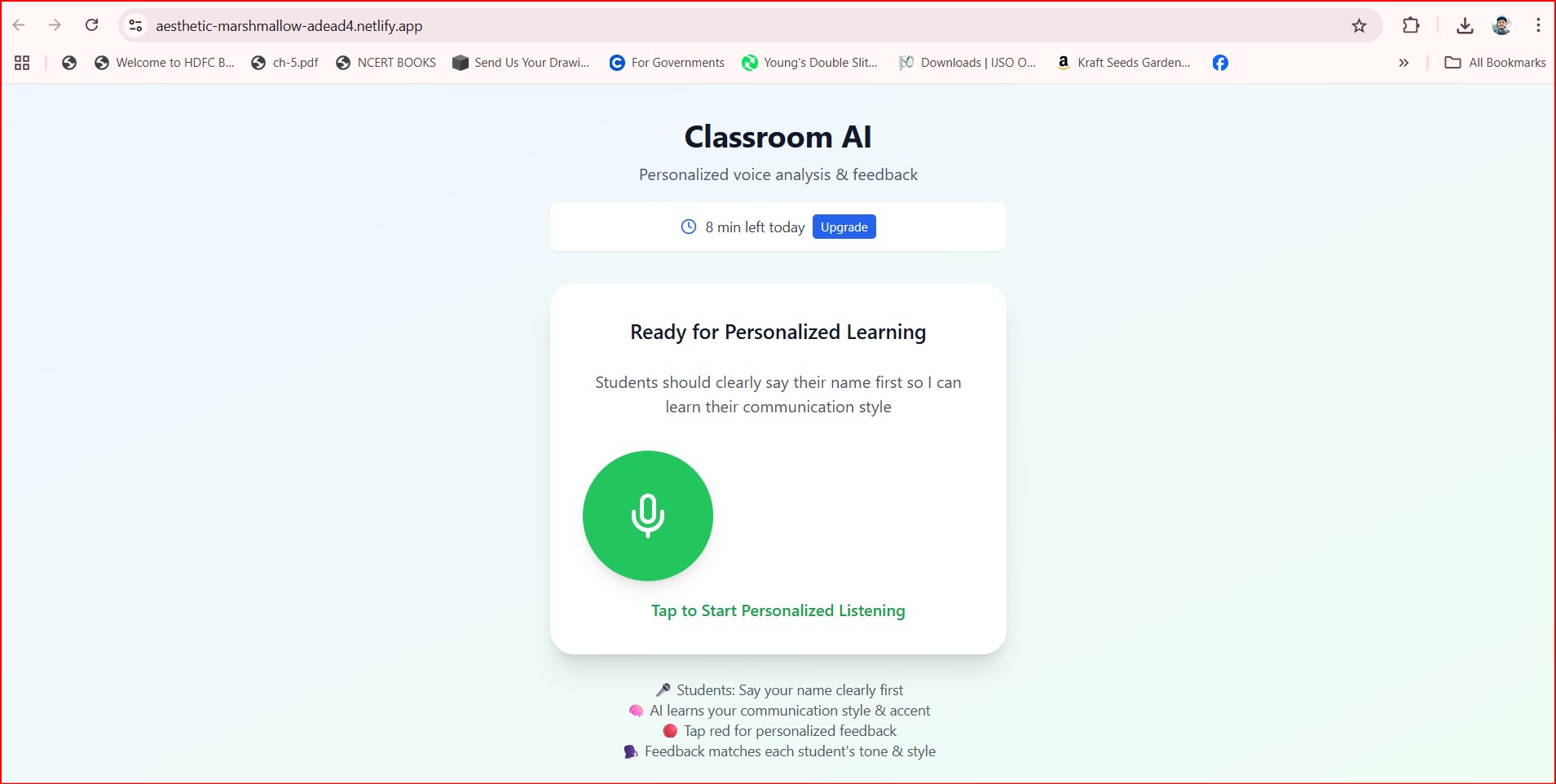
The above page refreshes and shows this page. Click on the mic image and start the conversations. all discussions are recorded
-
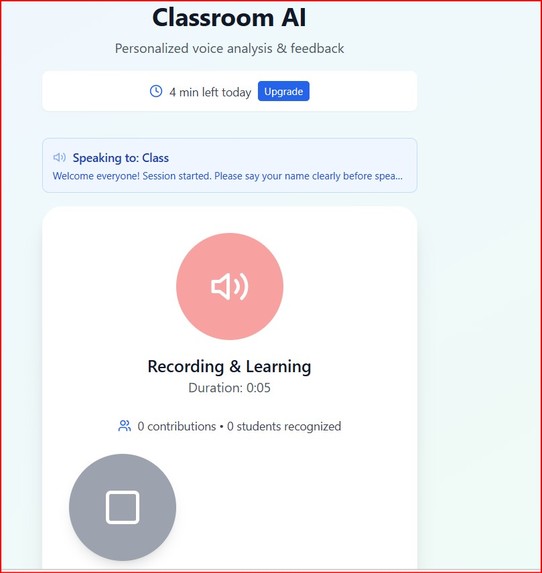
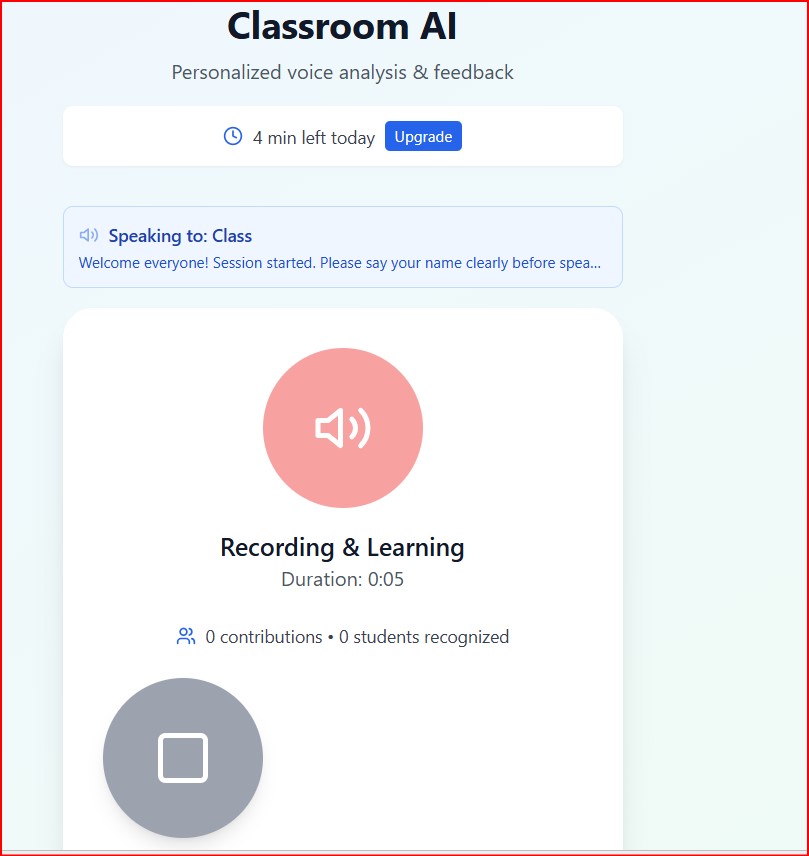
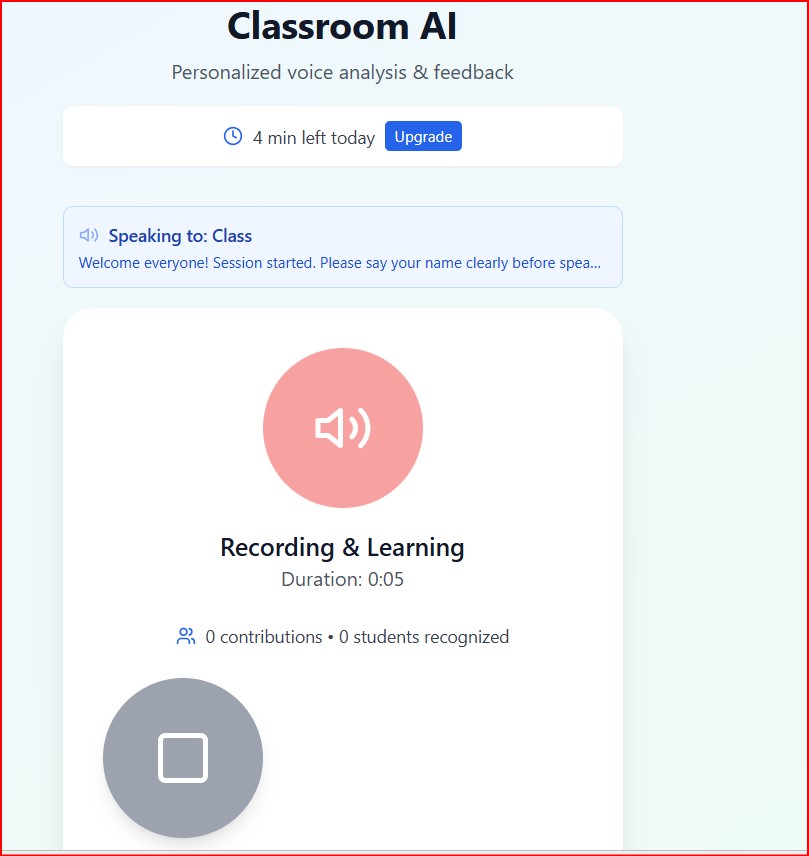
the above page refreshes and in this new page, the student needs to mention his name first and then start his discussion
-
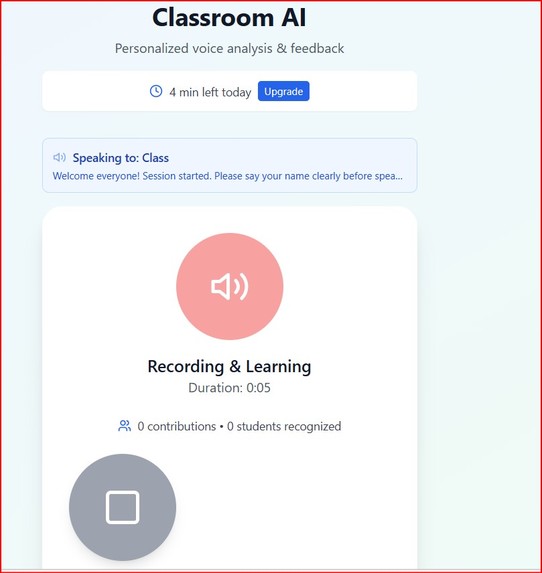
once the entire class has spoken, the teacher can click on the square button to let the AI Assistant to analyze students thoughts
-
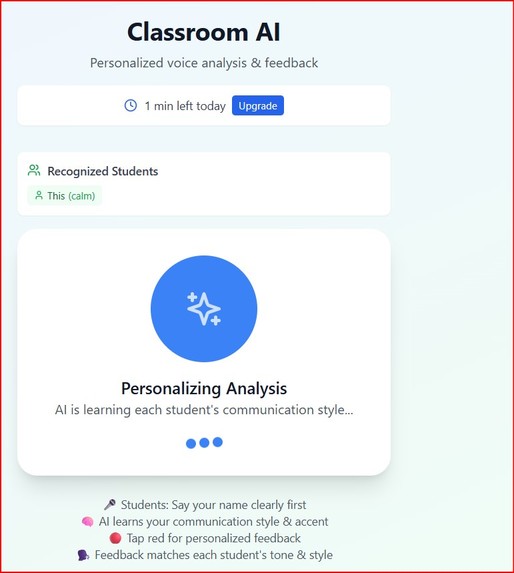
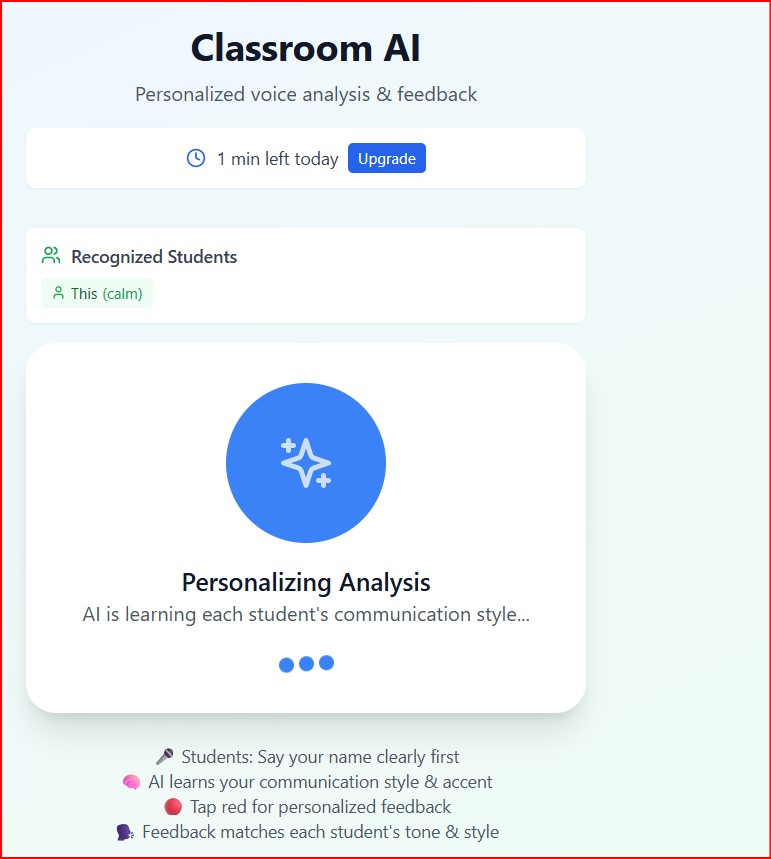
After the square button is clicked, the AI Assistant pauses for a few seconds to analyze the discussions
-
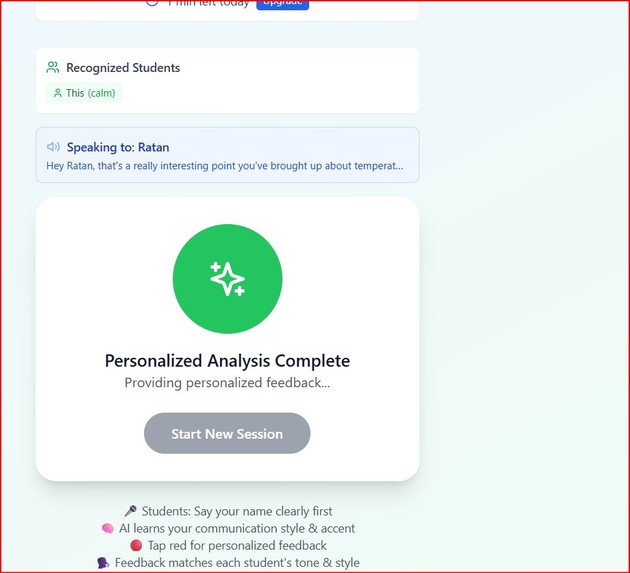
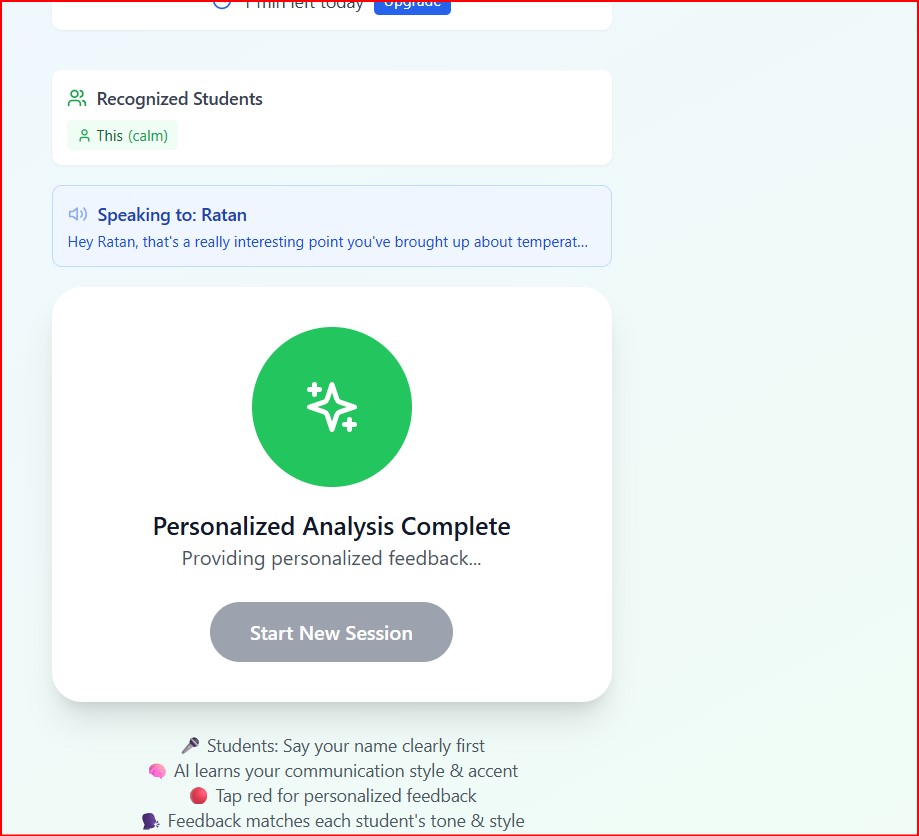
After analysis, the AI assistant calls up each student by his name and first appreciates him/her, mentions whether the discussion is correct
-
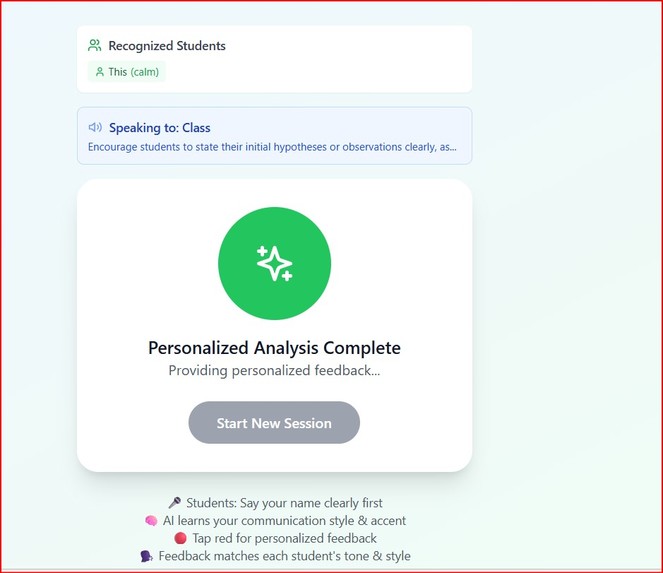
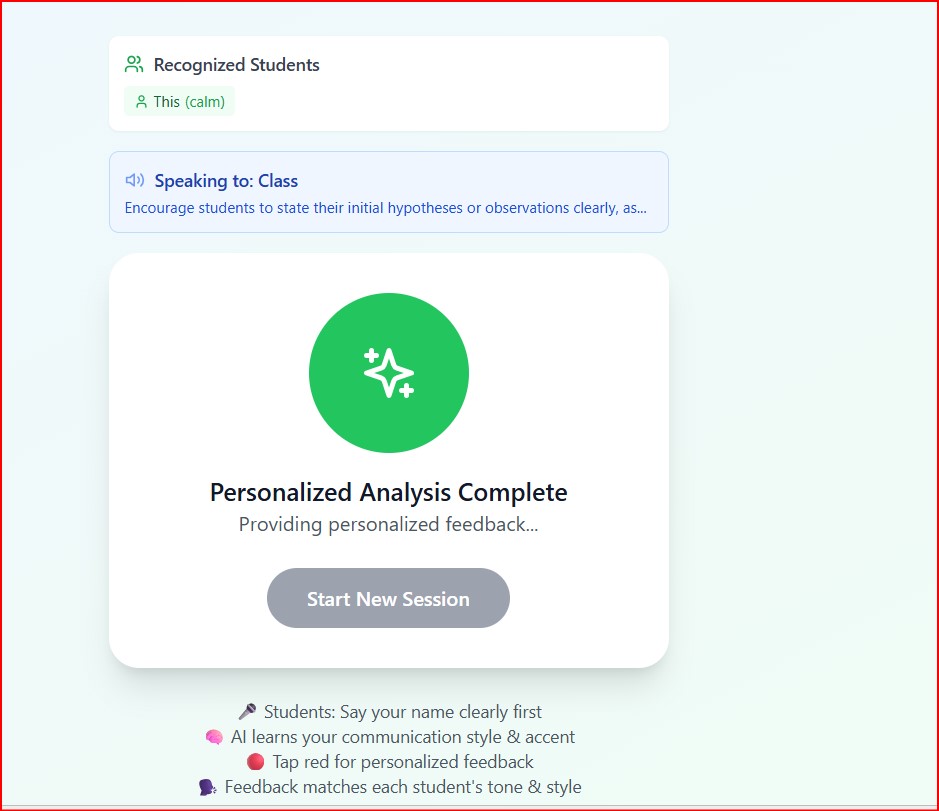
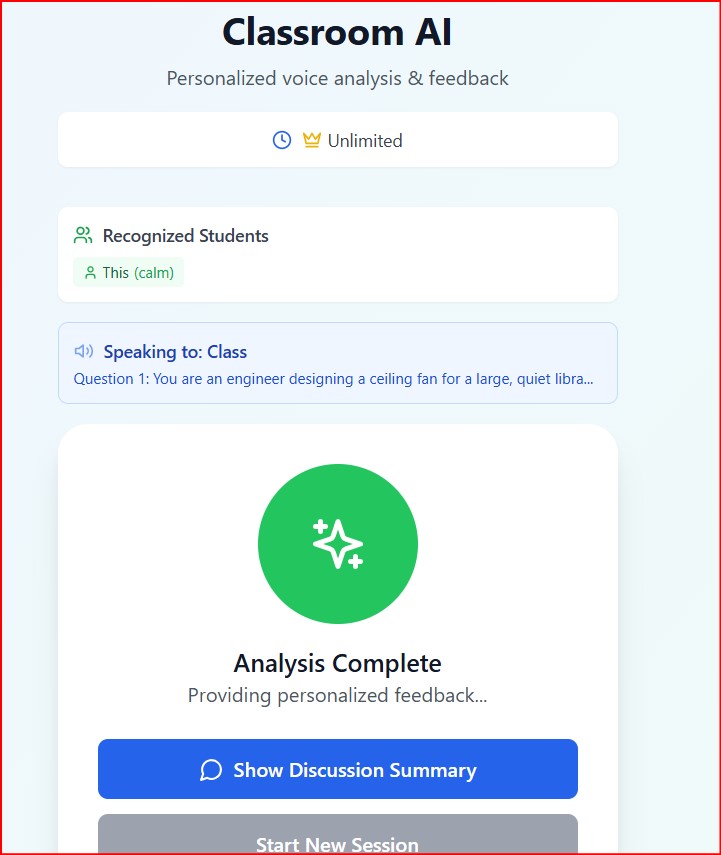
it then summarizes the full discussion to the complete class
-
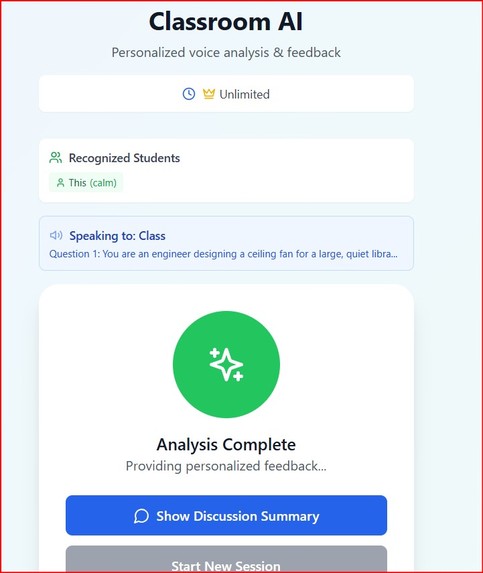
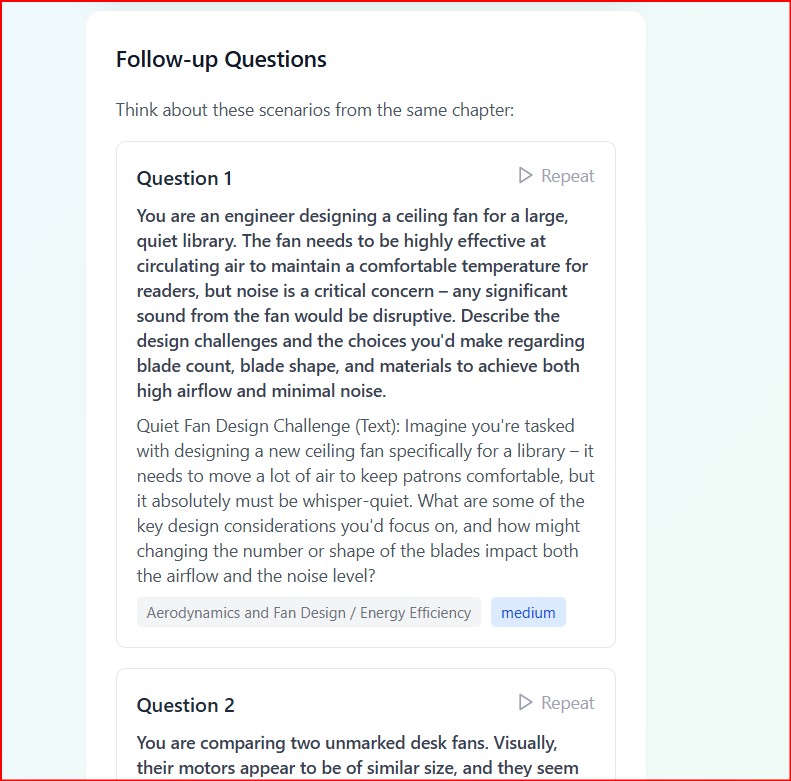
it also shows up two followup questions for the students to continue their discussions. this will help invoke curiosity in the students
-
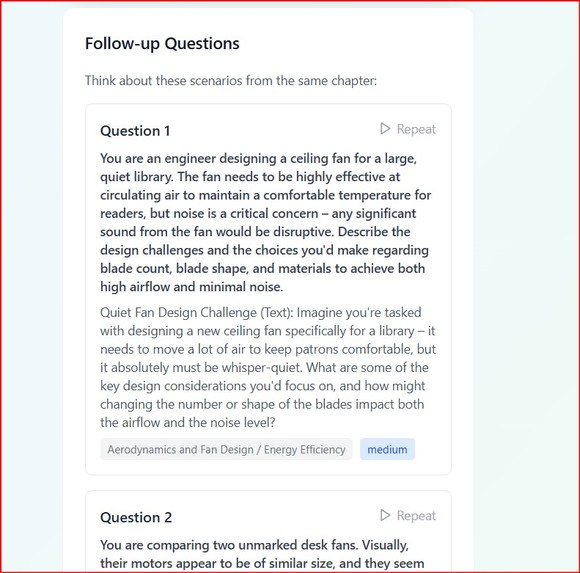
the two questions that i mentioned are also worded, since it is be given by an AI Tool, everyone may not follow its ascent
Inspiration
As a physics teacher working with IBDP curriculum students, I constantly witnessed the same challenge: students would participate in classroom discussions, but their misconceptions would go unnoticed until exam time. During brainstorming sessions, I could hear 20 different voices sharing ideas simultaneously, but couldn't process and address each student's unique thinking patterns and errors in real-time. This inspired me to create ClassroomAI - a tool that could listen to every voice, understand every perspective, and provide personalized feedback that celebrates thinking while gently correcting misconceptions.
What it does
ClassroomAI transforms classroom discussions into personalized learning experiences. Teachers activate the app on their mobile device during brainstorming sessions, and the AI listens to all student conversations. Students introduce themselves by name before sharing thoughts, allowing the AI to track individual contributions. After discussions end, ClassroomAI provides two key outputs: personalized appreciation summaries highlighting each student's thinking skills, and polite misconception detection with constructive feedback and learning suggestions. The app operates on a freemium model - 10 minutes free daily, with unlimited access for $5/month via RevenueCat integration.
How we built it
The core technology leverages Google's Gemini 2.5 Flash API for real-time speech processing and educational content analysis. We built the mobile app with voice recognition capabilities that can identify individual speakers and track their contributions throughout discussions. The AI system processes conversations in real-time, analyzing both content accuracy and individual communication patterns. RevenueCat handles the subscription management, while the backend processes voice data to generate personalized feedback reports for each student.
Challenges we ran into
The biggest challenge was developing accurate speaker identification in noisy classroom environments with multiple simultaneous conversations. Distinguishing between 20+ student voices while maintaining conversation context proved technically demanding. We also faced the challenge of creating culturally sensitive feedback systems that could adapt to different communication styles and learning preferences. Balancing real-time processing speed with accuracy in misconception detection required extensive optimization of the Gemini API integration.
Accomplishments that we're proud of
We successfully created the world's first voice-aware educational AI that treats every student as an individual. The system can accurately identify and track multiple speakers in classroom settings while providing meaningful, personalized feedback. We're particularly proud of the misconception detection accuracy across various subjects and the positive response from teachers who tested the prototype. The seamless integration of payment systems and the user-friendly mobile interface exceeded my initial expectations.
What we learned
Building ClassroomAI taught us the complexity of real-world classroom dynamics and the importance of teacher-centric design. I learned that effective educational AI must balance technological sophistication with practical classroom usability. The project deepened my understanding of speech processing in multi-speaker environments and the nuances of providing constructive feedback that motivates rather than discourages student participation.
What's next for Classroom AI
Our roadmap includes expanding language support for multilingual classrooms and developing subject-specific misconception databases for mathematics, science, and humanities. I plan to add visual analytics dashboards for teachers to track student progress over time and integrate with popular learning management systems. Future versions will include parent reporting features and AI-powered lesson planning suggestions based on detected class-wide misconceptions. I am also exploring partnerships with educational institutions to scale the platform globally.
Built With
- expo.io
- firebase
- firestore
- github
- google-cloud
- google-gemini-2.5-flash-api
- google-speech-to-text-api
- javascript/typescript
- node.js
- python
- react-native
- revenuecat
- stripe
- webrtc

Log in or sign up for Devpost to join the conversation.