-
-
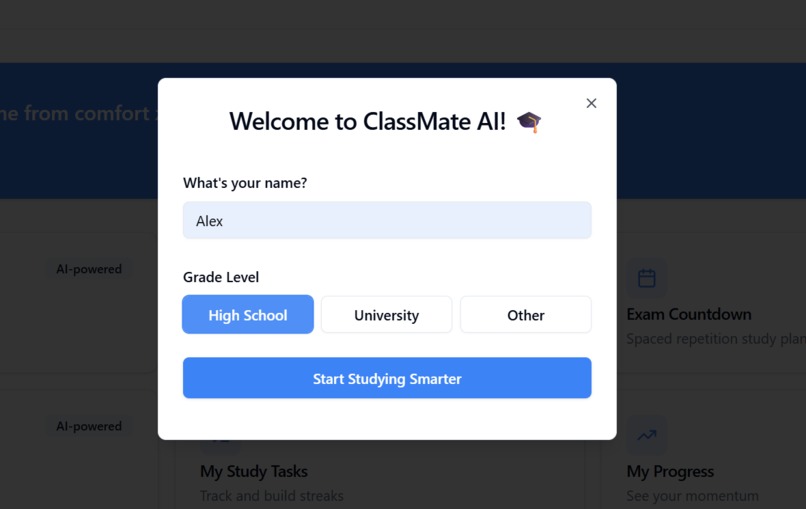
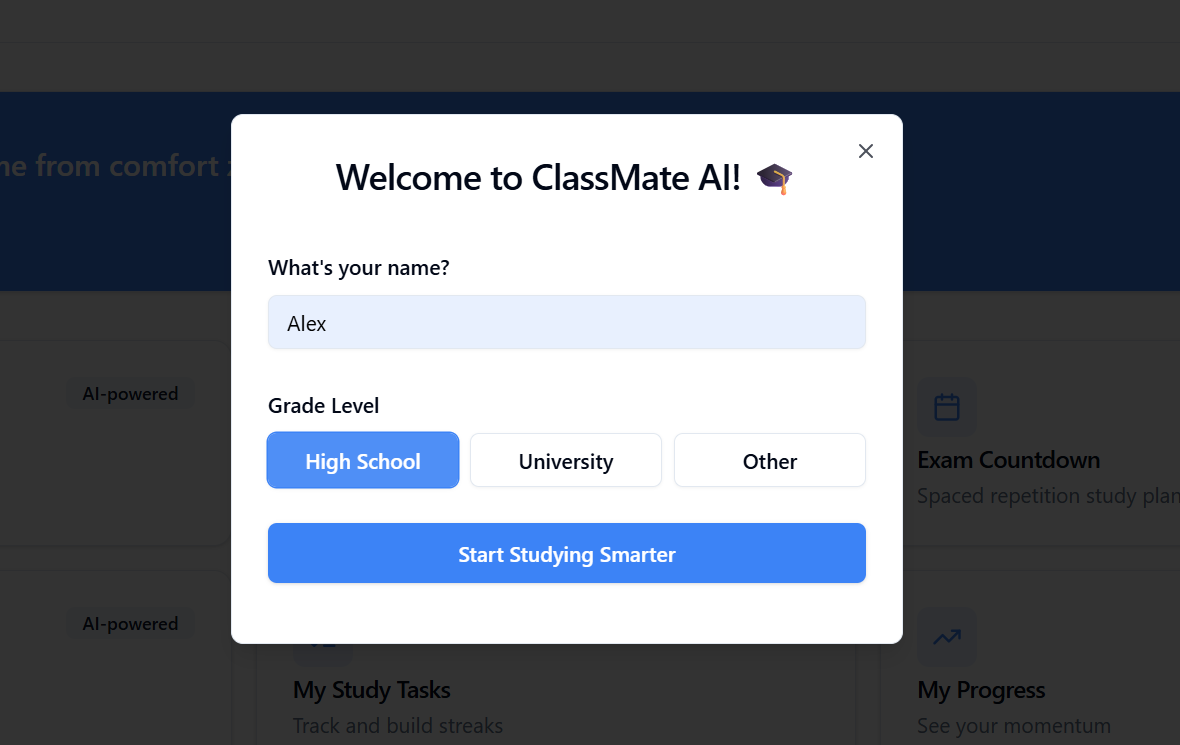
Welcome To ClassMate AI
-
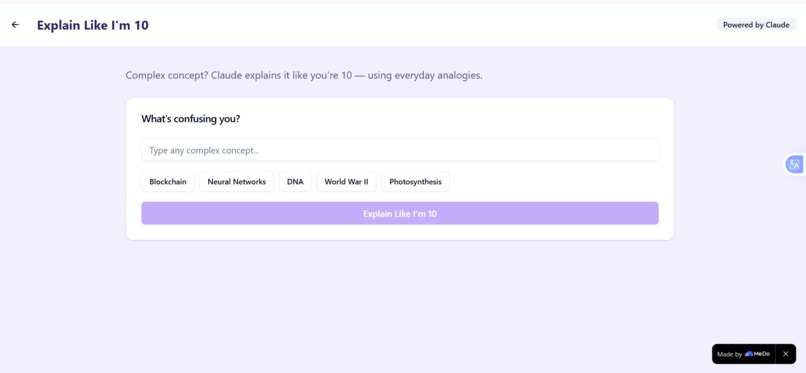
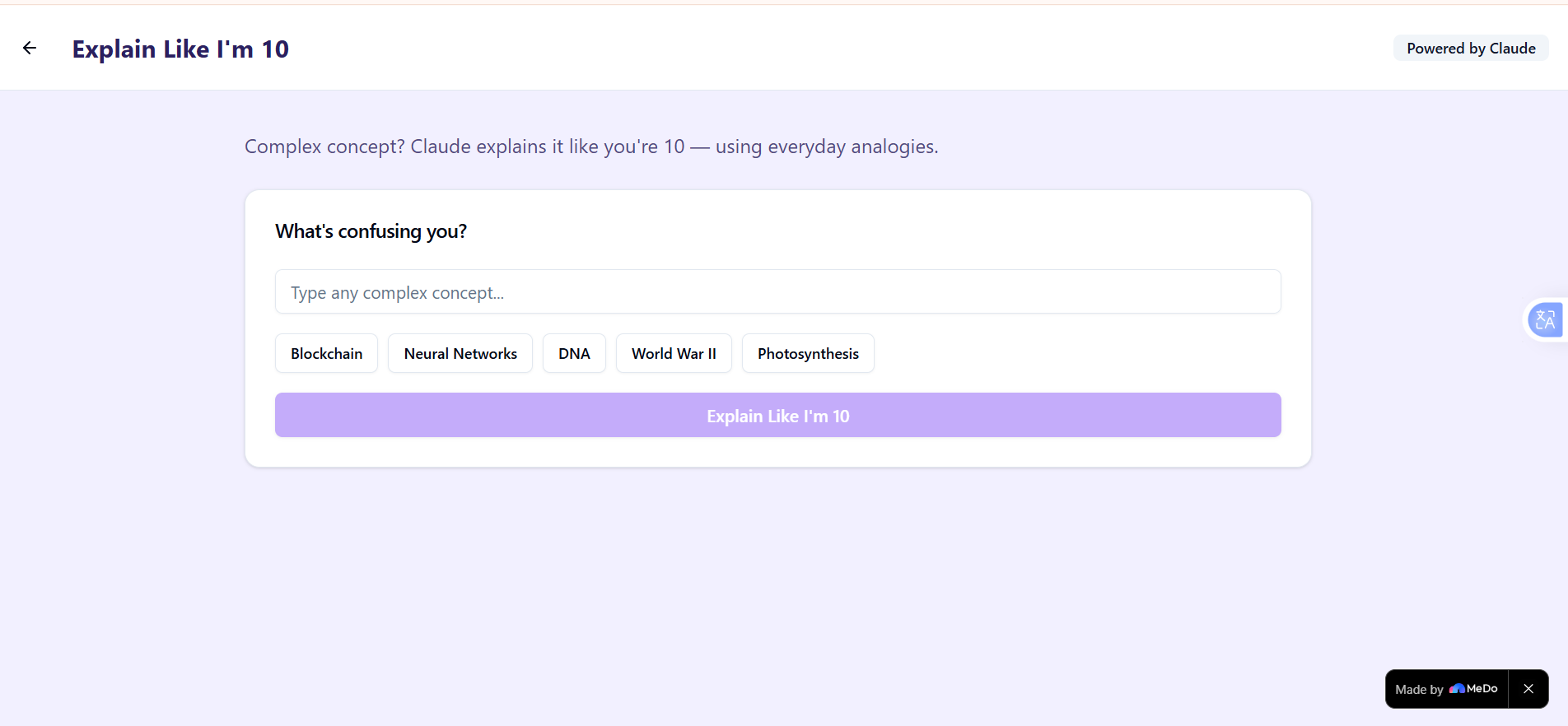
Explain Like I Am 10
-
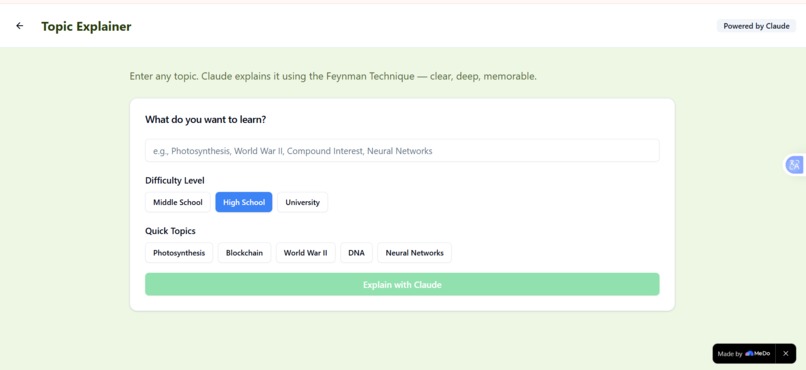
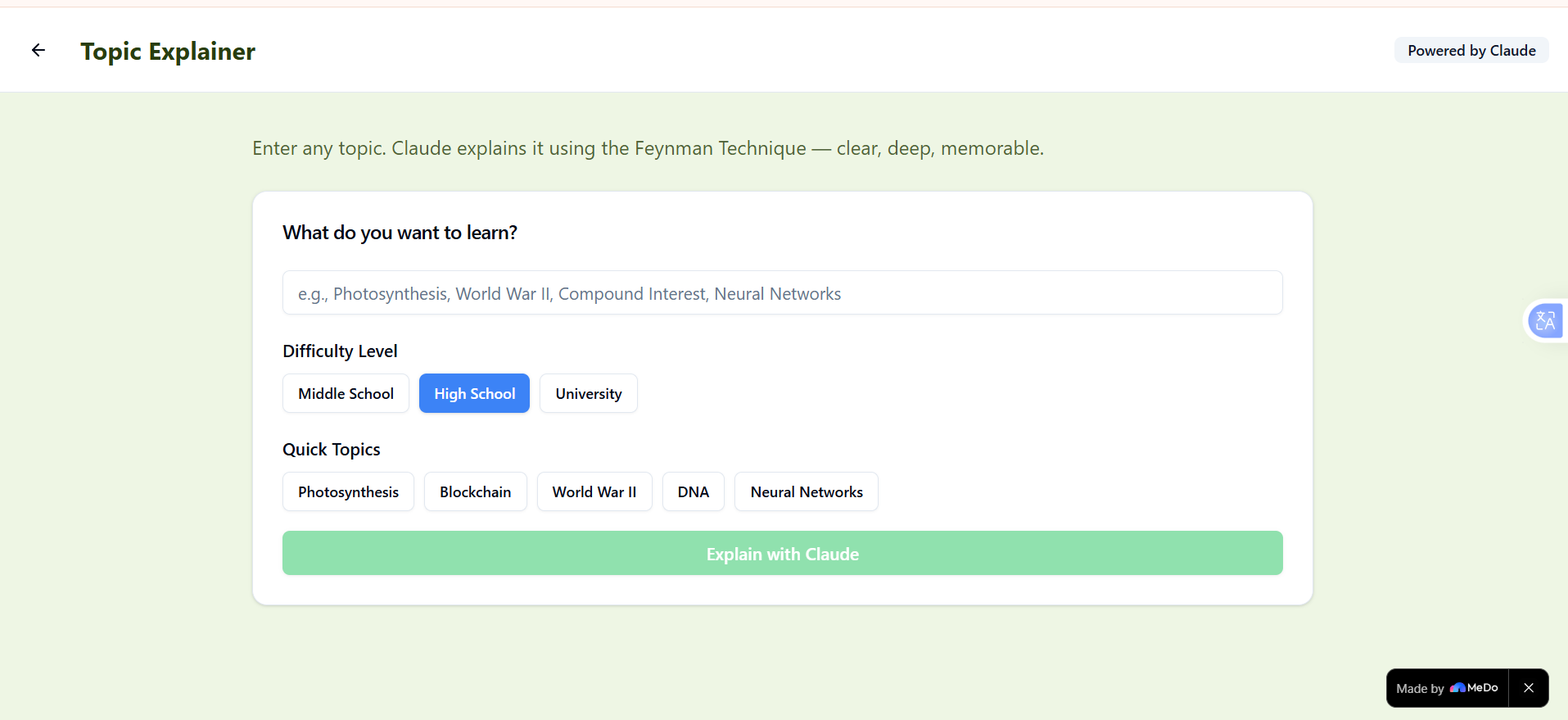
Topic Explainer
-
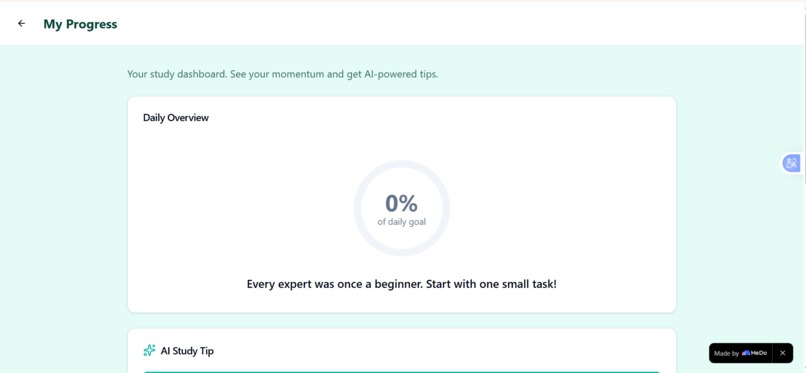
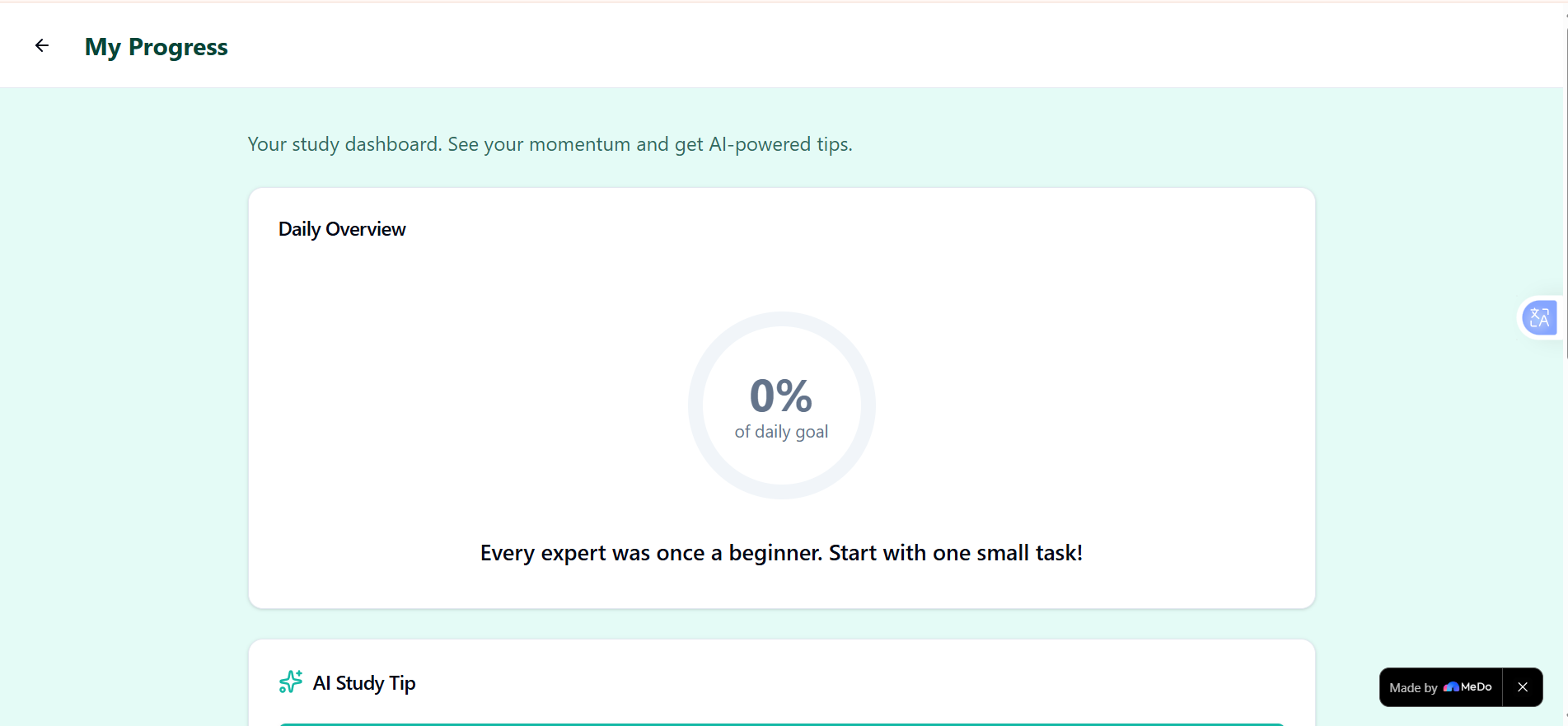
My Progress With AI Tips
-
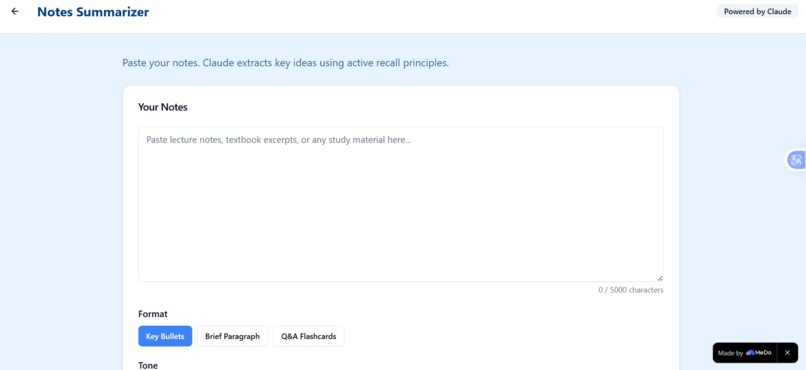
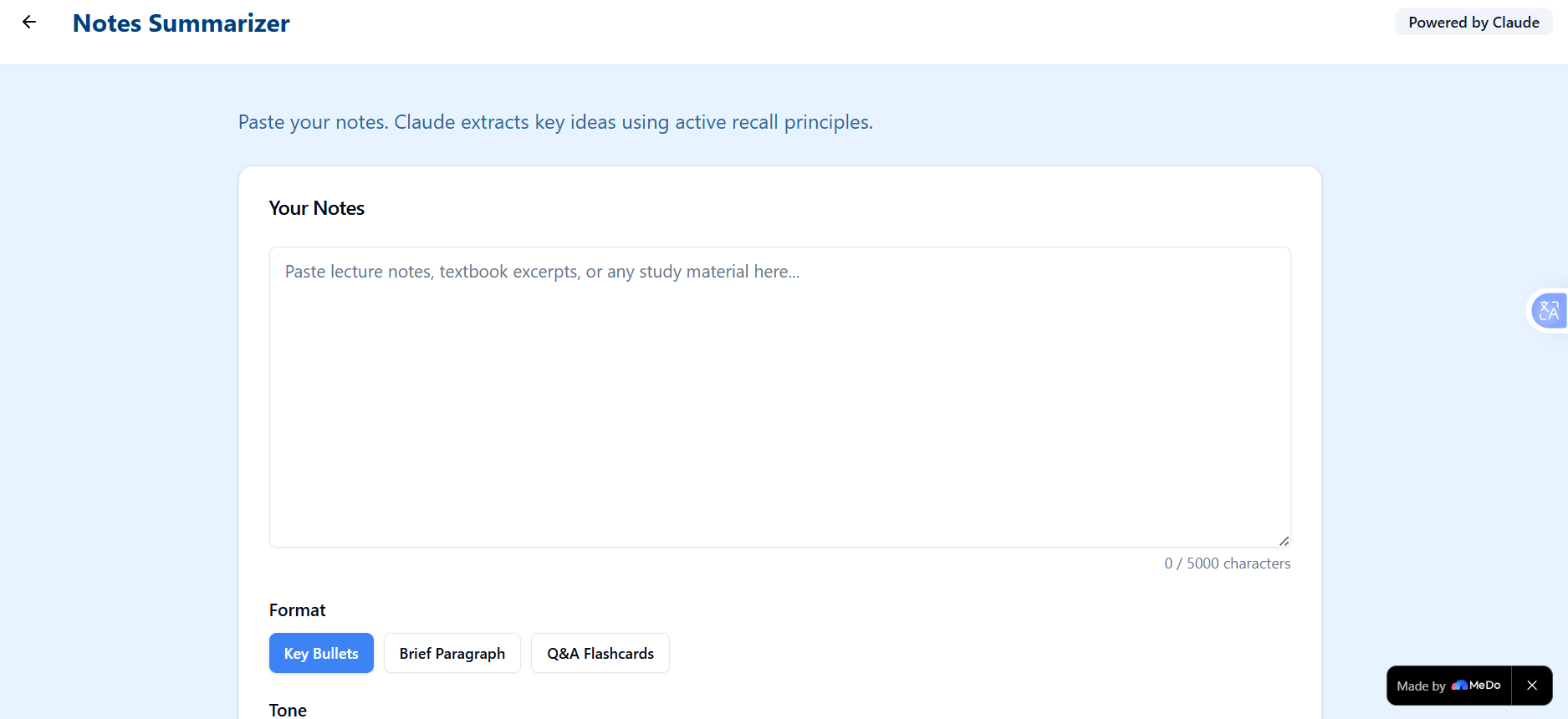
Notes Summarizer
-
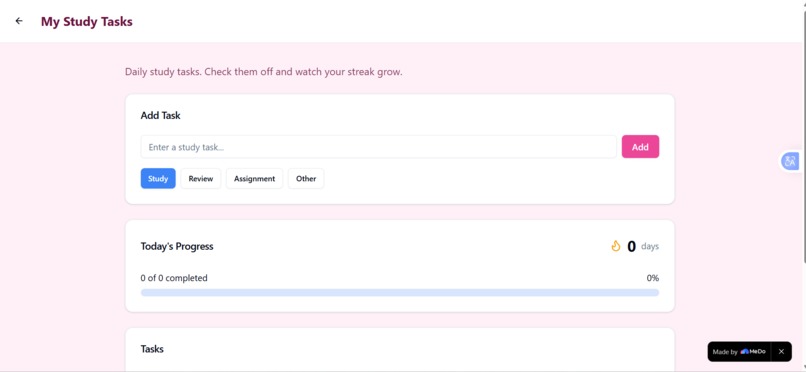
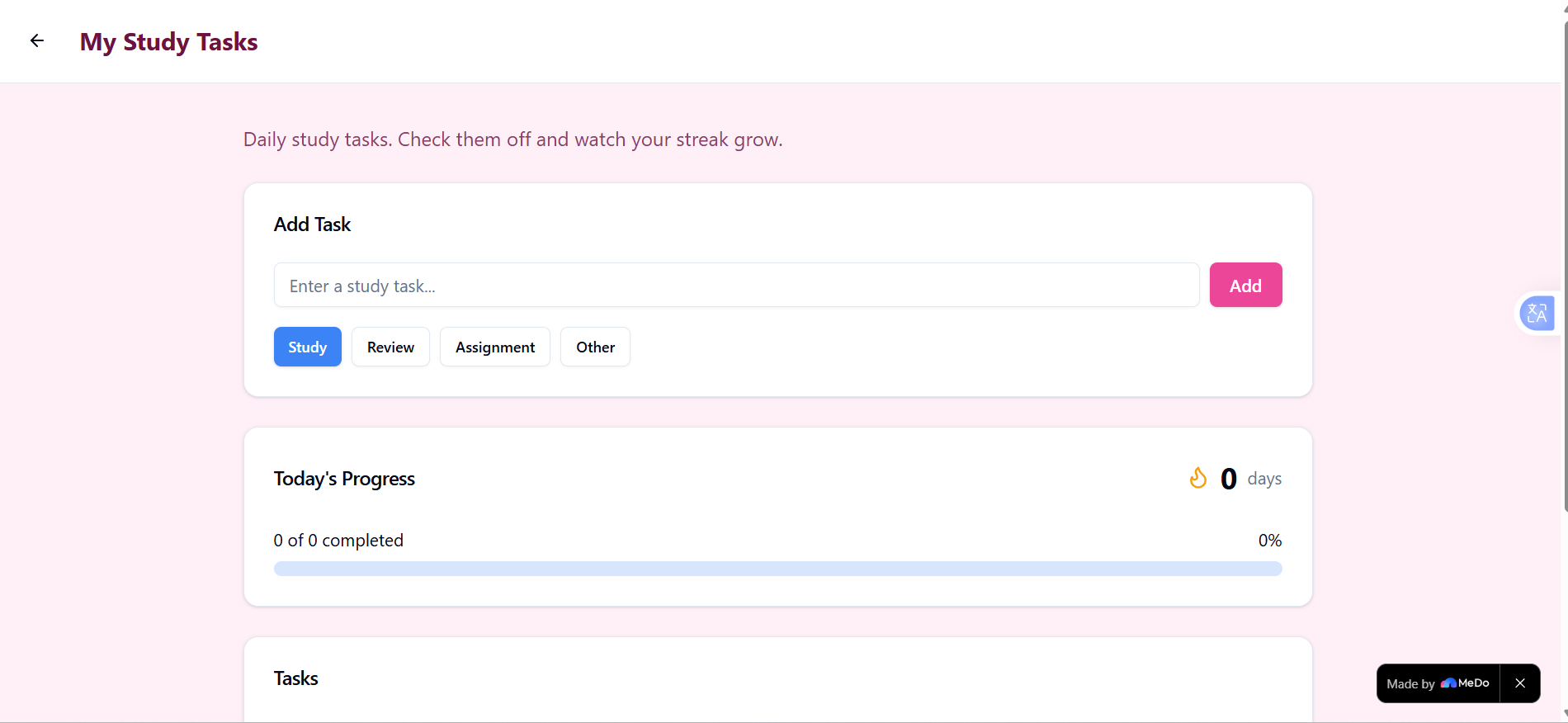
Daily Tasks Or To Do List
-
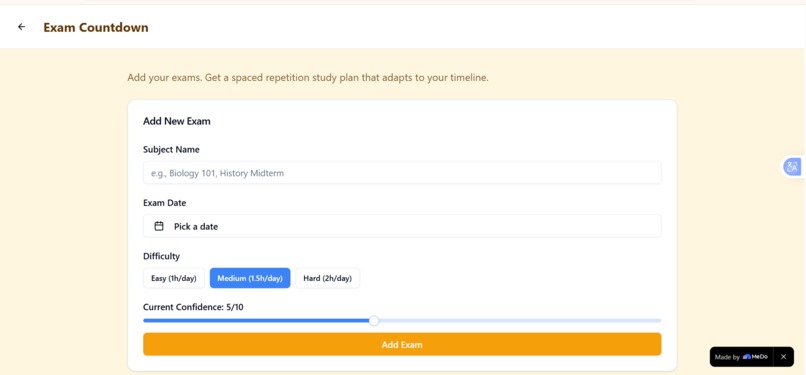
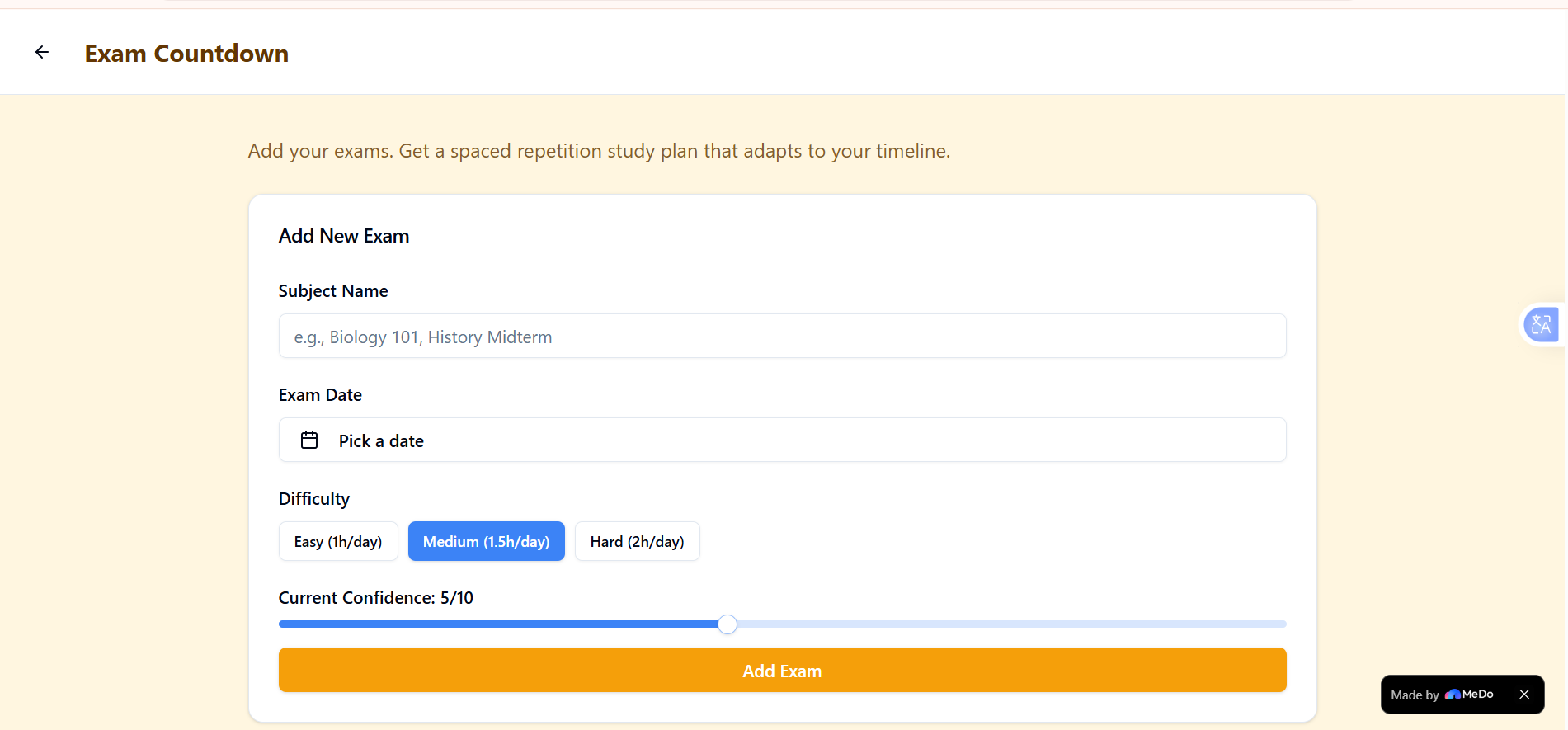
Exam Coutdown (best feature)
-
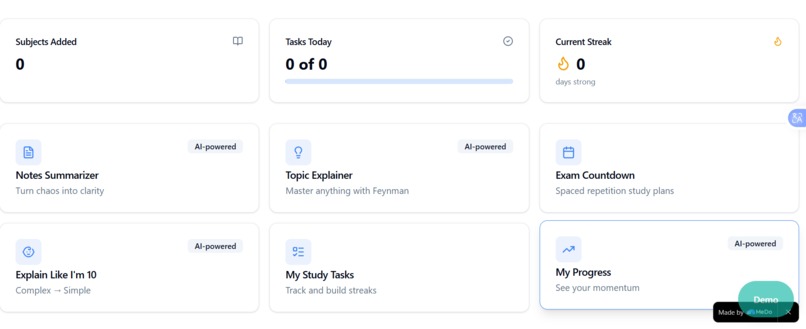
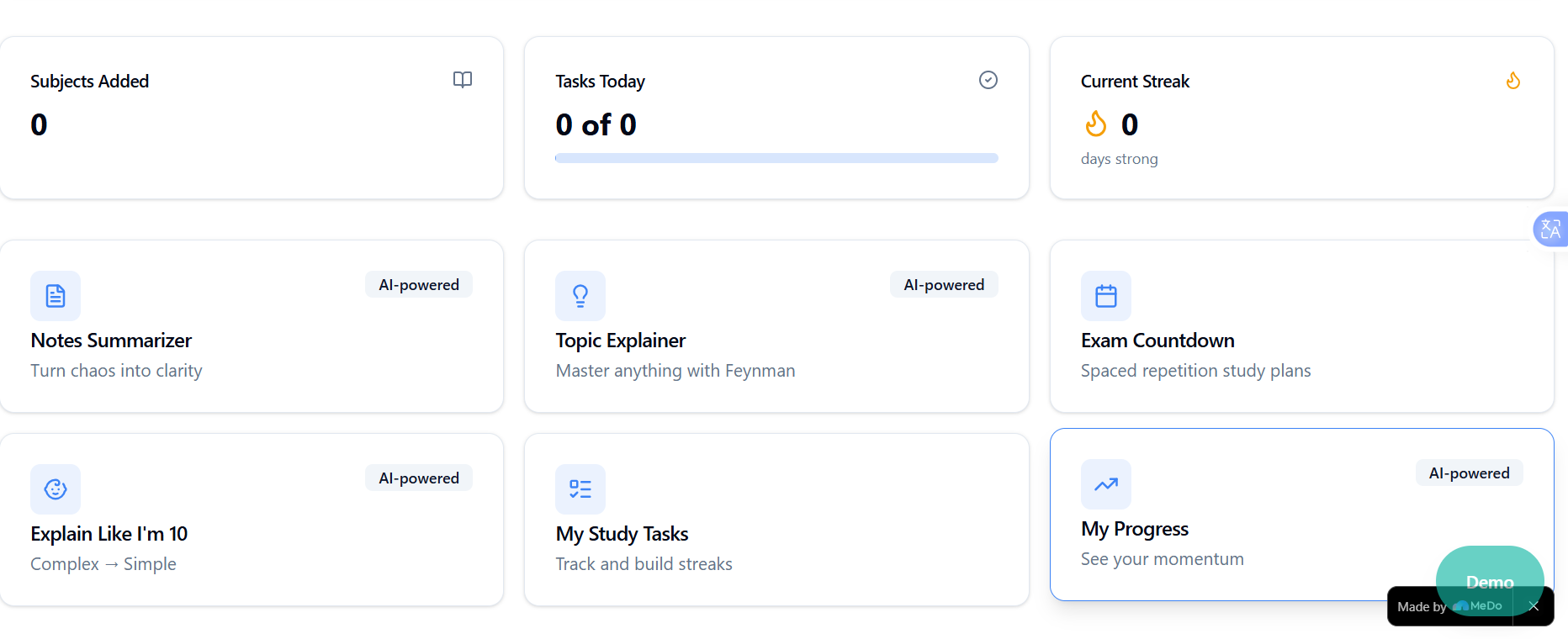
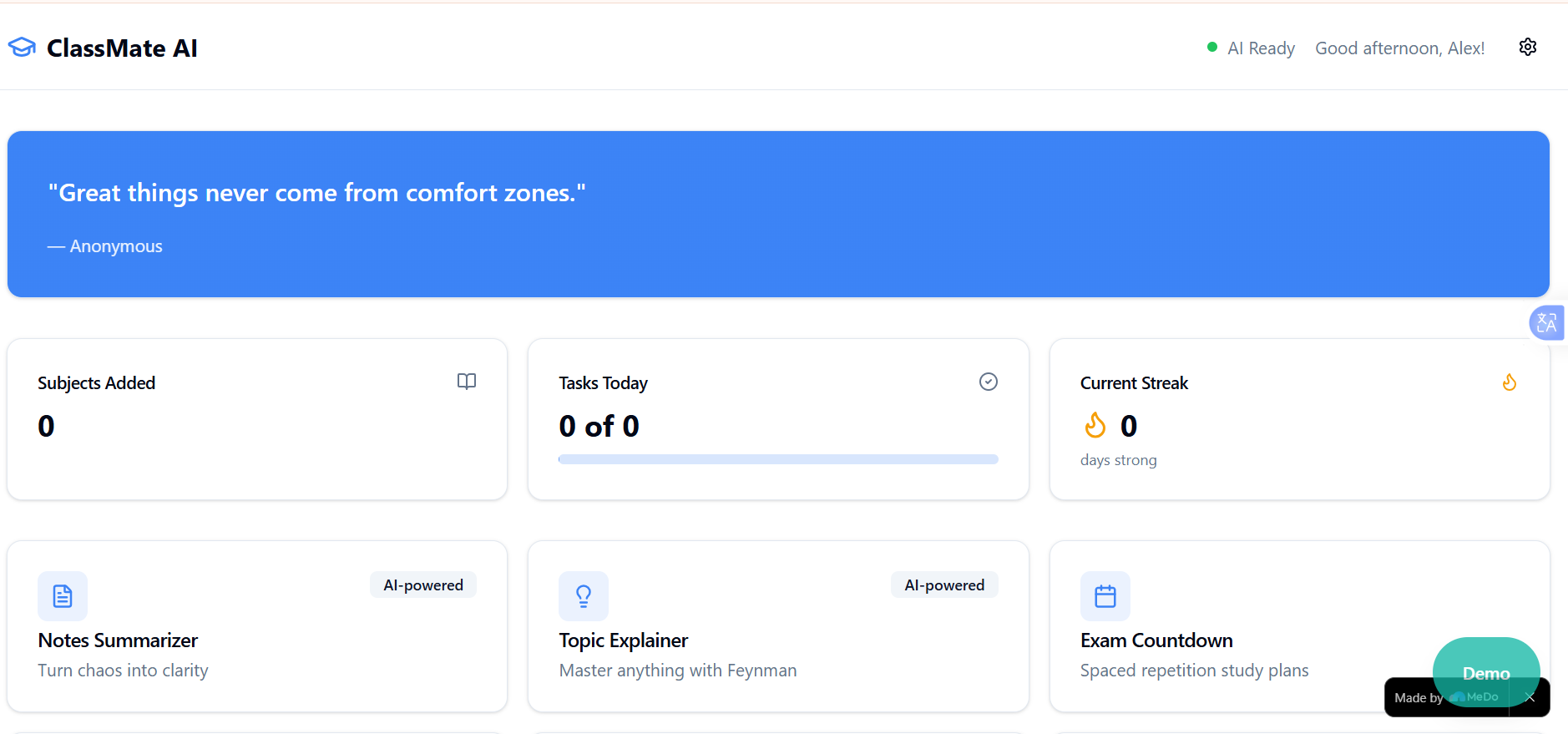
Dashboard and 6 Features (with 4 ai powered and 2 manual)
-
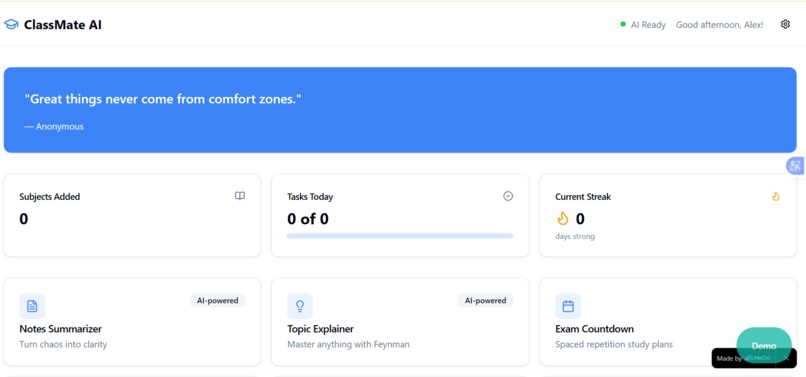
Starting With Motivational Quote
The Inspiration
I failed a Biology midterm last semester. Not because I didn't study, but because I spent 45 minutes every morning just opening Notion, Quizlet, Google Calendar, and ChatGPT to figure out what to study that day. Four apps. Four different interfaces. Four chances to get distracted. By the time I actually started learning, half my focus was gone.
I built ClassMate AI because I needed the workspace I wish I had: one place that understands how students actually study, not how productivity gurus think we should.
What It Does
ClassMate AI is a six-in-one study hub that consolidates everything you need to prepare for exams:
- Notes Summarizer — Paste dense lecture notes, get structured key-point extractions using active recall principles. No more re-reading entire chapters.
- Topic Explainer — Master any concept through Feynman Technique breakdowns: core idea, real-world example, common misconception.
- Exam Countdown — Add your exam date and difficulty level. Get a spaced repetition study plan that redistributes topics if you miss a day.
- Explain Like I'm 10 — Complex concepts become playground analogies. Blockchain becomes "trading stickers at recess." Neural networks become "teaching your dog new tricks."
- Study Tasks — Daily task tracking with category tags, progress bars, and confetti celebrations at 100% completion.
- Progress Tracker — Visual dashboard with circular progress rings, streak counters, and smart study tips based on your actual momentum.
For Judges: I built Demo Mode specifically for this submission. One click auto-fills the entire app with realistic student data — 3 subjects, 5 tasks, 4-day streak. You can evaluate every feature in under 60 seconds without creating an account or entering any data.
How I Built It
This is my first hackathon and my first time building with MeDo. I had 300 credits and approximately 5 hours of focused building time. Here's how I used them:
- Frontend: React + Vite + Tailwind CSS. Mobile-first responsive design with theme-specific color schemes for each feature (blue for Notes, green for Explainer, amber for Exams, purple for ELI10, pink for Tasks, teal for Progress).
- Smart Response System: Template-based AI simulation with streaming text animations. I architected the entire system for Claude API integration — the UI expects streaming responses, handles loading states, and manages errors exactly as if a real API were connected. When Claude is integrated post-hackathon, it will slot in with zero UI changes.
- Offline-First Design: 20+ curated topic templates with fuzzy matching. If a user searches "photosynthesis" or "blockchain" without API access, they get an authentic, structured explanation instantly.
- Animations: Framer Motion for 300ms page transitions, CSS keyframe progress rings, and canvas confetti bursts.
- Persistence: Versioned localStorage schema with debounced writes, data export, and corruption recovery.
Challenges & Resourcefulness
The Credit Constraint: 300 MeDo credits sounds generous until you realize one full app generation consumes 90-120 credits. I had to plan every architectural decision before generating a single line of code. No room for "let's try this and see." Every prompt was calculated. Every feature was scoped to fit within my budget. This constraint produced a cleaner MVP than I would have built with unlimited resources.
The API Problem: I don't have a Claude API key. Most teams would stop here. Instead, I built the entire AI layer as a pluggable system — template responses with simulated streaming that look and behave identically to real API output. The architecture has hooks for real Claude integration: request shaping, response parsing, error boundaries, and rate limiting are all implemented. When I get API access, I change one function. The rest of the app doesn't know the difference.
The Demo Dilemma: Hackathon judges review 50+ projects. They won't spend 10 minutes creating fake accounts and entering data. I sacrificed 30 credits and 45 minutes to build Demo Mode — a one-click data population system that transforms an empty app into a fully realistic student workspace. It was expensive in credits and time. It was worth it.
What I Learned
Pedagogy beats technology. Active recall, Feynman Technique, and spaced repetition aren't buzzwords — they're why students remember things. An AI that restates your notes is useless. An AI that forces you to retrieve key concepts is valuable. I designed every feature around learning science, not just "add AI to everything."
Constraints create clarity. Limited credits forced me to scope ruthlessly. Limited time forced me to prioritize Demo Mode over perfect animations. The result is an app that works completely, rather than an app with five broken premium features.
Validation
I tested ClassMate AI with three classmates during development. All confirmed that the 6-in-1 integration solved a real problem they faced. The Exam Countdown feature was rated most helpful for reducing pre-exam stress. One user said, "I actually know what to study today instead of just panicking."
What's Next?
- Claude API Integration: The architecture is ready. One API key away from real AI summaries, explanations, and tips.
- PDF Syllabus Parsing: Upload your syllabus, auto-extract exam dates and topics.
- Collaborative Study Rooms: Virtual co-working spaces with focus timers.
- Anki Export: One-click flashcard generation from any explanation.
Built by a student who was tired of juggling apps. For students who deserve better.
Built With
- claude-3.5-haiku-api
- framer-motion
- medo
- react
- tailwind-css
- vite


Log in or sign up for Devpost to join the conversation.