Inspiration
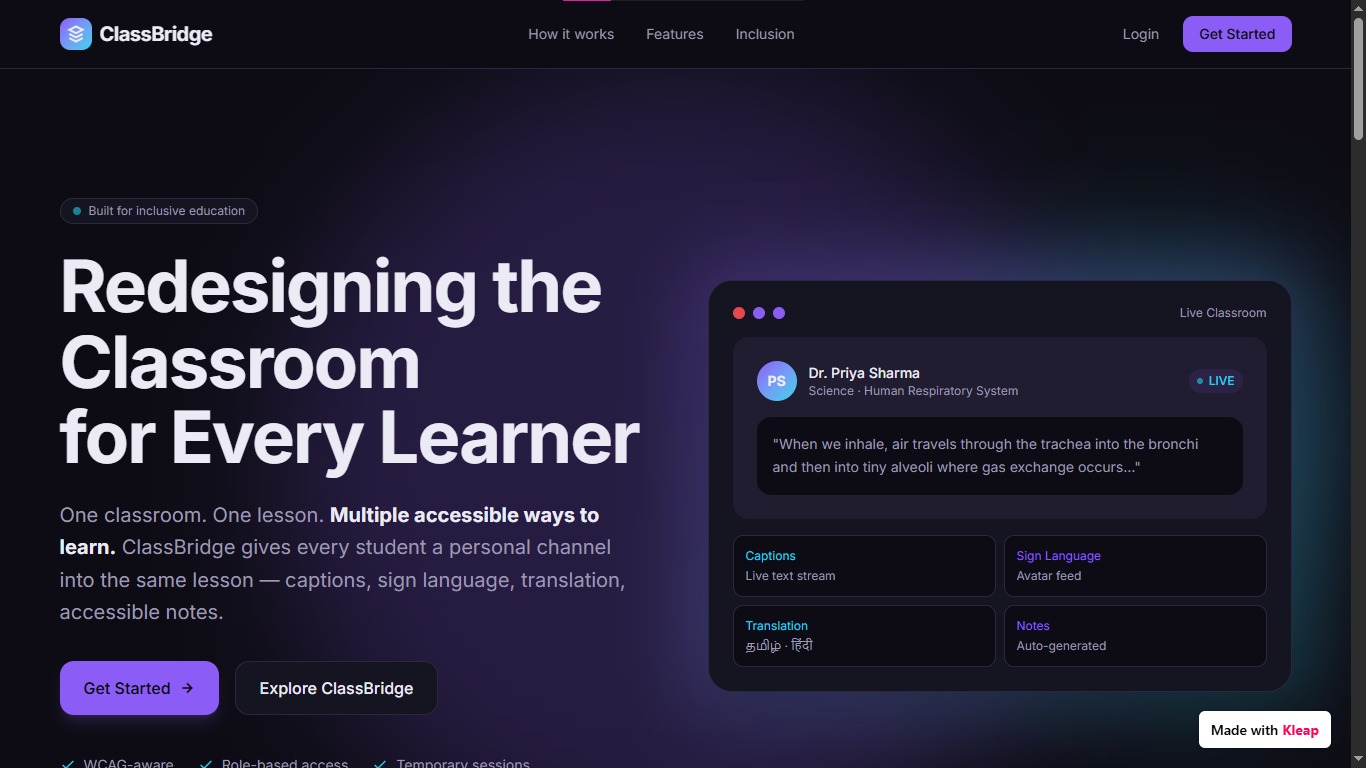
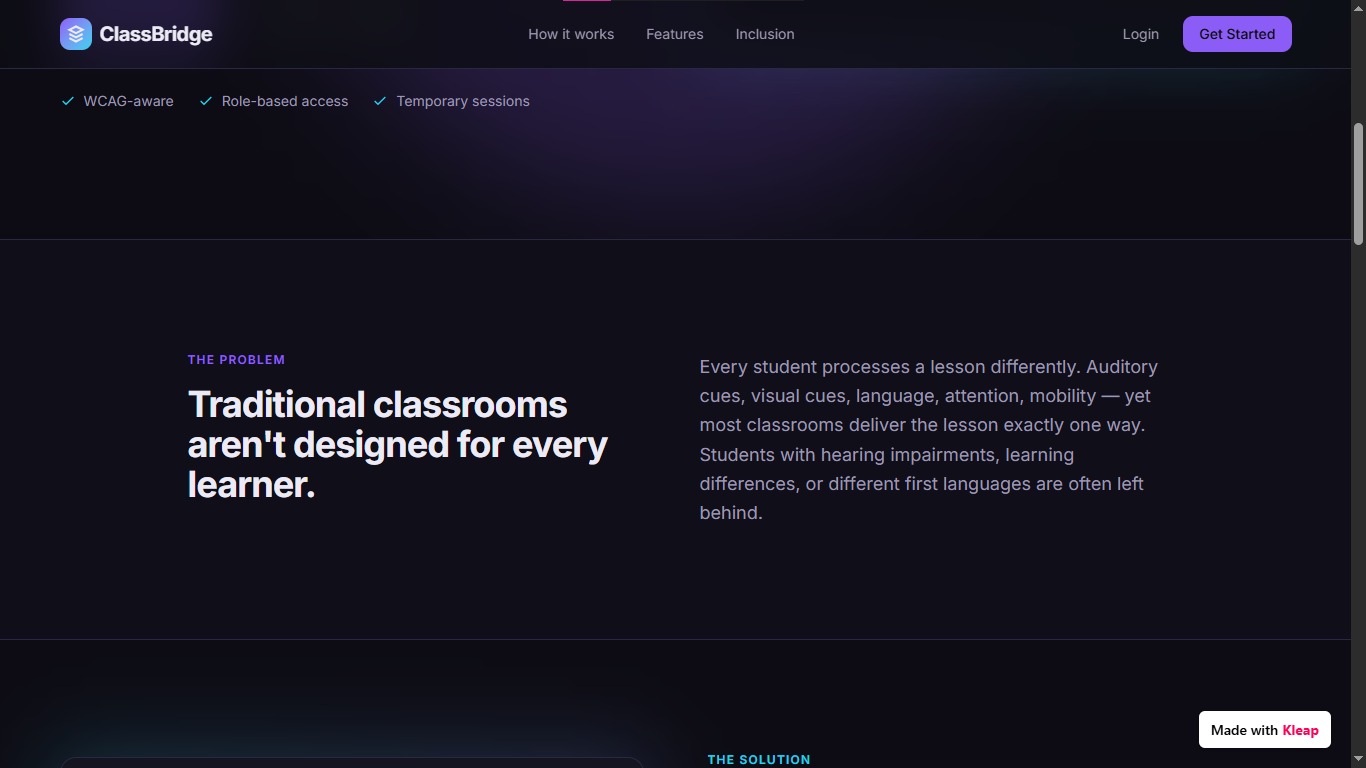
Traditional classrooms often assume that every student can learn through the same communication method. Students who are deaf or hard of hearing, have language barriers, or need alternative learning formats can face difficulties accessing the same lesson as their classmates. ClassBridge was inspired by the idea that accessibility should be built into the classroom itself, rather than treated as a separate service. Our goal is simple: one classroom, one lesson, multiple ways to learn.
What it does
ClassBridge creates an inclusive, session-based digital classroom.
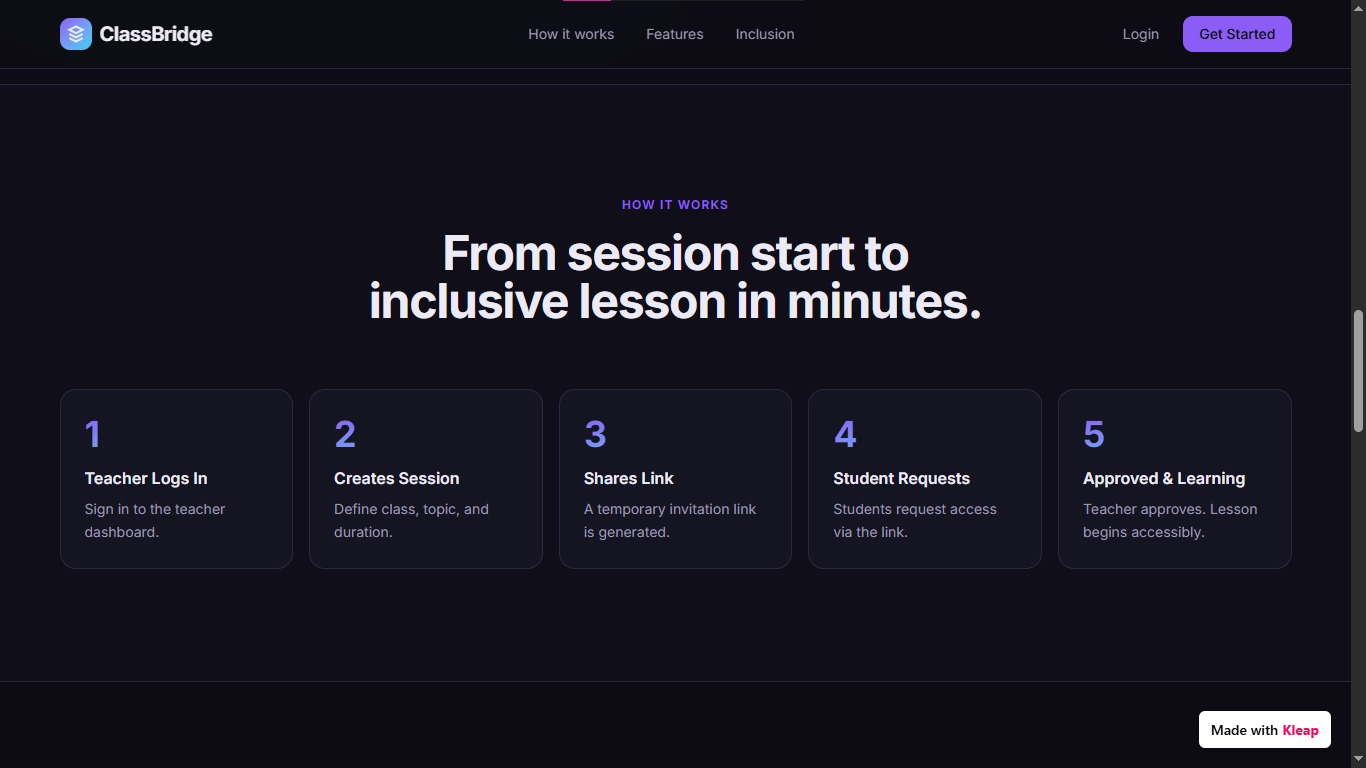
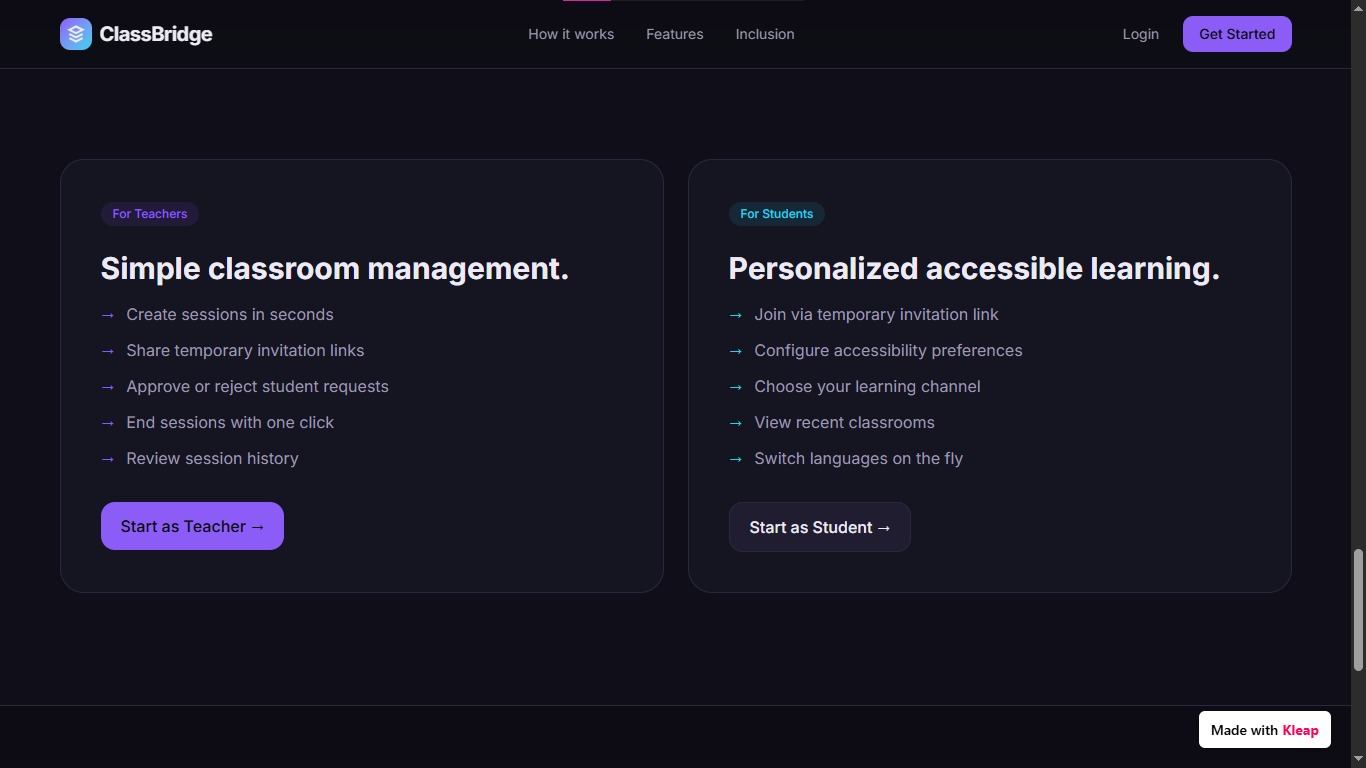
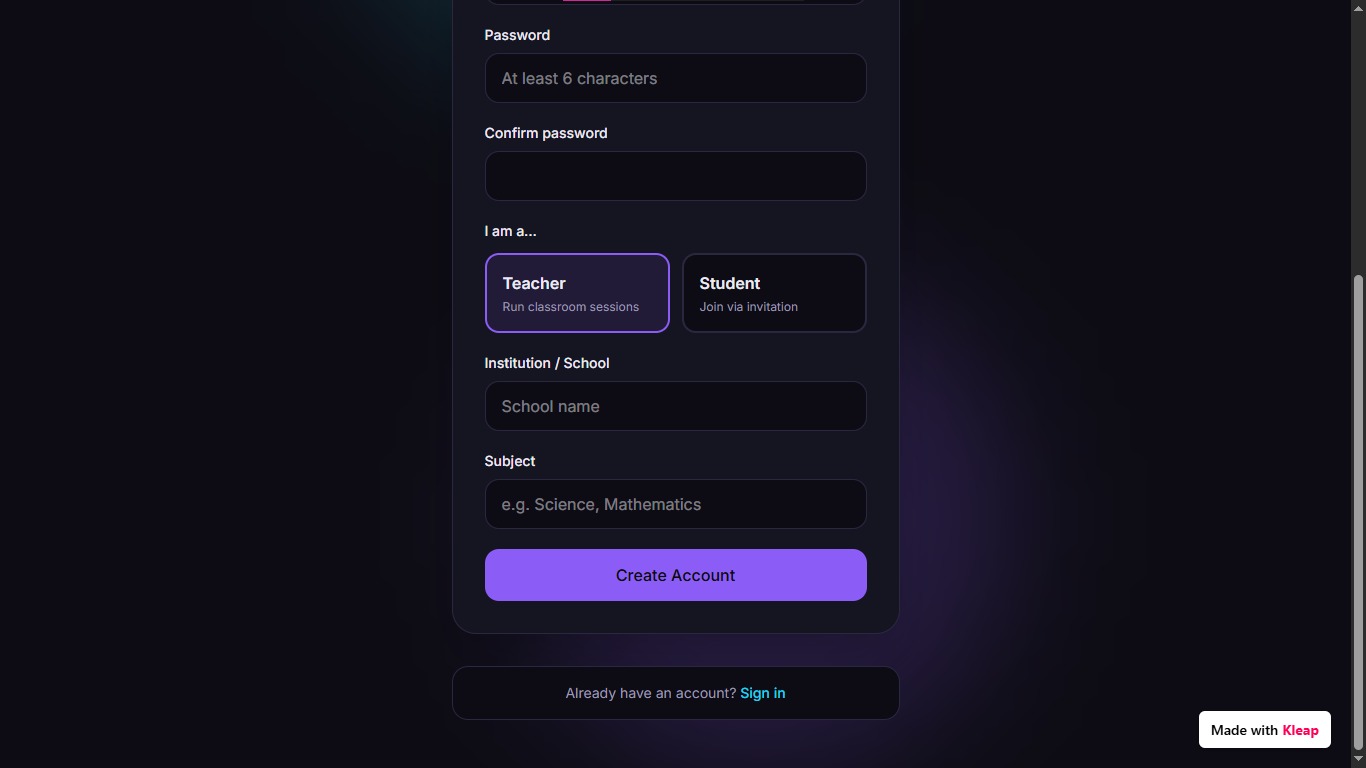
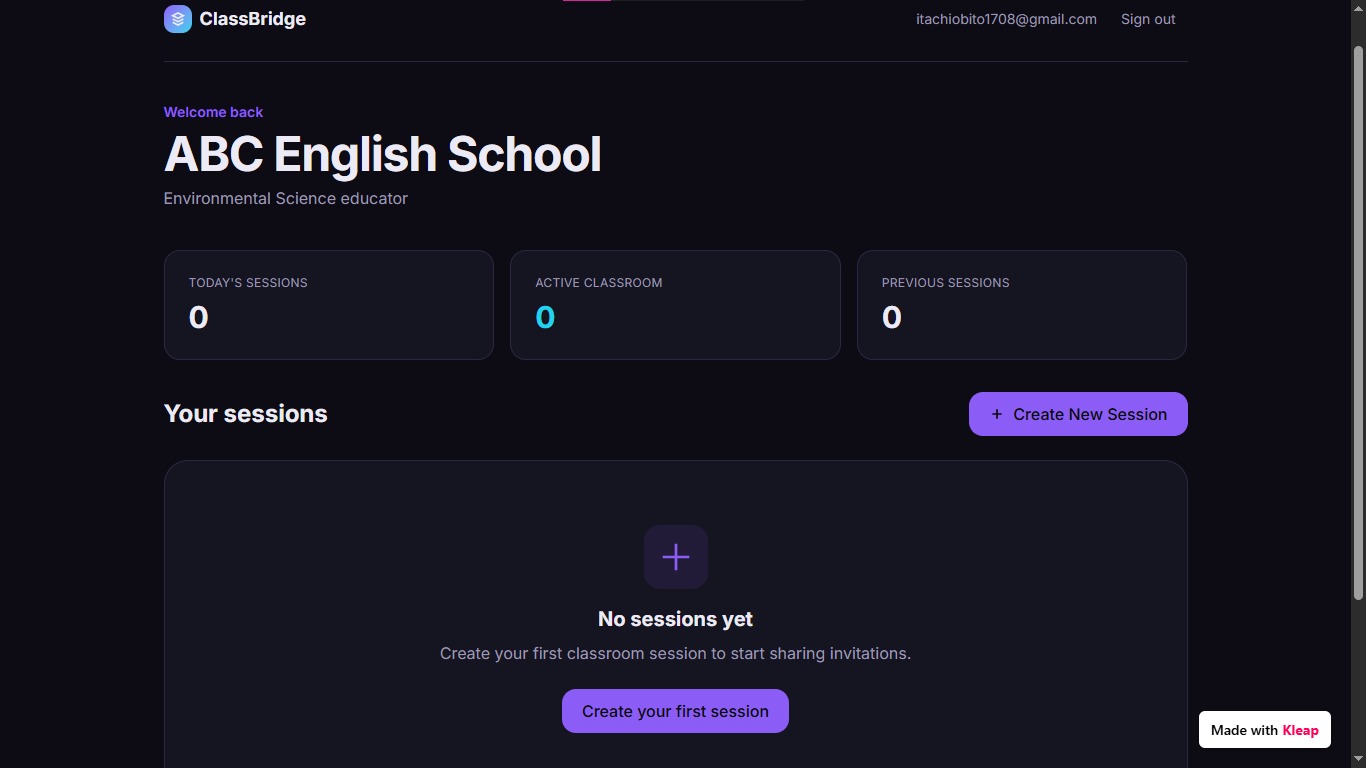
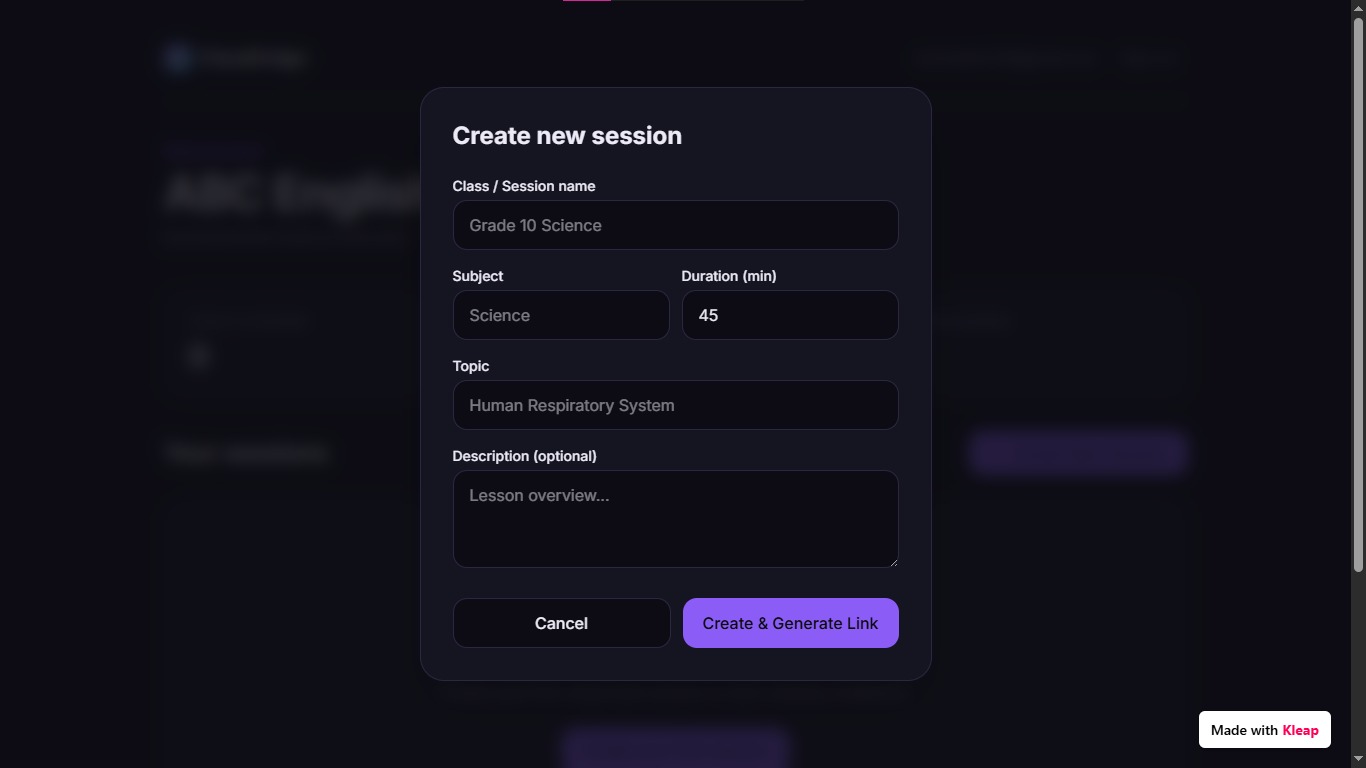
Teachers can create a temporary classroom session and generate a unique invitation link. Students use that link to request access, and the teacher can accept or reject each student before they enter.
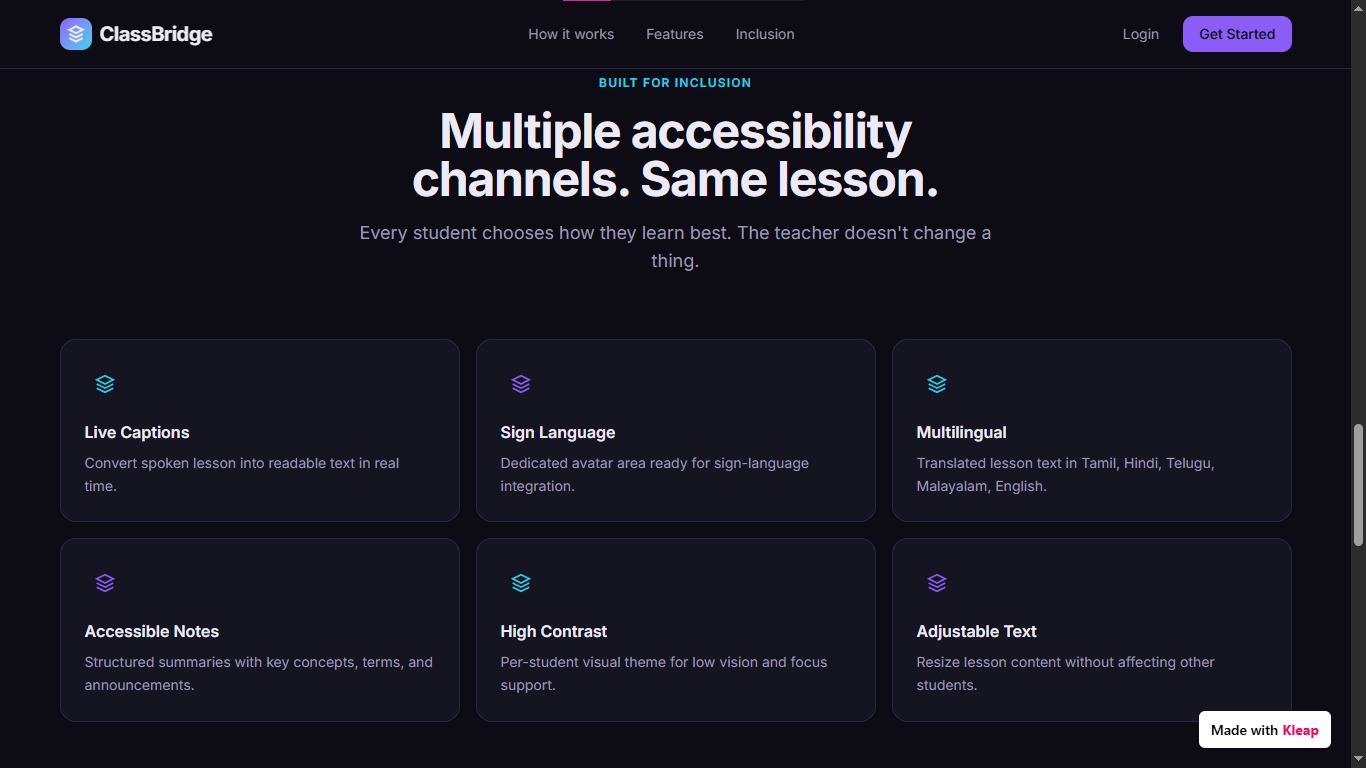
Once inside, students can access the lesson through features such as:
- Live captions
- Sign-language support
- Multilingual content
- Accessible lesson notes
- Adjustable text and visual settings
- Personalized accessibility preferences
When the teacher ends the session, the invitation link becomes invalid, ensuring that the classroom remains private and session-specific.
How we built it
We designed ClassBridge around two separate experiences: Teacher and Student.
The teacher can create and manage classroom sessions, generate temporary invitation links, approve students, share lesson content, and monitor participants.
Students can join through a session-specific link, request teacher approval, and personalize their classroom experience based on their accessibility needs.
The platform is structured around:
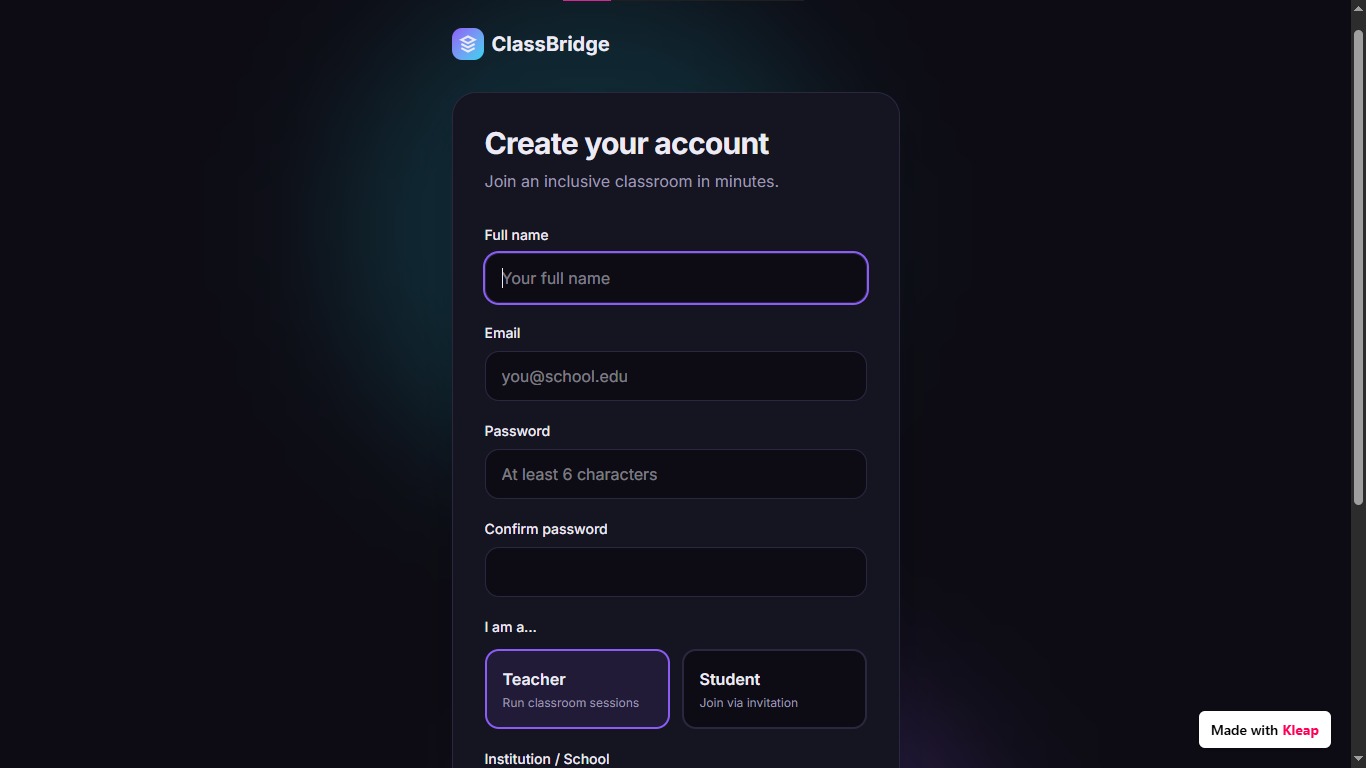
- Role-based authentication
- Temporary classroom sessions
- Session-specific invitation tokens
- Teacher-controlled student approval
- Real-time classroom participation
- Accessibility-focused interfaces
- A database architecture for users, sessions, invitations, join requests, and participants
The architecture also allows future integration of speech recognition, translation, sign-language systems, and intelligent lesson summarization.
Challenges we ran into
One of the biggest challenges was designing accessibility as part of the core classroom experience, rather than simply adding accessibility features to an existing classroom platform.
We also had to think carefully about session security. A classroom invitation should not become a permanent access link, so the system needed to connect each invitation to a specific active session and invalidate it when the session ends.
Another challenge was balancing multiple accessibility requirements while keeping the interface simple enough for teachers and students to use without technical complexity.
Accomplishments that we're proud of
We are proud to have transformed the idea of an accessible classroom into a structured digital experience where:
- Teachers remain in control of their classrooms.
- Students require approval before joining.
- Invitation links are temporary and session-specific.
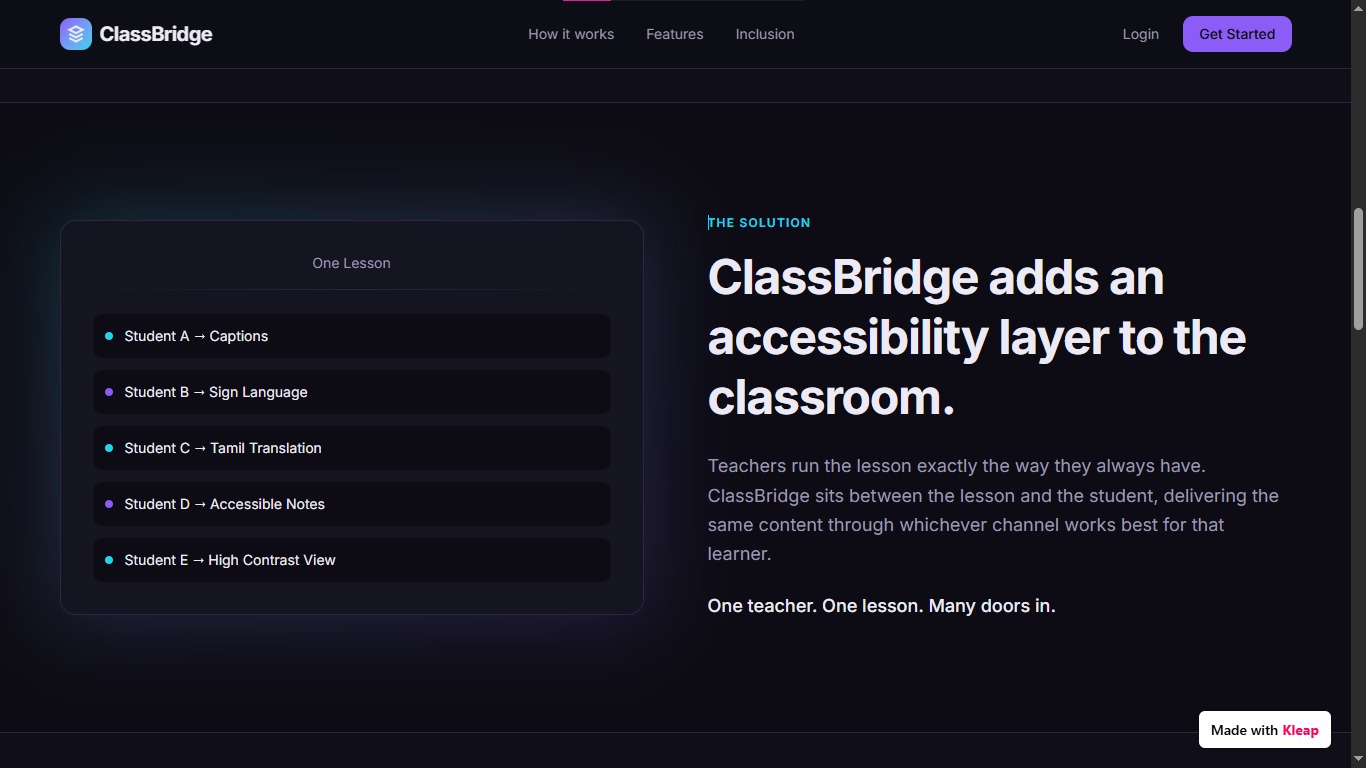
- Different students can access the same lesson in different formats.
- Accessibility preferences can be personalized.
- The system is designed to scale beyond a single accessibility requirement.
Most importantly, ClassBridge focuses on inclusion without separating students from the classroom.
What we learned
We learned that accessibility is not just about adding technology. It is about rethinking the experience around the needs of the people using it.
We also learned that a good solution should not force teachers to completely change how they teach. Instead, technology should work around the existing classroom and make the lesson more accessible.
The biggest lesson was:
Inclusive education should not mean creating a different classroom for different students. It should mean making the same classroom accessible to everyone.
What's next for ClassBridge
The next stage is to turn the ClassBridge prototype into a more complete real-world platform.
Future development includes:
- Real-time speech-to-text
- More advanced sign-language support
- Multilingual real-time translation
- AI-assisted lesson summaries
- Accessible presentation conversion
- Integration with school learning management systems
- Teacher accessibility analytics
- Mobile applications
- Offline accessibility support
- Larger-scale deployment across schools and educational institutions
Our long-term vision is to make ClassBridge a complete accessibility layer for education, helping classrooms become more inclusive without requiring separate learning environments.
Built With
- kleap.io

Log in or sign up for Devpost to join the conversation.