-
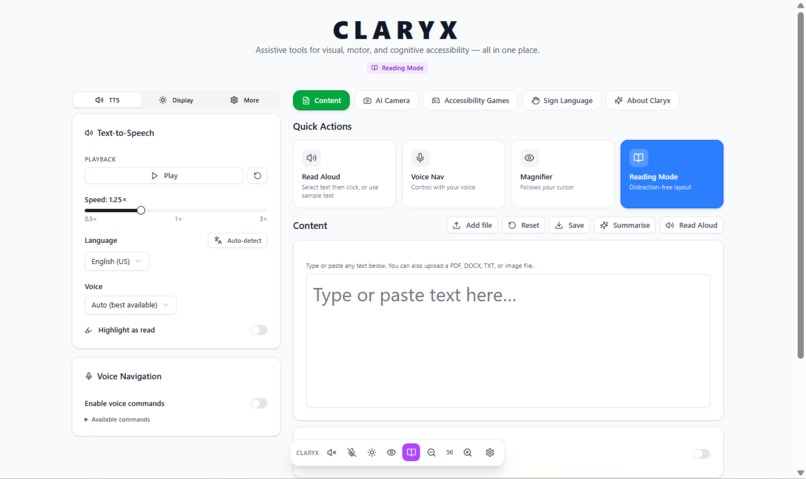
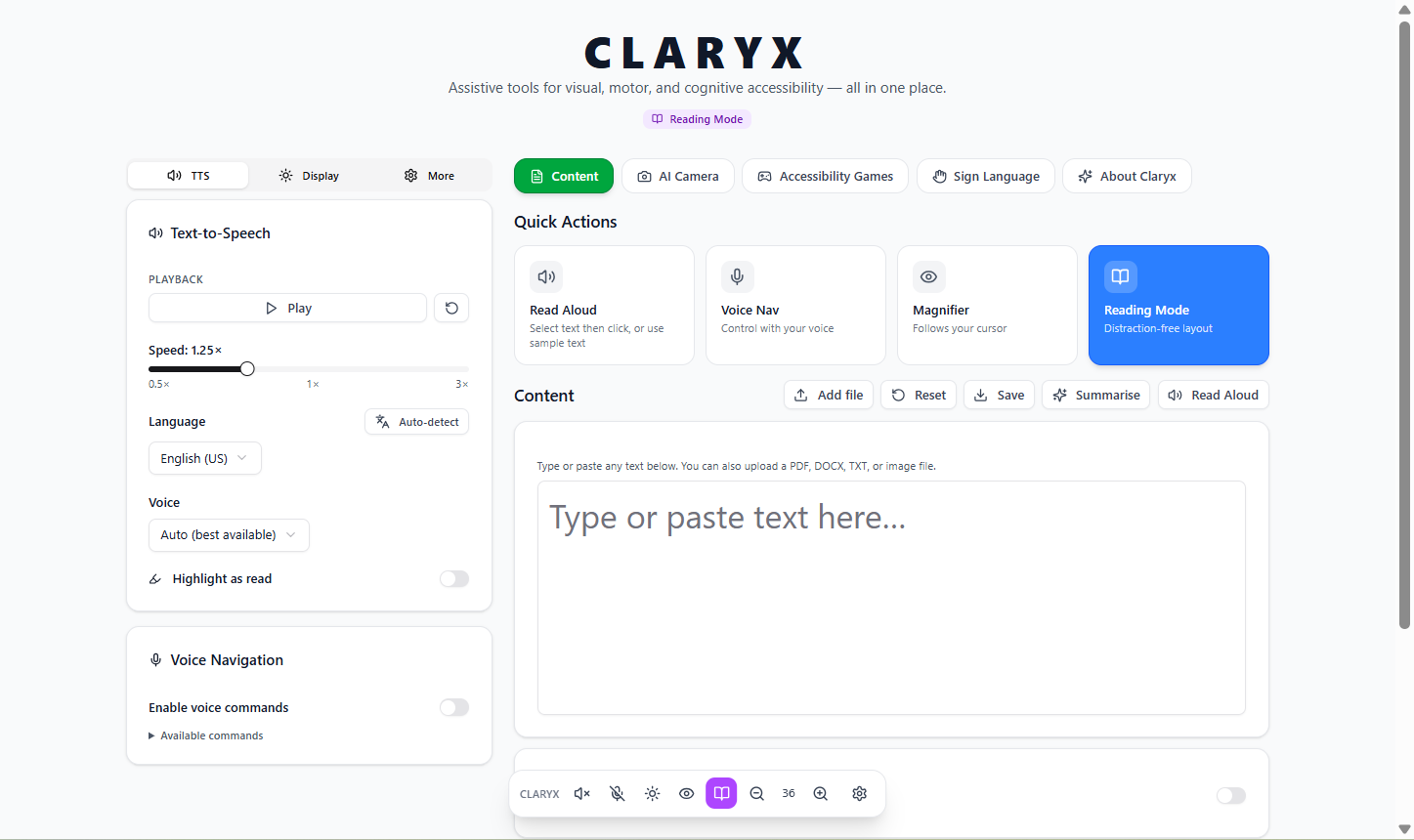
Light mode
-
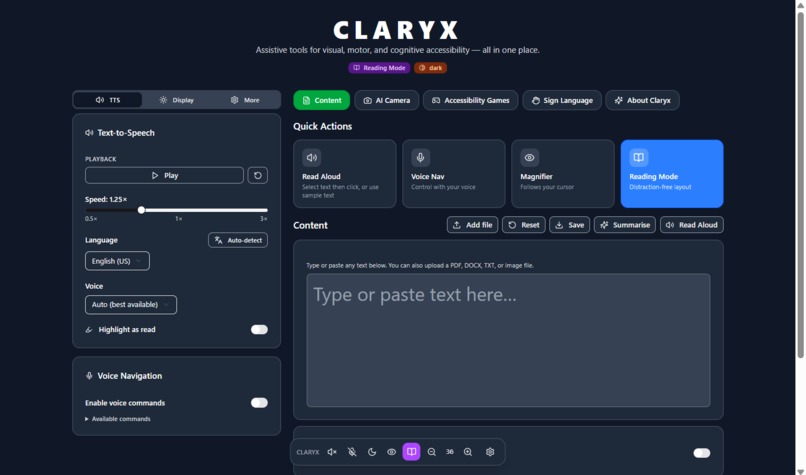
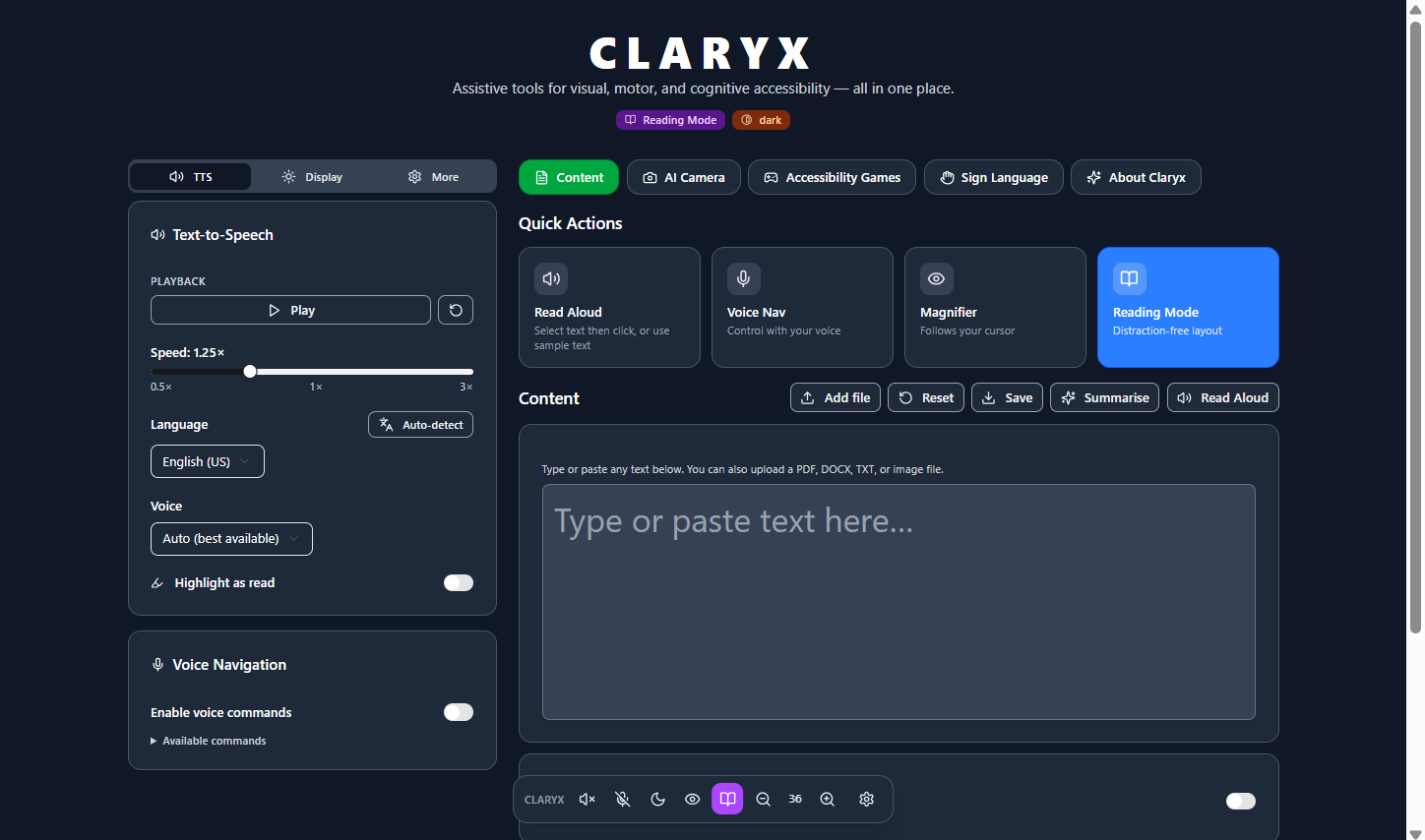
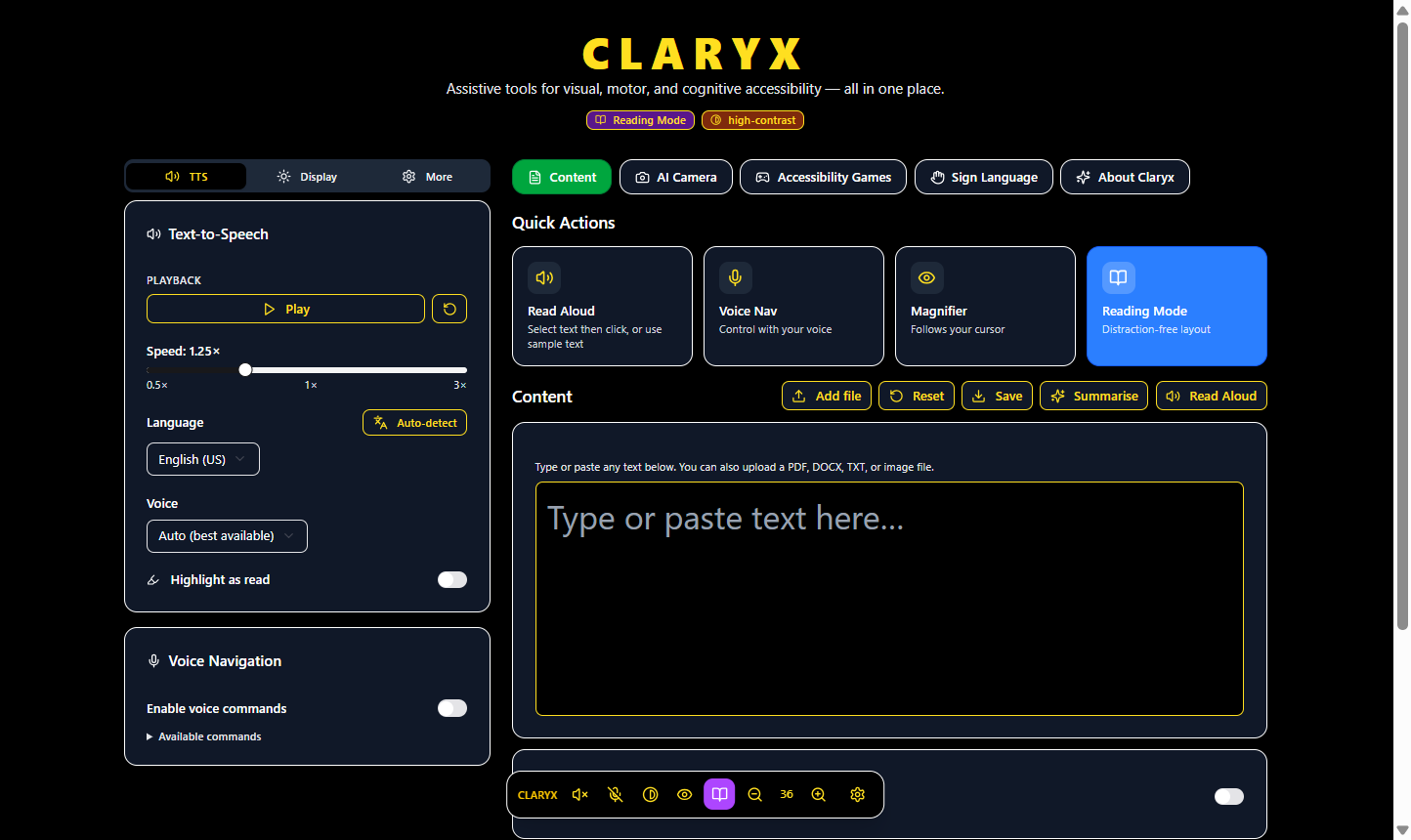
Dark mode
-
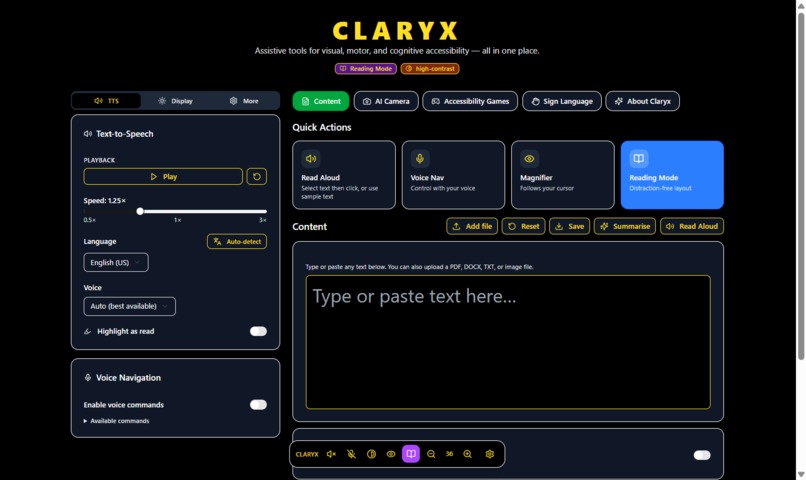
High contrast mode
-
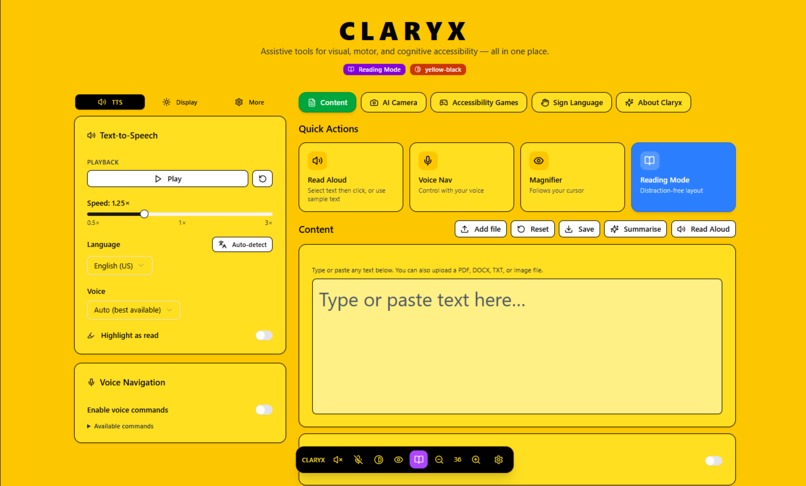
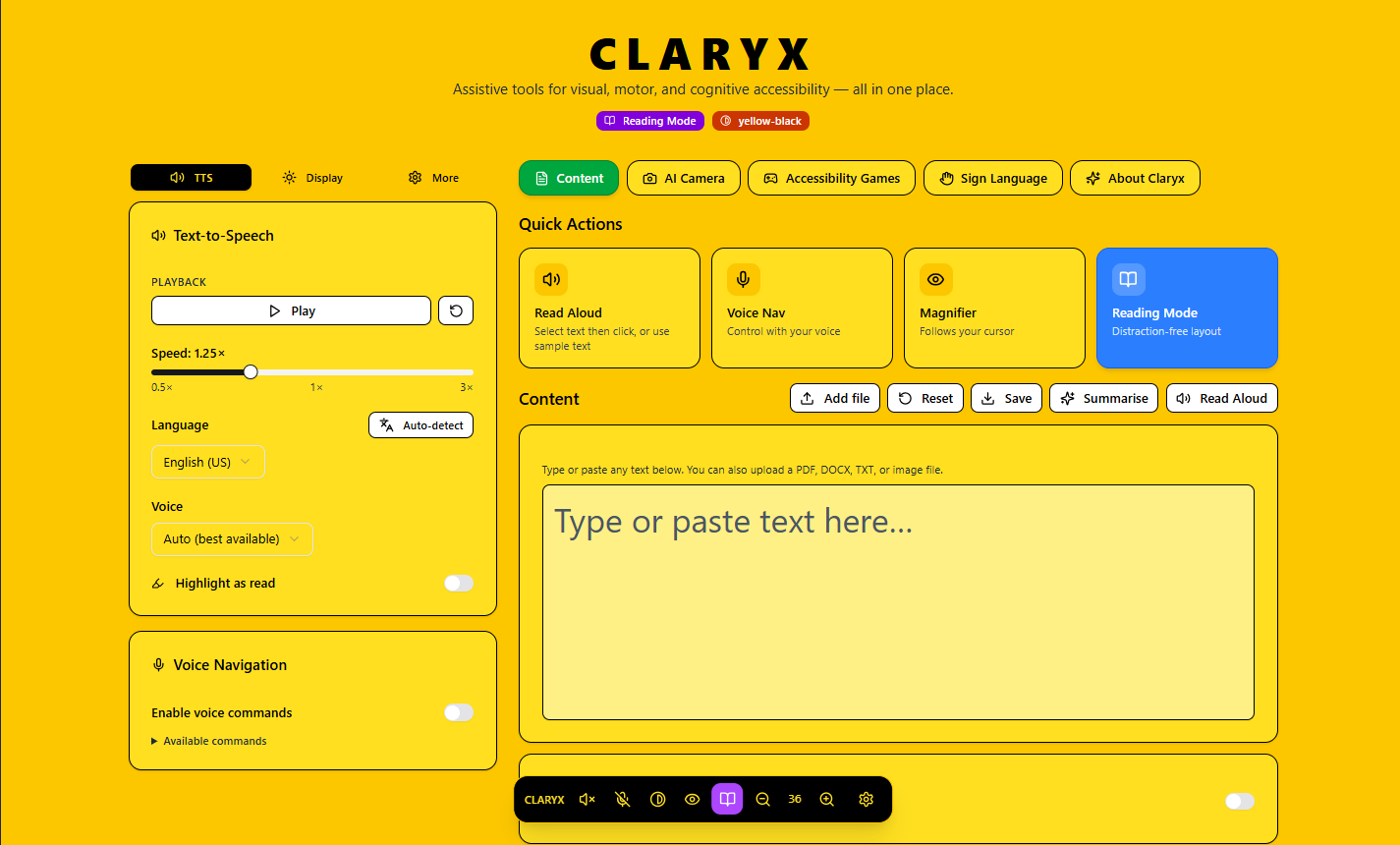
Black-Yellow mode
-
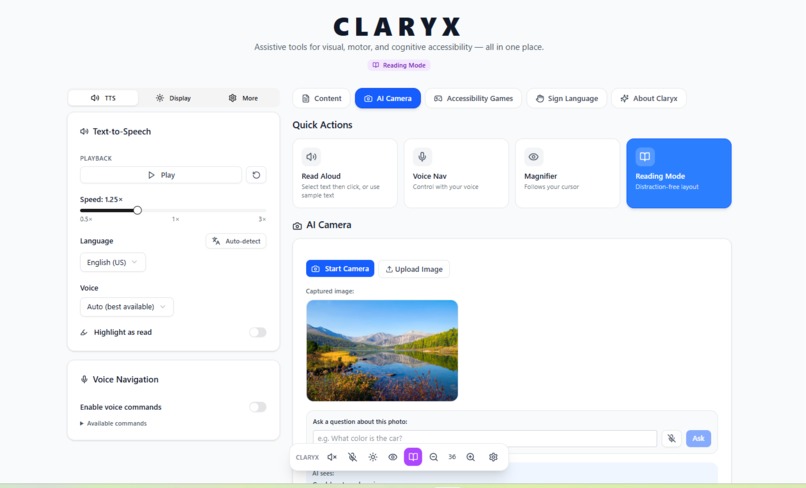
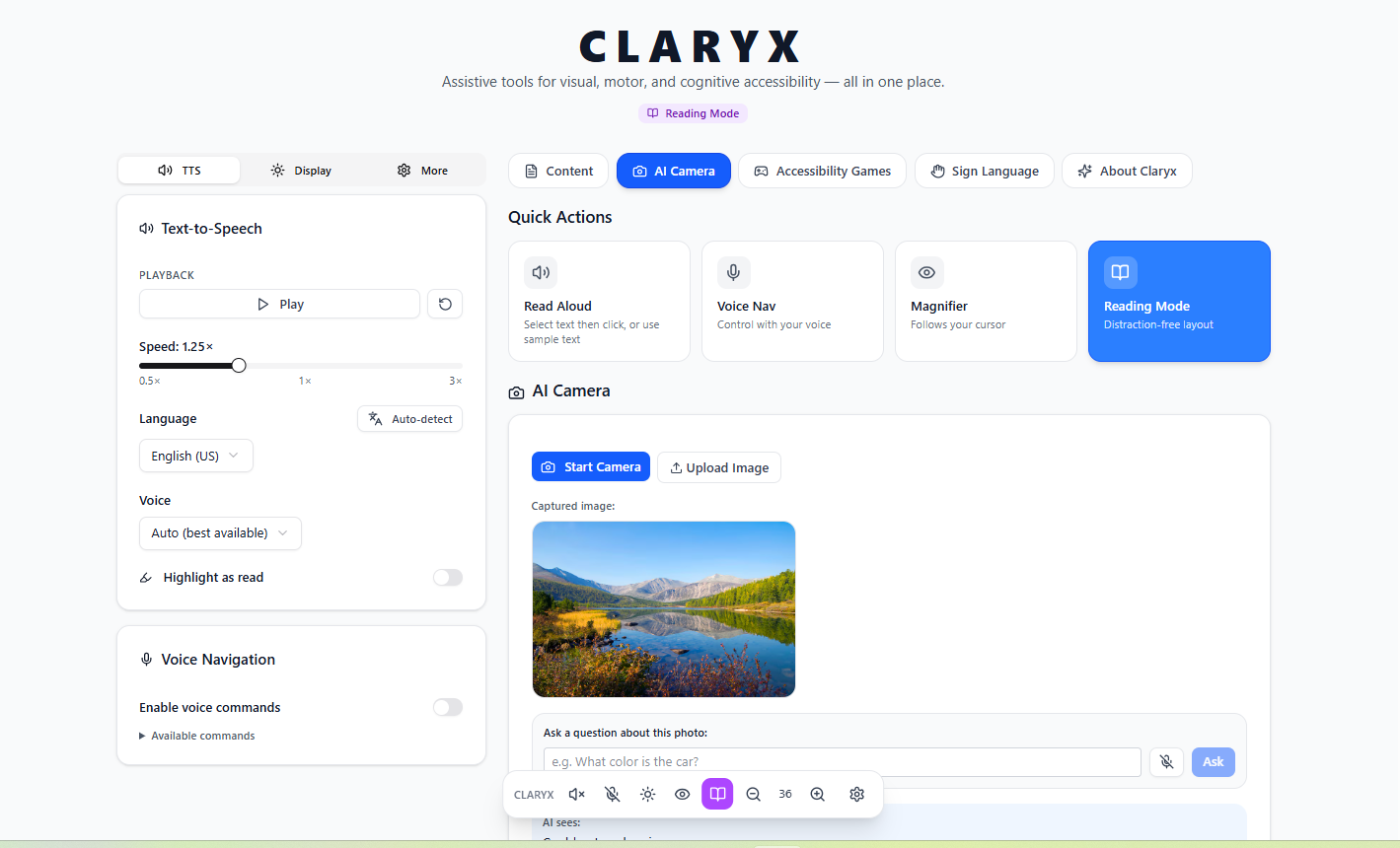
AI Camera page
-
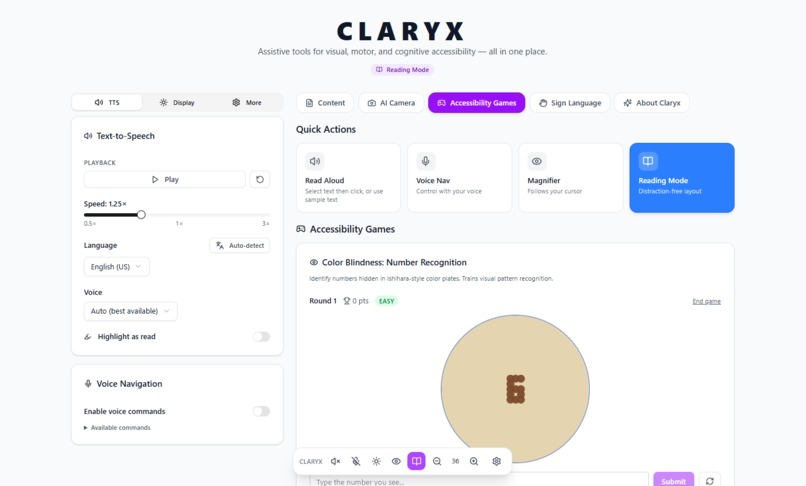
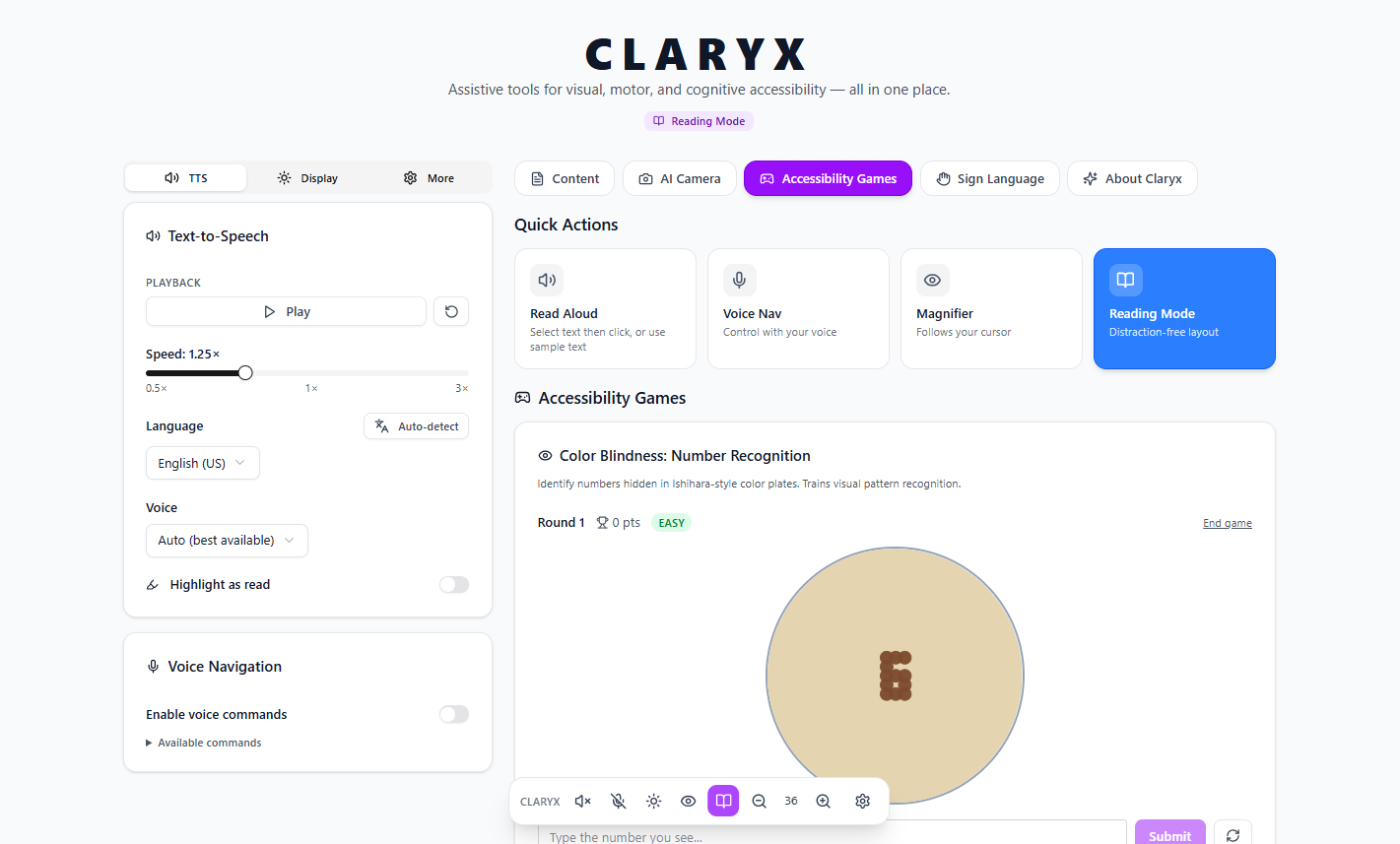
Game page
Inspiration
We built Claryx because accessibility on the web is still an afterthought for too many people. Every day, millions of users with visual impairments, reading difficulties, motor disabilities, or cognitive differences struggle with content that simply wasn't designed with them in mind. We wanted to change that — not with a narrow single-feature tool, but with a comprehensive, all-in-one platform that actually meets people where they are. The name Claryx comes from clarity — the goal of making information clear, readable, and reachable for everyone, regardless of ability.
What it does
Claryx is an accessibility hub that brings together a wide range of assistive tools in a single, cohesive interface. Users can listen to any text read aloud with natural-sounding voices and multi-language support, import documents (PDF, DOCX, TXT, and images via OCR), and get AI-powered summaries of long content. The platform offers adaptive display modes — high contrast, dark mode, yellow-on-black — alongside adjustable font size, line spacing, and a distraction-free reading layout. A magnifier follows the cursor for low-vision users, while voice navigation lets users control the interface hands-free. For users with color vision deficiency, Claryx includes an Ishihara-style colorblind game for awareness and testing. A sign language recognition module captures live video and transcribes signed input. Annotations let users highlight and annotate any text passage, and everything can be exported as a plain-text file.
How we built it
Claryx is built on React 19 with TypeScript, using TanStack Router for file-based routing and TanStack Query for server-state management. The UI is composed of Tailwind CSS v4 and shadcn/ui components styled for every accessibility theme. Text-to-speech is powered by the Web Speech API with custom word-boundary tracking for real-time highlighting. Voice navigation uses the SpeechRecognition API. File parsing leverages pdfjs-dist for PDFs and Mammoth for DOCX files, while image OCR and AI summarization are handled through the OpenAI GPT Vision API. The colorblind game renders procedurally generated Ishihara-style SVG plates. Sign language capture uses the MediaRecorder API combined with vision-based frame analysis.
Challenges we ran into
Voice APIs vary significantly across browsers — Chrome, Firefox, and Safari each expose speech synthesis voices differently and at different lifecycle moments, requiring careful async initialization. Getting the camera to release properly when switching pages was tricky: stopping all MediaStream tracks is not enough if the video element still holds a reference to the stream. Multi-language TTS required detecting the language of pasted or uploaded text before selecting an appropriate voice, which needed both heuristic detection and graceful fallbacks. Rendering accessible, high-contrast Ishihara plates in SVG while maintaining the visual complexity needed to challenge users took multiple iterations. Balancing the breadth of features with a clean, non-overwhelming UI was an ongoing design challenge throughout the hackathon.
Accomplishments that we're proud of
We're proud that Claryx is not a demo — it's a fully working accessibility platform built end-to-end during the hackathon. Every feature functions with real user input: actual PDF parsing, real voice synthesis, live camera OCR, and a genuinely playable colorblind game with difficulty levels and scoring. We shipped multi-language TTS with automatic language detection, a keyboard-shortcut system, a draggable floating toolbar, four distinct accessibility themes, and a persistent annotation system — all in a single cohesive interface. We're especially proud of how the different tools complement each other rather than feeling bolted together.
What we learned
We learned how deep the browser accessibility APIs go — and how inconsistently they are implemented. The Web Speech API alone required us to handle a dozen edge cases around voice loading, utterance queuing, pause/resume behavior, and cross-browser quirks. We also learned that good accessibility is fundamentally about respecting user agency: giving people control over fonts, contrast, speed, language, and layout — not making those decisions for them. Building for accessibility from day one changes how you think about every UI decision, from color choices to focus management to ARIA roles.
What's next for Claryx
We plan to expand Claryx with persistent user profiles so that preferences — themes, voice settings, font sizes, shortcuts — are saved across sessions. We want to add real-time collaborative annotation so teachers and students can work with the same document together. The sign language module will be extended with a full model-backed recognition pipeline. We're also exploring browser-extension packaging so Claryx's tools can be applied to any webpage, not just uploaded content. Long term, we envision Claryx as an open platform where accessibility plugins can be contributed by the community.
Built With
- css
- openai
- react
- typescript


Log in or sign up for Devpost to join the conversation.