-
-
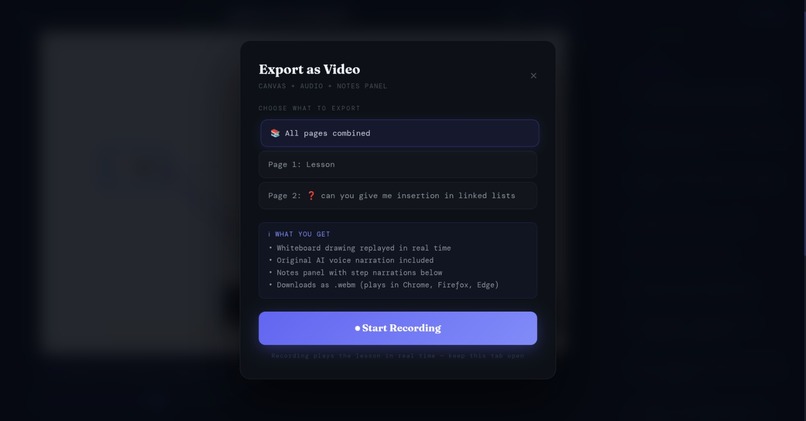
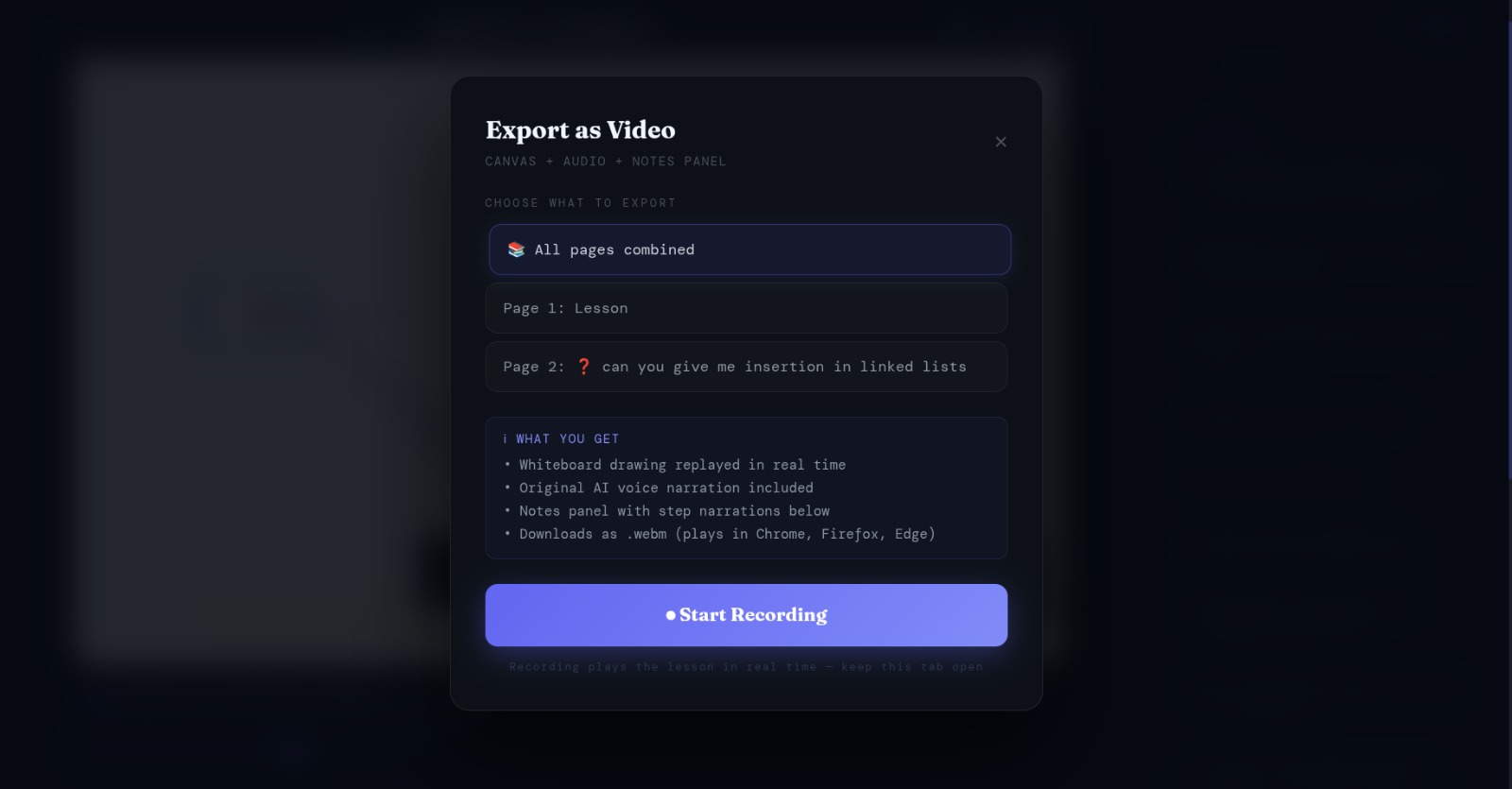
You can export as a video the class you did with the AI assistant
-
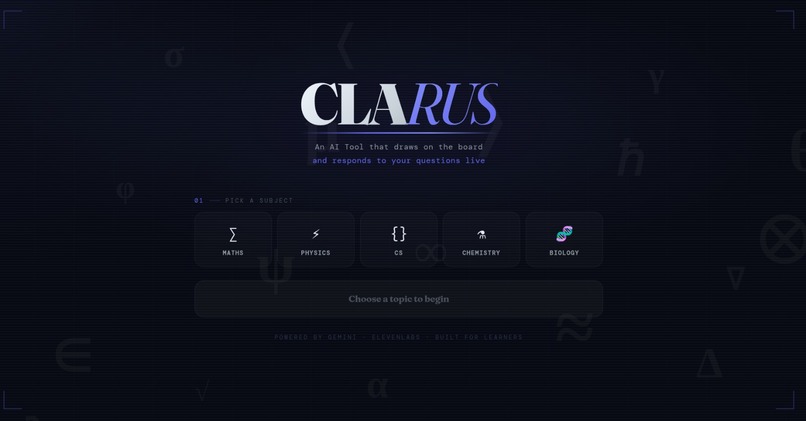
Home page
-
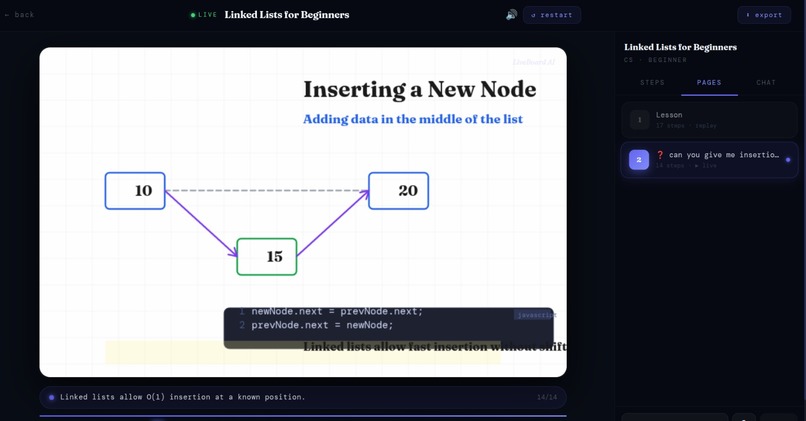
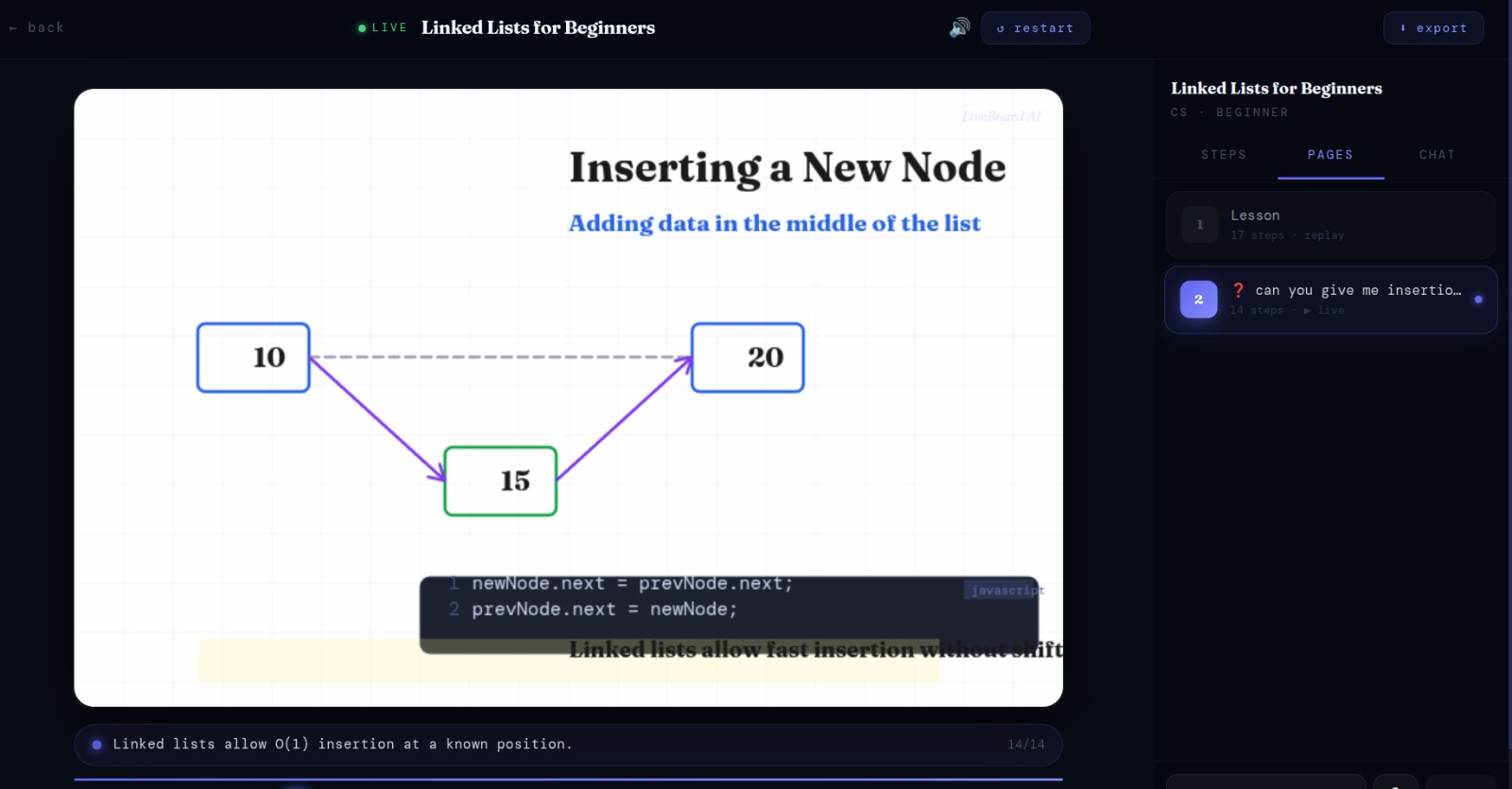
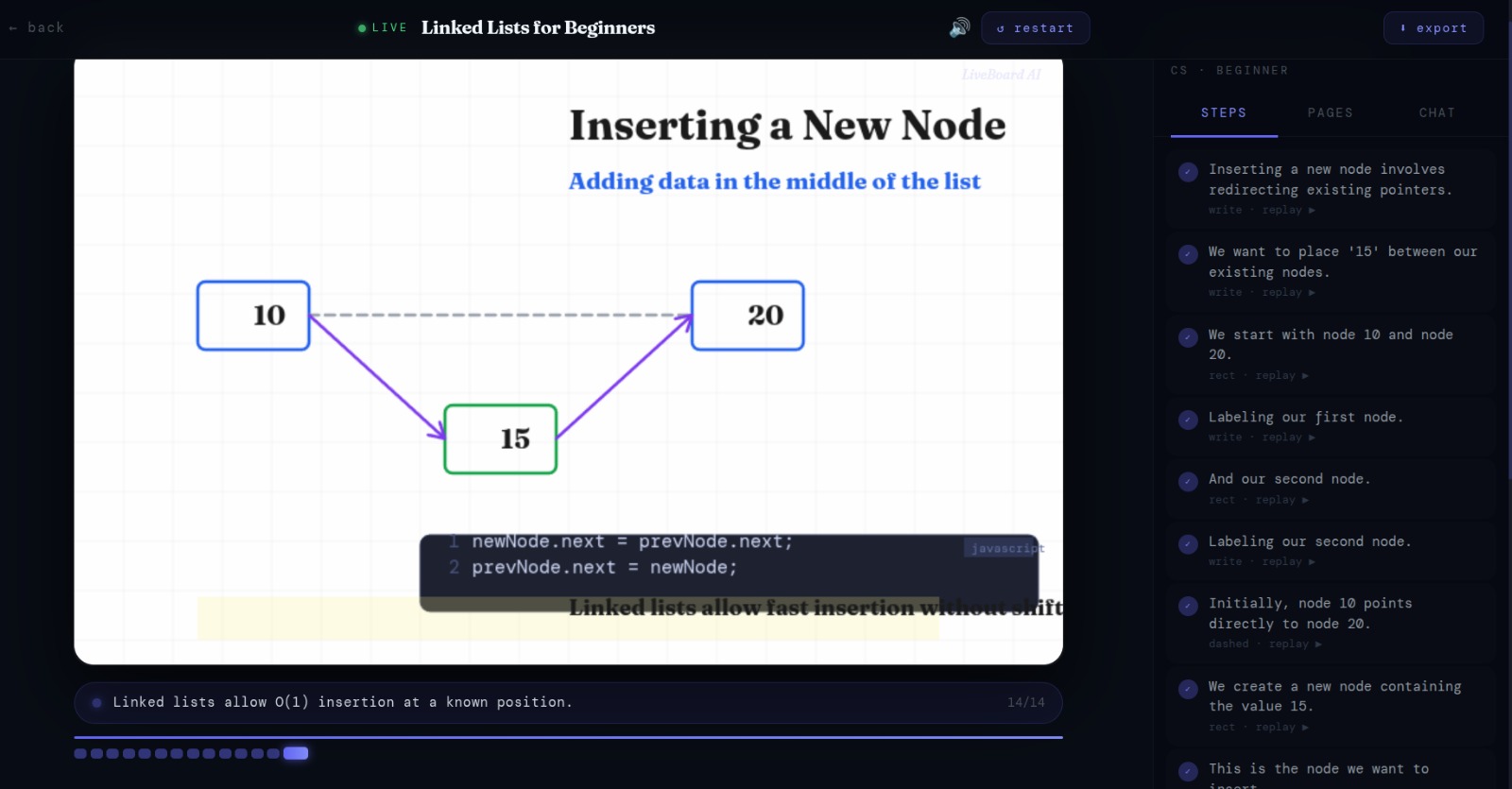
AI assistance explaining with voice while drawing and while students is asking a question
-
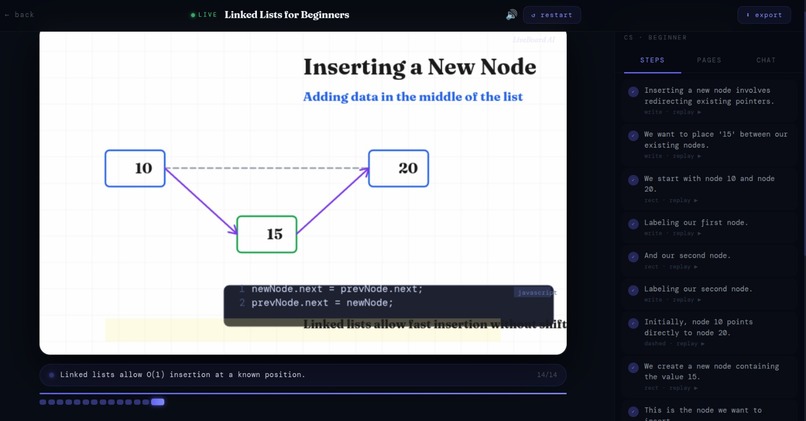
AI assistance explaining with voice while drawing and while students is asking a question
Inspiration
We started Clarus after seeing how many students struggle with dense textbook explanations, especially in maths at university level. We wanted a tool that feels like a patient teacher at the board, explaining each idea slowly with both words and drawings.
What it does
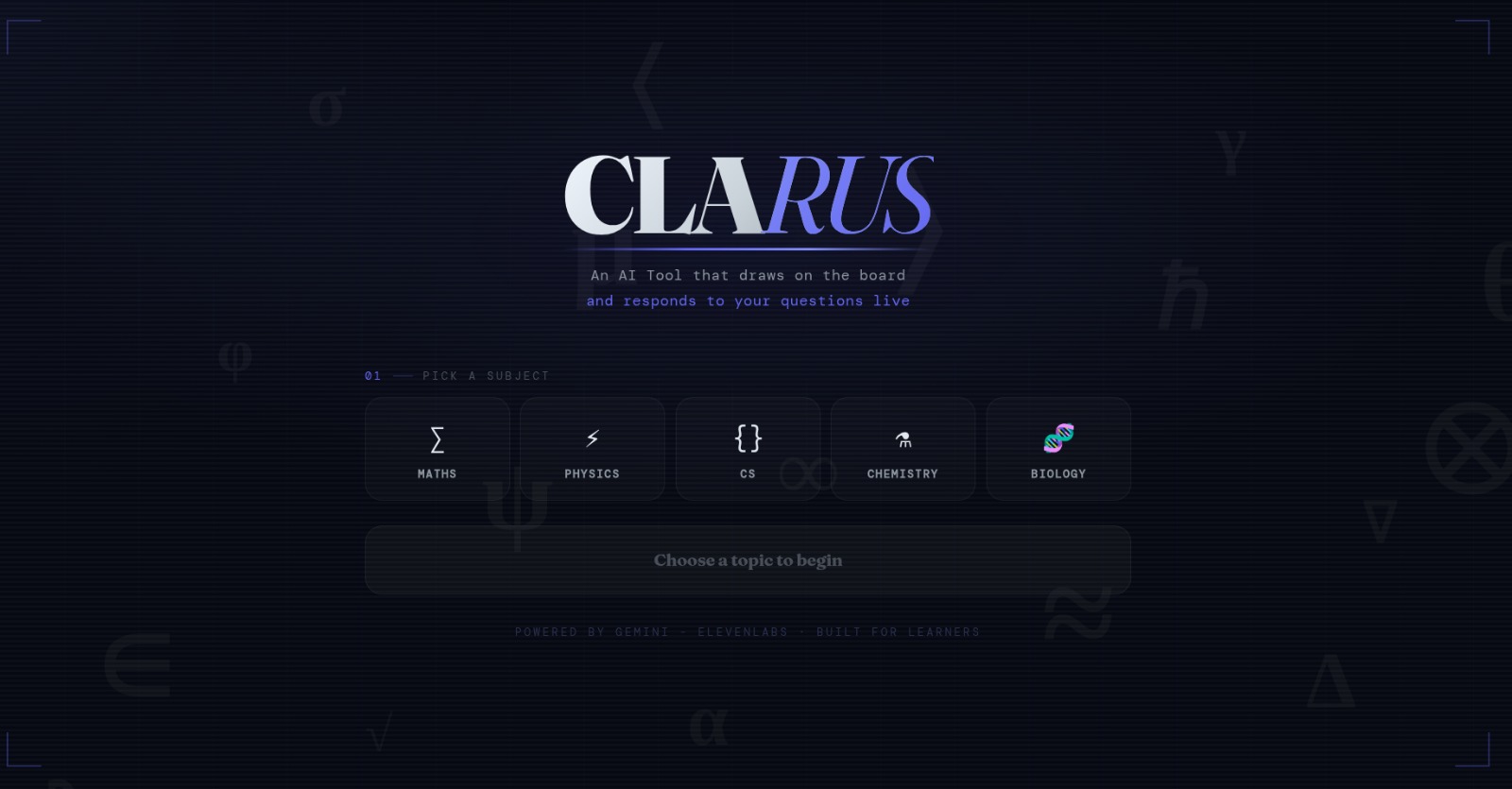
Clarus is an interactive whiteboard that explains concepts step by step. It writes on the board, draws visual models, and speaks the explanation at the same time, so the voice and the visuals stay in sync.
How we built it
We built LiveBoard AI around Google Gemini as the core engine. When a user enters a topic, we send a structured prompt to Gemini that generates a complete drawing script consisting of a sequence of typed steps (text, arrows, shapes, formulas) and narration for each. Each step's narration is then sent to a TTS API to generate synchronized voice-over and drawing is sent to Canvas .For follow-up questions, we pass the full session context back to Gemini, which decides if the answer extends the current explanation or starts a new board.
Challenges we ran into
Synchronising the audio with the board actions was difficult. Drawing part also . And Gemini API was going down a lot of time.
Accomplishments that we're proud of
We are proud to have found an original idea that can represent a new way of learning for students.
What we learned
We learned how important structure is in teaching. We also learned a lot about timing, user interaction on a whiteboard, and how to adapt language model outputs into reliable teaching scripts.
What's next for Clarus
Next, we plan to add richer interaction, so students can tap parts of a formula and ask where each term comes from. We also want more control over the teacher’s voice, better personalisation, and ongoing improvement of our language model, so Clarus can explain harder topics with even more clarity.
Built With
- elevenlabsapi
- fastapi
- geminiapi
- javascript
- node.js
- python


Log in or sign up for Devpost to join the conversation.