-
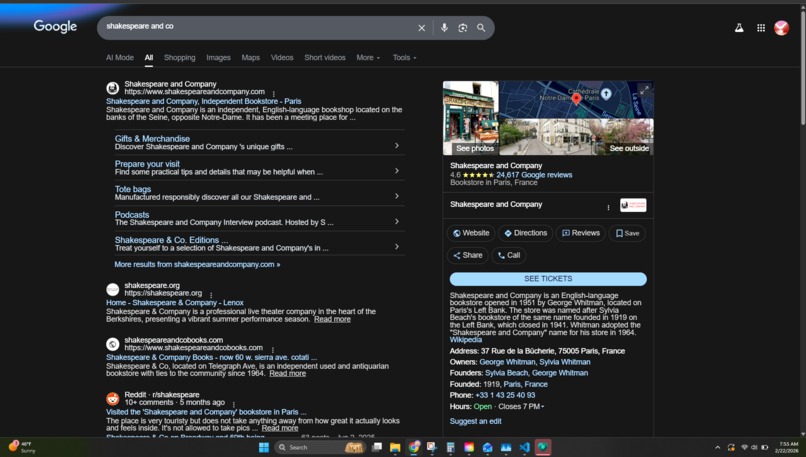
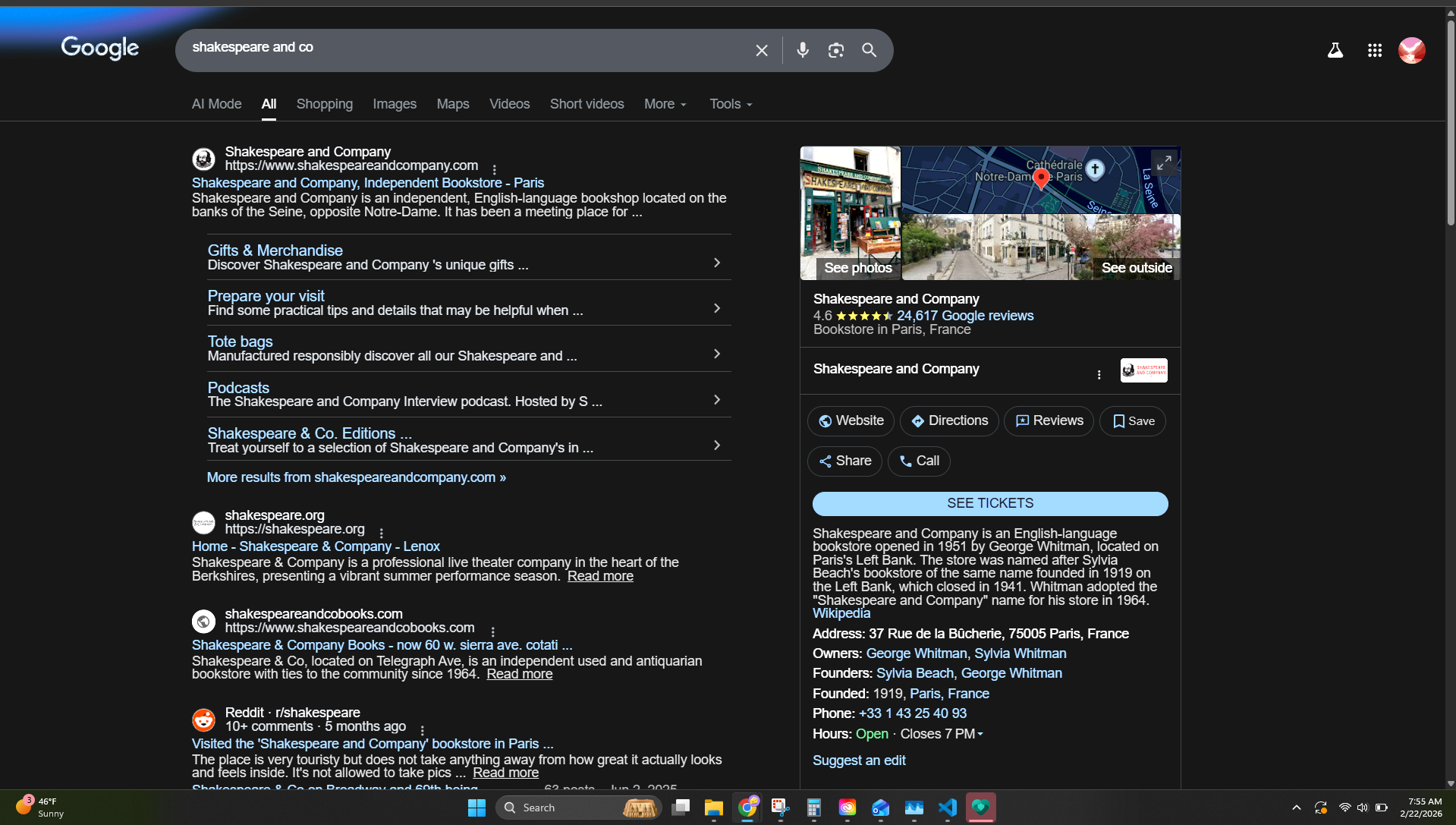
Example of user made caption and its effects
-
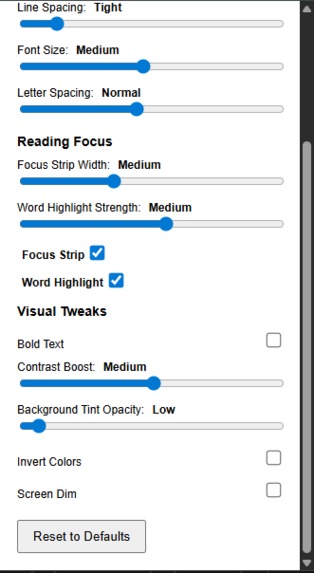
Generated personalized caption
-
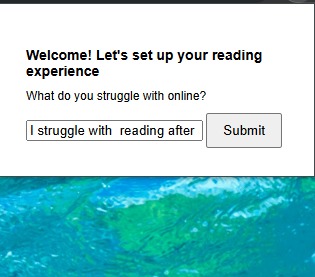
Ai generated quiz caption maker
Inspiration
We noticed that many people struggle with visual stress and discomfort while reading online. Our goal was to create a tool that adapts the reading experience in real-time to reduce strain and improve comprehension.
What it does
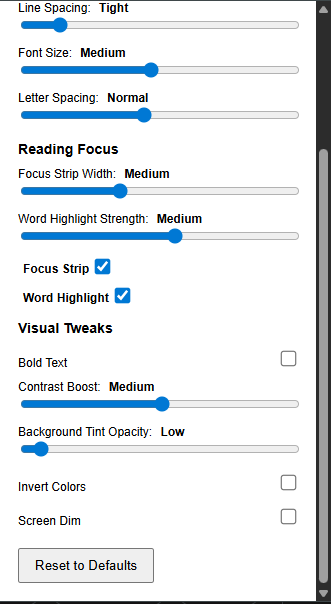
ClarityLens adjusts webpage text and backgrounds dynamically using sliders and toggles. Users can modify font size, spacing, contrast, and focus elements to match their personal comfort level.
How we built it
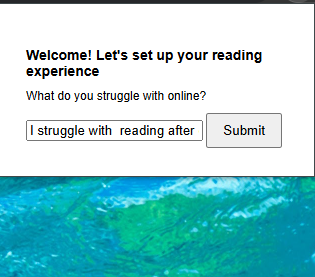
We built ClarityLens as a Chrome extension using HTML, CSS, and JavaScript. Sliders and toggles communicate with a content script to apply changes directly to web pages. We also integrated a quiz interface to guide users toward optimal settings.
Challenges we ran into
Implementing real-time changes across different websites was tricky. Coordinating sliders, toggles, and the quiz without breaking page layouts required careful DOM manipulation and fail-safe messaging between popup and content scripts.
Accomplishments that we're proud of
We created an adaptive, user-friendly interface that works across any webpage. The quiz flow guides users without interfering with existing settings, and all sliders and toggles update immediately for a smooth experience.
What we learned
We learned how to safely communicate between popup and content scripts in Chrome extensions, manage UI state dynamically, and design accessible features for visual comfort.
What's next for ClarityLens
We plan to enhance AI-guided personalization, add preset profiles for common visual stress patterns, and expand compatibility with more dynamic web elements.

Log in or sign up for Devpost to join the conversation.