-
-
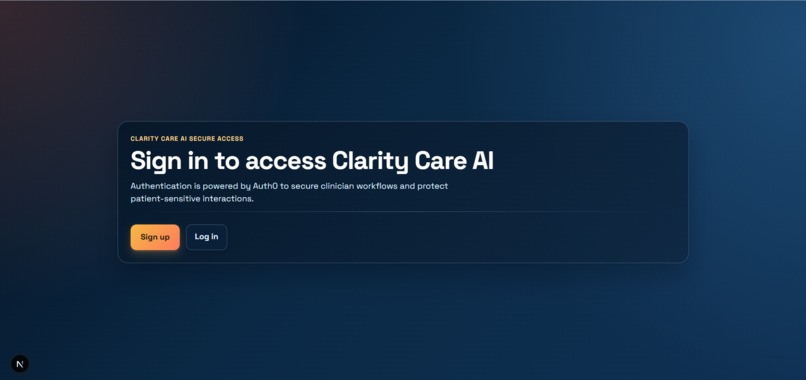
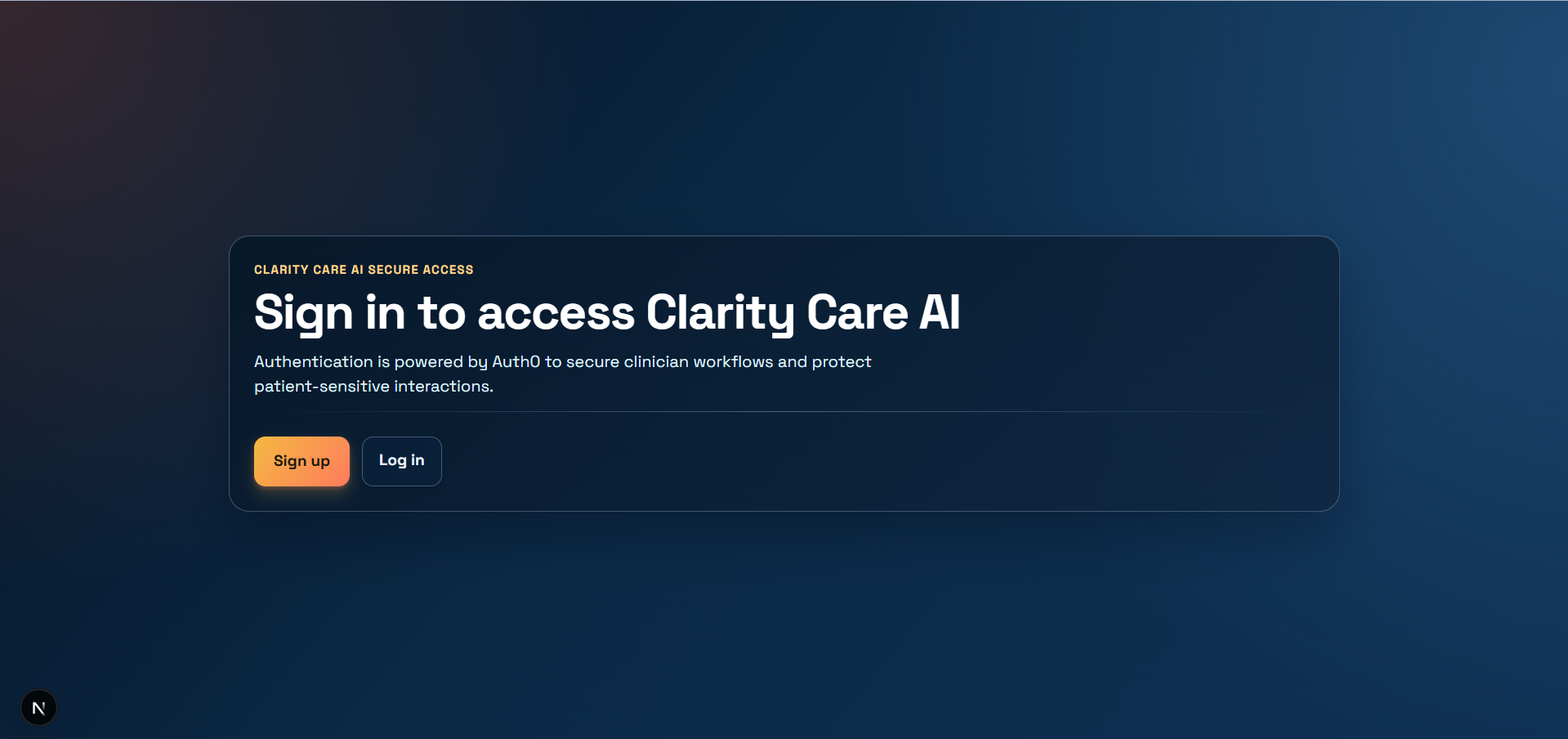
Auth0 Signup Page
-
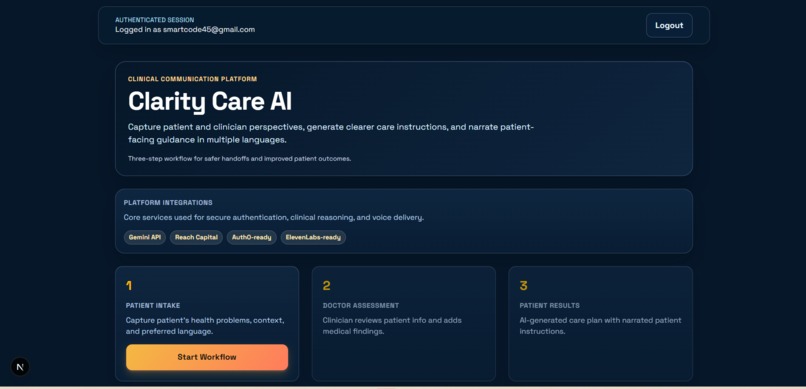
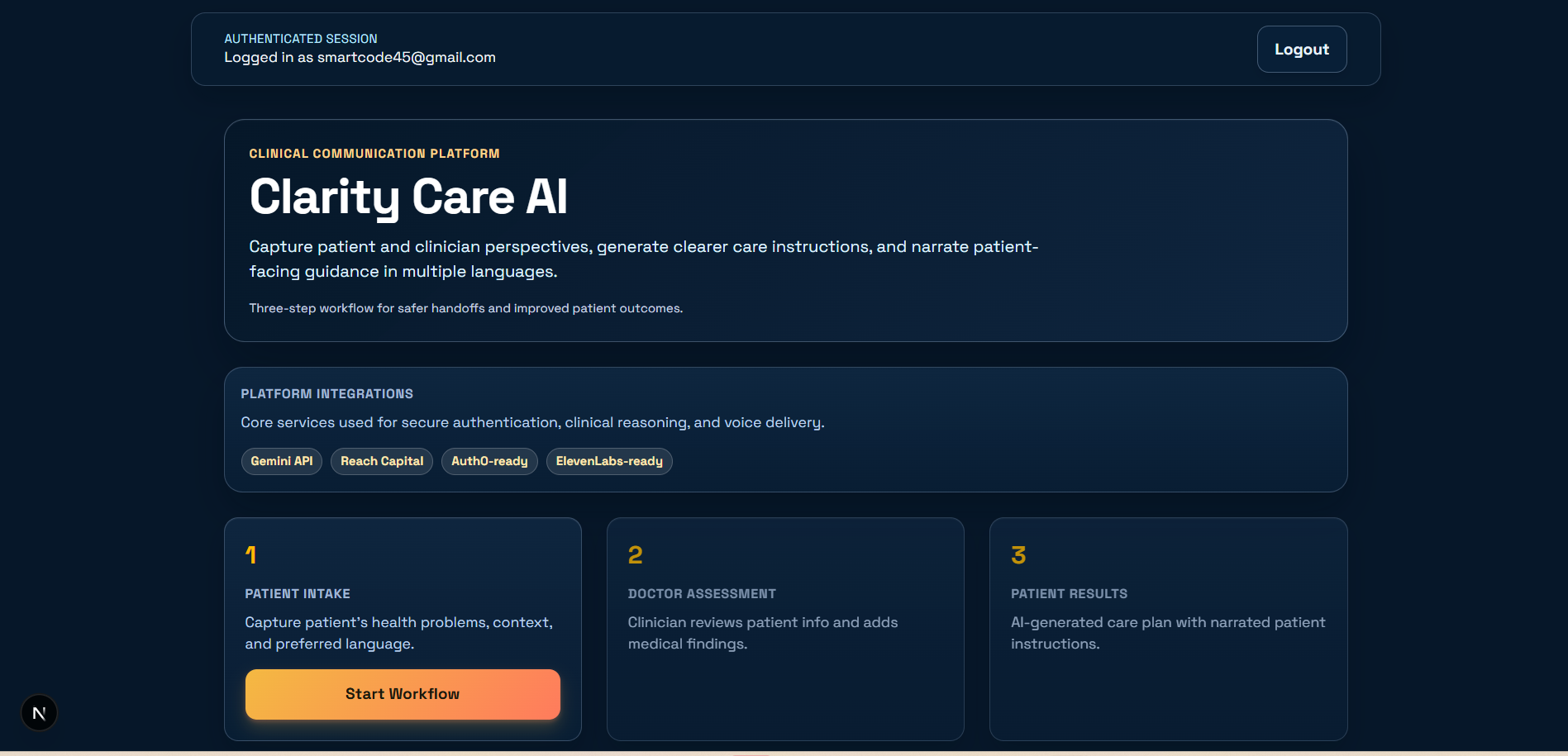
Home Page
-
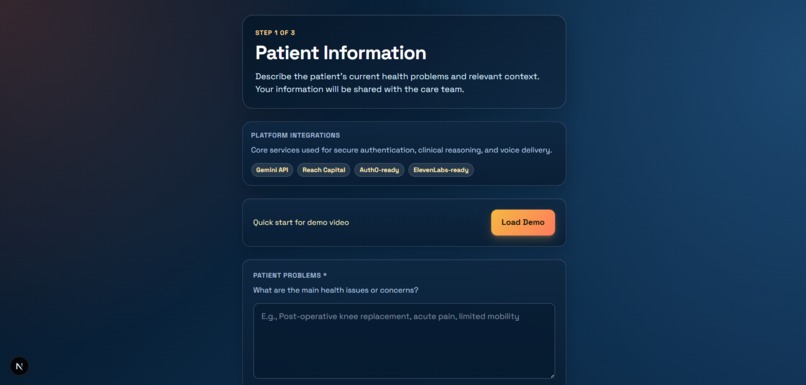
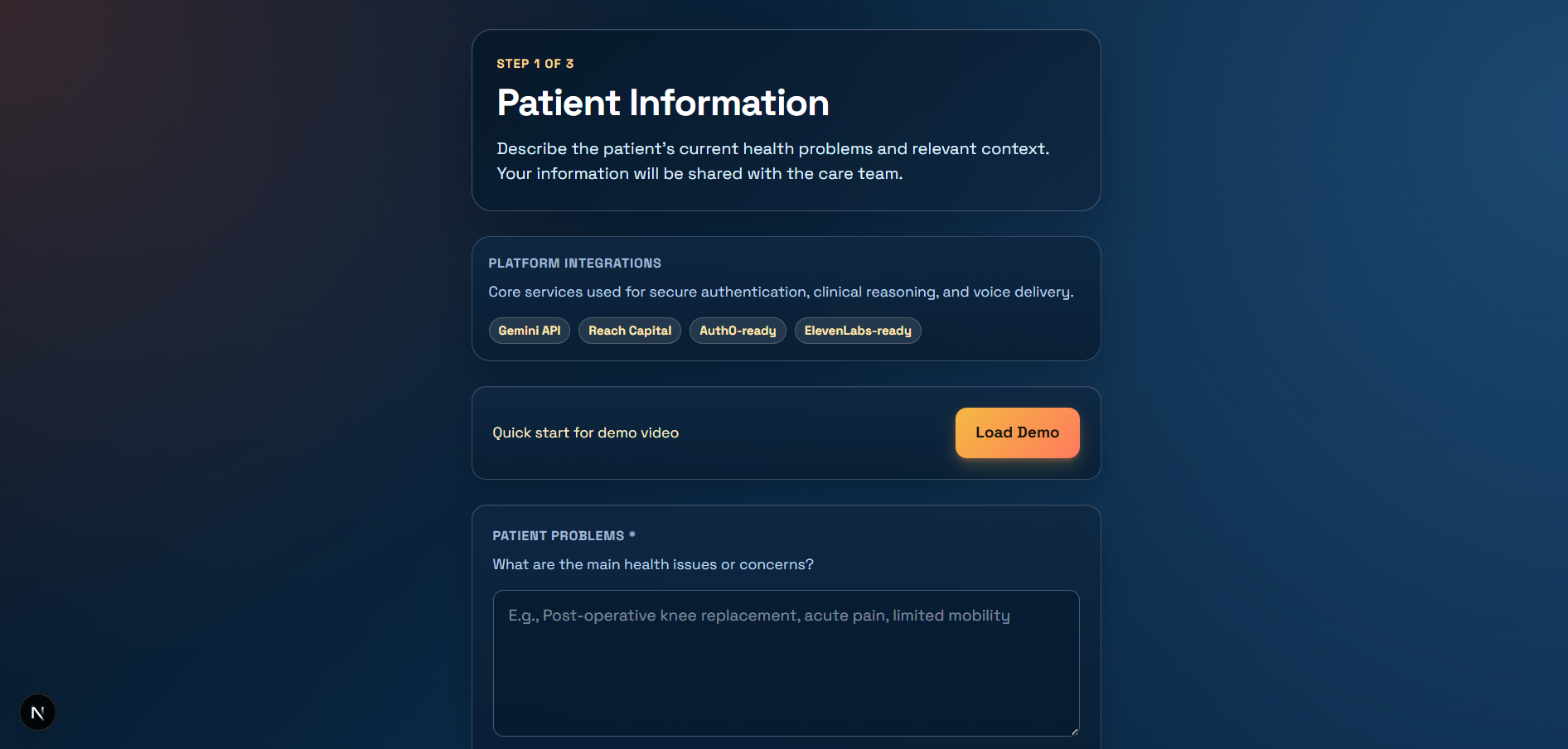
Patient Entry
Inspiration
Healthcare instructions are often written for systems, not for people. We were inspired by a simple but common problem: a patient leaves a visit with pages of discharge instructions, but still does not clearly understand what to do next. That gap leads to anxiety, missed medications, avoidable complications, and preventable readmissions.
We built Clarity Care AI to bridge that communication gap by combining two perspectives that are usually separated:
What the patient is actually experiencing What the clinician has assessed and recommended The goal is not to replace clinical judgment, but to make clinical guidance clearer, more personalized, and more accessible.
What it does
Clarity Care AI uses a 3-step workflow:
Patient Intake: captures patient problems, concerns, social context, and language preference Doctor Mode: captures clinician findings and recommendations Patient Result: generates a unified, plain-language, multilingual care plan with optional voice narration This helps clinicians communicate more effectively and helps patients follow through with confidence.
How It Improves Access Access is not only about reaching a doctor. It is also about understanding care well enough to act on it.
Clarity Care AI improves access by:
Converting complex medical guidance into plain-language instructions Supporting multilingual output and narration for patients with language barriers Incorporating social context (transportation, cost, caregiving constraints) into recommendations Reducing cognitive overload at discharge by producing focused, actionable next steps In practical terms, better understanding can improve adherence and outcomes:
How we built it
How We Built It We implemented a modern web app with a secure, workflow-based architecture:
Frontend: Next.js + React + TypeScript Auth: Auth0 for secure clinician access AI Generation: Gemini for structured care-plan synthesis Multimodal Extraction: Gemini for image/PDF clinical-note extraction Voice Output: ElevenLabs for patient-friendly narration Workflow State: in-memory session handling across multi-step routes Demo Readiness: preloaded scenario cases and one-click quick demos
Challenges we ran into
Balancing structure with flexibility We needed outputs that are clinically useful but still readable for patients. We solved this by enforcing a structured JSON schema while guiding style toward plain language.
Integrating multiple services reliably Auth, LLM generation, extraction, and narration each have different failure modes. We added graceful fallbacks so the workflow still runs even when a service is unavailable.
Designing for clarity, not just features A lot of healthcare tools become cluttered quickly. We iterated toward a clean, 3-step flow that reduces friction for both clinicians and demo users.
Personalization without overcomplication We wanted personalized output while keeping clinician effort low. The two-sided intake model gave us enough context to personalize recommendations without adding heavy workflow burden.
Accomplishments that we're proud of
- Built a full 3-step clinical workflow that separates patient input, clinician assessment, and generated care guidance.
- Added secure authentication with Auth0 so clinician workflows are protected behind login. Integrated Gemini-powered generation to turn two-sided context into clear, structured care instructions.
- Added multilingual support + voice narration (ElevenLabs) to make instructions more accessible. Implemented quick demo scenarios so the platform can be tested and presented without manual data entry.
- Added scenario simulation to explore likely downstream patient outcomes from care-team choices. Improved UI into a cleaner, more production-like experience with better readability and flow. Created a cleaner repository structure and README for easier onboarding and collaboration.
What we learned
Personalization is strongest when both patient context and clinician expertise are included. Multilingual support should include voice, not just translation text. Workflow design matters as much as model quality in healthcare UX. Trust and security are essential for adoption, so authentication and guardrails must be first-class parts of the system.
What's next for ClarityCare AI
- Add EHR integration (FHIR/HL7) so clinicians don’t have to re-enter data manually. Introduce patient profile memory (conditions, literacy level, preferences) for deeper personalization over time.
- Add clinical guardrails: confidence scoring contraindication checks “requires clinician review” flags
- Add quality evaluation dashboards for readability, adherence likelihood, and translation consistency.
- Build offline/low-bandwidth patient delivery (SMS summaries, printable plan, WhatsApp-style follow-up).
- Expand language and localization quality with region-specific phrasing and culturally aware examples.
- Add better caregiver mode and family-facing instructions.
Built With
- auth0
- elevenlabs
- gemini
- javascript
- javascript-frameworks:-next.js
- nextjs
- node.js
- react
- react-styling:-tailwind-css-+-custom-css-authentication:-auth0-ai-apis:-google-gemini-(generation-+-multimodal-extraction)-voice-api:-elevenlabs-runtime/tooling:-node.js
- tailwind
- typescript

Log in or sign up for Devpost to join the conversation.