Inspiration
The inspiration for Clarity was to create a universal learning tool that solves the frustration of static, confusing instructions. We wanted to bridge the gap between "knowing what to do" and "seeing how to do it". Seeing someone struggle with a broken zipper or a flat tire led us to build a tool that doesn't just give text instructions but provides attention-directing animations. Our goal was to make education and DIY repairs accessible to everyone, regardless of their expertise level.
What it does
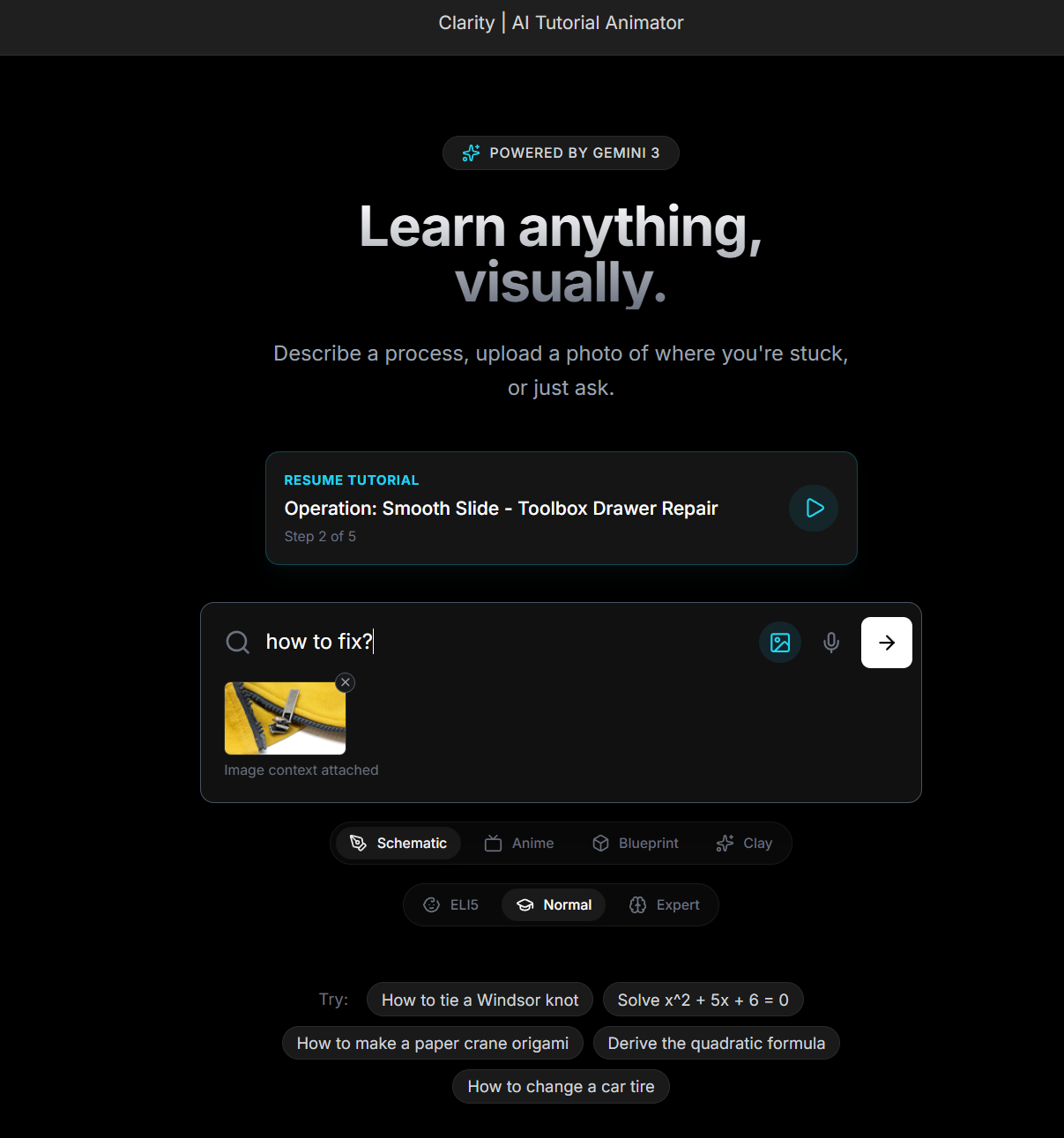
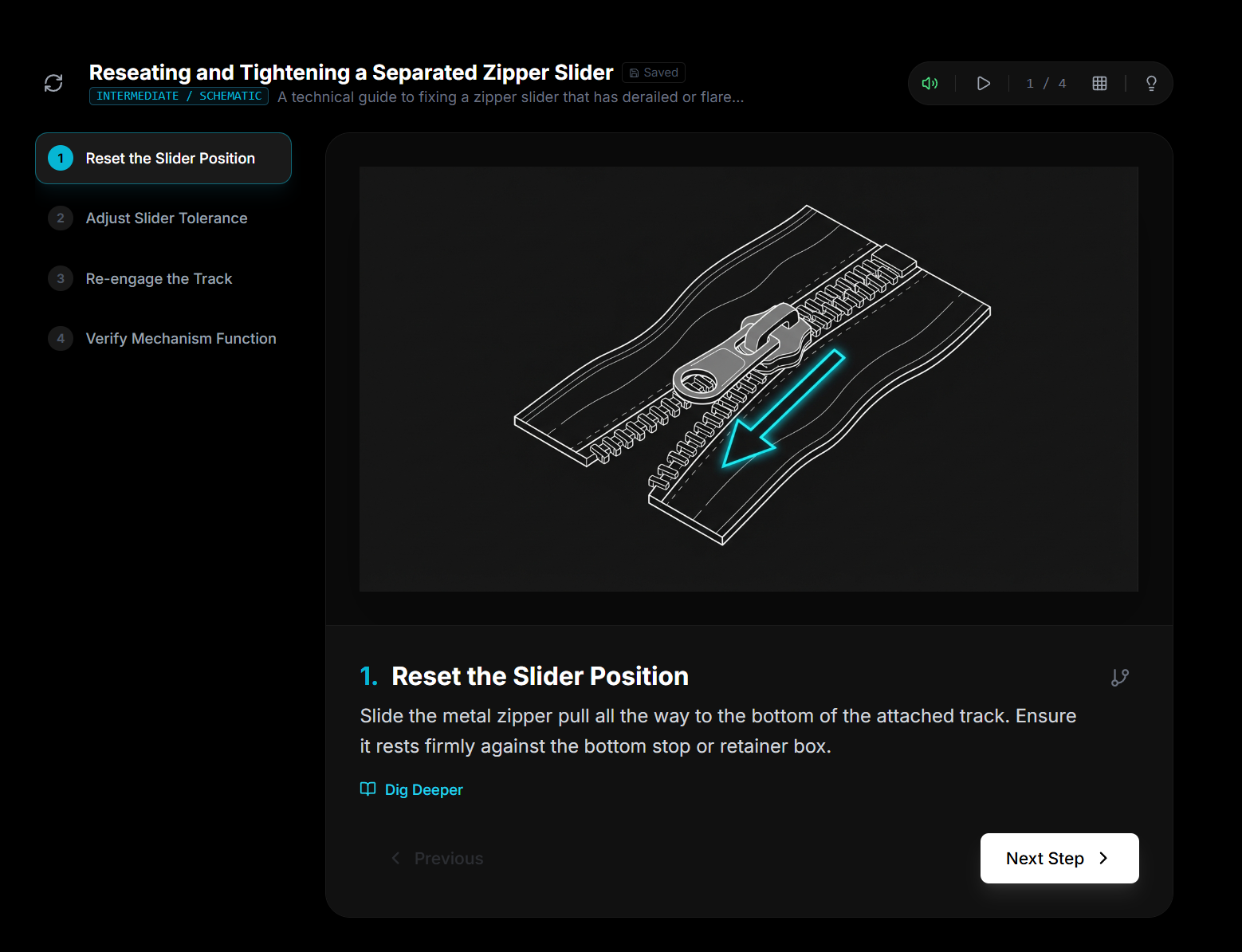
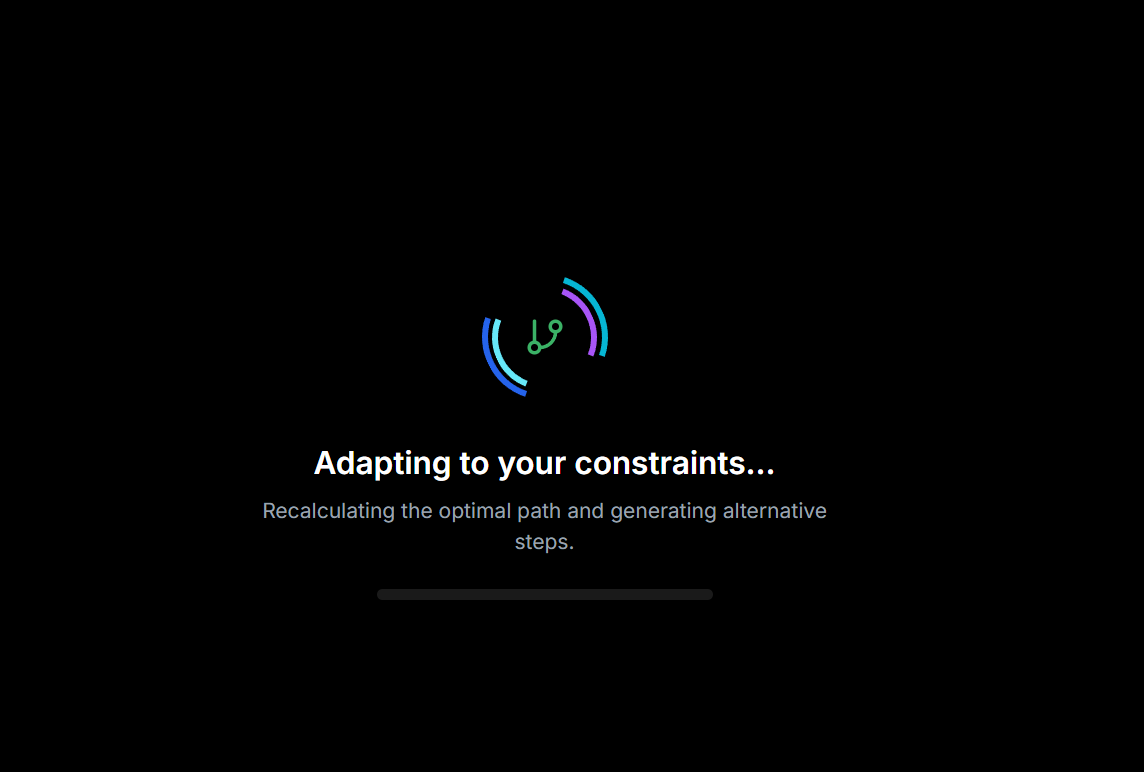
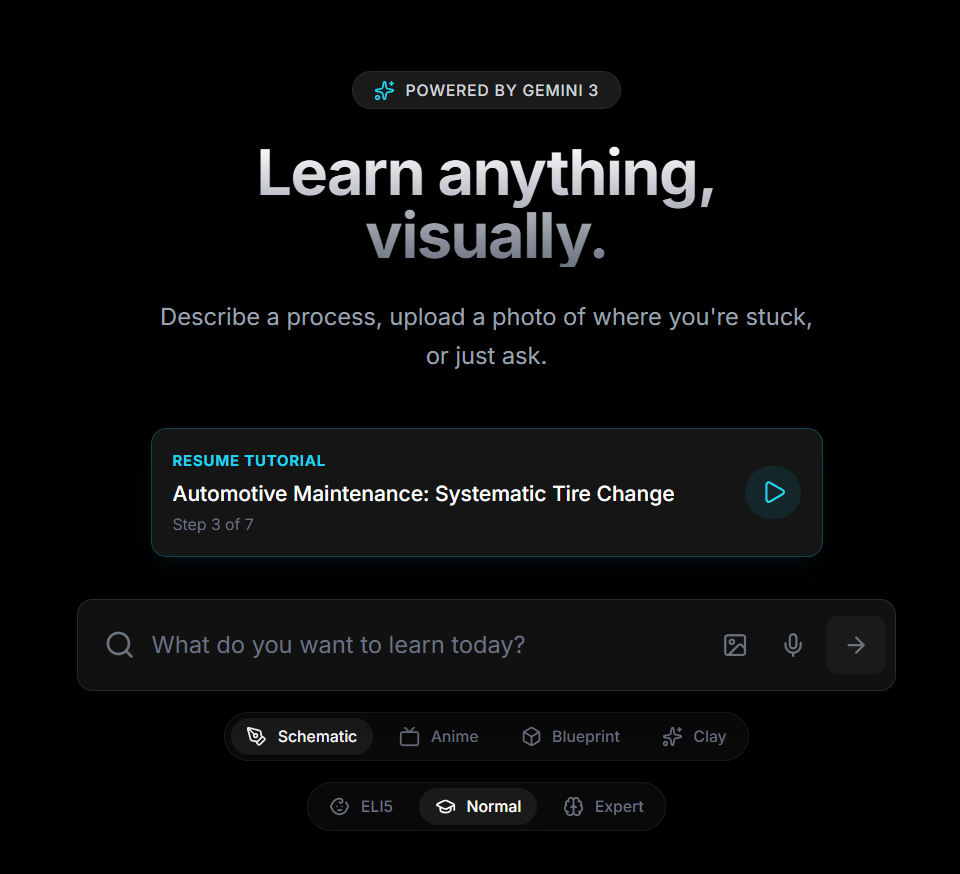
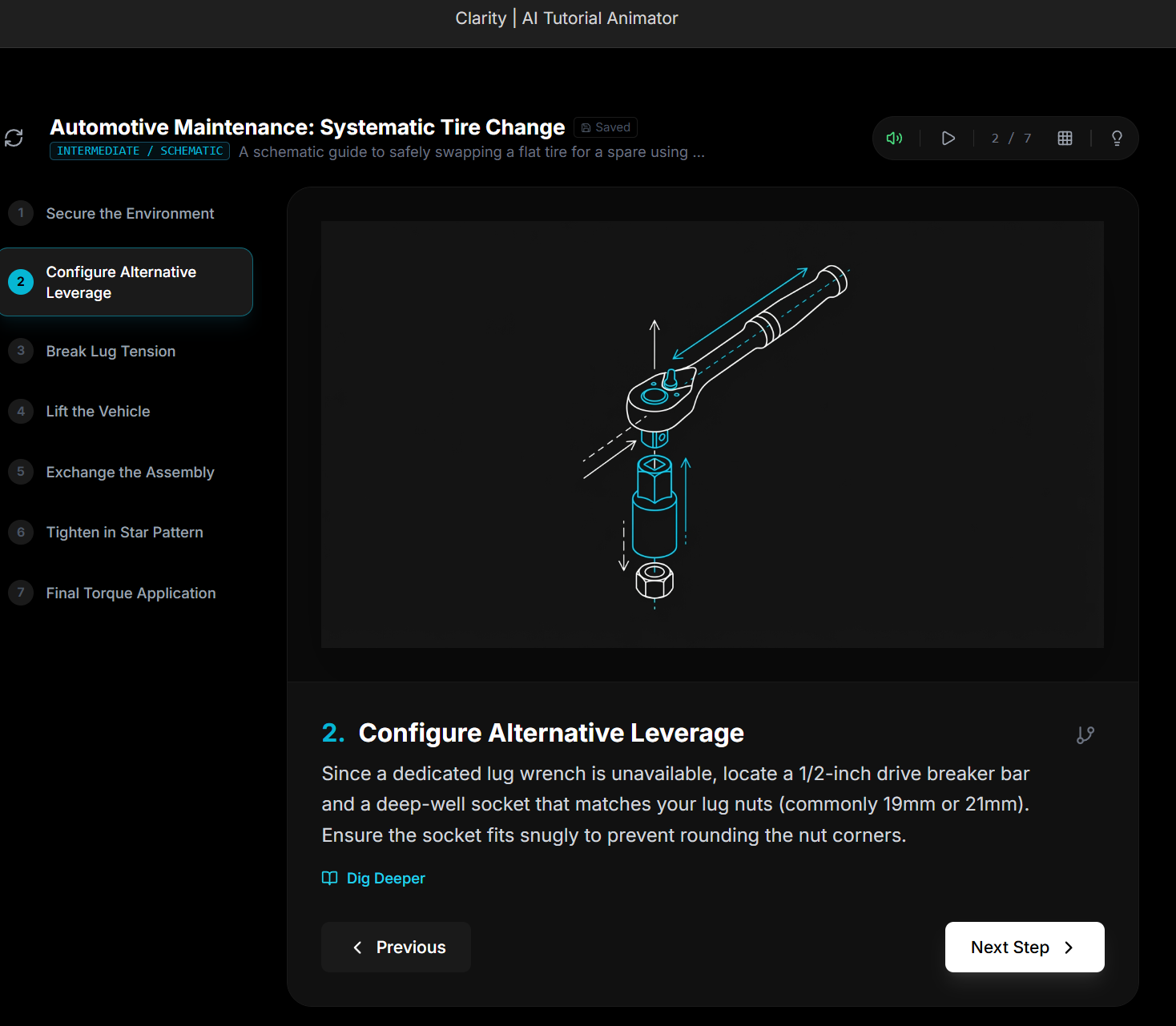
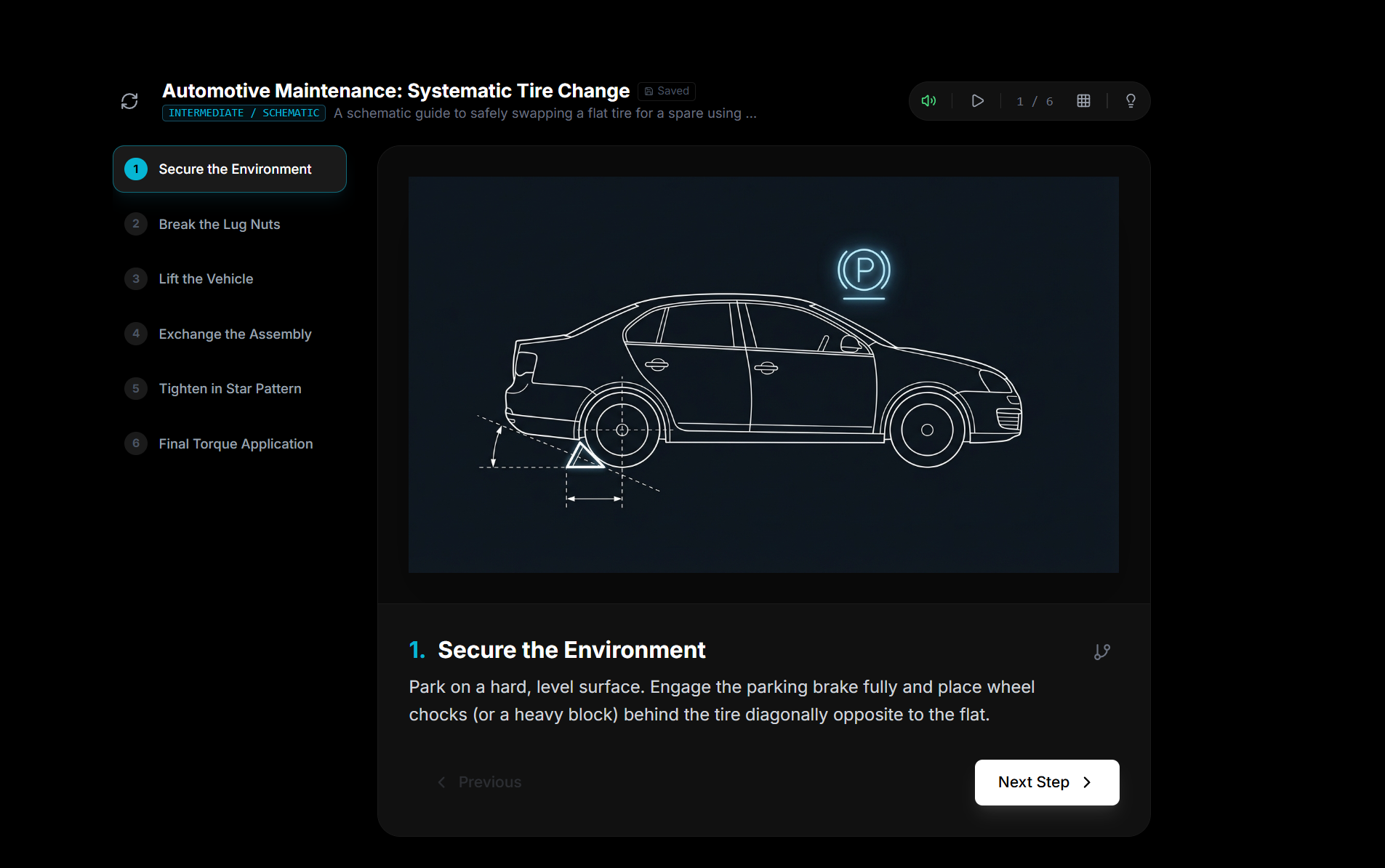
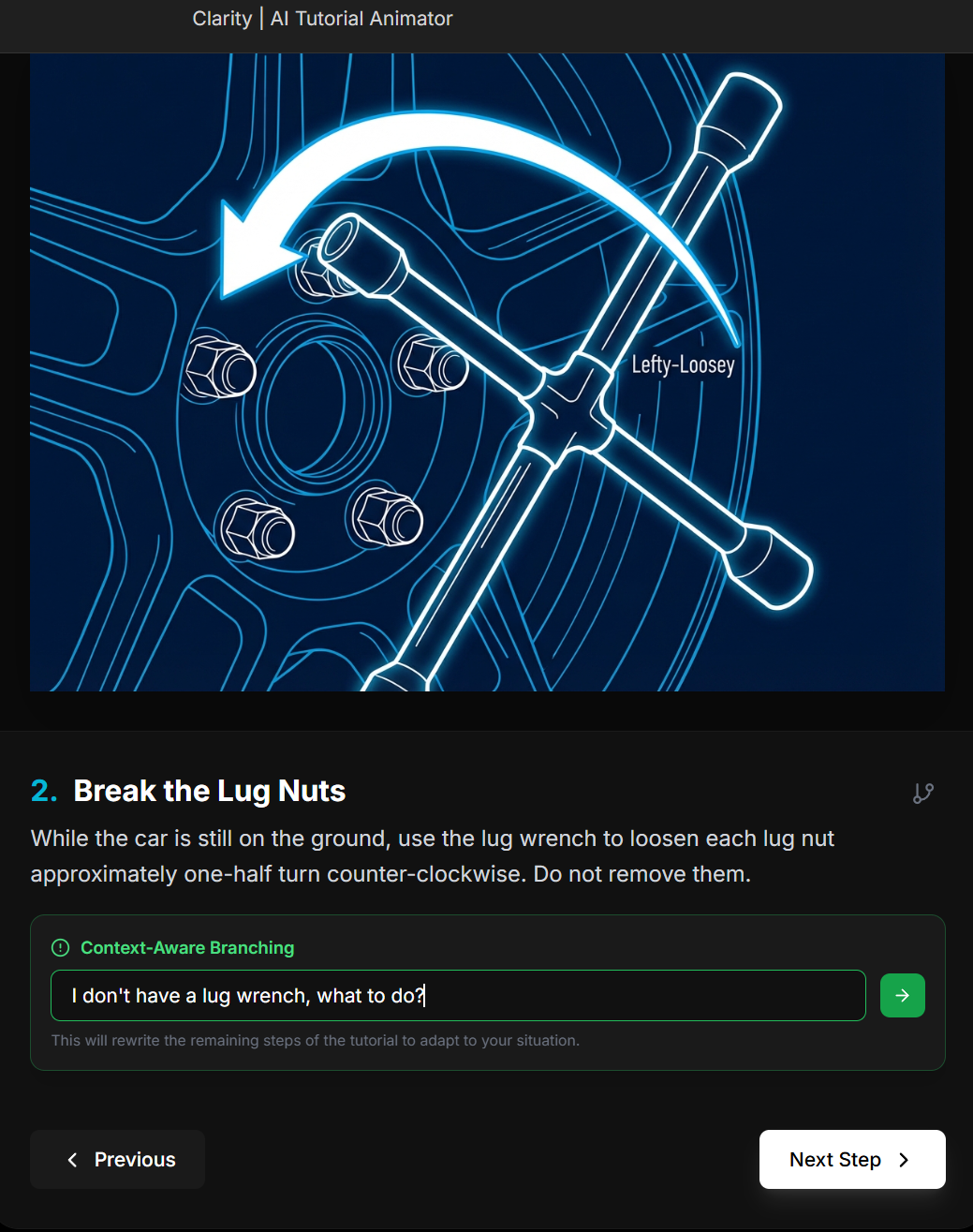
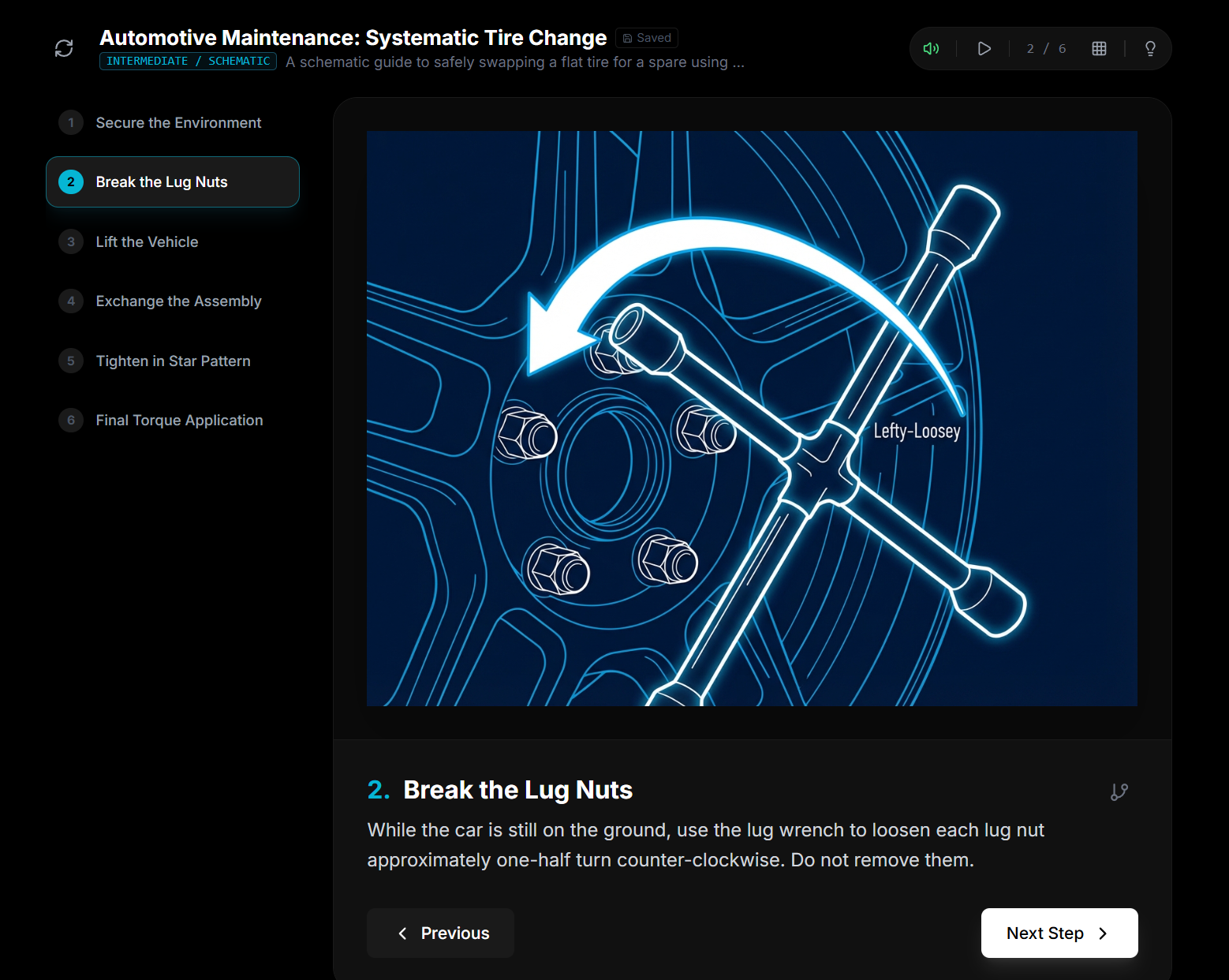
Clarity is an AI-powered multi-modal tutorial animator designed to transform any complex process into a personalized, step-by-step visual guide. Whether it is repairing a derailed zipper, changing a car tire, or solving advanced mathematical equations, Clarity breaks down tasks into digestible steps with perfectly paced animations. The platform adapts to the user’s specific situation through context-aware branching, suggesting alternative tools or ingredients when the user is stuck.
How we built it
Clarity is built on a sophisticated pipeline of process decomposition and visual reasoning.
- Reasoning: We use Gemini 3 to analyze user inputs (text, voice, or photos) and break them into logical steps.
- Multi-Modal Integration: Users can upload a photo of where they are stuck (e.g., a specific origami fold) or use voice commands when their hands are busy.
- Adaptive Content: The system adjusts explanation depth based on the selected difficulty—from ELI5 (Beginner) using analogies to Expert for concise technical details.
Challenges we ran into
One major technical challenge was the race condition during math rendering. We found that Framer Motion's lifecycle could interfere with DOM mounting, causing KaTeX to fail. We solved this by refactoring the logic into a dedicated MathRenderer component to isolate the rendering lifecycle. Additionally, we had to resolve UI conflicts where global keyboard shortcuts (like the spacebar for auto-play) would trigger while users were typing in the context-aware branching input field.
Accomplishments that we're proud of
What we learned
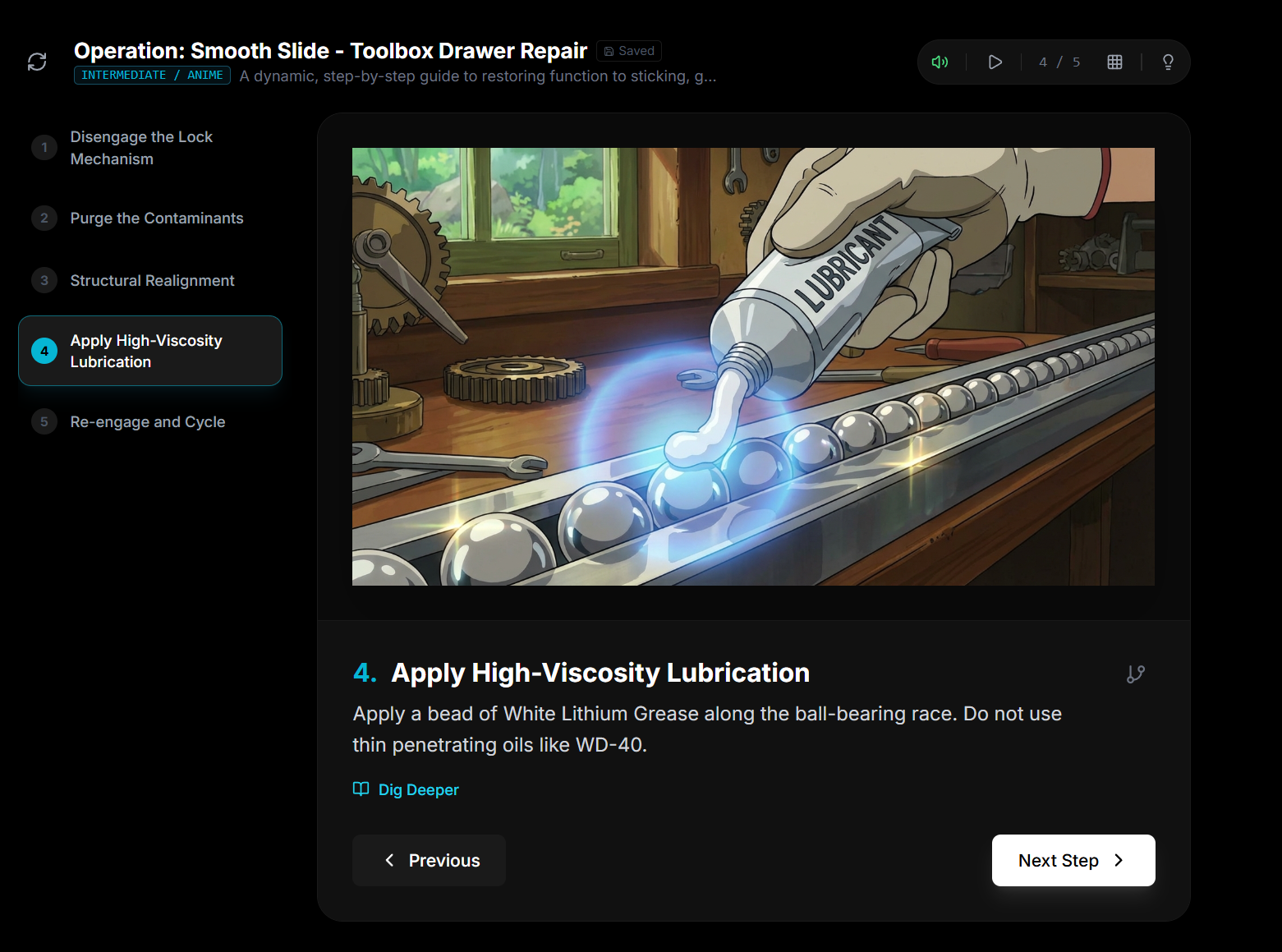
We learned the importance of progressive disclosure in education. By implementing "Dig Deeper" sections, we found that we could keep the primary interface clean while still offering deep technical context for curious learners. We also realized that AI voice narration (TTS) and visual style selection (like Schematic, Anime, or Blueprint) significantly increase user engagement and accessibility.
What's next for Clarity: The AI Visual Learning Interface
Built With
- aistudio
- gemini
- katex
- localstorage
- react
- tailwindcss
- typescript
- vite

Log in or sign up for Devpost to join the conversation.