Inspiration
As I was browsing the challenges of the hackathon I thought it would be very cool and quite challenging to delve into a completely new language, Clarity, I wanted to create something possible within the time frame and maybe add my own touch. I've previously used solidity to create a token in the BSC network and wanted to try something different, NFTs. I would've loved to create art by myself for the NFT but I didn't want anyone to gouge their eyes out looking at it. So, I decided to ask for the help of Python.
What it does
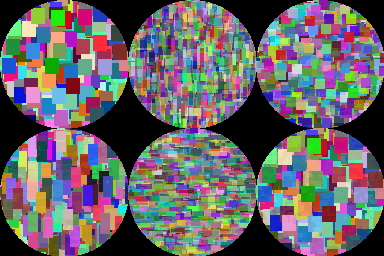
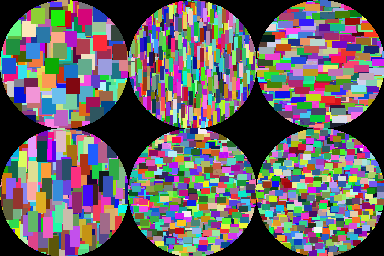
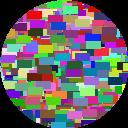
For the images: I'd previously heard of the PIL library but never actually used it so this was a good start! I used the Pillow library to create 128x128 images and used the random library to add a random amount of rectangles that had random height and random width as well as, random color. this resulted in a pretty but basic image. For the smart contract The smart contract has 5 functions in it, 2 of them public, transfer, and, mint. For this smart contract the mint function should be called once the contract is deployed which then transfers the NFT to the deployer, the transfer function, however, simply transfers the NFT from the sender to the receiver. For the 3 read-only functions, get-owner simply retrieves the info on who holds the NFT currently. while get-token-URI retrieves the IFPS metadata URI that holds info about the NFT and the image itself. Lastly, get-token-id simply retrieves the token id.
Challenges I ran into
I had problems with the composite function on PIL and creating a mask at the start of the project. I also wanted to implement more than one feature on the project but sadly I was limited by a lack of knowledge in some areas and a lack of time to learn how to implement the ideas.
As for Clarity, I think it's a wonderful language to learn however, there was sorta a lack of updated docs and tutorials for me to learn more about the language. nonetheless, I powered through and found a couple of videos and resources which helped me.
Accomplishments that I'm proud of
That my computer didn't break down. Just kidding, well sorta, I had a ton of tabs open on chrome. I'm proud of how I used my research abilities and how I managed the time, I'm also proud that I learned more about Stacks and learned how to interact with the network.
PS. this is my first hackathon and I had so much fun.
What I learned
Basic Clarity programming Pillow Library in Python
What's next for Clarity NFT Smart contract and Python image generating code.
Well, I'm gonna try to use the Pinata API to let the user create images and then use their API key to automatically create metadata and upload it with their NFT Image to IPFS.

Log in or sign up for Devpost to join the conversation.