-
-
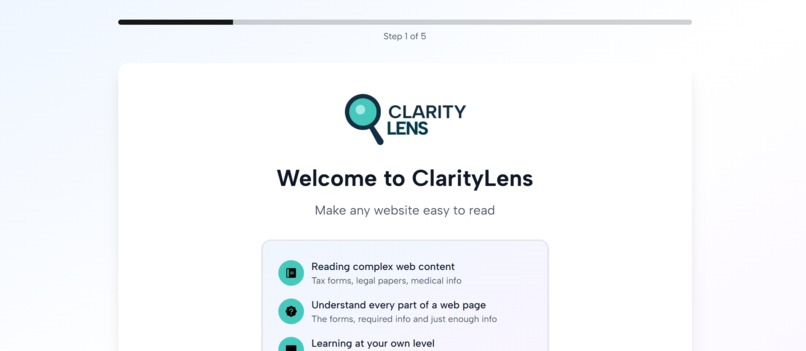
Welcome page
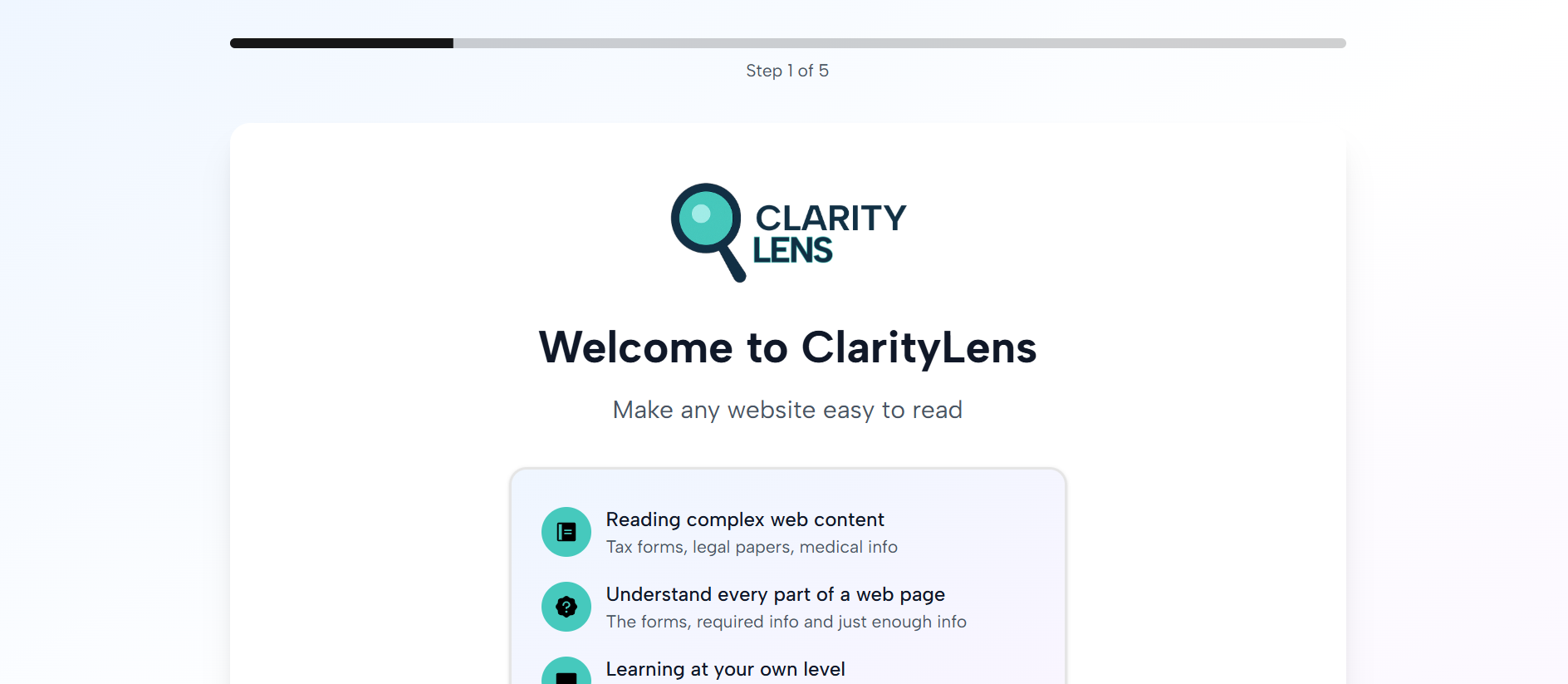
Inspiration
I was working on a web project, adding alt text to images and improving keyboard navigation, focused entirely on physical disabilities. Then a colleague with dyslexia pulled me aside and said, "The page works great, but I still struggle to understand some instructions." That hit me hard. We'd built a perfectly accessible interface, but filled it with college-level text. At that moment, I realized that accessibility isn't just about seeing or clicking alone, it's also about comprehending. That's when I did some more research and then discovered the gap: 62% of adults read below 6th grade, yet the web is written at 12th grade level. Cognitive disability like dyslexia, ADHD, low literacy, language barriers, affects billions, but almost no one is building for it. ClarityLens was born from that moment: what if we made the content accessible, not just the interface? AI makes this possible to a very large extent
What it does
ClarityLens is an AI-powered reading assistant that makes any website understandable for people with cognitive disabilities, seniors, and anyone who struggles with complex text. It instantly simplifies web pages to your reading level (elementary through college), translates into your preffered languages, and uses Google's multimodal AI to understand entire pages, including forms, tables, and images. But it goes beyond simplification: it extracts action checklists ("What do I need to DO?"), lets you chat with any page to ask questions, and creates smart summaries. It's like having a personal tutor for every website you visit, making digital independence finally possible for 2 billion people.
How I built it
ClarityLens was built with HTML, CSS and JS for building the extension, the Summarizer API, Prompt API for AI integration and processing and Next.js and Tailwind for the extension setup process. The setup webpage was deployed on Vercel.
Challenges I ran into
I ran into quite a number of challeneges:
- Using unsupported code when building the chrome extension
- Sending information to the extension
- Persoanlization of user experience
Accomplishments that I'm proud of
- 3 out of 4 of the basic functionalities work really well! The summarisation, chat with page and extracting action items for the user
What I learned
- I learnt how to get JSON data returned as an API response fully handled on the client-side.
- I learnt about how to better build and work with chrome extensions
- I learnt how to build with Web AI API's and I now have a basic understanding of how they work and should be integrated. This also gives me a good idea of applying them in the best ways they could give users the bext experience, and exploring newer ways of solving problems
What's next for Clarity Lens
The first thing I would like to do is to fix up some functionalities which are not working optimally well like personalization (making good use of the user's data collected at setup), adding the translator functionality, improving the UX and the UI Next i'd get people with congitive disabilites to see how I can improve on the basic functionalities, then I would add newer functionalities like saving information gotten from a webpage (this would in turn require authentication ), guidance when filling up a form or navigating complex interactive elements, i'd also add a voice control and voice feedback
Built With
- ai
- css3
- html5
- javascript
- next.js
- react
- typescript


Log in or sign up for Devpost to join the conversation.