-
-
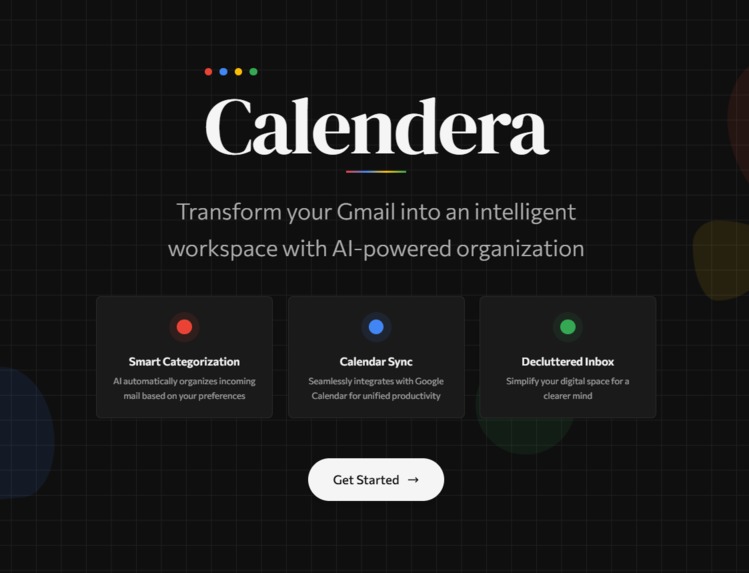
Landing Page
-
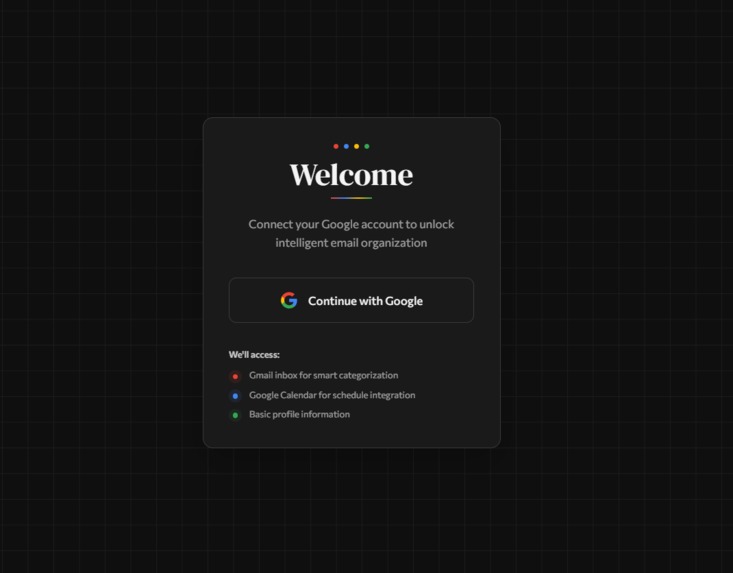
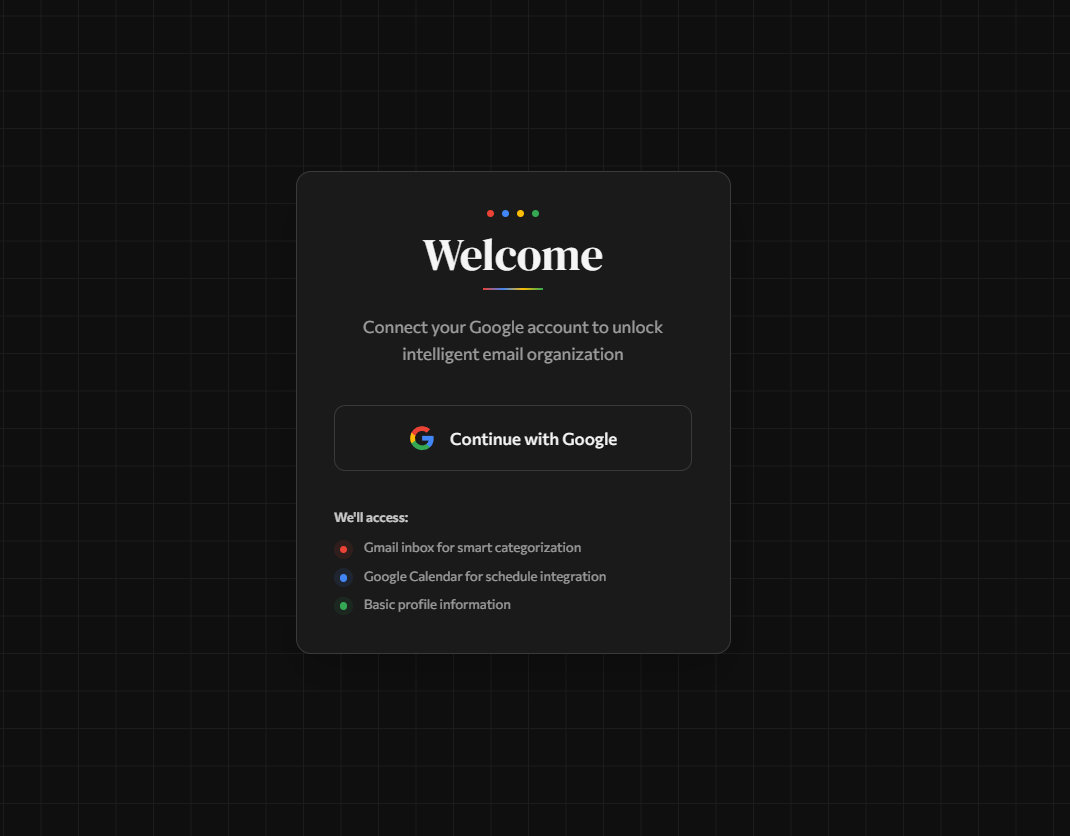
Authentication Page
-
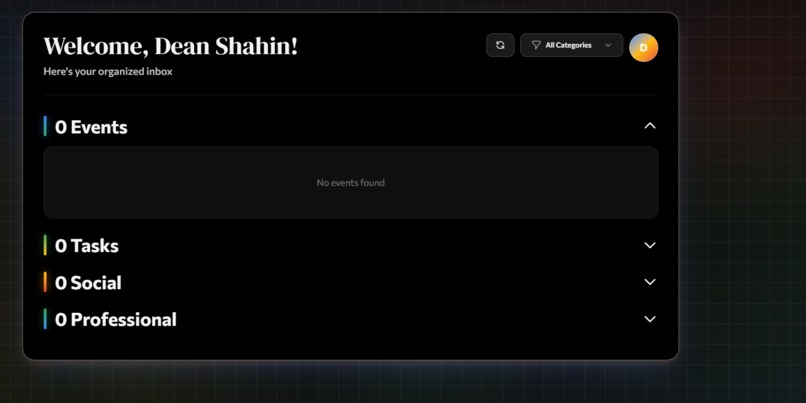
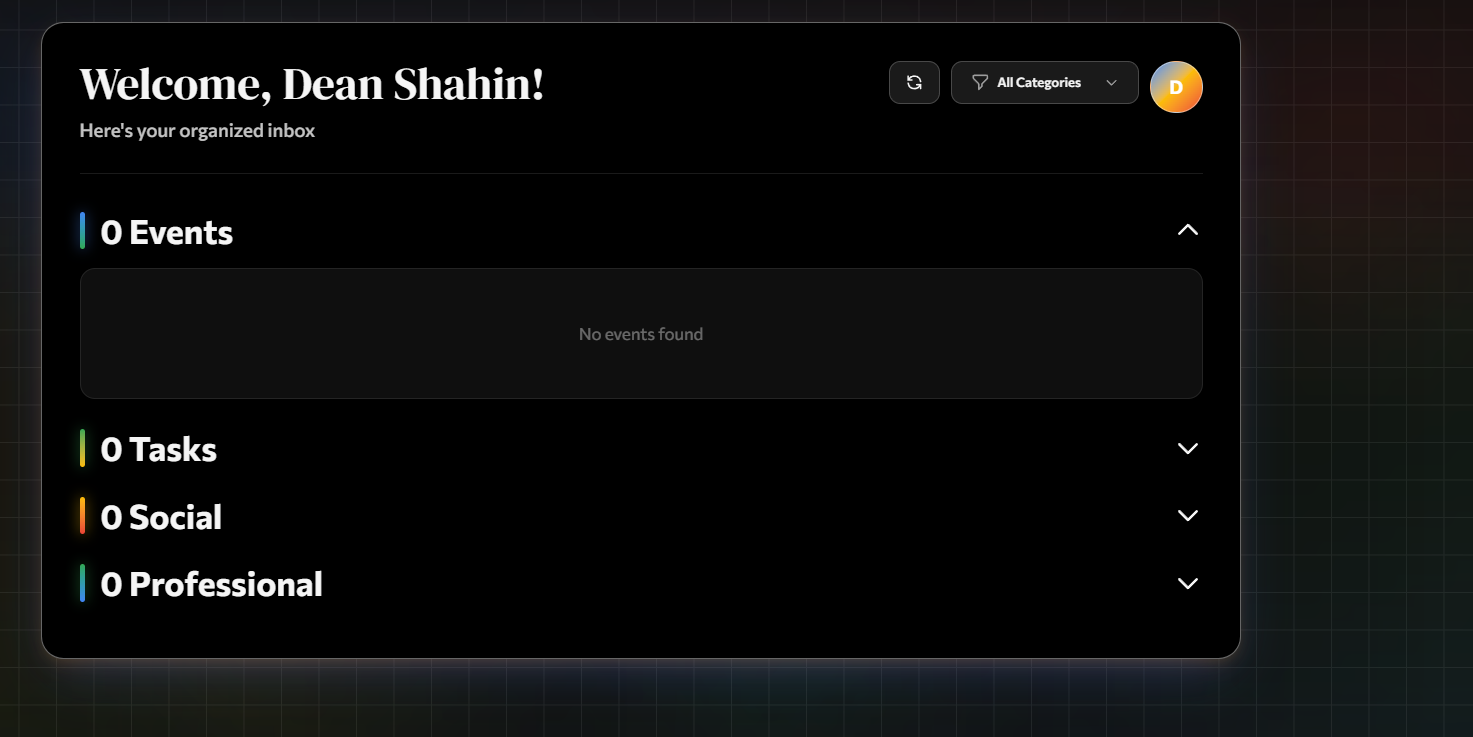
Dashboard
About the Project
Inspiration
In the 21st century, we are constantly connected to our mobile devices from LinkedIn and Instagram to Gmail and other communication platforms. However, the flood of notifications across these channels can easily overwhelm us. We often spend unnecessary time sorting through these messages, adding events to our calendars, managing task lists, and ultimately getting distracted in the process.
Our goal was to simplify this experience. We wanted to create a solution that helps users manage communication notifications efficiently while staying focused and organized. The vision was to build a customizable and easy-to-navigate product that lets users filter, prioritize, and act on notifications seamlessly, ensuring they never miss valuable opportunities or meaningful connections.
Our Development Process
Brainstorming the Problem
We started by identifying meaningful, everyday productivity issues. Using insights gathered from web research and AI discussions, we decided to tackle the growing problem of notification overload through AI-driven automation.Designing the Architecture
Once our concept was finalized, we designed a clear system architecture. Our backend was structured into multiple AI agents, each responsible for specific tasks such as data retrieval, classification, and prioritization. This modular approach allowed for more accurate, refined, and scalable outcomes.Developing and Integrating Tools
Using Claude Code, ChatGPT, and Windsurf, we built, tested, and refined our platform. The Claude SDK helped us develop end-to-end AI agents, while generative tools accelerated our coding and debugging workflow. We also set up a product roadmap mapping the user journey from the frontend interactions to the backend agent orchestration.
What We Learned
Throughout this journey, we learned how to apply AI orchestration architectures to real-world productivity challenges. We gained hands-on experience with Claude SDK, ChatGPT, Windsurf, and other AI-assisted development tools, deepening our understanding of how multiple AI agents can work collaboratively.
We also honed our prompt engineering, testing, and UI/UX design skills. Most importantly, we learned how to transition from an abstract idea to a working product by following an iterative, user-centered design approach.
Challenges We Faced
As a team of beginners, we encountered multiple obstacles that helped us grow significantly.
Ensuring Proper Flow Between AI Agents
Initially, testing individual agents was difficult, and debugging their interactions was time-consuming. To resolve this, we created local testing environments and adopted a modular testing strategy, ensuring each agent could operate both independently and collaboratively.Crafting a User-Friendly Interface
Designing a simple, intuitive interface for users (especially those new to AI-powered tools) was a major challenge. We focused on navigation clarity, ease of use, and visual simplicity. Through feedback from mentors, friends, and family, we iterated multiple design versions to deliver a clean, user-centered experience.
Example of Future Expansion
We envision expanding the platform to include intelligent task prediction using algorithms to help dynamically prioritize notifications based on user behavior, making the system even more adaptive and personalized.
Built With
- beeper-mcp
- claude-api
- claude-sdk
- dotenv
- google-console-cloud-api
- google-oauth
- javascript
- next.js
- node-cron
- node.js
- sqlite-3



Log in or sign up for Devpost to join the conversation.