-
-
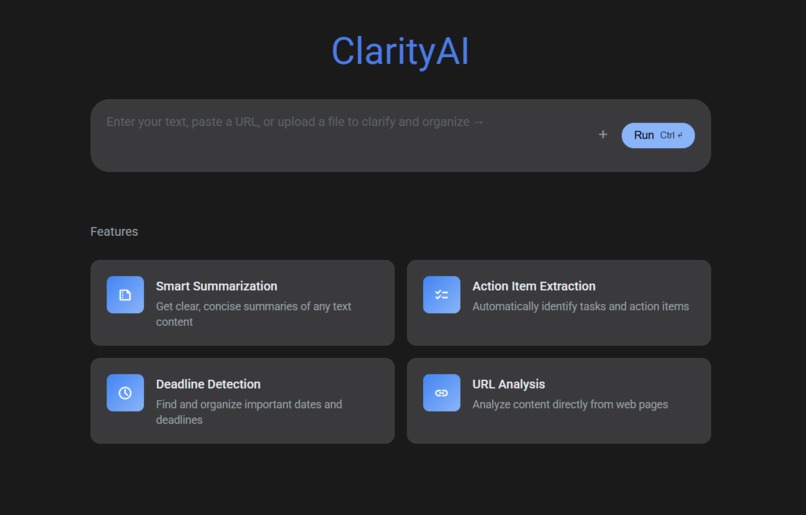
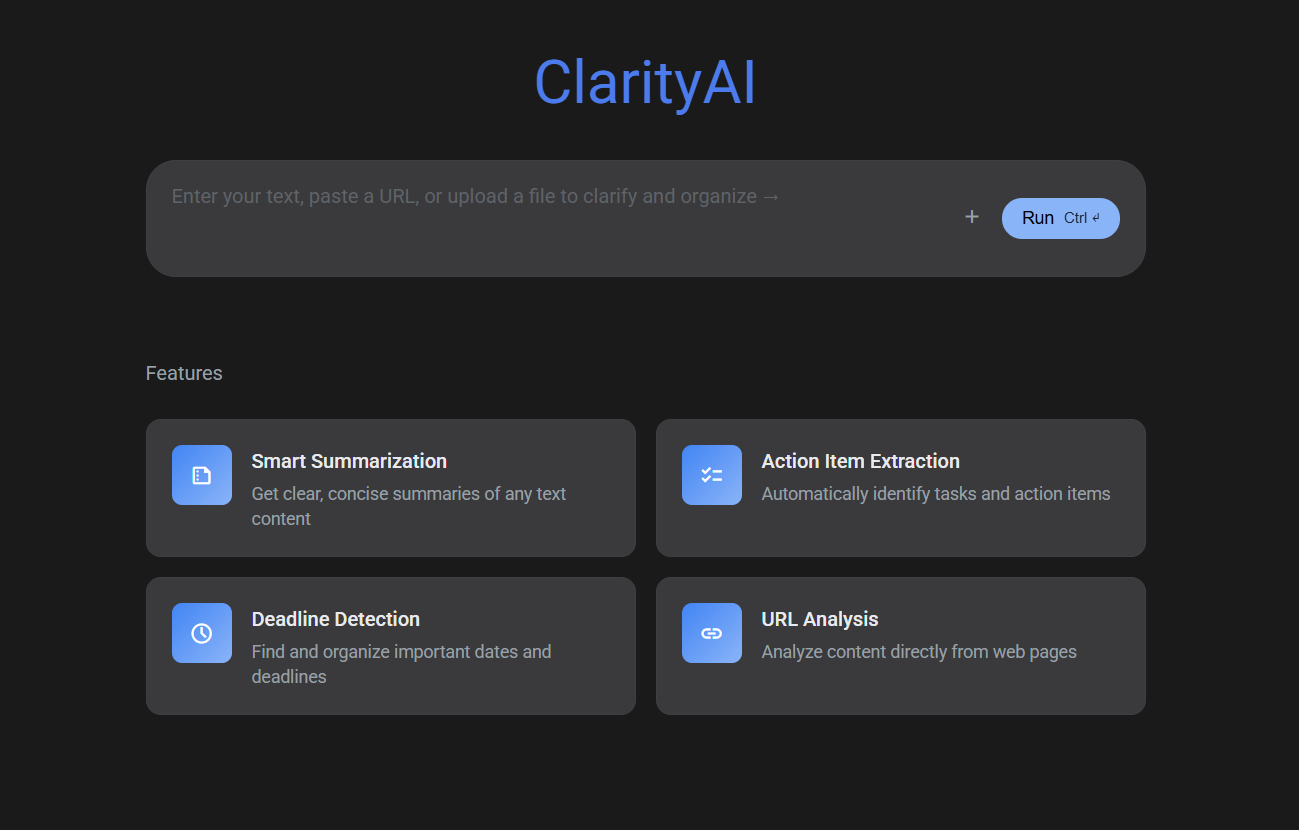
ClarityAI is your sleek, intelligent assistant designed to bring order to the chaos of modern work and study
Of course. Filling out these sections well is key to telling your project's story. Here is compelling text for each section, tailored to the journey you've been on with ClarityAI.
You can copy and paste these directly into the form.
Inspiration
Living in a vibrant and fast-paced city like Bengaluru, I found my daily life saturated with information. From university lecture notes and project ideas to countless emails and WhatsApp messages, it was a constant struggle to keep track of what was truly important. I was drowning in a sea of text but thirsty for clear, actionable tasks. This project was born from a simple question: "What if I could build a digital lens to instantly find the signal in my own noise?" I was inspired to create a tool that could serve as a personal intelligence officer, automatically sifting through chaos to provide clarity.
What it does
ClarityAI is a web-based productivity tool that transforms unstructured, messy text into organized, actionable insights. With a single click, it analyzes any text you provide—be it meeting minutes, a rambling voice note, or a long email thread—and intelligently extracts the most critical information.
Its key features include:
Action-Item Extraction: Identifies and lists all tasks or to-dos.
Deadline Detection: Pulls out any mentioned dates or deadlines.
AI-Powered Summarization: Generates a concise, one-sentence summary of the entire text.
Priority Analysis: Assigns a "High," "Medium," or "Low" priority level to each task.
Google Calendar Integration: Creates one-click "Add to Calendar" links for any task with a specific deadline.
Voice-to-Text Input: Allows users to speak their notes directly into the app for instant transcription and analysis.
Analysis History: Saves previous results in the browser's local storage for easy access.
Professional UI: Features a sleek, modern interface inspired by Google's AI Studio, complete with a persistent dark mode for user comfort.
How we built it
ClarityAI was built as a testament to the power of AI-assisted development. I acted as the project manager and architect, partnering with AI tools to accelerate the entire process from concept to deployment.
Backend: The server is built with Python using the Flask micro-framework. It hosts a single API endpoint that communicates with the core AI brain.
Core AI: All natural language processing tasks are handled by the Google Gemini Pro API. The key to the app's success lies in carefully engineered prompts that instruct the model to return structured JSON data, including priorities and standardized dates.
Frontend: The user interface is built with standard HTML, CSS, and vanilla JavaScript. The UI was designed to be clean and intuitive, using CSS variables for easy theming (Light/Dark modes). The browser's native Web Speech API was used for voice transcription and localStorage for the history feature.
Development Environment: The project was initially prototyped on Replit for speed and then transitioned to a local VS Code environment for more advanced development.
Challenges we ran into
The biggest challenge was prompt engineering. Instructing the AI to consistently return perfectly formatted JSON, especially for ambiguous, relative dates like "next Tuesday afternoon" or "end of the week," required dozens of iterations. Crafting the final "master prompt" that could handle these cases reliably was a significant hurdle.
Another challenge was debugging the asynchronous nature of JavaScript. Integrating the three main features—the core API fetch, the real-time voice recognition, and the localStorage history—into a single, non-conflicting user experience required careful management of events and callbacks.
Accomplishments that we're proud of
As a developer at the beginning of my journey, I'm incredibly proud of taking a simple idea and building it into a multi-featured, polished application. My biggest accomplishment is not just the final product, but the process itself—proving that a solo builder can create something complex and functional by effectively leveraging AI as a development partner.
Specifically, I'm proud of successfully implementing the "Add to Calendar" link generation. This small feature required the AI to perform complex date standardization on the backend and required precise string manipulation on the frontend, turning a simple list into a truly interactive tool.
What we learned
This project was an immense learning experience. On a technical level, I gained practical skills in full-stack development, from creating a REST API in Python to manipulating the DOM and handling asynchronous events in JavaScript.
More importantly, I learned how to think with AI. Instead of seeing it as a magic box, I learned to treat it as a tool that requires precise instruction and careful validation. The process of debugging AI-generated code taught me more about the underlying technologies than simply reading documentation. I also learned the fundamentals of product design—focusing on a core user problem and building features that directly solve it.
What's next for Clarity AI
The vision for ClarityAI is to become a central hub for personal and professional information management. The next steps are focused on expanding its data sources and integration capabilities:
Expanded Input Options: Implement functionality for users to upload files (.pdf, .docx) and paste URLs to analyze web articles.
Deeper Integrations: Connect with professional workflow tools by generating "Create Task" links for platforms like Trello or Asana.
Full Productization with User Accounts: The ultimate goal is to use a backend service like Firebase to add user authentication. This would enable cloud-synced history across devices, making ClarityAI a true cross-platform productivity companion.

Log in or sign up for Devpost to join the conversation.