-
-
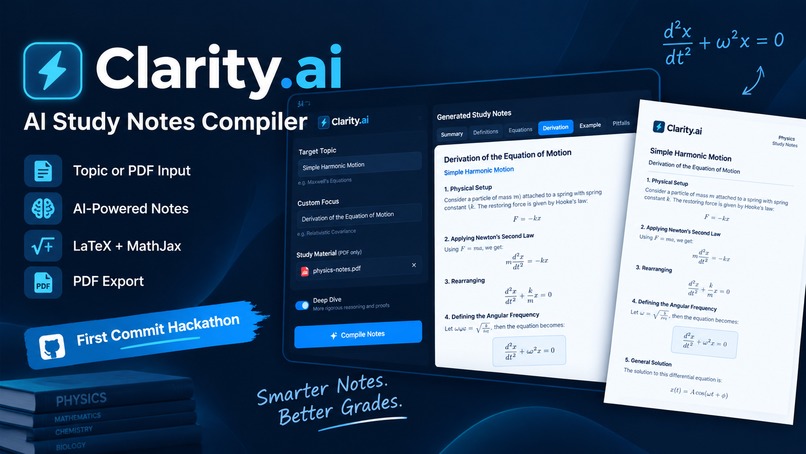
Thumbnail
-
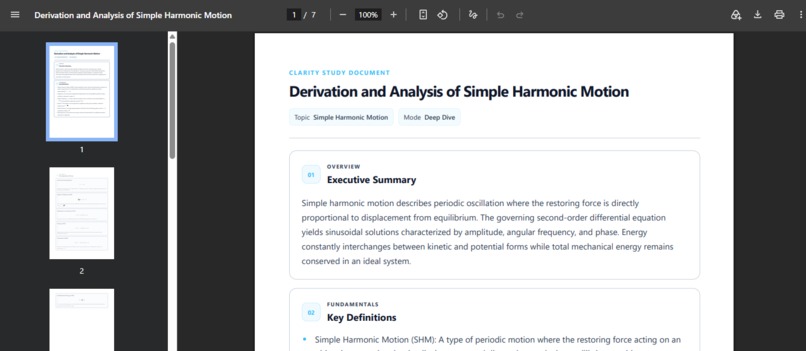
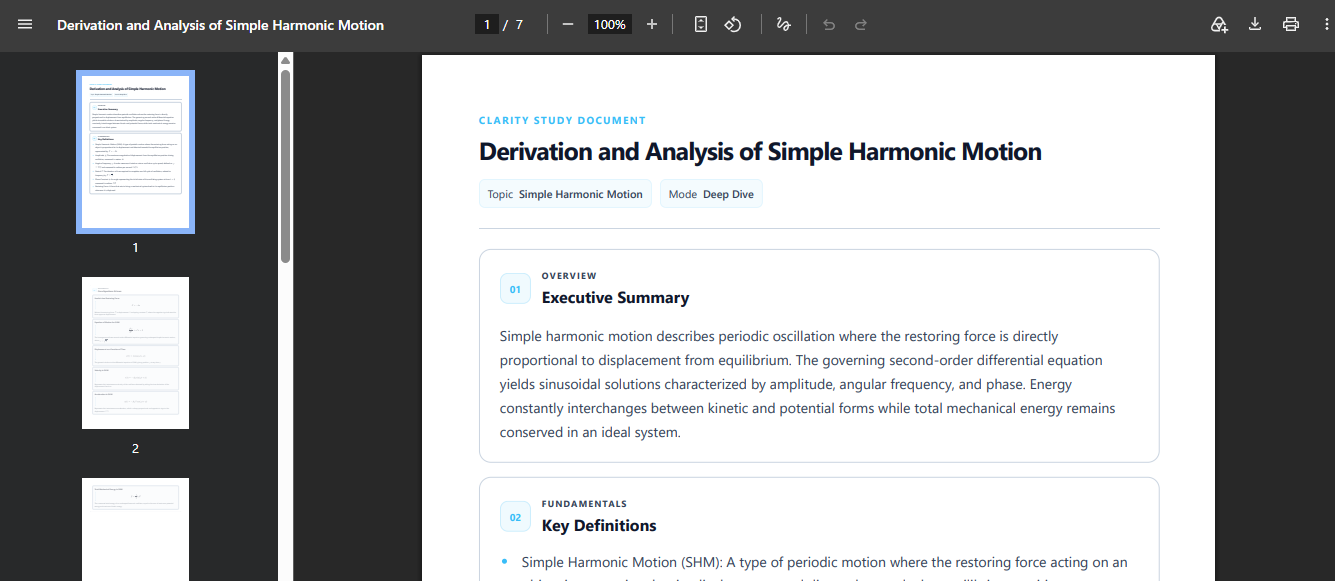
Downloaded PDF of Example(view)
-
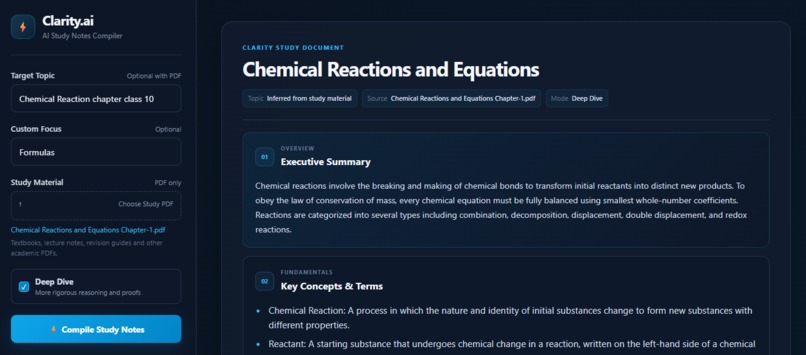
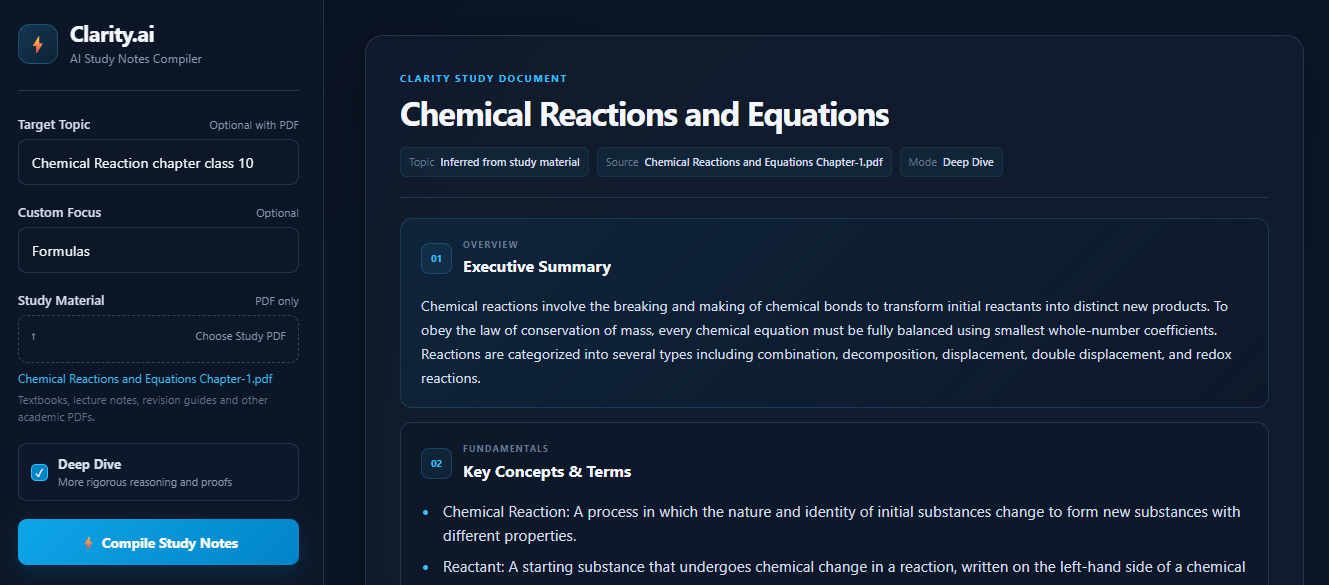
Web View of Example
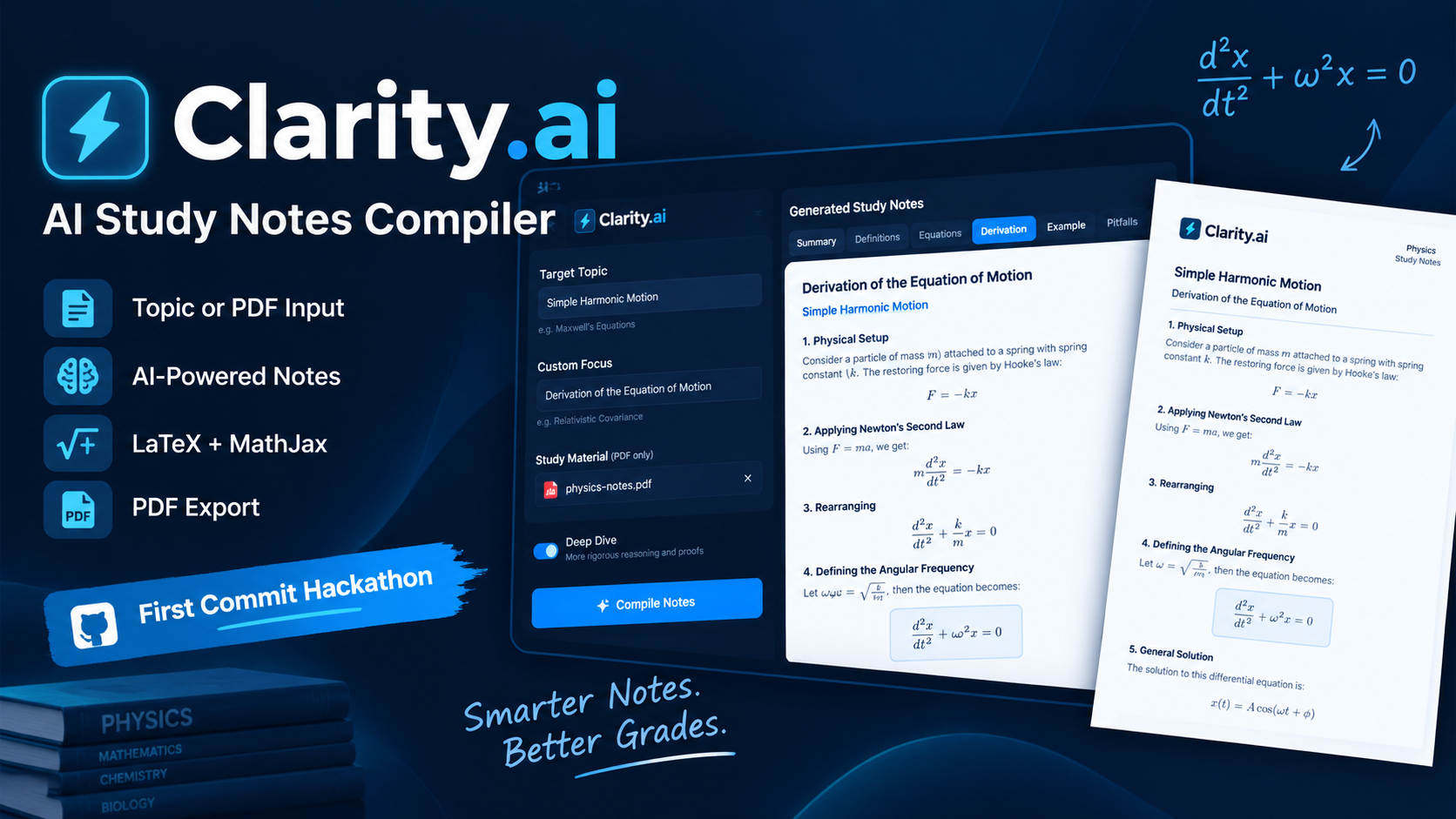
Inspiration
I started Clarity.ai because studying from textbooks, lecture notes, and long PDFs can get messy very quickly. The information is usually there, but finding the important parts and turning them into useful revision notes can take a lot of time.
I wanted to make something where I could give the application a topic or the study material I already had and get back notes that were organized and easier to revise from.
That idea became Clarity.ai.
What I Built
Clarity.ai is an AI-powered academic study-notes compiler. It can take a topic, a study PDF, or both and turn them into structured notes.
When a PDF is uploaded, Clarity.ai uses it as the main study source. When a topic is also provided, the topic helps determine what parts of the material should receive more attention. When only a PDF is provided, the application can infer the main academic topic from the material.
The generated notes are organized into:
- Executive Summary
- Key Definitions / Concepts
- Core Equations, Laws, or Principles
- Step-by-Step Derivation / Analysis
- Worked Example
- Exam Pitfalls
I also added Custom Focus so users can specify what they want to concentrate on, and a Deep Dive option for more detailed explanations and advanced reasoning.
I wanted the application to work for more than just one subject, so I added subject-aware presentation for areas such as Physics, Chemistry, Biology, Mathematics, AI/Cybersecurity, and English. Instead of allowing the AI to randomly create section headings, Clarity.ai identifies the subject and uses predefined presentation labels while keeping the underlying data structure consistent.
How I Built It
I built the application using Python and Flask, with the Gemini API handling the generation of the study notes.
I used Pydantic to define the structure of Gemini's response. This helped me work with predictable fields for things like definitions, equations, derivation steps, worked examples, and exam pitfalls instead of trying to parse one large block of text.
A big part of the project was figuring out how to send user input from the Flask application to Gemini. I learned how to take the topic, custom focus, and other settings from the web form, build them into a prompt in Python, send that prompt to the API, and then process the structured response.
For mathematical content, I used LaTeX and MathJax so equations could be rendered properly in the browser. I also added cleanup and formatting steps because AI-generated mathematical notation does not always arrive in exactly the form needed by MathJax.
I added PDF export using Playwright, which allows the generated notes page to be rendered and saved as a formatted PDF.
Later in development, I also changed how notes were stored. Originally, putting the whole generated document into Flask's session caused the session cookie to become too large. I changed the application so the notes are stored on the server and only a small identifier is kept in the session.
Challenges
One of the biggest challenges was working with the Gemini API itself. During development, I ran into temporary request failures and service-availability problems, including cases where the API returned errors because the service was under heavy demand. I had to learn how API failures work, how to recognize temporary errors, and how to add retry and fallback behaviour instead of letting the application simply fail.
I also had to learn how to work with API keys and environment variables. Understanding why the Gemini key should not be written directly into the source code, how to load it using a .env file, and how to make sure it does not accidentally get committed to GitHub was completely new to me.
Another challenge was learning Jinja templating for the first time. I had to understand how Python data is passed into an HTML template, how loops and conditional blocks work, and how the generated note structure could be rendered dynamically instead of hardcoding every section.
Mathematical formatting was another difficult area. At different points I had issues with LaTeX commands, escaped characters, scientific symbols, missing delimiters, and mathematical expressions appearing as plain text. I had to add processing in Python to clean and normalize the generated content before sending it to MathJax.
I also spent a lot of time refining the HTML and CSS so the application looked consistent and usable. Some changes that seemed small ended up affecting the layout in unexpected ways, which taught me that changing one part of a web interface can sometimes break something completely different.
Finally, as the generated notes became larger, I discovered that storing everything directly in Flask's session was not practical because of browser cookie size limits. Solving that required changing part of the application's storage design rather than just changing the UI.
What I Learned
This project was my first time working with several technologies and ideas together, so I learned a lot while building it.
I learned how to work with an external API from Python, including how to create a client, use an API key safely, send requests, handle responses, and deal with temporary errors. I also learned that APIs are not always going to respond perfectly every time, so error handling is an important part of making an application usable.
I learned how to create prompts dynamically in Python based on what the user enters into a web application. Instead of writing one fixed prompt, I learned how to include things like the topic, custom focus, Deep Dive mode, and uploaded study material so Gemini could generate different results depending on the user's input.
I learned how structured AI responses can make an application much easier to build. Using Pydantic taught me how to define the format I expect from the model and then validate the response before displaying it.
I also learned the basics of Jinja templating, including how Python data can be passed into HTML, how loops can generate repeated content, and how conditional logic can change what appears on the page.
I learned how LaTeX and MathJax work together to display mathematical content on a website. This taught me that mathematical notation needs special handling and that AI-generated LaTeX sometimes needs to be cleaned up before it can be rendered properly.
I learned how Playwright can be used to automate a browser and generate a PDF from a webpage. I had not worked with browser automation or programmatically generated PDFs before this project.
I also learned more about HTML, CSS, and JavaScript by building and refining the interface. A lot of the UI development involved testing changes, finding unexpected layout problems, and understanding how different parts of a webpage interact.
Finally, I learned more about Git and GitHub, including repositories, commits, .gitignore, environment variables, and preparing a project so that someone else can clone the repository and run it.
Most of these technologies and ideas were new to me when I started this project. I still have a lot to learn, but building Clarity.ai helped me understand how the different parts of a real application can work together.
My Contribution
I designed and built Clarity.ai as the main developer of the project. I worked on the Flask application, Gemini API integration, prompt design, structured response handling with Pydantic, PDF input processing, Jinja templates, HTML/CSS/JavaScript UI, LaTeX/MathJax rendering, and PDF export with Playwright.
I also implemented features such as topic and PDF-based note generation, Custom Focus, Deep Dive mode, subject-aware presentation, error handling and retries for API failures, and server-side note storage to avoid oversized Flask sessions.
Throughout development, I tested the application, debugged issues, refined the interface, and prepared the GitHub repository and documentation.
AI Disclosure
AI tools were used throughout development as learning and development aids.
I used AI assistance to help me understand unfamiliar technologies, brainstorm implementation approaches, debug errors, identify problems in my code, improve the UI, and refine parts of the Python, HTML, CSS, and JavaScript code.
I reviewed, tested, modified, and integrated the suggestions myself rather than treating AI-generated code as a finished solution.
The Gemini API is also a core part of Clarity.ai itself and is used to generate the academic study notes from the user's topic, settings, and uploaded study material.
The project was developed and completed during the hackathon.
Built With
- css
- flask
- gemini-api
- html
- javascript
- jinja
- json
- latex
- mathjax
- natural-language-processing
- pdf-processing
- playwright
- pydantic
- python
- web-application

Log in or sign up for Devpost to join the conversation.