-
-
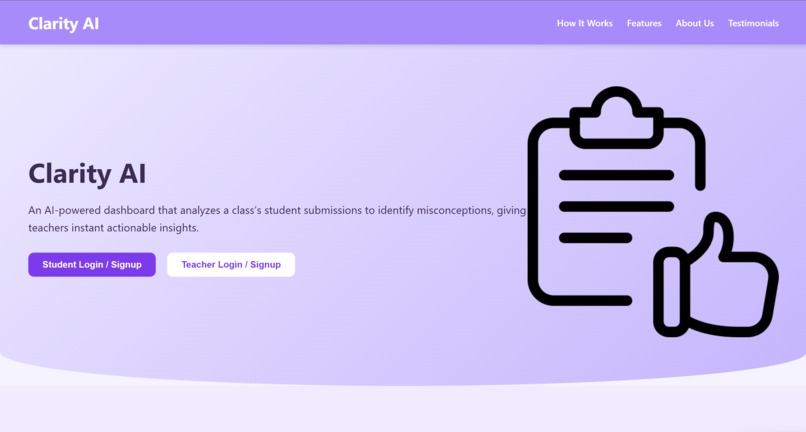
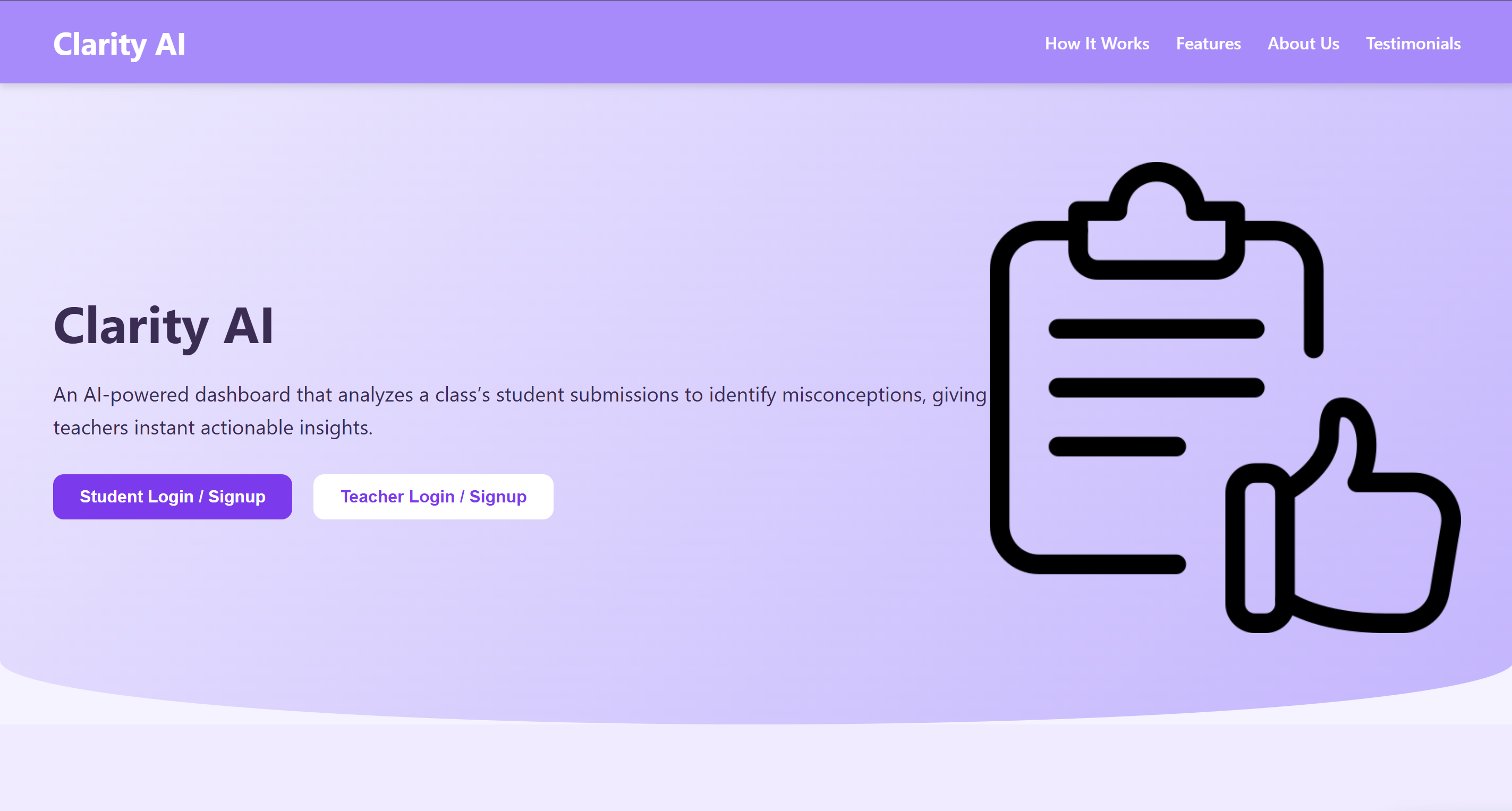
Landing Page
-
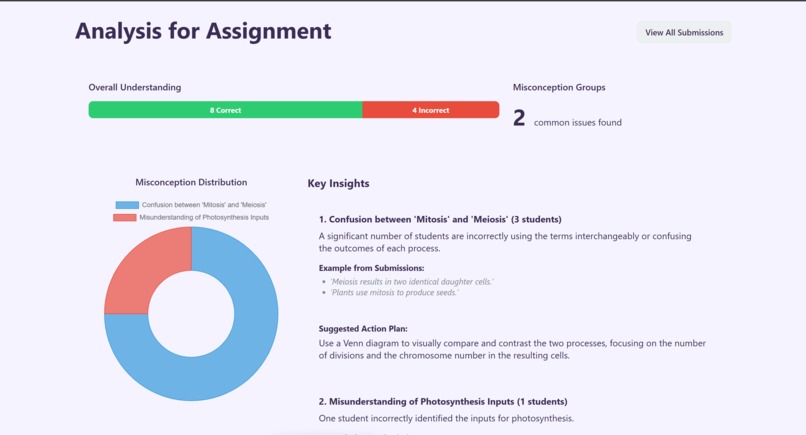
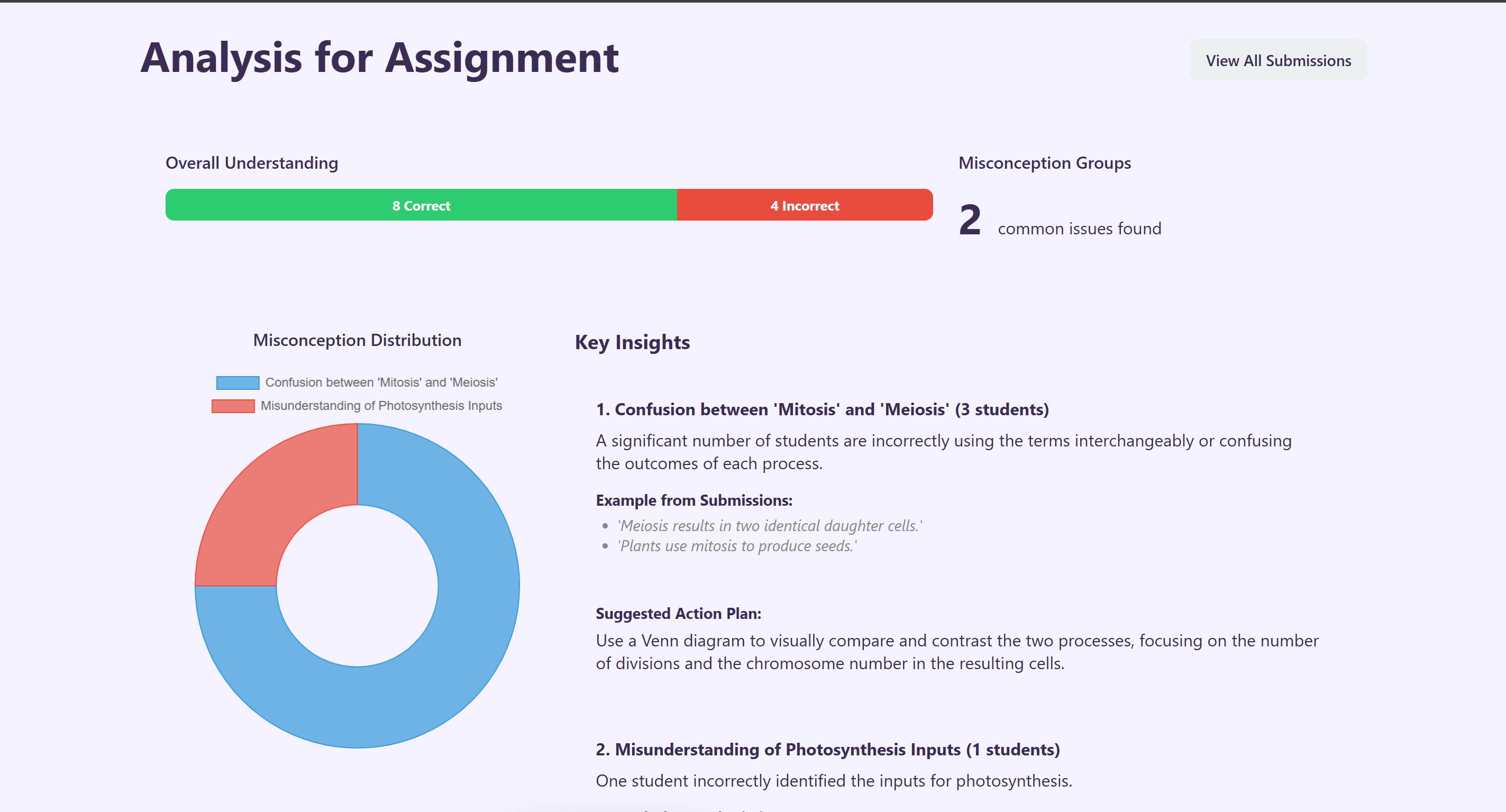
Detailed Analysis
-
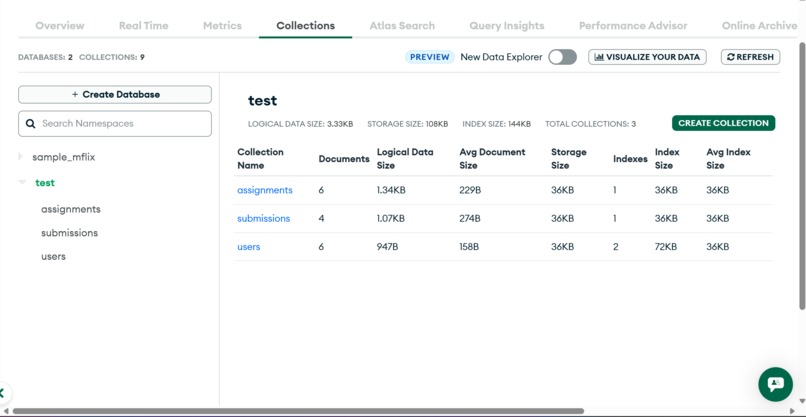
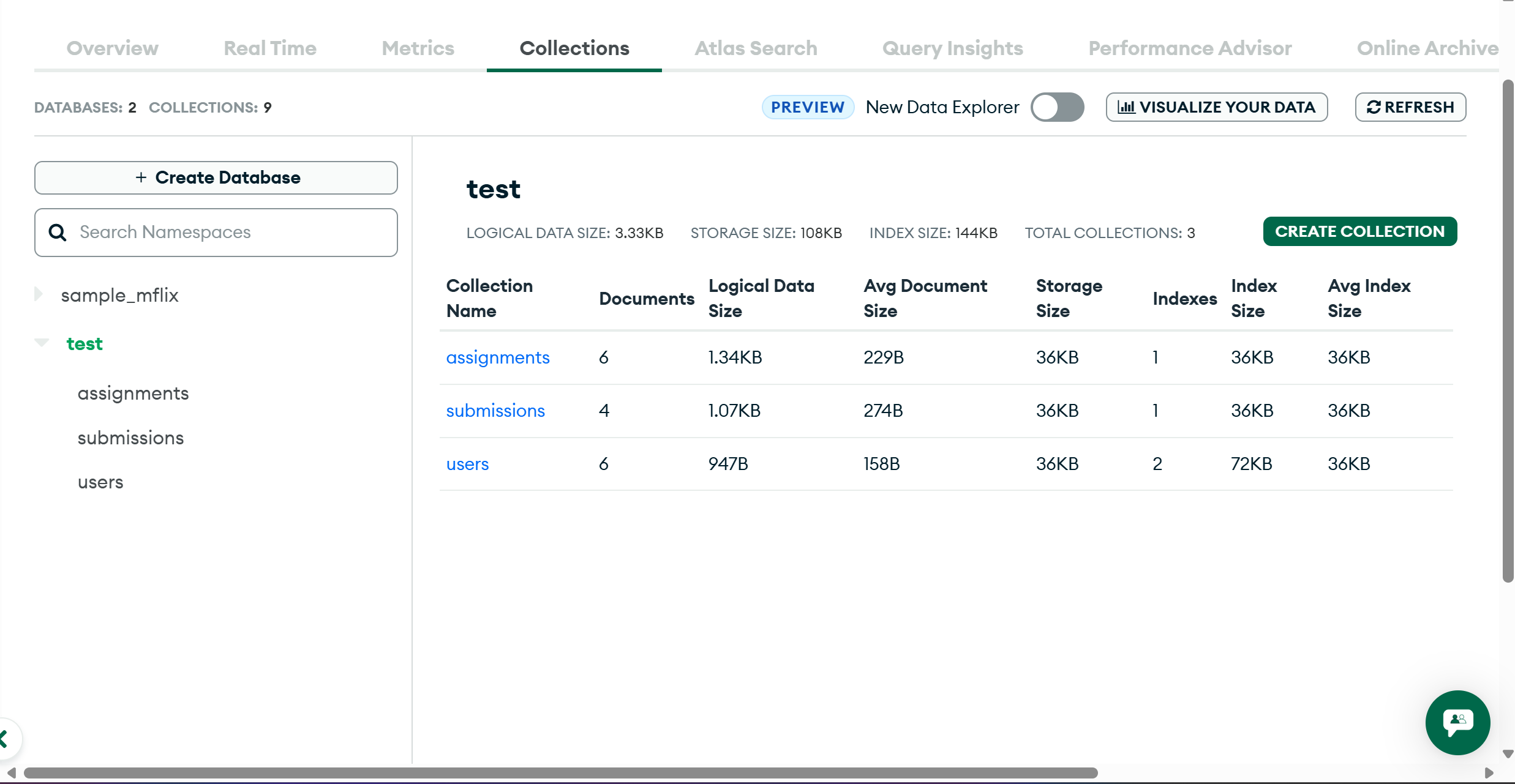
Separate schemas managed for submission assignment and users.
-
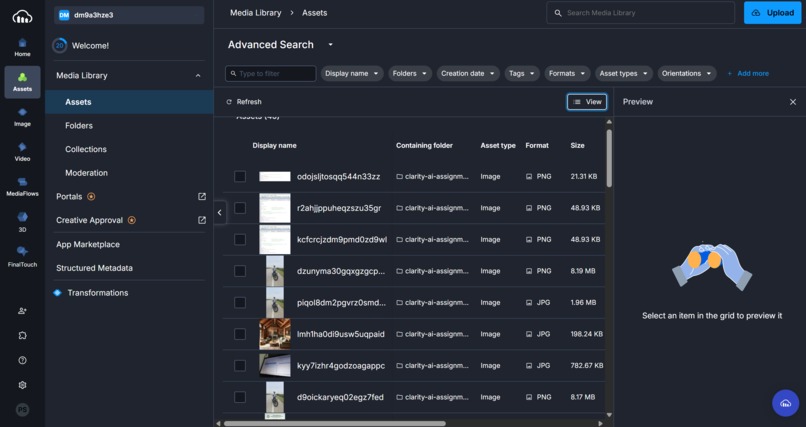
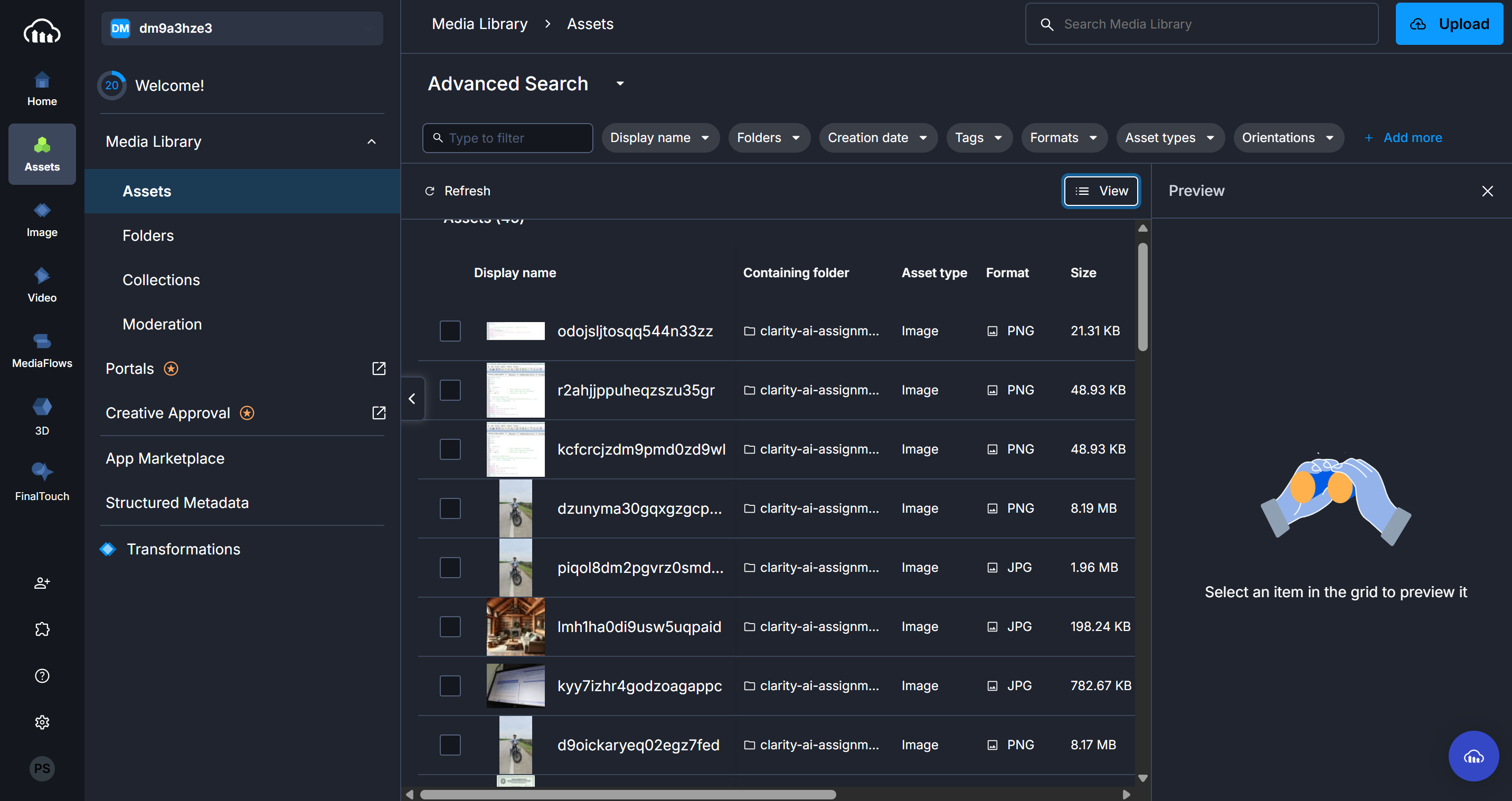
Uploaded images being stored in cloudinary.
Clarity AI
Inspiration
The inspiration for Clarity AI came from a very personal place. One of our teammates’ mom is a teacher, and she shared the daily challenges she faces while grading assignments and trying to identify common misconceptions among her students. Often, she would spend hours grading, only to realize later that several students misunderstood the same concept—but she had no efficient way to track these patterns across the class. Watching her struggle motivated us to create a tool that could turn hours of manual work into actionable insights instantly, reducing teacher burnout and improving student learning outcomes.
What it does
Clarity AI is an AI-powered dashboard that helps teachers identify and understand class-wide misconceptions in student submissions—whether they are essays, short answers, or code. Teachers can upload a CSV or text file of student responses, and the system automatically:
- Clusters common misconceptions
- Generates clear explanations for each cluster
- Shows anonymized examples from actual student work
- Suggests actionable steps to improve teaching
For students, it indirectly improves learning by providing targeted help and reducing frustration caused by repeated misunderstandings.
How we built it
We built Clarity AI as a web application using:
- Frontend: React & Tailwind CSS for a responsive, modern dashboard
- Backend: Node.js and Express to handle uploads, API requests, and authentication
- Database: MongoDB for storing assignments, submissions, and analysis results
- AI Integration: We leveraged Gemini's API to analyze student responses and cluster misconceptions.
- Authentication: JWT-based login system for teachers and students
The key feature is the insight dashboard, which presents 2-4 misconception clusters with a title, explanation, anonymized examples, and suggested actions—all in under a minute.
Challenges we ran into
- Designing an AI prompt that reliably identifies misconceptions without “grading” the student’s work
- Ensuring the dashboard was clean, intuitive, and visually appealing
- Handling large CSV uploads and ensuring the backend processed them efficiently
- Keeping the app responsive and bug-free across devices
Accomplishments that we're proud of
- Created a fully functional AI-powered dashboard that actually saves teachers hours of grading time
- Built a clean, modern UI that displays insights in a simple, actionable format
- Integrated real-time file uploads, AI analysis, and results display seamlessly
- Made the project scalable to handle multiple classes and assignments
What we learned
- How to integrate LLM-powered analysis into a practical web application
- The importance of user-centered design, especially for teachers who may not be tech-savvy
- Best practices for React, Node.js, and MongoDB integration
- How to iterate quickly under tight deadlines and make design and tech decisions collaboratively
What's next for Clarity AI
- Add real-time analytics to track learning progress over time
- Enable student dashboards so learners can see personalized feedback
- Integrate interactive suggestions for teachers, like mini-lessons or quizzes targeting misconception clusters
- Expand to support more languages and coding assignments, making it versatile for multiple subjects
Credentials
- Teacher - email - [email protected], pass - 1234
- Student - email - [email protected], pass - 1234


Log in or sign up for Devpost to join the conversation.