-
-
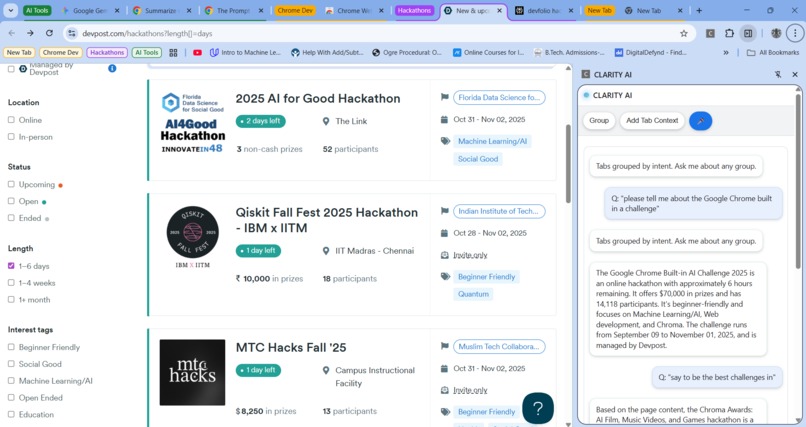
Organized Grouping and chat using Clarity AI
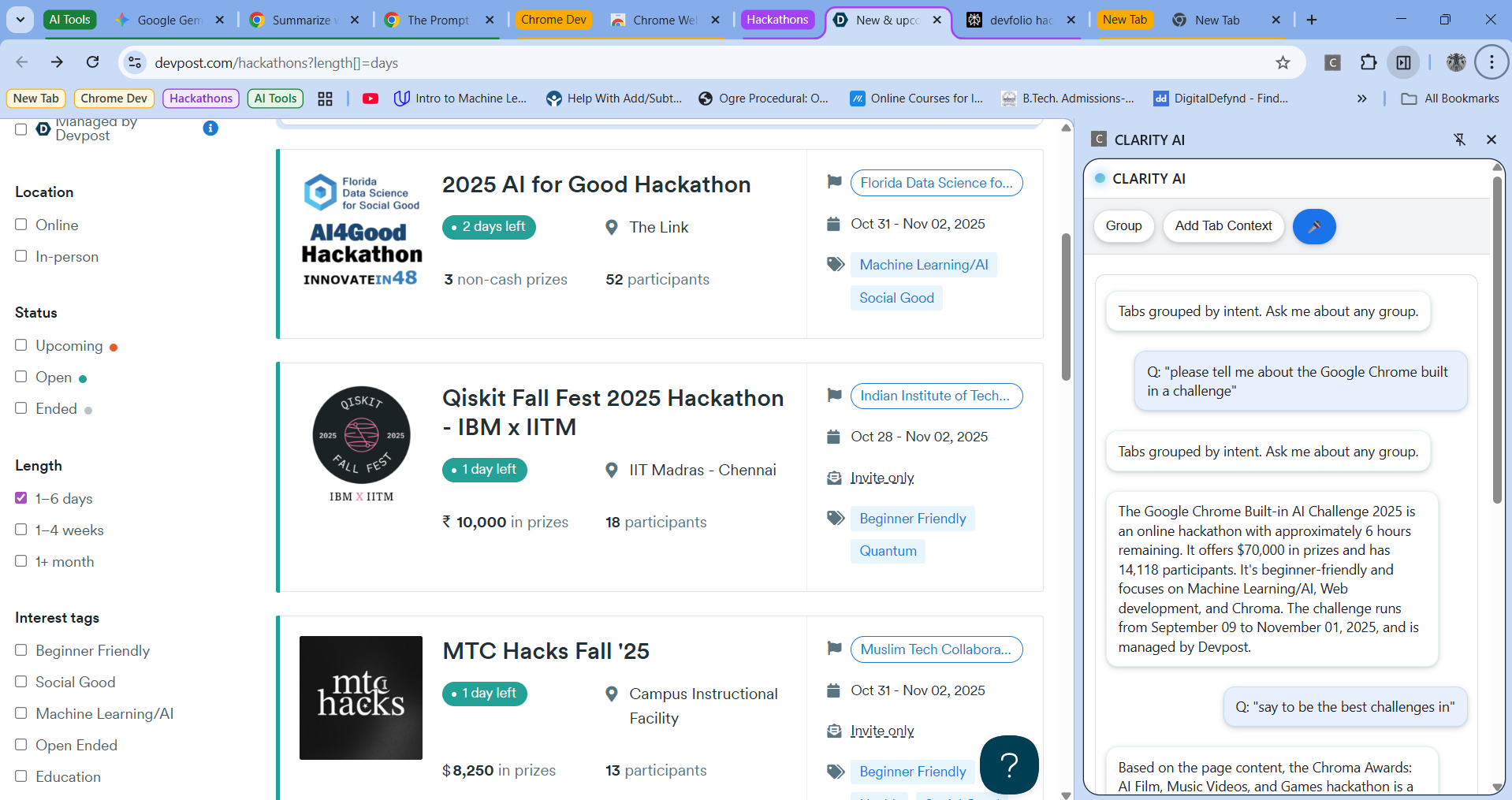
About CLARITY AI
What Inspired Me
The inspiration for CLARITY AI came from a common, everyday frustration: browser chaos. Like many people, I always have too many tabs open. I'd get lost in what I was working on, and staring at a wall of tabs, I couldn't remember my train of thought. Worse, every page felt like a commitment—a "Too Long; Didn't Read" barrier. With a short attention span, I didn't want the whole page; I just wanted the essence of the tab.
I started thinking: what if my browser could do this for me, privately? The idea of an on-device model that could compute over my browser data without it ever leaving my machine was the key. I wanted a tool to automatically sort my messy tabs into clean, understandable groups based on what I was trying to do, and then summarize that content for me. CLARITY AI is the result of that idea: an assistant to bring clarity and focus back to browsing.
How I Built It
CLARITY AI is a Manifest V3 (MV3) Chrome Extension built with a local-first AI philosophy. The goal was to perform powerful AI tasks privately, right on the user's machine.
- Core AI (On-Device): The project's power comes from Chrome's built-in Prompt API (powered by Gemini Nano). The
ai-client.jsmodule is designed to always check for this localLanguageModelAPI first for all AI tasks, like chat replies and summarization. This keeps user data completely private. - Smart Tab Grouping: Before AI even gets involved, the extension organizes tabs using a custom heuristic algorithm. The
grouping.jsmodule tokenizes tab titles and URL path segments, converts them into vectors, and uses cosine similarity to find and cluster related tabs by their core intent. - The UI: The entire experience is delivered through a Chrome Side Panel. The background
service-worker.jsmonitors tabs and triggers the regrouping logic, while thepanel.jsUI provides the chat interface and actions. Voice input is handled by the browser's built-in Web Speech API, with a permission-priming page to ensure a smooth user experience.
What I Learned
Building this project was a fantastic learning experience, bridging the gap between browser internals and emerging on-device AI. I learned:
- How to architect a modern MV3 Chrome Extension, managing state between a service worker and a side panel UI.
- How to integrate the brand-new
LanguageModelPrompt API, detect its availability, and handle its experimental nature. - The importance of a local-first architecture for building privacy-centric AI tools.
- How to implement core NLP heuristics (tokenization, vectorization) from scratch to create an effective, non-AI-based clustering algorithm.
Challenges I Faced
- Privacy by Design: The biggest challenge was honoring the original inspiration: privacy. This meant I couldn't just send all the tab data to a cloud API. The solution was the local-first architecture. Designing the Firebase fallback to only use heavily redacted metadata (titles/hosts) was a critical compromise to ensure the feature worked for everyone without sacrificing privacy.
- API Availability: The Prompt API is new and not universally available. Building the
ai-client.jsto be a robust detection layer that could seamlessly switch between the local model and the remote fallback was a complex but necessary part of the design. - Chrome Security Policies: MV3 and modern browser security enforce strict rules. I had to work around user-gesture requirements for opening the side panel from a command and for requesting microphone access, which led to creating a dedicated mic permission page (mic-permission.html) to create a clear and trustworthy user flow.
Built With
- chrome
- css3
- extension
- html5
- javascript
- promptapi

Log in or sign up for Devpost to join the conversation.