-
-
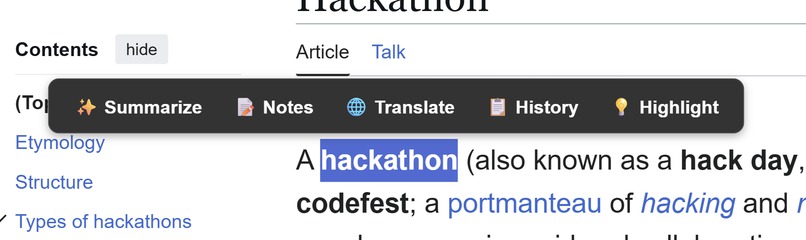
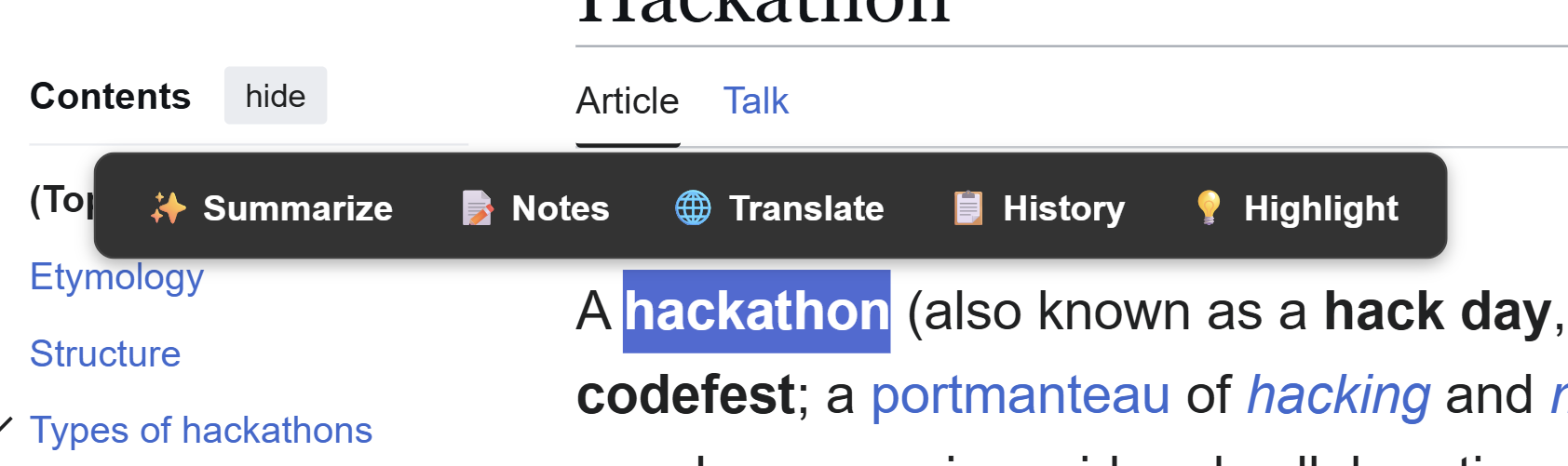
Feature Panel
-
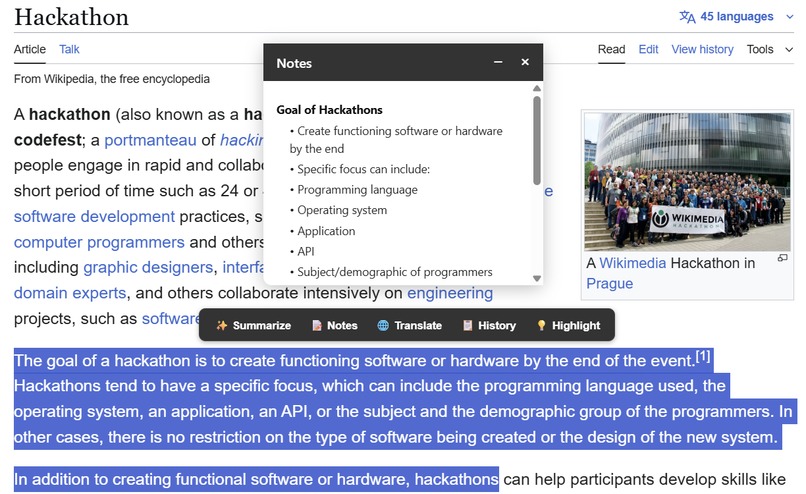
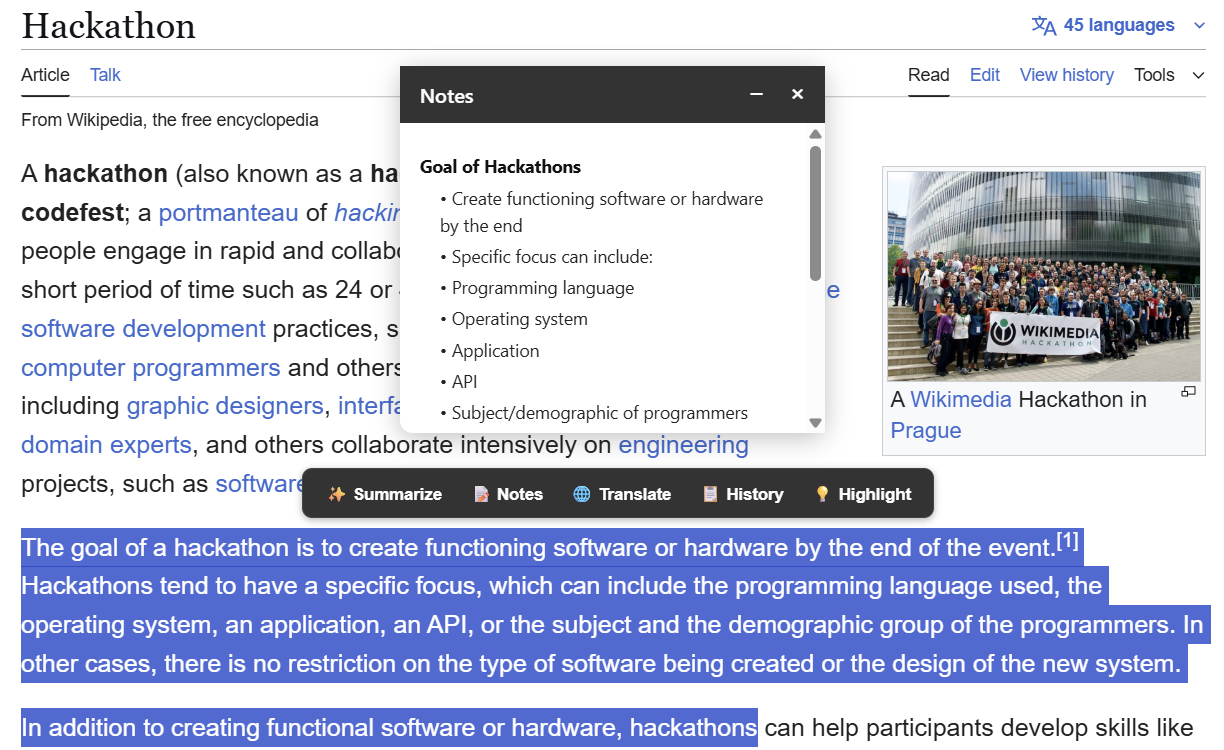
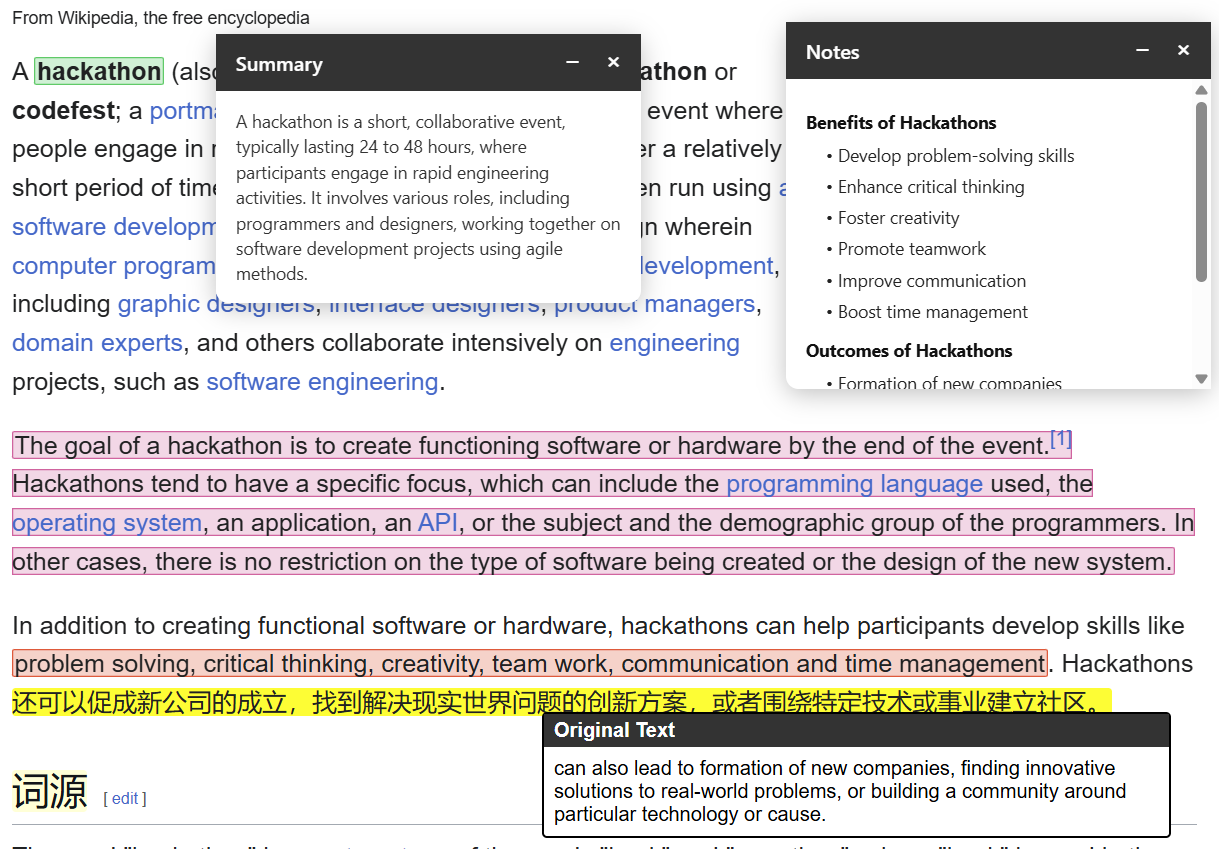
Note Generation
-
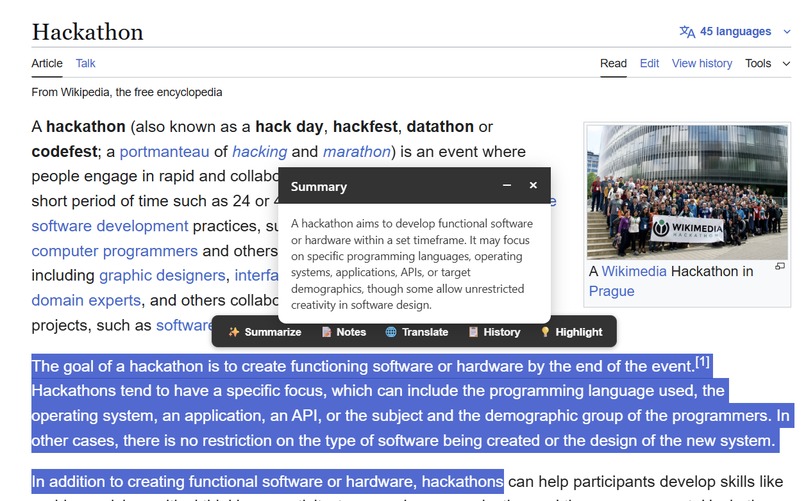
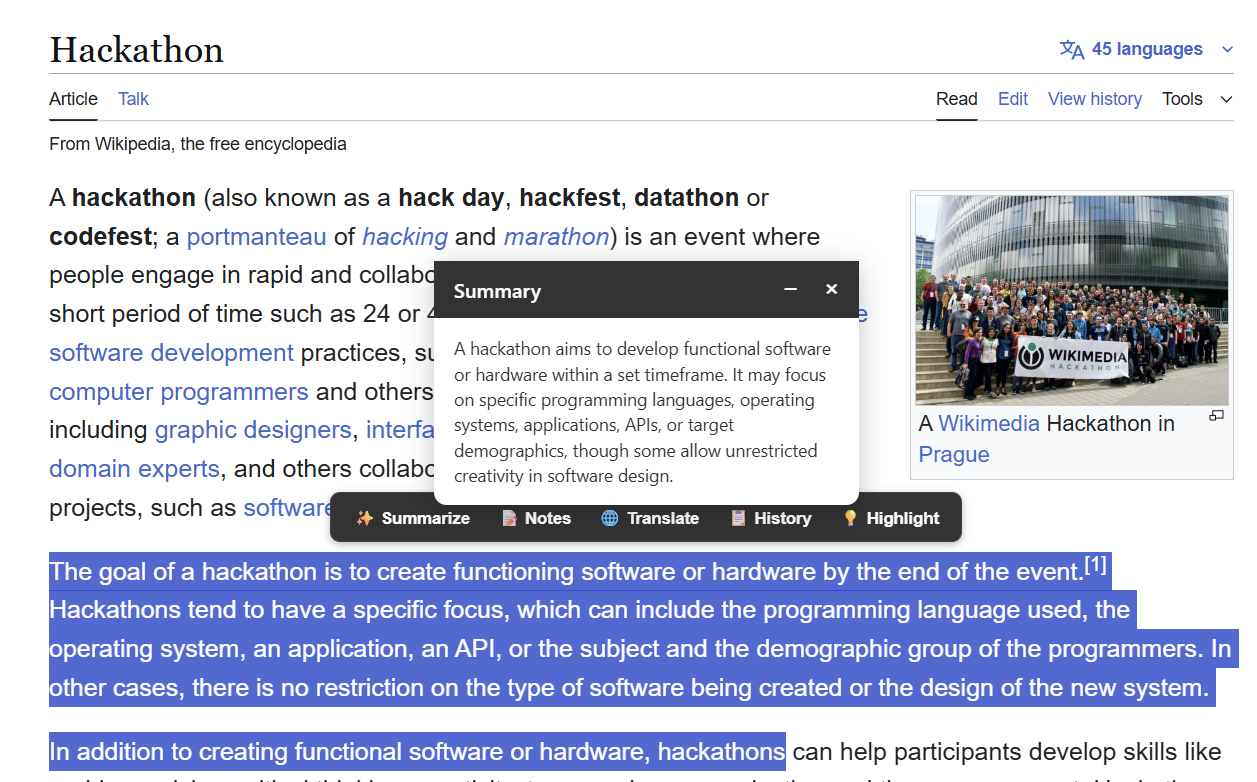
Summary Generation
-
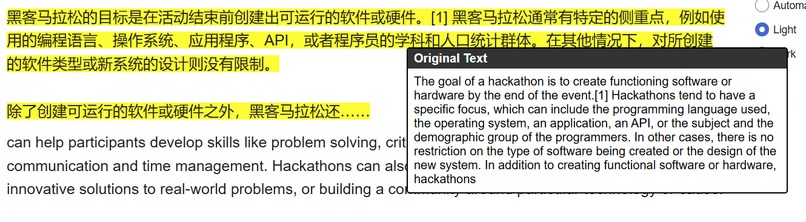
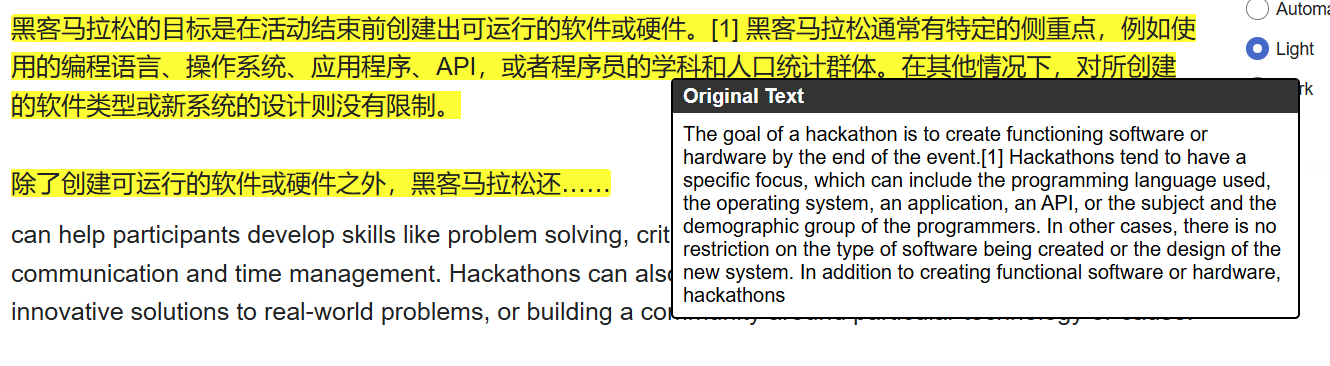
Language Translation
-
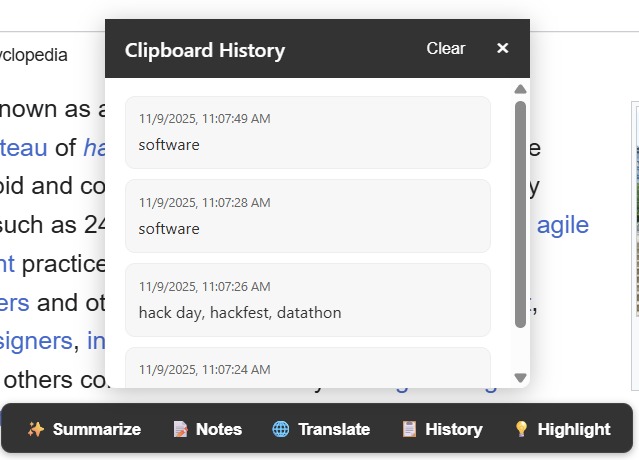
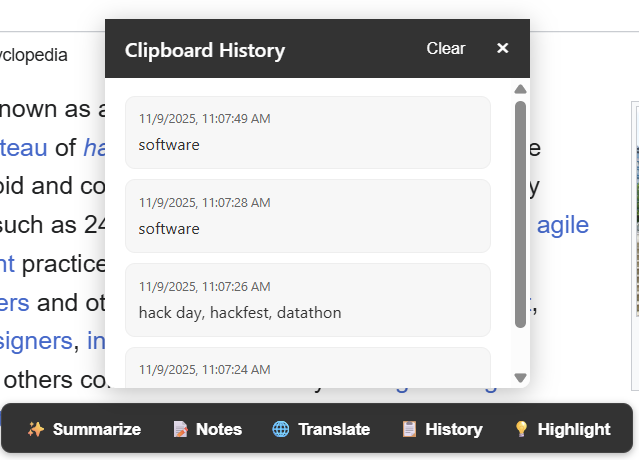
Clipboard History
-
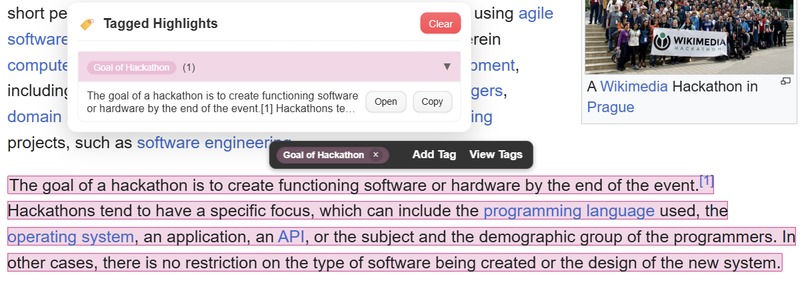
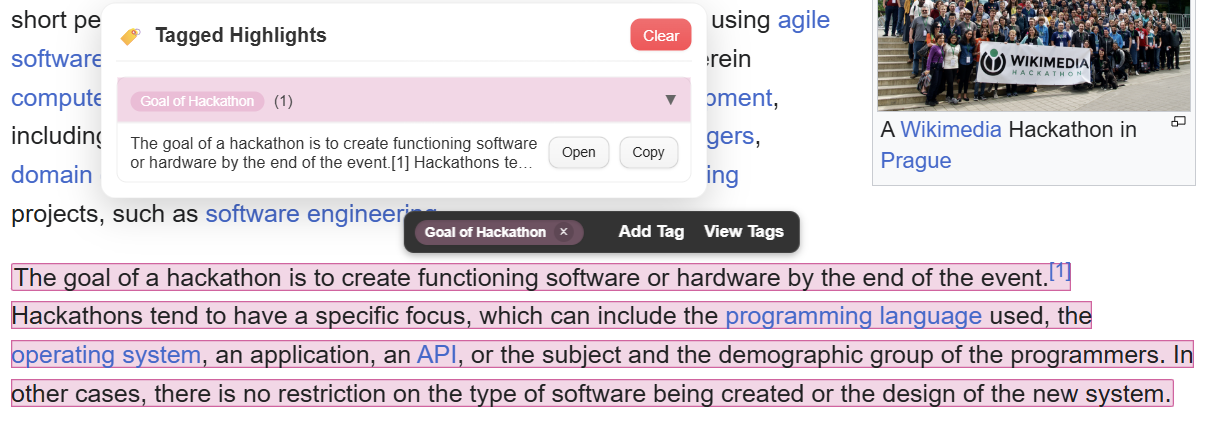
Tagged Highlights
-
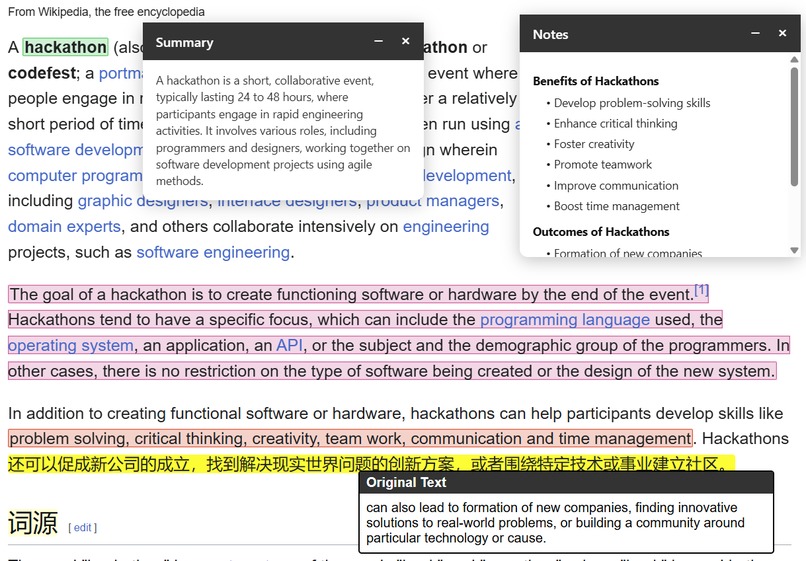
Point of View
-
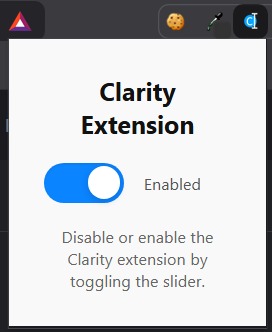
Extension Toggle

Clarity
Inspiration
Our group of five was inspired by the sheer amount of passive reading people do online and the difficulty of understanding foreign-language content without constantly switching tabs. We wanted to create a tool that transforms passive reading into active learning, making translations, summaries, and note-taking seamless while browsing.
What it does
Clarity is a Chrome extension that:
- Highlights text on any webpage and provides instant translations.
- Displays a tooltip showing the original text alongside the translated text.
- Saves highlights for later review.
- Supports multiple languages and keeps the page layout intact.
- Add tags to highlights to group information
How we built it
We used:
- HTML & CSS: For the modals, tooltips, and overall UI design.
- JavaScript: To detect text selection, insert highlights, and handle modal interactions.
- OpenAI API: For advanced language processing and summaries.
- Google Translation API: For real-time translations in multiple languages.
- JSON: For configuring the extension via
manifest.json
Our workflow:
- Detect user selection with
window.getSelection(). - Insert a styled
<div>over the selected text. - Attach a tooltip that follows the mouse and shows the original text.
- Send requests to OpenAI and Google APIs asynchronously.
We also used DOM Ranges to make sure the highlights don’t push text around, keeping the page readable.
Challenges we ran into
- Ensuring translated text stays inline without breaking paragraphs.
- Making the tooltip follow the mouse smoothly while avoiding overlap.
- Handling different languages and special characters without layout issues.
- Coordinating work among a group of five: merging code, avoiding conflicts, and keeping a consistent style.
- Learning asynchronous API handling and debugging network errors.
Accomplishments we’re proud of
- Built a fully functional extension that integrates OpenAI and Google APIs.
- Created dynamic, scrollable language selection for almost all major languages.
- Highlighted text retains original spacing and shows tooltips cleanly.
- Implemented a responsive, intuitive UI that works across websites.
What we learned
- How to manipulate the DOM and work with text Ranges and selections.
- Best practices for asynchronous programming and API integration.
- Techniques for clean UI design that doesn’t interfere with web pages.
- Collaboration skills: Git branching, code reviews, and conflict resolution.
- Handling edge cases in multi-language text, including line breaks and spaces.
What’s next for Clarity
- Adding speech synthesis for translated text.
- Saving translation and highlight history locally.
- Expanding browser support beyond Chrome.
Built With
- css
- google-cloud-translation
- html
- javascript
- json
- openai


Log in or sign up for Devpost to join the conversation.