-
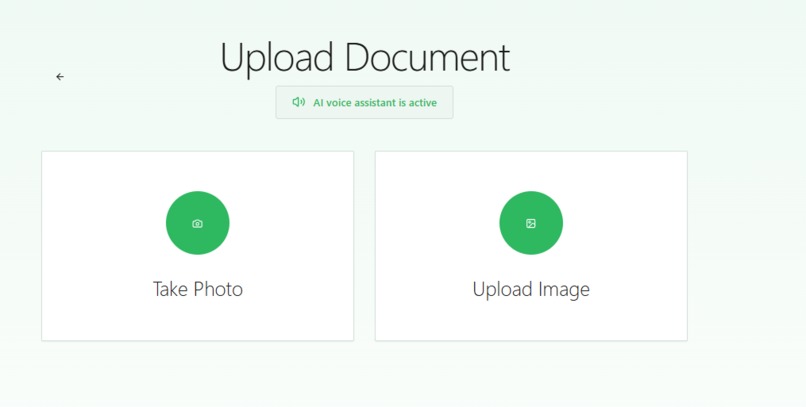
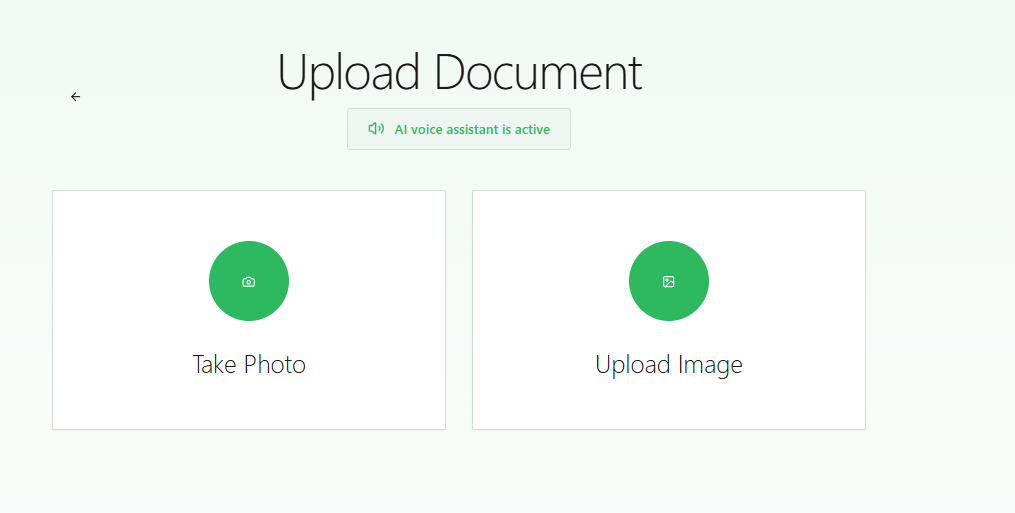
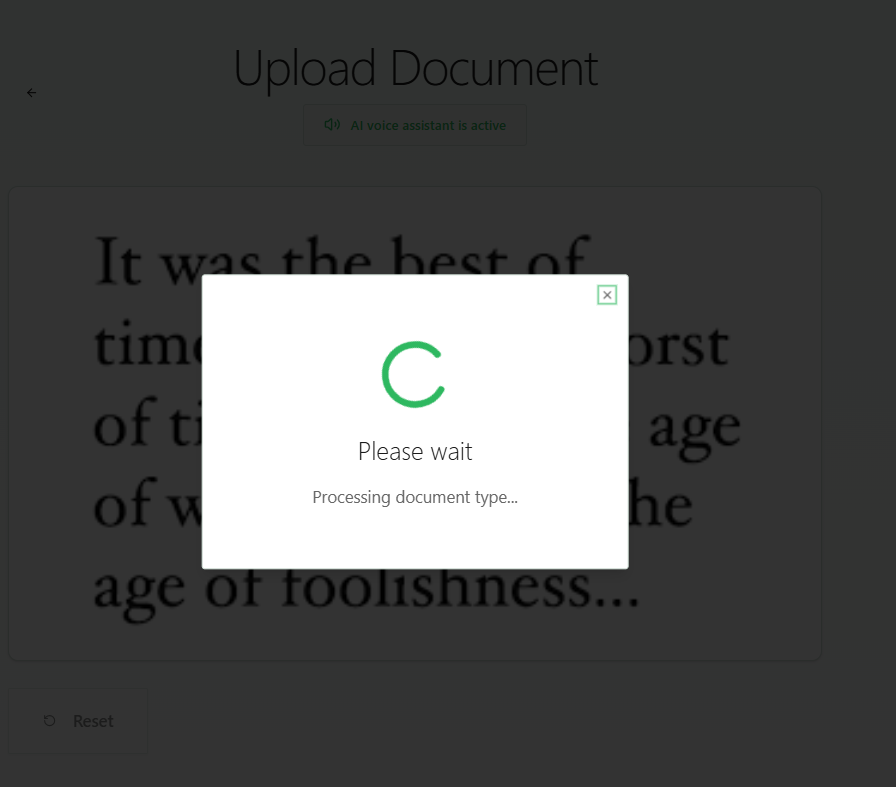
Upload page
-
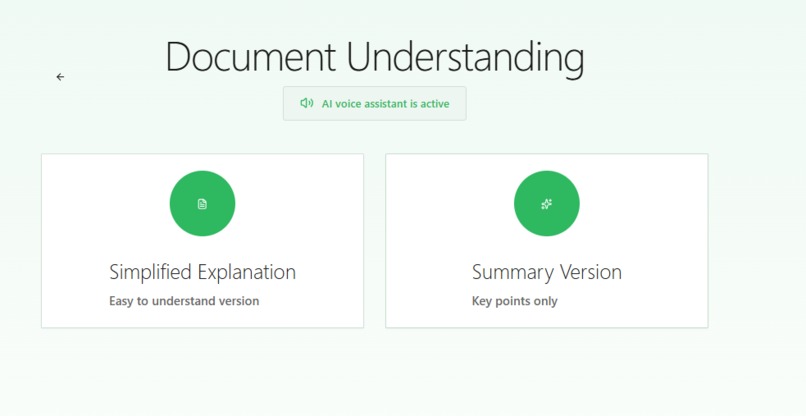
Upload page
-
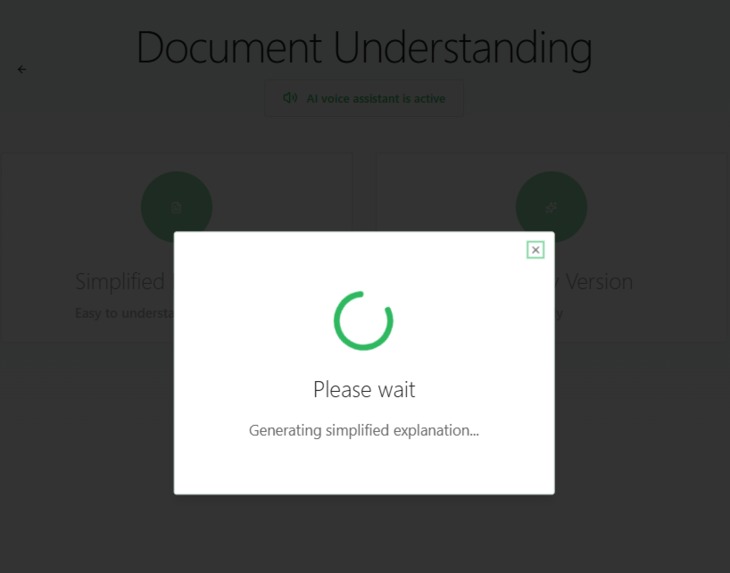
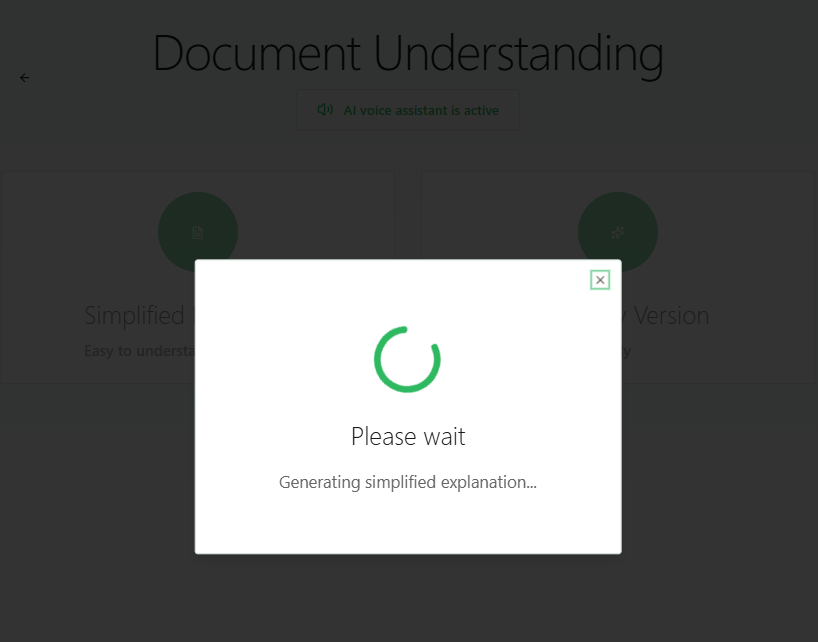
In progress Popup
-
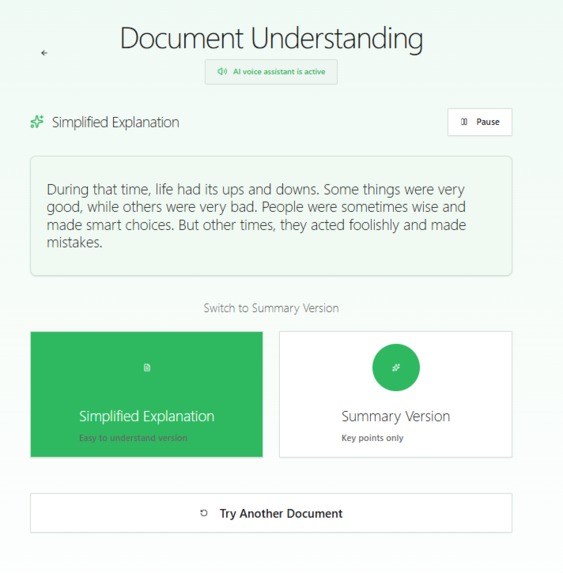
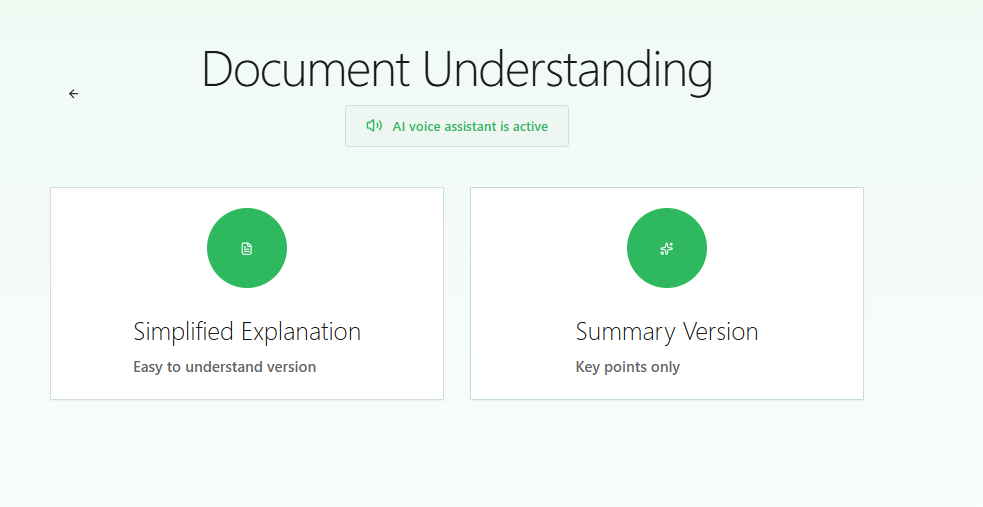
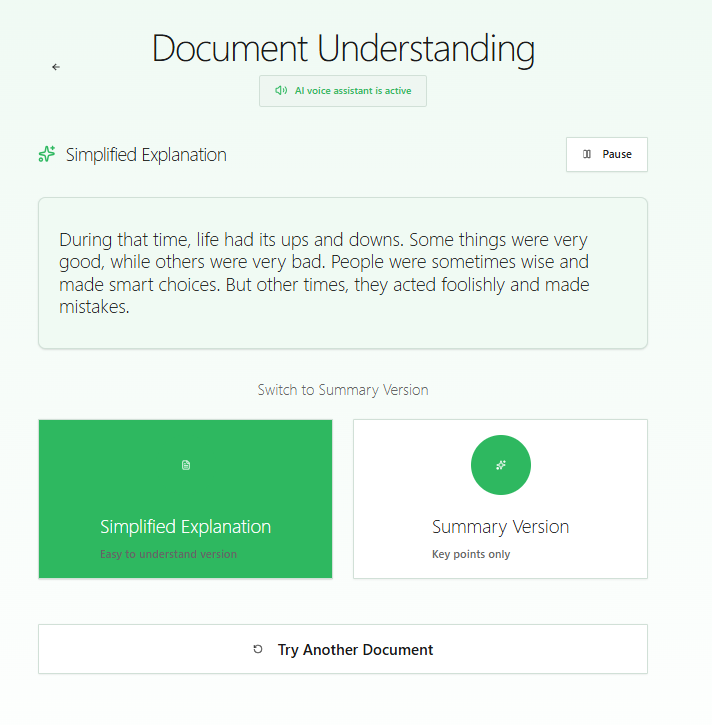
Simplified result page
-
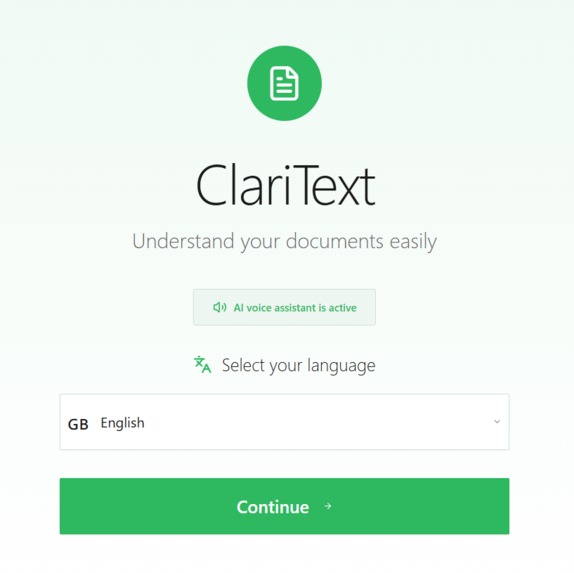
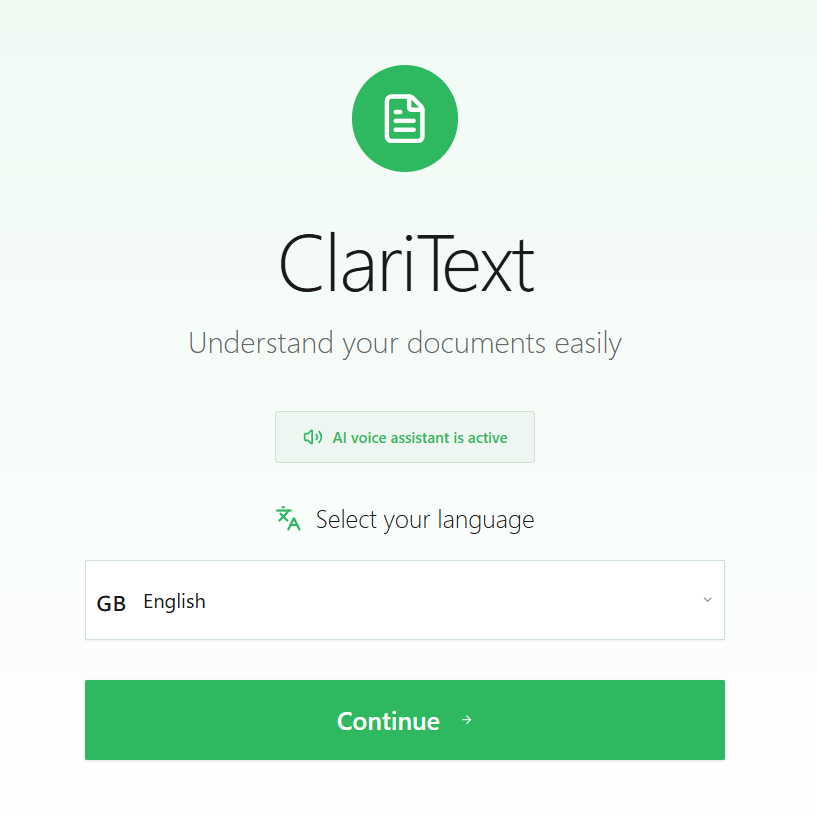
Welcome page and Language selection
-
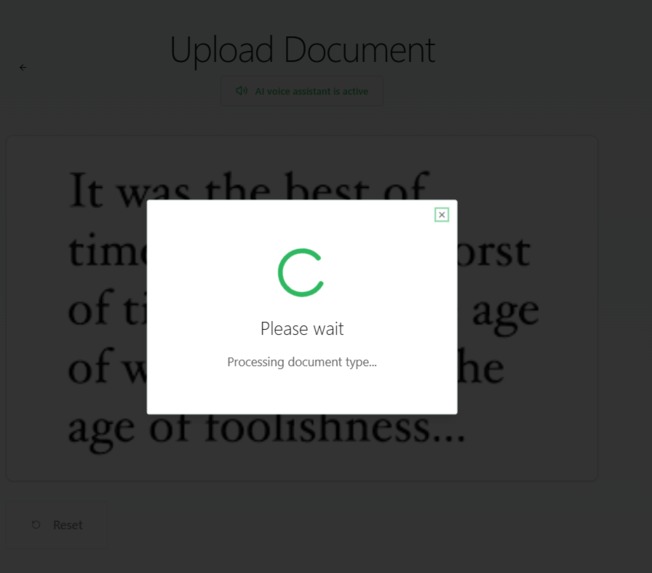
In progress Popup
ClariText
Inspiration
ClariText was inspired by a simple but important problem: many people struggle to understand complex documents such as bank letters, invoices, prescriptions, and official administrative papers.
For low-literacy users, elderly people, and multilingual communities, understanding these documents can be stressful and confusing. We wanted to create a simple AI-powered assistant that makes information understandable for everyone, regardless of reading level.
Our goal was clear: turn complexity into clarity.
What it does
ClariText helps users understand documents in a simple and accessible way.
Users can:
- Select their preferred language
- Upload a document or take a photo
- Automatically detect the document type (invoice, bank letter, prescription, etc.)
- Extract text using OCR
- Listen to AI voice guidance on every screen
- Choose between:
- Simplified explanation
- Short summary
- Retry extraction if OCR fails
The entire experience adapts to the selected language, including:
- UI text
- AI-generated explanations
- Voice narration
- Document type labels
This creates a fully accessible experience for low-literacy users.
How we built it
We built ClariText using MeDo, leveraging AI-powered workflows to create a mobile-first accessibility experience.
The app combines:
- OCR document extraction
- AI-powered text simplification
- Automatic document classification
- Multilingual voice narration
- Accessible UI with visual guidance (flags, icons, colors, illustrations)
We designed every screen with simplicity in mind:
- large readable text
- colorful accessible buttons
- voice narration on each screen
- loading states with spoken feedback
- back navigation on every page
Challenges we ran into
Building ClariText came with several challenges:
- Ensuring OCR extracts text reliably from different document formats
- Keeping language consistent across text, labels, and voice
- Designing for users who may not read easily
- Making AI voice guidance natural and helpful
- Creating a simple experience while keeping advanced AI features behind the scenes
What we learned
Through this project, we learned that accessibility is not just about technology — it is about empathy.
We learned how AI can:
- simplify communication
- reduce confusion
- empower people to understand important information independently
We also learned the importance of designing for clarity, voice interaction, and multilingual accessibility.
What's next for ClariText
Next, we plan to add:
- support for more languages
- offline OCR support
- document history
- emergency help understanding official forms
- voice interaction ("Ask ClariText")
Our vision is simple:
Make information accessible for everyone.
Built With
- accessibility-design
- ai
- medo
- multilingual
- ocr
- text-to-speech


Log in or sign up for Devpost to join the conversation.