-
-
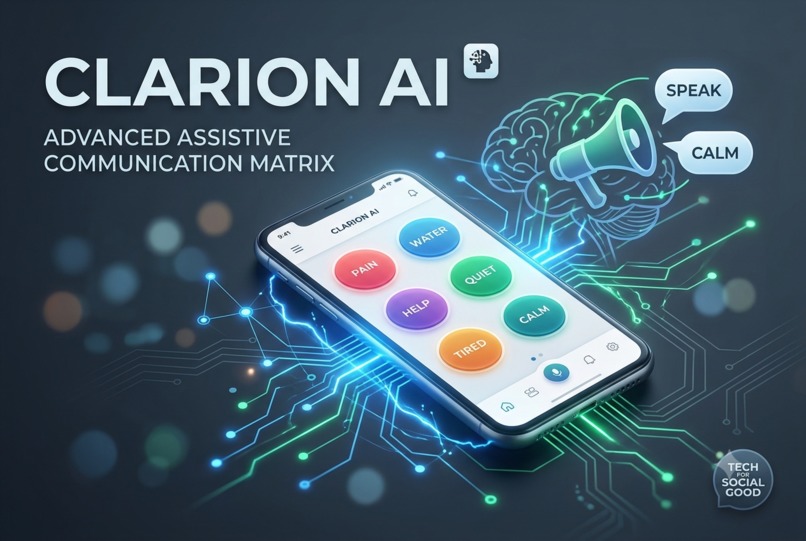
Clarion AI
The inspiration for Clarion AI came from learning about the immense daily barriers faced by non-verbal individuals, stroke survivors, and neurodivergent individuals experiencing speech burnout. Traditional Augmentative and Alternative Communication (AAC) devices are often prohibitively expensive, mechanically rigid, and painfully slow to use during moments of high distress. We wanted to leverage the rapid contextual capabilities of modern AI to build a free, accessible, and intuitive tool that transforms communication from a frustrating hurdle into a fluid conversation.
What it does
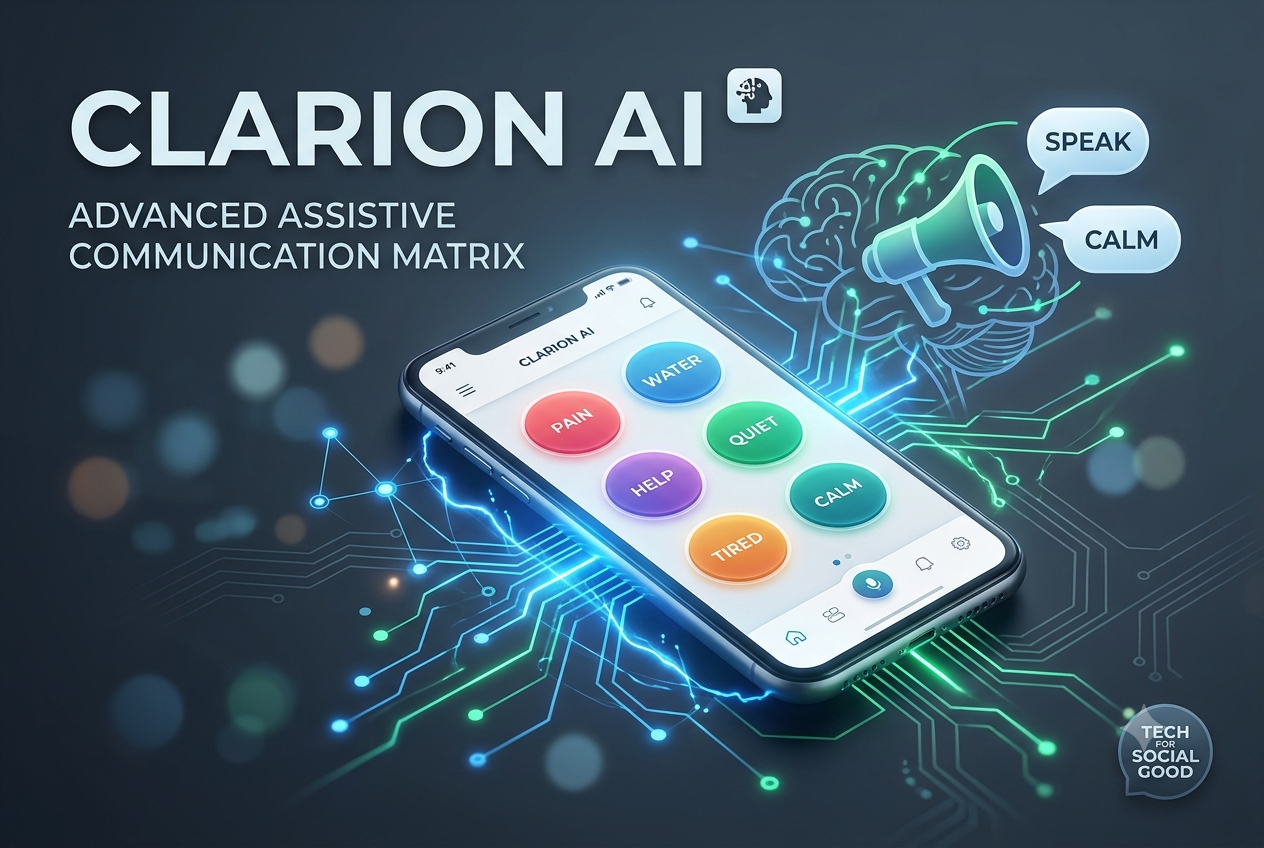
Clarion bridges the communication gap for non-verbal, neurodivergent, and speech-impaired individuals. Instead of forcing users to meticulously type out full sentences or navigate thousands of confusing icons during moments of sensory overload or speech burnout, Clarion simplifies expression into a two-step process: Contextual Keyword Input: Users simply tap a few large, high-contrast keyword buttons (e.g., "Hurts" + "Head" + "Lights"). AI Expansion & Vocalization: Clarion instantly processes these fragments, expanding them into a grammatically correct, polite, or urgent phrase ("My head hurts severely, could we please turn down the lights?") and speaks it aloud using crystal-clear text-to-speech.
Additionally, it features a Reverse-Listen Mode for caregivers, translating complex spoken sentences into simple, digestible visual cards for the user, removing cognitive strain on both sides.
How we built it
Clarion AI was built as a lightweight, mobile-first web application designed for rapid accessibility. Frontend: We used React and Tailwind CSS to construct a clean, high-contrast, accessible user interface featuring large touch targets for users with motor control challenges. AI Engine: We integrated the Gemini API (gemini-1.5-flash) to handle the heavy lifting. The AI acts as a contextual expansion engine, instantly turning fragmented keyword inputs into coherent, emotionally intelligent sentences. Speech & Audio: We utilized the native Web Speech API for instantaneous, zero-latency text-to-speech rendering directly within the browser, completely removing the need for paid audio generation APIs.
Challenges we ran into
Our biggest challenge was optimization and latency. In an emergency or stressful situation, a non-verbal user cannot wait 5 to 10 seconds for an AI model to process a prompt. To solve this, we mathematically optimized our prompt structures to minimize the token payload. By analyzing the algorithmic efficiency of our API request-response loop, we modeled our data transfer latency through strict JSON schema enforcement and leveraging a high-throughput model, we successfully drove processing latency down to near-instantaneous levels, ensuring real-time speech generation.
Accomplishments that we're proud of
What we learned
We learned that the true power of AI in the "social good" sector lies in personalization and accessibility. Building this project forced us to think deeply about UI/UX design laws (like Fitts's Law for button sizes) and cross-browser compatibility for speech synthesis. Most importantly, we learned that complex technology is at its best when it is hidden behind a simple, empathetic interface that restores dignity and agency to its users.
What's next for Clarion
While built as a hackathon MVP, the roadmap for Clarion focuses on deeper personalization and community integration:
Localized Context & Geofencing: Integrating GPS capabilities so the app automatically switches its quick-tap dashboard depending on whether the user is at home, a doctor's office, or a grocery store.
Custom Voice Cloning: Allowing users to upload pre-recorded clips of their own voice (or a loved one's voice) to train a highly personalized text-to-speech model, returning a unique sense of identity to those who have lost their speech.
Offline AI Core: Transitioning to on-device WebNN or lightweight local models to ensure Clarion can function flawlessly as a safety tool even without an active internet connection.

Log in or sign up for Devpost to join the conversation.