Inspiration
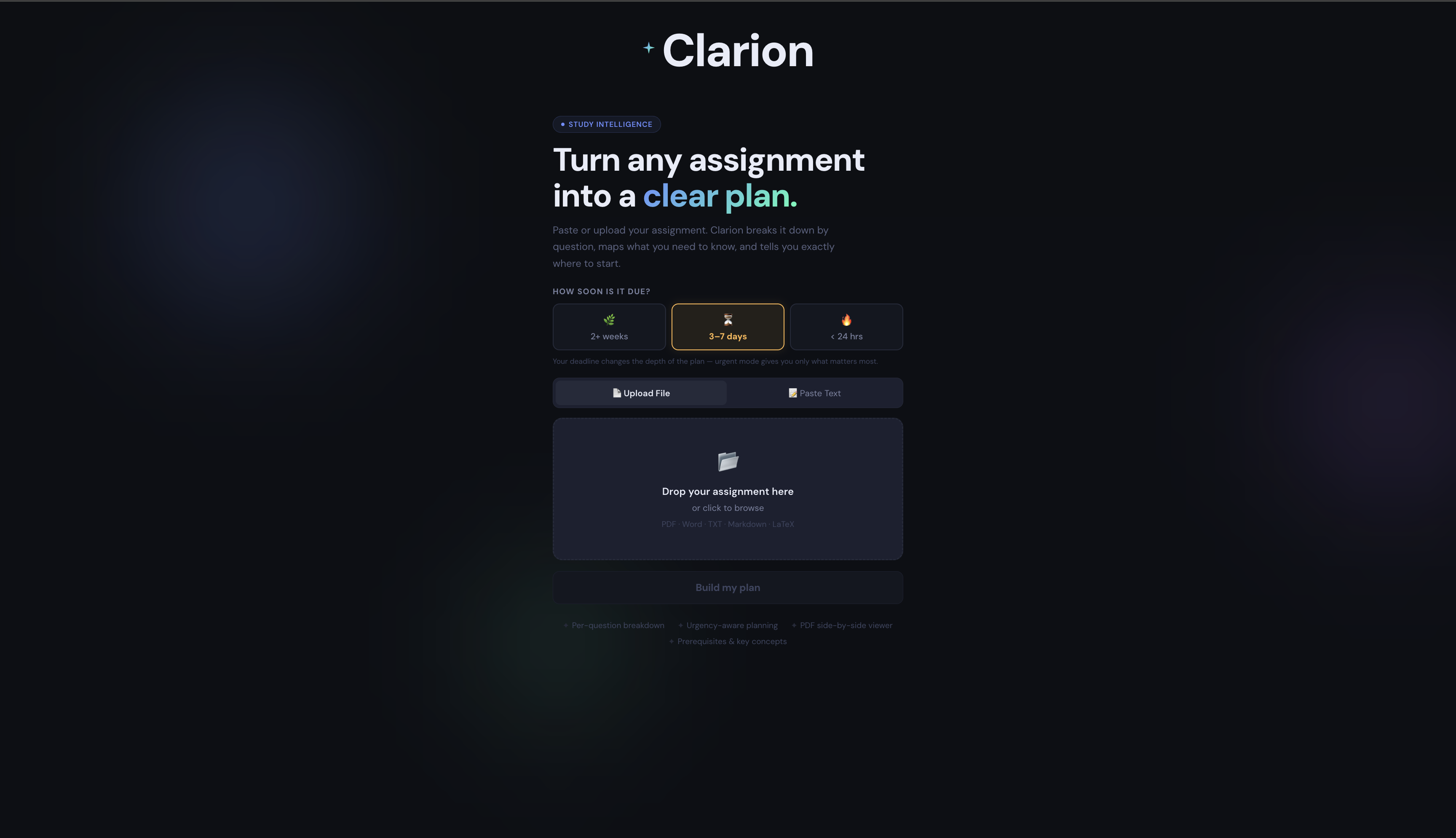
Clarion was built around a simple problem: students often open assignments and don’t know where to start. The instructions are there, but the path from reading to actually doing is unclear. Clarion was designed to turn that confusion into structure and clarity.## What it does
How we built it
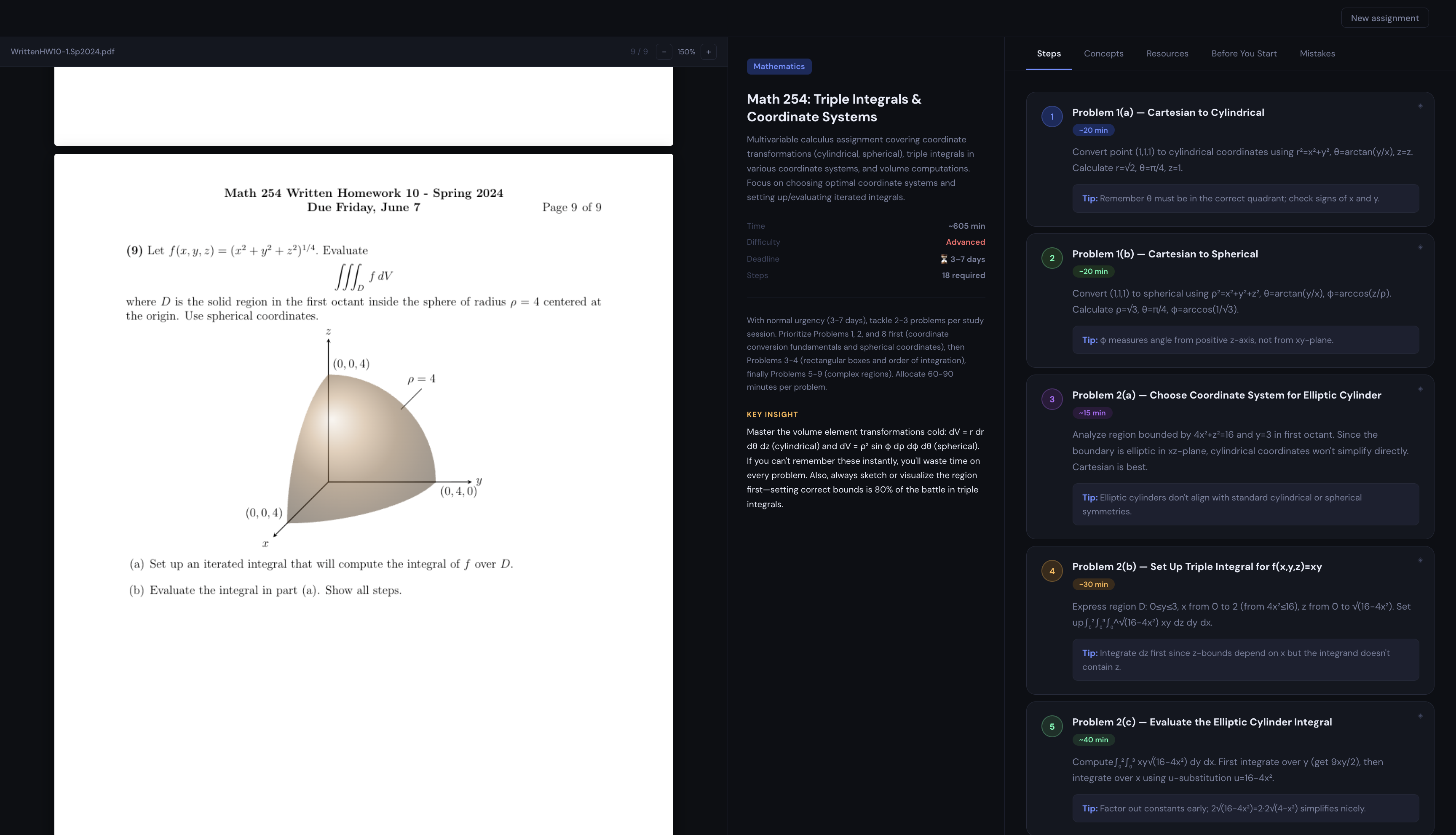
Clarion takes in a PDF assignment and turns it into a clear breakdown of steps, key concepts, prerequisites, and common mistakes. Each insight is directly tied back to the original assignment text. Users can hover over any step or concept and see exactly where it comes from in the PDF, keeping everything grounded in the source material.
Challenges we ran into
The hardest part was mapping AI-generated insights back to real PDF text. PDFs don’t store text in a clean reading order, so the team had to build a fuzzy matching system that accounts for layout differences, spacing, and segmentation. Another challenge was keeping hover interactions in the analysis panel synchronized with highlight rendering on the PDF without delays or mismatches.
Accomplishments that we're proud of
Clarion successfully connects explanation to source material in a way that feels immediate and intuitive. The hover to highlight system makes it easy to see exactly where each insight comes from, which helps users trust the breakdown instead of treating it as abstract output. A reliable multi page PDF rendering and text position extraction pipeline was also built.
What we learned
The project highlighted how complex PDF parsing can be, especially when dealing with positional text extraction. It also reinforced the importance of designing structured AI outputs from the start. Adding explicit source references made the entire system possible.
What's next for Clarion
More Customization To User Preferences
Built With
- canvas-api
- css-(flexbox/grid)
- intersectionobserver-api
- node.js
- openai-api
- openrouter
- pdfjs-dist
- react
- typescript
- vite


Log in or sign up for Devpost to join the conversation.