-
-
Logo
-
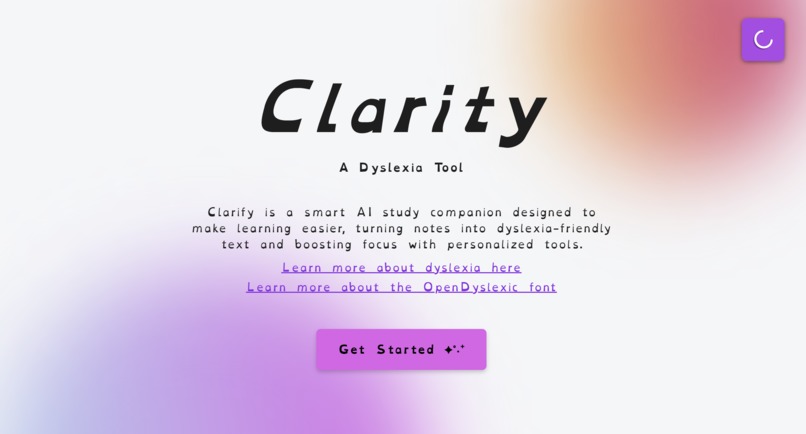
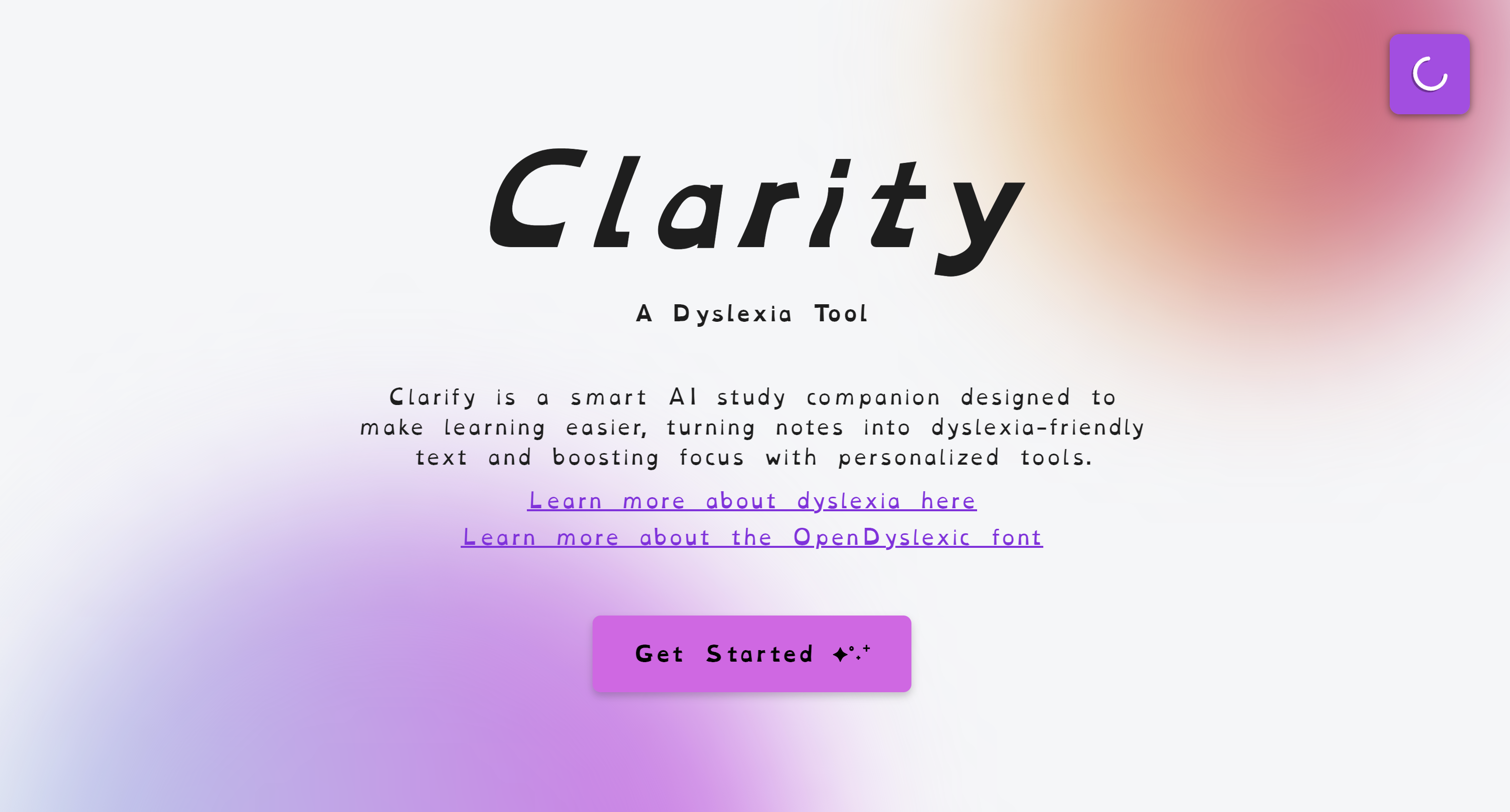
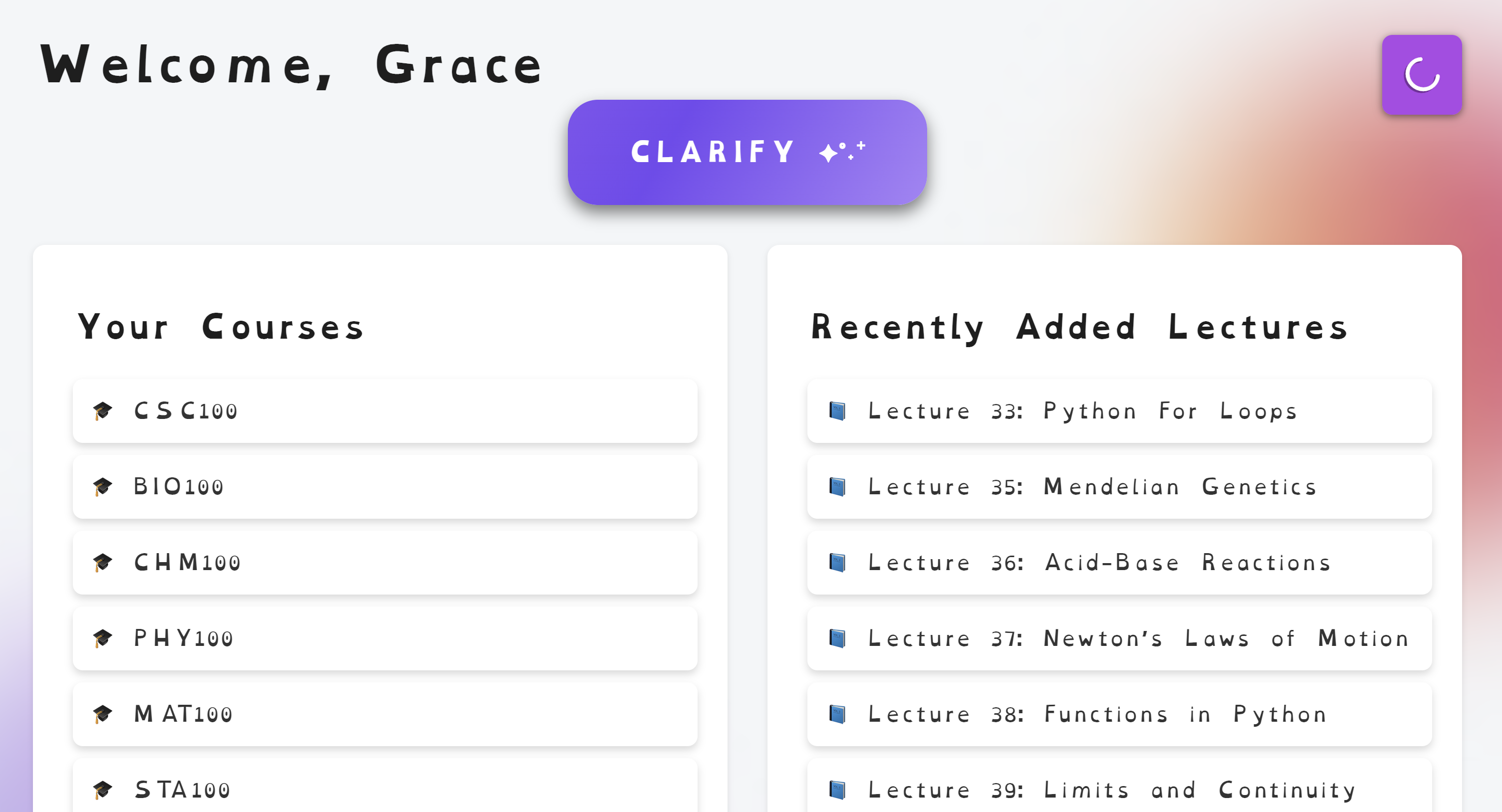
Home page
-
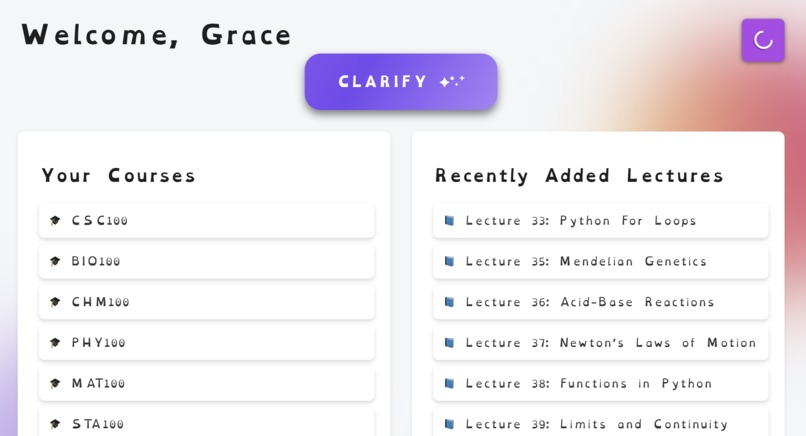
Welcome page
-
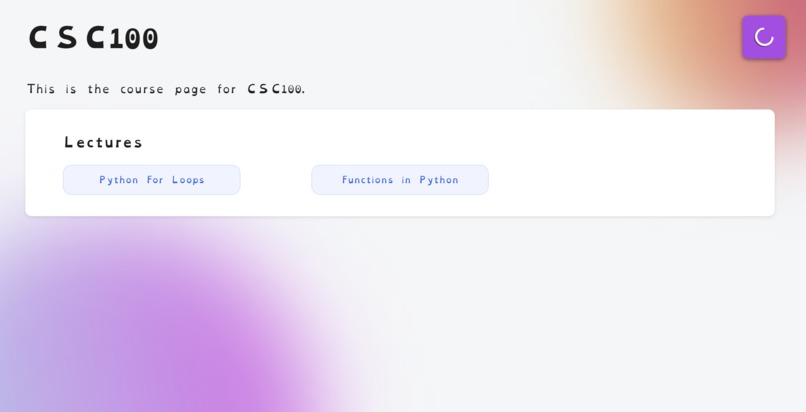
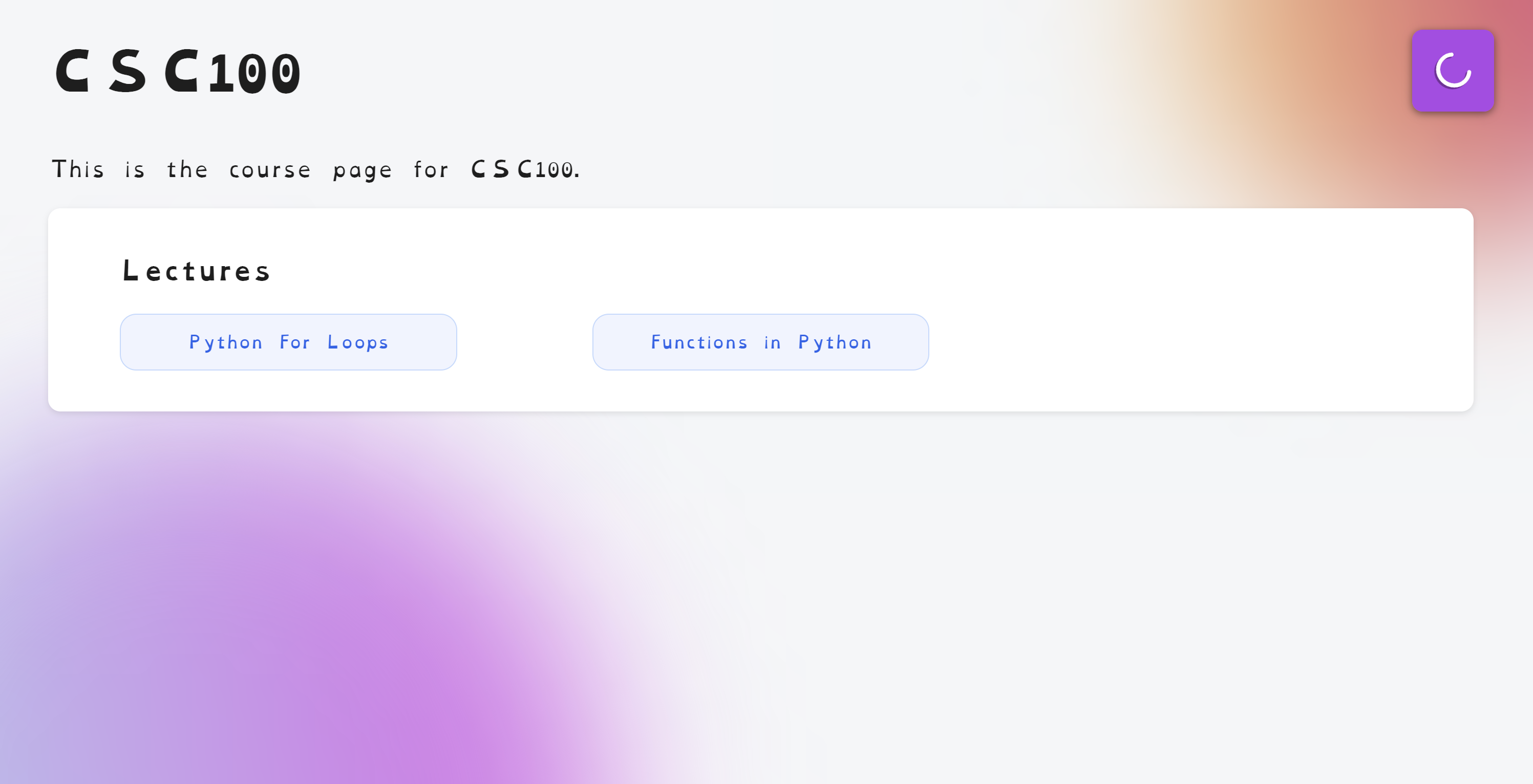
Course page
-
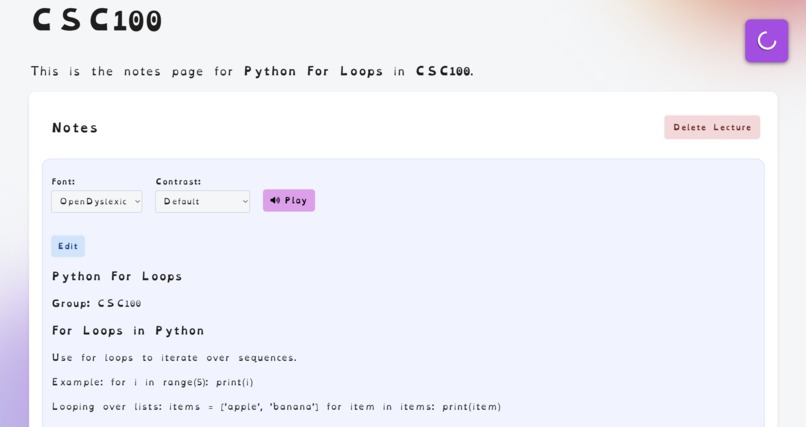
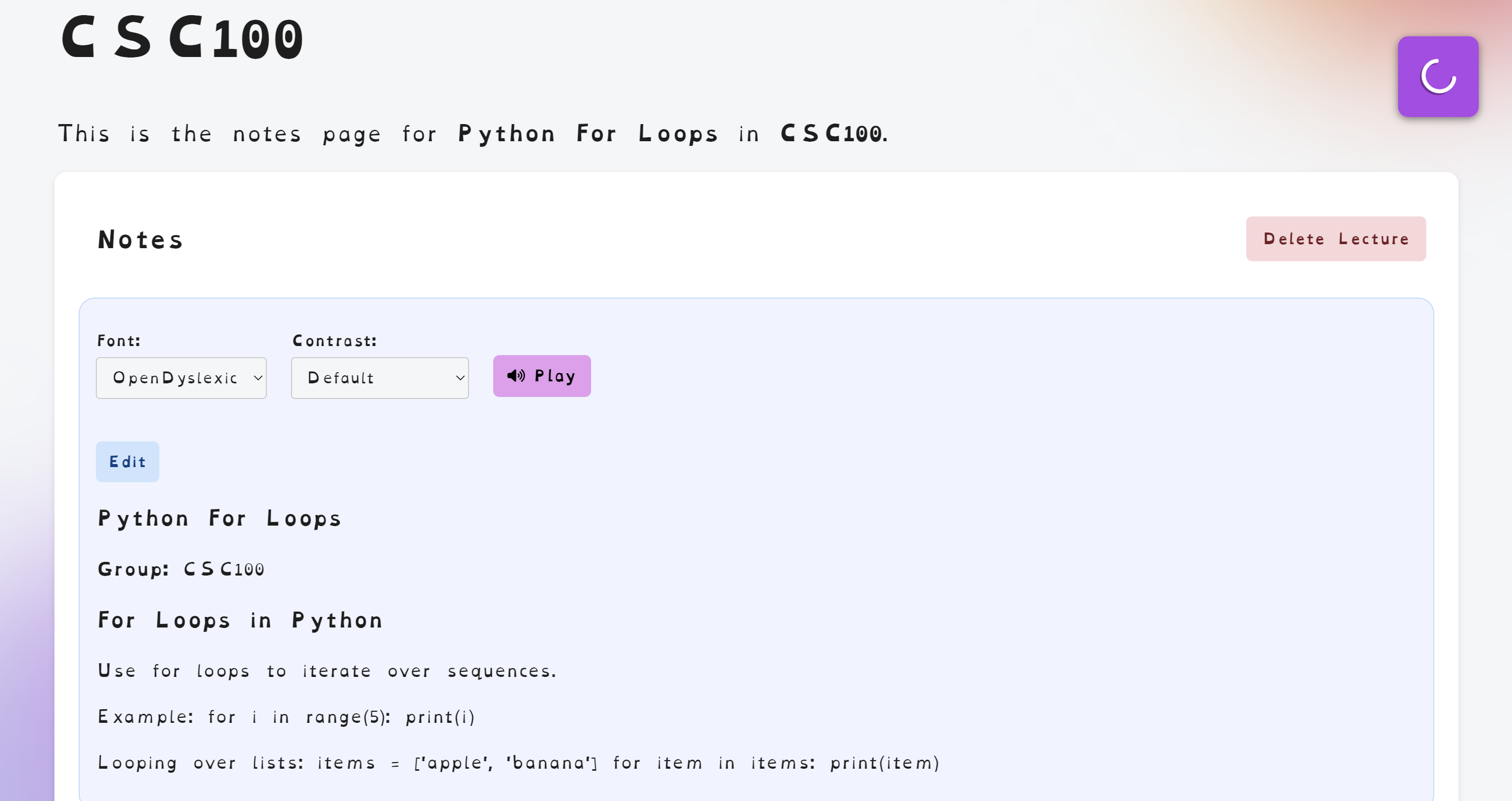
Notes page
-
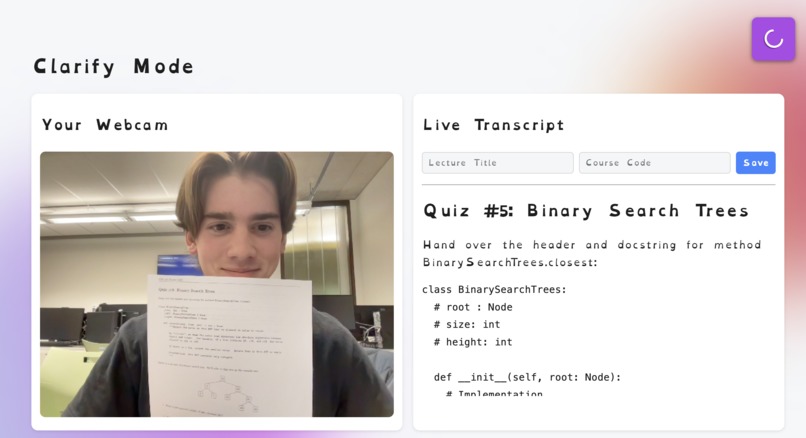
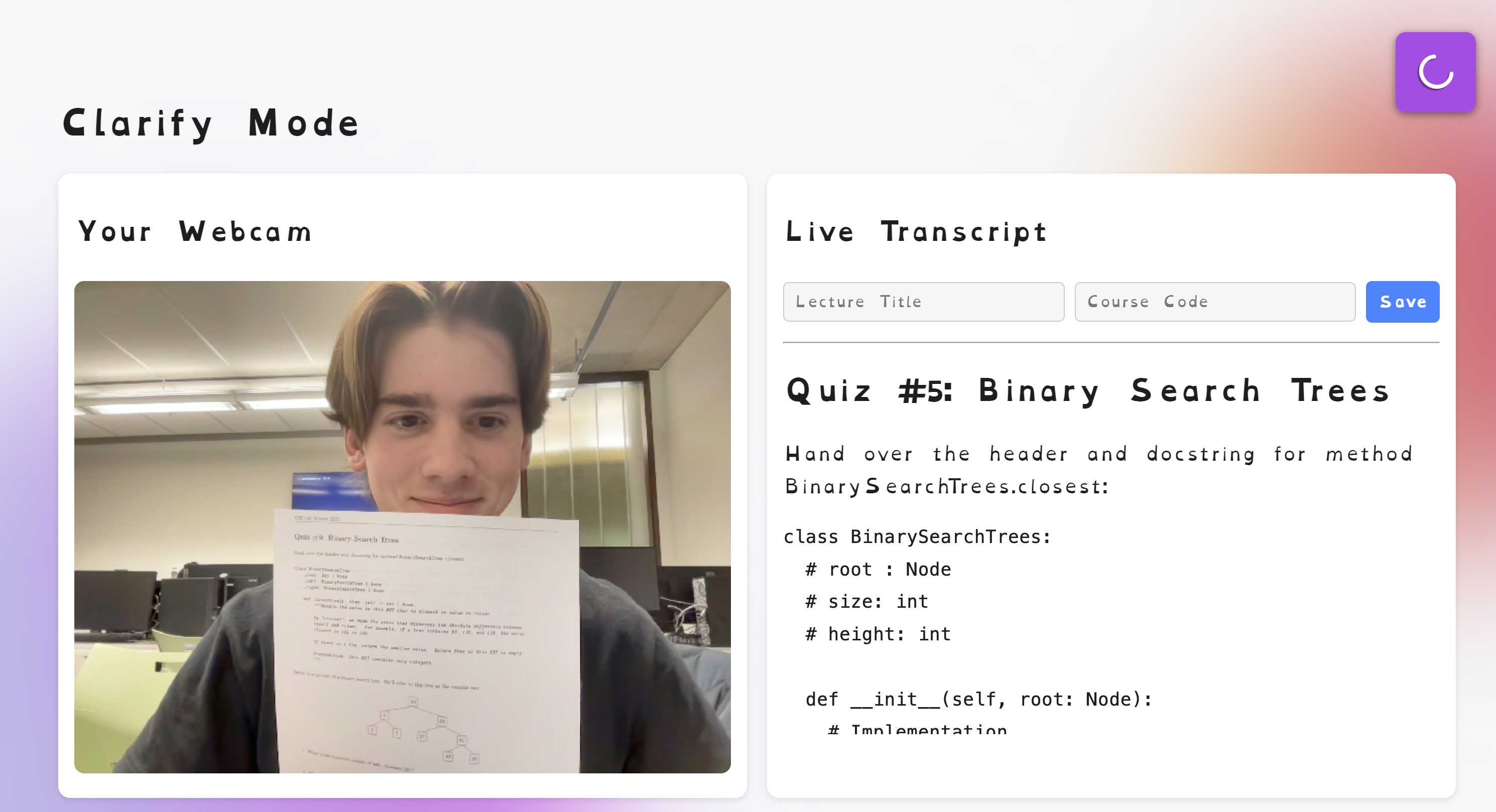
Clarify page (live transcription)
Inspiration
It began with what seemed like a minor annoyance: sloppy handwriting. Initially, we were discussing a tool to identify and transcribe handwritten text, just because it was difficult to read our own notes after class. But the more we discussed it, the more we thought: what if this could be something greater than a personal productivity tool?
We had classmates who struggled silently with learning issues like dyslexia. We saw how something as basic as reading or note-taking could be a daily struggle. It’s not that they couldn't do it, but because the system wasn't designed for how they learned.
That realization led us to expand our focus. Our project was more purposeful: designing for inclusion, accessibility, and education empowerment.
What it does
Clarity is a platform that allows students to livestream their lectures as it transcribes the notes written on the boards behind/in front of them into dyslexia-friendly font. The notes could be categorized per lecture, in different course folders. It also allows users to review their notes and change certain features to enhance their learning such as the font type , contrast as well as make use of the text-to-speech feature.
How we built it
We built Clarity with Vue.js as the front-end technology with readability and accessibility at the top of mind. Users capture handwritten notes from their webcam, and images are sent to the Google Gemini API for transcription and processing. The notes are then organized by course and lecture within the app. The backend was built using Python and Flask, alongside Gemini.
Other capabilities like text-to-speech, contrast settings, and font changing were integrated within the user interface itself.
Challenges we ran into
One of the significant challenges was optimizing Gemini. This involved ensuring that it didn’t duplicate text, and recognize when a new entry had been made.
Moreover, because we were designing for a community that we're not directly a part of, we needed to approach design with empathy, ongoing research, and iteration. Not only did we want to achieve technical milestones, but we also wanted to build something that actually responds to the way a person with dyslexia would learn.
Accomplishments that we're proud of
Having high accuracy for the transcribed text, Clarity reads everything from normal text to cursive, Greek symbols, math equations and Arabic calligraphy! This means that the tool is available for all sorts of classes and all sorts of students.
What we learned
Along the way, we learned that designing for accessibility isn't just a matter of adding features but about putting the user first. We researched dyslexia-friendly design best practices, experimented with fonts and contrast settings, and made sure that everything served a purpose.
Technically, we enhanced our understanding of API integration and accessibility-focused UI design. We also gained a better understanding of how well-crafted tools can complement gaps in learning processes.
What's next for Clarity
We are interested in adding additional AI enhancement features through Gemini, such as text simplification, enhancement, dyslexia reformulation for ease of reading, and more.


Log in or sign up for Devpost to join the conversation.