-
-
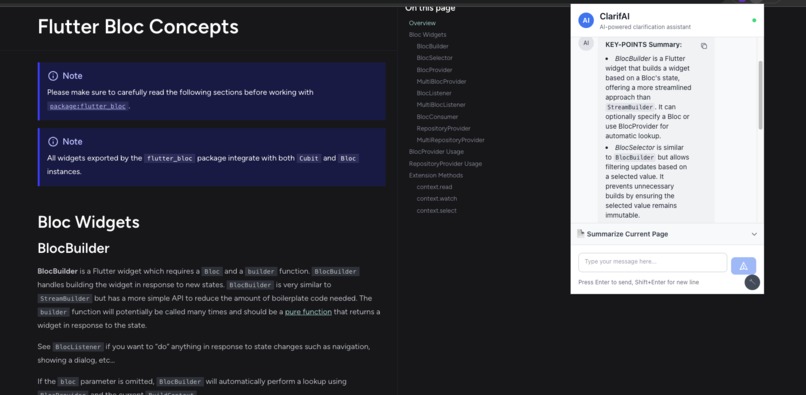
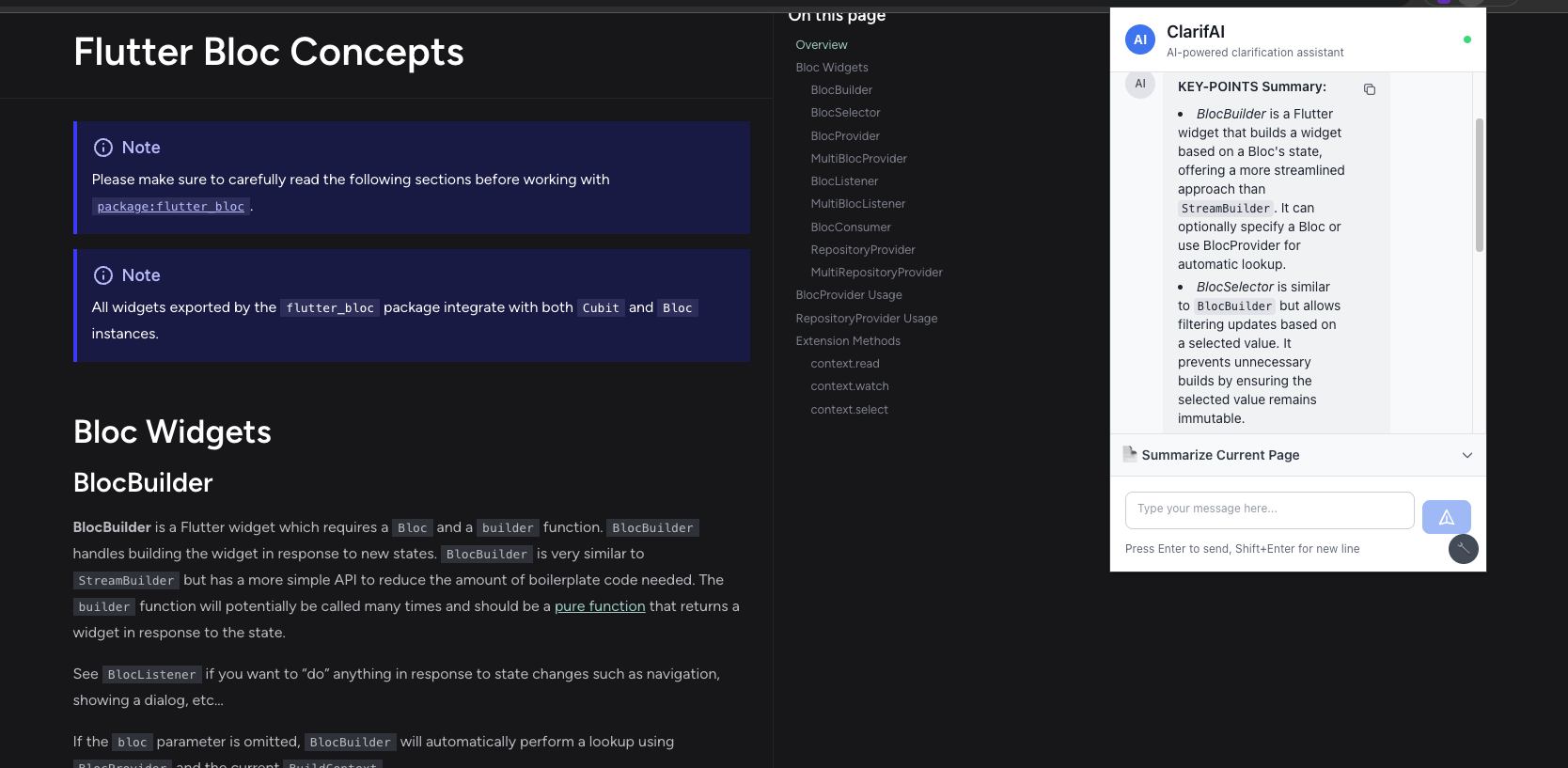
getting useful summary from documentation
Inspiration
When I was learning to code, a sage once told me: "Documentation should be your best friend." I was learning Flutter at the time, so I dove into the documentation. It recommended I learn Dart first, so I opened the Dart docs... and honestly? It was overwhelming.
Pages of dense technical content, complex concepts with minimal context, and examples that assumed knowledge I didn't have. I found myself constantly switching between tabs, googling terms, and struggling to piece together the bigger picture. What should have been my "best friend" felt more like an intimidating stranger.
That frustration inspired ClarifAI - making documentation truly accessible to developers and learners at all levels.
What it does
ClarifAI is an AI-powered Chrome extension that instantly clarifies any web content using Chrome's built-in AI APIs. It provides:
- Smart Explanations: Transform complex topics into beginner-friendly explanations using the Feynman Technique
- Context Menu Integration: Right-click any link, text, or page for instant AI analysis
- Multiple Summary Types: Key points, TL;DR, headlines, and teasers
- Image Descriptions: Analyze visual content with contextual understanding
- Interactive Chat: Ask questions about current page content
How we built it
- Frontend: React 18 + TypeScript for type-safe development
- Styling: Tailwind CSS for responsive, modern UI
- Build System: Vite for fast development and optimized builds
- Chrome APIs: Leveraged Summarizer API and experimental Prompt API
- Architecture: Manifest V3 extension with robust error handling and fallbacks
The extension integrates multiple Chrome AI APIs:
// Chrome Summarizer API for structured content
const summarizer = await ai.summarizer.create({
  type: 'key-points',
  format: 'markdown',
  outputLanguage: 'en-US'
});

// Chrome Prompt API for conversational AI
const session = await ai.languageModel.create({
  temperature: 0.7,
  expectedInputs: [{ type: 'text' }, { type: 'image' }]
});
Challenges we ran into
API Availability Complexity: Chrome's AI APIs are experimental with varying support across versions. Had to implement comprehensive feature detection and fallback strategies.
Content Extraction: Web pages have wildly different structures. Developed sophisticated algorithms to identify main content while filtering noise. Also CORS.
User Activation Requirements: Chrome's security model requires user interaction before AI access. Designed all features to trigger from explicit user actions.
Performance Optimization: AI processing can be resource-intensive. Implemented progress indicators, chunked processing, and background task management.
Accomplishments that we're proud of
- ✅ 60-80% reduction in documentation reading time
- ✅ Zero external dependencies - fully powered by Chrome's built-in AI
- ✅ Privacy-first approach - all processing happens locally
- ✅ Graceful degradation - works across different Chrome versions
- ✅ Seamless UX - context menu integration feels native
- ✅ Real-world impact - solves a genuine problem developers face daily
What we learned
- Cutting-edge AI Integration: Mastered Chrome's experimental AI APIs before mainstream adoption
- User-Centric Design: Building for real users with real problems requires deep empathy
- Resilient Architecture: Handling uncertainty and varying browser capabilities
- Progressive Enhancement: Features that adapt gracefully to available capabilities
- Local AI Power: The potential of on-device AI processing for privacy and performance
What's next for ClarifAI
- Enhanced Image Analysis: Full multimodal capabilities when Chrome Prompt API stabilizes
- Multi-language Expansion: Support beyond English, Spanish, and Japanese
- Learning Paths: Personalized content recommendations based on user interests
- Integration Ecosystem: Connect with popular learning platforms and note-taking apps
- Advanced Context Understanding: Better comprehension of complex technical relationships
Built With
- react
- tailwind
- typescript


Log in or sign up for Devpost to join the conversation.