-
-
Start
-
Active mode
Inspiration
285 million people worldwide are visually impaired. Every single day, they struggle with things we take for granted – reading a food label, finding their keys, knowing if someone is smiling at them.
We asked ourselves: What if AI could be their eyes?
Not a clunky app with buttons. Not a screen reader that speaks in robot voice. But a natural conversation – like having a friend who can see, walking beside them, describing the world.
What it does
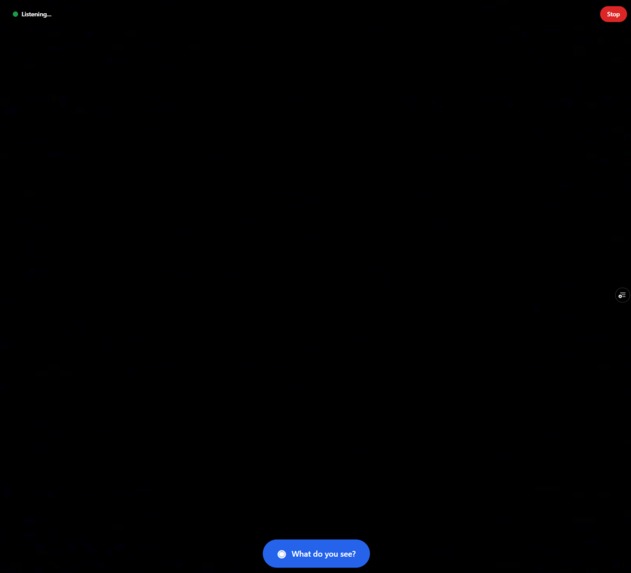
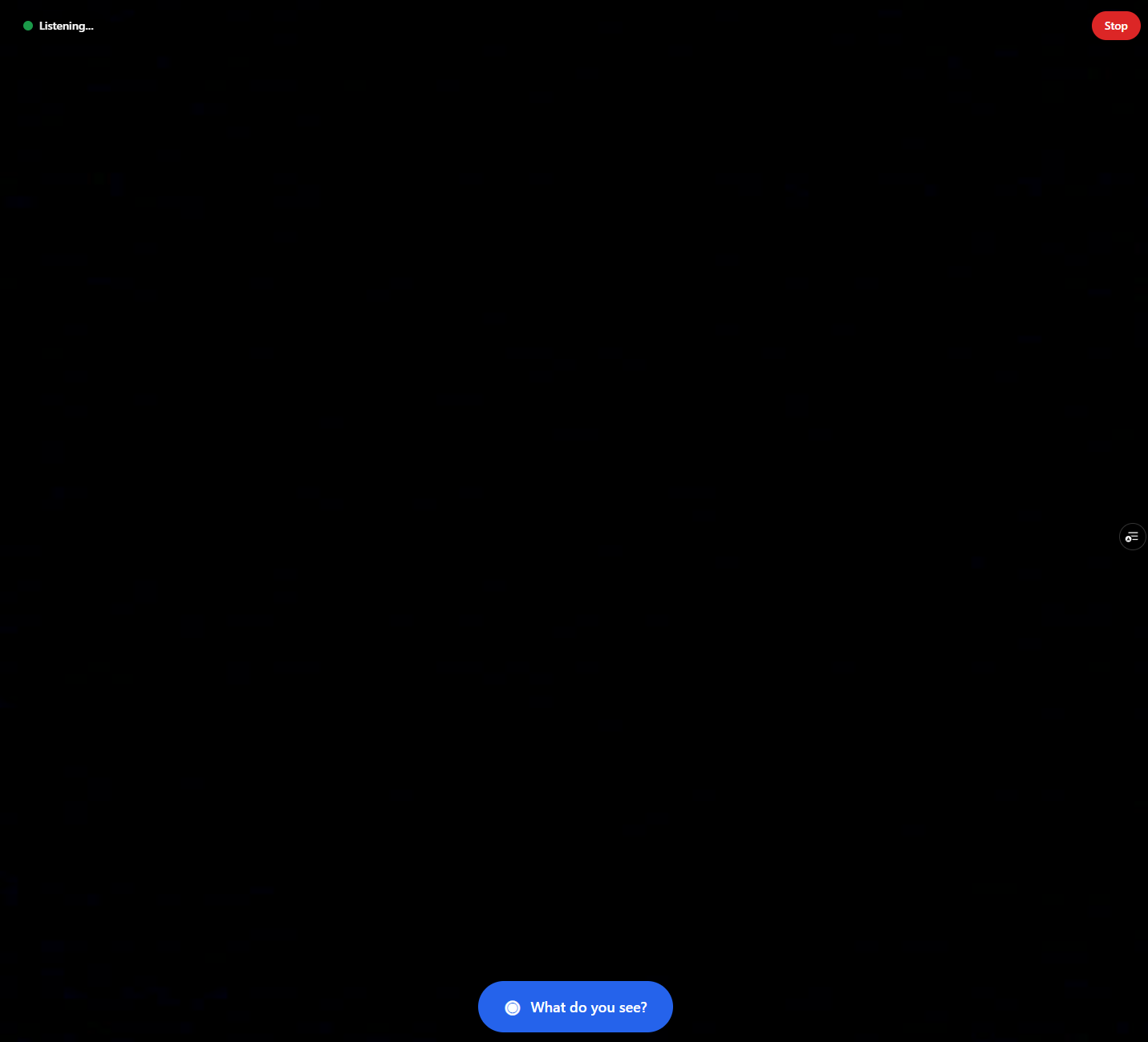
VisionVoice is an AI-powered visual assistant that helps blind and visually impaired people "see" through natural voice conversation.
Point your phone's camera at anything and just ask (could be glasses with camera for easier use):
- 📦 "What is this?" → Identifies products, reads labels, checks expiration dates
- 📄 "Read this letter" → Full OCR with intelligent summarization
- 🏠 "Describe the room" → Spatial awareness with obstacle detection
- 👥 "Is anyone here?" → Describes people, expressions, body language
- ⚠️ "Is the stove on?" → Safety-first hazard detection
The magic is in the conversation. Ask follow-up questions. Get clarifications. It remembers context – just like talking to a real person.
How we built it
VisionVoice combines two powerful AI systems:
*👁️ Google Gemini * – Sees and understands images with near-human accuracy. Handles object recognition, OCR, scene description, and contextual understanding.
*🎙️ ElevenLabs Conversational AI * – Natural voice interaction with real-time speech-to-text, intelligent responses, and lifelike text-to-speech. The turn-taking feels genuinely human.
Architecture:
- Frontend: Next.js PWA with camera and microphone access
- Backend: Google Cloud Run for API orchestration
- Vision: Gemini via Vertex AI
- Voice: ElevenLabs WebSocket for real-time conversation
- Data: Firestore for user preferences
The entire system is designed for accessibility first – 100% voice-controlled, screen reader compatible, single-tap activation, and haptic feedback.
Challenges we ran into
Latency optimization – Blind users need instant feedback. We optimized image compression, used Gemini Flash for speed, and tuned ElevenLabs' turn-taking thresholds.
Context management – Making the AI remember what it just saw for follow-up questions required careful conversation state management.
Accessibility testing – Building for users we're not (sighted developers building for blind users) meant extensive research into actual needs and workflows.
Privacy balance – Camera access is sensitive. We implemented no-storage policies and clear privacy controls.
Accomplishments that we're proud of
- Real conversational flow – It doesn't feel like talking to a bot. The follow-up questions work naturally.
- Safety-first design – Hazard detection is prioritized in all responses.
- Works everywhere – PWA means no app store, works on any phone with a browser.
- Multi-language ready – ElevenLabs supports 30+ languages out of the box.
What we learned
- The power of multimodal AI – combining vision and voice creates experiences impossible just a year ago.
- Accessibility is innovation – constraints force better design for everyone.
- ElevenLabs' Conversational AI is genuinely impressive – the natural turn-taking changes everything.
What's next for VisionVoice
- 🌍 Launch beta with blind community organizations
- 📱 Native mobile apps for better camera/audio integration
- 🔊 Personalized voices – let users choose their companion's voice
- 🧠 Learning preferences – remember that users have allergies, prefer detailed descriptions, etc.
- 🤝 Integration with Be My Eyes – AI-first with human backup
Our goal: Give 285 million people an AI companion that helps them see the world.
Built With
- elevenlabs-conversational-ai
- firestore
- google-cloud-run
- google-gemini
- next.js
- tailwind-css
- typescript
- vercel
- vertex-ai
- webrtc
- websocket


Log in or sign up for Devpost to join the conversation.