-
-
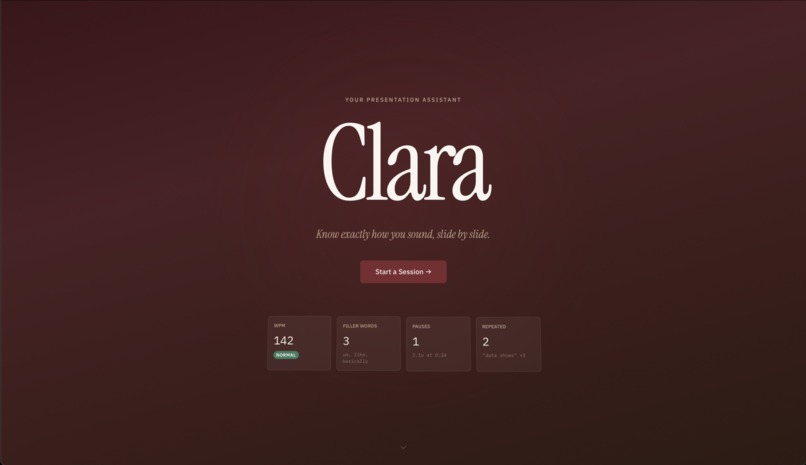
Landing
-
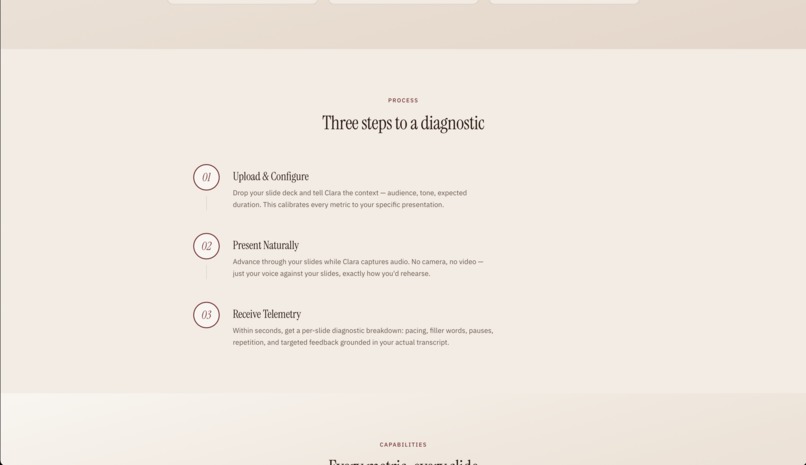
Usage
-
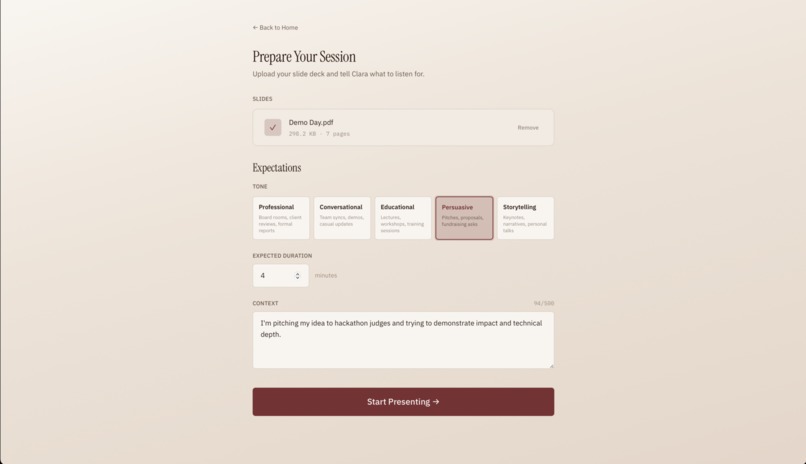
Input
-
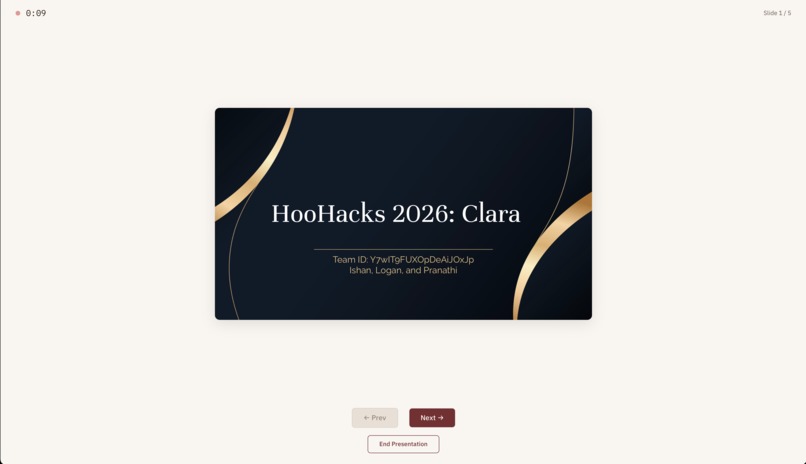
Presentation
-
Feedback
Inspiration
Imagine this: you have a big presentation due tomorrow and you have no idea how you are going to get a good grade. You rehearse in your dorm, you finish, and you have no idea whether your pacing was right, which slides dragged on, and whether you were overusing filler words.
The reality is, the feedback loop is broken. The only way to get useful input depends on having a friend willing to sit through your dry run and give honest critique, which can seem daunting at times. For a skill as crucial to so many aspects of life as public speaking is for young learners, we knew there had to be a better way to learn how to convey information.
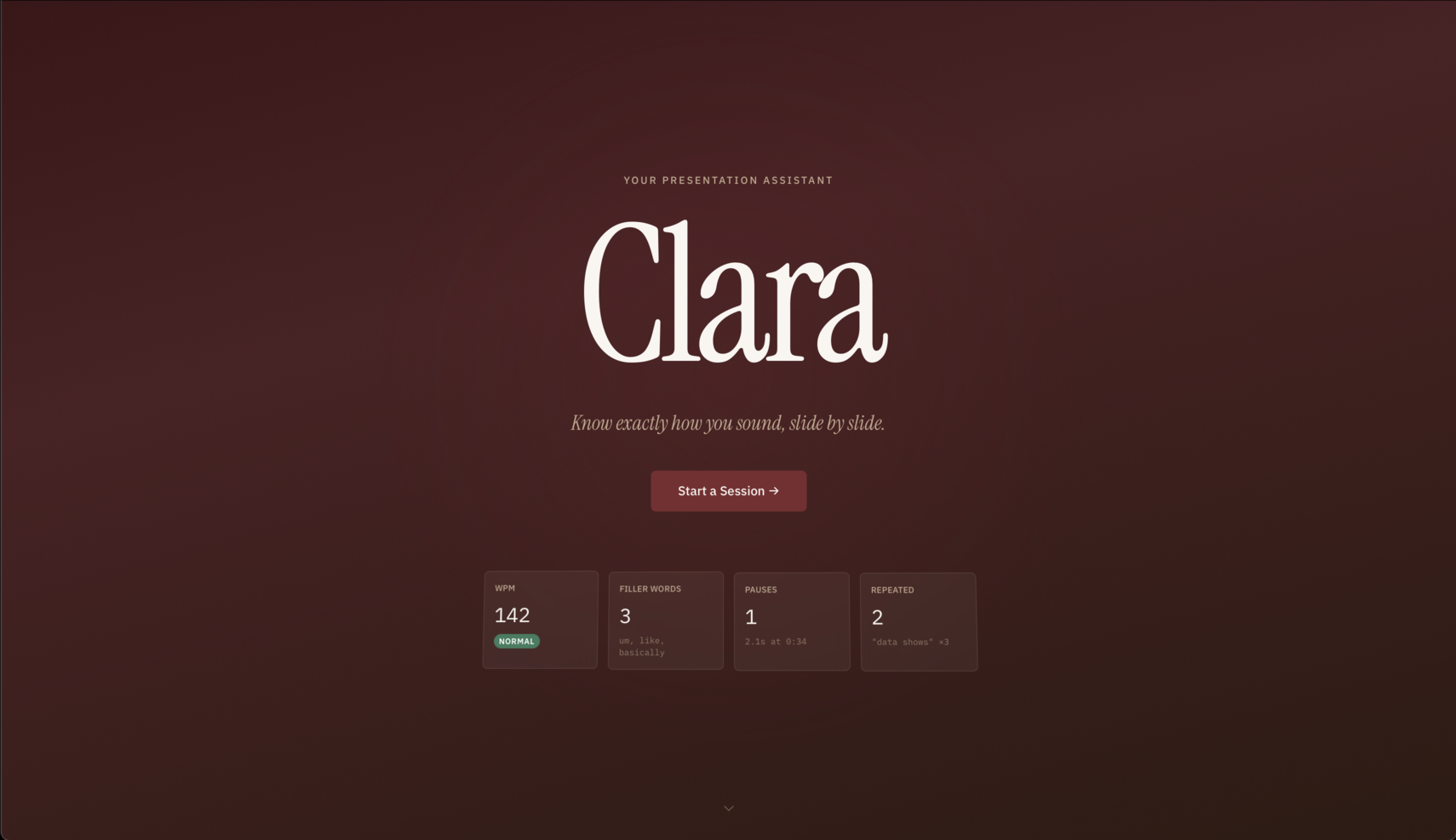
What if, instead of having to call a friend and risk embarrassment every time you want to practice, you could talk to your computer, which doesn't judge, doesn't laugh, and doesn't get distracted? That question is what brought us together during HooHacks to design, develop, and deploy Clara, your presentation assistant that does what your friends or the walls of your dorm can't.
What it does
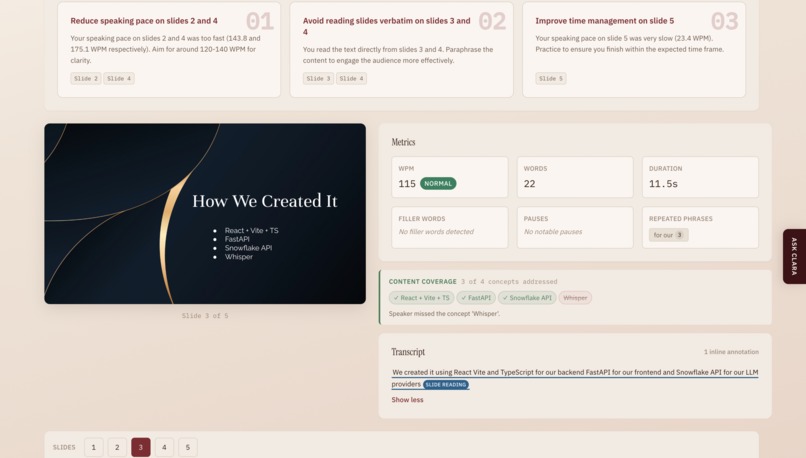
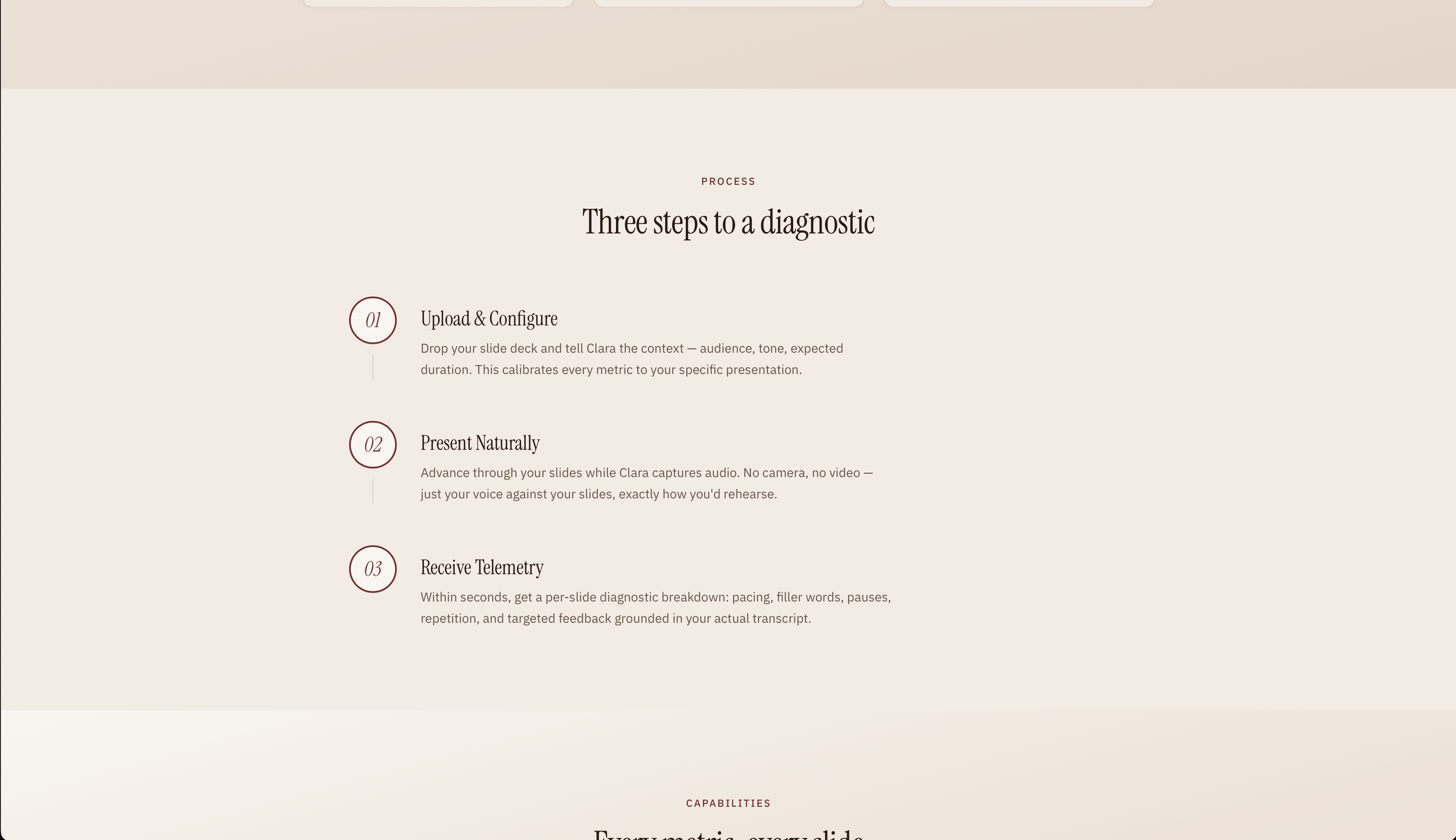
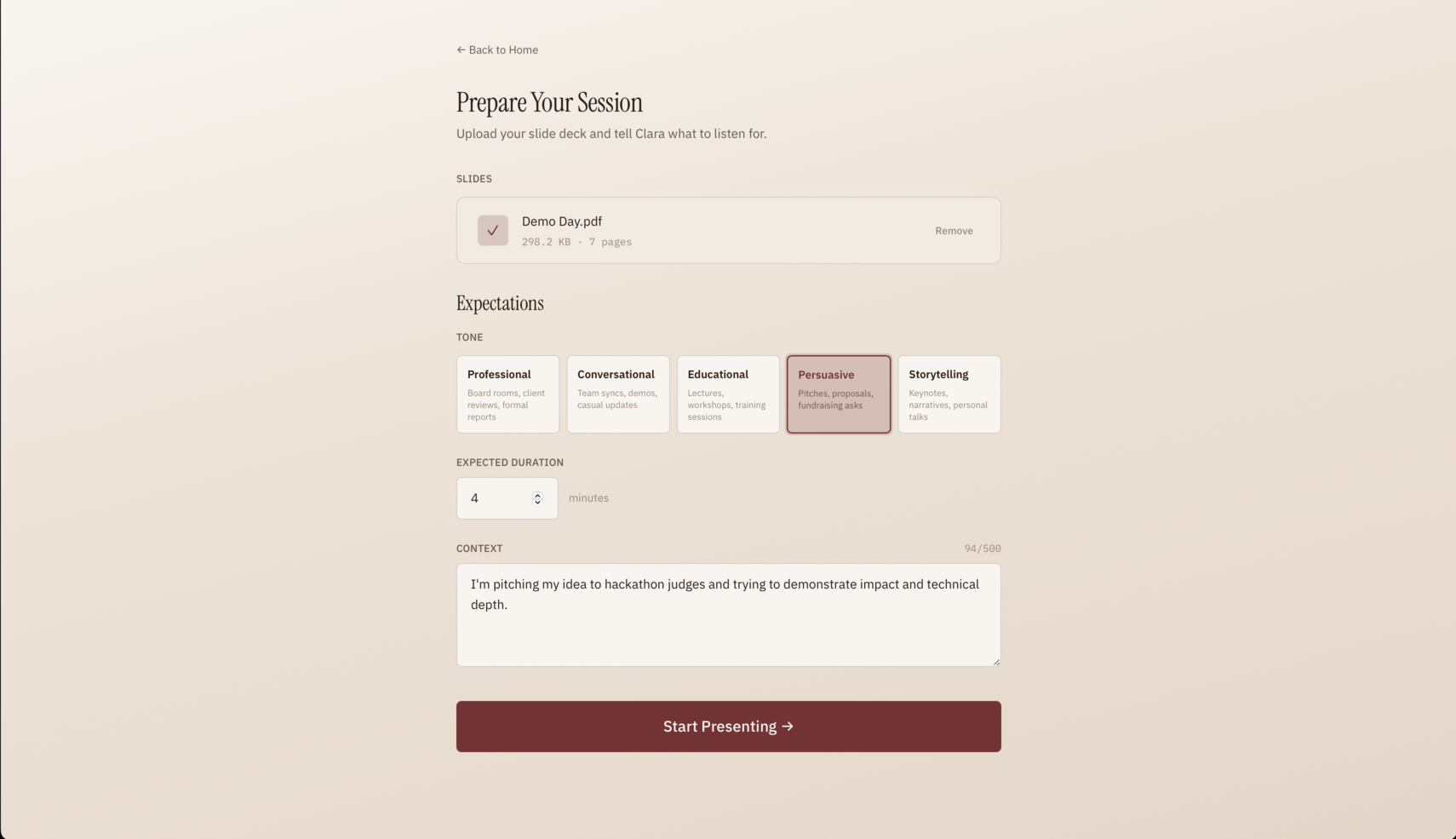
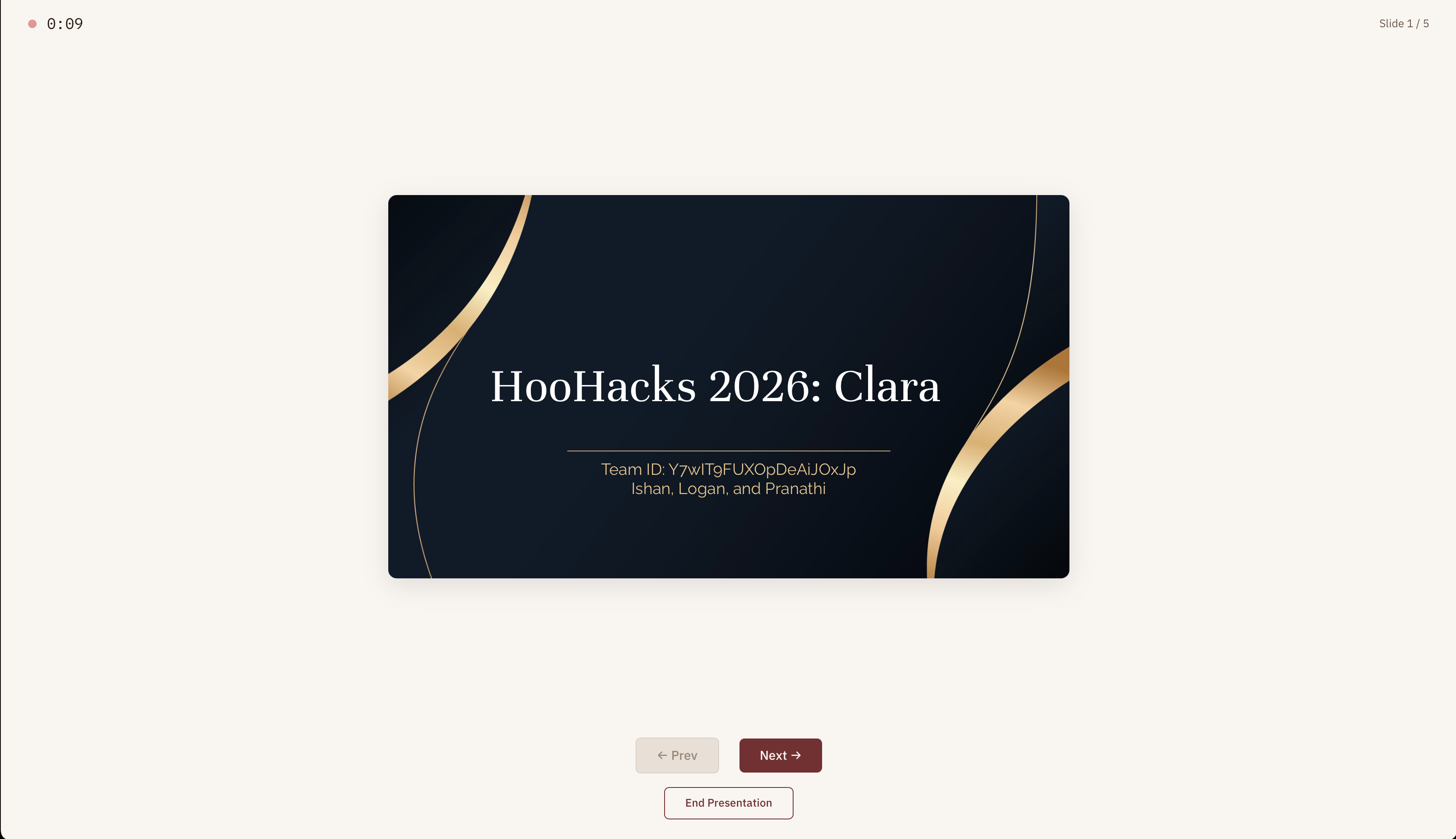
Clara first listens to you presenting over your slideshow and produces a diagnostic breakdown of your speaking patterns, both per slide and overall. The user flow is simple: upload a PDF version of your slides, give Clara some context on the expectations for your presentation (tone, audience, target, etc.), and present naturally.
Behind the scenes, audio is transcribed into word-level timestamped data and every word is mapped to the slide it belongs to, using OpenAI's Whisper API along with some additional JSON processing. From there, two independent analysis engines run in parallel:
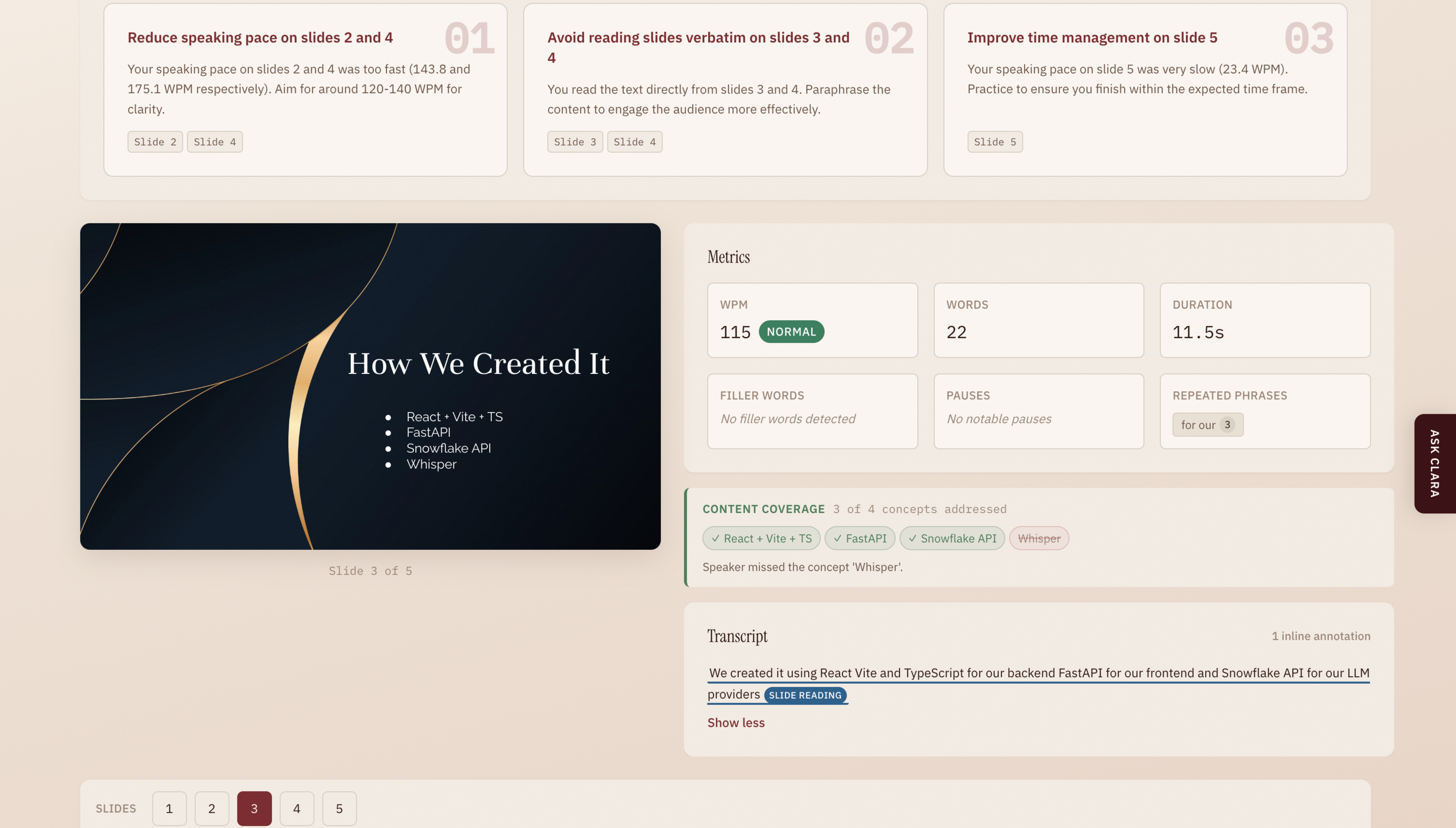
Algorithmic metrics: computed deterministically from the transcript. For each slide, Clara measures:
- Words per minute, classified against tone-calibrated benchmarks. For a professional presentation, 130-160 WPM is "normal"; for educational, 110-145 WPM.
- Filler words (um, uh, like, you know, basically, etc.) with exact timestamps
- Pauses exceeding tone-specific thresholds (e.g., >2.0s for professional, >3.5s for storytelling)
- Repeated phrases via n-gram analysis
- Overall duration deviation between actual and expected presentation length
LLM-powered pattern detection: using Snowflake Cortex to catch what algorithms can't: cross-slide repetition (the same crutch phrase appearing on slides 2, 5, and 7), hedge stacking (three or more hedging words piled into one sentence), false starts (abandoned and restarted sentences), verbatim slide reading, and topics on the slide that are never spoken about. Every flag must cite a specific quote from your transcript or slide so that no generic advice is ever generated.
The results merge into a slide-by-slide intuitive performance view with a coaching summary of your top 3 improvement areas, plus an AI chat feature where you can ask follow-up questions about your specific results.
How we built it
Clara is split into two independently developed halves connected by a shared API contract:
Frontend: React 19 + TypeScript + Vite. We use
react-pdfto render uploaded slide decks, the browser'sMediaRecorderAPI for audio capture, and Framer Motion for page transitions and orchestrated animations. The UI is designed to feel like an analytical tool: information-dense, with clear typographic hierarchy and a warm, editorial color system.Backend: Python + FastAPI as a single server with modular internal services. The processing pipeline flows through 5 stages: audio transcription (OpenAI Whisper API), slide indexing (mapping word timestamps to slide boundaries), parallel analysis (manual metrics + Snowflake Cortex LLM feedback via
asyncio.gather), and aggregation. All state is in-memory, meaning there are no database, no persistence, no auth.
The LLM module uses an _ evidence-grounded prompt architecture _: before any Cortex call, we pre-compute cross-slide n-gram repetitions and transcript-to-slide-text similarity scores algorithmically, then feed that evidence to the LLM. Post-validation drops any flag where the quoted text doesn't appear verbatim in the transcript. This three-layer approach (prompt design, pre-computed evidence, post-validation) prevents the hallucinated or generic feedback that plagues naive LLM integrations.
Challenges we faced
Keeping LLM feedback honest. Our first iterations produced exactly the kind of output we were trying to avoid, such as the generic "try to speak more confidently" and "great use of transitions." We had to redesign the entire feedback system around pre-computed evidence and strict post-validation to ensure every flag is grounded in observable transcript data. We killed several flag categories entirely (clarity, diction, structure, timing, pacing) because they consistently produced subjective or metrics-restating output.
Slide boundary precision. Mapping Whisper's word-level timestamps to slide boundaries sounds simple until edge cases popped up, like words exactly on a boundary, users navigating backward then forward, and slides with zero words. Getting the indexer airtight required careful boundary logic which was trickier than we'd like to admit.
What we learned
The biggest lesson that we learned was how easily LLMs can hallucinate patterns, but still reliably synthesize them. For example, when we asked the LLM to find issues in raw transcript text, its output was abysmal and generic. However, when we pre-computed the evidence algorithmically and asked the LLM to interpret and explain it, the results made far more sense. This design philosophy was one that we had never considered before, but proved to make a significant impact on an issue that most developers face when dealing with LLMs.
Built With
- fastapi
- framer
- openai
- pydantic
- pymupdf
- python
- react
- snowflake
- tailwind
- typescript
- vite

Log in or sign up for Devpost to join the conversation.