-
-
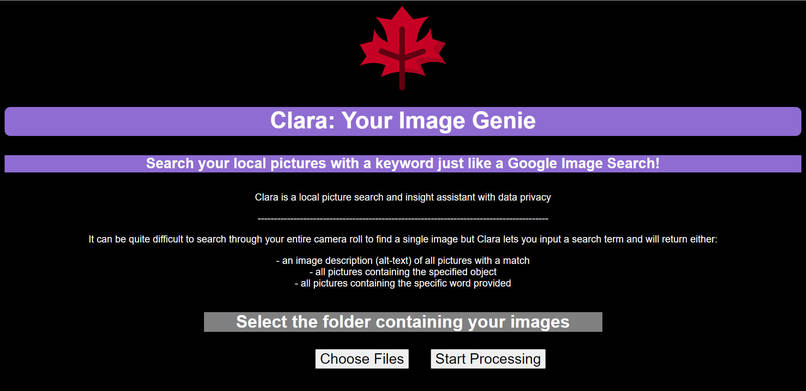
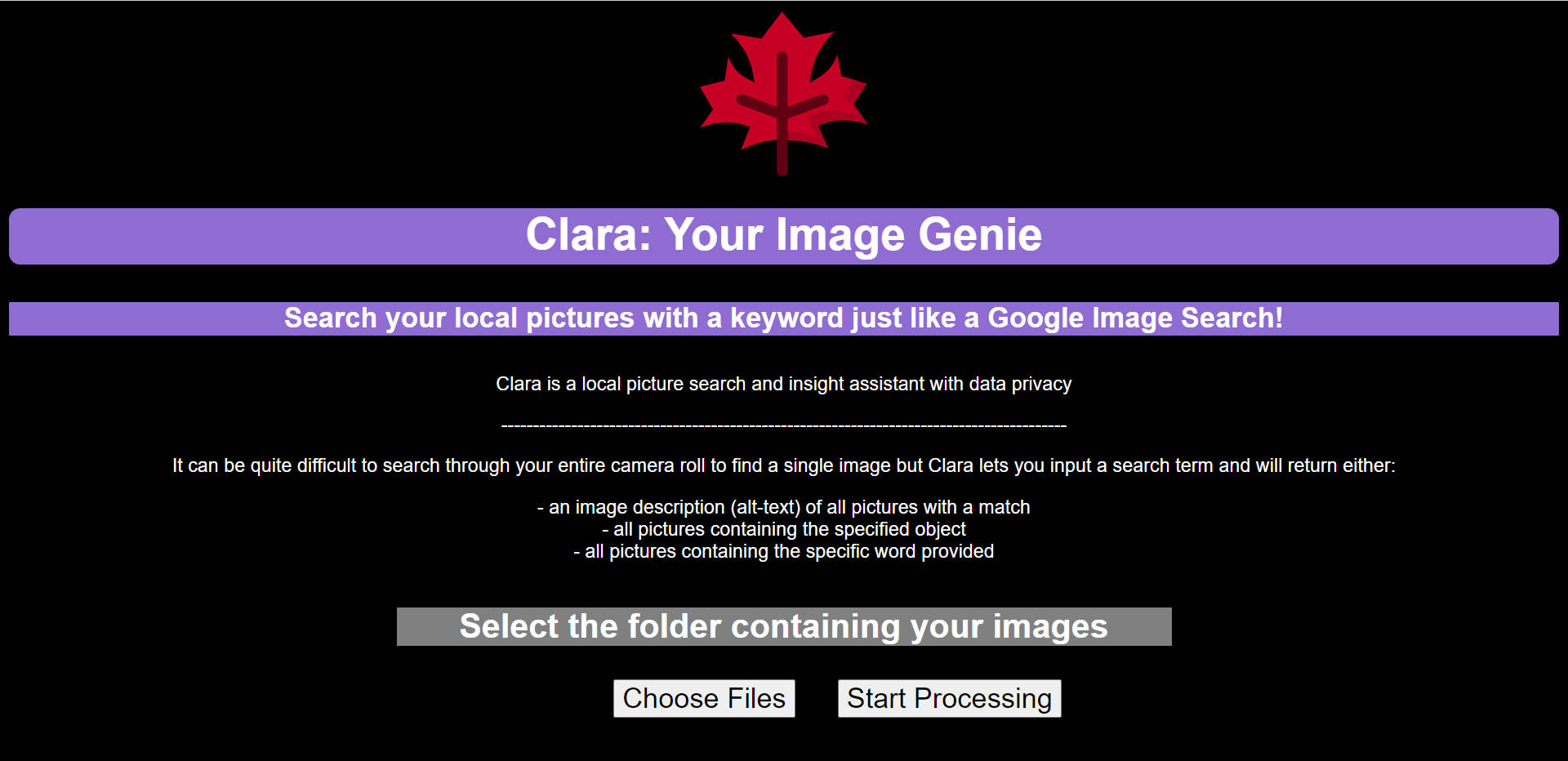
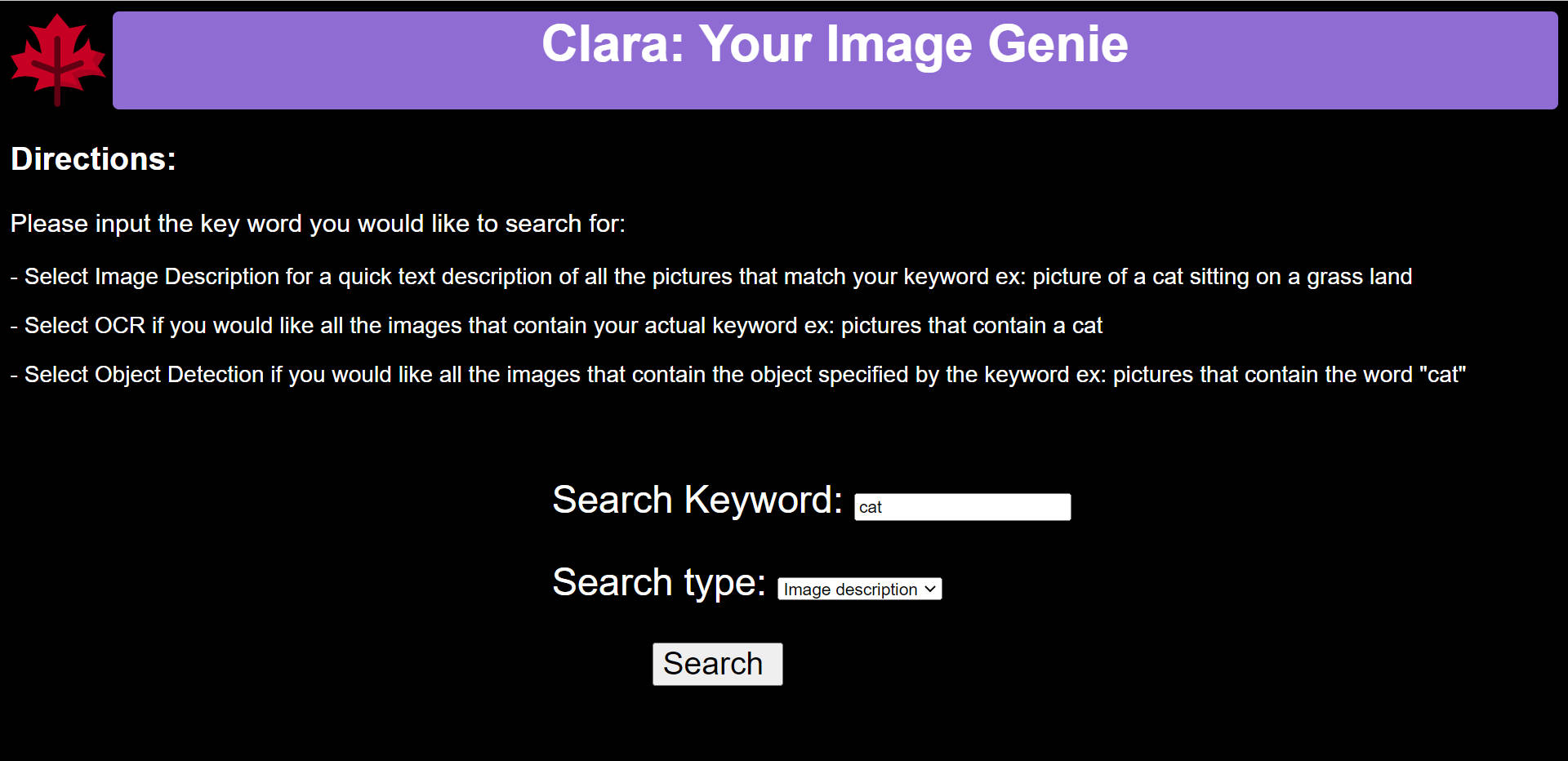
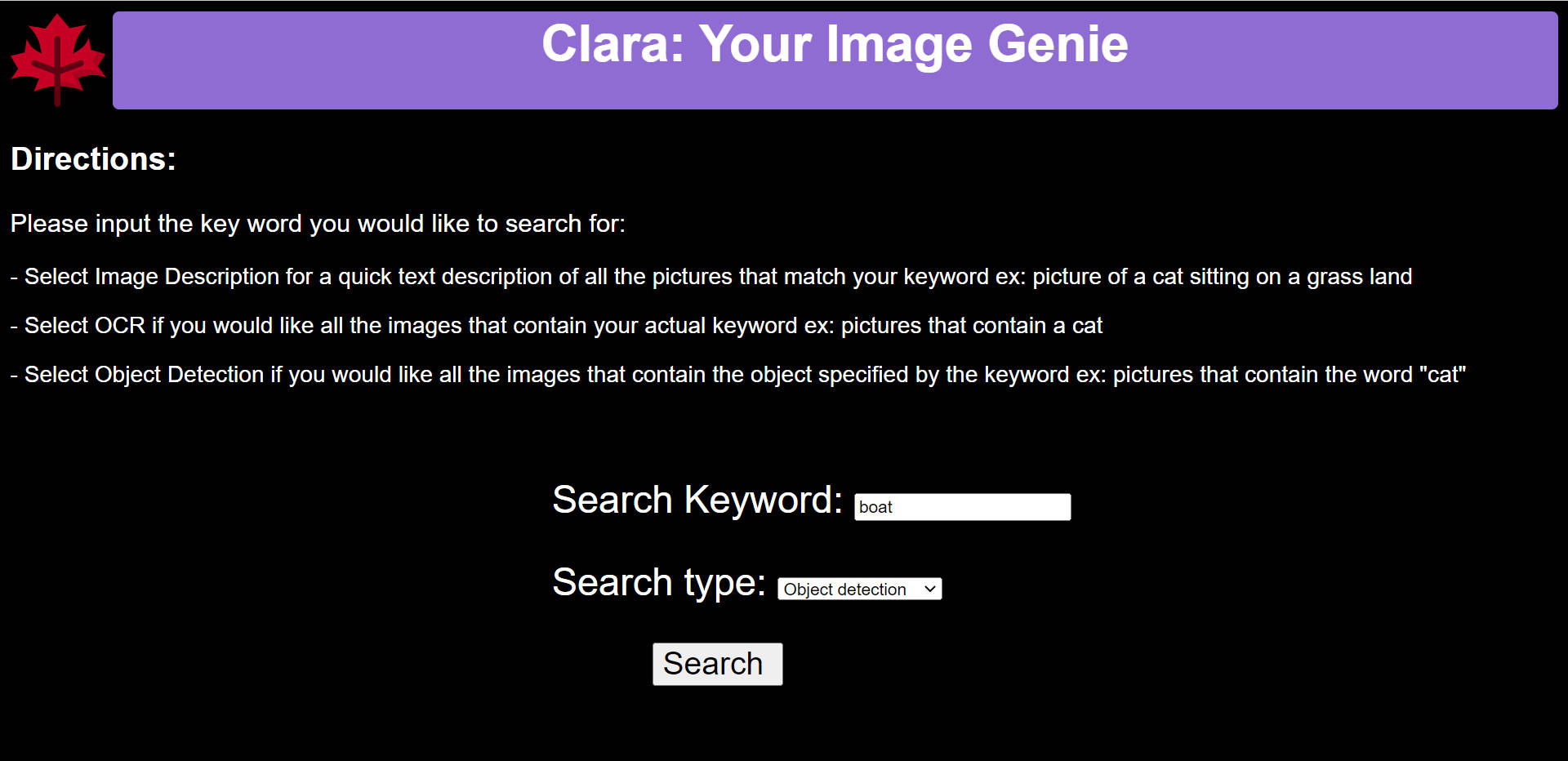
1. home page to select photo folder to search through
-
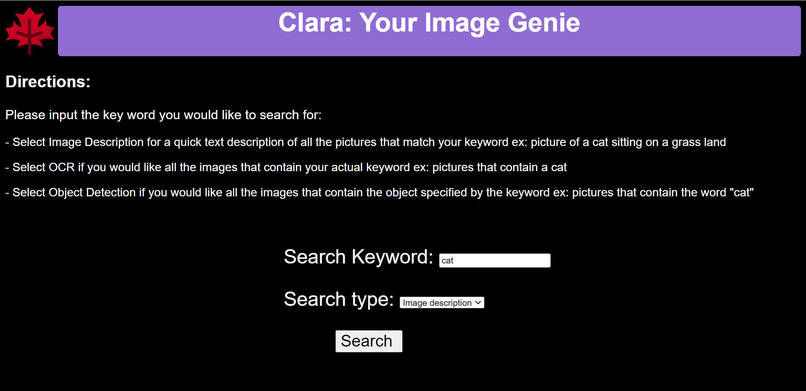
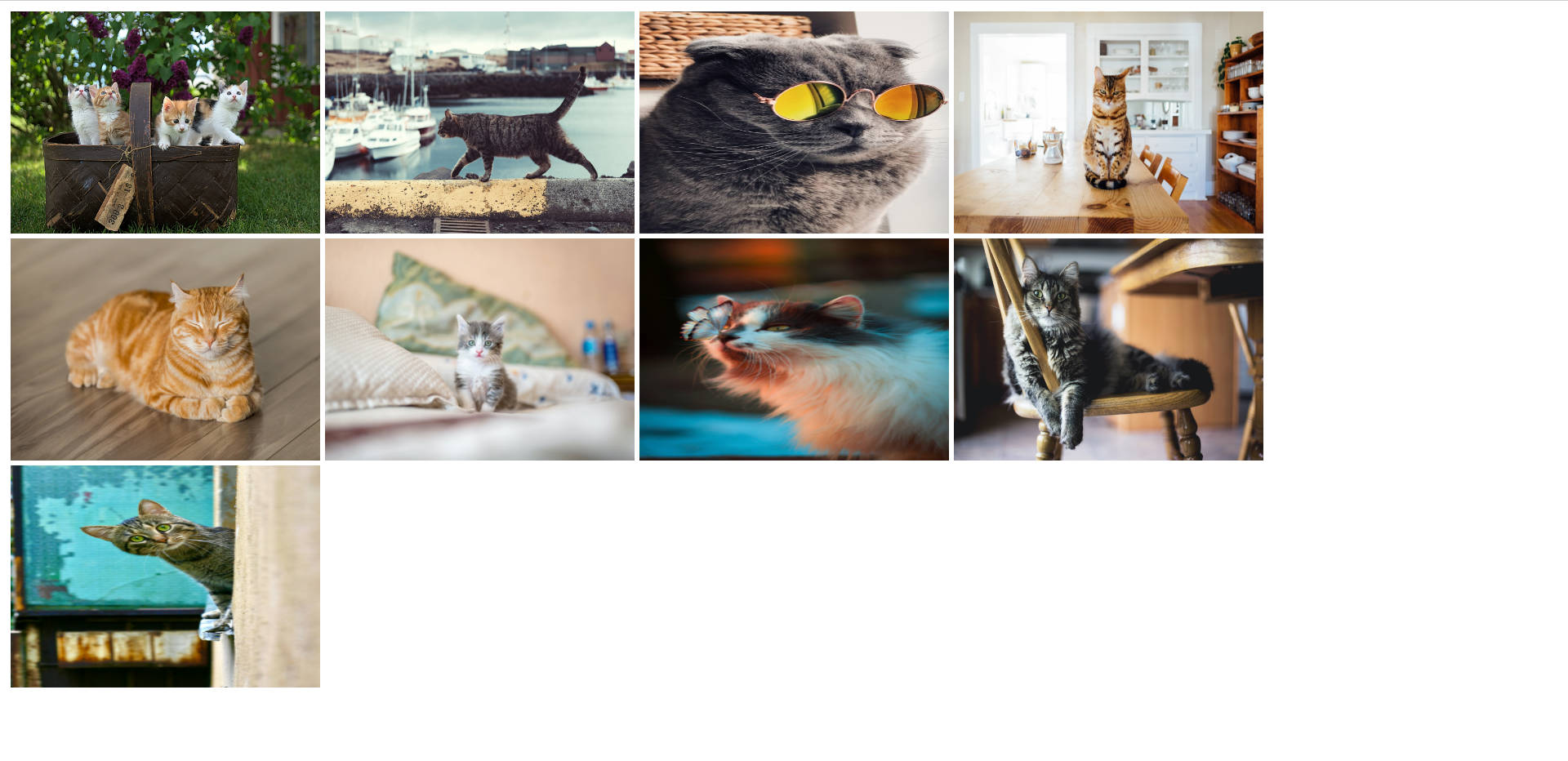
2. search all pictures with cat in the image description
-
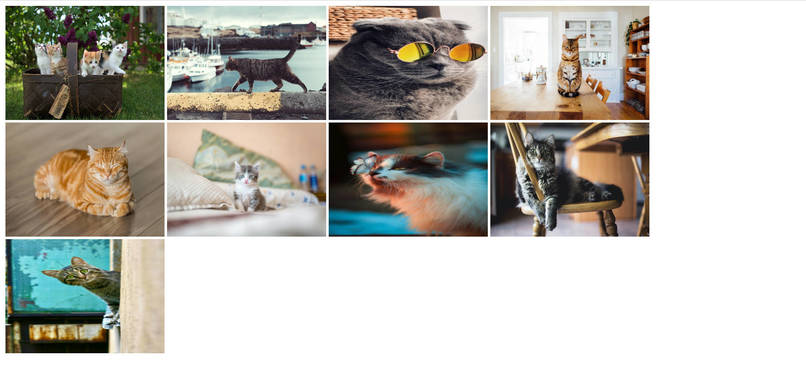
3. search result: cat pictures!
-
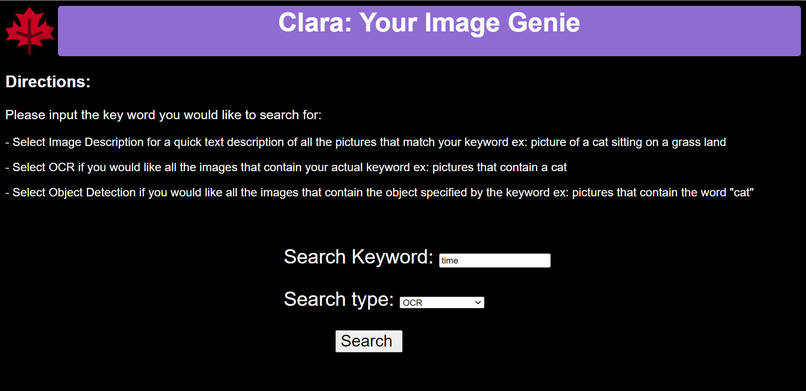
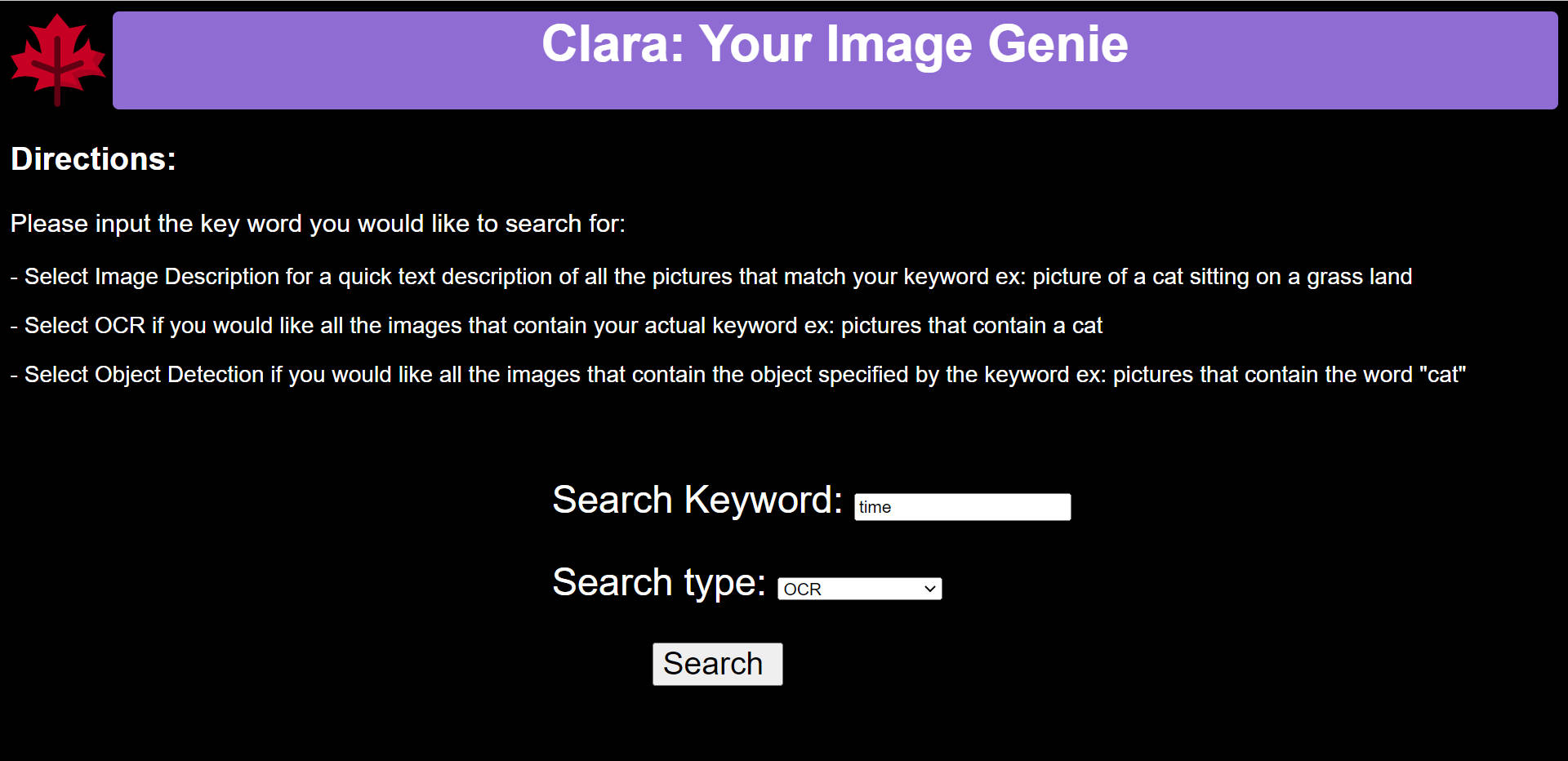
4. search all pictures that contain the word "time"
-
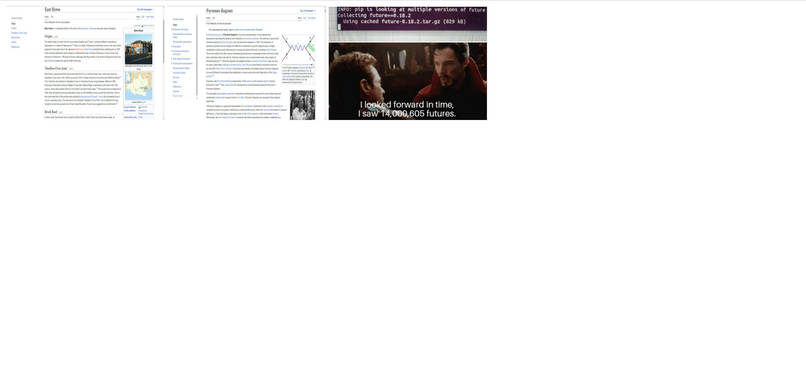
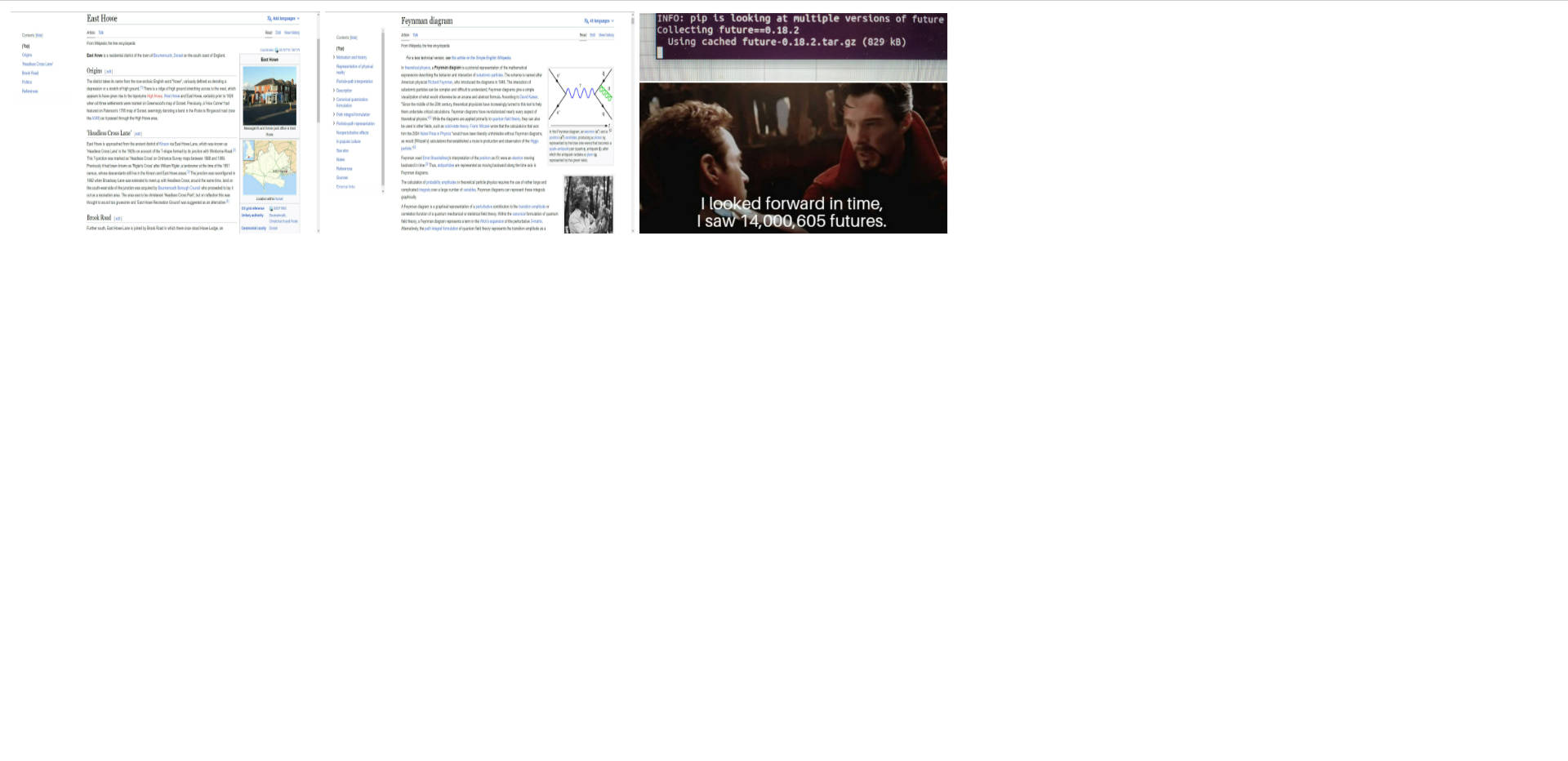
5. search result: pictures that contain the word "time". clearly seen on the rightmost picture
-
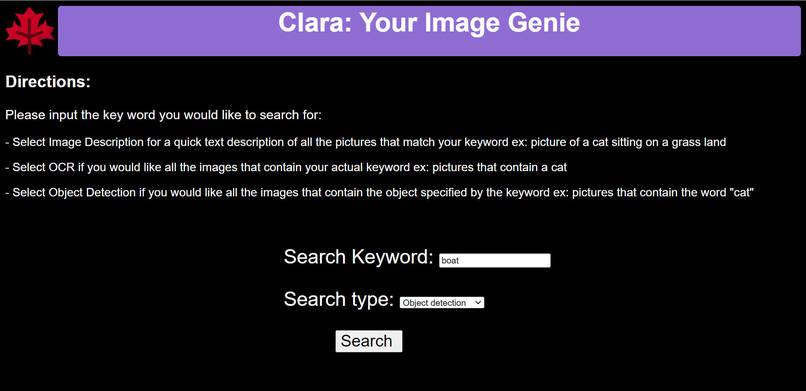
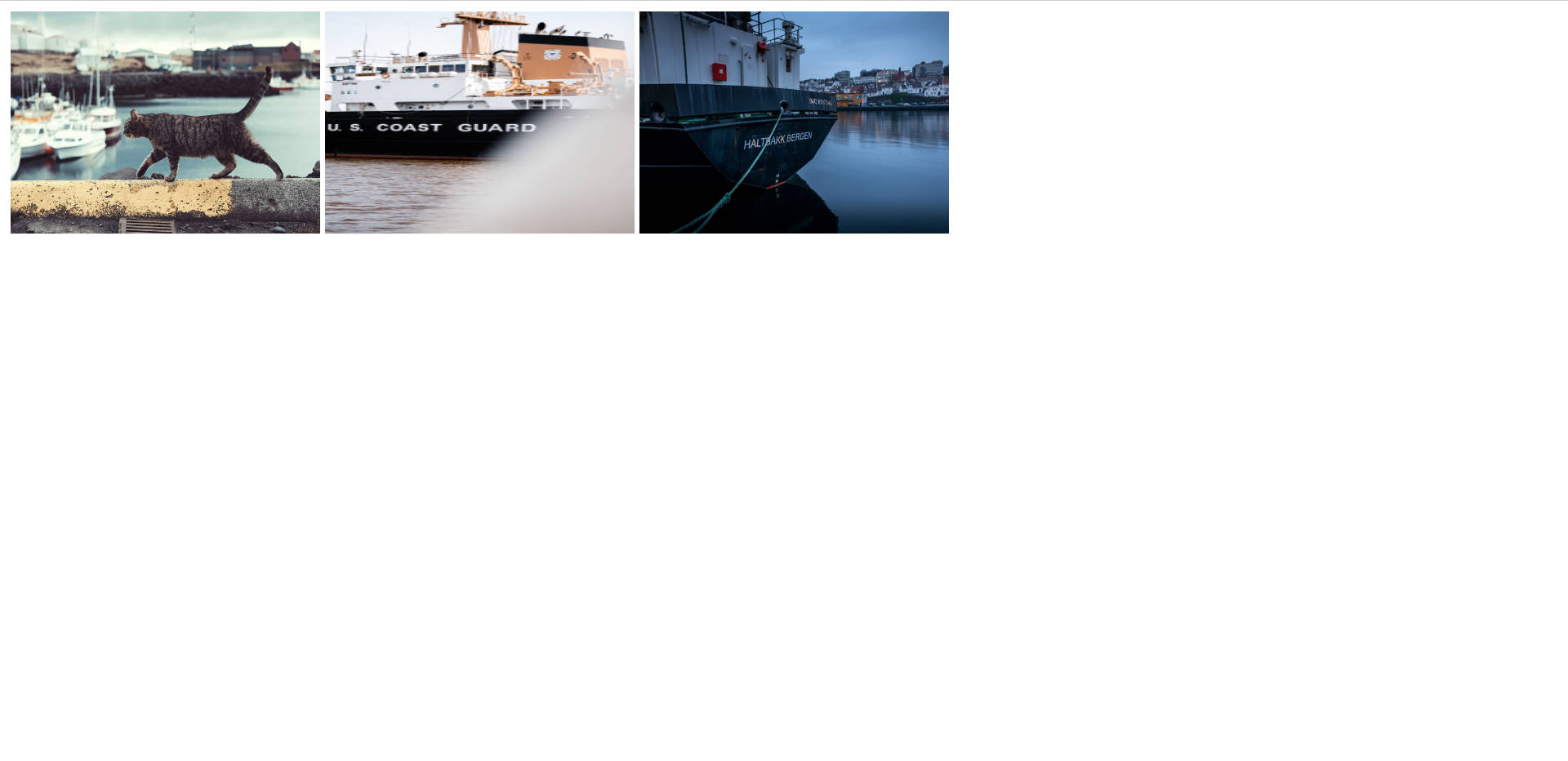
6. search all pictures that contain a boat
-
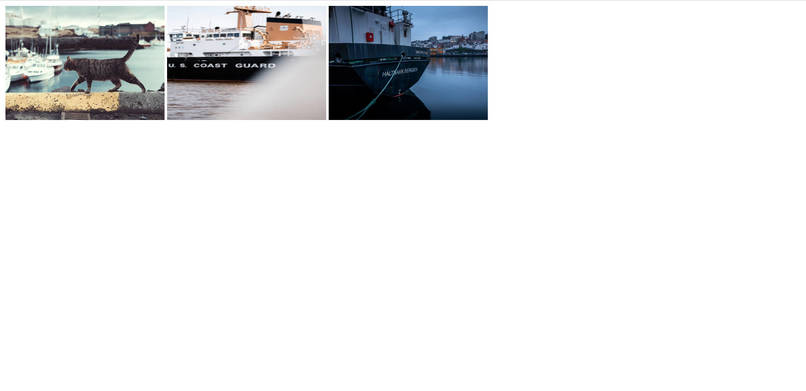
7. search result: pictures that contain a boat
Inspiration
Struggling to find that one picture in thousands of pictures
- Ever wanted to dig up your ancient receipt photos? long-lost memes? your beloved cat pictures? Yes, we've all been there - we spend hours scrolling through the entire photo library to find it, and this only takes longer if we have poor sight or are blind but wanna share images with our sighted friends.
- Our solution to this problem is: What if we can search our photos with a keyword, just like Google Image Search?
- So we created Clara. We made it accessible for those with vision disabilites as well, hoping that they'll also have the freedom to easily navigate through their photo albums.
What it does
Search through your entire photo album with a keyword, just like Google Image Search
Clara is your personal local picture search and insight assistant. The name borrows from the latin word clarus meaning clear, bright, famous, as this app aspires to make pictures searchable and clearly annotated for users.
User interface
Users will type a keyword of what they want to search for, for example "cat".
Users will select from our three different types of searches:
Image Description: our algorithm will return all the images containing a cat, for example: "a picture of a cat sitting on grass land" or "a cat standing on a hill". In the future, we will also return the corresponding image description texts, which existing alt-text readers could then read aloud for blind users.Object Detection: This will return all the images containing that keyword, for example all images containing a cat.OCR (Optical Character Recognition): This will return all images containing the actual keyword inputted, for example all images containing the word "cat".
Clara streamlines the image search process using image-to-text algorithms, and makes images more accessible for everyone.
Platform supported
- PC (as a web app running on localhost) works well
- mobile coming up soon
How we built it
Machine learning models for image-to-text
- We deployed open-source, pretrained machine learning models such as multimodal transformer for image captioning, ResNet-LSTM-autoencoder based OCR model, and YOLOv3 supported object recognition model to achieve our core functions:
Image Description,Object Detection, andOCR (Optical Character Recognition)to process all images in a given folder. - Then we displayed all search result images on front end, a website running on localhost only. No internet connection needed after downloading - all image processing happens offline, and user data is super safe!
- For details, see project roadmap.
How to use
Challenges we ran into
- All of our team members came in with varying degrees of experience, so one challenge was simply learning the skills necessary.
- While we were able to successfully deploy the back-end models of image recognition and the front-end, we struggled with getting them to communicate with each other. It took some research and trial and error, but eventually we got both parts to integrate and work with each other.
Accomplishments that we're proud of
- We are particularly proud that we were able to get all 3 models up and running and functioning with the pictures provided.
- We are proud of our team for navigating between conflicting time zones and installation issues to still successful and consistently collaborate with one another on the project. Go team!
What we learned
- We initially had some trouble developing the front-end, but learned more about designing styles, and creating fields for the back-end to integrate with.
- We also learned a lot about pytorch models and how to deploy them into a fully-functioning project.
What's next for Clara: Image Genie
- Improve UI to make it more easily read
- Display an image description text for each image in the search result (the current version has this information in backend, just need to pull it up on frontend), so a blind user can use their alt-text reader to read that aloud
- Integrate a text reader into the front end, so user's without a pre-installed reader will still be able to make the most of our application
- Pre-compile the app so it's easily installed


Log in or sign up for Devpost to join the conversation.