-
-
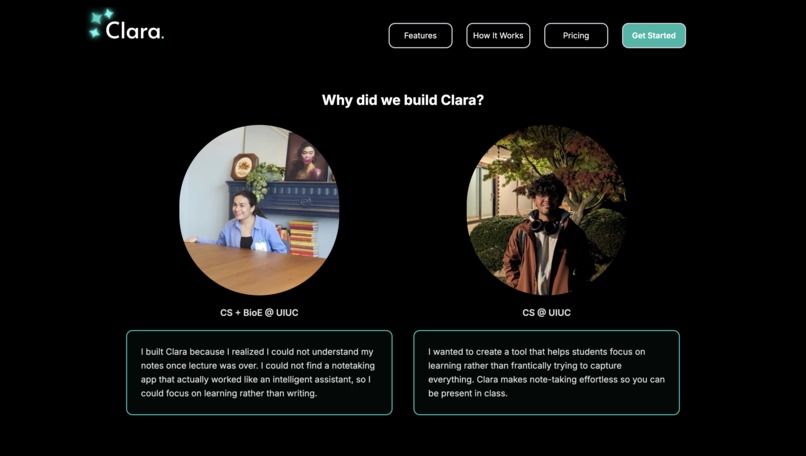
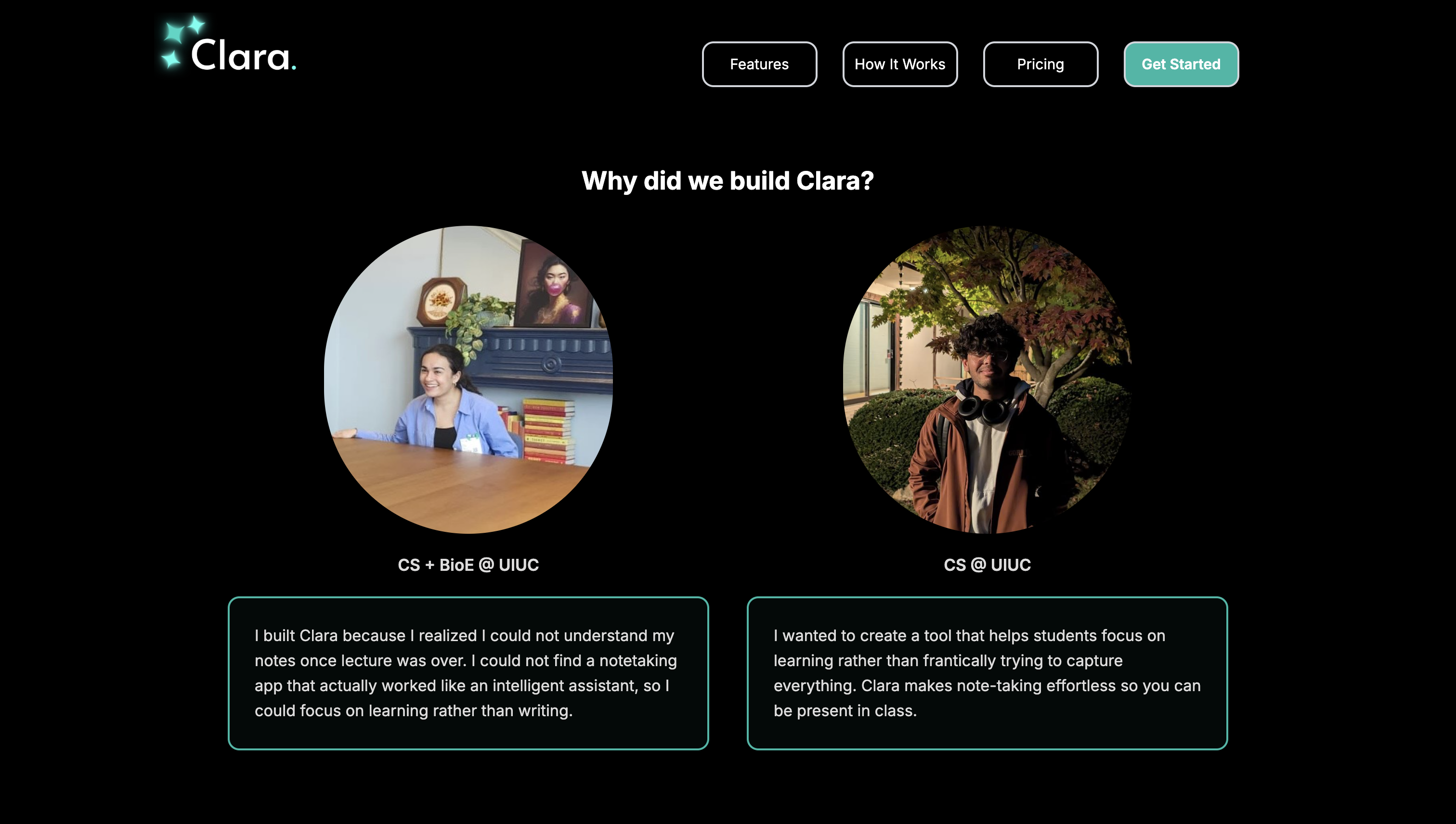
Why we built Clara
-
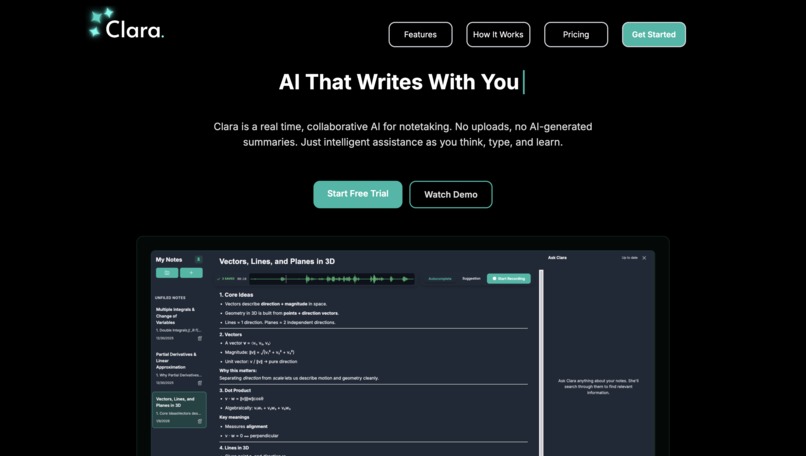
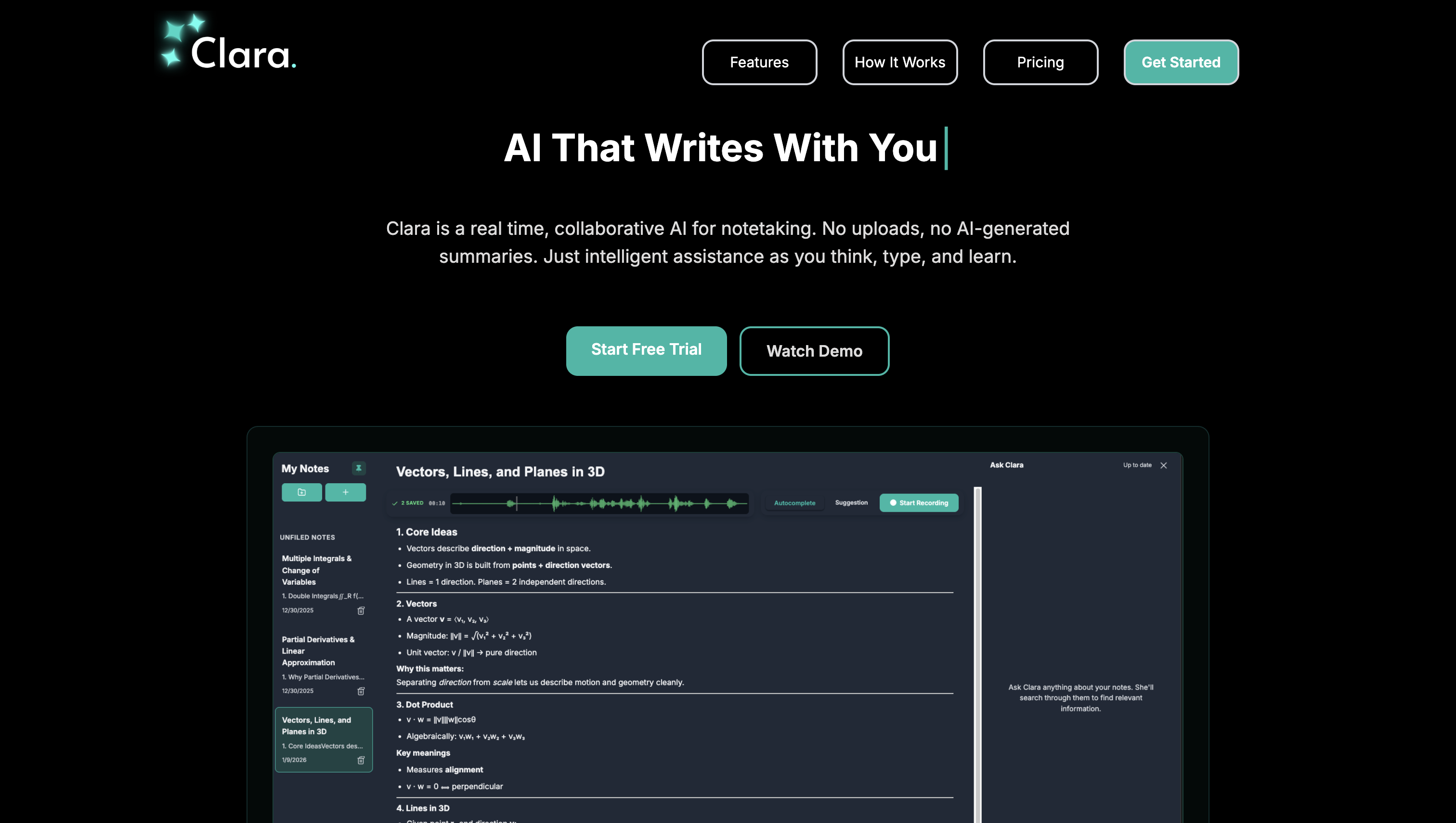
Clara is an intelligent note-taking assistant to help students focus on learning rather than writing.
-
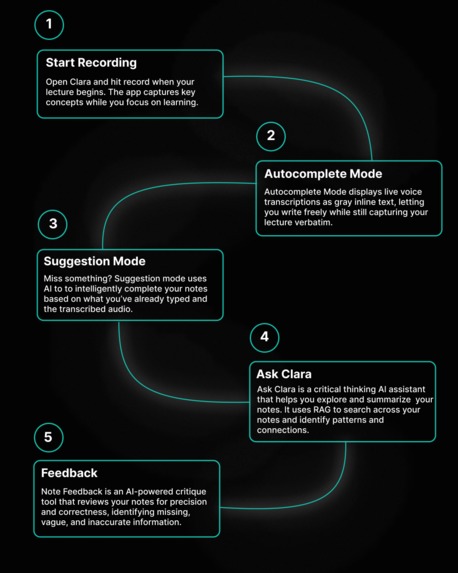
How it works
-
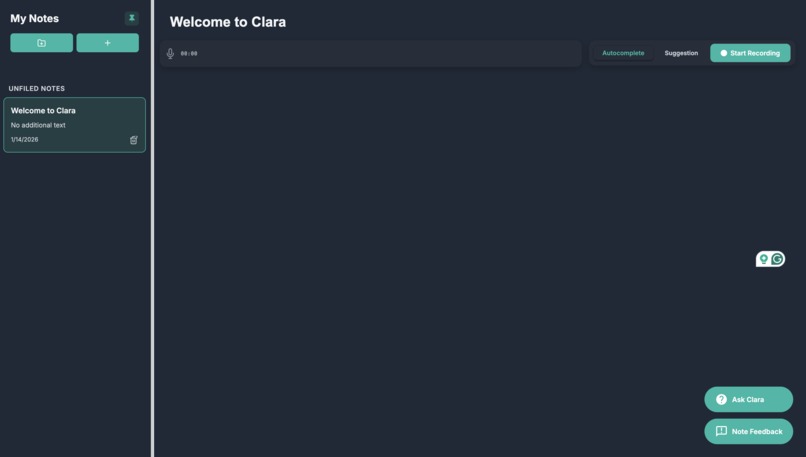
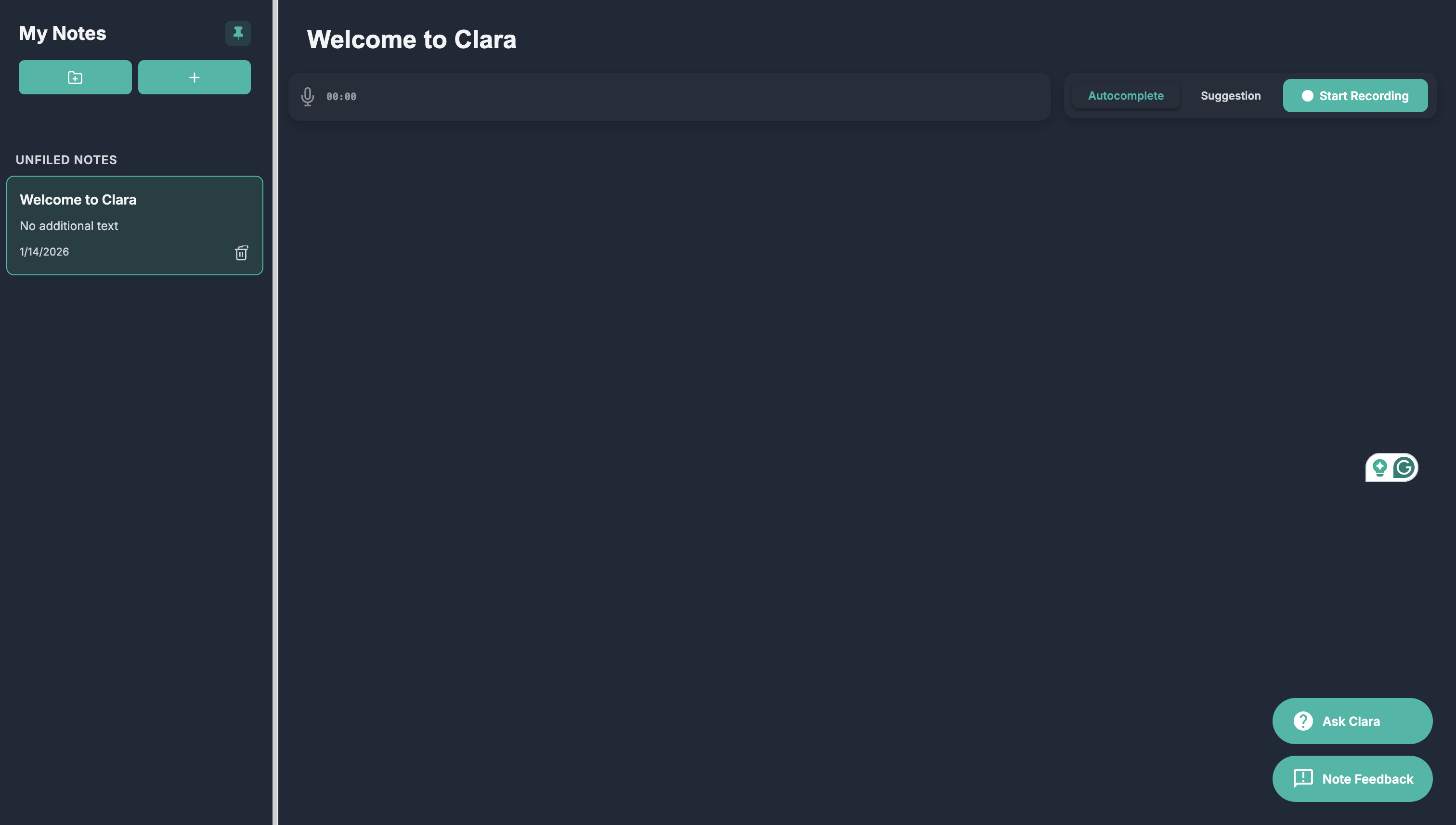
Notes Editor
About the project
Clara.ai was an idea I conceived during a lecture, as I realized I couldn't make sense of the notes I was taking. I tried to frantically write down the most important words of what my professor was saying, but I couldn’t keep up with the pace of the lecture. When I revisited my notes 2 weeks later, as I was studying for the final for the course, I discovered two major issues: 1) I could not understand my own notes and 2) I had missed essential details that would be on the test.
This experience led to a lot of frustration as I had to re-watch 1-hour-long lecture videos and rewrite my notes to prepare for my final exam. In this moment, I realized there had to be a better way to take notes, so I decided to build Clara.ai, an intelligent notetaking assistant. Most AI notetaking apps either focus on note organization or transcription and summarization, like Otter.ai, which works well for meetings but not necessarily for students trying to learn.
I couldn't find a tool that assisted in the note-taking process itself. This prompted my project partner and me to develop Clara.ai, which we describe as the Cursor for Notetaking. Clara.ai transcribes your lecture in real-time, and if you miss something your professor just said, you can simply press TAB to autocomplete the missed words. Clara also helps you format your notes, transforming messy bullet points into organized tables, making studying for exams easier in the future. It also offers an interactive assistant that provides feedback and comments on your notes.
How we built the project
Aadivya and I built the Clara.ai frontend using React with Typescript and Vite for fast development and built custom CSS for the website design. For real-time speech-to-text transcription, we used Deepgram API and OpenAI GPT-4 model for intelligent text completion.
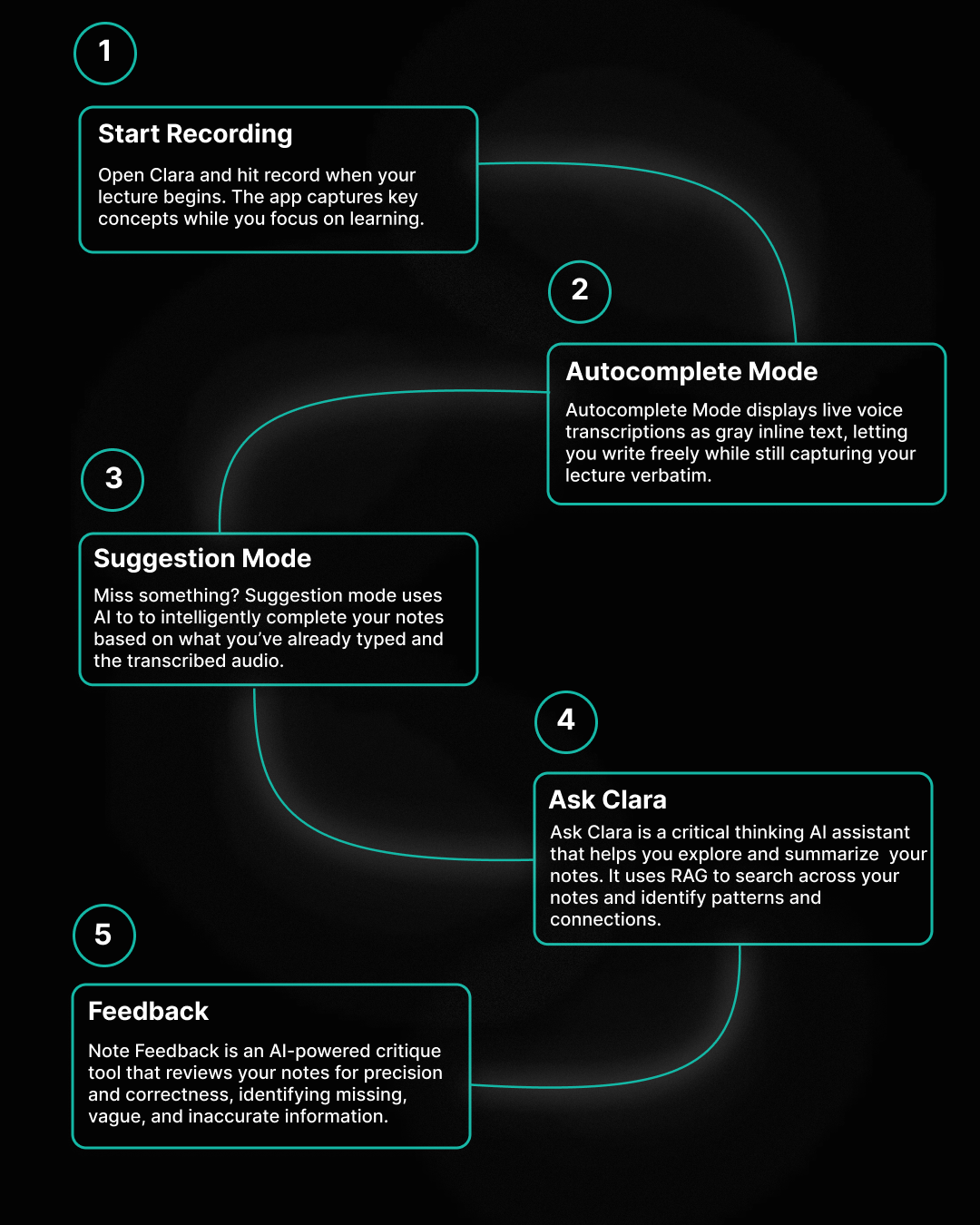
Some of the key features we implemented include two modes: an autocomplete mode and a suggestion mode. The autocomplete mode shows the voice transcription as gray inline text, which you can write over, providing the flexibility of typing your own notes while also allowing you to capture the lecture verbatim. The suggestion mode works by detecting pauses in user typing, which then uses AI to fill in the remaining words based on what the user has already typed and the transcribed audio up until that point.
For real-time transcription, we established a WebSocket connection with Deepgram, using the MediaRecorder API to capture audio and stream it to the API in 100-ms chunks for low-latency processing.
For the suggestion mode, which uses GPT-4 for text completion, we implemented a debouncing mechanism that avoids successive API calls. To do this, we created a timer that resets after every keystroke as the user is typing continuously. Only when the user pauses is the API called after a 1.5-second delay. The API is then called with the user context and the transcribed audio up until that point, and uses GPT-4 to fill in the remaining words.
For both the autocompletion and suggestion modes, the words are rendered as gray inline text using the TipTap text editor, which is a React-friendly wrapper around ProseMirror. The user can type over these words, allowing for the flexibility of typing your own notes while also having autocompletion. This allows a student to focus on understanding the content instead of trying to frantically copy down notes. In the suggestion mode specifically, in addition to the gray inline text, we also have a suggestion bar at the bottom, enabling dual visual feedback. Additionally, the text editor allows for formatting that would be available in Google Docs, bold italicize, adding images, and adding headings. It also provides for the option to create folders and create notes within those folders. All notes and data are stored using local client-side storage using IndexedDB, enabling low latency and fast read/write access.
We also implemented a RAG system to generate explanations of your notes, where the notes are chunked into searchable pieces. The embeddings are generated using OpenAI's text-embedding-3-small model and stored locally. When you ask a question, Clara finds the most semantically relevant chunks (top 10, max 4 per note) using cosine similarity with a minimum score threshold of 0.2. We call this feature “Ask Clara”, which uses GPT-4o mini to generate explanations for questions on your notes.
Additionally, to receive comments on notes, we extract the text from the text editor and use OpenAI API to generate 2-3 focused search queries to fact-check a user’s notes. Tavily API is then used to retrieve up to 10 web sources to verify your notes against real information. Issues, such as inaccuracies, are displayed as colored highlights directly in the editor, with annotation pins on the side showing the issue type, description, and sources. These issues can be fixed by replacing the original text or adding new content, which the user can preview and edit before applying.
Challenges we faced
Some of the challenges in the development of this idea were figuring out the debouncing strategy to avoid multiple successive calls to the API. This involved resetting a timer reference after each keystroke as the user is typing continuously and only calling the API after a 1.5-second delay when the user pauses.
Another significant challenge was managing cursor positioning when inline suggestions were generated. We needed to preserve the user’s cursor position before the suggestion appeared and correctly move it to the end of the inserted text when the user accepted the suggestion by pressing TAB.
We also faced challenges, specifically with transcription, particularly in fine-tuning parameters such as chunk size to closely mimic real-time transcription while also minimizing API calls. Additionally, when building the RAG system to generate explanations, we also faced issues with designing the system to be actually intelligent, capable of forming connections from existing text rather than repeating it. This was accomplished through various chunking strategies, such as a maximum of 4 chunks per note and 250 character overlap between chunks.
What we learned
Some of the key things we learned in building this project were product design, specifically how to rapidly prototype beautiful websites and build WYSIWYG editors using TipTap. We also learned how to build efficient mechanisms for API calls, such as the debouncing mechanism, considering the costs of integrating certain features into a project. Finally, we also gained experience with working with AI transcription software, specifically using MediaRecorder API to record audio from a device’s microphone and transcribe the audio in 100 ms chunks using a WebSocket connection to Deepgram.
Built With
- deepgram
- indexeddb
- mediarecorder
- openai
- react
- tavily
- tiptap
- typescript


Log in or sign up for Devpost to join the conversation.