-
-
-
-
-
-
-
-

scan to see our walkthrough video!

Inspiration
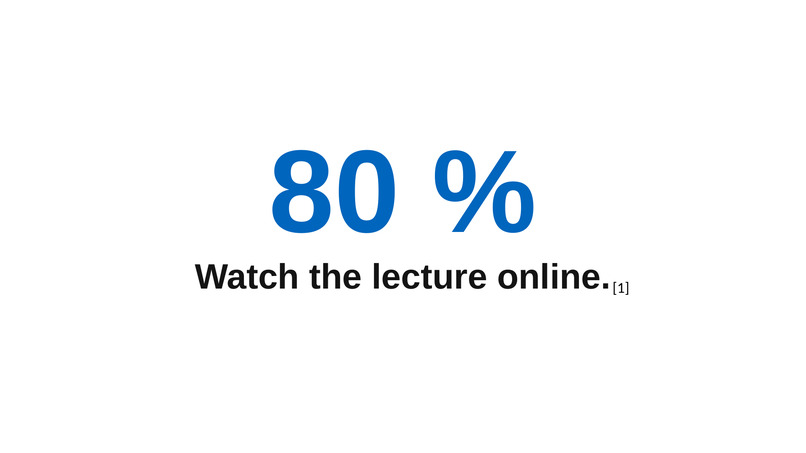
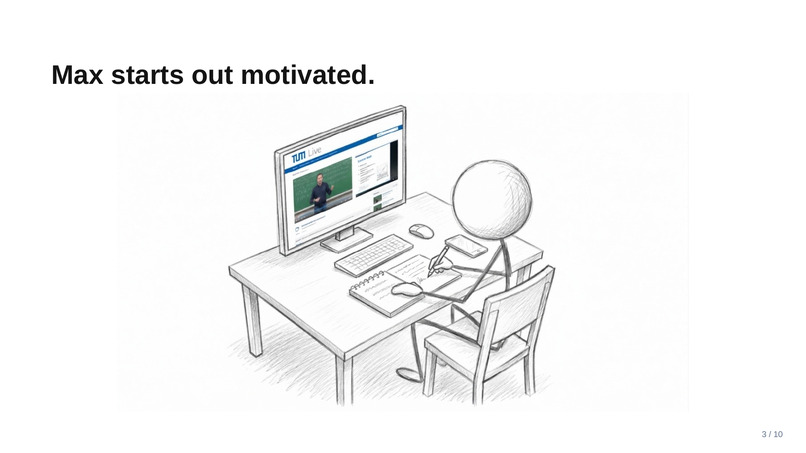
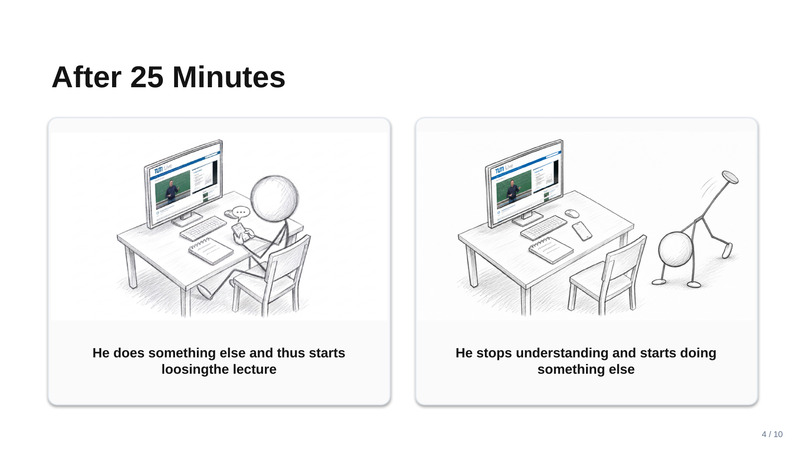
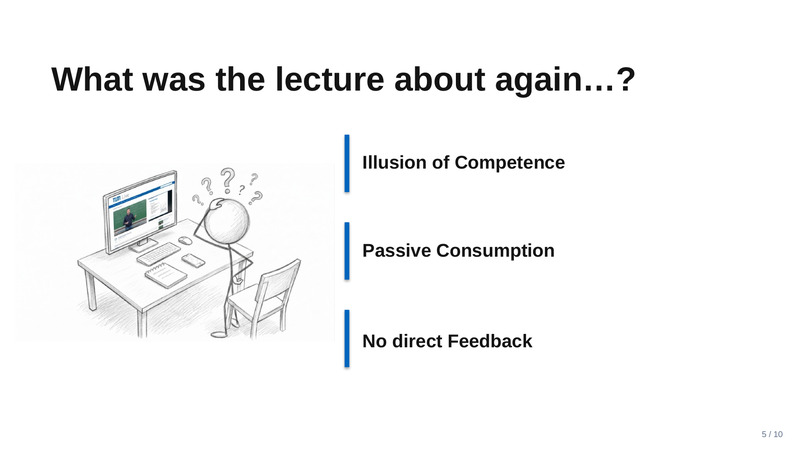
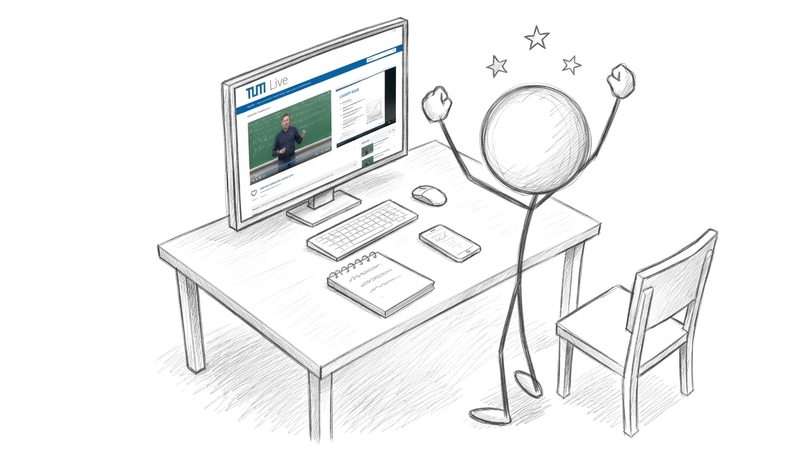
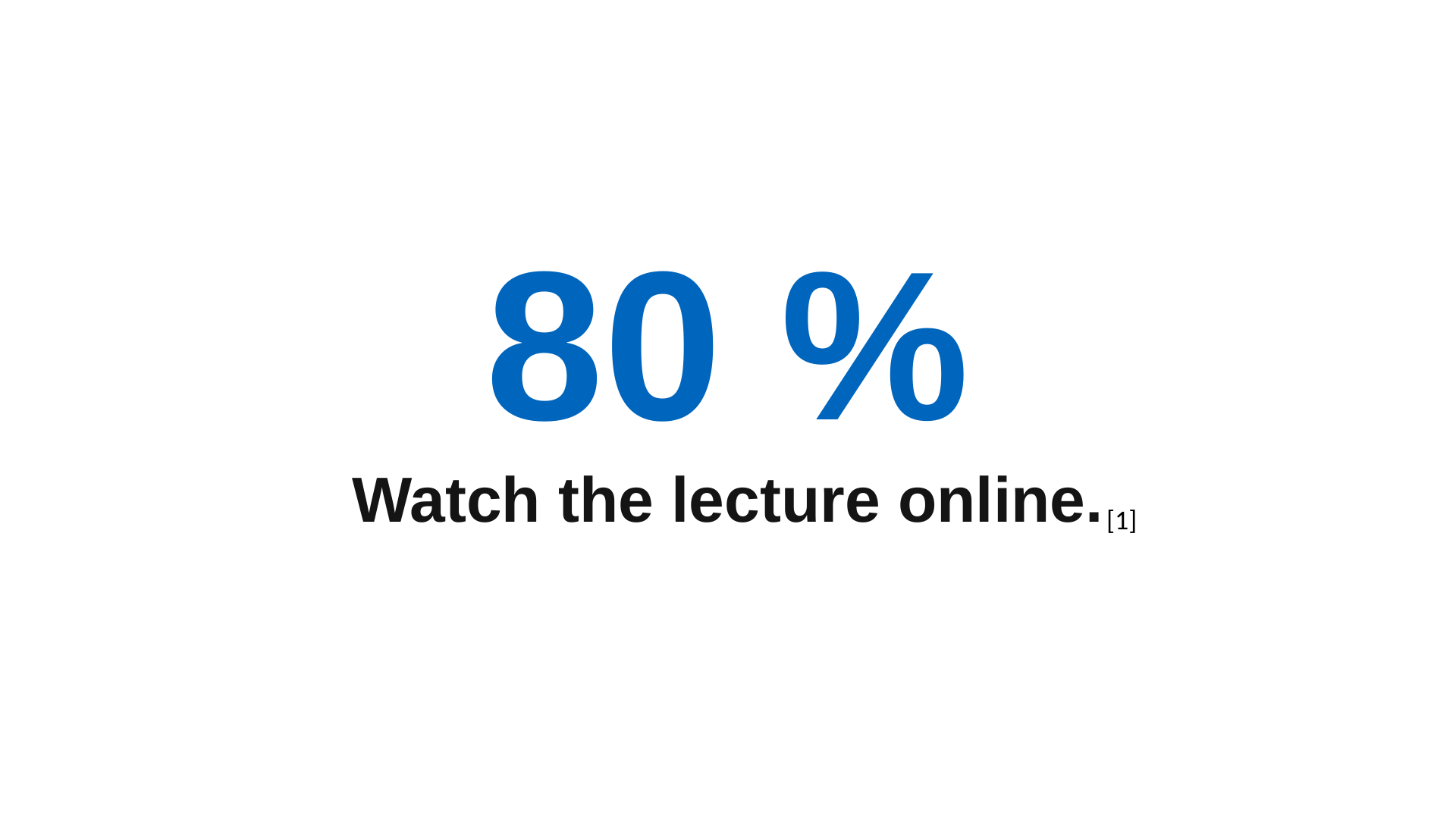
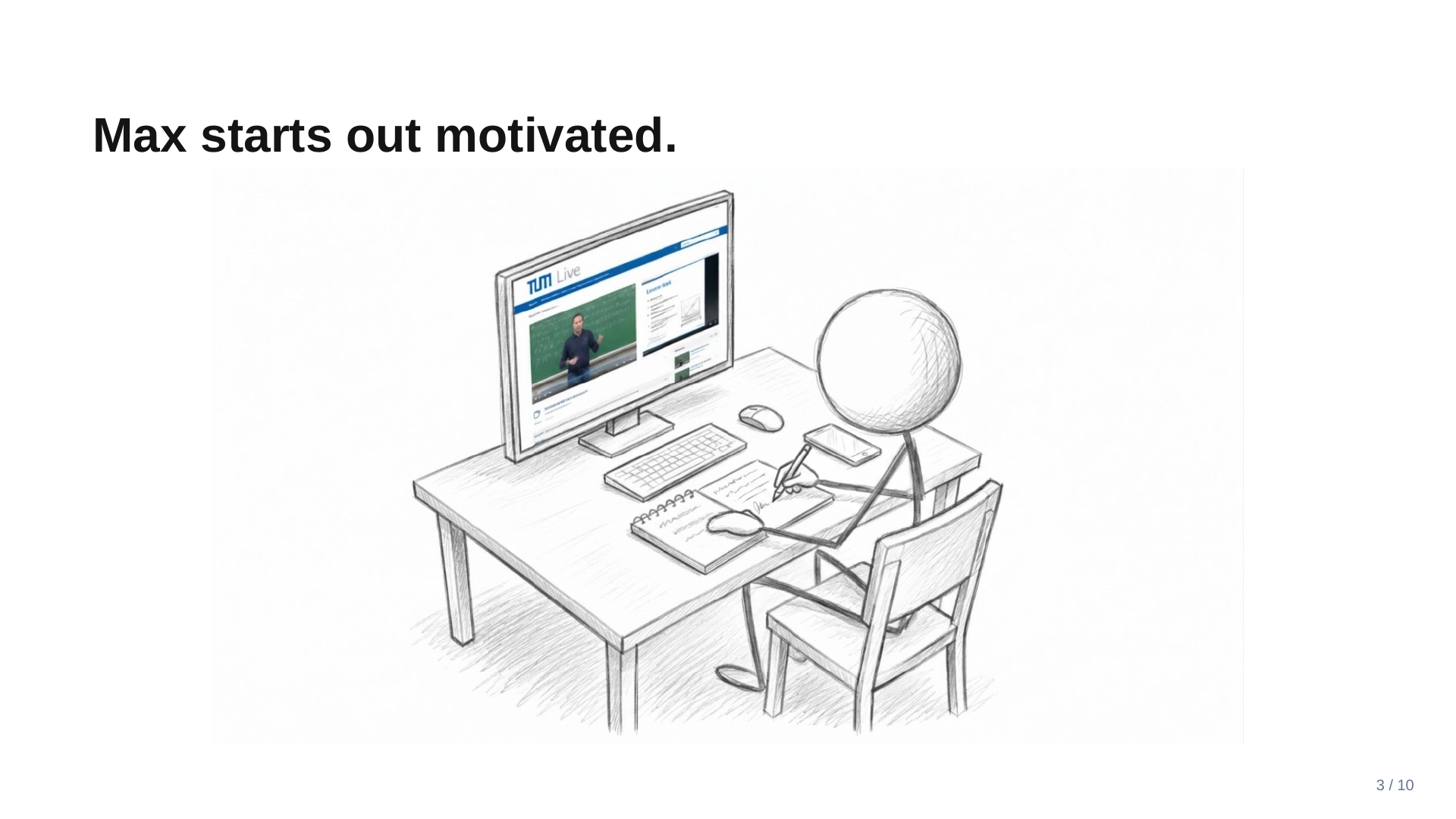
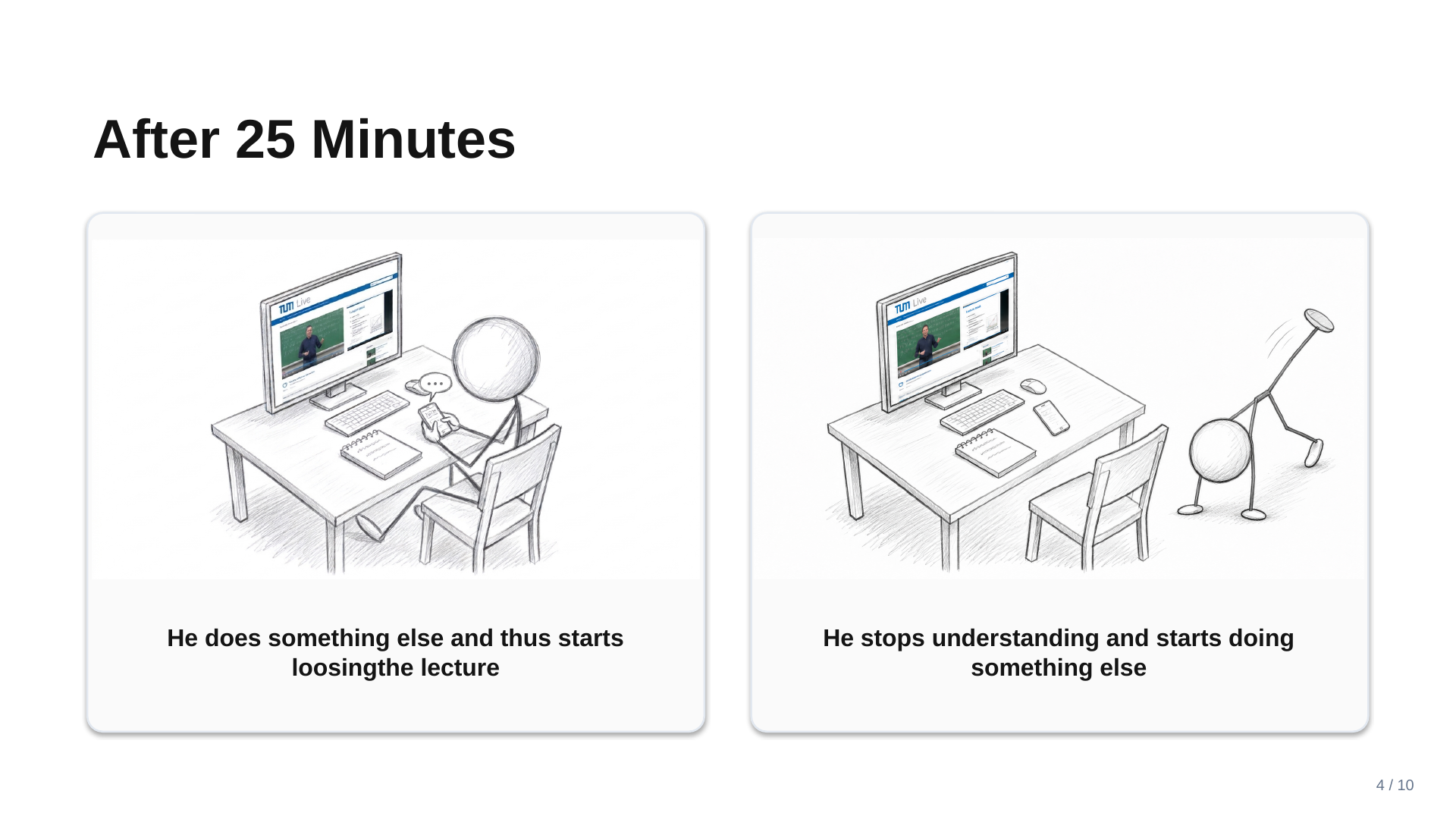
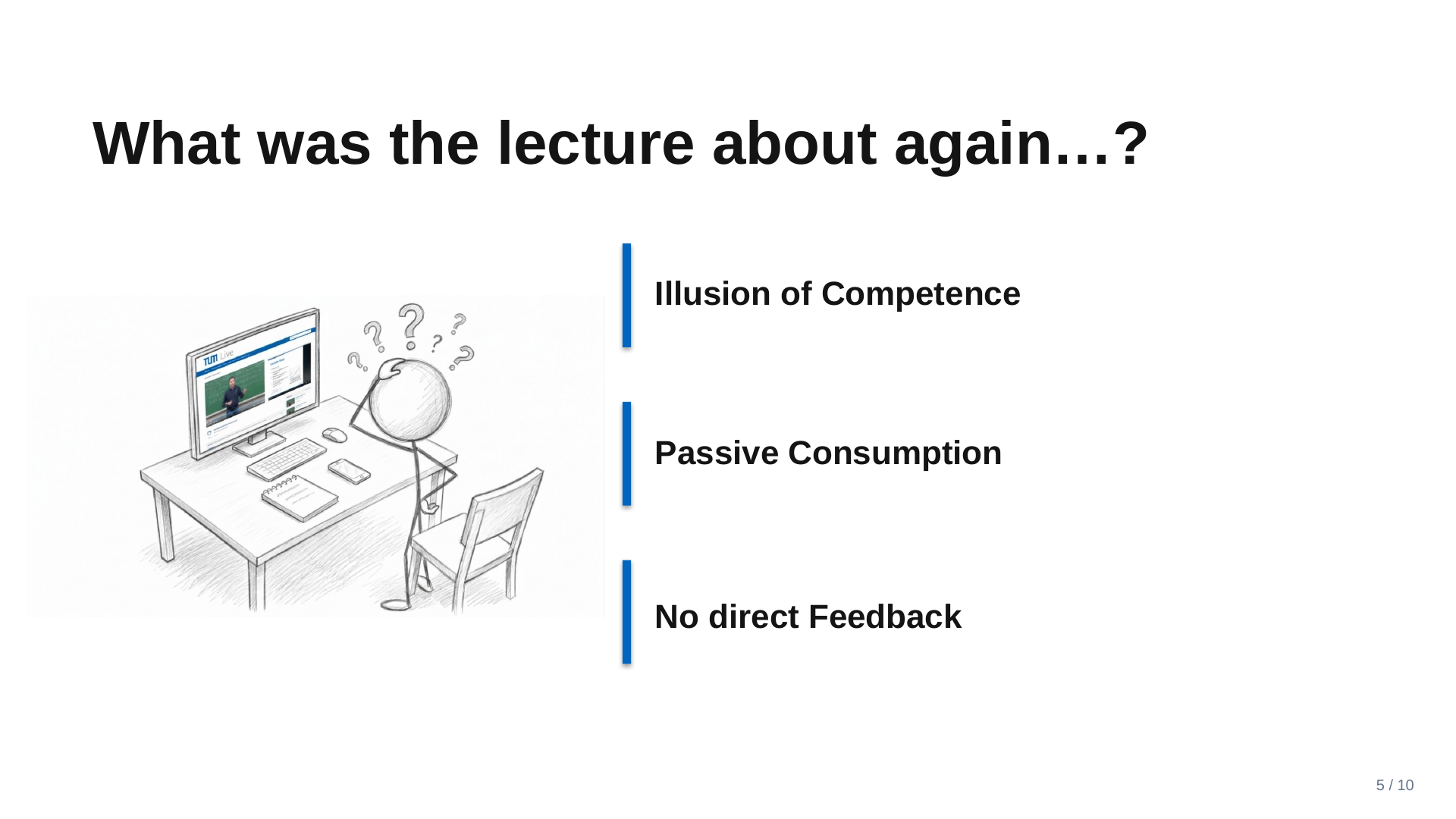
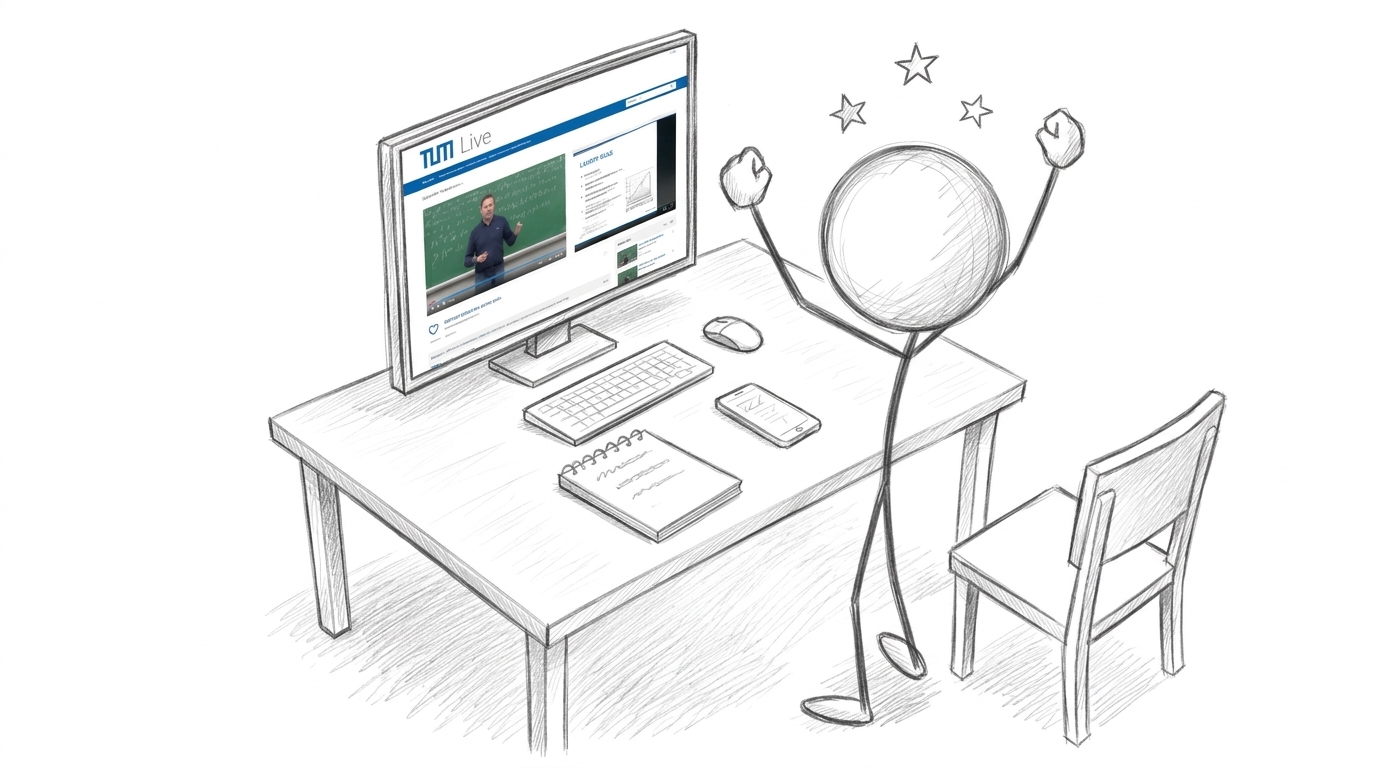
Around 80% of TUM students watch lecture recordings online via TUM Live rather than attending in person. While convenient, passive video watching leads to a sharp drop in attention after 20–25 minutes—turning hours of playback into low-retention binge-watching. We wanted to transform TUM Live from a passive video player into an active learning environment that keeps students engaged, tests understanding at the right moments, and helps professors see where students actually struggle—without requiring students to create accounts or change their workflow.
What it does
Elenchus bridges students and lecturers across three tightly integrated parts:
- Zero-Setup Student Browser Extension (TUM Live):
- Natural-Break Active Recall: Automatically pauses lecture recordings roughly every 20 minutes (customizable) at natural sentence and topic boundaries—never mid-sentence—and presents 3 multiple-choice questions covering the preceding segment and slides.
- Smart Rewatch & Feedback: Every question gives instant feedback, an explanation, and a one-click jump back to the exact timestamp in the lecture (with a floating Back to Quiz button and shuffled options if rewatching before answering).
- Manual-Pause AI Tutor: Pausing the video manually reveals a subtle Explain what just happened button that summarizes the last few minutes alongside the current slide and lets students ask follow-up questions in context.
- End-of-Lecture Mastery & Export: Summarizes performance, lets students retry missed questions (freshly rephrased by AI so they cannot rely on memorizing wording), generates targeted practice for weak areas, and exports flashcards to Anki (.tsv) or .csv.
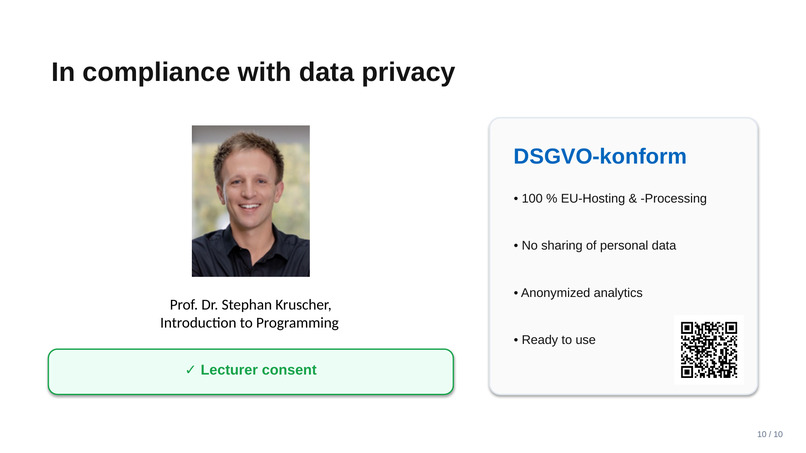
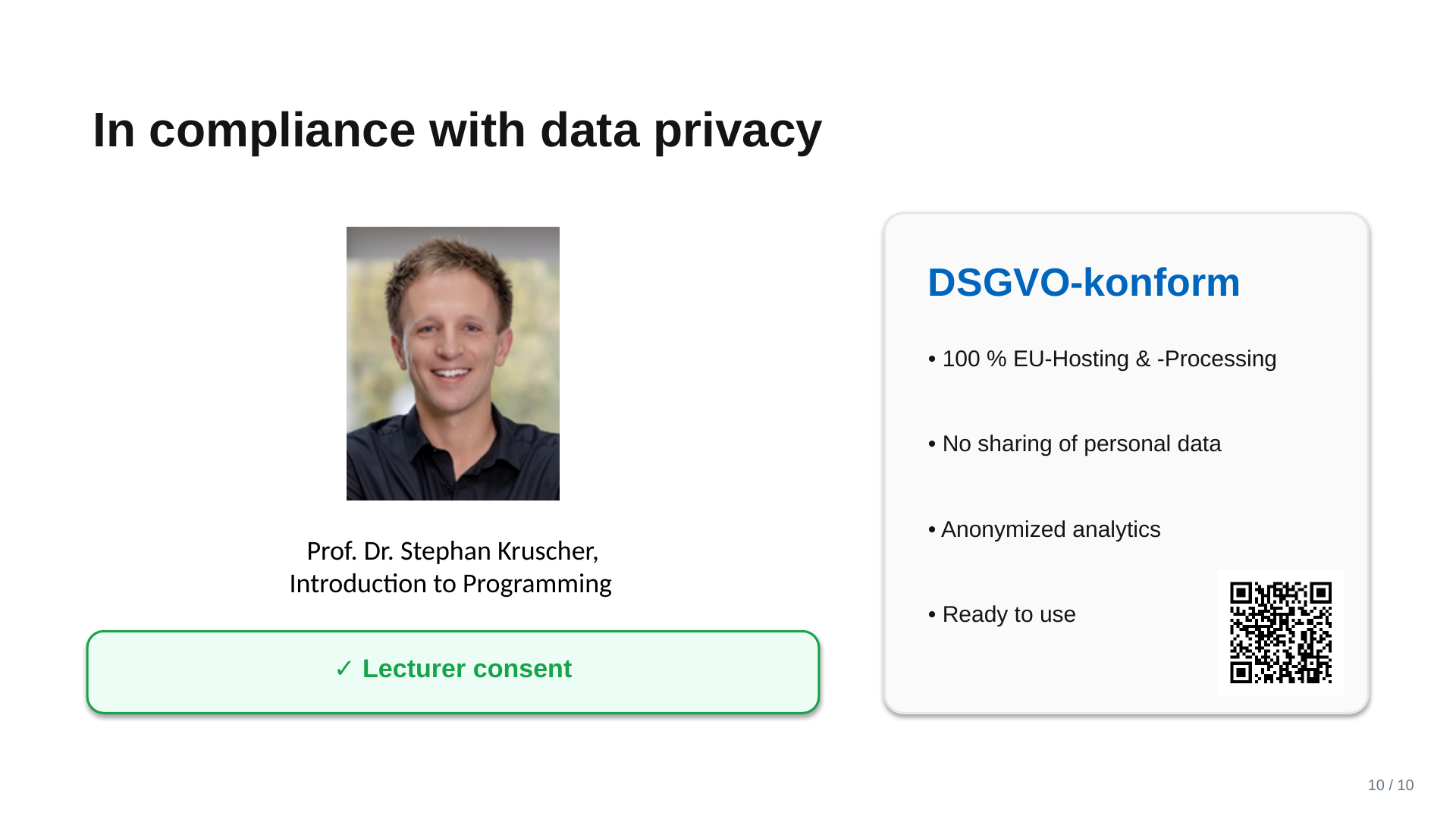
- Privacy-First by Design: All personal progress stays locally in the browser; only anonymous per-question answer counts are shared (with an instant opt-out).
- Automated AI Ingestion Pipeline: Processes new TUM Live recordings on demand—trimming pre-lecture dead air, transcribing German or English audio, analyzing slide keyframes, and prioritizing the first 25 minutes so the first student watching an uncached lecture gets Quiz 1 on time with zero waiting.
- Lecturer Control & Analytics Dashboard: Lets professors and TAs review, edit, verify, pin mandatory questions, pre-import lectures with optional Moodle slide PDFs, and inspect anonymous accuracy, distractor distributions, and automatically flagged hard topics for the next lecture or exercise sheet.
How we built it
- Browser Extension: Built with WXT, React, TypeScript, and shadcn/ui, rendering Shadow-DOM overlays directly inside TUM Live's Video.js container so quizzes, rewatch pills, and pause-explanation panels work seamlessly in both standard and fullscreen playback.
- Backend & Database: Built with FastAPI, Python, PostgreSQL, and Alembic, using ffmpeg to extract mono audio and detect slide scene changes from TUM Live's presentation and combined HLS streams.
- Cloud AI Pipeline (AWS eu-central-1): Stored temporary media chunks in Amazon S3, ran automatic German/English speech-to-text via Amazon Transcribe, and used multimodal models on Amazon Bedrock (converse API) to extract slide markdown, align natural speech pauses with topic boundaries, generate and rephrase questions, and power contextual pause explanations.
- Lecturer Web App: Built with Next.js 16, TypeScript, Tailwind CSS, shadcn/ui, and an auto-generated OpenAPI client (Hey API) for end-to-end type safety.
Challenges we ran into
- Zero-Wait Cold Starts on Long Lectures: Transcribing and analyzing a 90-minute lecture upfront would make the first student miss their initial quiz. We solved this by trimming leading dead air using TUM Live's silence metadata and prioritizing the first 25-minute chunk so Quiz 1 is ready before the student reaches the 20-minute mark.
- Non-Disruptive Pause Timing: Naive timers cut off professors mid-sentence or mid-derivation. Combining TUM Live's speech-silence intervals with LLM transcript boundary detection allowed us to snap quiz breaks cleanly to finished explanations.
- Fullscreen & Cross-Origin Extension Stability: Keeping overlays visible in Video.js fullscreen mode without leaking keyboard shortcuts to the player—and routing API calls through the background service worker to avoid mixed-content or CORS blocks on live.rbg.tum.de—required careful Shadow-DOM anchoring and event isolation.
Accomplishments that we're proud of
- Delivering a true zero-setup experience where installing the extension immediately upgrades any existing TUM Live recording without requiring sign-in or configuration.
- Building a complete closed-loop learning system—connecting live student active recall, AI-rephrased mistake retries, and anonymous lecturer analytics in a single end-to-end product.
- Achieving seamless bilingual support (German & English) that automatically detects the lecture language and adapts generated questions and explanations accordingly.
What we learned
- Timing matters as much as question quality: A well-placed question right after a concept finishes reinforces memory, whereas interrupting a derivation breaks flow.
- Chunked progressive processing transforms UX: Prioritizing the first segment of a long media pipeline turns a multi-minute batch job into an instant user experience.
- Privacy constraints sharpen architecture: Designing around strict GDPR principles (storage.local for personal history, anonymized aggregates for lecturers) eliminated authentication friction while delivering high-value classroom insights.
What's next for Elenchus
- Expand the functionality from recordings only to live streams
Built With
- amazon-transcribe
- fastapi
- next-js
- postgresql
- python
- shadcn-ui
- typescript
- wxt
