Inspiration
When small local projects happen—like fixing a neighborhood road, a school roof, or a drainage line—it is hard for regular people to track how public money is spent. Communities often get a formal chance to ask questions at a public hearing or social audit. The volunteers who show up usually already have the evidence in a folder of scanned contracts, bills, and phone photos, but they don't have hours of free time to read every receipt against the contract.
What it does
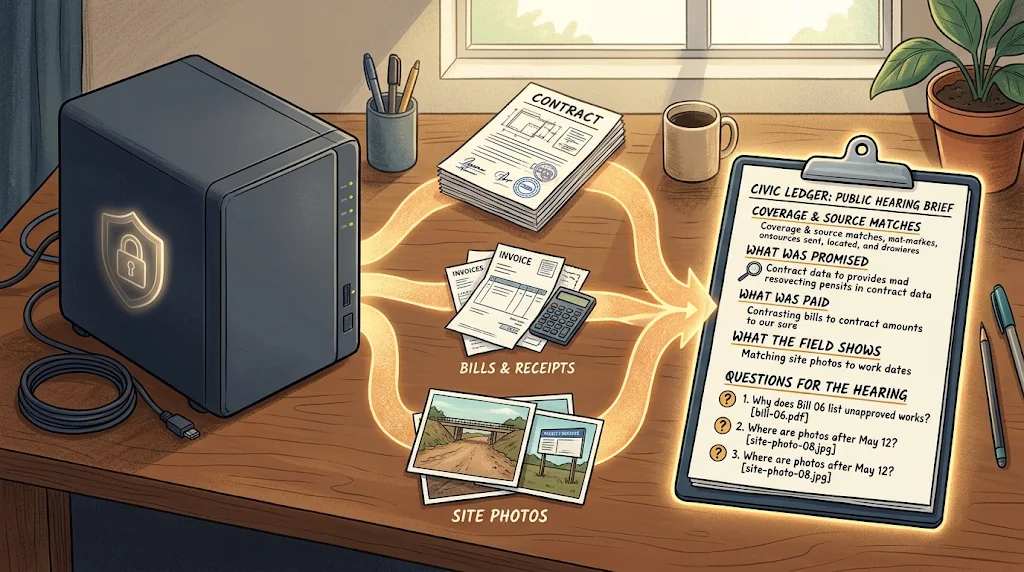
Civic Ledger looks inside one project folder on a private UGREEN AI storage device and turns it into a short, one-page summary backed by sources: What was promised: Who the contractor is, the total contract amount, what work was agreed upon, and the project dates. What was paid: Every bill and receipt found, and whether the total money paid matches the contract. What the site shows: Which site photos exist from the construction period, and what is written on the project's public signboard.
How we built it
Civic Ledger is a step-by-step AI workflow built using the official Uliya toolkit (version 0.7.7). Instead of one AI trying to do everything at once, it hands off four separate tasks to four specialized digital helpers: The File Helper (file-agent): Checks the chosen project folder and makes a list of everything inside it. The Document Helper (document-agent): Pulls key details from the contracts and bills, notes which file each detail came from, and checks if the money adds up. The Photo Helper (photo-agent): Finds photos taken during the construction dates and reads the text on the project signboard photo. The Saving Helper (knowledge-agent): Saves the final approved summary and confirms the exact location where it was stored.
What's next for Civivc Ledger
In Round 2 on the actual UGREEN storage device, we will test the tool against a practice project folder containing planted discrepancies and an answer key. We will also fine-tune our instructions based on real results from the digital helpers, test the user-approval step for saving files, and record a demo video
Built With
- ugos
- ugreen-ai-nas
