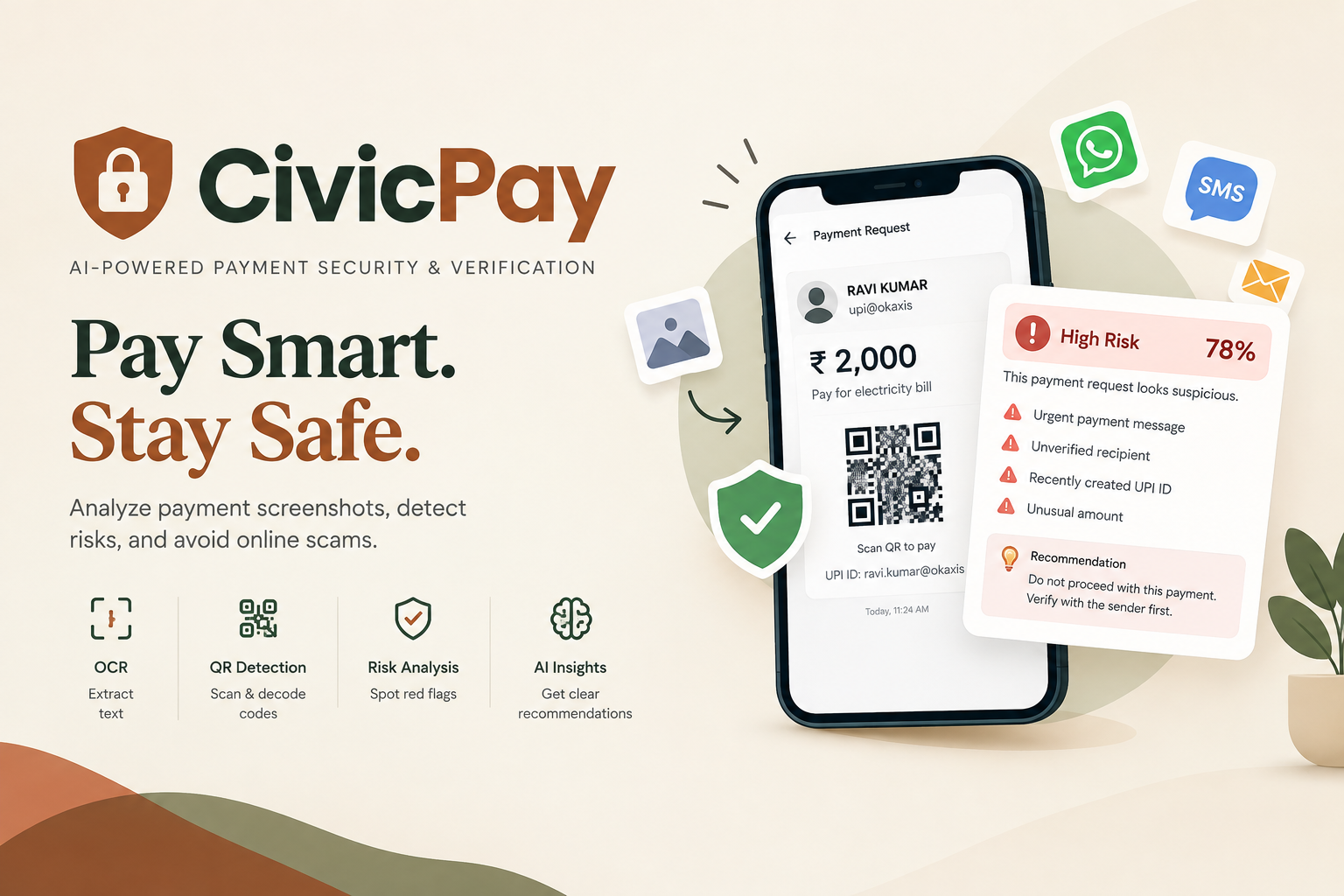
CivicPay — Pay Smart. Stay Safe.
Inspiration
Digital payments have become part of everyday life, especially through UPI, QR codes, payment links, and online transactions. However, fake payment requests, suspicious messages, misleading QR codes, and online scams can put users at financial risk.
We were inspired to build CivicPay, an AI-assisted payment security and verification platform that helps users examine payment-related screenshots and identify potential warning signs before proceeding with a transaction.
Our goal is to encourage safer digital payment habits by making payment-risk information easier to understand.
What it does
CivicPay analyzes uploaded payment-related images and provides security insights to help users make more informed decisions.
Key features include:
- Image Upload: Users upload payment screenshots or other supported payment-related images for analysis.
- OCR Text Extraction: Optical Character Recognition (OCR) extracts readable text from images.
- QR Code Detection: Detects and decodes supported QR codes to obtain information that may help with verification.
- Risk Analysis: Examines available information for suspicious patterns and potential warning signs.
- AI-Assisted Insights: Provides a risk assessment and recommendations based on the analysis.
- User Authentication: Protects access to supported features using login and JSON Web Tokens (JWT).
- Analysis History: Allows authenticated users to review their previous analyses.
- Privacy and File Validation: Validates uploaded files and limits unnecessary exposure of sensitive information.
CivicPay is a decision-support tool. Its results are indicators, not a guarantee that a transaction is safe or fraudulent.
How we built it
We developed CivicPay using a frontend, backend API, image-processing components, authentication, and a database.
Technology stack
- Frontend: React.js, Vite, JavaScript, CSS, and React Router.
- Backend: Python and FastAPI.
- API Server: Uvicorn.
- OCR: Tesseract OCR and pytesseract.
- Image Processing: OpenCV and Pillow.
- QR Code Processing: zxing-cpp.
- Authentication: Argon2 password hashing and PyJWT-based JSON Web Tokens.
- Database: SQLite.
- API Documentation: Swagger UI and OpenAPI.
- Version Control: Git and GitHub.
- Deployment: Vercel for the frontend and Render for the backend.
Workflow
- The user registers or logs in.
- The user uploads a supported payment-related image.
- The backend validates the file and checks its size and format.
- OCR and image-processing tools extract available information, while QR detection examines supported codes.
- The backend evaluates the available information for potential risks.
- CivicPay returns an analysis result with recommendations.
- The result can be stored in the user’s analysis history.
Challenges we ran into
During development, we encountered several practical challenges:
- OCR Accuracy: Text in blurry, rotated, or low-quality screenshots can be difficult to recognize.
- QR Code Processing: QR codes and surrounding text can interfere with image analysis, so we needed to handle these regions carefully.
- Frontend–Backend Integration: We had to ensure that API requests, response formats, and error handling worked correctly.
- Authentication: Protected endpoints needed to validate JWT access tokens and restrict access to the correct user.
- Large Image Uploads: We added file-size and format validation to reject unsupported uploads.
- Deployment Configuration: Connecting a Vercel-hosted frontend to a Render-hosted backend required correct environment variables and routing configuration.
- Request Timeouts: Image analysis can take time, so the frontend needed appropriate request-timeout handling and useful error messages.
We addressed these challenges through debugging, validation, integration testing, and improvements to the application’s error handling and deployment configuration.
Accomplishments that we’re proud of
- Built a working full-stack payment-security application.
- Integrated OCR and image-processing tools into the analysis workflow.
- Implemented QR code detection for supported payment images.
- Added secure password hashing and JWT-based authentication.
- Created protected API endpoints and user-specific analysis history.
- Implemented file validation and temporary-file cleanup.
- Deployed the frontend and backend so the application can be demonstrated online.
- Documented the API through Swagger UI.
- Connected the technical components into a practical workflow focused on safer digital payments.
What we learned
Building CivicPay helped us understand how to develop and connect a complete web application.
Our key learnings include:
- Building React interfaces and connecting them to backend APIs.
- Designing REST APIs using FastAPI.
- Understanding OCR, QR code detection, and image preprocessing.
- Implementing authentication with password hashing and JWTs.
- Managing database records and user-specific history.
- Handling file uploads, errors, and request timeouts.
- Configuring environment variables and deploying applications.
- Testing the complete workflow instead of checking individual features in isolation.
- Understanding the importance of privacy, responsible risk communication, and the limitations of automated fraud detection.
Future Scope: CivicPay could be enhanced with stronger fraud-detection models, improved verification against trusted payment sources, multilingual support, and convenient ways to submit payment-related content for analysis.

Log in or sign up for Devpost to join the conversation.