-
-
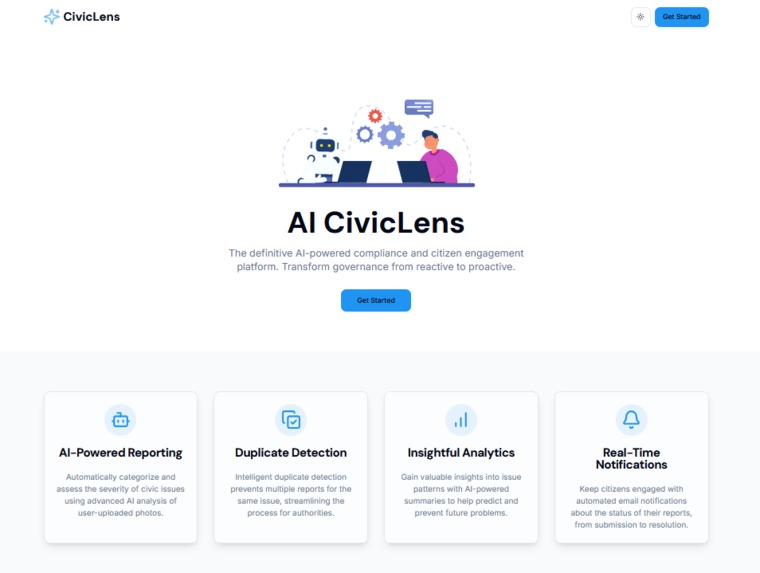
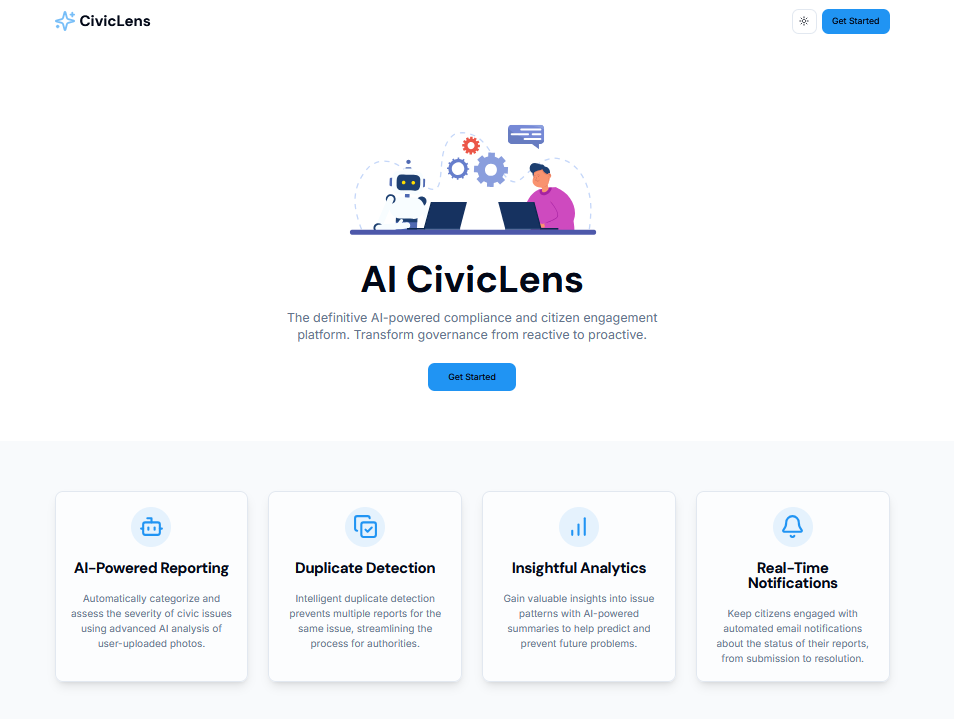
Landing Page
-
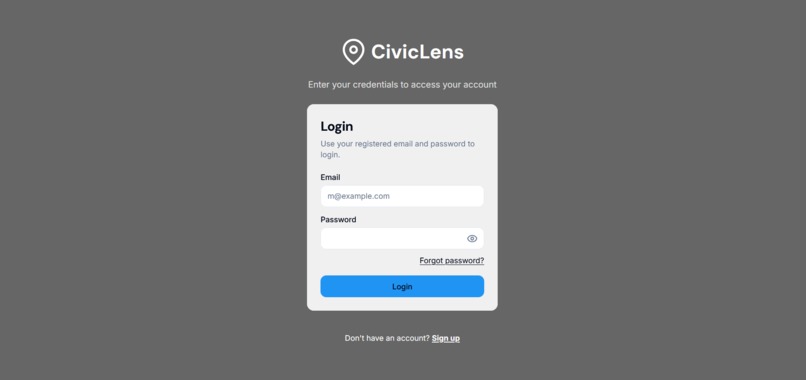
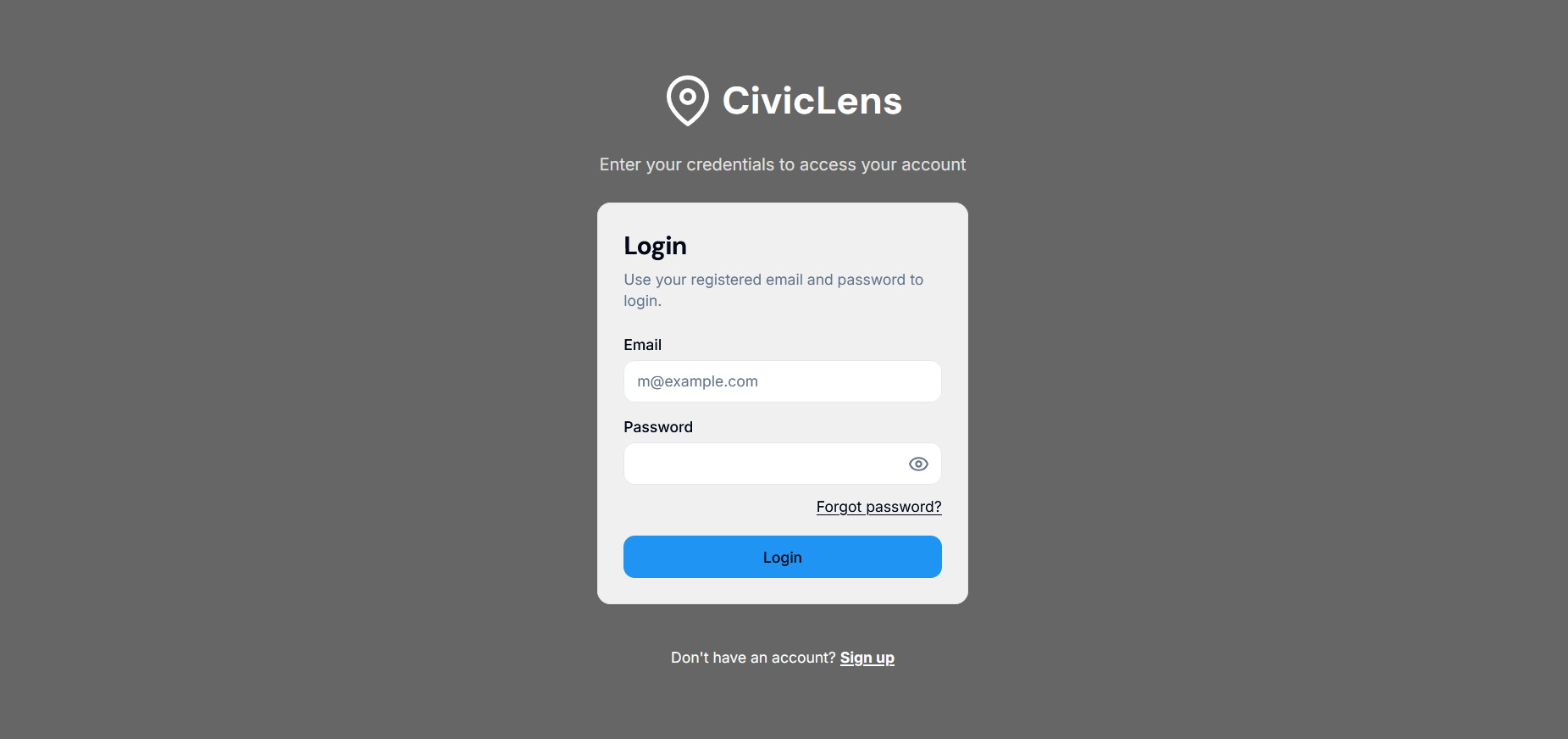
LoginPage
-
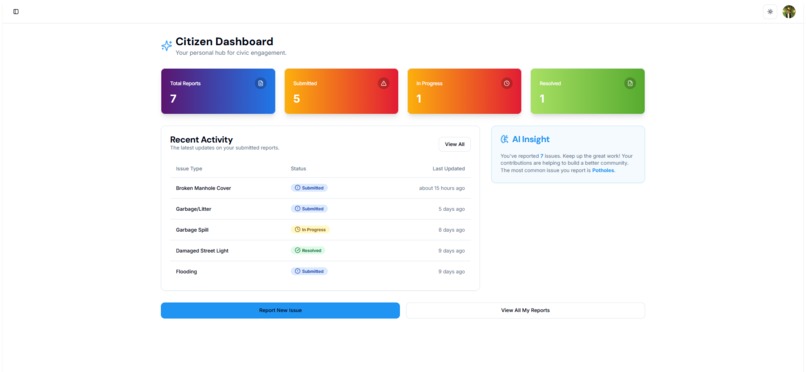
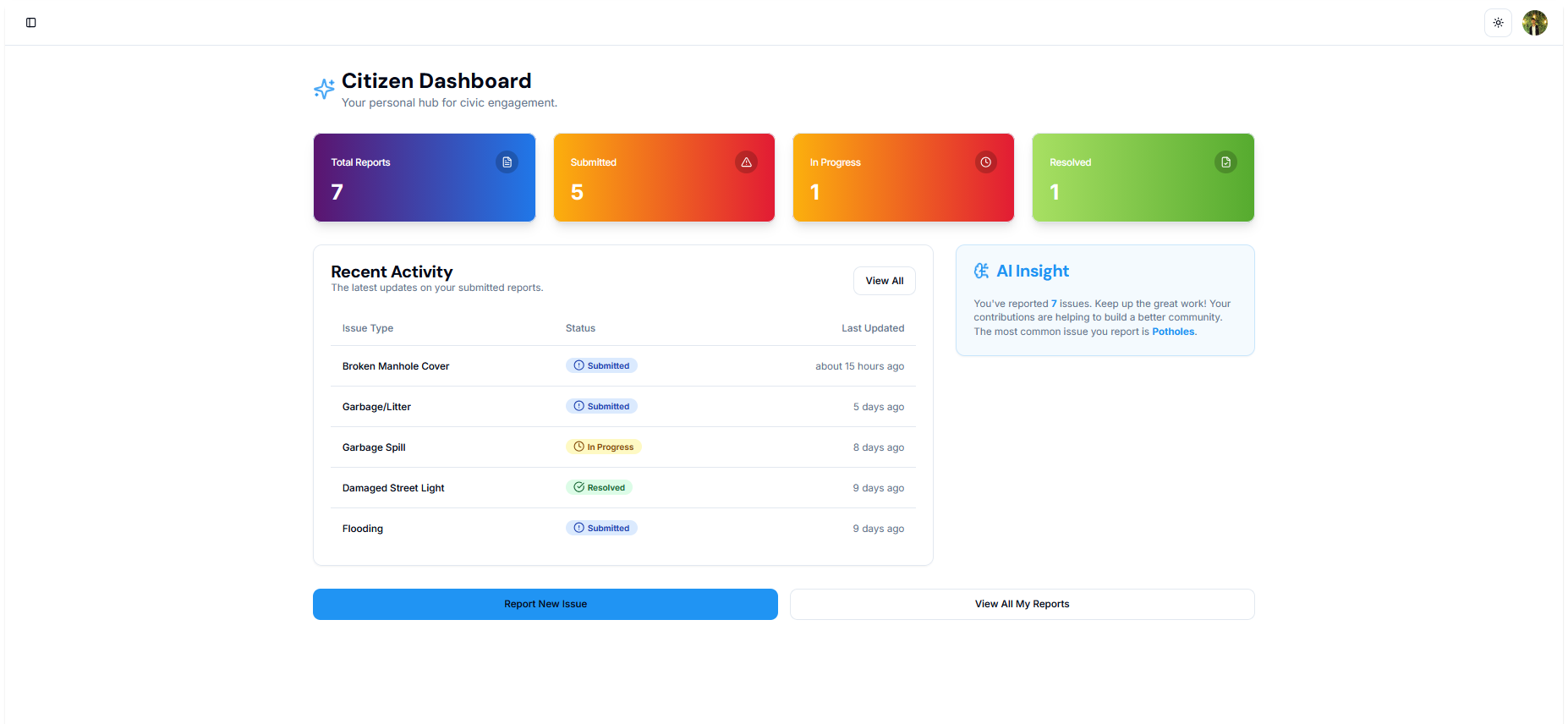
Citizen DashBoard
-
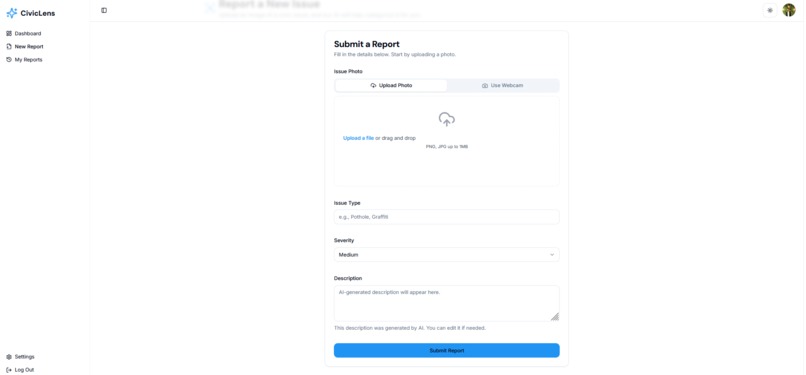
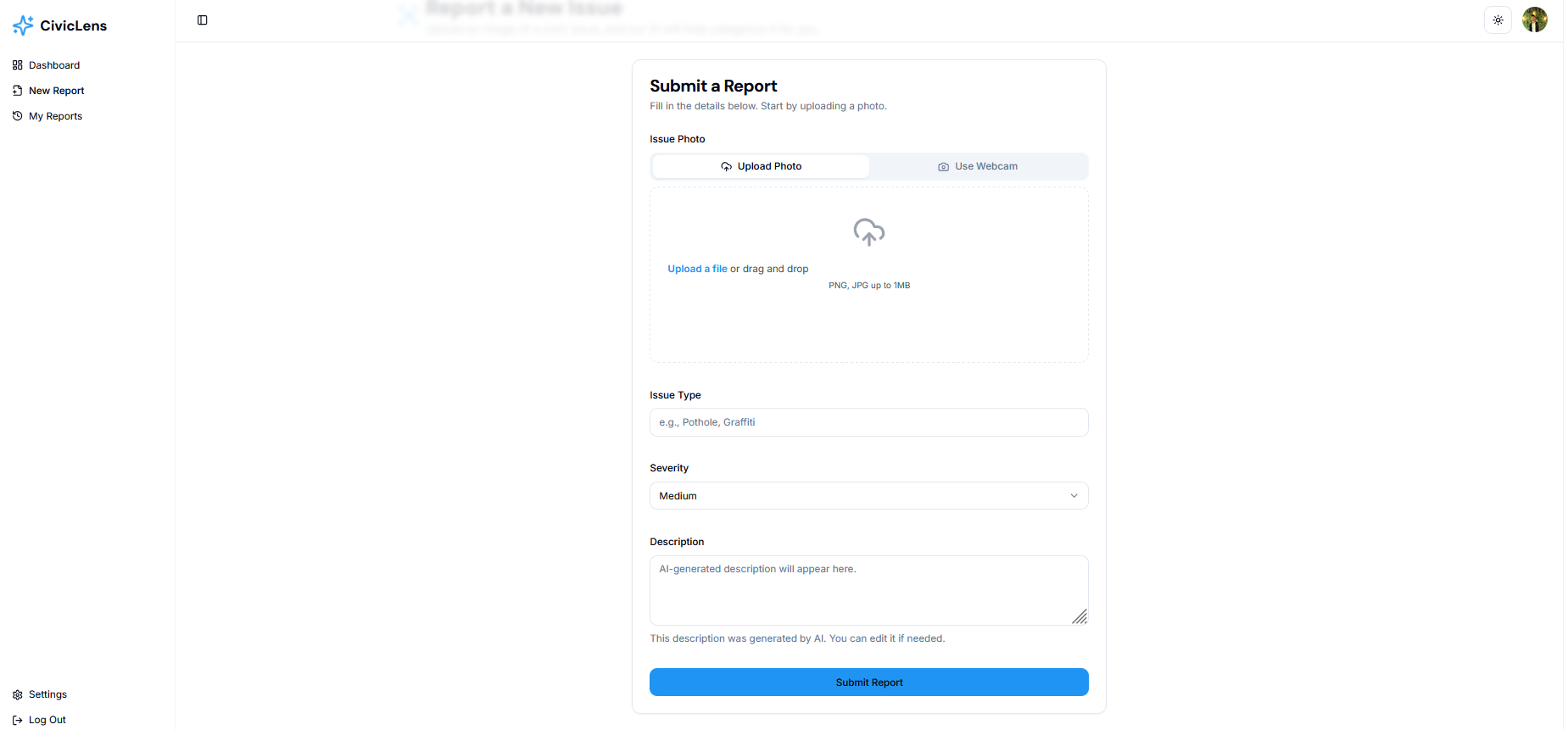
Report Submission
-
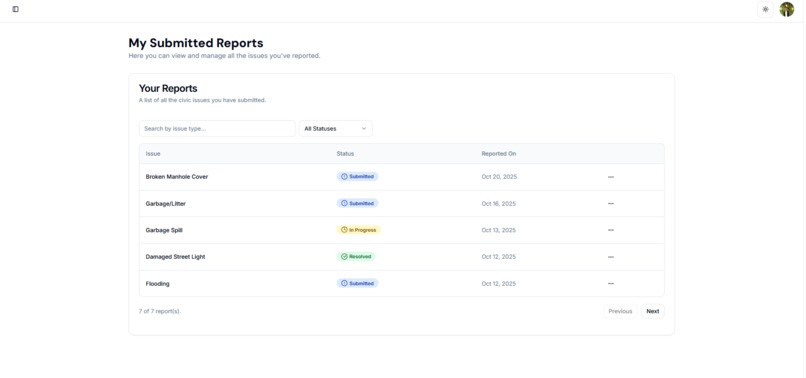
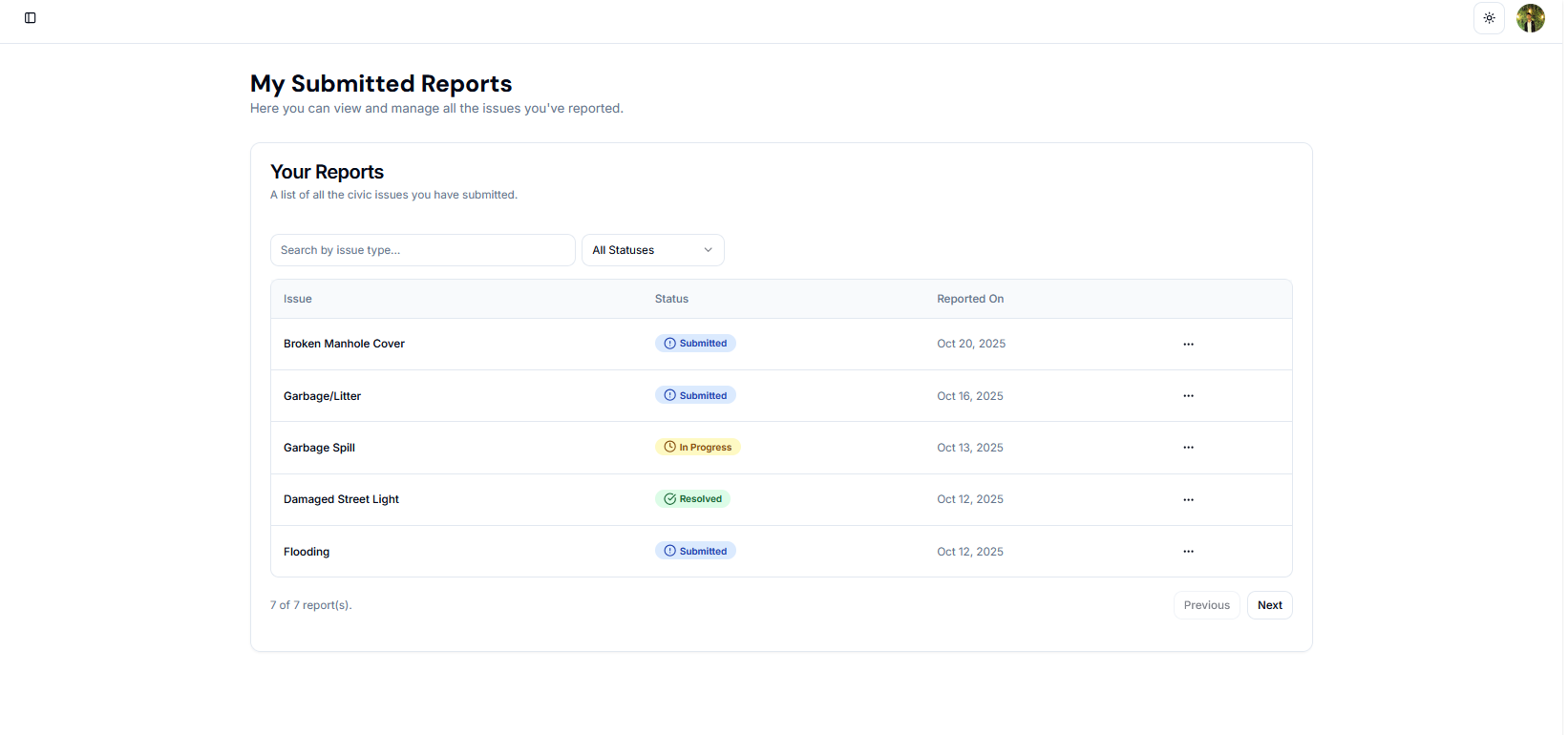
Submitted Reports
-
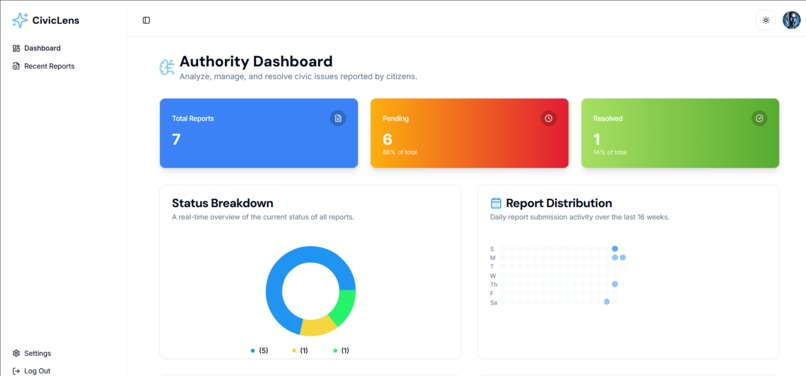
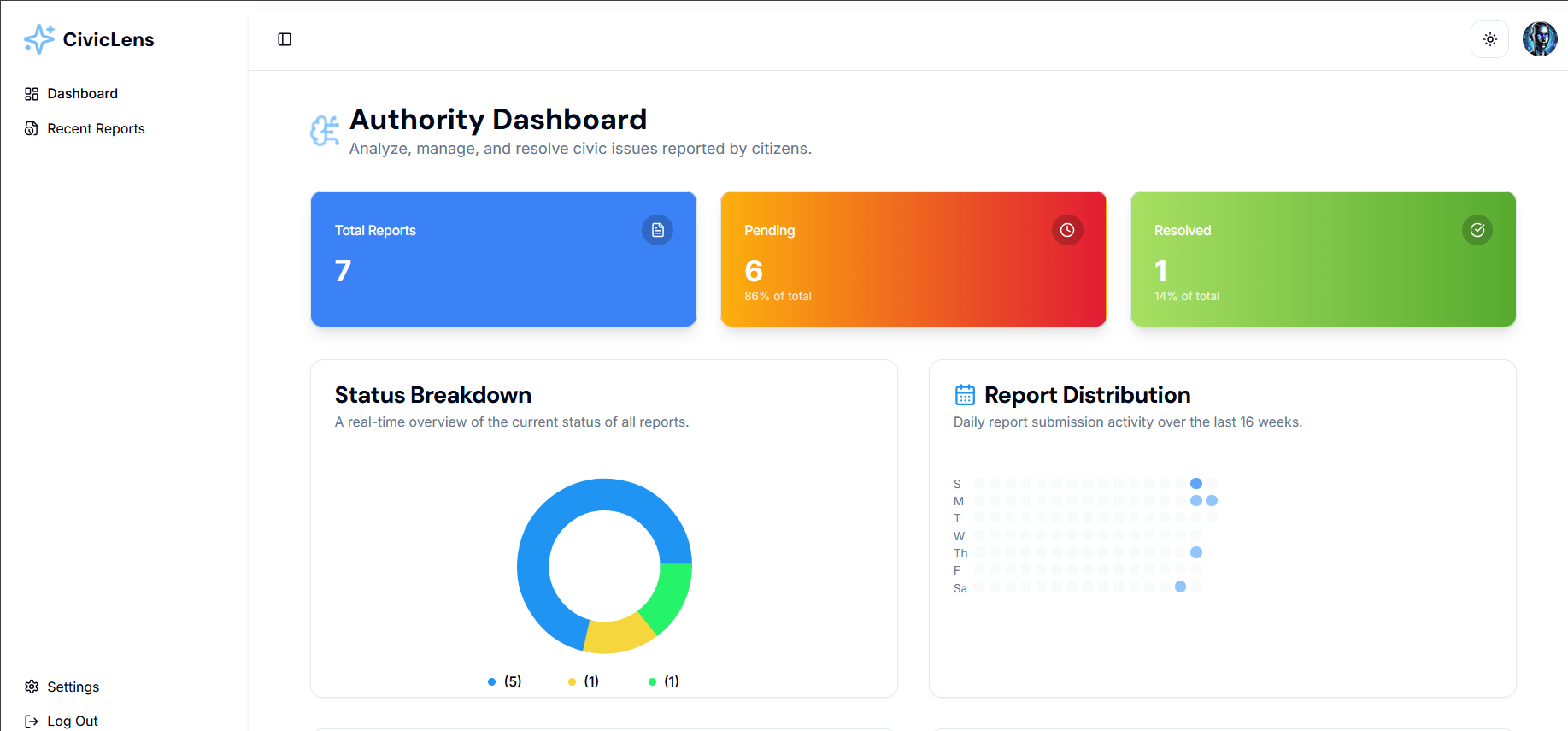
Authority Dashboard
-
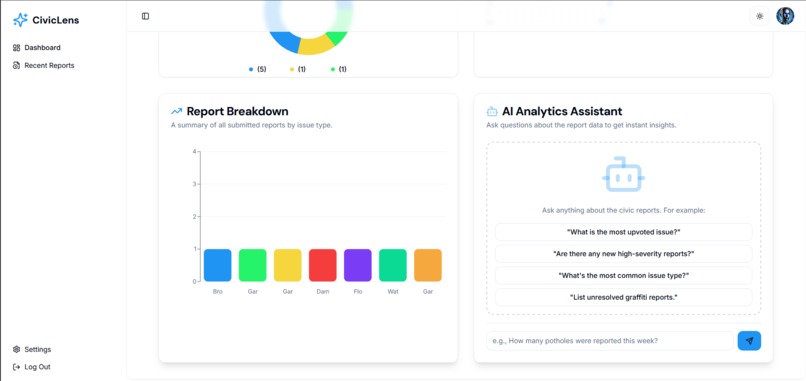
Authority Dashboard
-
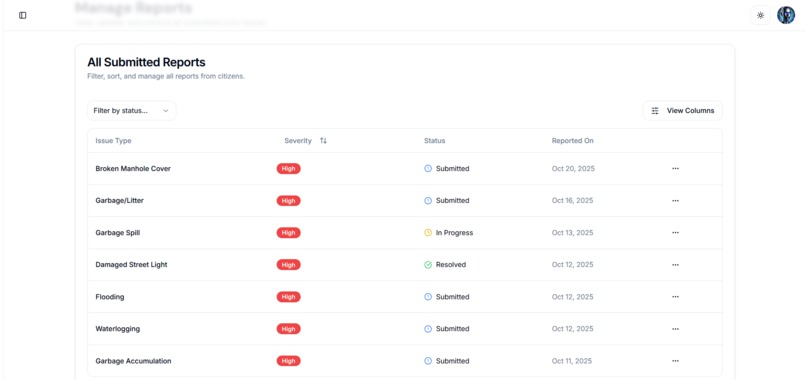
Recent Reports by Citizens
-
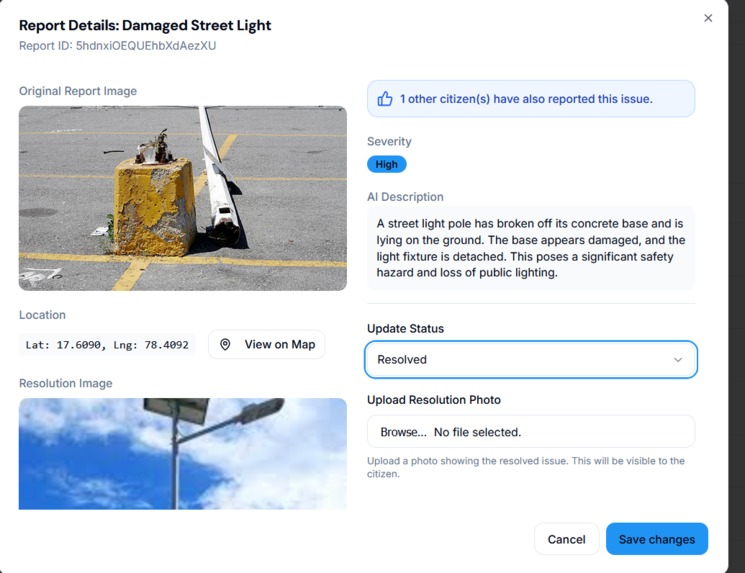
Details of Reposts
-
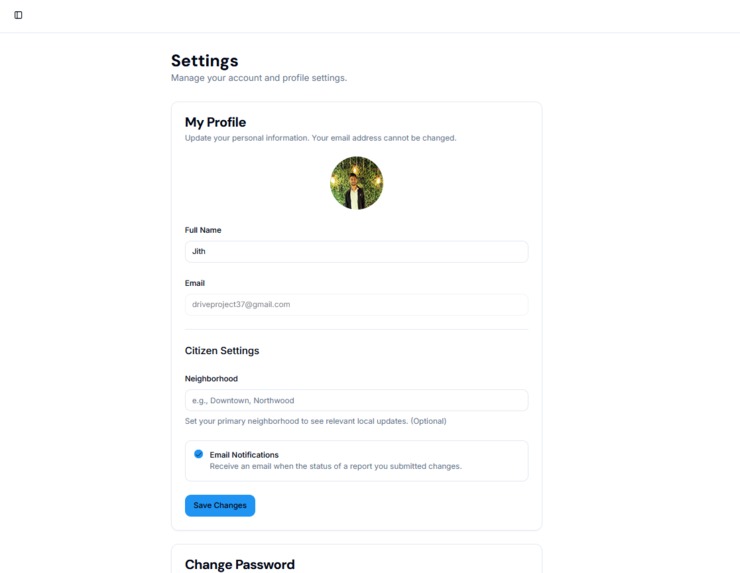
Settings
Project Story: CivicLens AI
Inspiration
The idea for CivicLens AI sparked from a growing concern about urban blind spots—areas where civic issues like potholes or illegal dumping go unreported due to lack of awareness or tools. Inspired by the power of AI in image recognition and the need for community-driven solutions, I envisioned a tool that could empower citizens to report and track local issues using their smartphones.
What it does
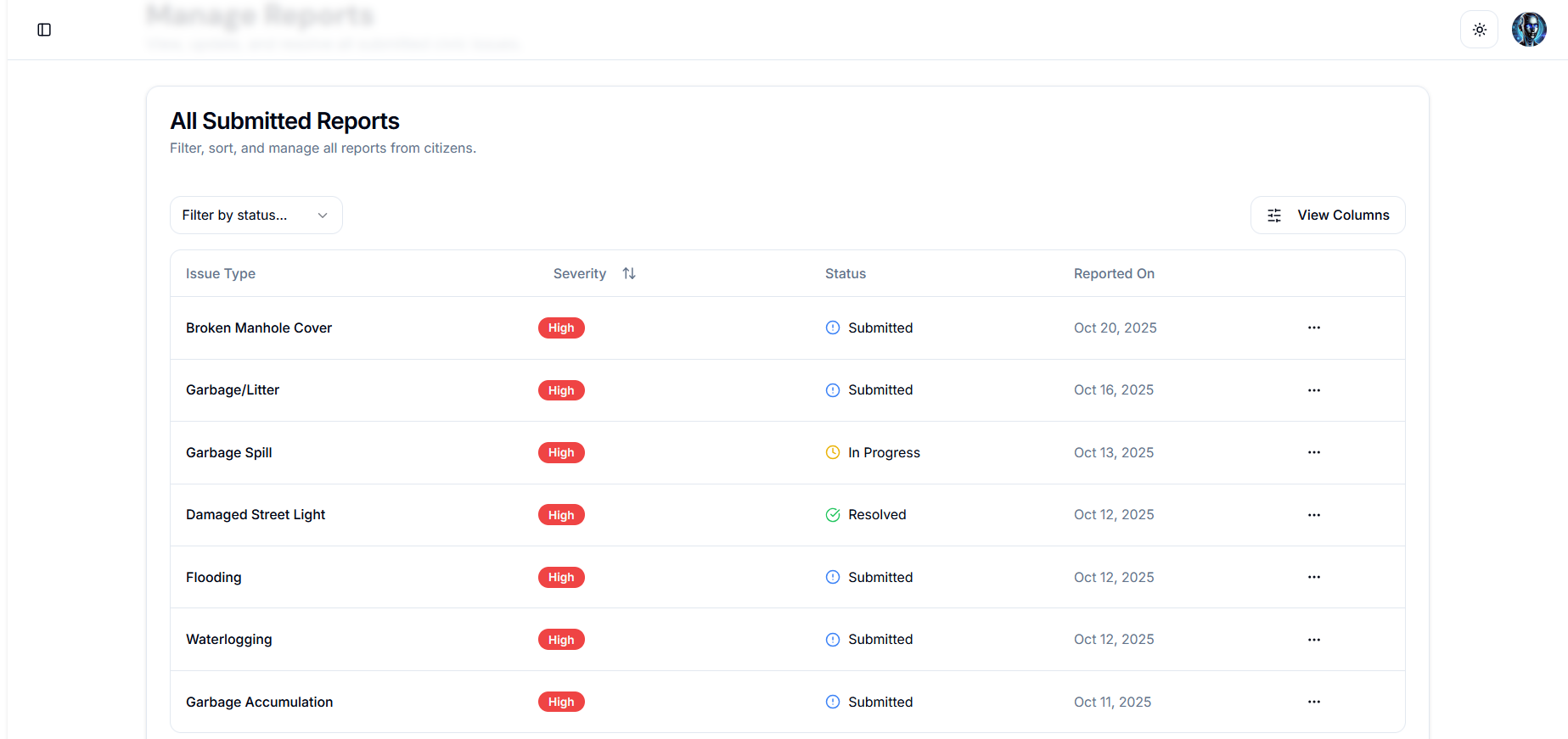
CivicLens AI is an AI-powered mobile application that allows users to upload photos of civic problems (e.g., damaged roads, litter). Using computer vision, it identifies and categorizes the issue, geo-tags the location, and sends the report to local authorities. Users can track the status of their reports in real-time, fostering accountability.
How we built it
Frontend — Next.js + TypeScript
- The web application is implemented with Next.js (App Router) and TypeScript. UI components are built with ShadCN UI, styled with Tailwind CSS, and use Lucide React for icons. Client-only features (camera capture, uploads, interactive forms) are implemented as client components; analytics and static content use server or server components where appropriate.
- Forms and validation are handled with React Hook Form and Zod for schema validation and a robust UX for report submission and editing.
- The web application is implemented with Next.js (App Router) and TypeScript. UI components are built with ShadCN UI, styled with Tailwind CSS, and use Lucide React for icons. Client-only features (camera capture, uploads, interactive forms) are implemented as client components; analytics and static content use server or server components where appropriate.
Backend & Data — Firebase (Auth, Firestore, Storage)
- Authentication: Firebase Authentication handles sign-up, login, and role-based access (citizen vs authority).
- Database: Firestore is the primary NoSQL datastore for users, reports, statuses, and activity logs; Firestore snapshot listeners provide real-time updates to dashboards.
- Storage (prototype): For this prototype images are stored as Data URIs in Firestore; the recommended production approach is Firebase Storage (Cloud Storage) for binary image storage with secure download URLs.
- Server-side operations: Sensitive API calls (GenKit/Gemini, Twilio, Google Translate) are proxied through Next.js server routes or serverless functions to keep keys out of the client.
- Authentication: Firebase Authentication handles sign-up, login, and role-based access (citizen vs authority).
Generative AI & Image Analysis — GenKit / Google Gemini (Gemini 2.5 Flash)
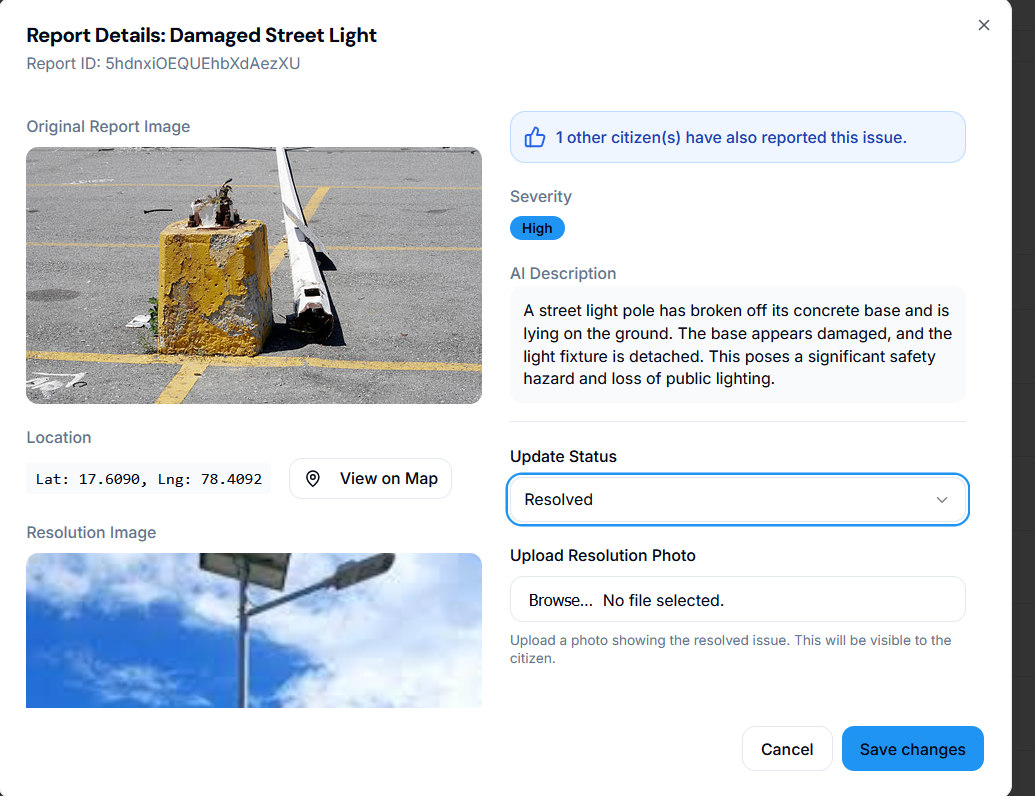
- Image analysis and report enrichment use GenKit (Google Gemini) to suggest issue types, estimate severity, and generate human-friendly descriptions.
- Duplicate detection is implemented by deriving an image signature/embedding and comparing it against recent reports to surface possible duplicates or allow upvotes on existing ones.
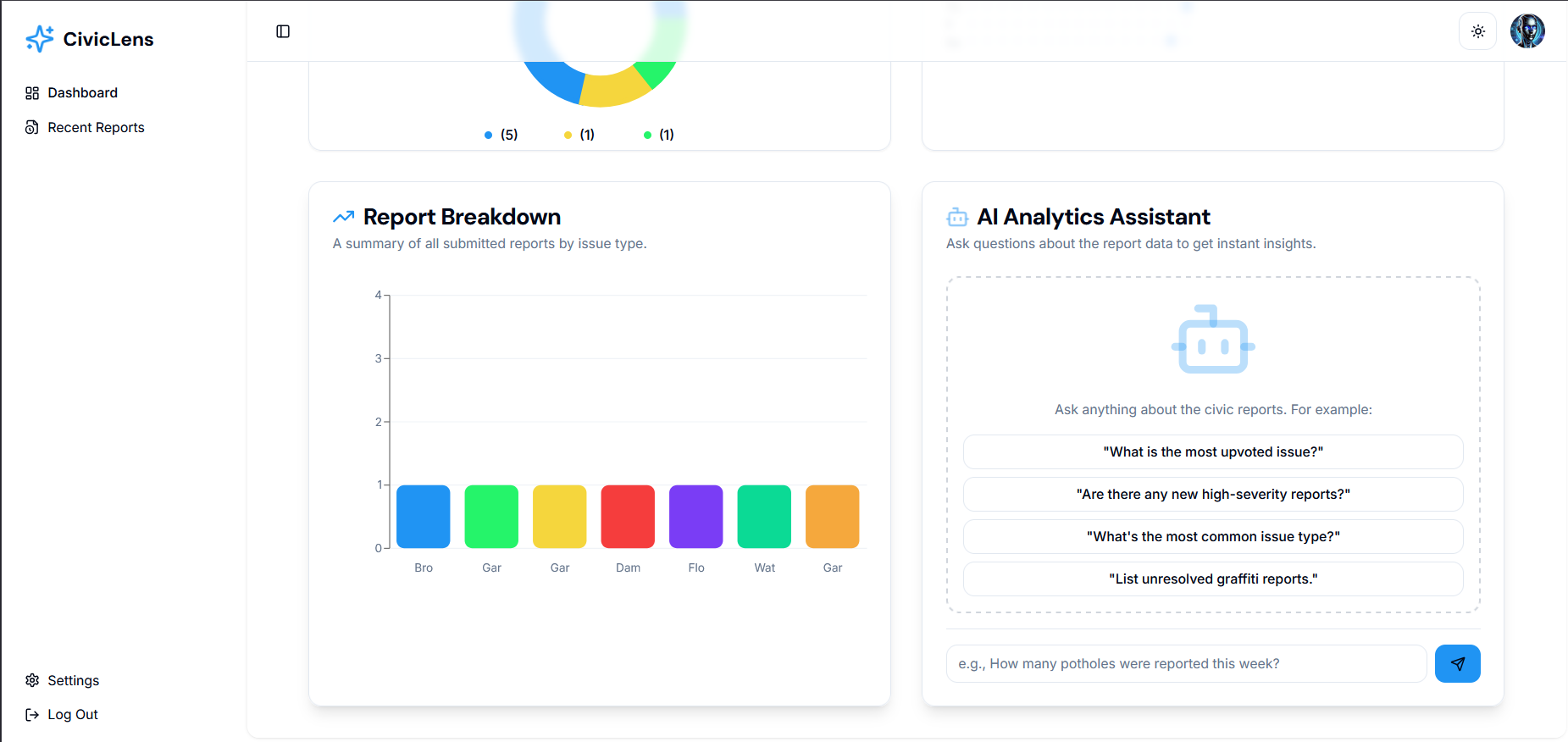
- Conversational analytics: Authorities can ask natural-language questions against aggregated data and receive AI-generated summaries and insights.
- Image analysis and report enrichment use GenKit (Google Gemini) to suggest issue types, estimate severity, and generate human-friendly descriptions.
Maps & Geolocation — Google Maps API + HTML5 Geolocation
- Geotagging: The app captures device GPS coordinates at the time of report submission (HTML5 geolocation or mobile geolocation APIs) and stores lat/lng with each report. A manual address fallback is available when GPS is unavailable.
- Visualizations: The web dashboard renders report pins, clustering/heatmaps, and region filters using Google Maps integrations.
- Geotagging: The app captures device GPS coordinates at the time of report submission (HTML5 geolocation or mobile geolocation APIs) and stores lat/lng with each report. A manual address fallback is available when GPS is unavailable.
Notifications — Twilio
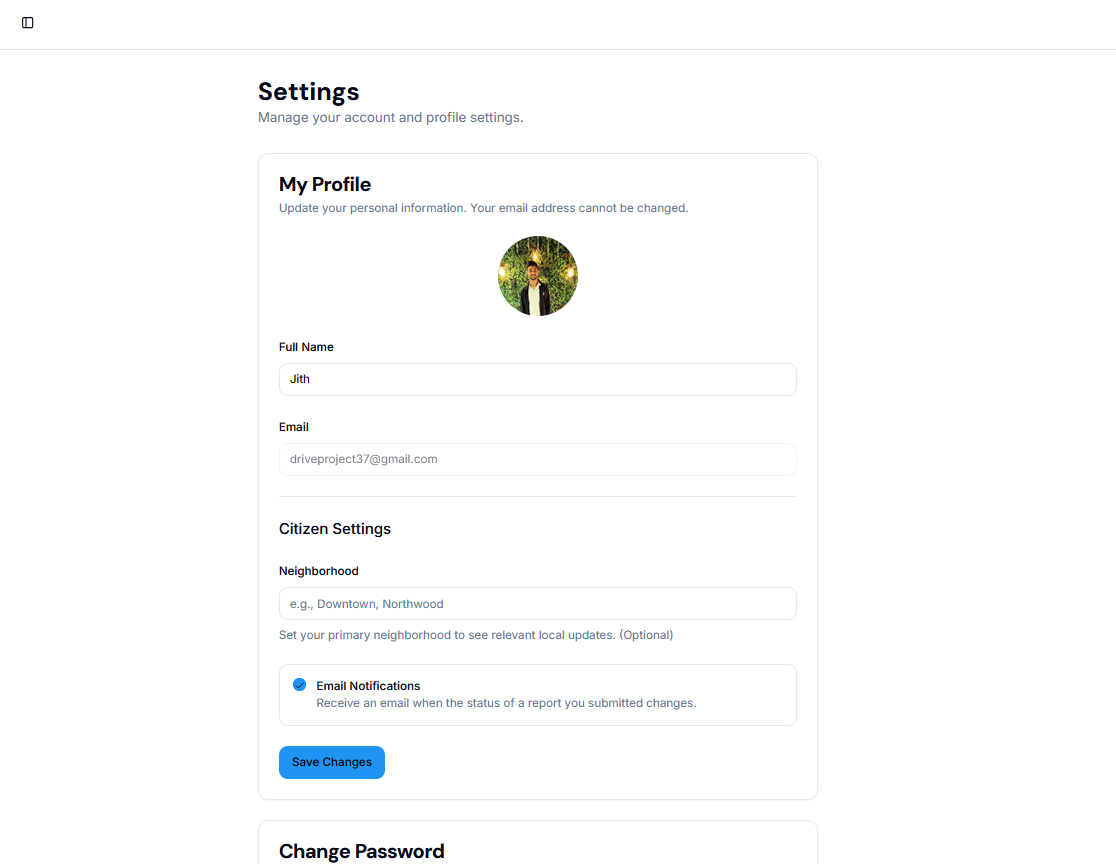
- Notifications: Twilio is used to simulate/send SMS notifications when report statuses change (configurable); email notifications can also be implemented via server-side functions.
- Notifications: Twilio is used to simulate/send SMS notifications when report statuses change (configurable); email notifications can also be implemented via server-side functions.
Hosting & Deployment — Netlify (frontend) and serverless for APIs
- The frontend is hosted on Netlify (live demo: https://aiciviclens.netlify.app/). Server-side API endpoints are hosted as Next.js server routes or serverless functions (Netlify/Vercel) to keep secret keys secure and scale on demand.
Developer tooling & workflows — GitHub, CI, and Agile practices
- Source control and issue tracking use GitHub. Typical CI pipelines run linting, type checks and builds; PR-based development with feature branches and reviews guides contributions. Agile (sprint-based) planning using GitHub Issues/Projects was used to organize work.
Challenges we ran into
- Integrating external AI (GenKit/Gemini) meant careful handling of rate limits, latency, and cost. We implemented server-side proxies and request throttling to control usage.
- Handling images in a prototype: storing Data URIs in Firestore simplified prototyping but raised performance and cost concerns as the dataset grows — moving to Firebase Storage is required for production.
- Real-time UX and offline support: providing a smooth UX with intermittent connectivity required queuing/sync logic (local caching/IndexedDB or localStorage) and optimistic updates.
- Geolocation and privacy: ensuring accurate location capture while respecting user privacy (consent flows, granular permission handling) required careful UX and data governance.
- Duplicate detection in the wild: image quality, different angles, and lighting made robust duplicate detection challenging; using model embeddings + heuristics improved results but required iterative tuning.
Accomplishments that we're proud of
- Built a complete end‑to‑end prototype featuring AI-assisted image analysis (via Google Gemini), geotagged reporting, and role-based dashboards for citizens and authorities.
- Deployed a live demo of the frontend on Netlify (https://aiciviclens.netlify.app/) so stakeholders can review functionality quickly.
- Implemented real-time updates using Firestore listeners so report status changes and dashboard views update immediately.
- Added integrations with Twilio (notifications) and Google Cloud Translate (multilingual support) to improve outreach and accessibility.
- Implemented a pragmatic duplicate-detection workflow (image embeddings + upvote mechanism) to reduce redundant reports.
What we learned
- Keep secrets server-side: proxying AI and third-party API calls through server routes avoids exposing keys and gives control over usage and costs.
- Storage trade-offs: Data URIs are fine for prototypes, but production requires binary storage (Firebase Storage) and efficient CDNs for images.
- UX for low-connectivity contexts matters: offline queuing, clear sync status, and small image uploads reduce friction in the field.
- Iterative AI tuning is necessary: embeddings, thresholds, and small validation sets help improve duplicate-detection and classification performance over time.
- Observability: logging AI calls, latency, and prediction quality is essential to detect drift and control costs.
What's next for CivicLens AI
- Migrate image storage to Firebase Storage and update the data model to reference URLs instead of inline Data URIs.
- Add server-side caching and usage quotas to reduce GenKit/Gemini costs and lower latency for common queries.
- Improve duplicate-detection and classification by refining embedding comparisons, adding lightweight on-device checks, and collecting labeled feedback.
- Harden offline-first capabilities (local queue, retry logic, progressive sync) to support low-connectivity environments.
- Expand authority features and analytics: scheduled reports, SLA tracking, exportable data, and more advanced heatmaps.
- Add CI/CD for automated builds and deploys, plus monitoring (error reporting, usage metrics) and privacy/compliance checks.
Links & Contact
- GitHub: https://github.com/jithendra-10/
- LinkedIn: https://www.linkedin.com/in/jithendra10/
- Live demo: https://aiciviclens.netlify.app/
Built With
- css
- firebase
- firestore
- javascript
- netlify
- next.js
- node.js
- nosql
- react
- shadcn
- tailwind
- typesc


Log in or sign up for Devpost to join the conversation.