-
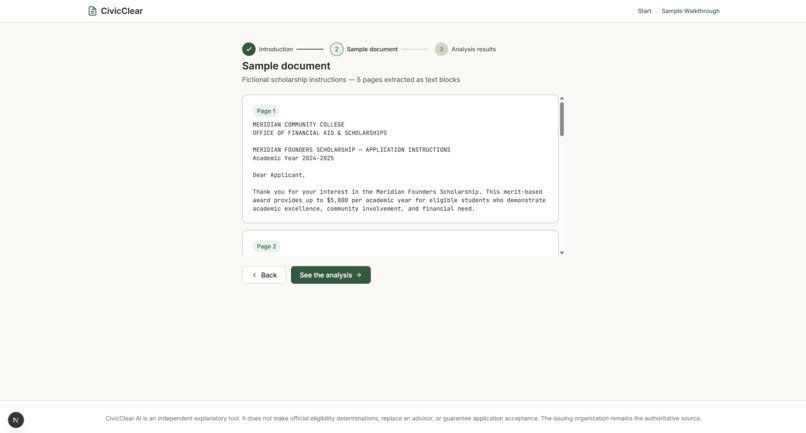
Sample document
-
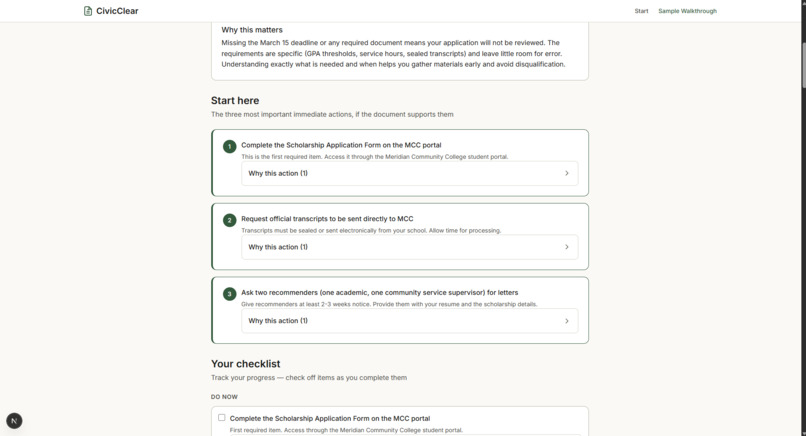
Analysis page-2
-
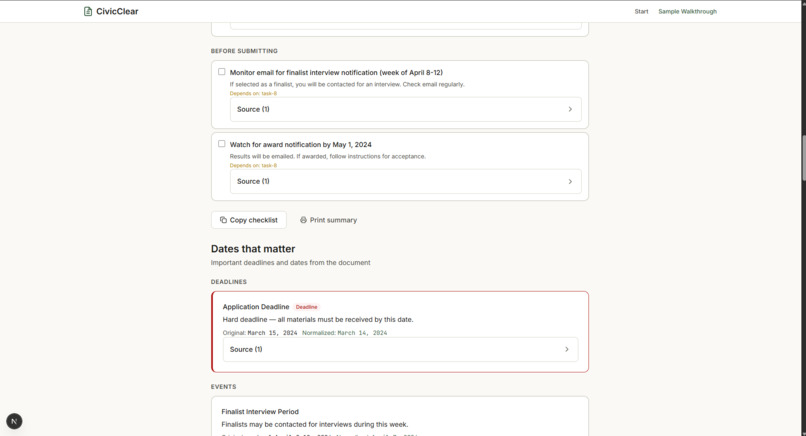
Analysis page-4
-
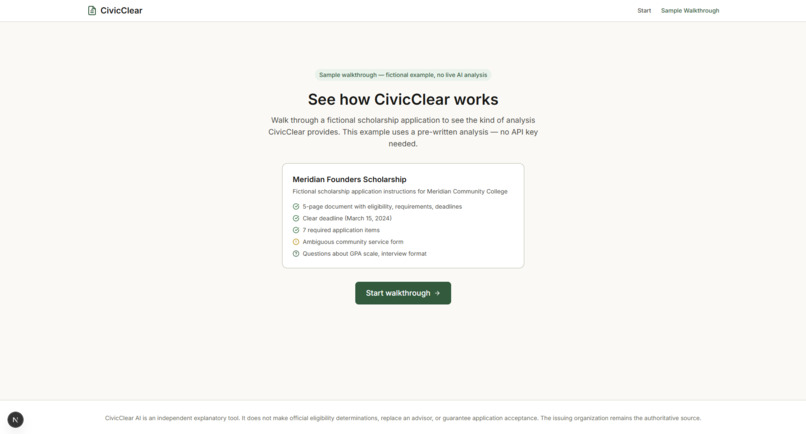
Indroduction
-
Analysis page-3
-
Homepage
-
Analysis page-1
Inspiration
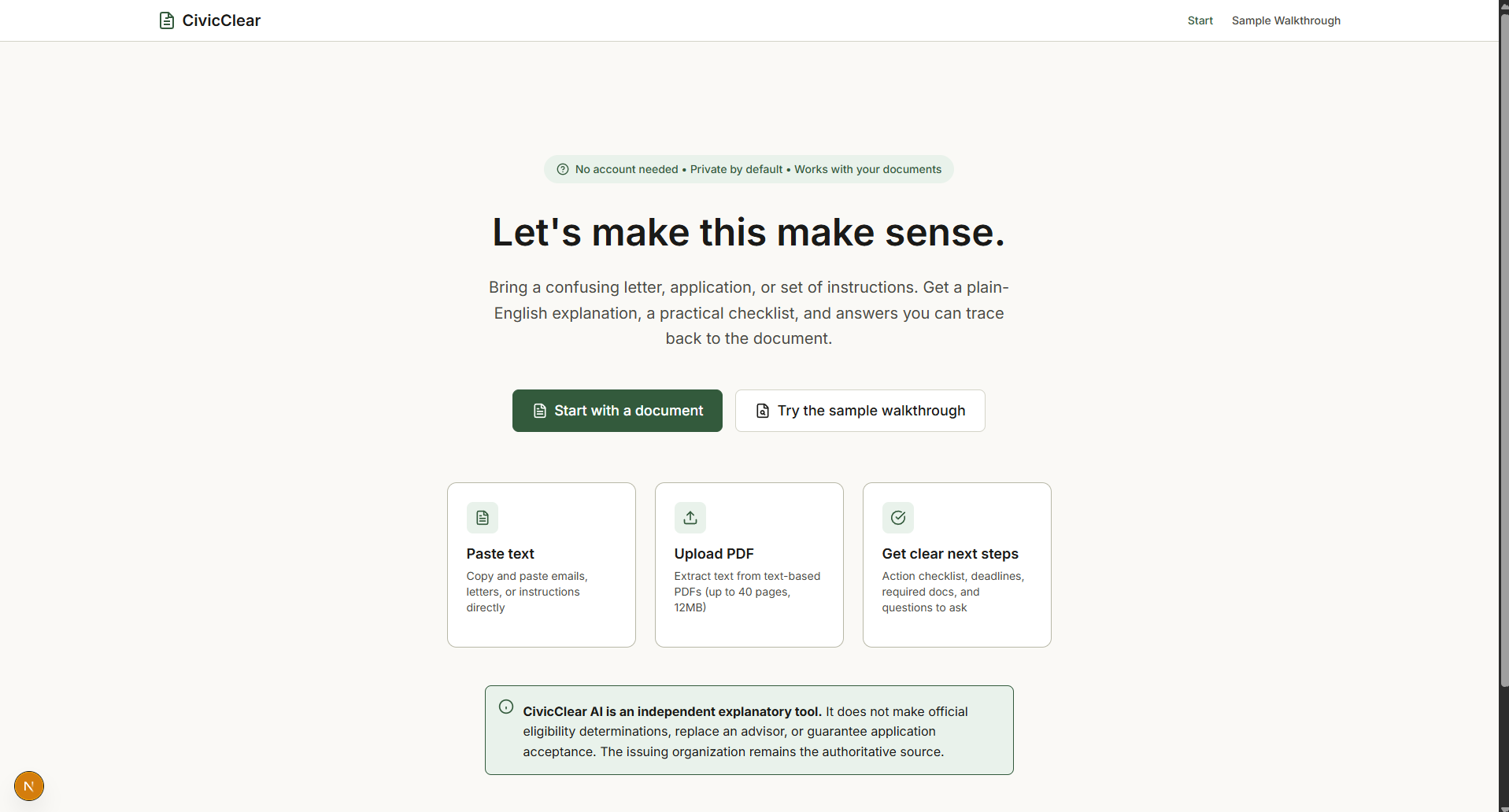
I wanted to build something that could help people understand confusing official documents. Scholarship letters, financial aid forms, and other important documents can have a lot of information, deadlines, and requirements that are easy to miss. I thought it would be useful to have a tool that explains these documents in simpler language and helps people figure out what they need to do next.
What it does
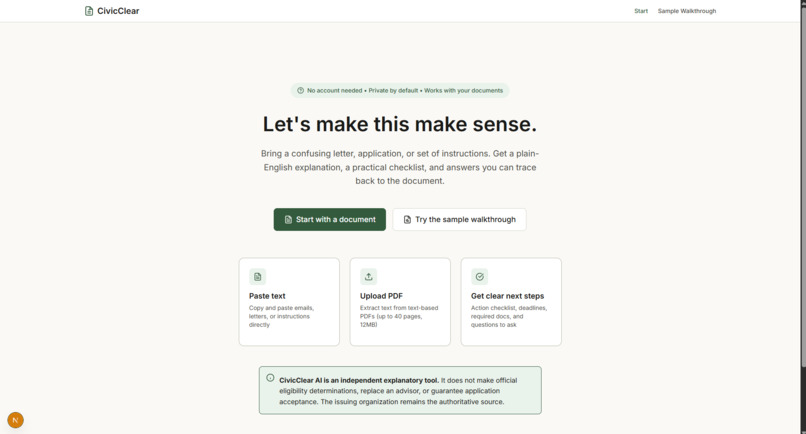
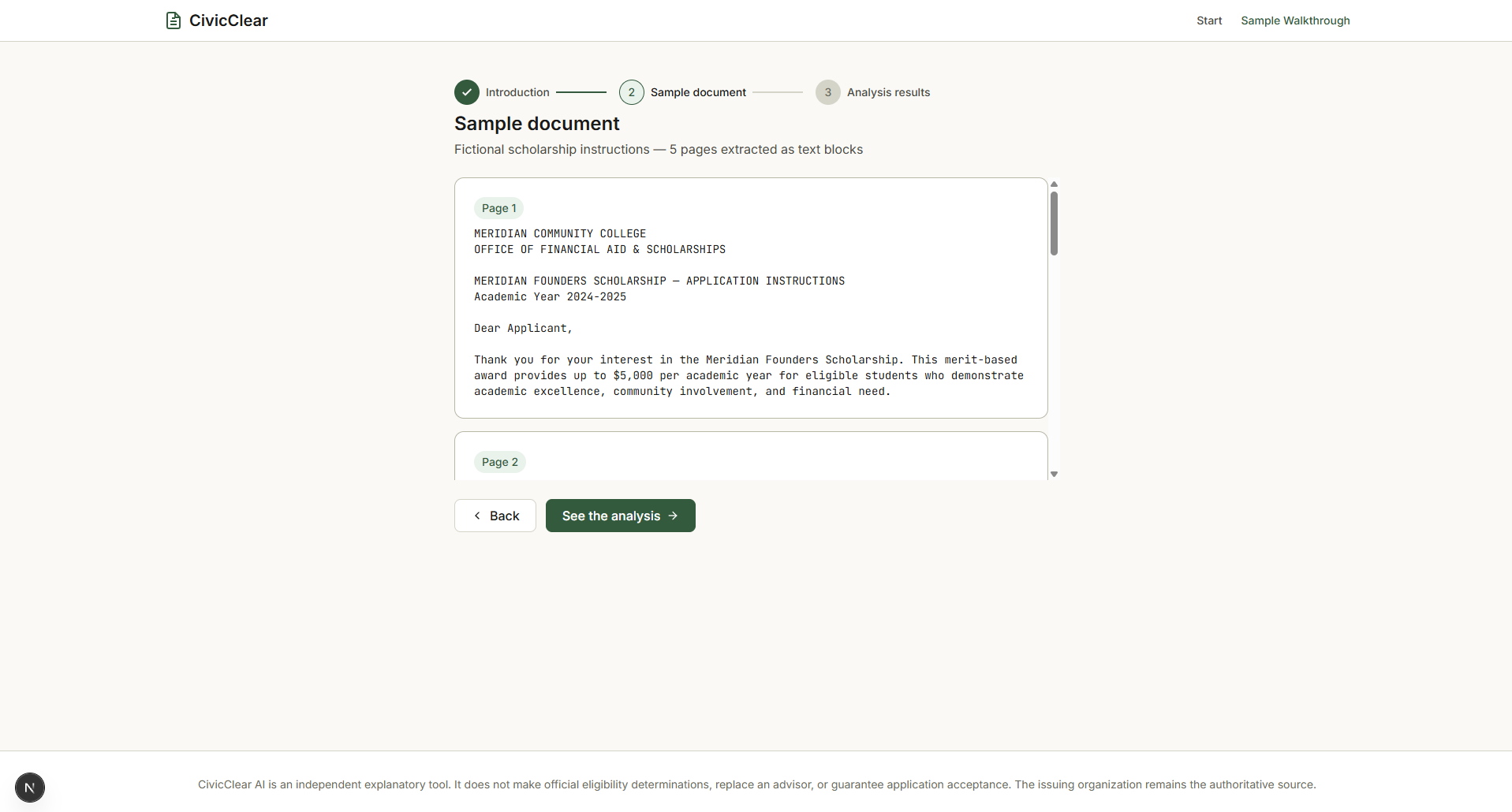
CivicClear AI helps people understand official documents without having to read through everything and figure it out on their own. Users can paste text or upload a PDF, review the extracted text, and check for sensitive information before sending it for AI analysis.
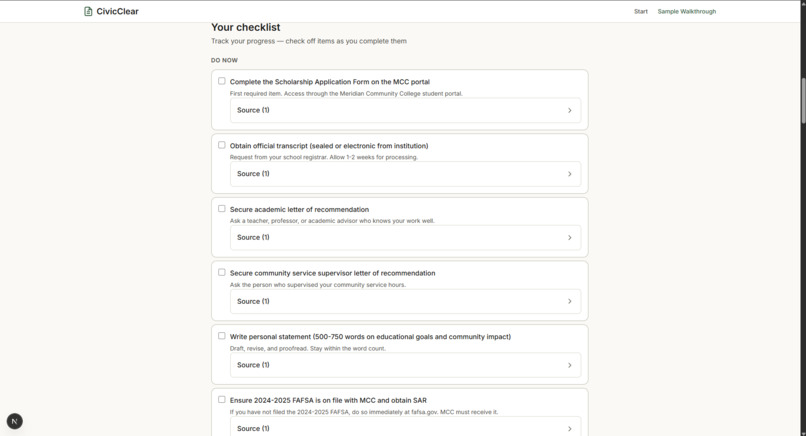
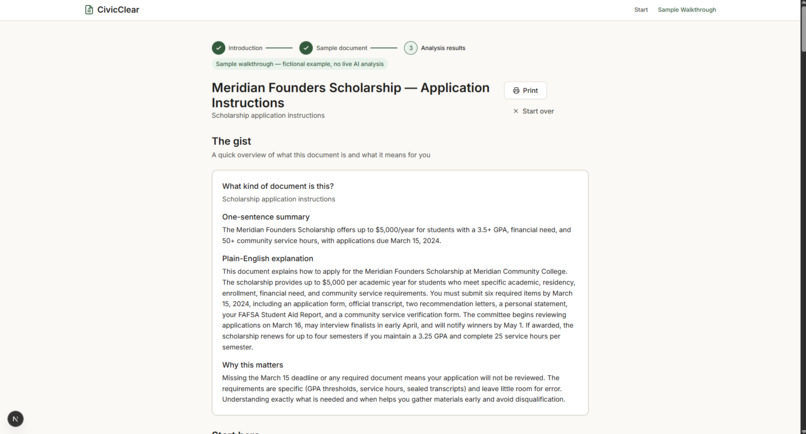
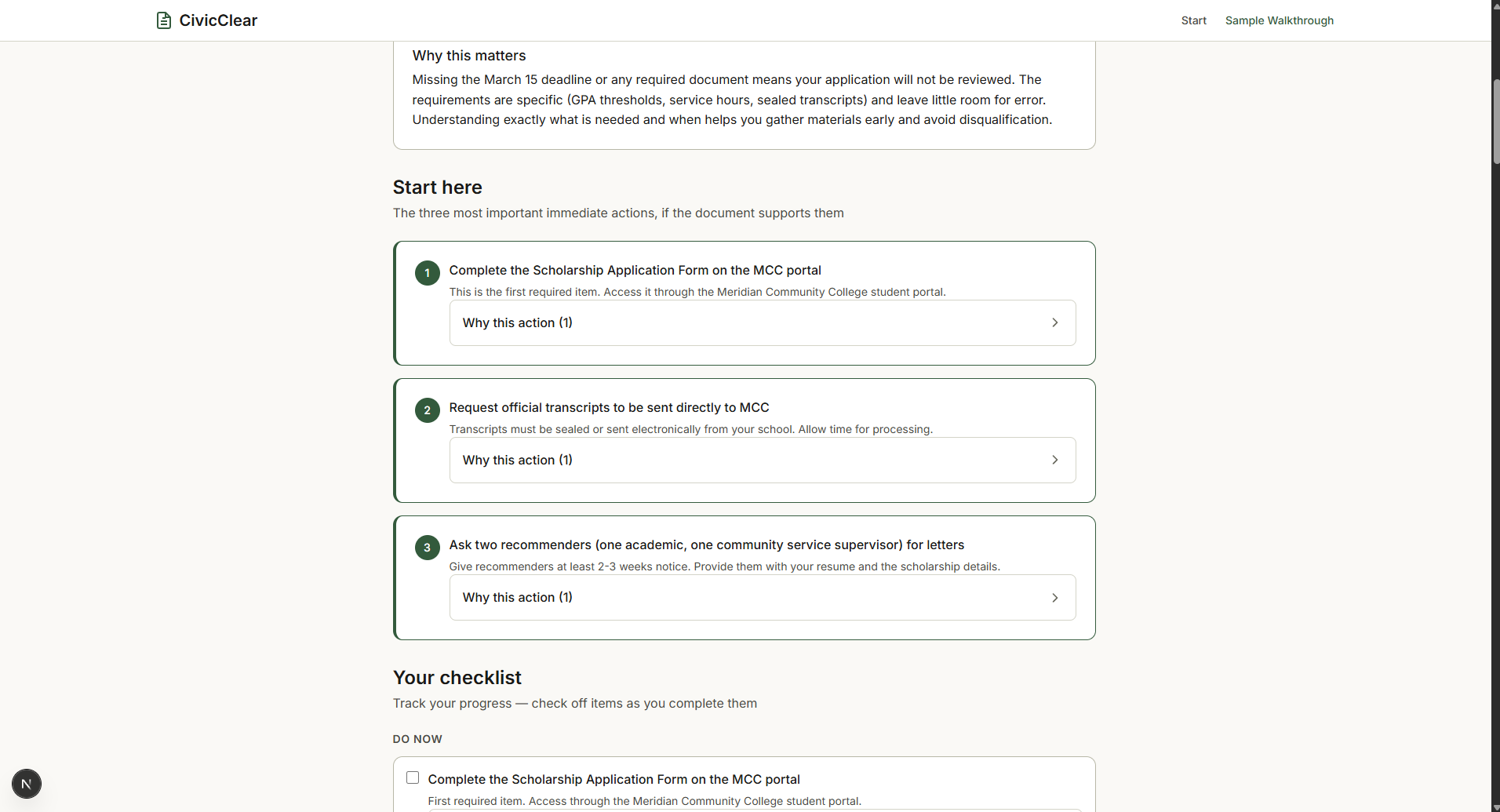
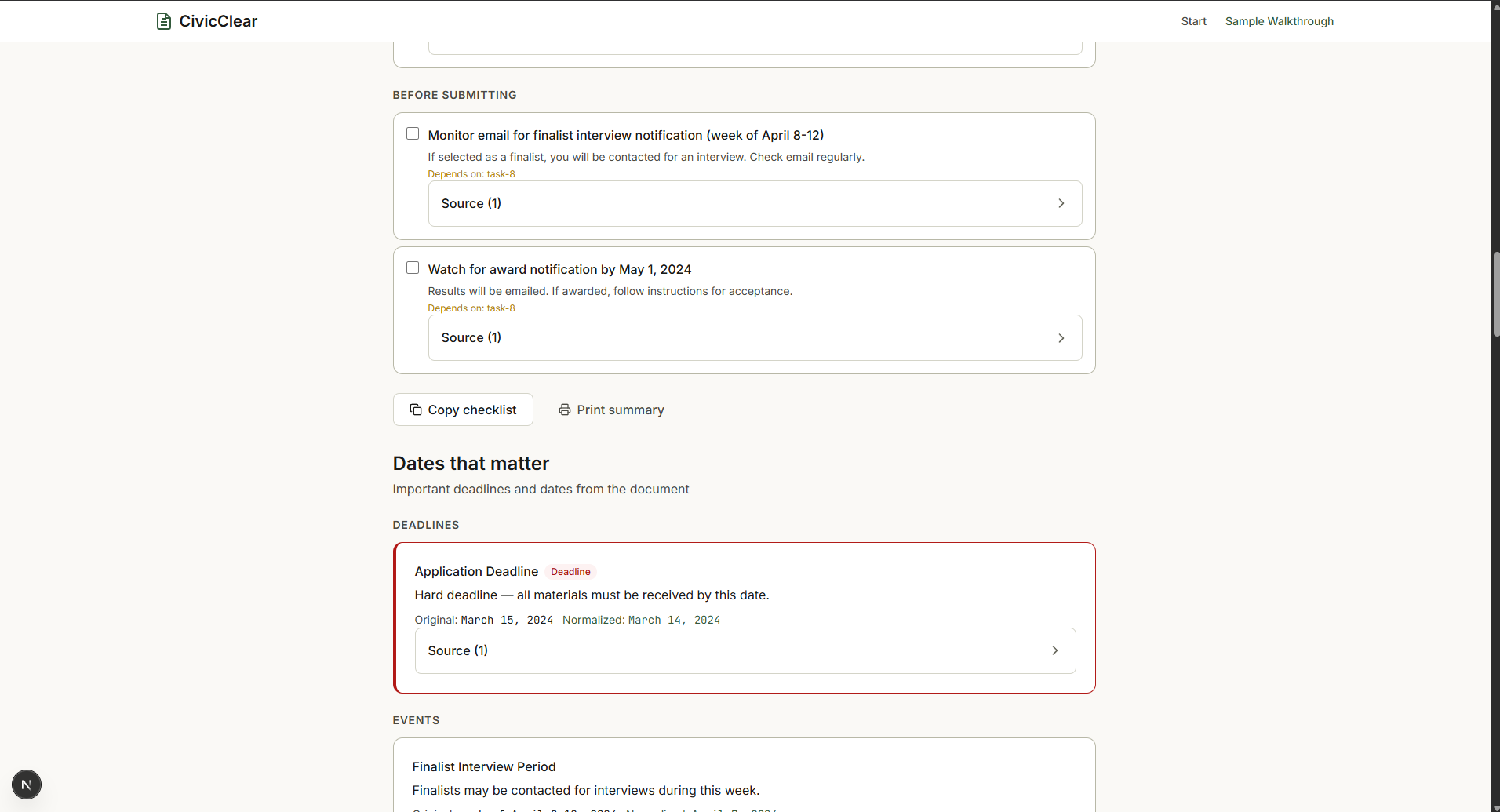
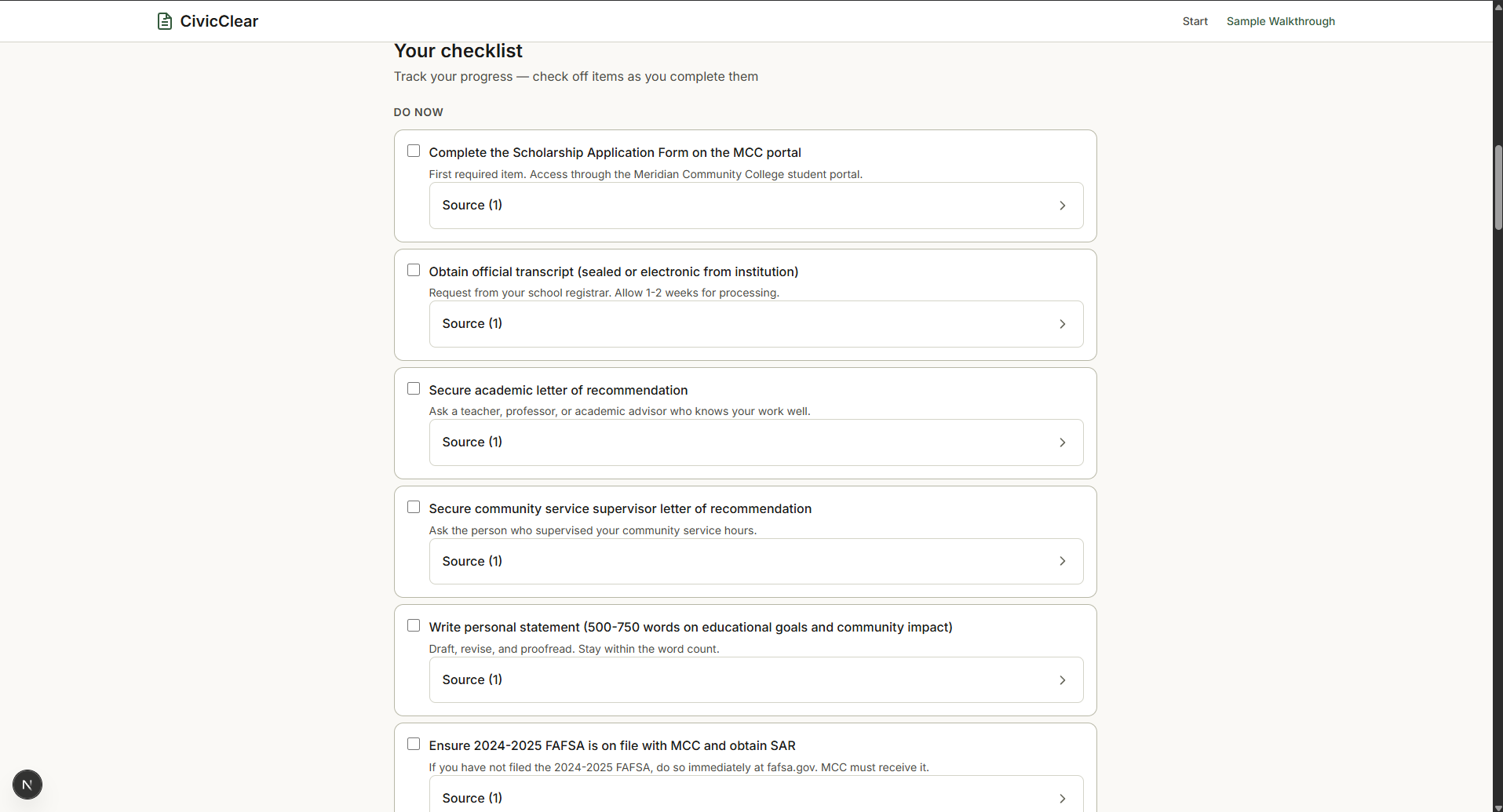
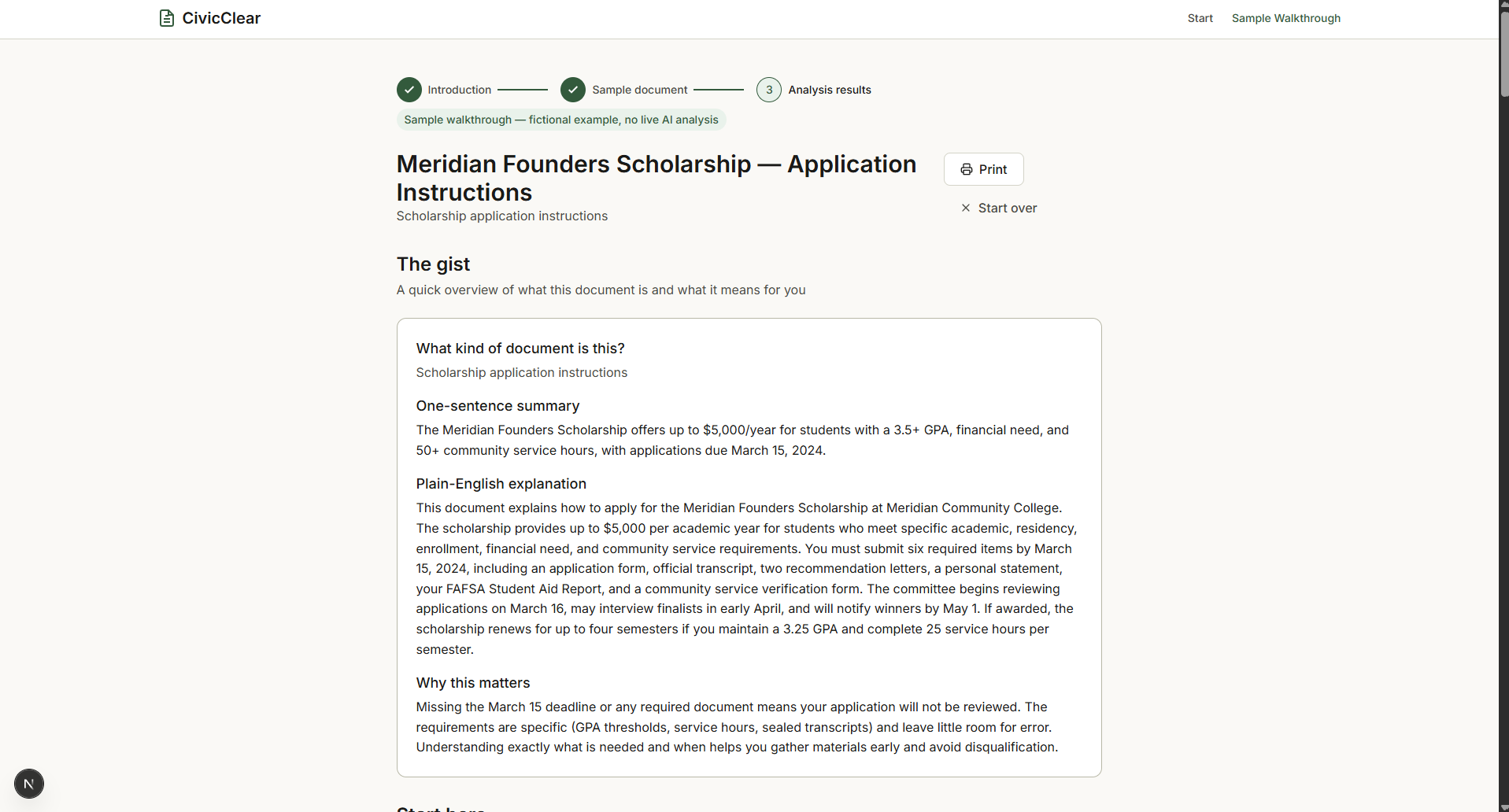
The app turns the document into a plain English summary, a checklist of things to do, important deadlines, required documents, and explanations of confusing terms. It can also suggest questions to ask and help draft a message when someone needs clarification. It also checks the AI's references against the original document so users can see where the information came from.
How we built it
I built CivicClear AI using Next.js, TypeScript, and Tailwind CSS. I used PDF.js to extract text from uploaded documents and Zod to validate the structure of the AI's responses. I also built a local privacy scanner that looks for potentially sensitive information and lets users review and redact it before analysis.
One important part of the project was making sure the results were useful instead of just giving users another block of AI-generated text. I organized the output into sections that help people understand their documents and take action.
Challenges we ran into
One challenge was making PDF text extraction work well enough for users to review. Extracted text can sometimes be incomplete or incorrectly formatted, so I made source review part of the process.
Another challenge was making the AI's answers reliable. A summary might sound correct while missing an important detail from the original document. I worked on structured responses and evidence validation to help catch that problem. I also had to think carefully about privacy and make sure users had a chance to review their information before analysis.
Accomplishments that we're proud of
I am proud that CivicClear AI does more than summarize a document. It helps turn a confusing letter into specific actions that someone can follow.
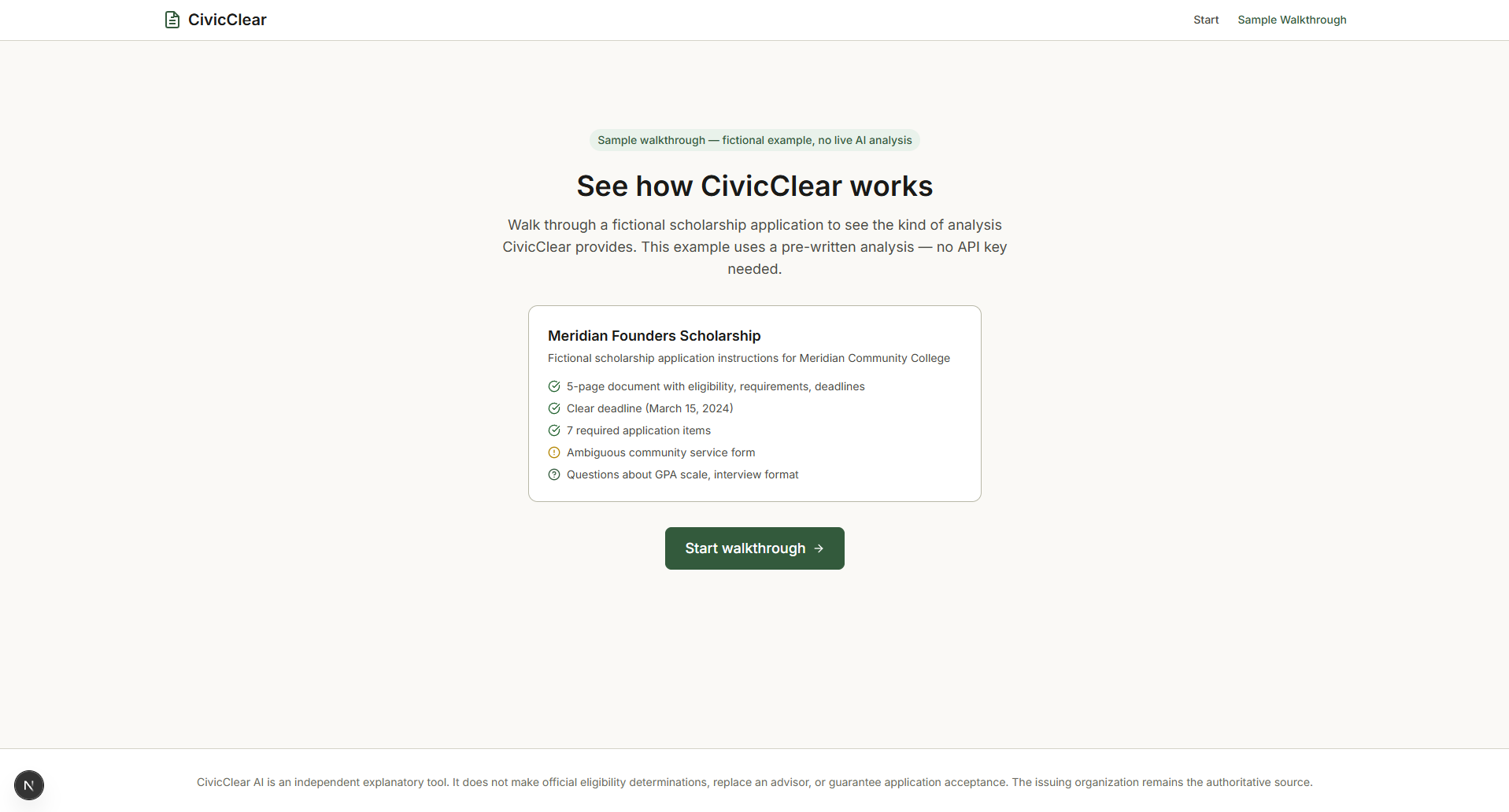
I am also proud of the privacy review and evidence-checking features because trust matters when people are dealing with deadlines, school requirements, or financial information. I built a sample walkthrough so people can explore how the app works without needing to upload a real personal document.
What we learned
I learned that building an AI application involves much more than connecting a model to a user interface. The application also needs input validation, error handling, privacy safeguards, and a way to check whether the answers are supported by the information provided.
I also learned how important it is to think about the person using the tool. A technically correct response is not always helpful if it is difficult to understand or does not explain what the user should do next.
What's next for CivicClear AI
I want to keep improving document extraction and make the analysis more reliable when documents contain unclear wording or conflicting deadlines. I also want to test the app with more types of official documents and improve how it handles missing information.
Another goal is to make the experience easier for people who are not familiar with technical or legal language. Ultimately, I want CivicClear AI to help people feel more confident about understanding important documents and knowing what steps to take.
Built With
- artificial
- css
- intelligence
- next.js
- pdf.js
- tailwind
- typescript
- zod


Log in or sign up for Devpost to join the conversation.