About CityKit
CityKit is an iOS utility app for navigating major city events, starting with Vancouver during the FIFA World Cup. The app brings together scam checking, transit guidance, road closure information, venue access help, translation, and local disruption alerts through one AI agent.
Inspiration
The idea came from looking at the real problems people in Vancouver are already dealing with around the World Cup. The biggest issues were not about finding match schedules or tourist attractions. They were practical problems: people were confused about transit after matches, road closures, stadium access, fake ticket messages, accommodation scams, Fan Festival timing, and how locals would move around the city during event days.
A major event like the World Cup turns the city into a temporary high-pressure system. Information exists, but it is scattered across city pages, transit updates, venue rules, Reddit threads, maps, and social media. CityKit was built to put all of that into one simple utility app.
What it does
CityKit gives users a set of event tools powered by an AI agent:
- Scam Check for suspicious ticket, rental, parking, merch, or event messages
- Transit Exit for getting away from BC Place after a match
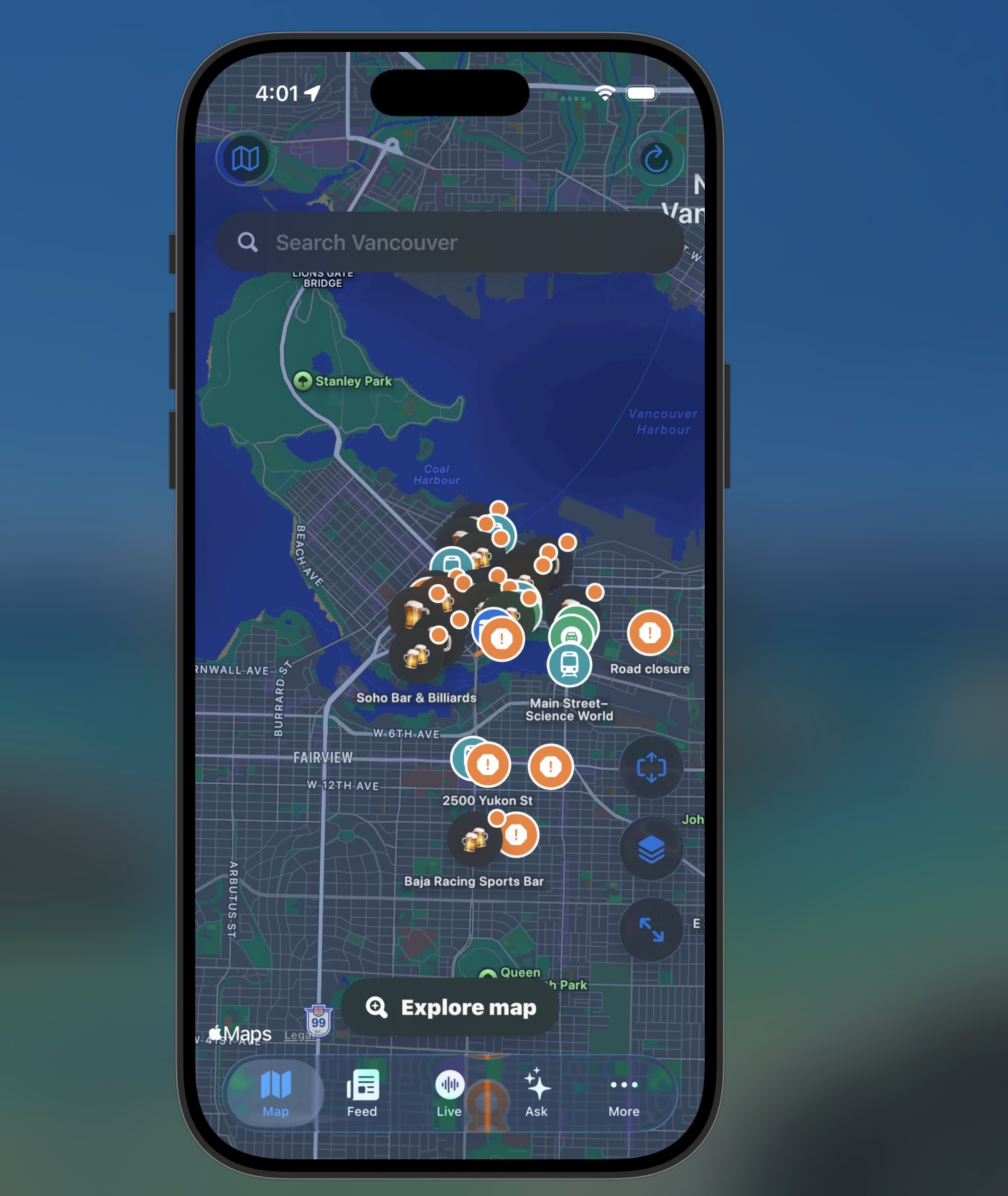
- Closure Check for road closures, pickup zones, and local access issues
- Gate and Venue Help for stadium entry, exits, and bag-related questions
- Fan Festival Planner for deciding when to leave PNE/Hastings Park for BC Place
- Translate Help for tourists, volunteers, and locals who need quick multilingual support
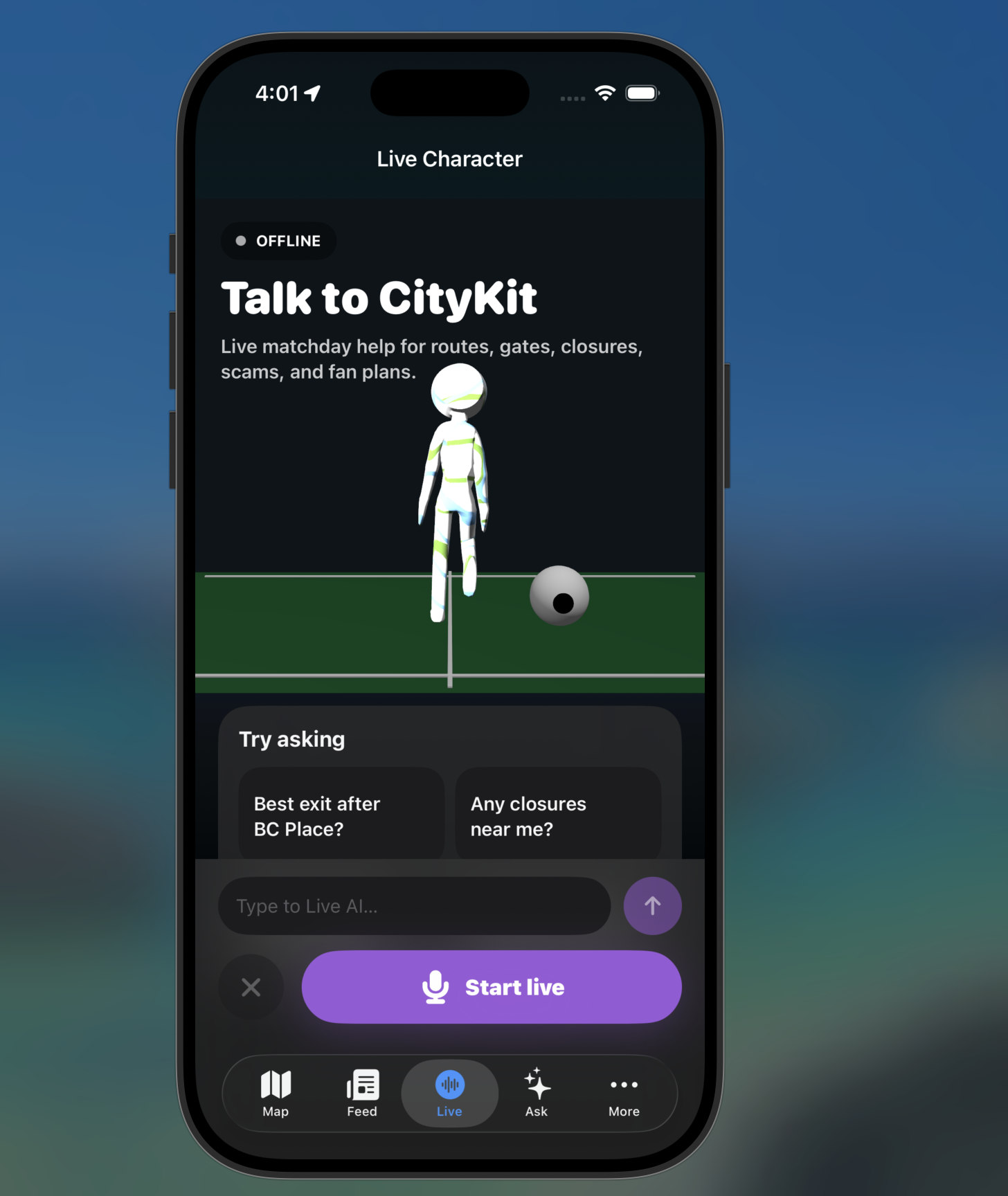
- Ask CityKit, an AI agent that can call the right tool based on the user’s question
Instead of making users search through multiple websites, CityKit turns a messy event situation into a clear next step.
How we built it
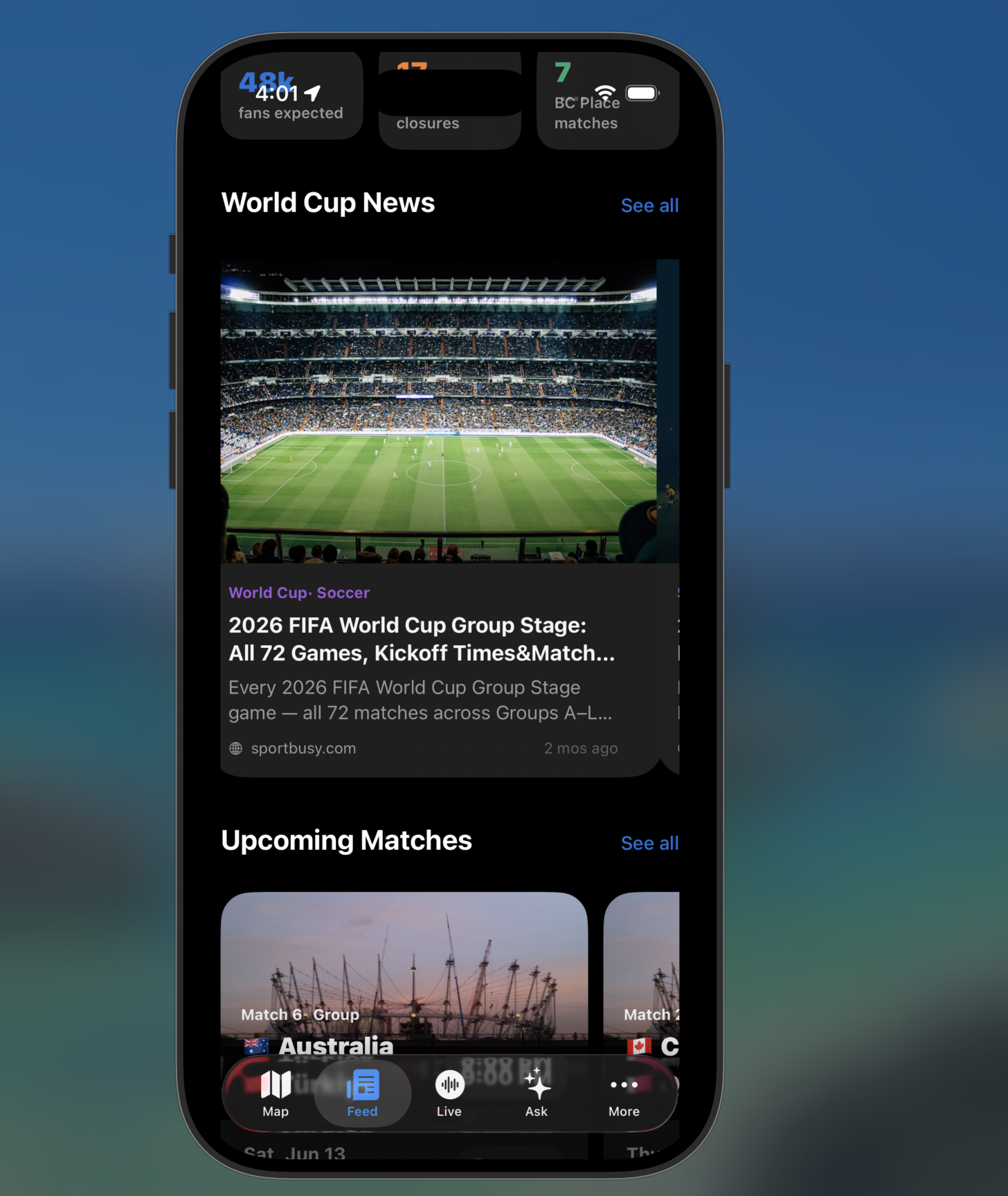
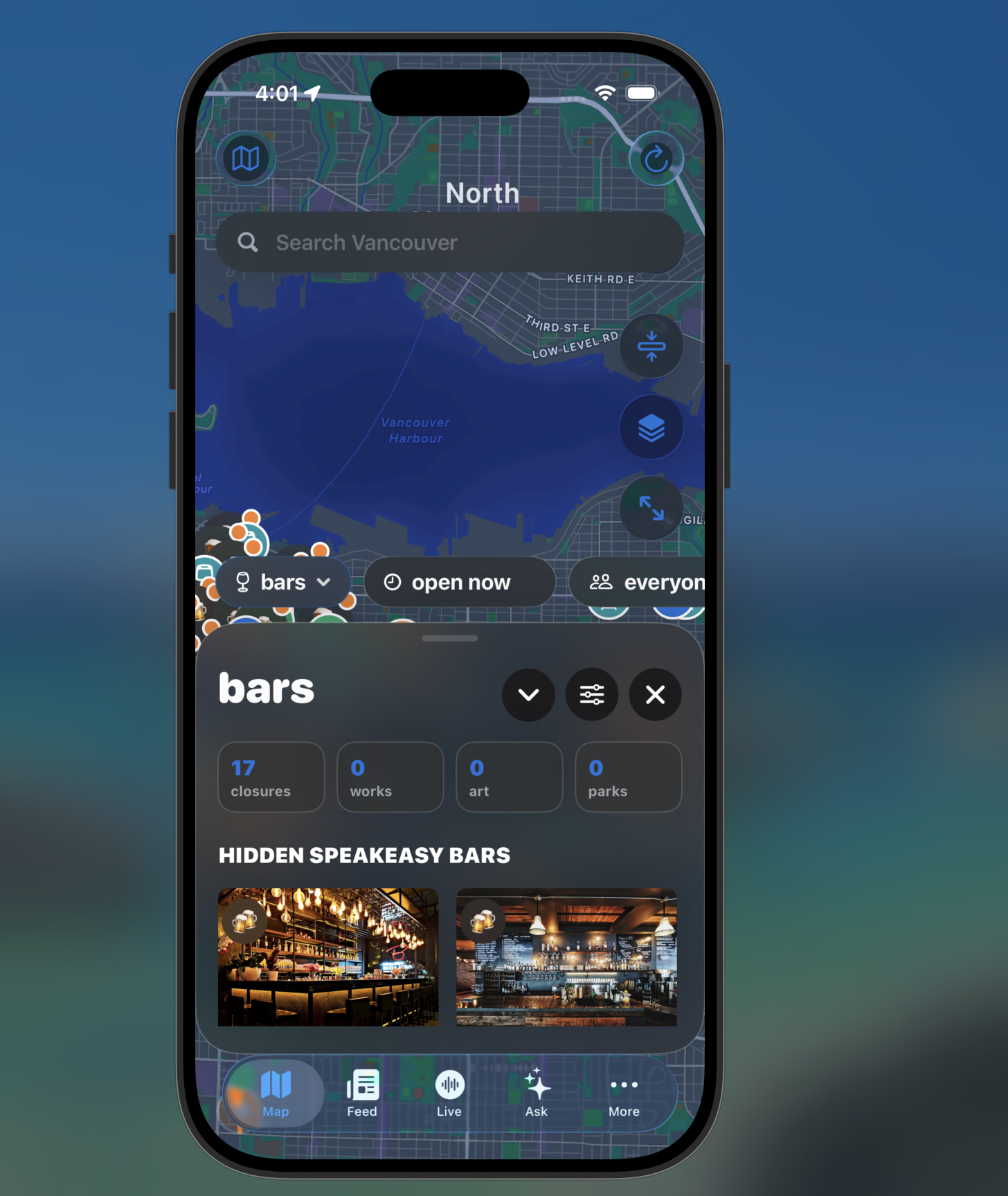
CityKit was designed as an iOS app with a tool-first interface. The home screen is not just a chatbot. It gives users direct access to the most important tools, while the AI agent sits in the middle and decides which tool to use when needed.
The app uses a bring-your-own-key model for now. Users paste their Gemini API key into the app, and the key is stored locally on the device. Gemini 3.5 Flash powers the AI agent and helps with scam analysis, natural-language questions, translation, and summarizing route or closure information.
The system is built around tool calling. For example, if a user asks:
“I’m leaving BC Place and need to get to Surrey. What should I do?”
The agent can use location, match context, transit routes, road closure data, and venue notes to generate a practical answer. The goal is not to have the model guess. The goal is to give the model structured tools and verified local context.
We also designed a simple risk-scoring system for scam checks. A message can be scored based on suspicious signals such as urgency, irreversible payment requests, vague location details, missing proof, fake ticket transfer claims, or pressure to send a deposit.
A simplified version of the scam score is:
$$ Risk = w_1U + w_2P + w_3V + w_4M + w_5L $$
Where:
- (U) = urgency pressure
- (P) = unsafe payment method
- (V) = unverifiable identity or ticket proof
- (M) = missing details
- (L) = suspicious link or platform behavior
This gives the app a more structured way to explain why something is risky instead of just saying “this looks bad.”
What we learned
We learned that the most useful AI products are not always the ones that feel the most futuristic. Sometimes the best use of AI is helping people make a decision in a stressful moment.
For this project, the hard part was not just adding an AI chat interface. The hard part was designing the right tools around the agent. Scam checking, transit planning, closure lookup, venue help, and translation all have different requirements. The agent only becomes useful when it can route the user to the right tool and explain the result clearly.
We also learned that major events create problems for different groups at the same time. A visitor may need directions. A local may need to avoid road closures. A volunteer may need to answer questions quickly. A fan may need to check if a ticket offer is real. CityKit had to be flexible enough to support all of these situations without becoming too complicated.
Challenges we faced
One challenge was keeping the app focused. There are many possible World Cup-related features, but we had to avoid building a generic event guide. We narrowed the product around practical decision points: what to trust, where to go, what to avoid, and what to do next.
Another challenge was handling live information. Transit status, road closures, and event access rules can change. To deal with this, we designed the app with a fallback mode using local data and demo scenarios, so the app can still work even if a live API fails during a demo.
We also had to think carefully about AI reliability. The agent should not invent road closures, venue rules, or official instructions. CityKit is designed so the agent uses structured tools and local data instead of relying only on model memory.
What’s next
The next version of CityKit could support more event types beyond the World Cup, such as concerts, marathons, fireworks nights, protests, and large sports games. Future versions could also add Live Activities, Apple Wallet route cards, push alerts, a Safari share extension for scam checks, and a volunteer mode for event staff.
The bigger vision is simple: when a city gets overloaded by a major event, people should not have to search across ten different sources to make one decision. CityKit gives them the right answer at the moment they need it.
Built With
- devin
- gemini

Log in or sign up for Devpost to join the conversation.