-
-
hero image
-
gameplay
Inspiration
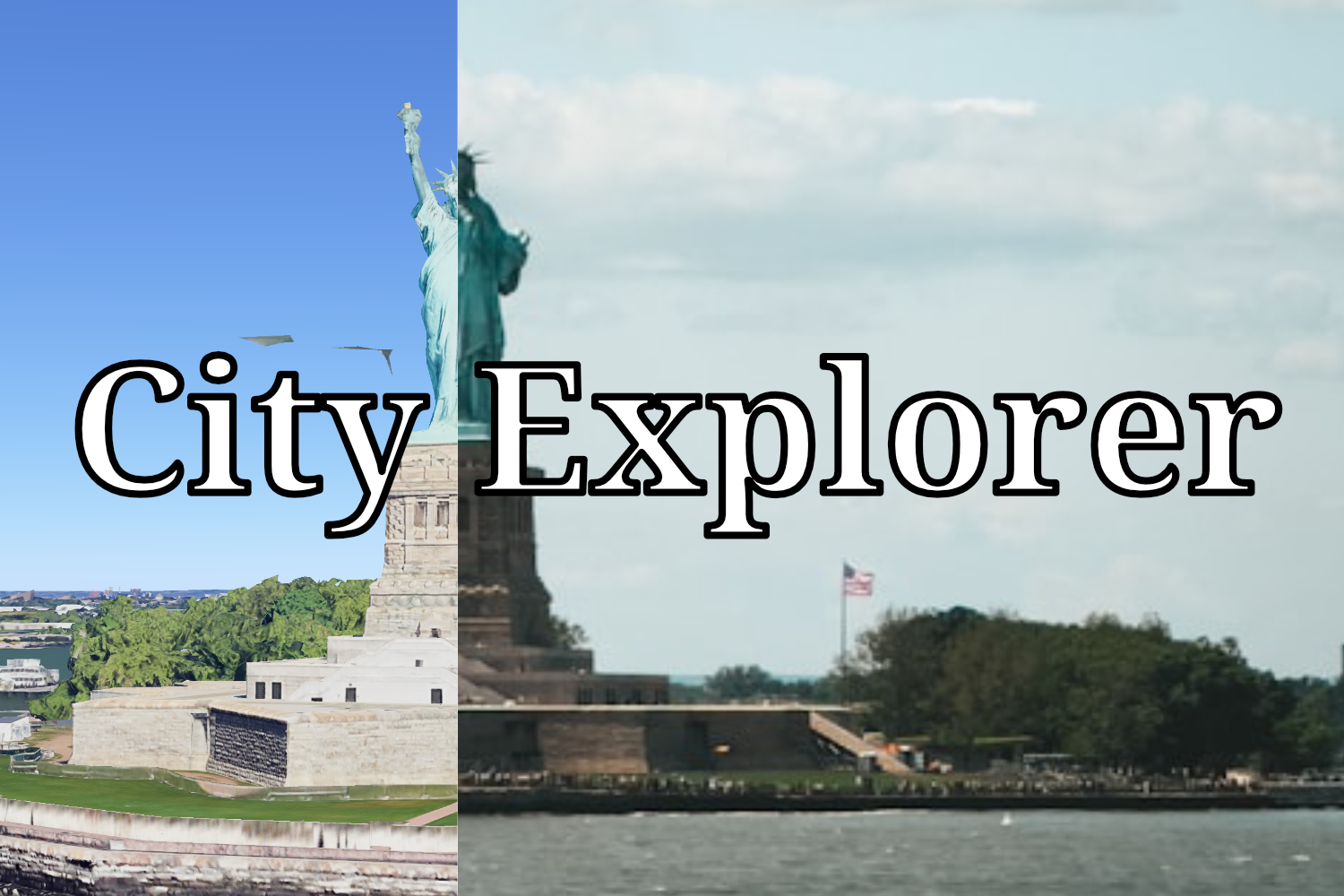
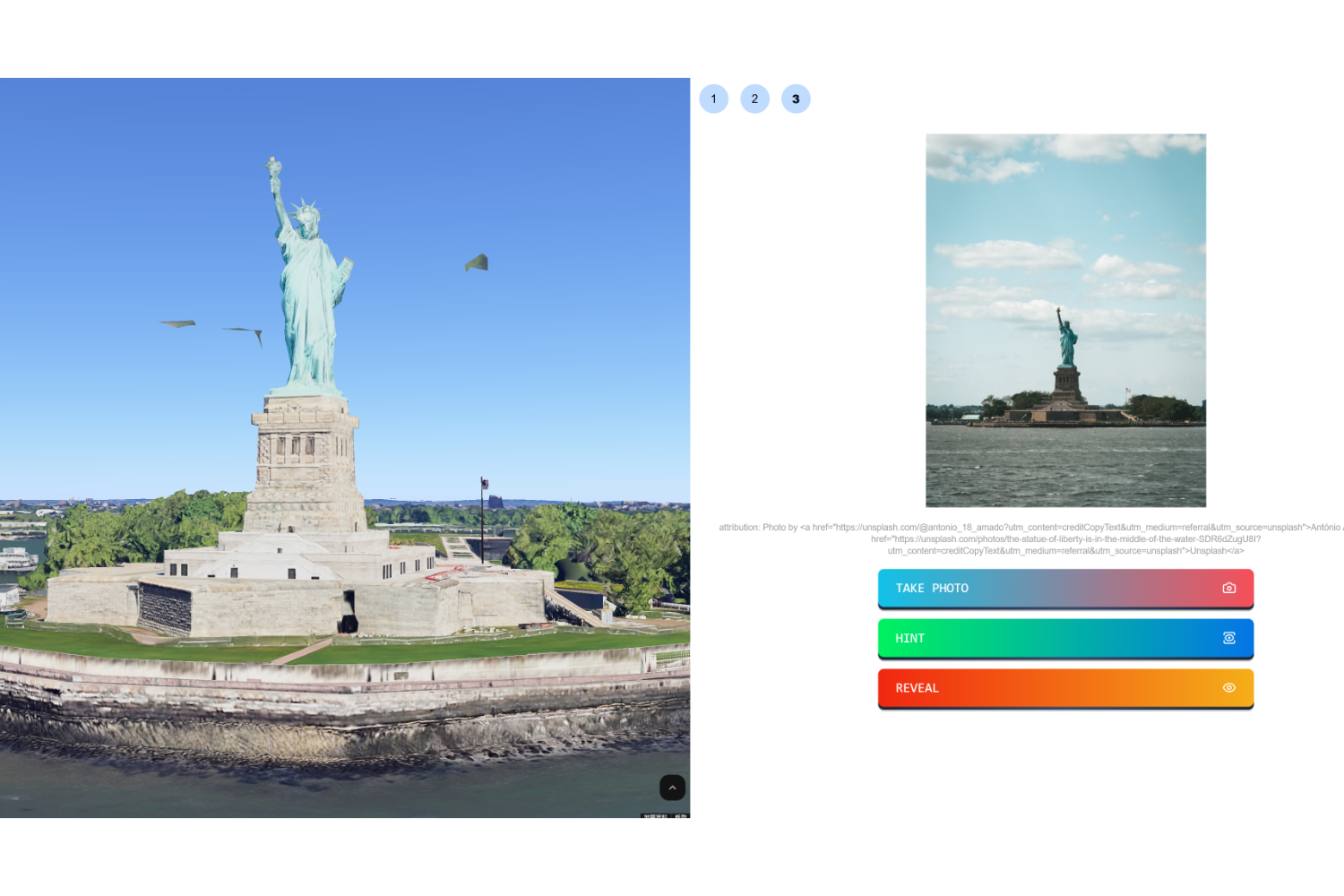
I am a geography enthusiast who enjoys looking at photos and guessing the locations of various places. This activity is a fun game for me and helps expand my knowledge of the world. When I first encountered Google 3D Maps, I realized it could offer something different. Instead of merely guessing names, I could navigate and explore the positions of various landmarks. This inspired me to create this game.
What it does
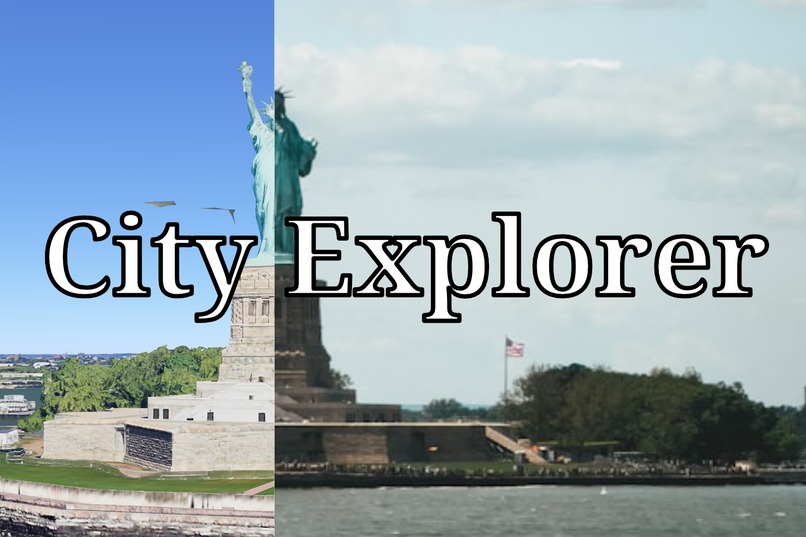
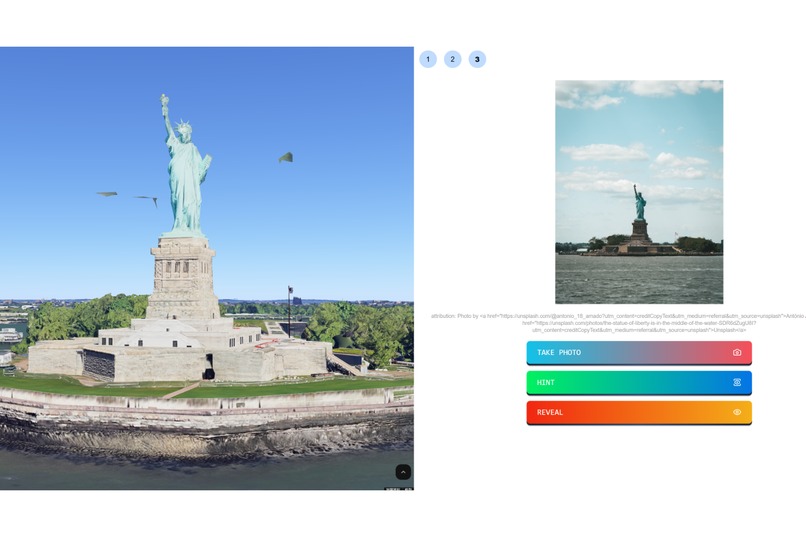
City Explorer is a web-based game featuring several attractions in each city. A photo is displayed, and players must locate the viewpoint from which the photo was taken. Players succeed when they find a viewpoint that closely resembles the image. If they encounter difficulties, they can press the hint button, which will display an arrow on the 3D map pointing toward the attraction's location. Additionally, users can press the reveal button, allowing the map to automatically navigate to an optimal position.
How I built it
I developed City Explorer using Google 3D Maps, React, and TailwindCSS.
Challenges I ran into
Since Google 3D Maps API is still mainly in raw html and javascript, I had to spend considerable time integrating it into my React application.
What I learned
Google 3D Maps is an incredible tool with vast potential. I believe it will have many more applications in the future.
What's next for City Explorer
- Expand City Selection: I plan to add more cities to attract a wider audience to City Explorer.
- Editor Functionality: I aim to incorporate an editor feature that allows users to create custom tours for their own cities.


Log in or sign up for Devpost to join the conversation.