-
-
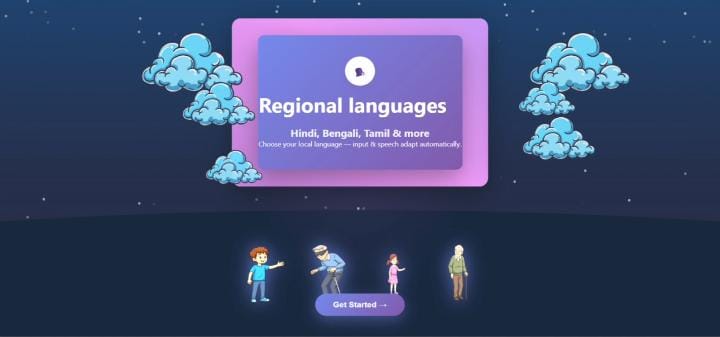
Landing page
-
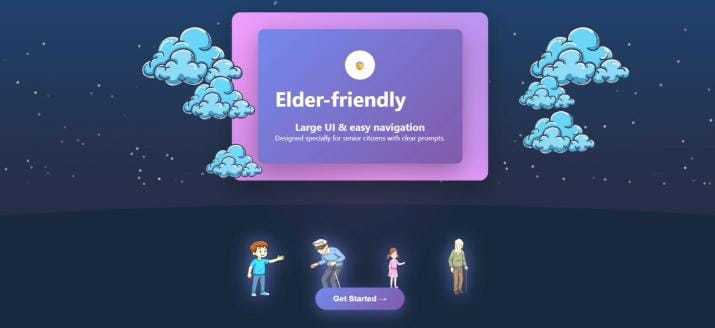
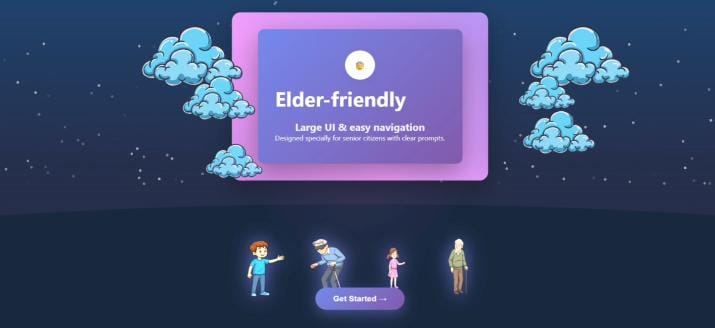
Features
-
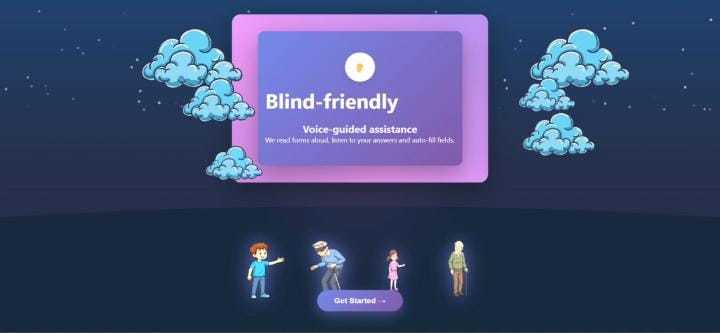
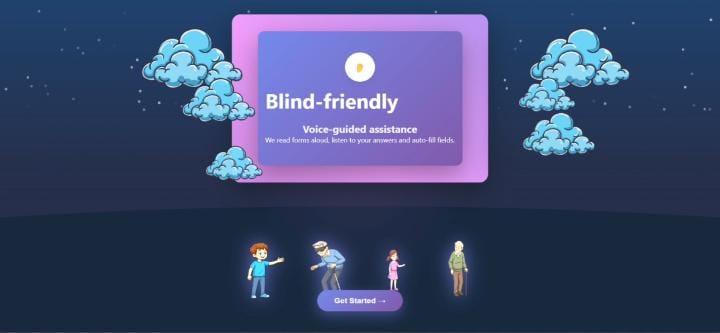
Features
-
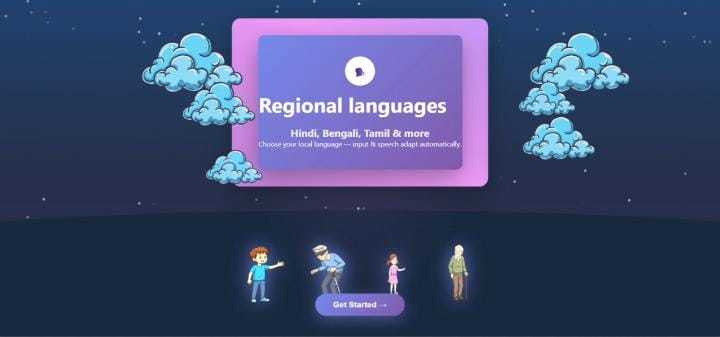
Features
-
Welcome screen
-
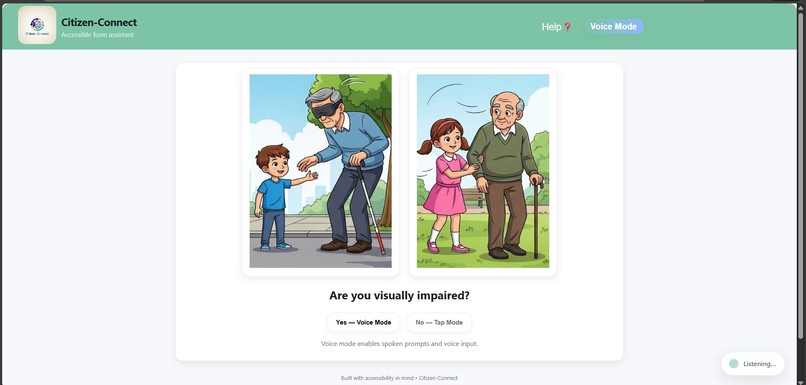
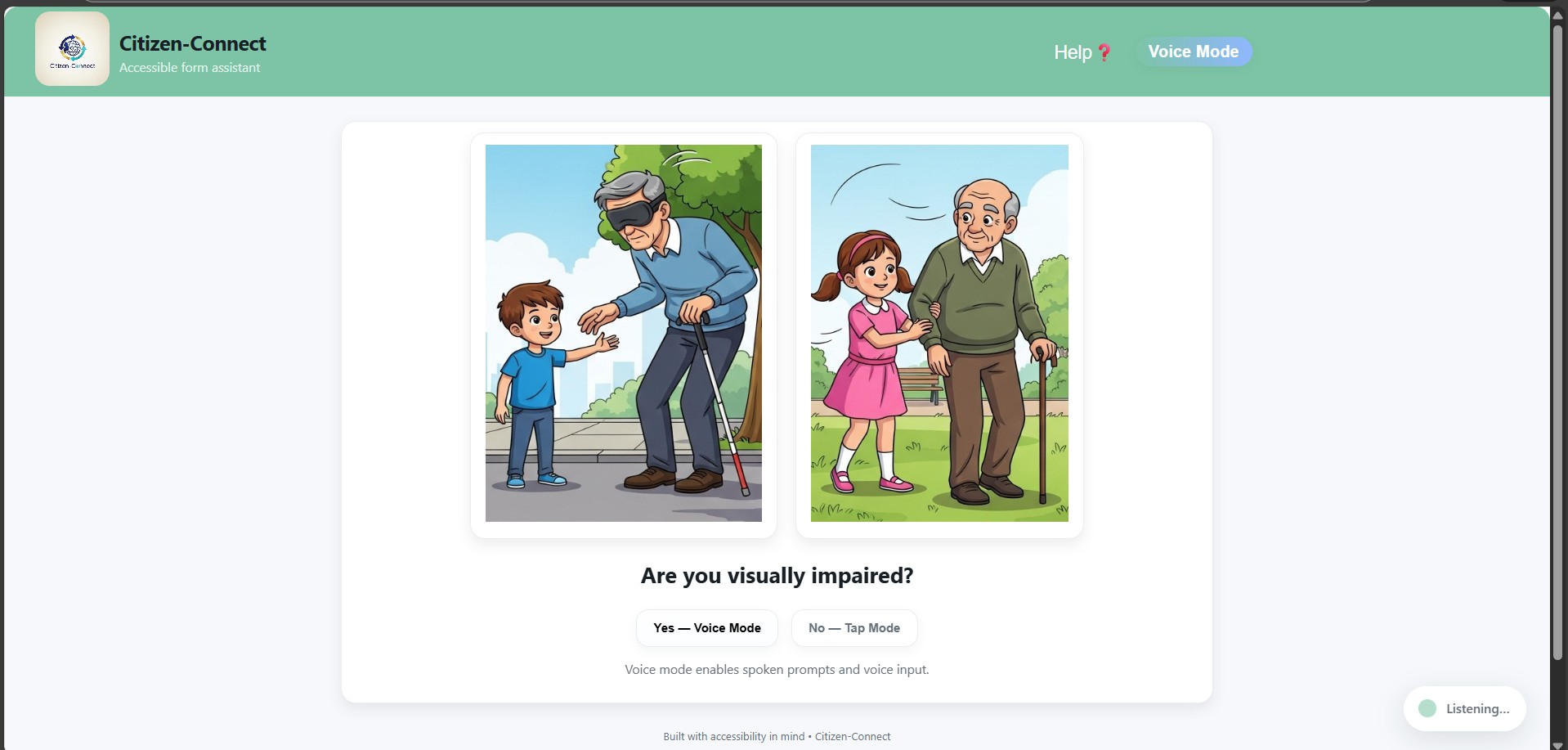
Asking for voice mode for visually impaired or normal tap mode for normal people
-
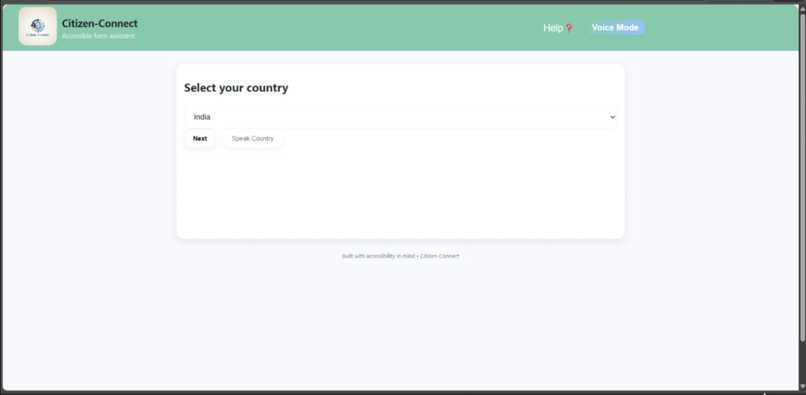
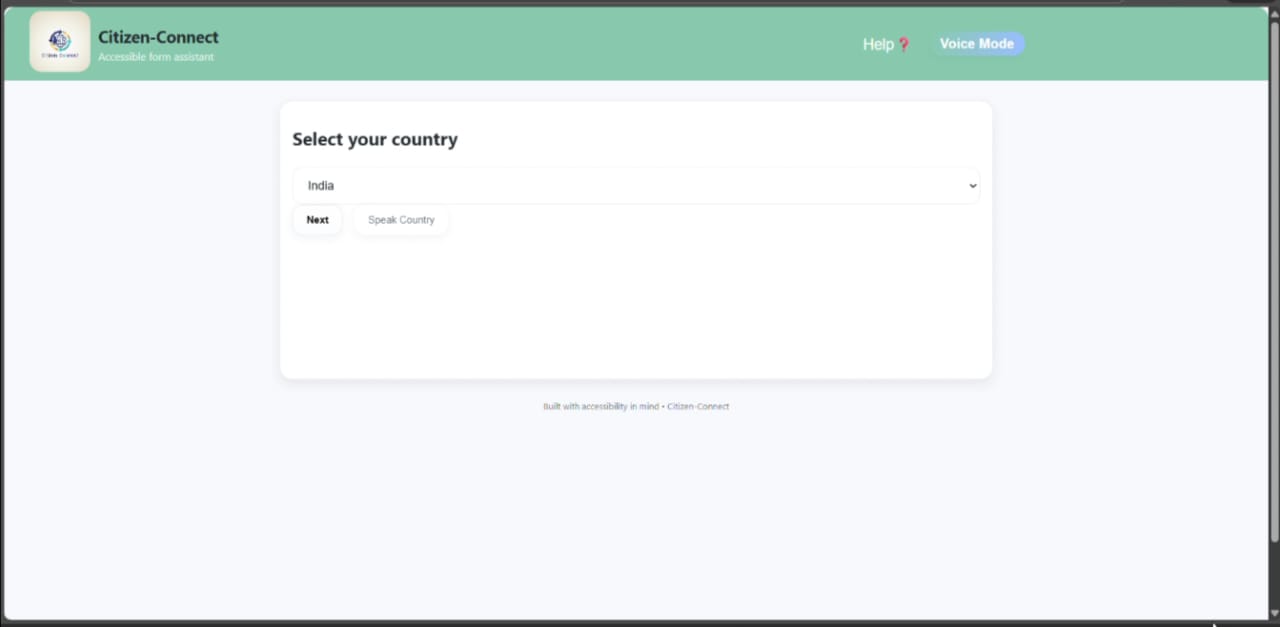
Country-Selection by voice command
-
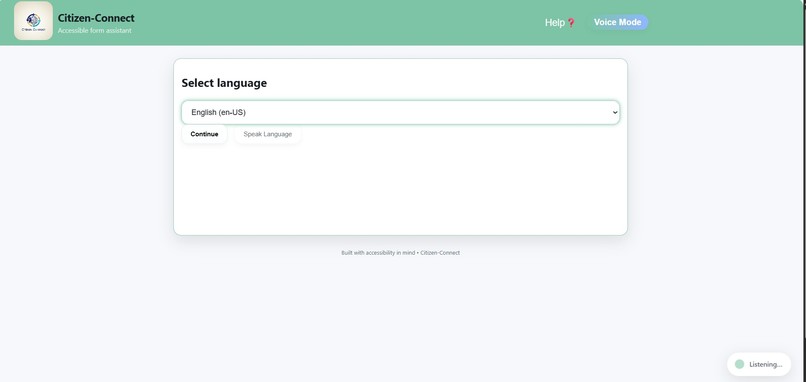
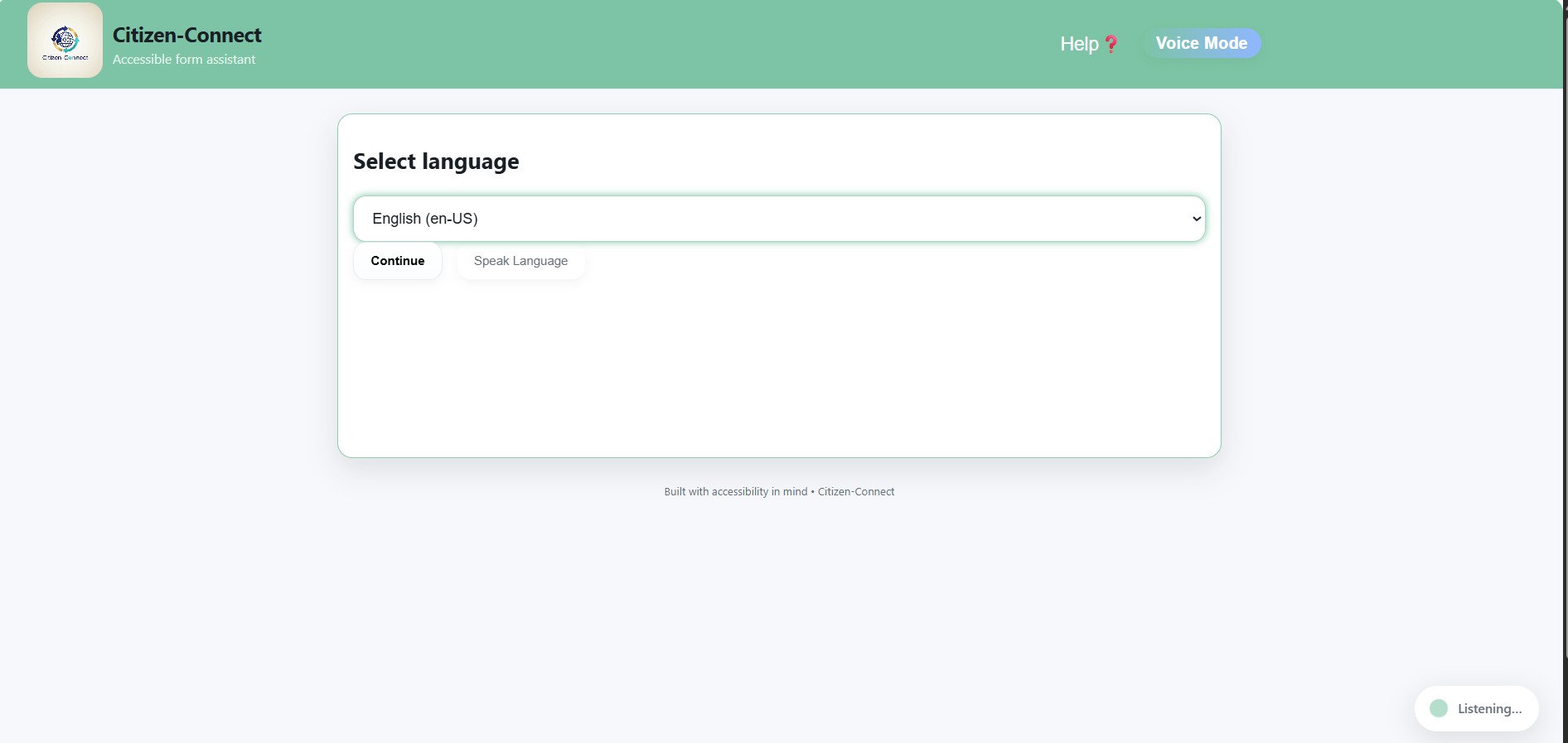
Language-Selection by voice command
-
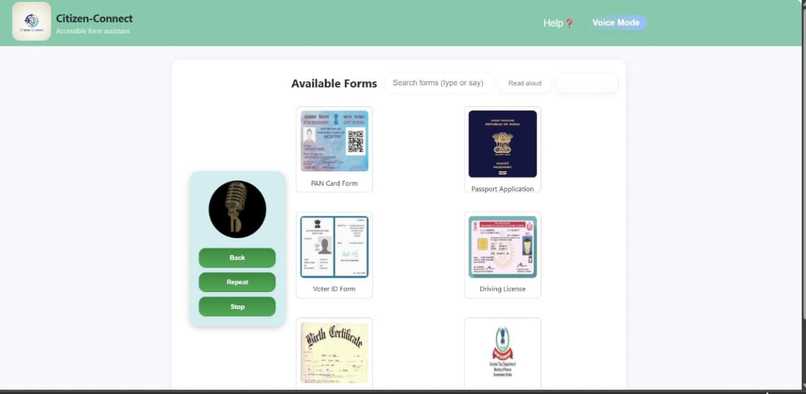
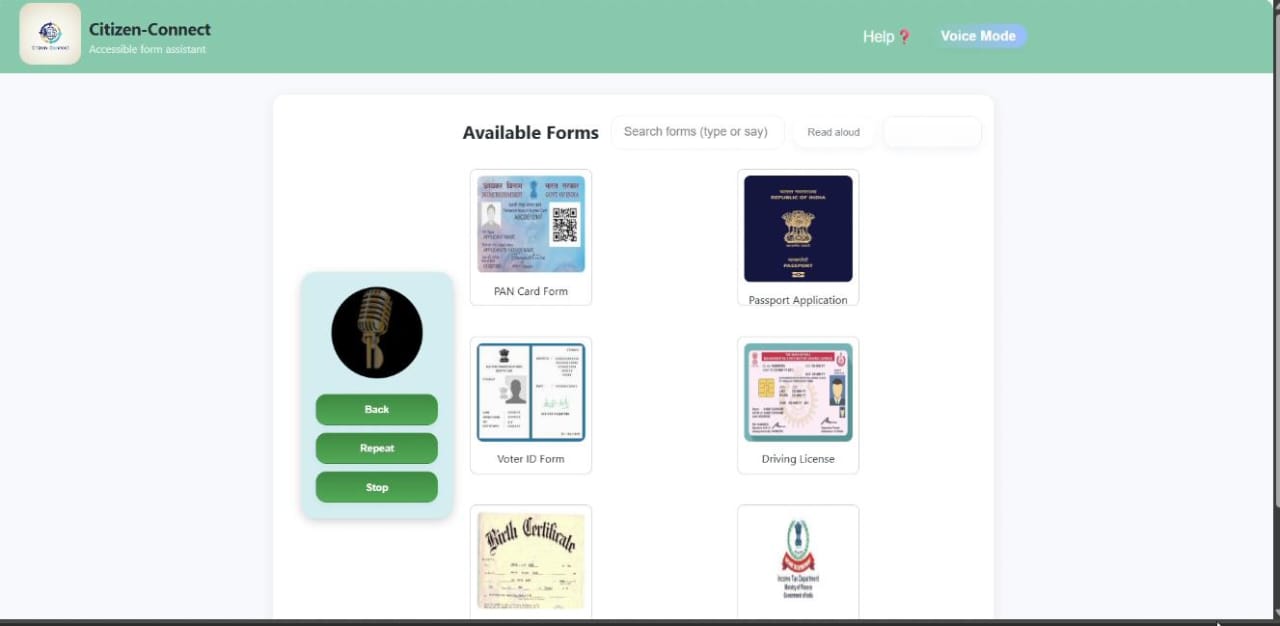
Important general form list of specific country
-
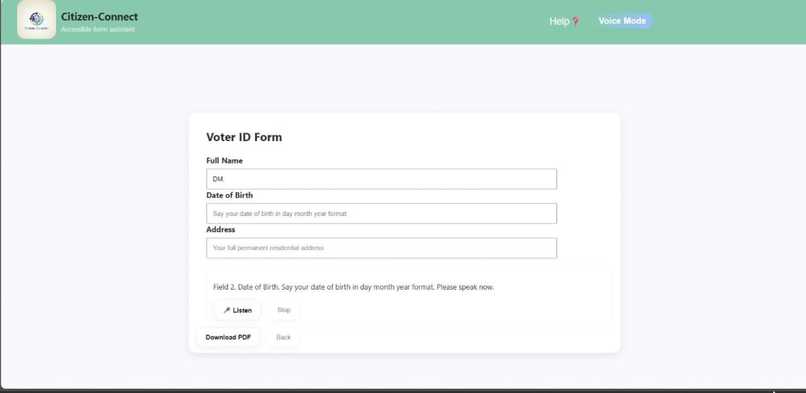
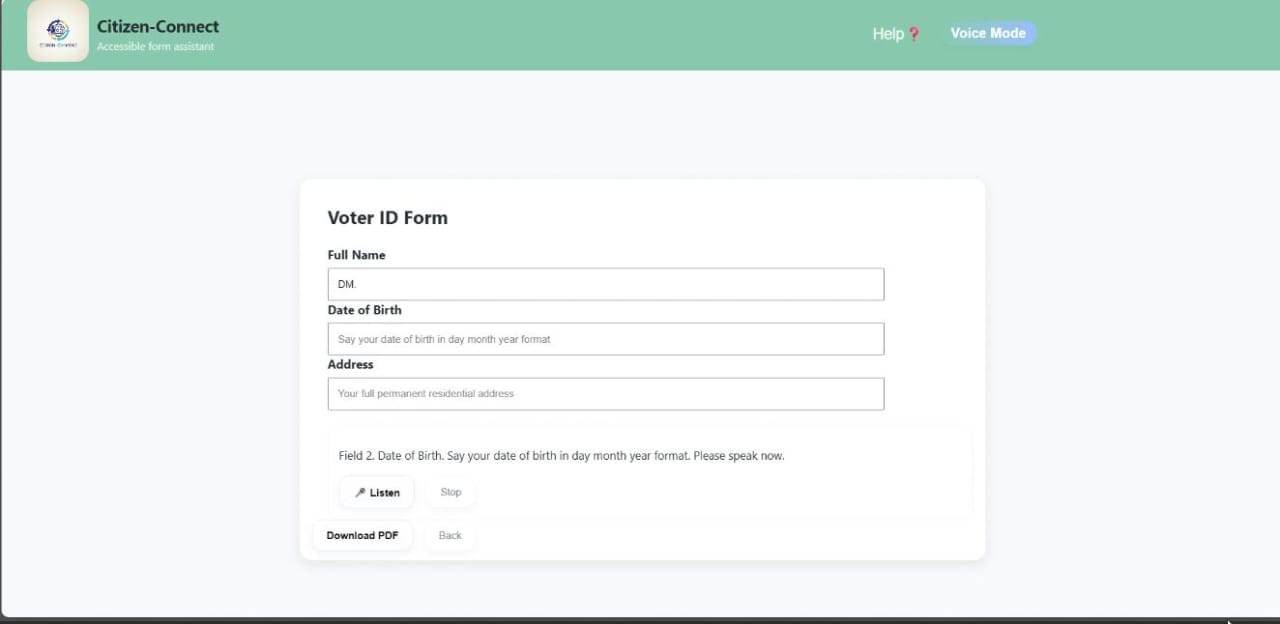
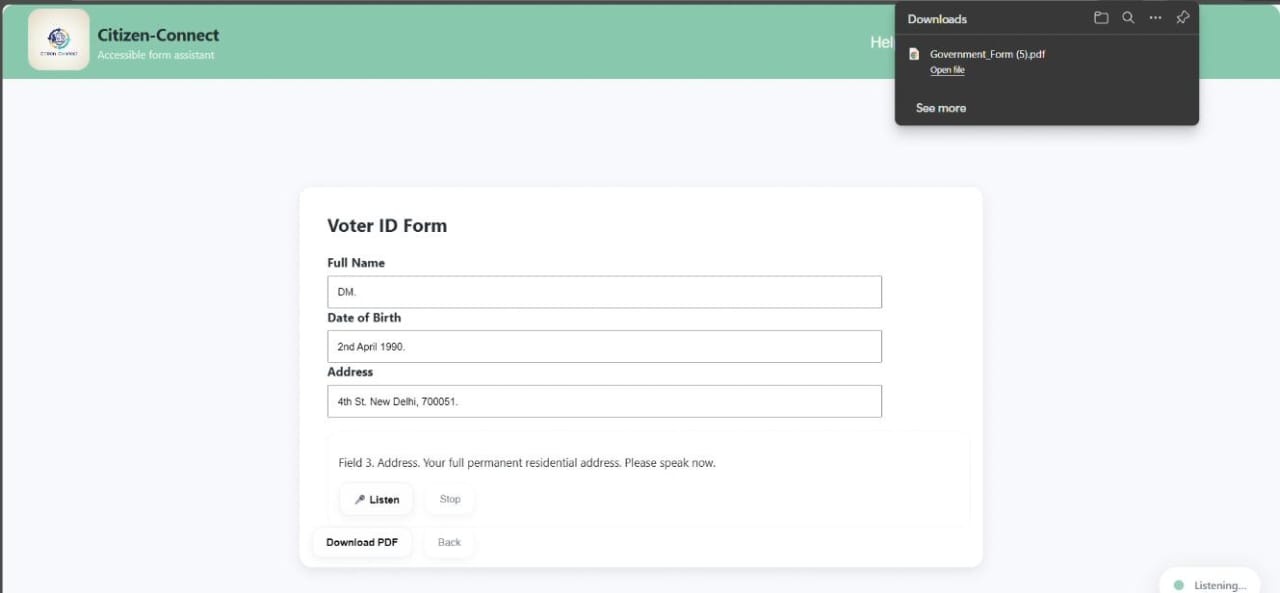
Basic fields of form filled by voice command
-
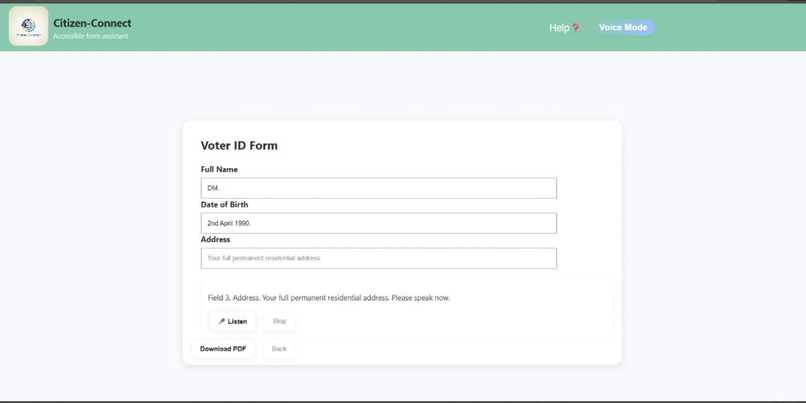
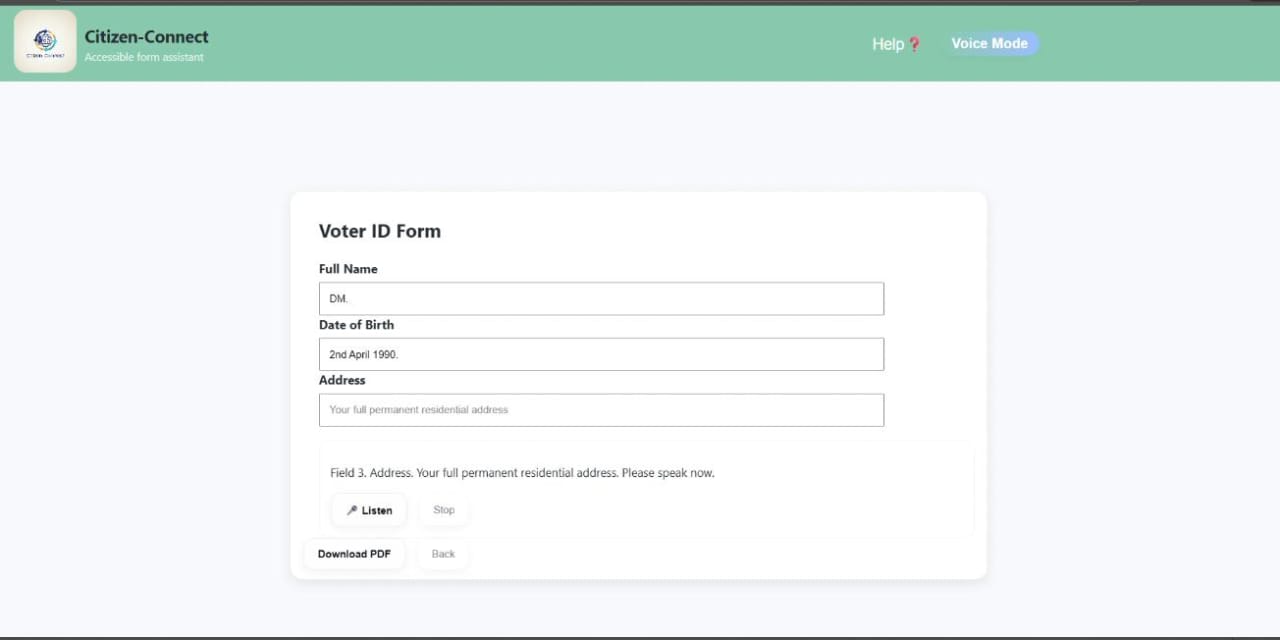
Basic fields of form filled by voice command
-
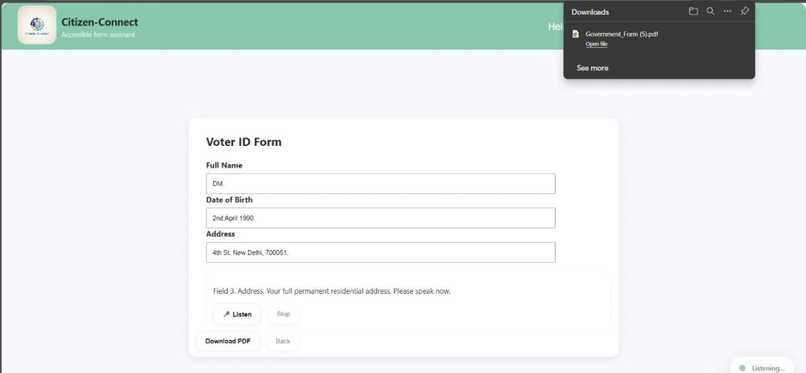
Basic fields of form filled by voice command. Can also add picture if needed by operating camera and face movements through voice.
-
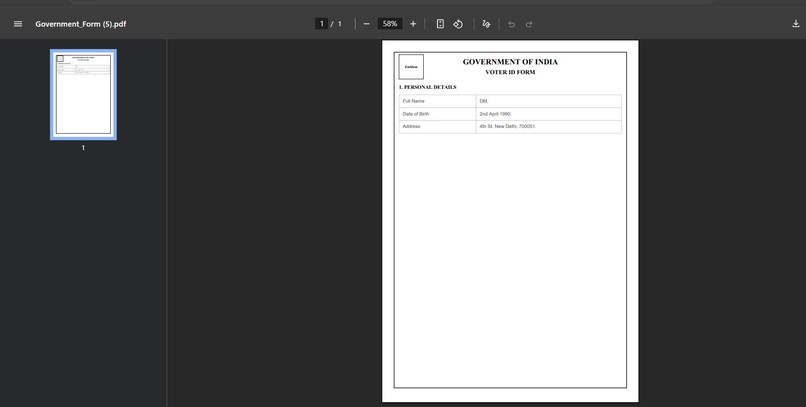
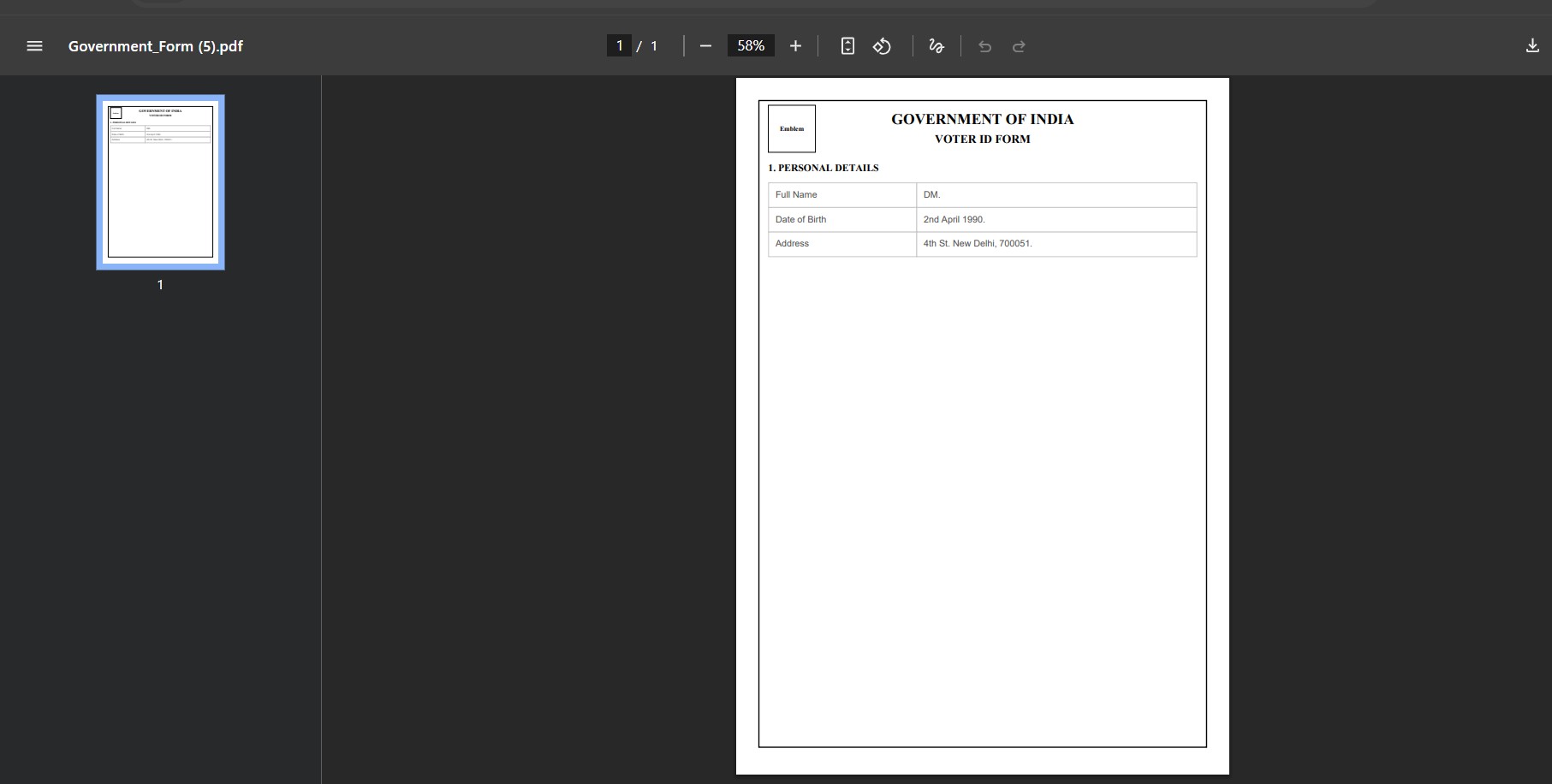
Auto fully voice filled pdf downloaded.
Citizen-Connect —A platform for many elderly people who fail to understand what to write and visually impaired people who face many problem while filling important forms necessary governments form which will now be full voice automated as well click picture and auto upload download to respective websites with clear explanation of fields to let them know what to say as answer and the platform captures and reconfirms the answer Inspiration Across hospitals, government offices, and community help desks, millions of people—especially the elderly, visually impaired, and those with low literacy—struggle to fill even basic forms. For many, reading small text, navigating complex interfaces, or typing accurately is either difficult or impossible. In stressful situations such as medical visits or urgent registrations, these barriers become even more overwhelming. We were inspired to build Citizen-Connect around a simple belief: if a person can speak, they should be able to access essential services with dignity and independence.
What it does
Citizen-Connect is a multilingual, voice-first form-filling assistant designed for accessibility. The system speaks each form question aloud, explains it in simple language, listens to the user’s spoken response, confirms the captured information, and fills the form automatically in real time. Users can complete essential forms—such as hospital OPD registration or government applications—entirely by voice in their preferred language. If required, the assistant can also guide the user to capture a passport-style photograph by opening the camera, giving spoken positioning instructions, detecting a face, and attaching the image directly to the final downloadable document.
How we built it
We built the MVP as a web-based application using HTML, CSS, and JavaScript, with a strong focus on clarity, simplicity, and accessibility. The assistant follows a step-by-step conversational flow, powered by browser-based speech-to-text and text-to-speech. Each response is confirmed verbally to reduce errors, while manual editing remains available for flexibility. Once completed, the form can be downloaded as a clean, ready-to-use digital PDF. The architecture is modular, allowing future integration of advanced STT/TTS APIs, backend databases, and official service workflows.
Challenges we faced
One of the biggest challenges was designing a voice interaction that feels natural and trustworthy for first-time users unfamiliar with technology. We focused heavily on reducing cognitive load, handling pauses and corrections gracefully, and ensuring users always feel in control. Coordinating real-time voice input, confirmations, and camera interaction—while keeping the experience smooth and lightweight—was another key technical challenge.
What we learned
We learned that accessibility is not just an add-on—it must guide every design decision. Small details like confirmation loops, progressive prompts, and spoken explanations dramatically improve usability for visually impaired and elderly users. Voice-first design, when done thoughtfully, can turn complex digital tasks into simple human conversations.
Impact
Citizen-Connect directly addresses digital exclusion by empowering elderly users, visually impaired individuals, low-literacy populations, and non-native language speakers to access essential services independently. Even as an MVP, it demonstrates how voice-driven interfaces can reduce errors, shorten form completion time, and restore dignity to interactions that are often frustrating or inaccessible.


Log in or sign up for Devpost to join the conversation.