⚡ Inspiration
I am a Computer Science student. Every semester, my friends from the Electronics and Electrical Engineering department come to me with the same problem.
They have an idea for a hardware project — a motion sensor, a smart irrigation system, an Arduino robot — and they spend the first three days not building. They spend three days searching.
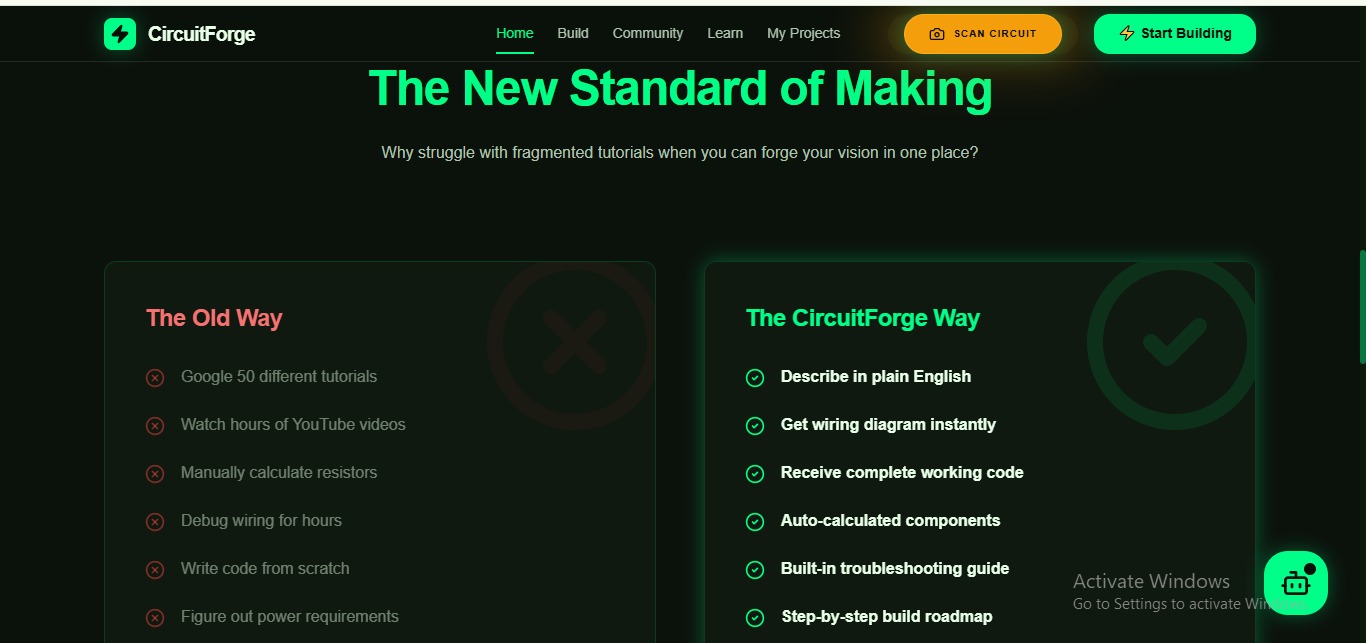
Googling wiring diagrams across 15 different websites. Watching YouTube tutorials that use different components than they have. Calculating resistor values manually from Ohm's Law. Writing code from scratch by copying fragments from Stack Overflow. Debugging circuits that look right but do not work for reasons they cannot identify.
I watched my friend Karthik spend an entire weekend trying to wire a PIR sensor to an Arduino for a security light project. The wiring diagram he found online used a different Arduino model. The code had errors. The resistor values were wrong for his LED. He nearly gave up.
On Sunday evening, I sat with him and helped him figure it out. In 45 minutes we had it working.
I knew everything he needed. The problem was access — not ability.
That weekend I started thinking: What if every hardware student had a knowledgeable friend available at any hour? Someone who could look at their project idea and instantly generate the exact wiring diagram, the exact component list, the exact working code — for their specific components, their specific microcontroller, their specific skill level?
No existing platform does this.
Lovable, Bolt, and MeDo build software apps. Fritzing generates diagrams but requires manual component placement. Arduino's documentation assumes existing knowledge. YouTube tutorials are generic, not specific to your exact setup.
The hardware maker community has no MeDo.
Until CircuitForge.
⚡ What It Does
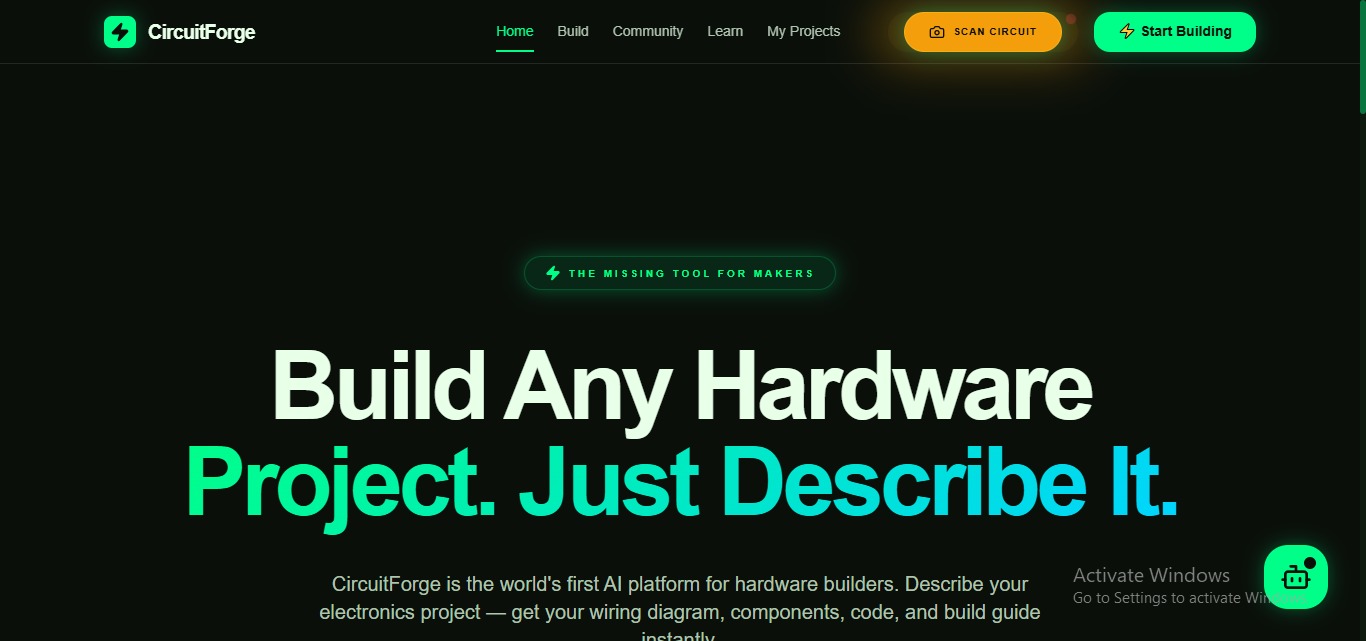
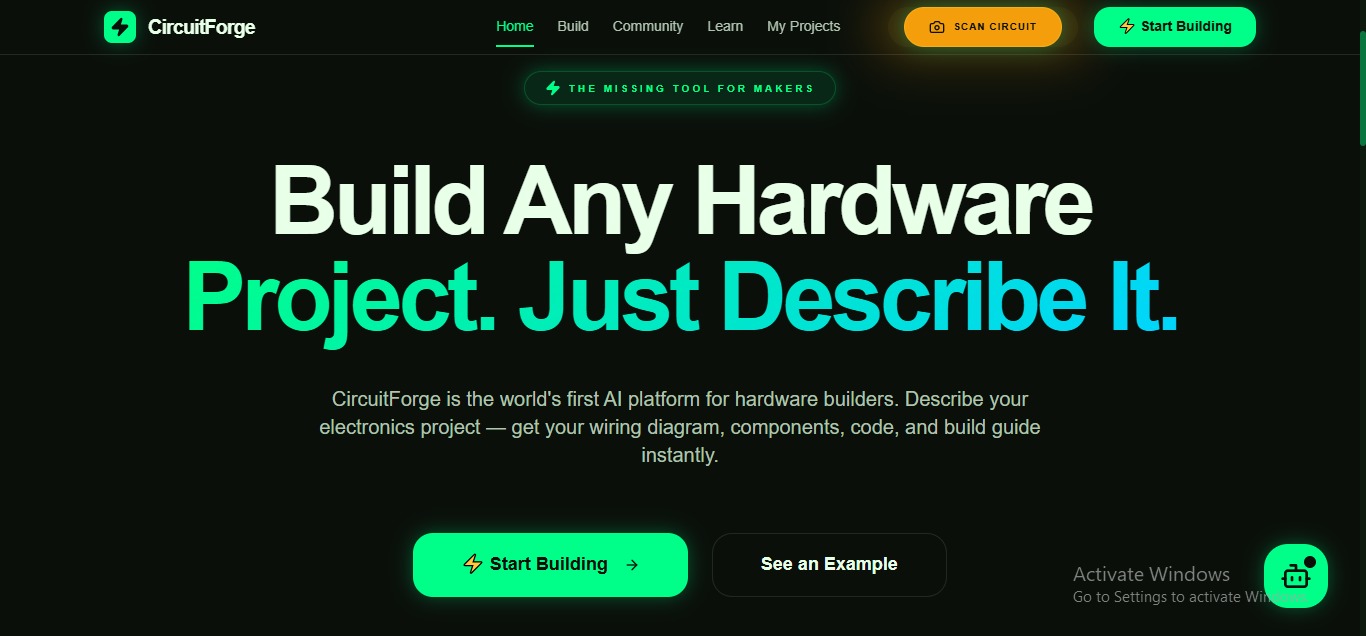
CircuitForge is the world's first AI platform for hardware project builders.
Describe any electronics project in plain English — and CircuitForge generates everything you need to build it:
📋 Complete Component Shopping List
Every component needed, with quantity, purpose, estimated price, availability rating (Common/Moderate/Rare), and links to purchase. Total cost calculated automatically. Alternative components suggested for anything hard to find.
🔌 Interactive Wiring Diagram
A crystal-clear, color-coded wiring diagram showing every connection between every component. Color-coded by signal type:
- 🔴 Red wires: Power (VCC)
- ⚫ Black wires: Ground (GND)
- 🟡 Yellow wires: Digital signals
- 🔵 Blue wires: Data lines
- 🟢 Green wires: PWM signals
Every wire labeled. Every pin number shown. Every component hoverable for specifications. Animated signal flow shows how electricity travels through the circuit step by step.
💻 Complete Working Code
Full, extensively commented code in Arduino C++, Python, MicroPython, or JavaScript — whichever the user selects. Every section explained in plain English above the relevant code block. Click any line to get an instant plain-English explanation of what that specific line does.
🗺️ Step-by-Step Build Roadmap
A complete build guide from "gather components" to "test and debug" — with time estimates per phase, checkboxes to track progress, and safety warnings where relevant.
🔧 Intelligent Troubleshooting
Pre-generated answers to the 10 most common problems for that specific project. Plus a live AI chat for diagnosing problems the user actually encounters — "My LED is not lighting up" → specific diagnosis and fix.
📷 Circuit Scan & Fix
The most revolutionary feature: point your phone camera at your real physical circuit and CircuitForge's AI analyzes the image, identifies your components, detects wiring problems, reads resistor color bands, calculates a Circuit Health Score, and shows exactly what to fix with an annotated photo overlay.
This is the first time AI has reached through a screen and touched real hardware on a real workbench.
✨ Key Features
⚡ Natural Language Project Understanding
Describe projects in any way — "I want to make a thing that waters my plants automatically when the soil gets dry" — CircuitForge understands, identifies the implied requirements (soil moisture sensor, water pump, relay module, power supply), and asks exactly three clarifying questions before generating.
🔄 Multi-Variant Generation
Every project generates three versions:
- ⚡ Quick Build — minimum components, basic functionality, under ₹800, under 1 hour
- 🎯 Standard Build — full features as described, recommended parts
- 🚀 Pro Build — enhanced with WiFi, OLED display, advanced features
🧠 Circuit Intelligence
- Ohm's Law auto-calculator for every LED
- Power budget calculator (total current draw)
- Conflict detection: "⚠️ Pin 9 assigned twice"
- Context switch warnings between incompatible components
- Missing pull-up resistor detection on I2C lines
🔧 Bench Mode (Mobile)
A special mobile layout for when you are physically building the circuit — one step at a time, full screen, giant tap targets, voice readout of each step, "I'm Stuck" instant AI help button, and a flashlight mode for illuminating your workbench.
📷 Circuit Scan & Fix
Point camera → AI identifies components, detects wiring errors, reads resistor color bands, gives a Circuit Health Score 0-100, and shows annotated fixes on your actual photo. Re-scan after fixing to verify improvement.
🏅 Maker Progression System
XP, ranks (Tinkerer → Engineer → Innovator → Master Maker), skill tree across electronics domains, achievement badges, and a shareable Maker Passport.
🌍 Community Projects Gallery
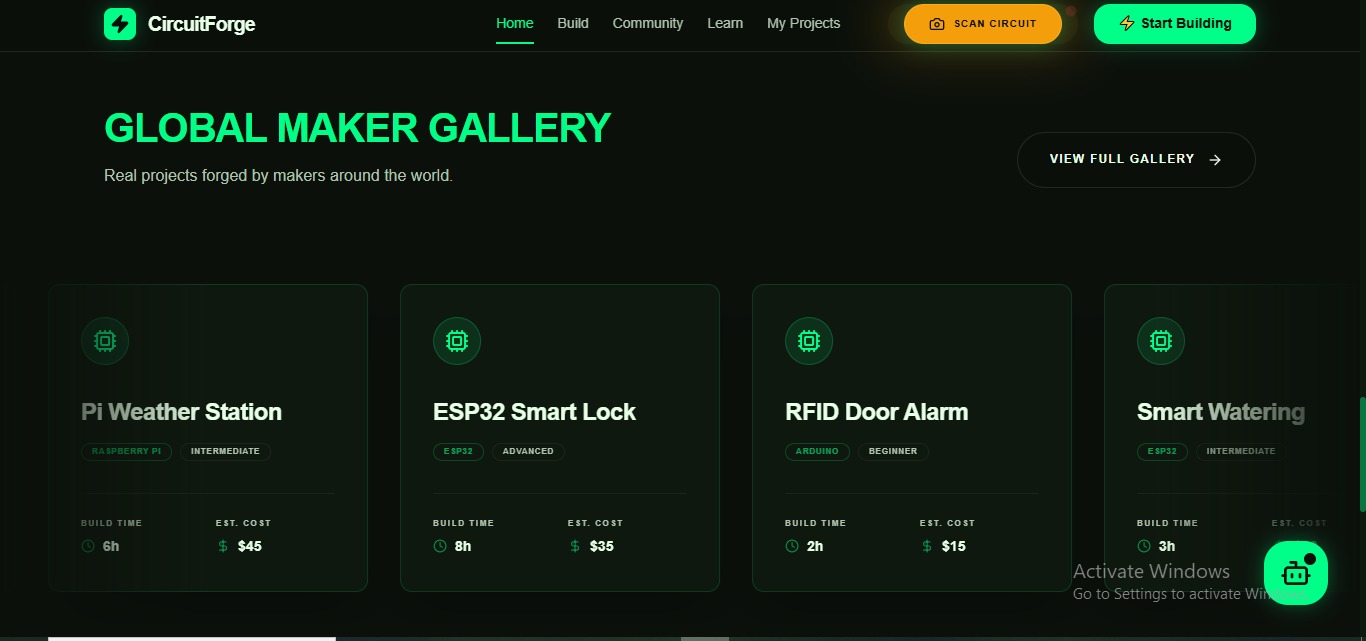
Real projects built with CircuitForge, submitted by users with photos, modifications, and actual build times — a living library of maker knowledge.
🤖 CircuitBot AI Assistant
Always-available floating assistant that answers any electronics question, calculates component values, suggests projects from available components, and warns about dangerous configurations — with a friendly maker personality and animated LED-eye robot avatar.
🛠️ How I Built It with MeDo
CircuitForge was built entirely through MeDo's conversational interface — the entire hardware intelligence platform, the interactive wiring diagram system, the camera-based circuit scanner, and the community features — all generated through structured multi-turn conversations with MeDo.
The Build Process
Phase 1 — Foundation and Design System
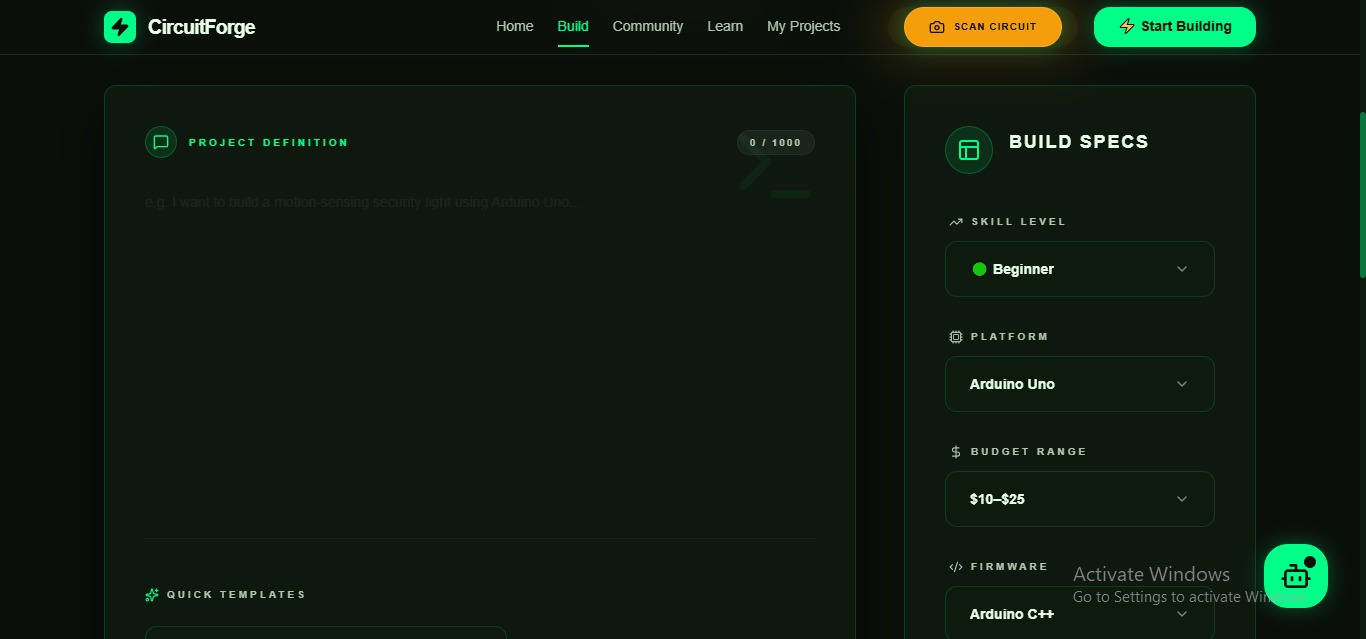
I began by describing the complete application architecture to MeDo — 6 screens, the dark PCB-aesthetic design system (electric green on deep dark backgrounds, Space Mono for technical data, circuit trace animations), and the core user flow from project description to deployed build guide. MeDo generated the complete full-stack scaffold with all navigation and routing.
Phase 2 — The AI Project Engine
The hardest technical challenge: getting MeDo to build a system that receives unstructured project descriptions and outputs structured, accurate hardware data. I used multi-turn conversations to build:
The natural language understanding layer (extracts microcontroller, components, power requirements, and skill level from any description)
The circuit intelligence system (Ohm's Law calculations, power budget totaling, pin conflict detection, pull-up resistor checking)
The multi-variant generation system (Quick/Standard/Pro versions from one description)
The code generation pipeline (commented, explained, language-specific)
Phase 3 — Interactive Wiring Diagram
The most technically impressive MeDo generation: an SVG-based interactive wiring diagram where components are accurately rendered, wires are color-coded and labeled, signal flow is animated (light pulses travel along wires), and every element is hoverable for specifications.
I used specific MeDo conversation turns to refine the diagram layout rules:
- Arduino always positioned center-left
- Input components (sensors) on the left
- Output components (LEDs, motors) on the right
- Right-angle wire routing only (standard practice)
- Bridge symbols where wires cross without connecting
- Filled dots where wires connect
Phase 4 — Circuit Scan & Fix
This feature required the most creative MeDo prompting. I described the camera overlay system, the component detection logic, the annotated result display, and the health score calculation — then used MeDo's visual editor to refine the scan results UI until the component bounding boxes, annotation overlays, and fix guide cards felt like a professional diagnostic tool.
Phase 5 — Polish and Mobile
The final pass focused on Bench Mode — the mobile-specific layout for physical building — and the complete navigation system with back buttons on every page, undo functionality in the builder, and smooth circuit-trace-drawing page transitions.
🔌 Plugins Used
| Plugin | Purpose |
|---|---|
| Large Language Model | Core project engine — extracts hardware requirements from natural language, generates component lists, writes commented code, creates build roadmaps, powers troubleshooting chat, generates CircuitBot responses, and produces the multi-variant project system |
| Image Generation (Kling AI) | Powers Circuit Scan & Fix visual analysis, generates community project preview images, creates maker achievement badge artwork, and produces atmospheric project completion visuals |
| Web Search | Finds component datasheets and specifications, searches for real-time component pricing across electronics suppliers, fetches latest Arduino/Raspberry Pi library documentation, and identifies safety warnings for specific components |
| AI Search | Locates academic and engineering references for circuit design best practices, finds peer-reviewed electronics tutorials, and provides deep technical documentation for advanced component usage |
| Text-to-Speech | Powers Bench Mode voice readout — reads each build step aloud so makers' hands stay free while wiring, announces circuit scan results, and reads component specifications aloud |
| Speech-to-Text | Enables voice project description — makers speak their project idea and CircuitForge builds from voice input, and powers voice commands in Bench Mode ("Hey CircuitForge, next step") |
| Stripe | Powers CircuitForge Pro subscription — unlimited projects, advanced diagram export, priority AI generation, team collaboration features, and custom component library |
🚧 Challenges I Faced
Challenge 1 — Accurate Circuit Diagrams
Electronic circuit diagrams follow strict conventions — wire routing, component symbols, pin labeling. Getting MeDo to generate diagrams that are not just visually clear but technically correct required extensive iteration. I spent multiple MeDo conversation turns defining exact layout rules: wire colors, routing conventions, connection dot placement, bridge symbols for crossing wires, and component positioning logic.
Challenge 2 — The Circuit Scan Feature
Teaching MeDo to build a camera-based circuit diagnostic tool was the most complex prompt engineering challenge. The system needs to: request camera permission, capture or receive an image, pass it to the image analysis plugin, interpret the results as circuit-specific feedback, overlay annotations on the original photo, calculate a health score, and generate specific fix instructions — all as one coherent flow. Each layer required its own dedicated MeDo turn.
Challenge 3 — Hardware Knowledge Accuracy
Unlike software, hardware errors can damage physical components. A wrong resistor value burns an LED. A reversed power connection destroys a microcontroller. I had to carefully prompt MeDo's LLM to always include safety warnings, always show Ohm's Law calculations, always check power budgets — and to use conservative component values when uncertain.
Challenge 4 — Making Complexity Simple
The target user is a beginner student who gets overwhelmed easily. CircuitForge generates a lot of technical information — component lists, wiring diagrams, code, troubleshooting guides — and it all needs to feel approachable rather than intimidating. Every MeDo polish turn focused on simplifying language, reducing visual clutter, and ensuring the most important action was always the most obvious thing on screen.
Challenge 5 — Mobile Bench Mode
Using a hardware project guide on a phone while physically building a circuit is fundamentally different from reading it at a desk. The screen needs to be readable with one hand while the other holds a wire. Buttons need to be tappable with dirty fingers. Steps need to be large enough to read across a workbench. Getting MeDo to build a genuinely workbench-optimized mobile interface required a dedicated prompt turn describing every specific constraint of the physical building context.
📚 What I Learned
The most important insight: hardware builders are underserved by AI not because the technology cannot help them — but because nobody has built the right interface between hardware knowledge and conversational AI.
CircuitForge taught me that MeDo's full-stack generation capability extends far beyond typical web apps. By carefully describing technical domains that require specialized knowledge — electronics, circuit design, embedded programming — MeDo can generate tools that previously required a team of domain experts to build.
I also learned that the best AI tools do not replace human knowledge — they democratize it. Every insight CircuitForge provides is knowledge that exists somewhere — in textbooks, datasheets, tutorials, and the heads of experienced engineers. CircuitForge makes that knowledge available to the student sitting alone at midnight trying to finish their project.
The hardware knowledge gap is not permanent. CircuitForge closes it.
🚀 What's Next for CircuitForge
- PCB Design Export: Generate Gerber files from wiring diagrams for professional PCB manufacturing
- Component Scanner: Point camera at any component to identify it and add it to your project
- CircuitForge API: Let universities and maker spaces integrate CircuitForge into their own learning platforms
- Collaborative Projects: Multiple students build one project together with synchronized diagrams and code
- Offline Bench Mode: Full functionality without internet — critical when building in workshops
- University Edition: Curriculum integration for Electronics and Electrical Engineering departments across Indian colleges
💬 A Final Thought
My friend Karthik eventually built his security light. It took a weekend of frustration, several burned LEDs, and one friend who happened to know the answers.
Not every student has that friend.
CircuitForge is that friend — available at midnight, never frustrated, always accurate, and ready to explain anything as many times as needed.
For every student who gave up on a hardware project because they could not find the right wiring diagram — CircuitForge exists for them.
Built With
- ai
- animations
- api
- app
- arduino
- c++
- camera
- circuit
- cloud
- community
- css
- design
- diagrams
- generation
- glassmorphism
- image
- integration
- interactive
- interface
- javascript
- kling
- language
- large
- maker
- micropython
- mobile-first
- model
- payment
- plugin
- progressive
- python
- real-time
- search
- speech-to-text
- stripe
- svg
- text-to-speech
- trace
- ui
- voice
- web
- webrtc
- wiring

Log in or sign up for Devpost to join the conversation.