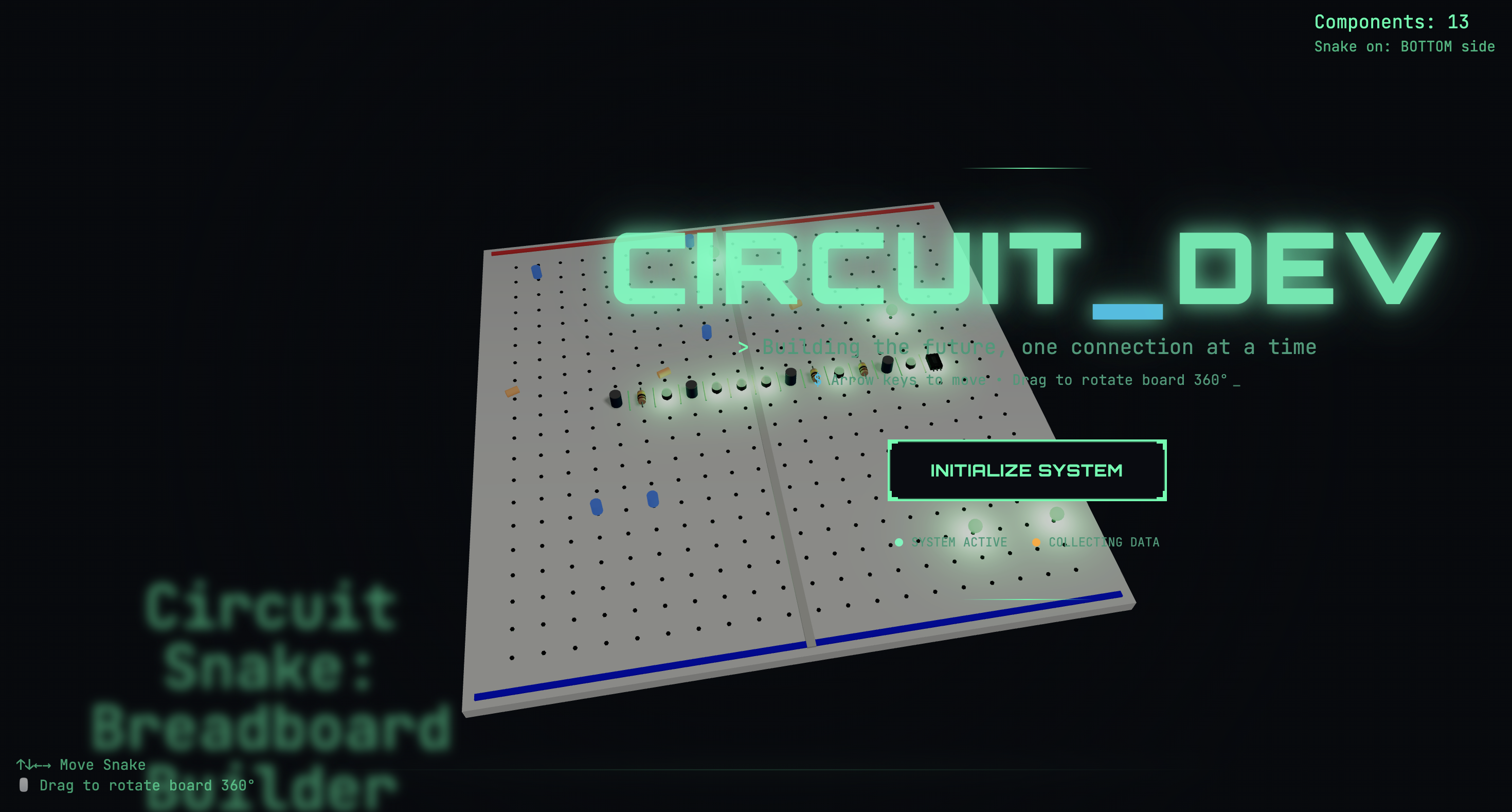
Inspiration
BREAD.board was inspired by our own experiences learning to build circuits throughout High School. While schematics and textbooks explain what to connect, they often fall short in showing how to physically assemble components on a breadboard. Whenever we were stuck or confused about wiring up components a certain way, we didn't have real-time guidance or feedback to ask questions and understand the concept behind what we were trying to achieve.
We felt the gap between understanding a circuit diagram and successfully building it, especially for beginners. This motivated us to create a tool we wished we had when we were learning to build circuits, an interactive guide that uses a live camera feed to provide step-by-step instructions and real-time feedback and answers to questions while building circuits. Our goal is to make learning electronics more accessible, intuitive, and fun by bridging the gap between theory and hands-on practice.
What it does
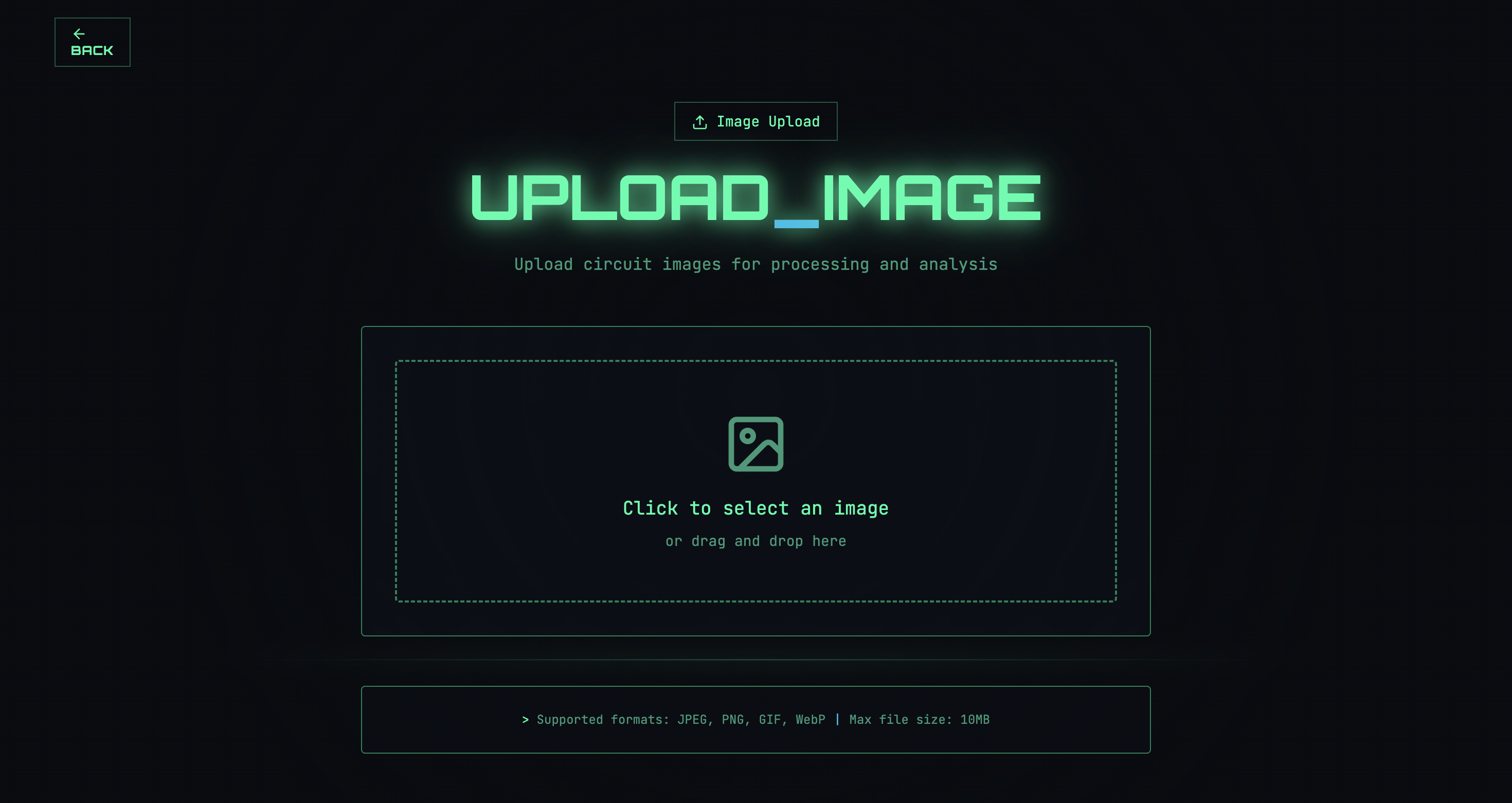
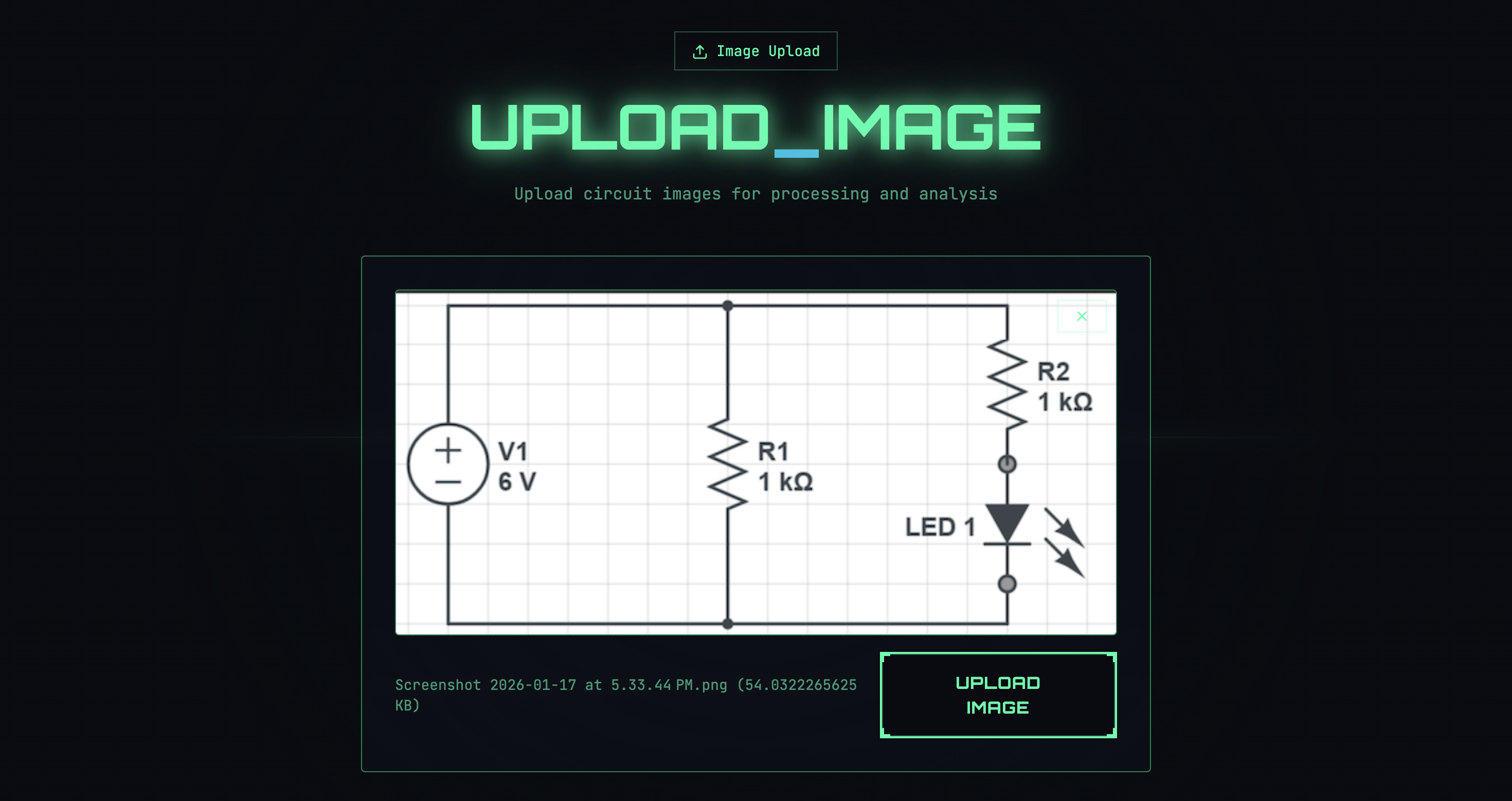
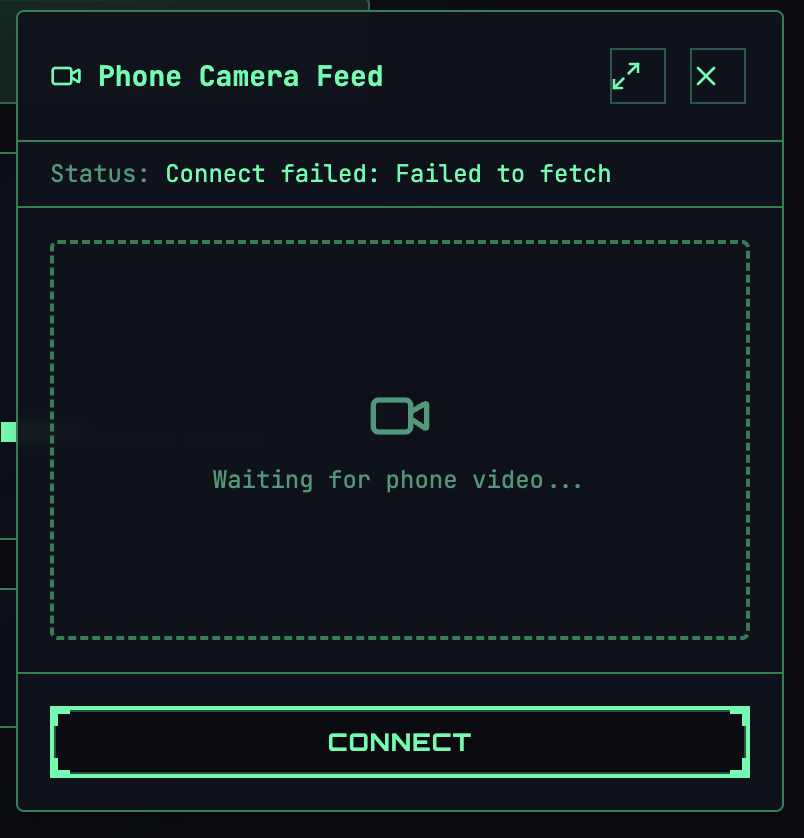
Our app helps users build electronic circuits on a breadboard using real-time, interactive guidance. Users upload circuit schematics, and the app analyzes the circuit diagram to provide real-time guidance. Using a live camera feed from the user’s phone, the system monitors the breadboard as the user places components. The app provides immediate feedback, confirming correct placements, highlighting mistakes, answering questions and guiding the user to the next step. Instructions are delivered through text-to-speech audio, allowing users to focus on building without constantly checking their screen. This creates a hands-on, guided learning experience that bridges the gap between understanding circuit diagrams and successfully assembling them in the real world.
How we built it
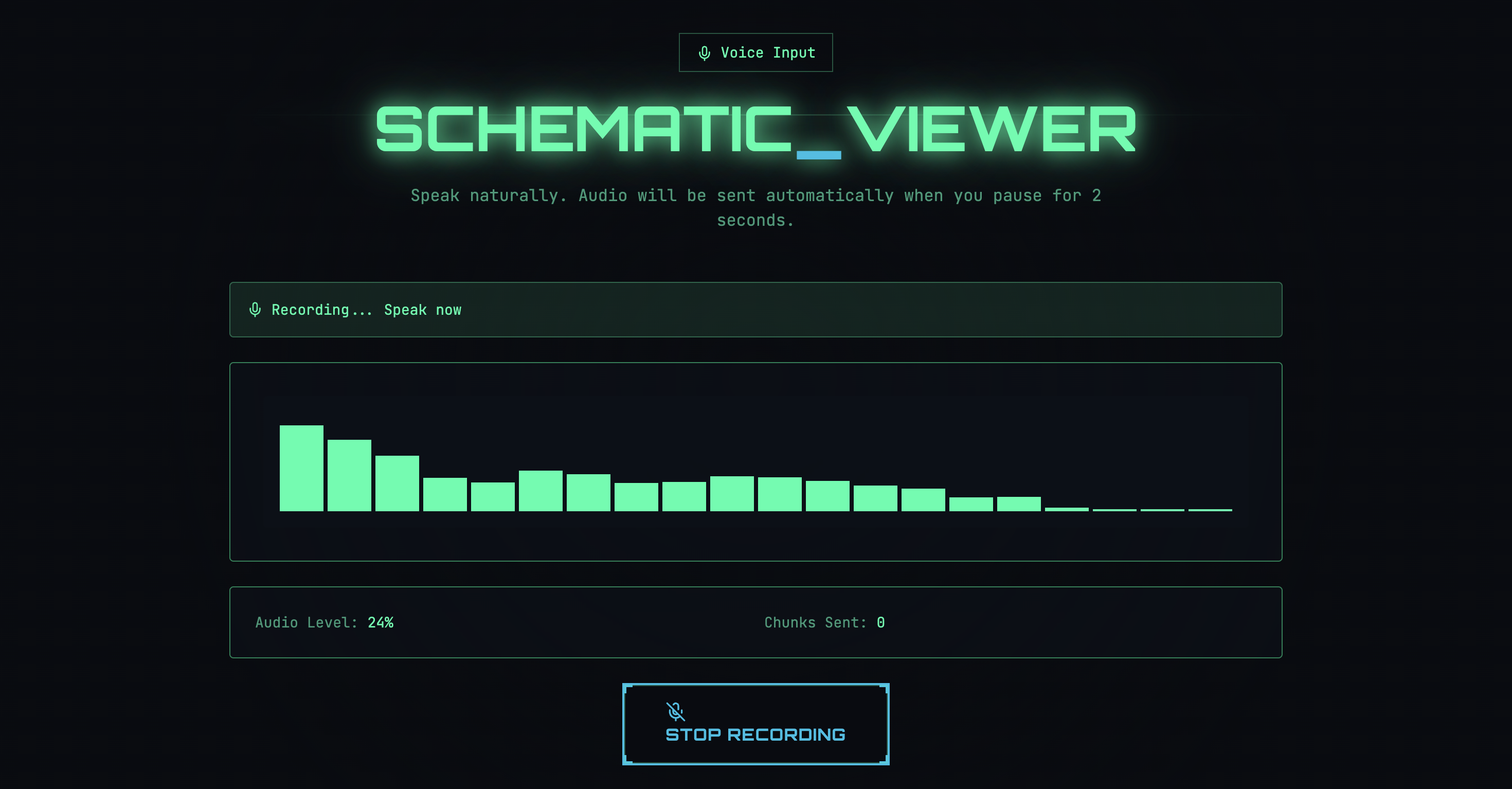
We built our application using a real-time, AI-powered architecture designed for low-latency feedback and hands-on learning. The frontend was created using Lovable, which allowed us to rapidly design and iterate on a clean, user-friendly interface. The frontend is powered by Vite, giving us fast builds and a responsive development experience. For real-time interaction, we used LiveKit to stream live video from the user’s phone to the web app. WebSockets enable instant, bidirectional communication between the frontend and backend so users receive immediate feedback as they place components on the breadboard. On the backend, we built a FastAPI (Python) server that handles live frame processing, application state, and LLM calls through OpenAI to interpret schematics and generate step-by-step guidance. OpenAI Whisper enables speech-to-text so users can ask questions or control the app hands-free. A Node.js service manages audio generation and streaming for spoken instructions. We use Cloudflare for deployment and edge networking to improve performance and reliability. Throughout development, Cursor helped us iterate quickly and efficiently across the stack and helped integrate our various components.
Challenges we ran into
- Encountered authentication and credential issues during early backend integration, which required us to pivot and route traffic through Cloudflare to ensure reliable and secure access during development.
- Managing real-time latency was challenging when combining live video streams, computer vision processing, and feedback generation; careful tuning was required to keep interactions responsive.
- Synchronizing multiple real-time modalities (video, vision analysis, text generation, and text-to-speech) introduced complexity, especially ensuring outputs stayed aligned with the user’s current circuit state.
- Dealing with browser and device constraints, particularly around mobile camera permissions, media formats, and streaming stability.
- Ensuring consistent breadboard interpretation from live camera feeds was difficult due to variations in lighting, camera angles, and component placement.
- Debugging across a distributed system (frontend, backend, LiveKit, LLMs, WebSockets) required extensive logging and tooling to trace issues end-to-end.
Accomplishments that we're proud of
We’re especially proud of how we leveraged LiveKit to power a real-time, interactive learning experience. Using LiveKit as the backbone of our system allowed us to combine live video, instant feedback, and audio guidance into a seamless workflow that supports hands-on circuit building with minimal latency.
- Integrated LiveKit to stream live camera feeds from the user’s phone, enabling real-time visual monitoring of breadboard circuit assembly.
- Built a low-latency feedback loop on top of LiveKit, allowing the system to react instantly as users place or adjust components.
- Used LiveKit to synchronize live vision and text-to-speech instructions, creating a hands-free, guided building experience.
- Ensured stable, real-time communication between the frontend and backend by combining LiveKit streams with WebSockets.
- Demonstrated how LiveKit can be extended beyond video calls to support interactive, AI-powered educational tools.
Additional Accomplishments:
- Experimented with new development tools, including Lovable, to rapidly build an interactive and intuitive UI.
- Explored and integrated multiple LLMs via OpenRouter, allowing us to test and compare models efficiently within our pipeline.
What we learned
- LiveKit provides a powerful and flexible real-time foundation, offering a rich set of tools that go far beyond video streaming and enable low-latency, interactive applications.
- Gained hands-on experience with new tools and platforms and learned how to evaluate when emerging software can meaningfully accelerate development rather than add complexity.
- Developed a deeper understanding of building real-time systems, especially coordinating video, AI inference, and feedback loops under tight latency constraints.
- Learned how to debug and iterate across distributed architectures, including frontend, backend, streaming infrastructure, and LLM services.
- Improved our ability to rapidly prototype under time constraints, make tradeoffs, and adapt when initial approaches didn’t work.
What's next for BREAD.board
- Implement a step-by-step, navigation-style guidance system for circuit assembly, providing extremely clear, mapped instructions, similar to how Google Maps guides drivers turn by turn, to show users exactly how to wire each component on the breadboard in an efficient way.
- Visualize precise component placement paths, highlighting rows, columns, and connection points in real time as users build the circuit.
- Expand toward more complex circuits and learning modes, including beginner-friendly tutorials and advanced challenges.
Built With
- fastapi
- html
- javascript
- jsx
- python
- tsx
- typescript
- vite
- websockets

Log in or sign up for Devpost to join the conversation.