-
-
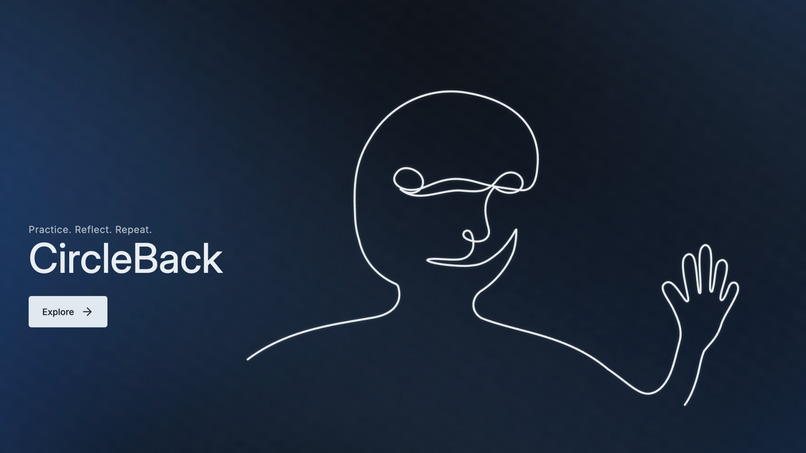
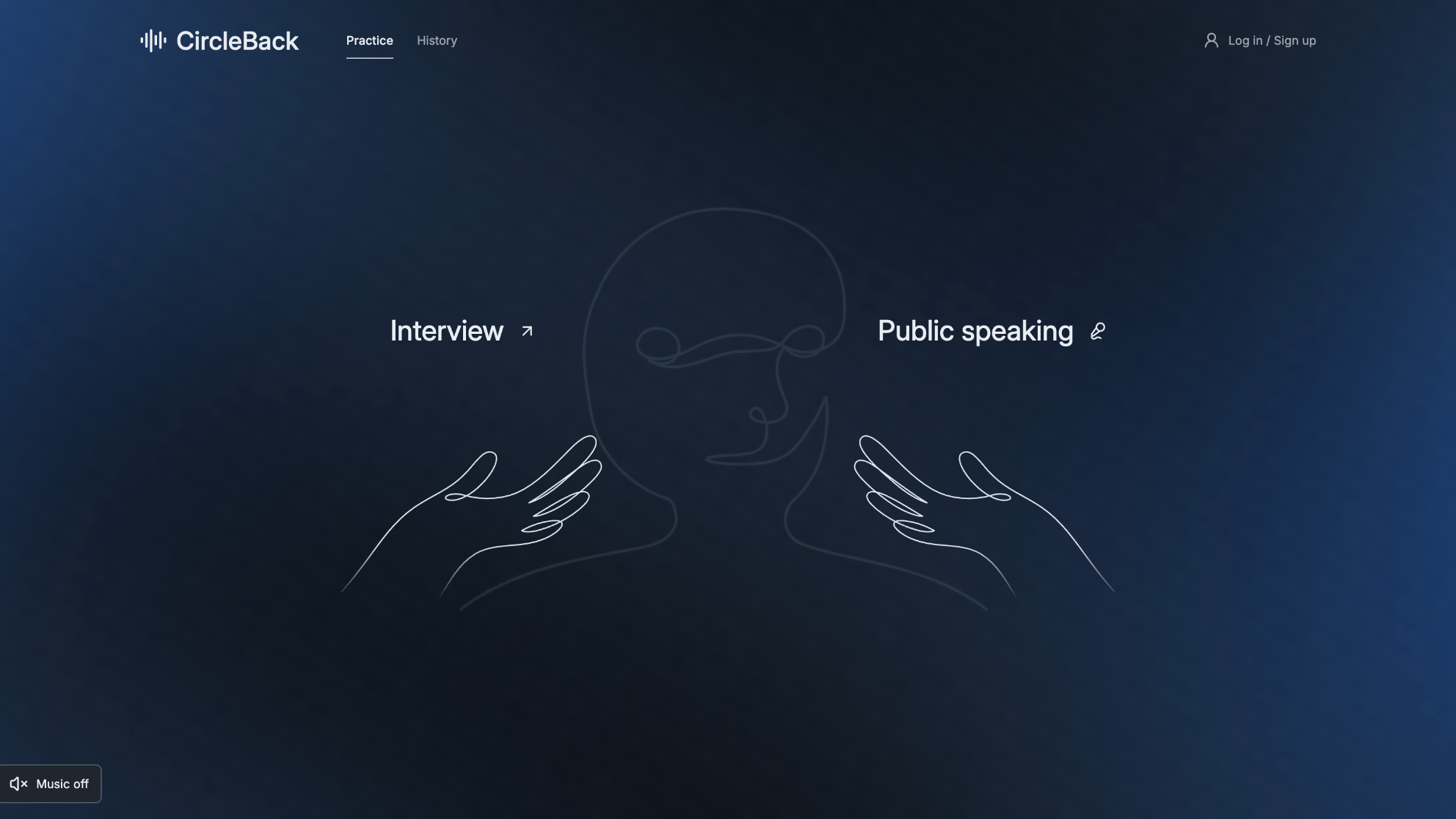
Landing Page — Meet CircleBack: Practice. Reflect. Repeat.
-
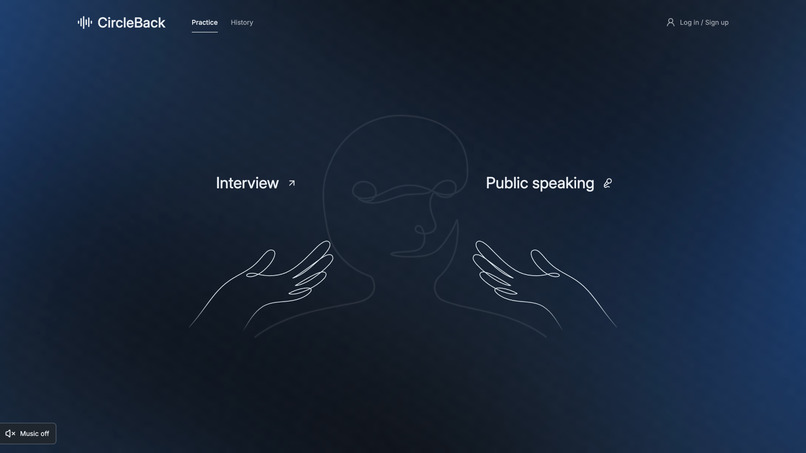
Practice Modes — Choose between mock interviews and public speaking practice.
-
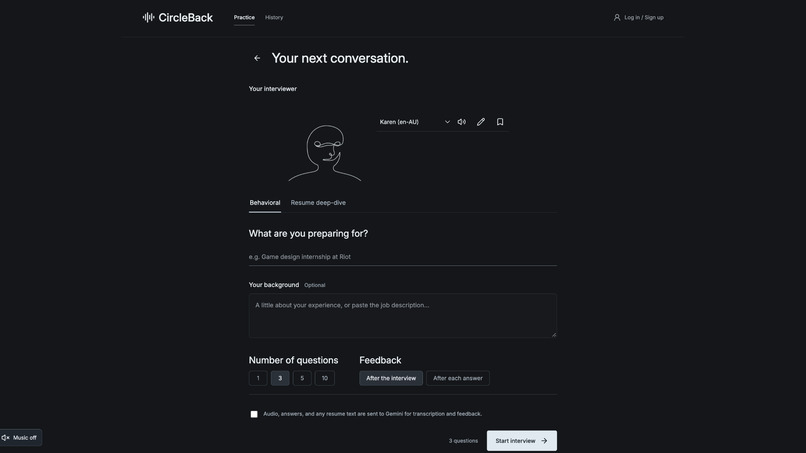
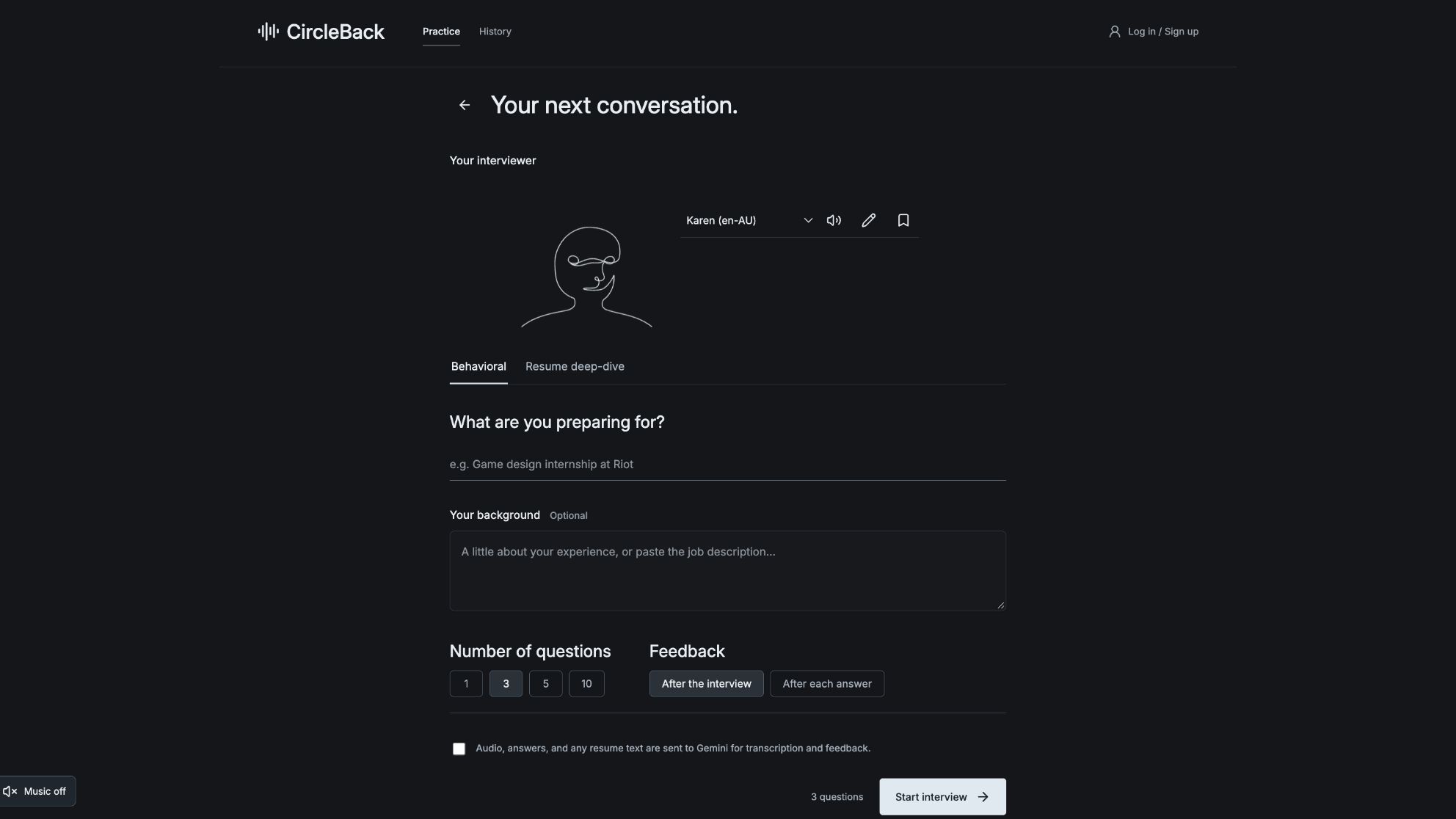
Interview Setup — Customize your interviewer, question type, and feedback preferences.
-
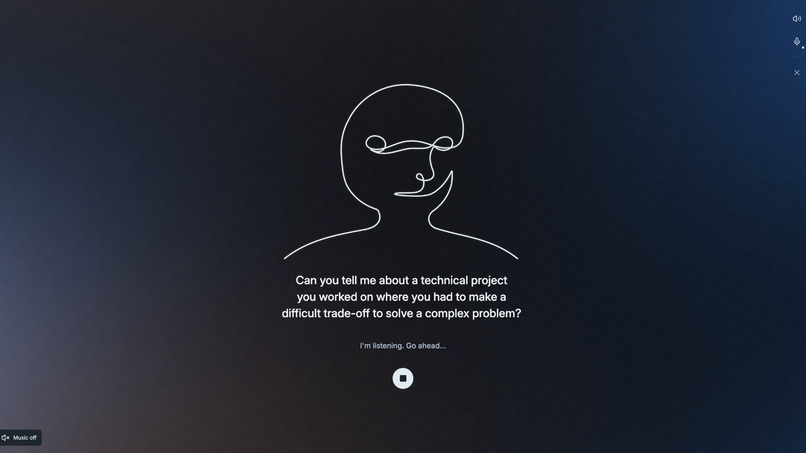
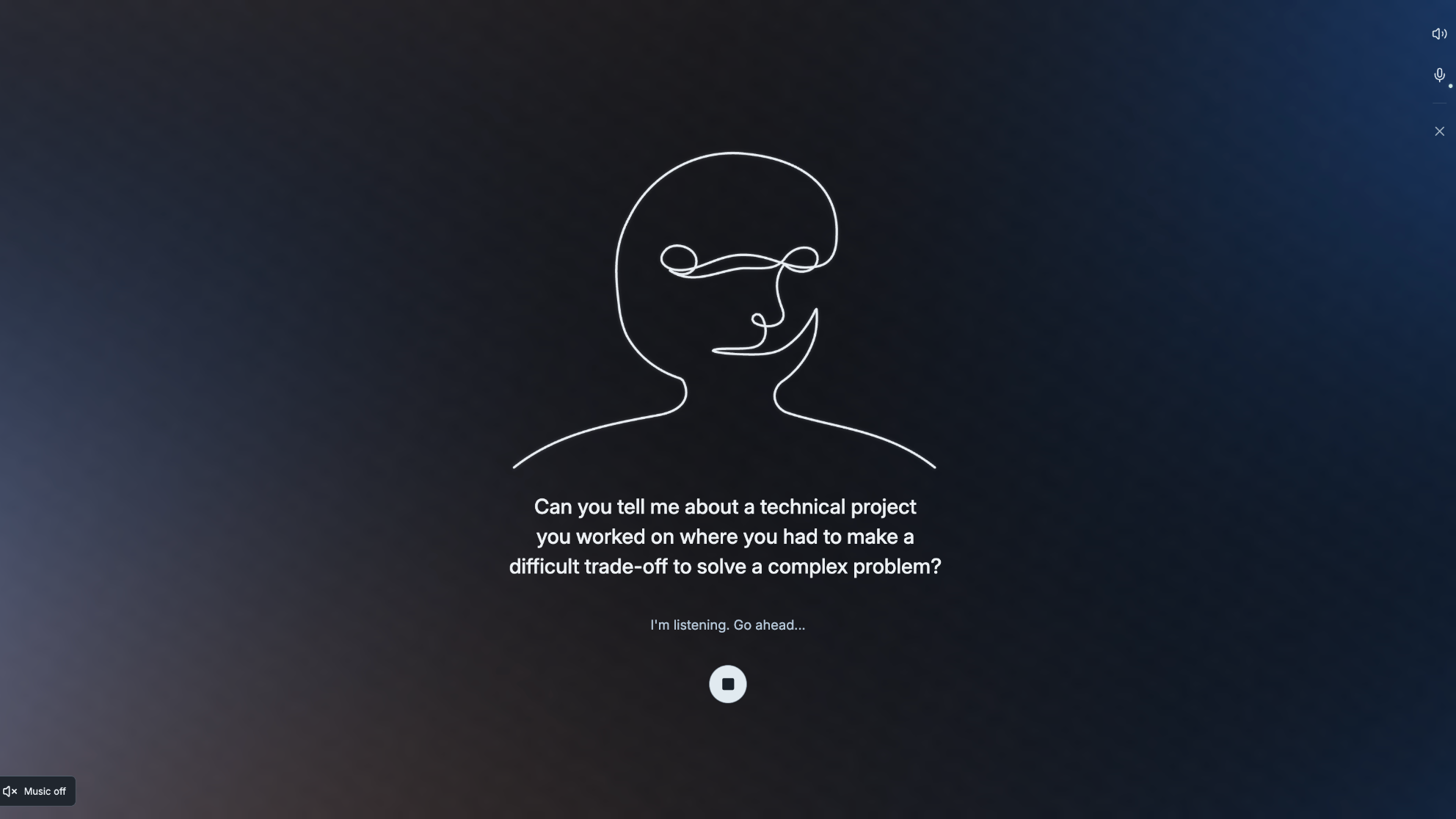
Live Interview — Practice answering AI-generated questions in a realistic, voice-based interview.
-
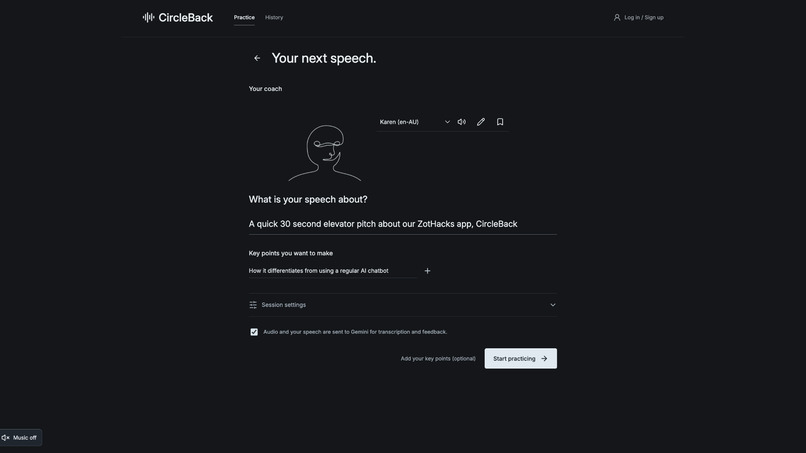
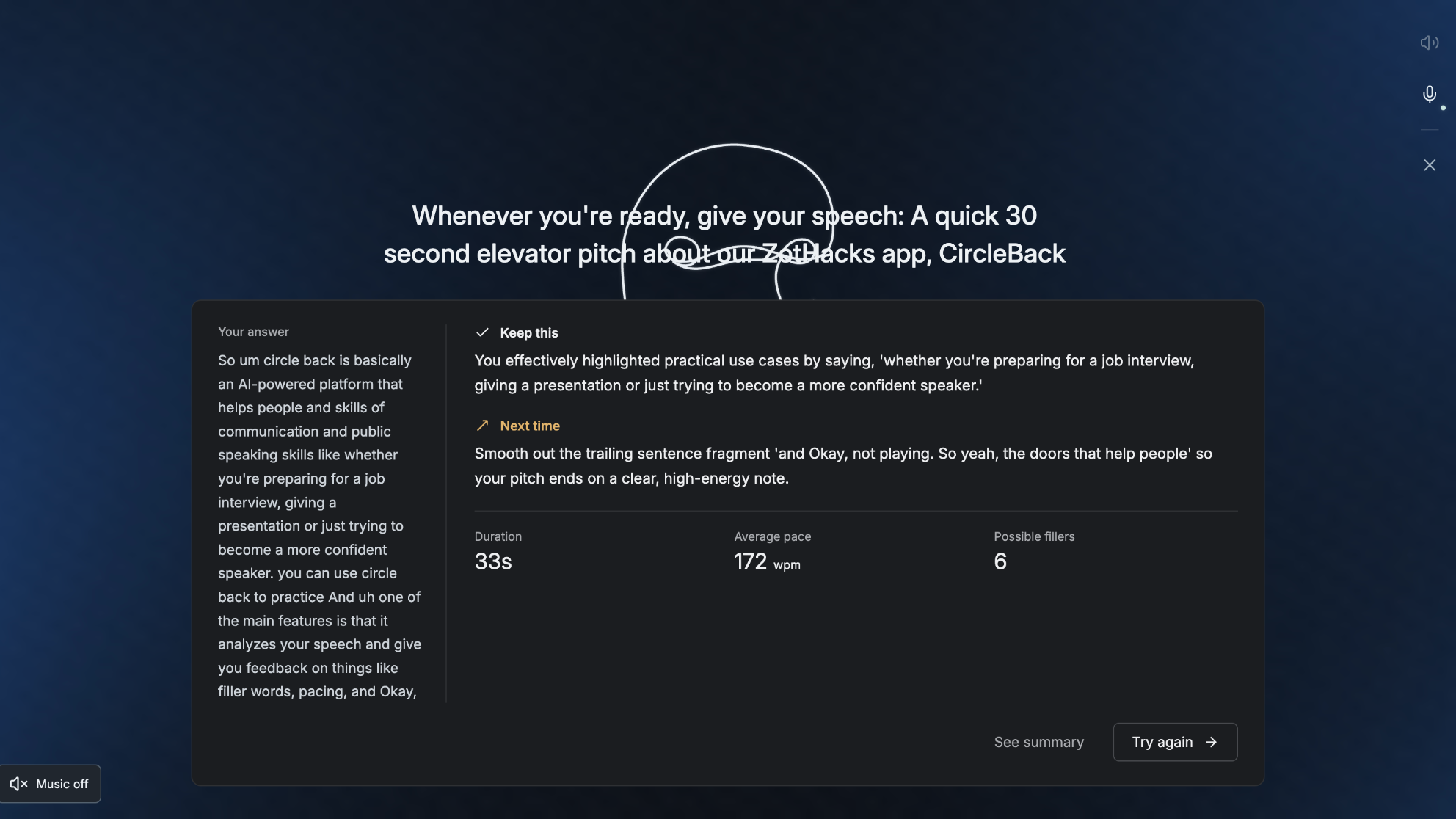
AI Feedback — Receive personalized feedback on pacing, filler words, strengths, and areas for improvement.
-
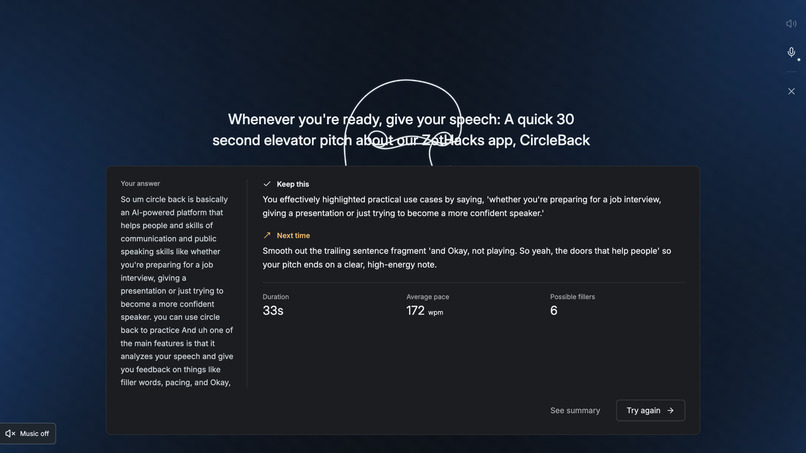
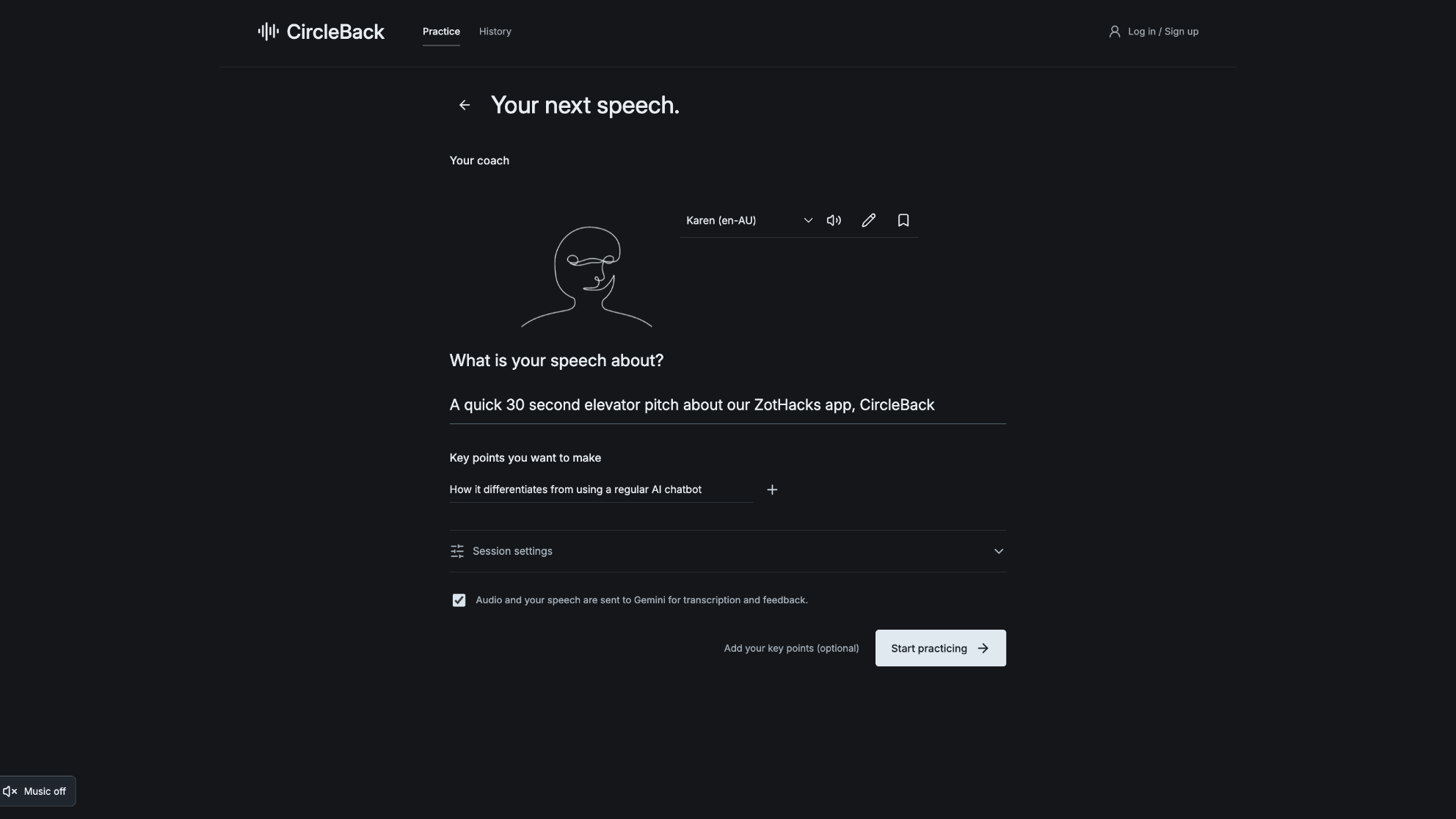
Public Speaking Setup — Personalize your speech practice with a topic and key talking points.
-
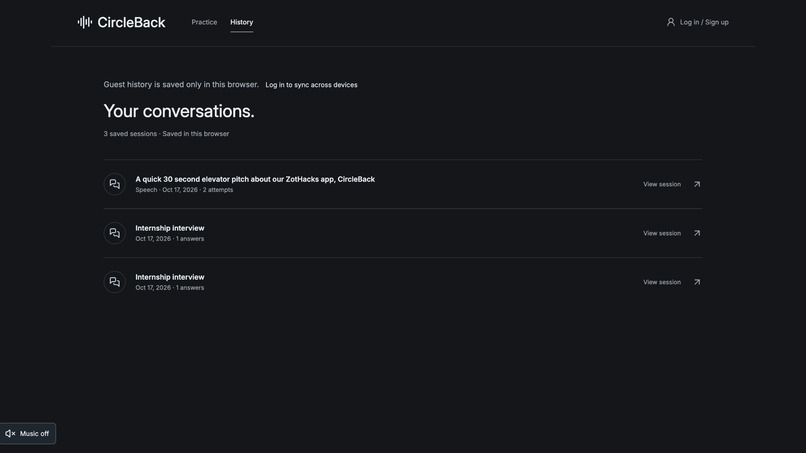
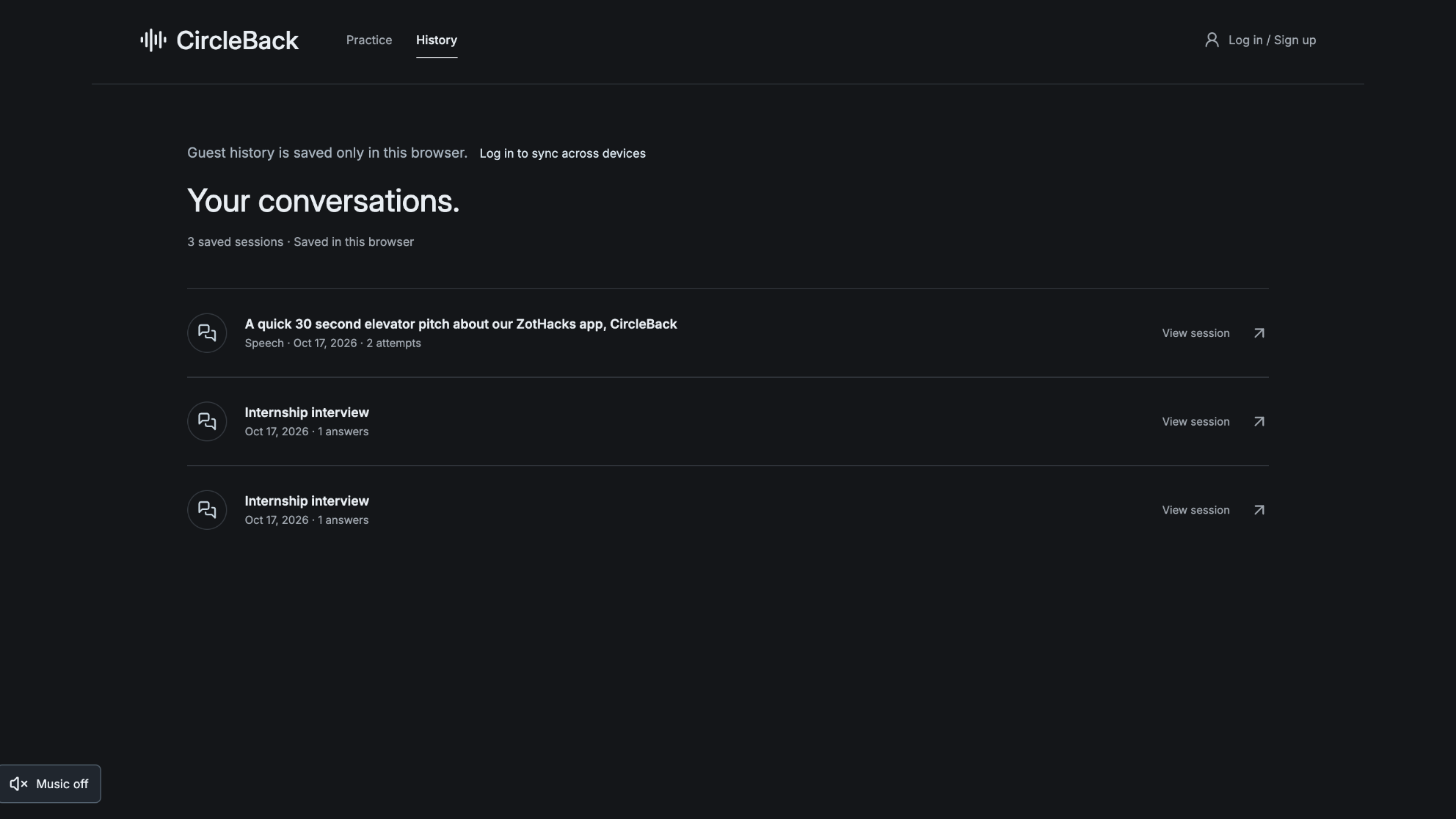
Session History — Revisit previous practice sessions, review feedback, and track your progress.
Inspiration
You know the project you built. You know why you chose that algorithm. But when an interviewer asks, “Walk me through a technical decision you made,” suddenly the answer doesn't come out the way it sounded in your head.
For a college freshman, it might be their first internship interview. For an engineer, their first presentation to a VP. For a new professor, their first lecture in front of a hundred students. Knowing your material and explaining it clearly under pressure are two different skills.
Rehearsing in your head doesn't reveal where you ramble or lose your point. Practicing out loud helps, but someone who can offer useful feedback isn't always available. We built CircleBack to make that practice more accessible—a place to stumble, get feedback, and try again before the moment counts.
What it does
CircleBack helps users practice interviews and public speaking out loud, get actionable feedback, and try again. In interview mode, users can practice behavioral questions tailored to their target role or upload a resume for questions about their projects and experiences. They receive a transcript, speaking metrics, and feedback on what worked and what to improve, then retry the same question or continue the interview. In public speaking mode, users enter their speech topic, add key points, and choose an optional target length before rehearsing. Feedback covers both their delivery and how well they communicated their intended points. Saved practice history lets users revisit previous attempts. A customizable coach avatar and selectable voice help make practice feel more personal and approachable.
How we built it
We built the frontend with React and JavaScript and the backend with Python and FastAPI. Google Gemini powers interview question generation, audio transcription, and feedback. Our backend processes recordings and calculates speaking metrics such as words per minute and filler counts. We use SQLite to save practice sessions so users can revisit their previous attempts. We also built command-line tools to test the interview workflow before connecting it to the browser interface.
Challenges we ran into
One challenge was making transcription useful for speaking practice. A cleaned-up transcript might read better, but it can hide filler words and repetitions. We prompted Gemini to preserve these details so users could better understand their speaking habits.
We also ran into API availability and quota issues, along with integration challenges when different parts of the application expected different response formats. Debugging these issues taught us the importance of keeping our API, prompts, and frontend consistent.
Accomplishments that we're proud of
For most of our team, this was our first hackathon. With limited coding experience, we’re proud of building a working application that connects browser recording, resume uploads, AI-generated questions, feedback, and saved practice history across interview and public speaking modes. We’re especially proud of the feedback loop: recognizing what worked, suggesting specific improvements, and giving users a chance to try again. We wanted practice to feel encouraging rather than intimidating.
What we learned
None of us had used an LLM API or built a full-stack application before. With guidance from our mentor, we learned the basics of system design: how frontend and backend systems communicate, what endpoints do, and how information moves from a recording to AI-generated feedback. We also gained hands-on experience with Git and GitHub, from creating branches and opening pull requests to resolving merge conflicts. Working under a deadline taught us to agree on interfaces, test complete workflows, and ask for help when unfamiliar concepts became roadblocks.
What's next for CircleBack
Now that users can practice and revisit their attempts, we want to help them understand their progress. We plan to add speaking-habit trends, before-and-after confidence check-ins, and coaching that adapts to previous sessions. We’d also like to expand into scenarios such as coffee chats, leadership updates, and classroom lectures. Our next step is testing CircleBack with people at different career stages to learn which feedback helps them improve and which parts of the experience need more work.


Log in or sign up for Devpost to join the conversation.