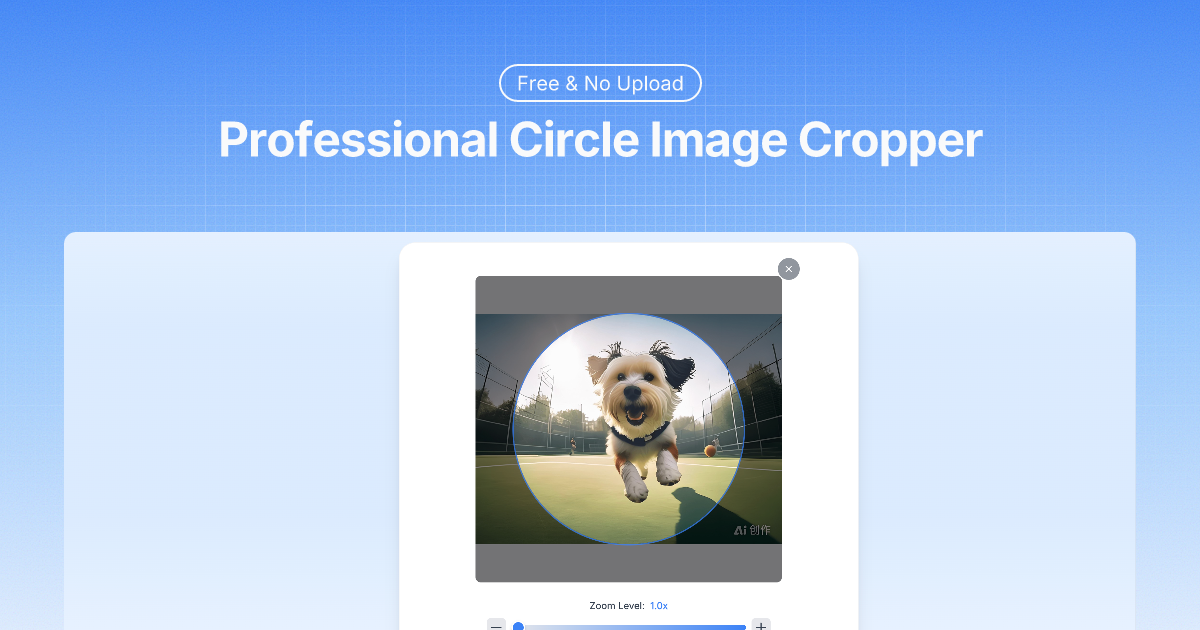
Inspiration The need for a privacy-focused image cropping tool that keeps user data secure. Many existing circle crop tools upload images to servers, creating privacy concerns for users handling sensitive photos. What it does Circle Crop Image is a free web tool that crops images into perfect circles with transparent backgrounds. Users can upload JPG, PNG, WebP, or GIF files, adjust positioning and zoom with real-time preview, and download professional-quality circular images instantly. How I built it Built using client-side JavaScript for local image processing, ensuring complete privacy. Implemented drag-and-drop positioning, zoom controls, and canvas-based rendering for high-quality circle crops. Used responsive design for seamless mobile and desktop compatibility. Challenges I ran into
Maintaining image quality during the cropping process Implementing smooth drag-and-drop positioning across different devices Creating transparent backgrounds that work universally Optimizing performance for large image files processed locally
Accomplishments that I'm proud of
Zero server uploads - complete privacy protection Support for multiple image formats up to 10MB Real-time preview with instant feedback Professional-grade transparent background output Universal device compatibility without installations
What I learned Client-side image processing can deliver professional results while maintaining user privacy. The importance of intuitive UI design for technical tools, and how local processing can actually provide better user experience than server-based solutions. What's next for Circle Crop Image
Additional shape options (squares, rounded rectangles) Batch processing capabilities Advanced editing features (filters, adjustments) Integration with cloud storage services Mobile app development for offline use
Built With
- and-logos.-fast
- avatars
- free
- laravel

Log in or sign up for Devpost to join the conversation.