-
-
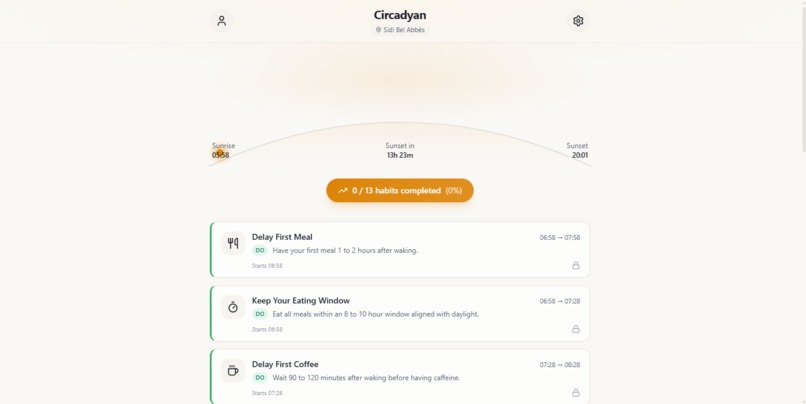
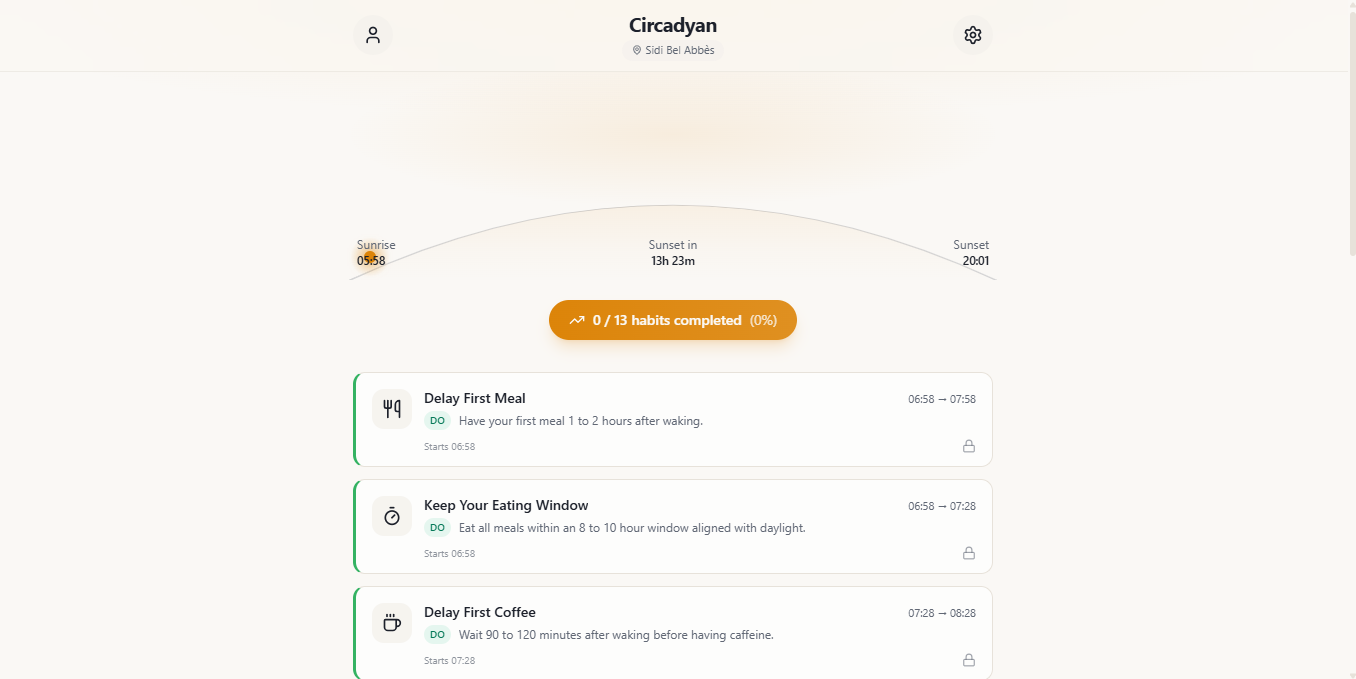
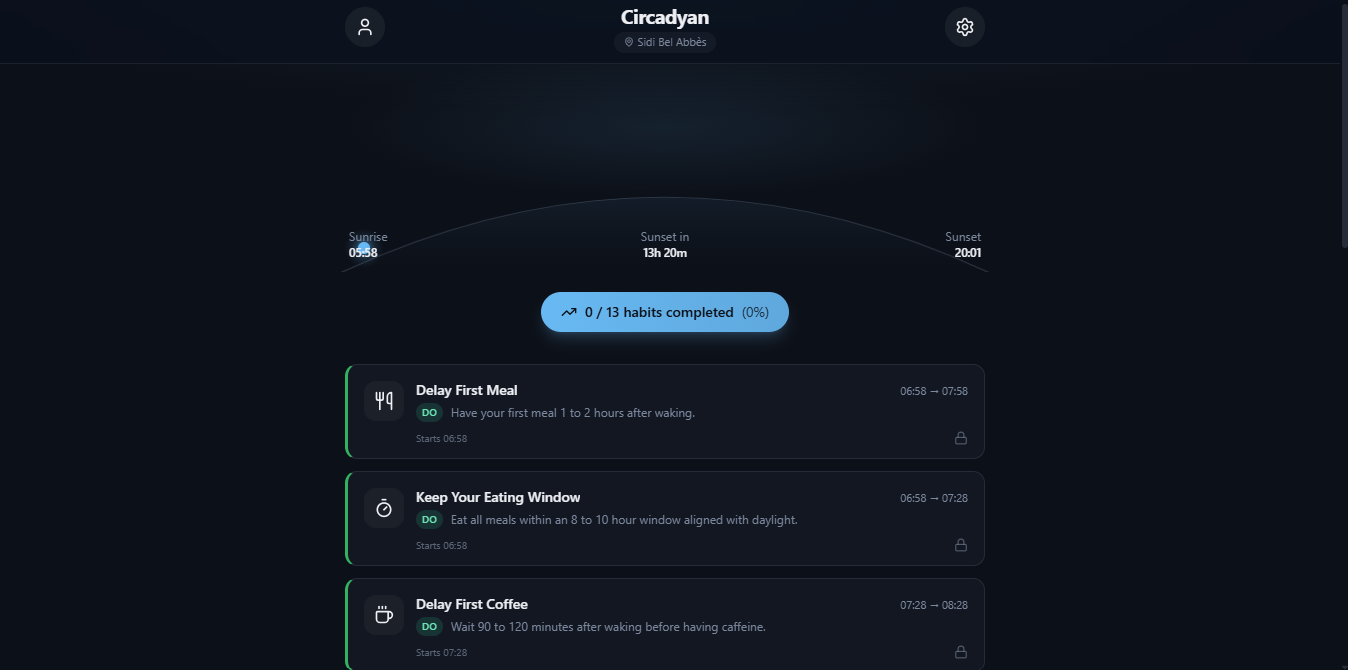
Home Page
-
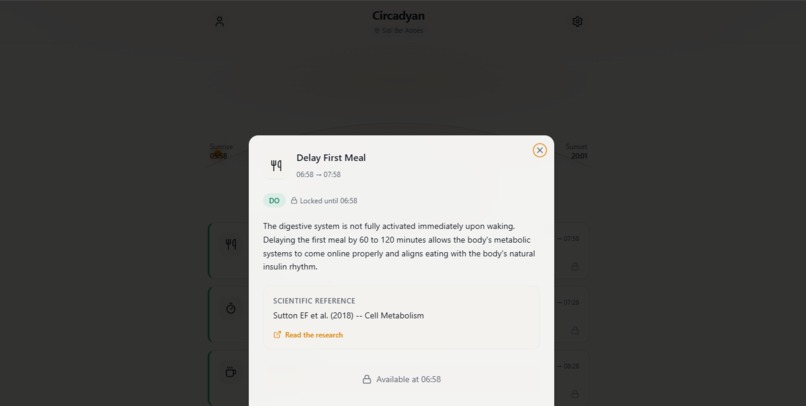
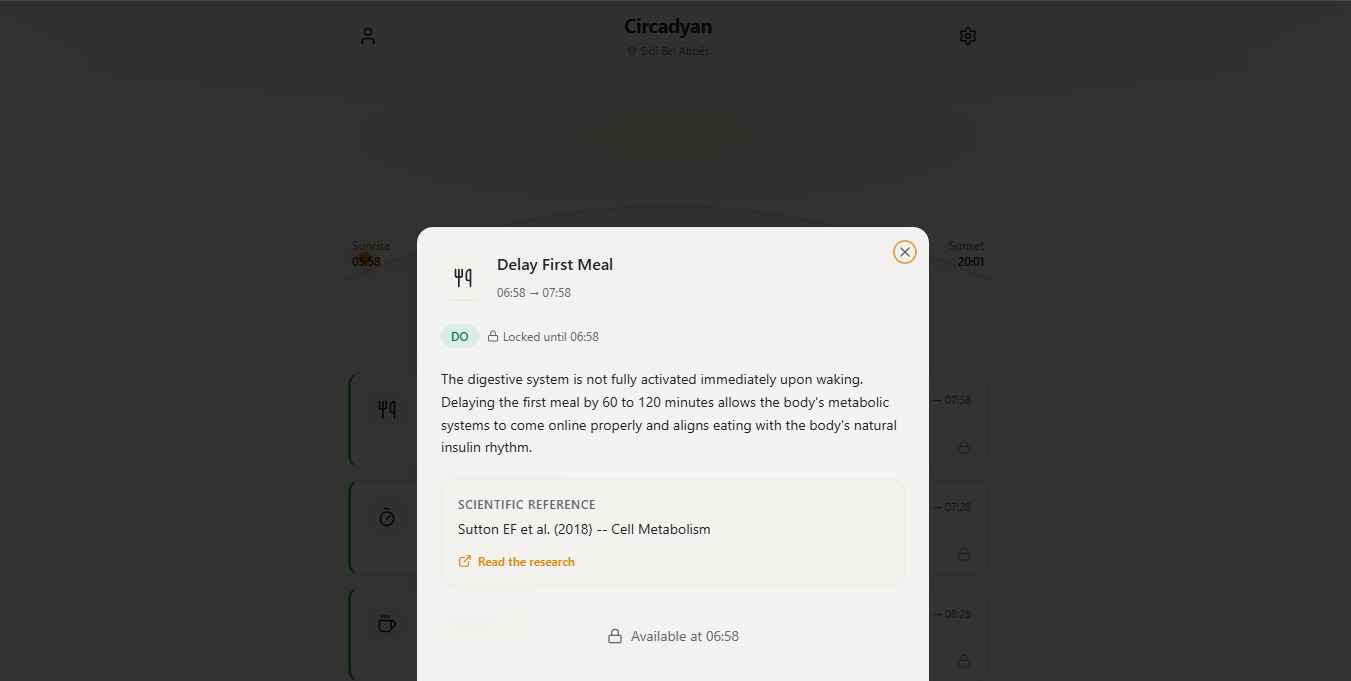
Habit Card
-
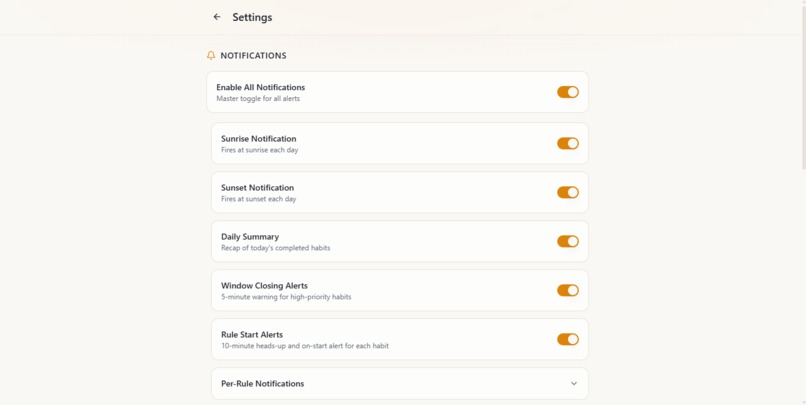
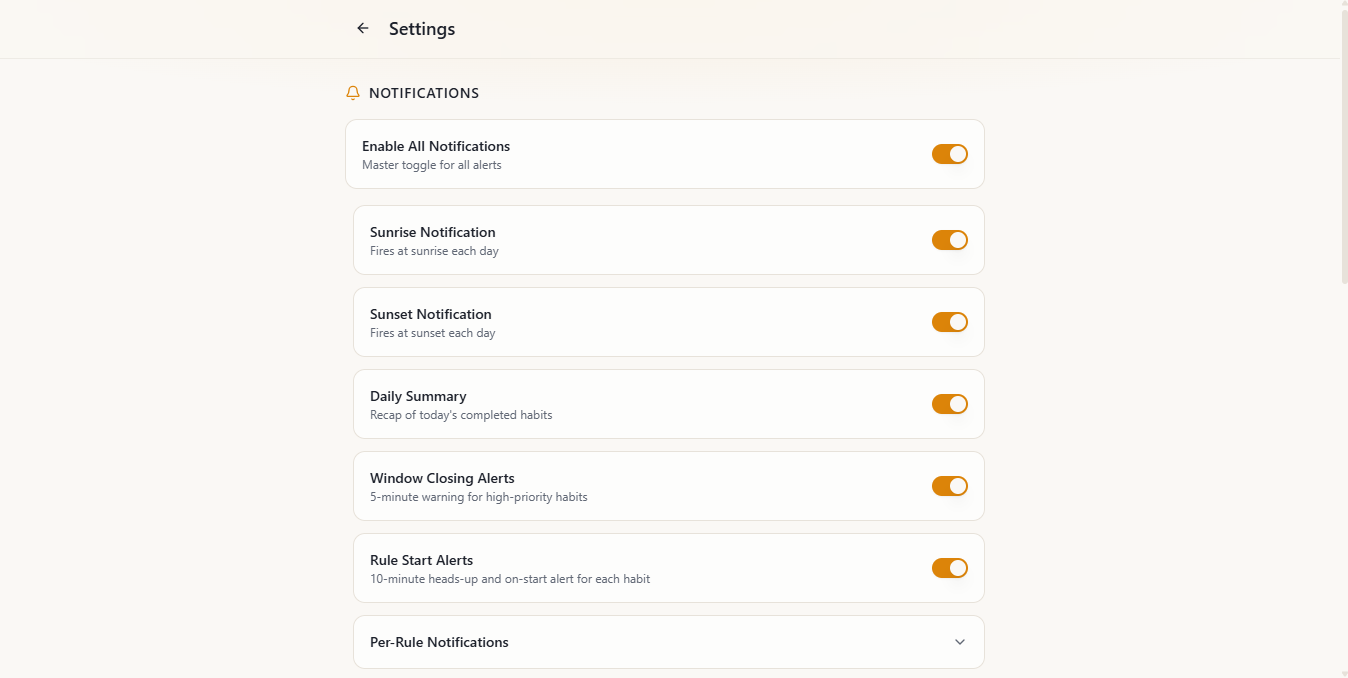
Settings - 1
-
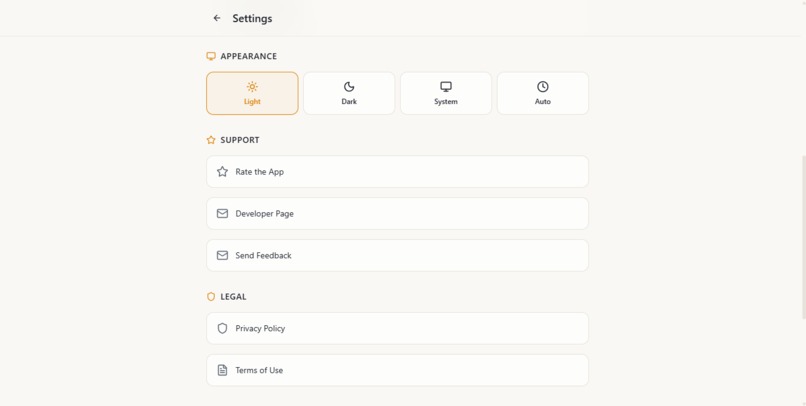
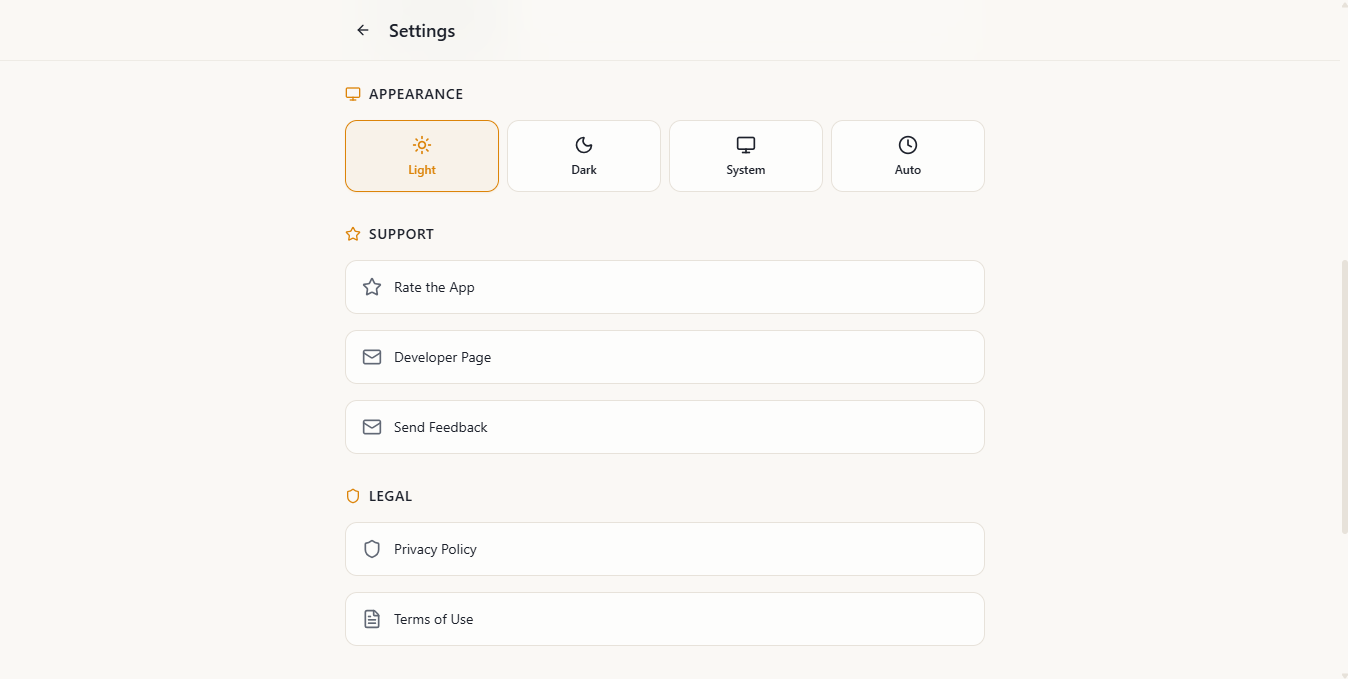
Settings - 2
-
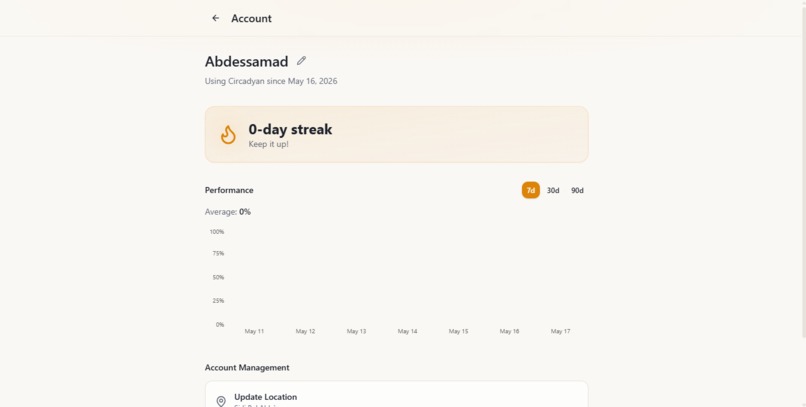
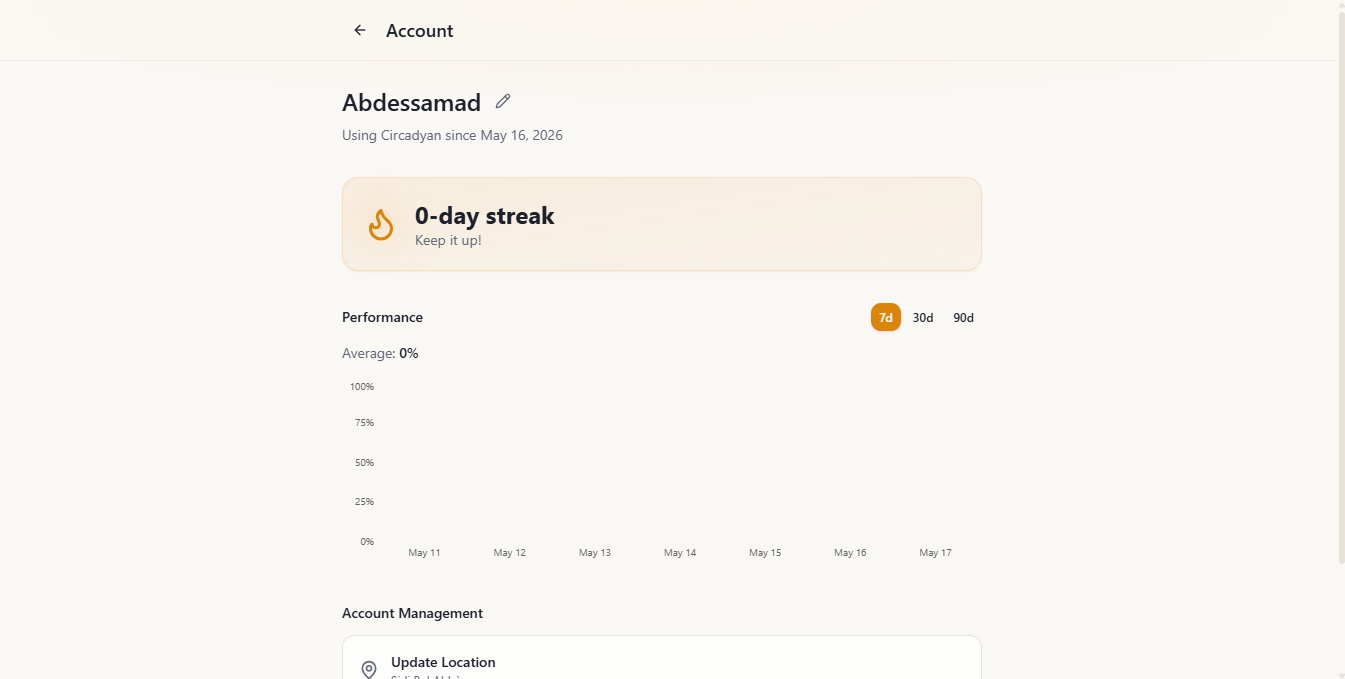
Account
-
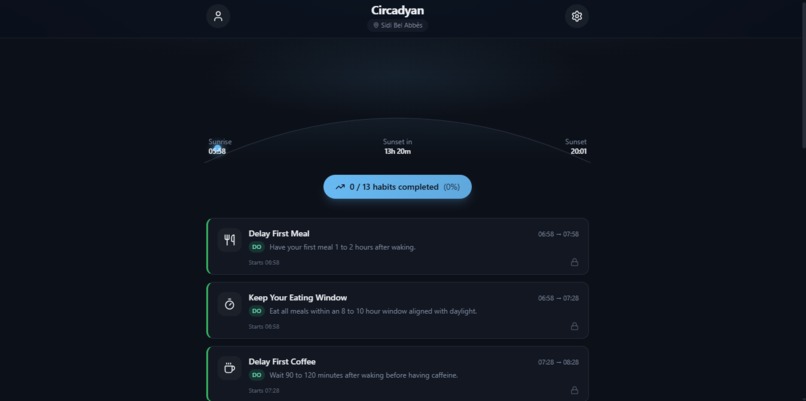
Dark Mode
-
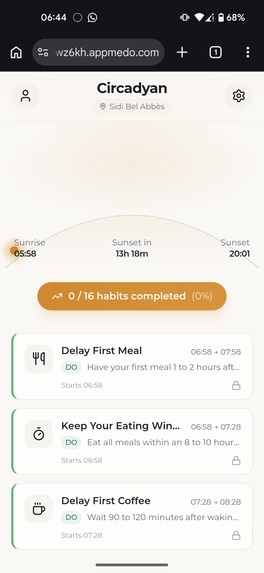
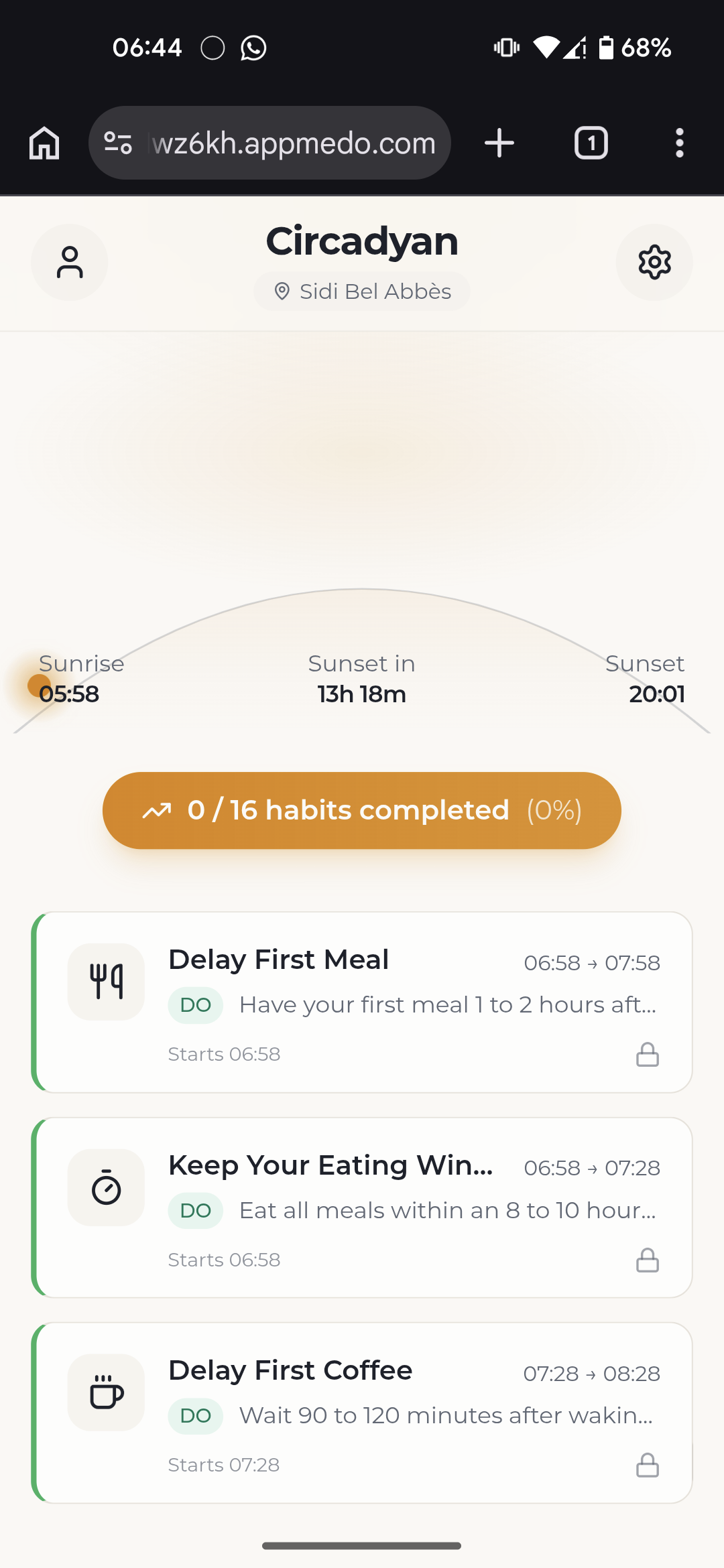
Home Page (Mobile)
-
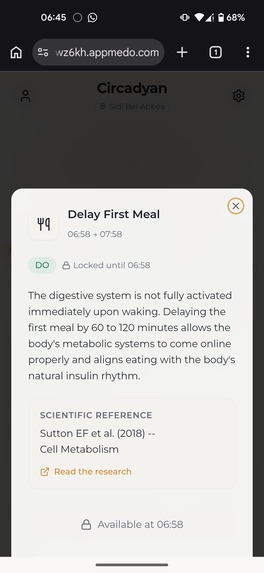
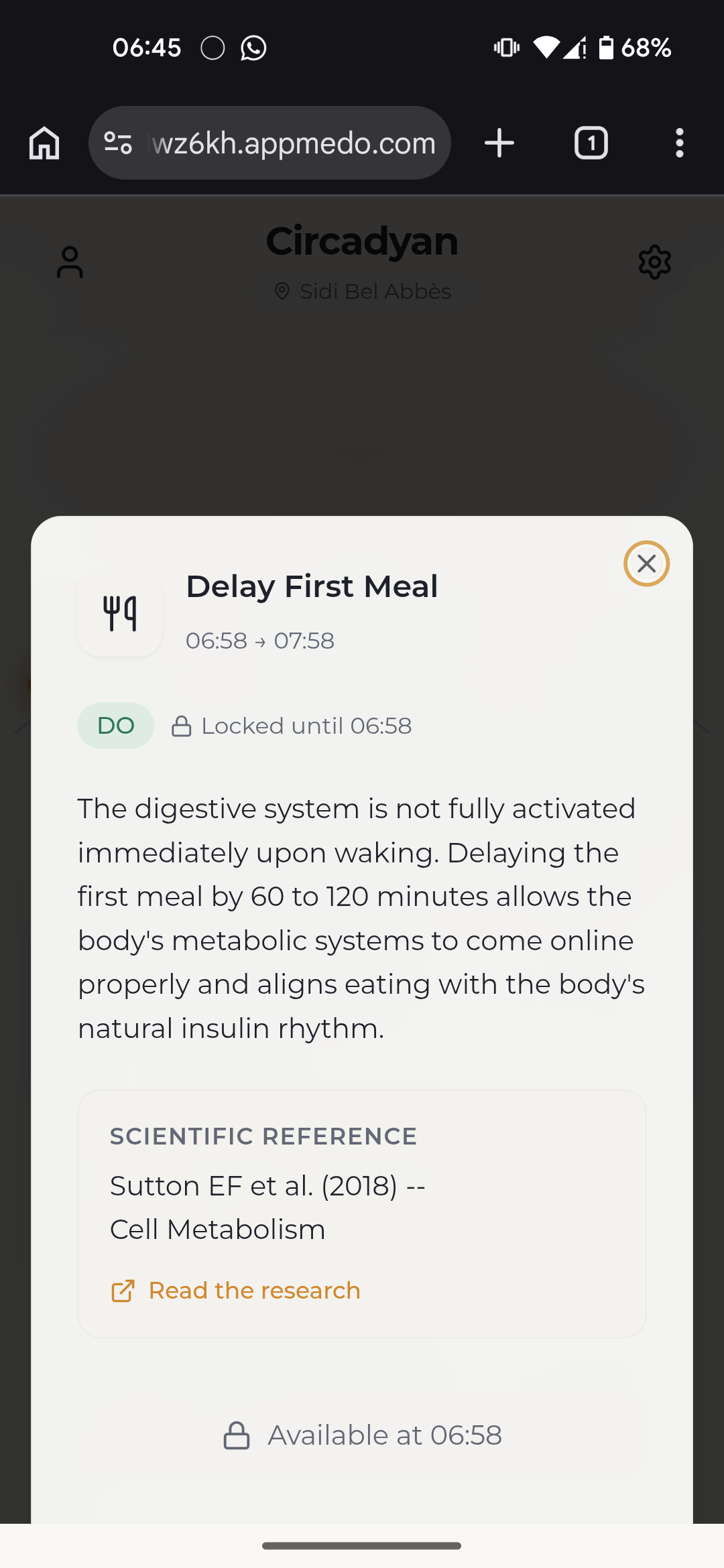
Habit Card (Mobile)
-
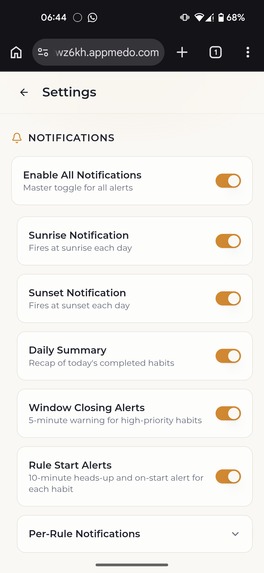
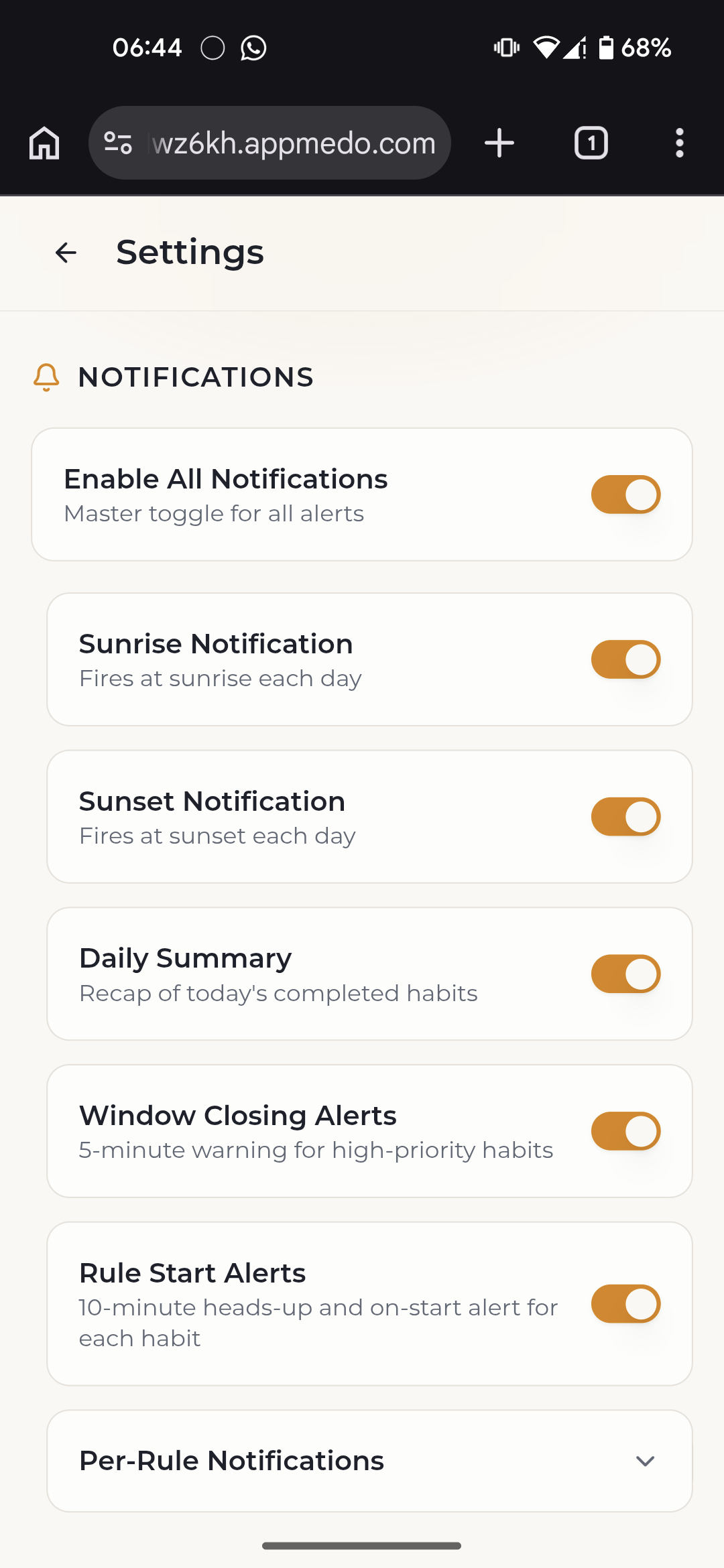
Settings - 1 (Mobile)
-
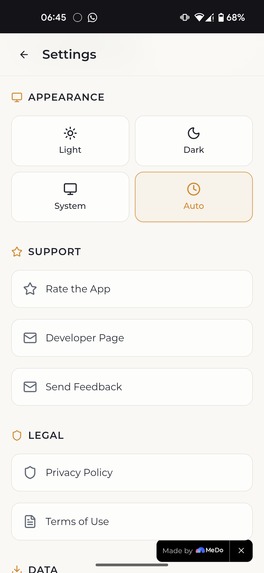
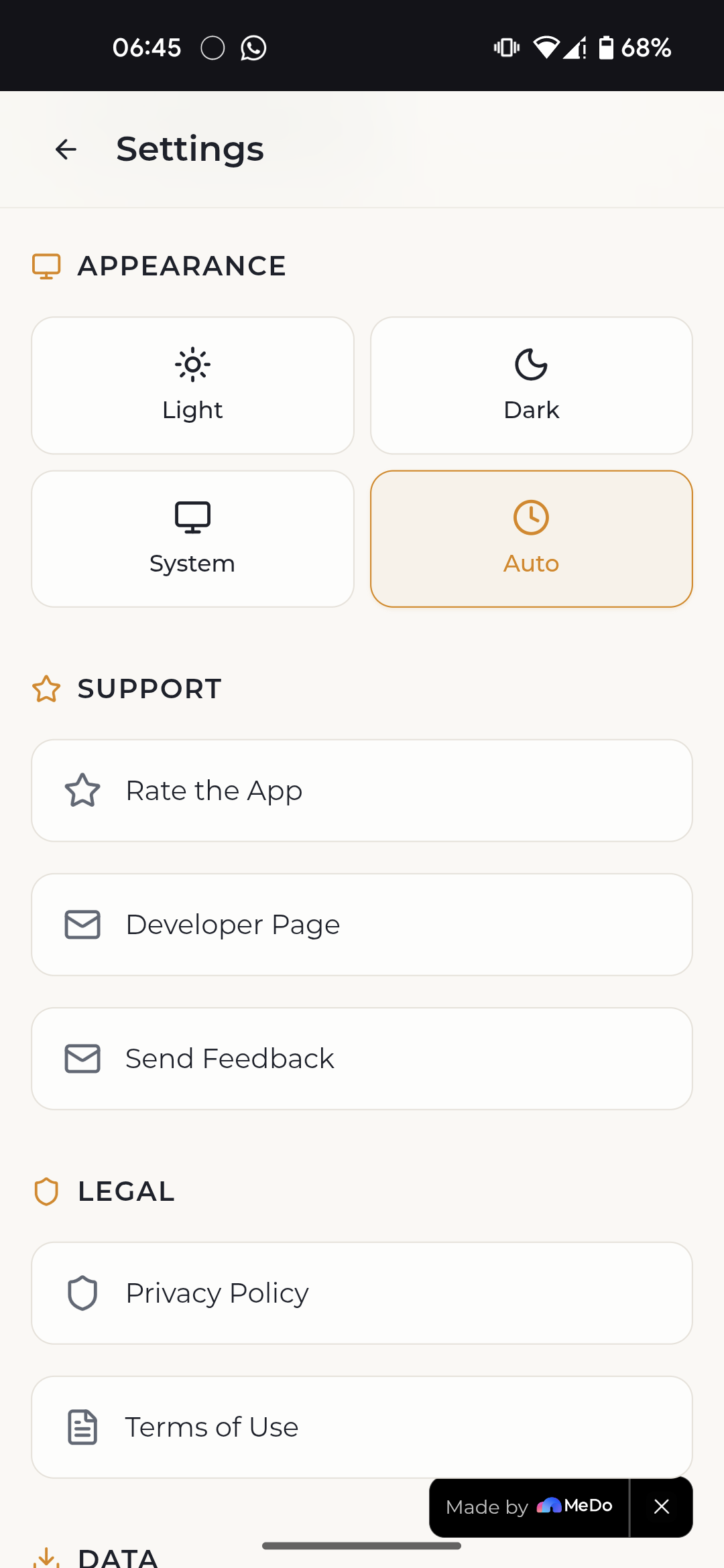
Settings - 2 (Mobile)
-
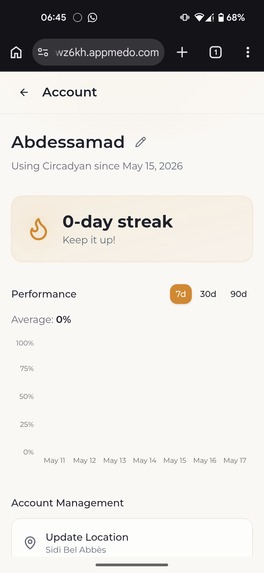
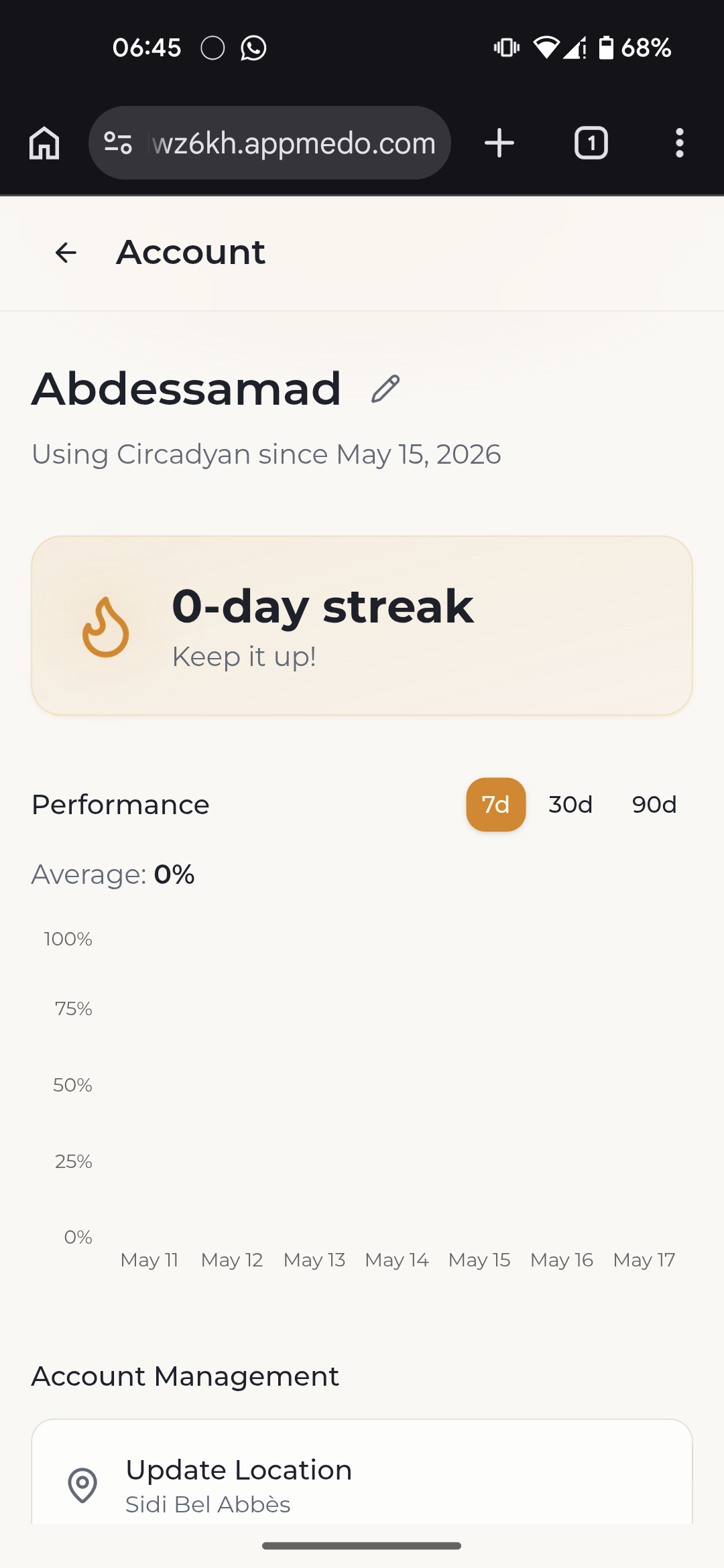
Account (Mobile)
-
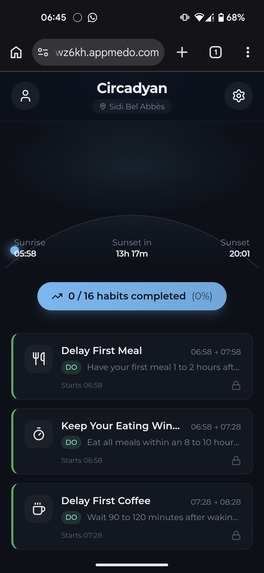
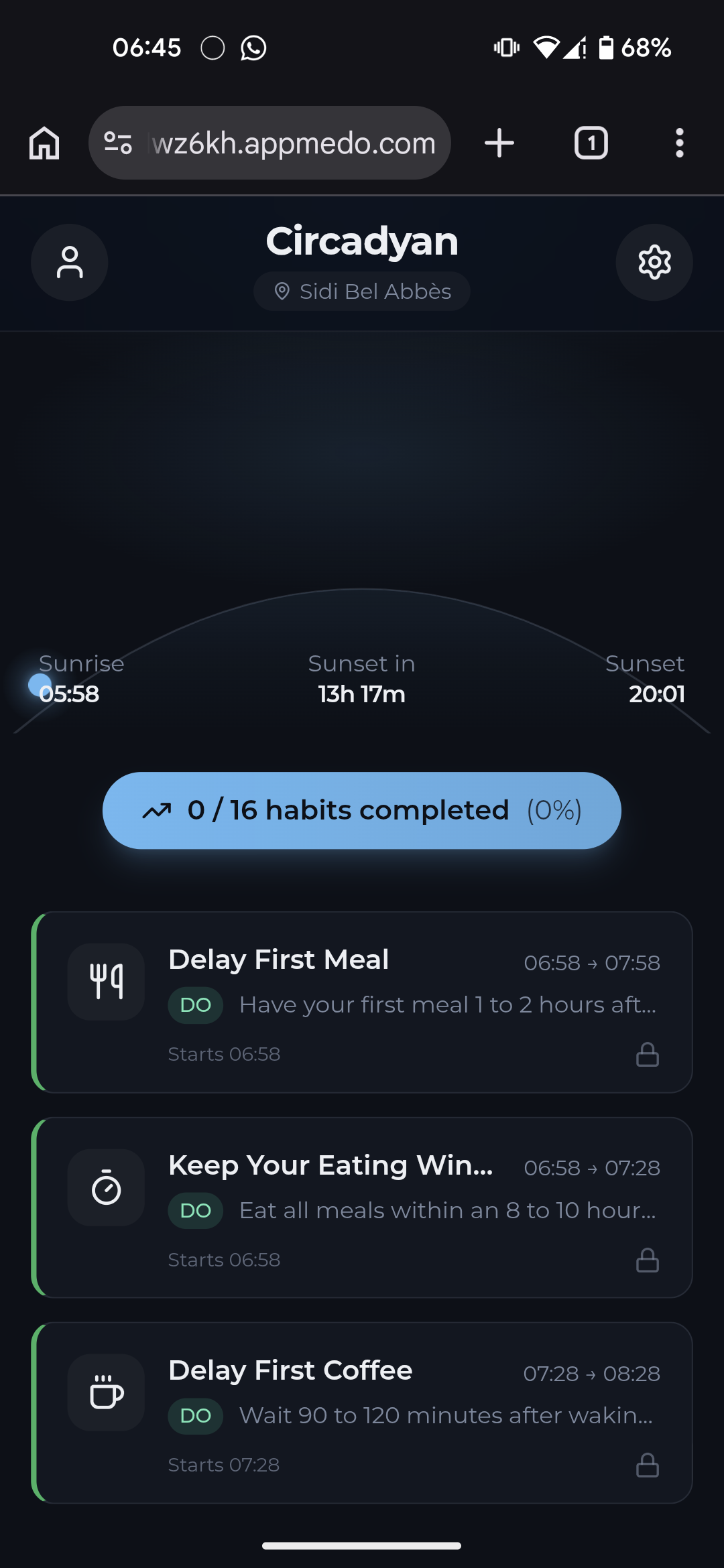
Dark Mode (Mobile)
Inspiration
As a software developer, I spend most of my day sitting in front of a laptop. Long hours, back-to-back sessions, losing track of time completely. Over time I started noticing how that lifestyle was affecting me with low energy, poor sleep, that constant mid-afternoon crash that no amount of coffee could fix. I started researching and kept coming back to the same concept: circadian rhythm. The science was clear and the rules made sense, but there was no tool that actually fit into a developer's day. Nothing that would just tap you on the shoulder at the right moment and say: hey, it has been 90 minutes, go get some sunlight. That gap is what Circadyan was built to fill.
What it does
Circadyan is a sun-synced habit companion that schedules your daily routines around your local sunrise and sunset times instead of fixed clock times. Because the sun rises and sets at a different time every day and at a different time depending on where you are, the app recalculates every habit window fresh each day based on your exact location. Here is what the app offers:
- Sun arc display: a live visual arc at the top of the screen shows the current position of the sun between today's sunrise and sunset, so you always know where you are in your biological day at a glance
- Smart habit cards: your selected habits appear as cards, showing only what is relevant right now. Cards are automatically sorted by active window, upcoming, completed, dismisse. Every habit is defined not by a clock time.
- Do and Don't habits: habits are not just reminders of things to do. Some are warnings of things to avoid, like no intense exercise within 2 hours of sleep or no bright overhead light after sunset.
- Science-backed rules: every habit in the app is grounded in published research. The paper behind each rule is one tap away, opening directly in the browser.
- Daily score and streak: each day you get a score based on how many habit windows you completed. A streak tracks your consistency over time and a history graph shows your progress across 7, 30, and 90 day views.
- Custom habit selection: you pick only the habits that apply to your lifestyle, organised across six categories: light exposure, nutrition and fasting, sleep, exercise, mental performance, and temperature
In addition to all of that, other necessary functionality is also considered:
- Notifications: while the app is opened, you will receive notifications whenever the habit time is approaching.
- Light/Dark mode: set by the user, following the system's default mode or auto based on sunrise/sunset making sure the app is light in the morning, dark in the evening.
- Export/Import your data: no account is required, so to ensure that your data is perserved, you can export your data and import it if you have to clear browser data or use the app on a different browser/device.
How we built it
Circadyan was built entirely using MeDo, an AI-powered development tool, starting from a single detailed one-shot prompt. The prompt was the result of an extensive planning and refinement session where every feature, data structure, screen, and interaction was thought through and documented before a single line of code was written. The idea was to front-load all the thinking so that the prompt itself was complete enough to generate a working app in one pass, with only small targeted tweaks afterward rather than back-and-forth corrections. From a technical standpoint:
- Framework: React
- Solar calculation: sunrise and sunset times are computed entirely on the client side using the SunCalc library, which implements the NOAA solar position algorithm. No external API is called for time data
- Timezone handling: accurate local time conversion is handled using dayjs with the timezone and UTC plugins, ensuring habit windows display correctly regardless of where the user is in the world
- Local storage: all user preferences, selected habit IDs, and daily logs are stored in the browser using IndexedDB via Dexie.js, making the app fully functional offline
- Seed data: all habit categories and rules are defined in a local seed file, meaning the full habit library ships with the app and requires no network request to load
- Notifications: habit window notifications are scheduled using the Web Notifications API, timed dynamically each day based on that day's computed sunrise and sunset
- Styling: the interface is built with NativeWind, applying Tailwind utility classes within the React Native component model for a clean and consistent design
The one-shot prompt approach meant that the core architecture, data models, screen layouts, and business logic were all established upfront. The tweaks made after the initial generation were focused and surgical adjusting specific UI behaviours, refining the solar arc animation, and tightening the scoring logic.
Challenges we ran into
The trickiest part was making time feel right. Sunrise and sunset shift every single day and vary significantly by location, so every habit window had to be recalculated fresh each morning and displayed in the user's correct local timezone. Getting that to feel seamless and accurate without any backend involved careful work around timezone detection from coordinates, correct UTC conversion, and making sure day boundaries were always evaluated in local time rather than UTC. A user in UTC+1 should never have their day reset at 11 PM.
What's next for Circadyan - Your sun-synced rules and habits
The next step is turning Circadyan into a proper mobile app so that background notifications can fire reliably throughout the day even when the app is closed which is where the real value of the concept lives. Beyond that, the habit library will continue to grow as more research is incorporated. A more detailed progress breakdown, personalised insights based on your history, and seasonal schedule summaries are all directions worth exploring. The core idea (that your schedule should follow the sun, not the other way around) has a lot of room to grow.
Built With
- dayjs
- indexeddb
- medo
- react
- suncalc
- tailwind
- web-notifications-api

Log in or sign up for Devpost to join the conversation.