-
-
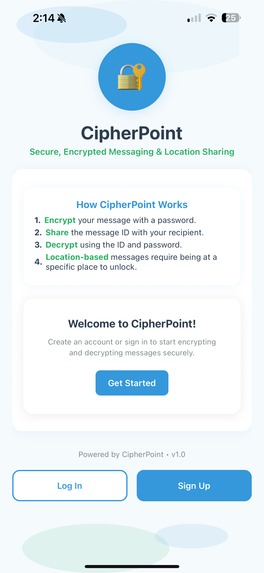
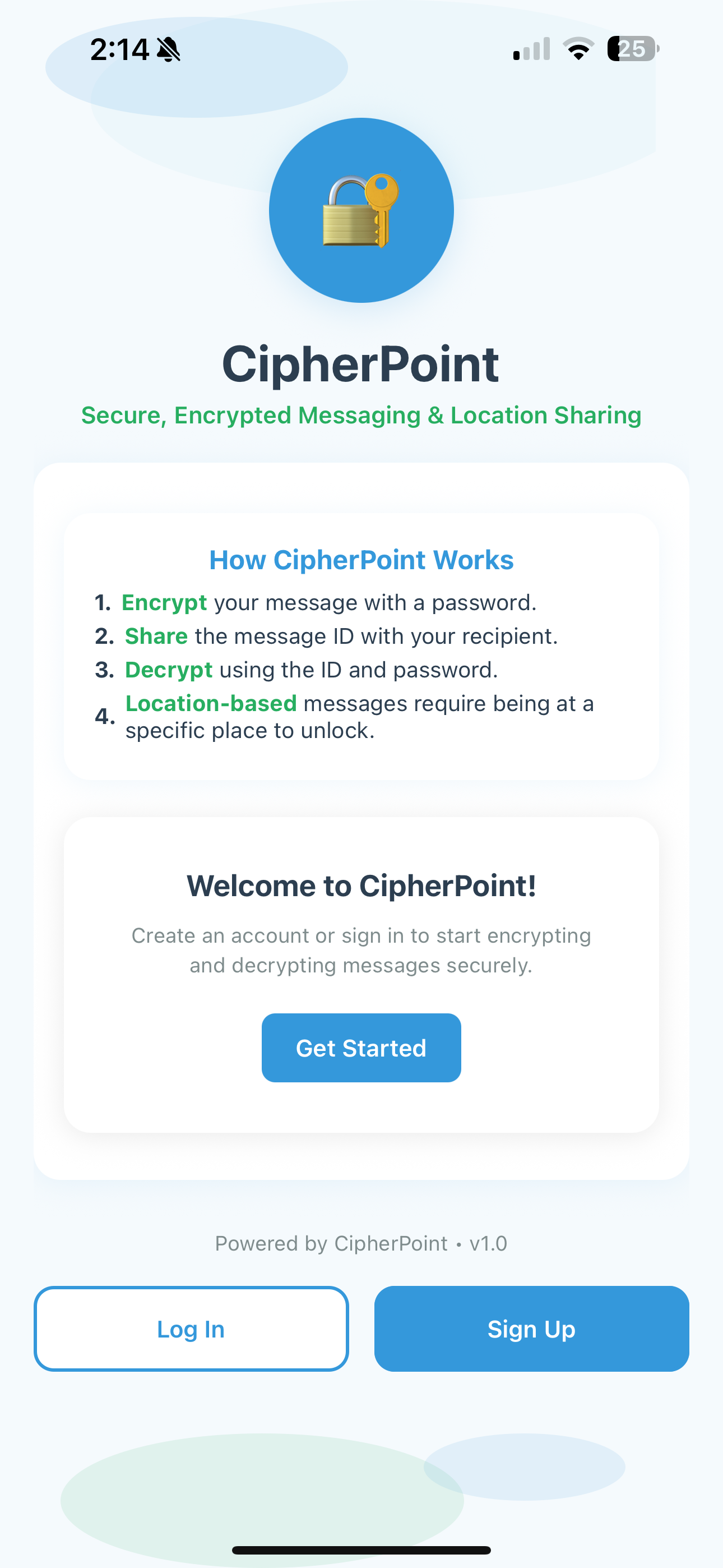
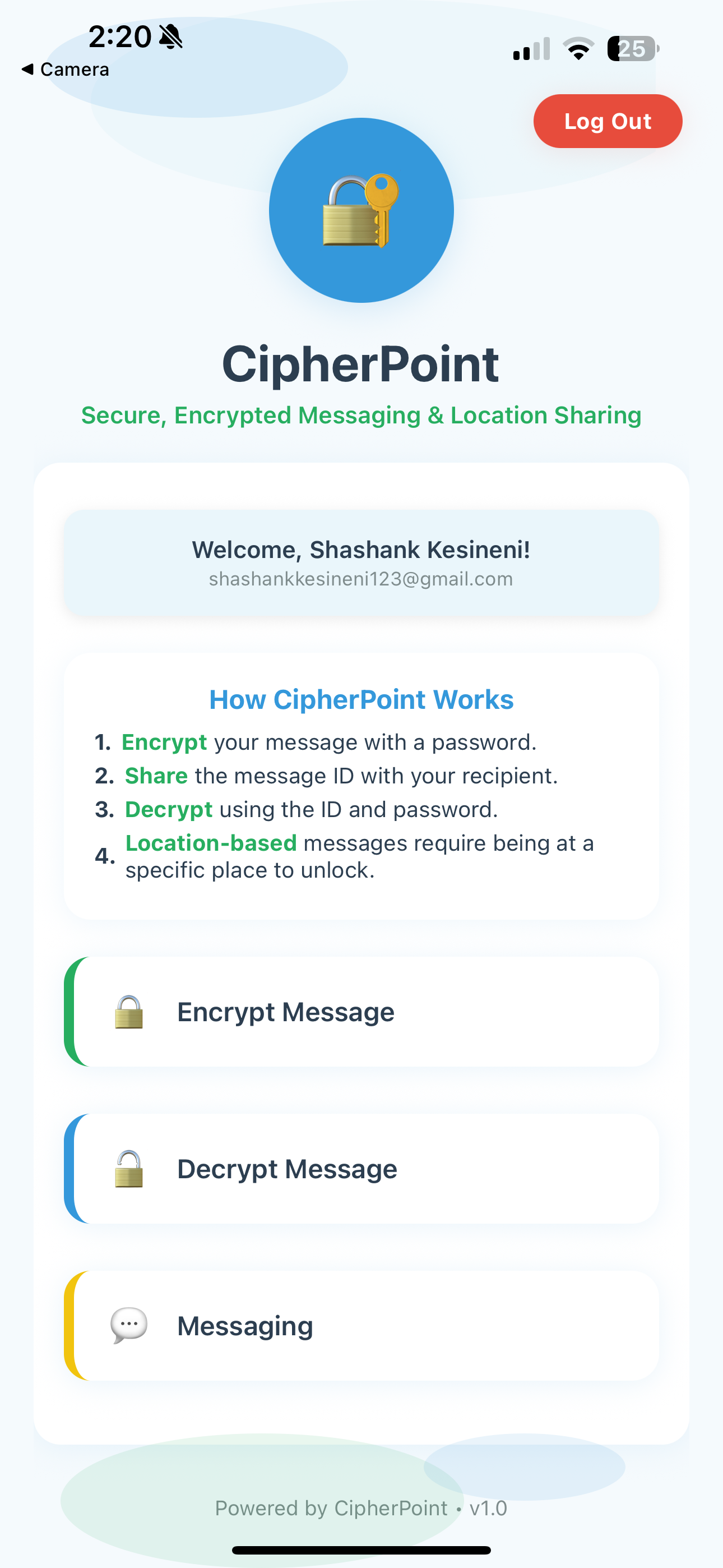
Homescreen
-
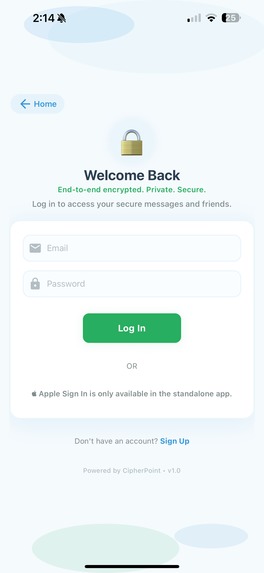
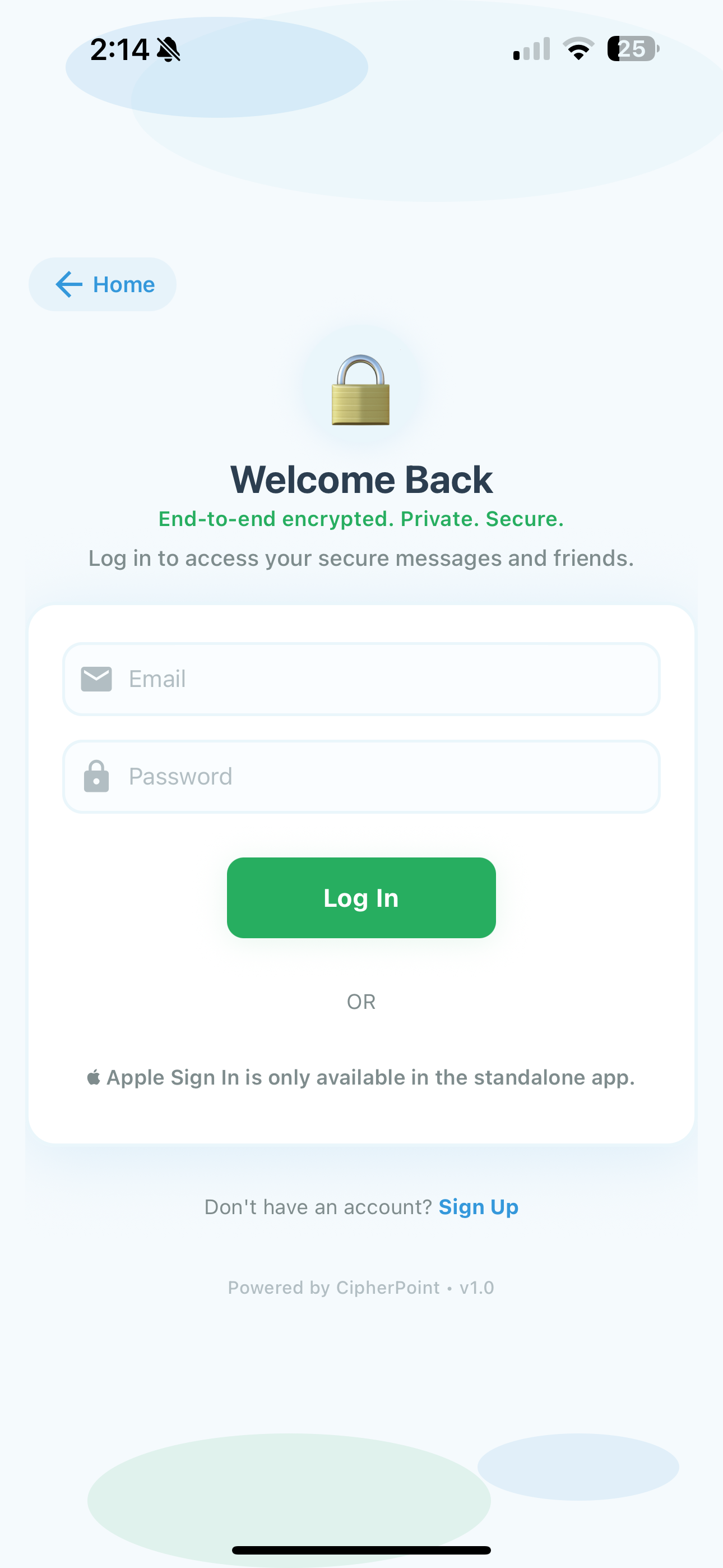
Login Page
-
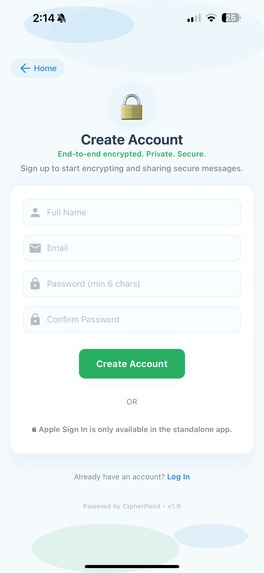
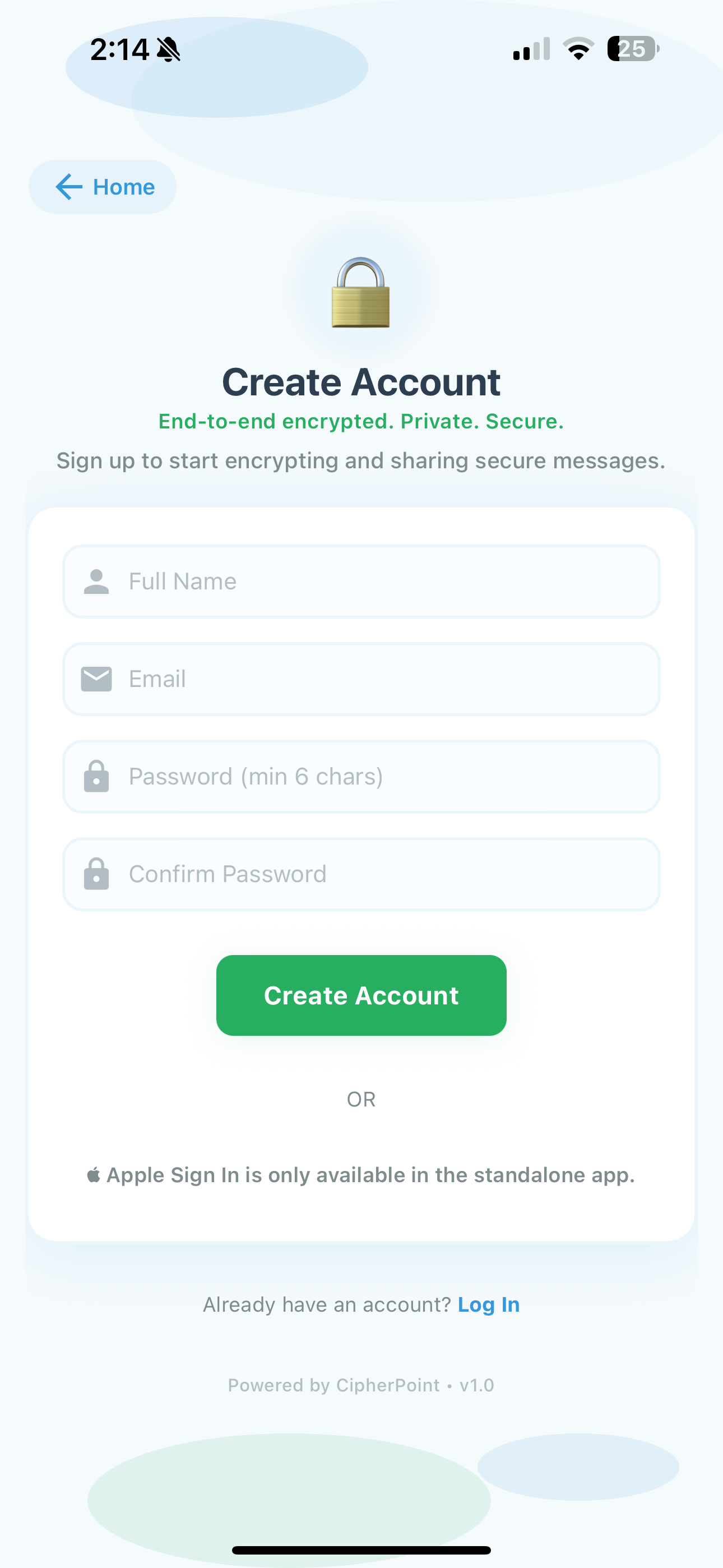
Sign Up Page
-
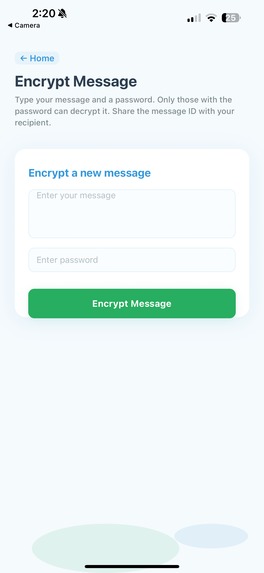
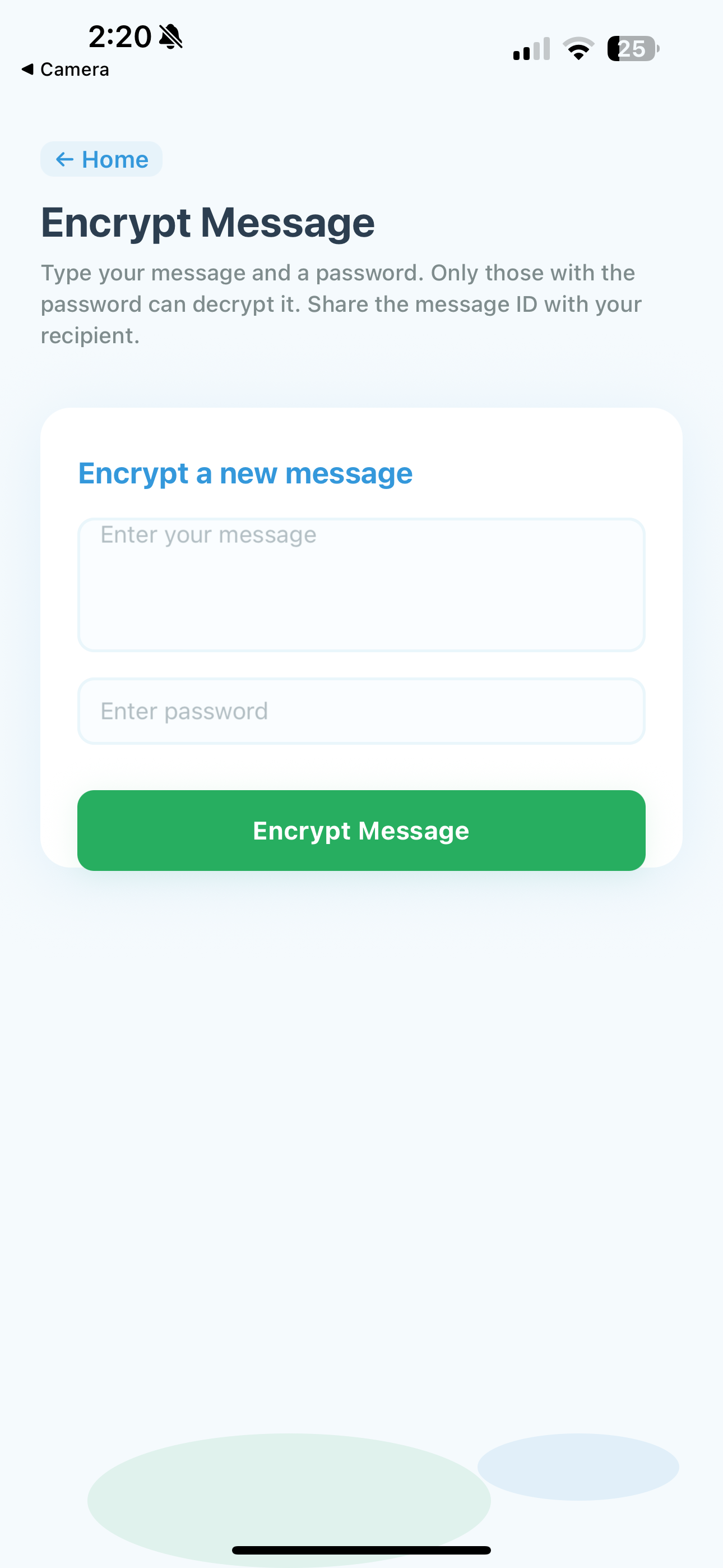
Encryption Page
-
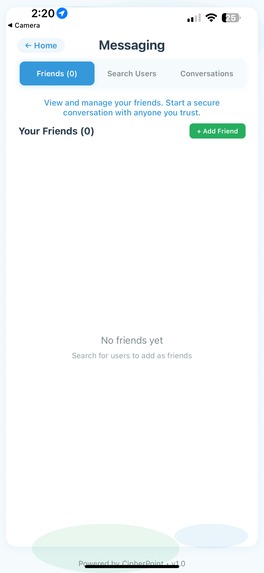
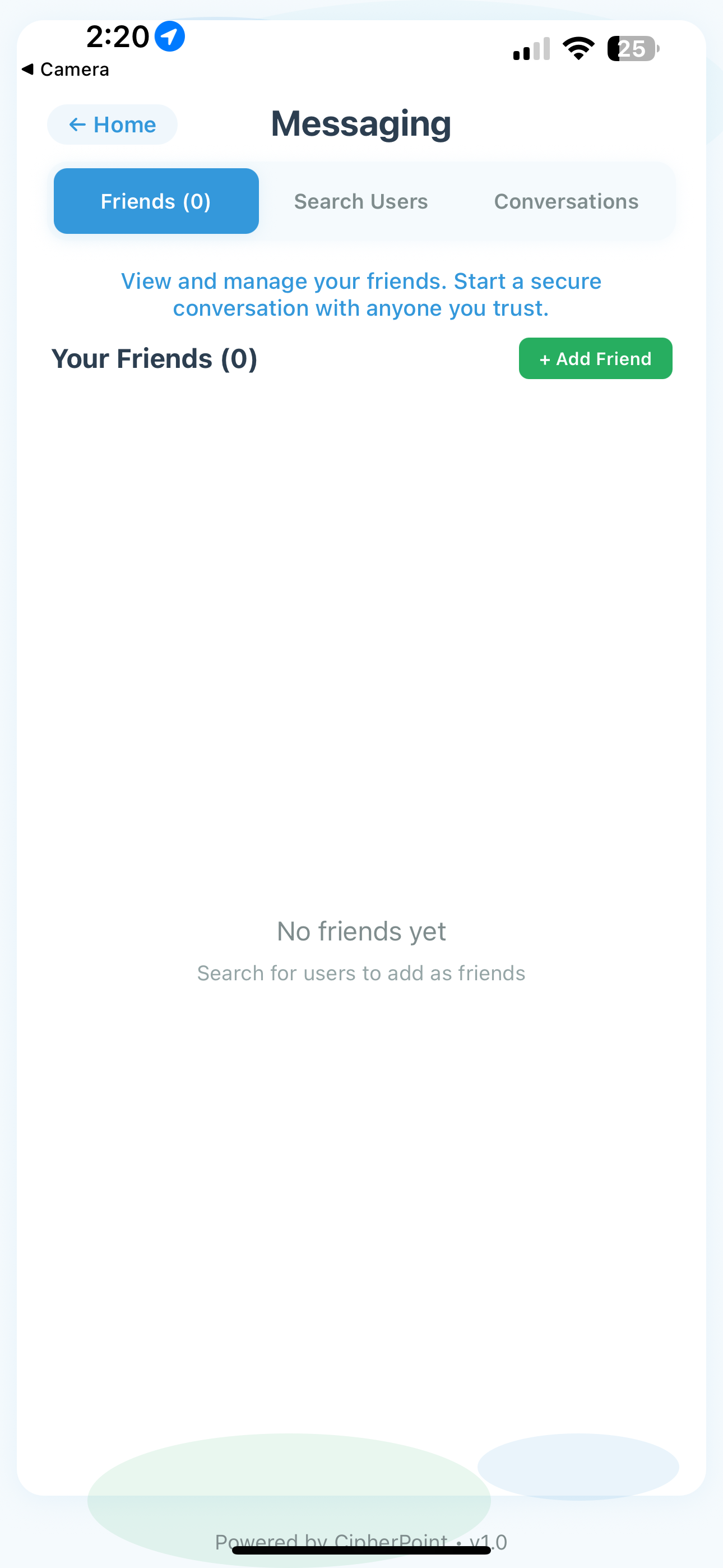
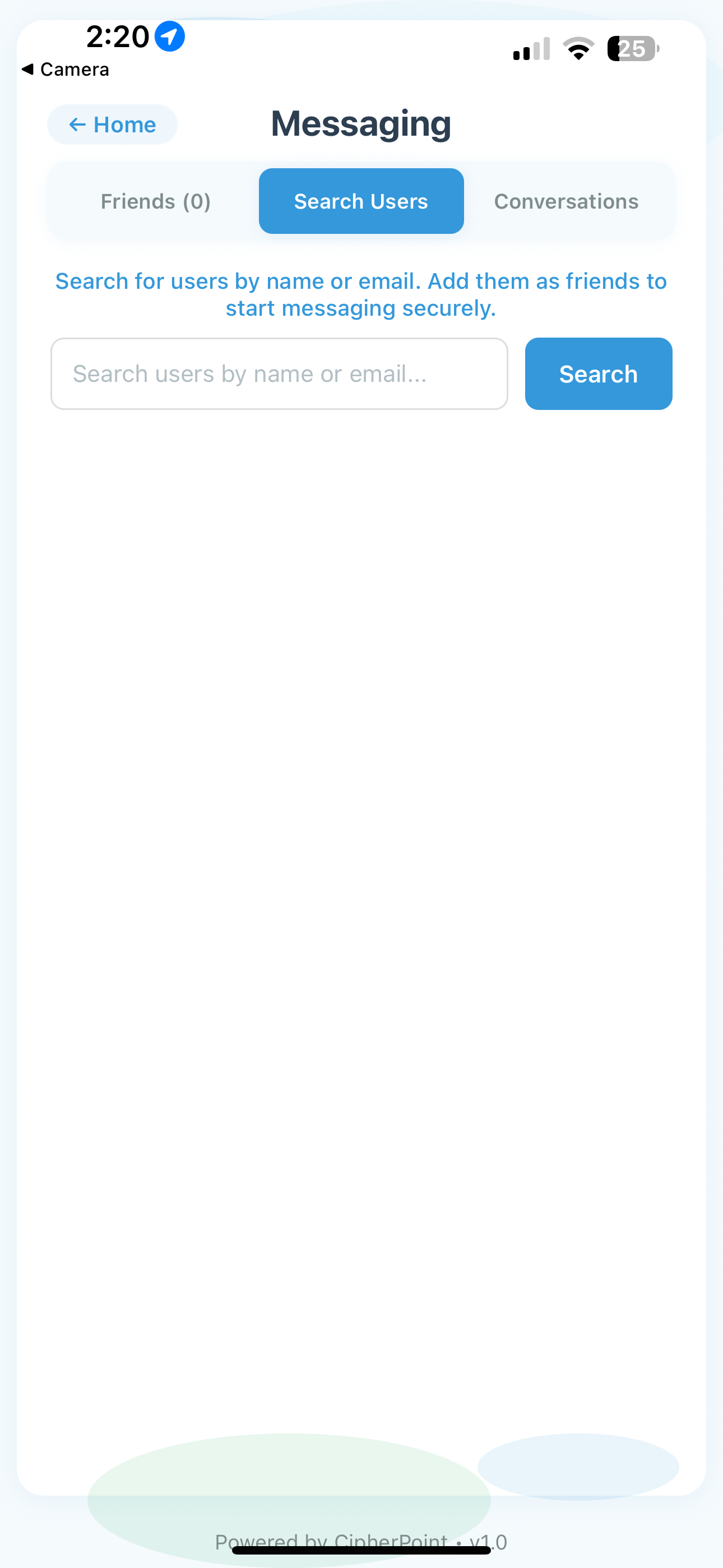
Friends Page
-
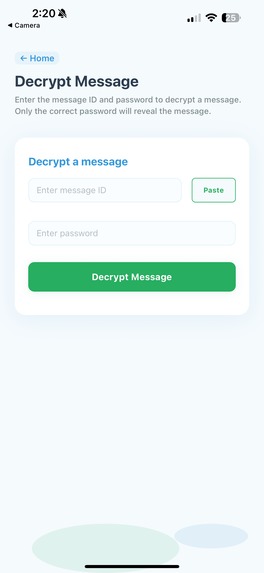
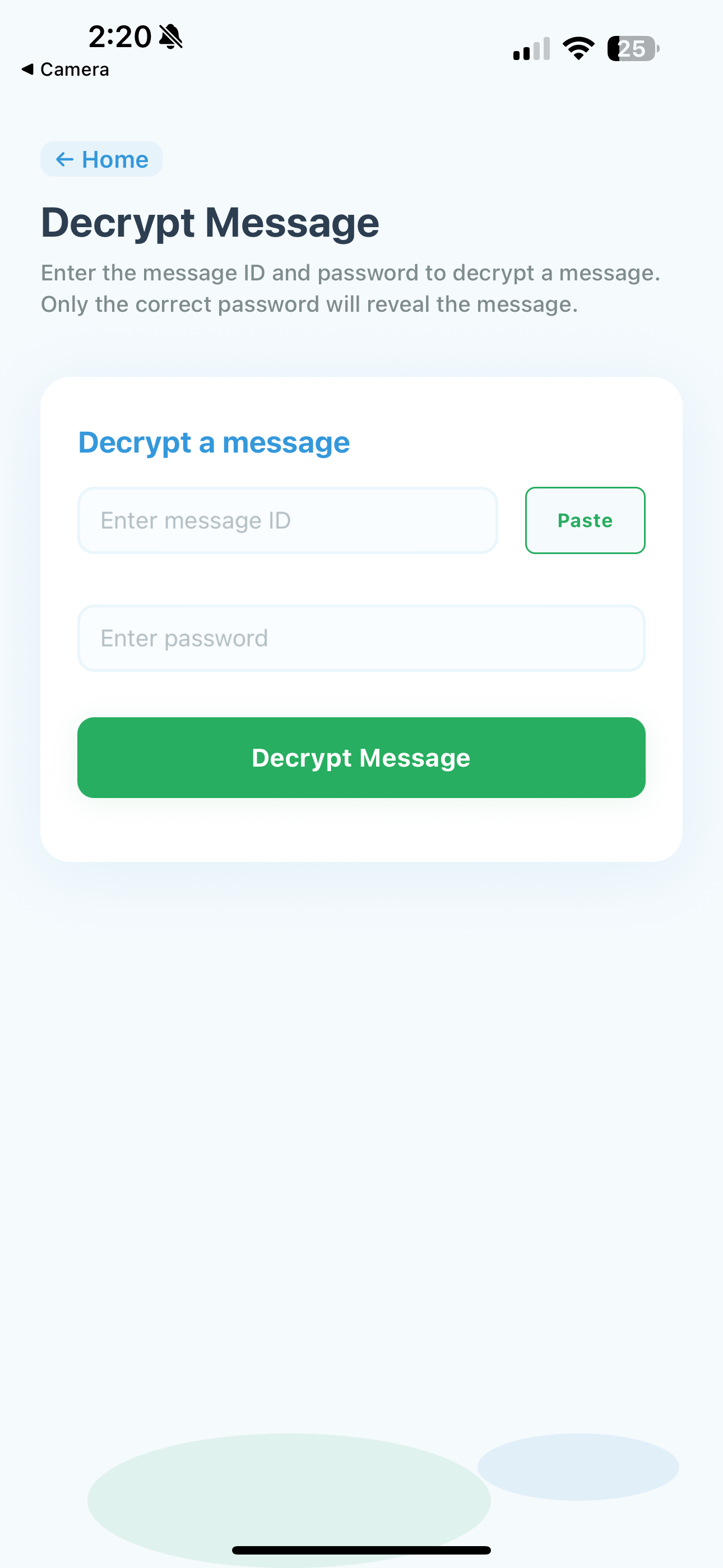
Decryption Page
-
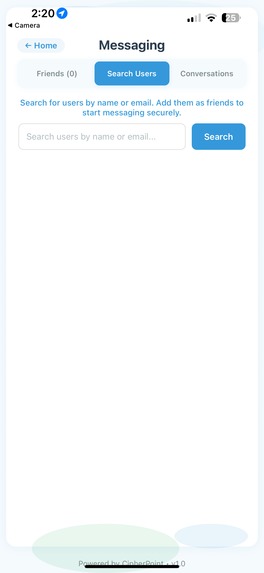
User Search Page
-
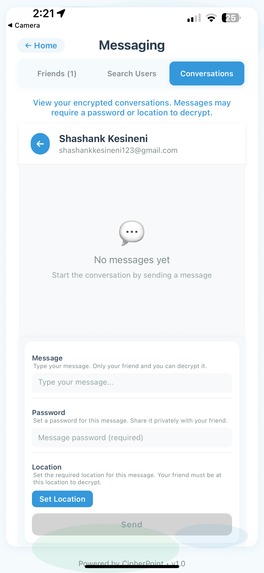
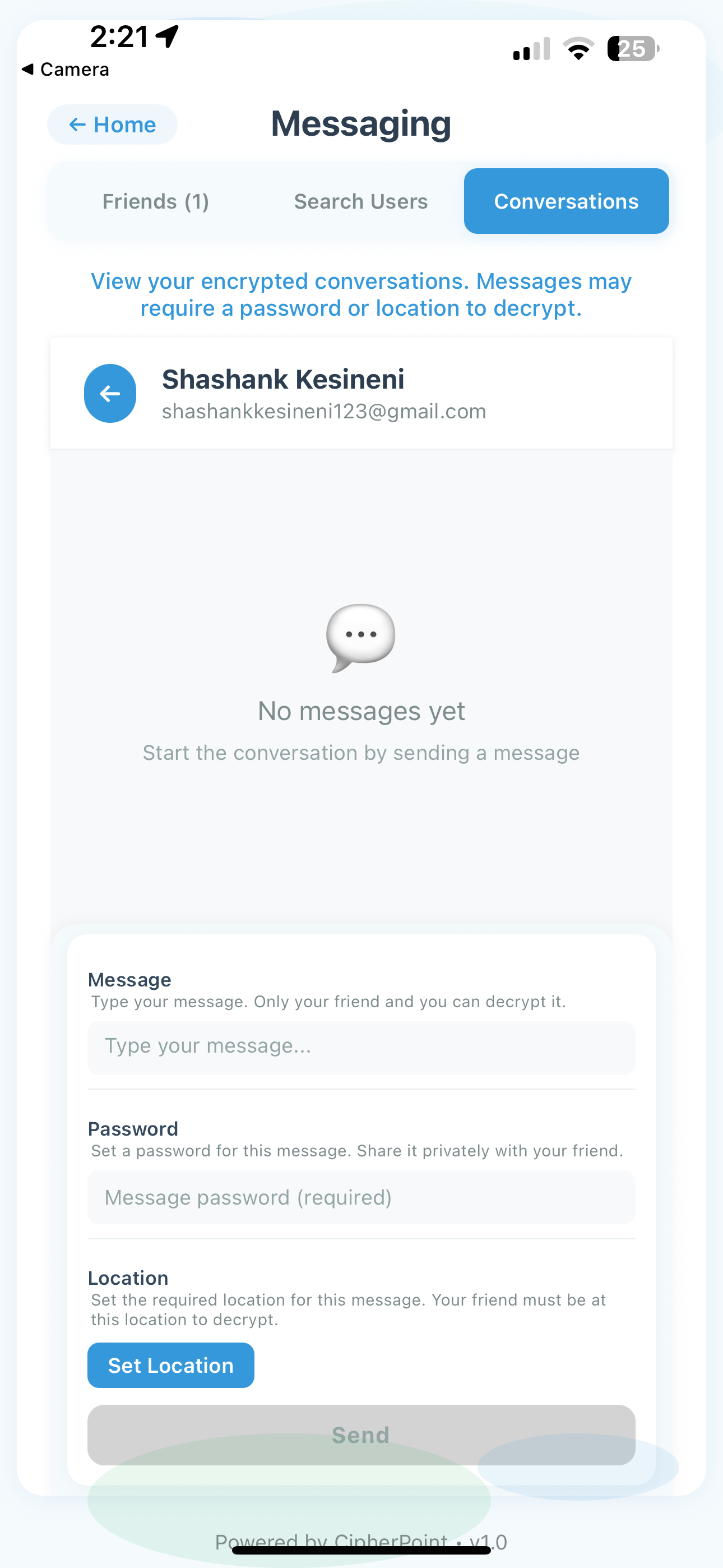
Conversations Page
-
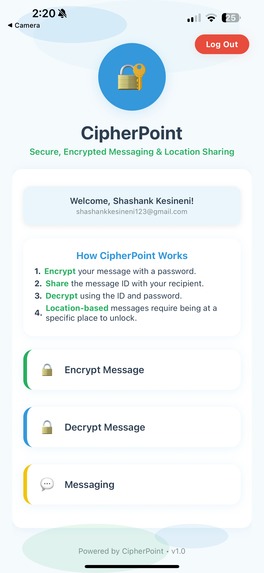
Navigation Page
-
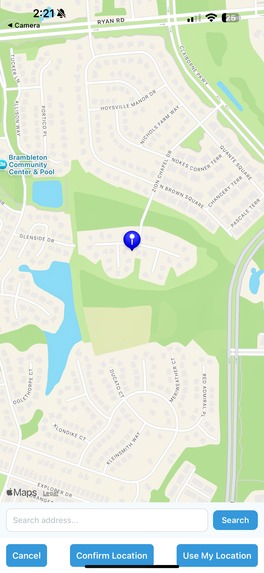
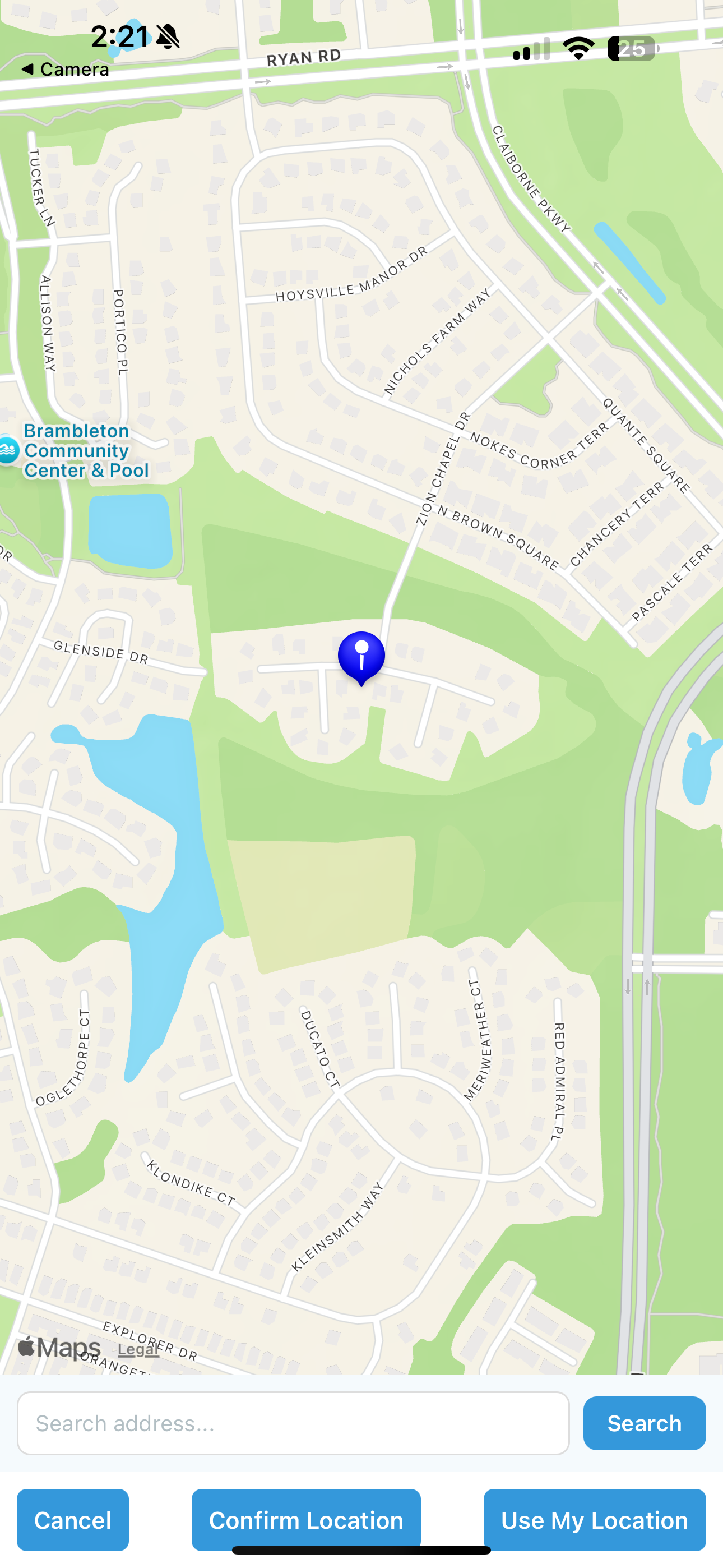
Location Set Page
Project Story
What Inspired Us
The inspiration for CipherPoint came from a real-world security challenge I encountered. I was meeting a friend in a crowded coffee shop to exchange sensitive information, and I realized there was no secure way to send location-specific messages that would only unlock when the recipient was physically present at the designated location.
Traditional messaging apps either:
- Send messages that are immediately readable (no location security)
- Require complex setup processes
- Don't integrate location-based security seamlessly
We wanted to create something that combined the simplicity of modern messaging with the security of location-based access control - essentially, a "digital dead drop" that only works when you're physically at the right place.
What I Learned
Technical Skills:
- React Native & Expo: Built my first full-stack mobile application
- Real-time Location Services: Integrated GPS, address geocoding, and distance calculations
- Cryptography: Implemented AES encryption for secure message handling
- Authentication Systems: Built JWT-based auth with social login integration
- API Design: Created a RESTful backend with Express.js
- State Management: Handled complex app state across multiple screens
- UI/UX Design: Created a modern, accessible interface from scratch
Development Process:
- Agile Development: Iterative design and user feedback integration
- Cross-platform Development: Ensuring consistency across iOS and Android
- Security Best Practices: Implementing proper encryption and authentication
- Deployment Pipeline: Using EAS for Expo deployment and updates
Soft Skills:
- Problem-solving: Overcoming technical challenges like OAuth limitations in Expo Go
- User Experience: Balancing security features with ease of use
- Documentation: Creating comprehensive README and code documentation
How We Built It
Phase 1: Foundation (Week 1-2)
- Set up React Native project with Expo
- Implemented basic authentication (email/password)
- Created the core encryption/decryption functionality
- Built the basic UI structure
Phase 2: Core Features (Week 3-4)
- Added location-based messaging system
- Implemented friend management and user search
- Created the messaging interface with real-time updates
- Integrated maps and address search functionality
Phase 3: Polish & Security (Week 5-6)
- Added Apple Sign In for iOS
- Implemented comprehensive error handling
- Optimized UI/UX for accessibility
- Added copy/paste functionality for message IDs
Phase 4: Deployment & Documentation (Week 7)
- Deployed to Expo using EAS Update
- Created comprehensive README
- Optimized for production use
- Added final UI refinements
Tech Stack:
- Frontend: React Native, Expo, React Native Maps
- Backend: Node.js, Express.js, JWT authentication
- Database: In-memory storage (can be extended to MongoDB/PostgreSQL)
- Encryption: CryptoJS AES encryption
- Location Services: Expo Location, OpenStreetMap API
- Deployment: EAS Update, GitHub integration
Challenges We Faced
1. OAuth Integration in Expo Go
- Challenge: Google Sign In doesn't work reliably in Expo Go
- Solution: Implemented Apple Sign In for iOS and created platform-specific authentication flows
- Learning: Understanding the limitations of development environments vs. production builds
2. Location-Based Security Implementation
- Challenge: Ensuring accurate GPS distance calculations and handling edge cases
- Solution: Implemented the Haversine formula for precise distance calculations and added comprehensive error handling
- Learning: The importance of mathematical precision in location-based applications
3. Real-time Message Synchronization
- Challenge: Keeping message states synchronized across different screens and users
- Solution: Implemented proper state management and API polling for real-time updates
- Learning: The complexity of real-time data in mobile applications
4. UI/UX for Complex Security Features
- Challenge: Making advanced security features intuitive for average users
- Solution: Created step-by-step flows, clear visual indicators, and comprehensive onboarding
- Learning: Balancing functionality with usability in security applications
5. Cross-platform Compatibility
- Challenge: Ensuring consistent behavior across iOS and Android
- Solution: Used platform-specific code where necessary and tested extensively on both platforms
- Learning: The importance of platform-specific considerations in mobile development
Key Achievements
Complete End-to-End Encryption: All messages are encrypted client-side before transmission Location-Based Security: Messages can be locked to specific GPS coordinates Modern UI/UX: Clean, intuitive interface that rivals commercial apps Cross-Platform: Works seamlessly on both iOS and Android Production Ready: Deployed and accessible via Expo Go Comprehensive Documentation: Full README and code documentation
Future Vision
CipherPoint represents the foundation for a new category of location-aware secure messaging. Future iterations could include:
- Group Location Messaging: Send messages to multiple people at specific locations
- Time-Based Security: Messages that expire after a certain time
- Biometric Integration: Face ID/Touch ID for additional security layers
- Enterprise Features: Team management and audit trails
- Blockchain Integration: Decentralized message storage
This project taught me that the best applications solve real problems while maintaining excellent user experience. CipherPoint isn't just a technical achievement - it's a practical solution to a genuine security need in our increasingly digital world.
Built with passion, security, and a vision for the future of private communication.
Built With
- cipherpoint-was-built-using-javascript
- cryptojs-(aes-encryption)
- eas-for-deployment
- expo-location
- expo.io
- express.js
- github
- in-memory-storage
- jwt-authentication
- node.js
- openstreetmap-api
- react-native
- react-native-maps

Log in or sign up for Devpost to join the conversation.