Inspiration
We’re a team of three creative techies from diverse backgrounds who constantly found ourselves sharing raw screenshots and screen recordings: demos, prototypes, portfolio shots that looked plain, boring, and unpolished. We realized that while people love watching cinematic content, few have the time or skill to create it. So we asked: What if anyone could turn everyday screenshots and clips into a Hollywood style trailer with zero editing experience? That’s how Cinematic Trailer Maker was born.
What it does
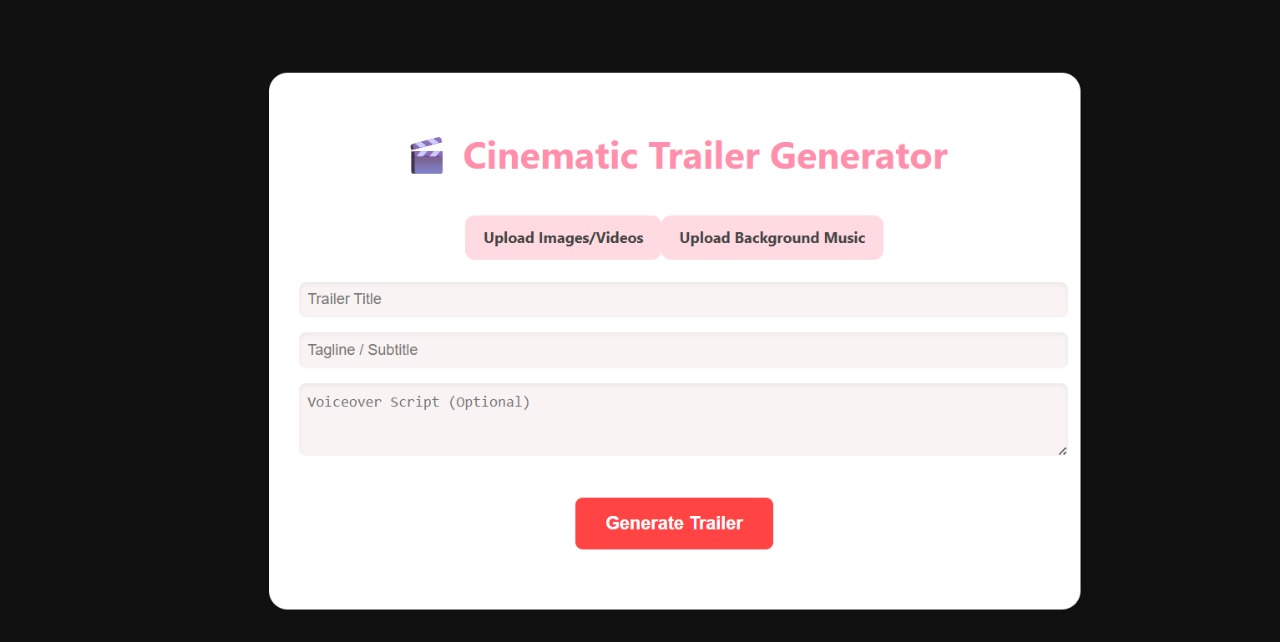
Cinematic Trailer Maker transforms your uploaded videos into professional-looking trailers. Users can upload short clips, enter a title and subtitle, and generate a stylized trailer with dramatic zoom ins, transitions, and a generated voiceover. The tool helps creators quickly turn raw footage into something that looks polished and engaging, perfect for pitches, promos, or sharing on social media.
How we built it
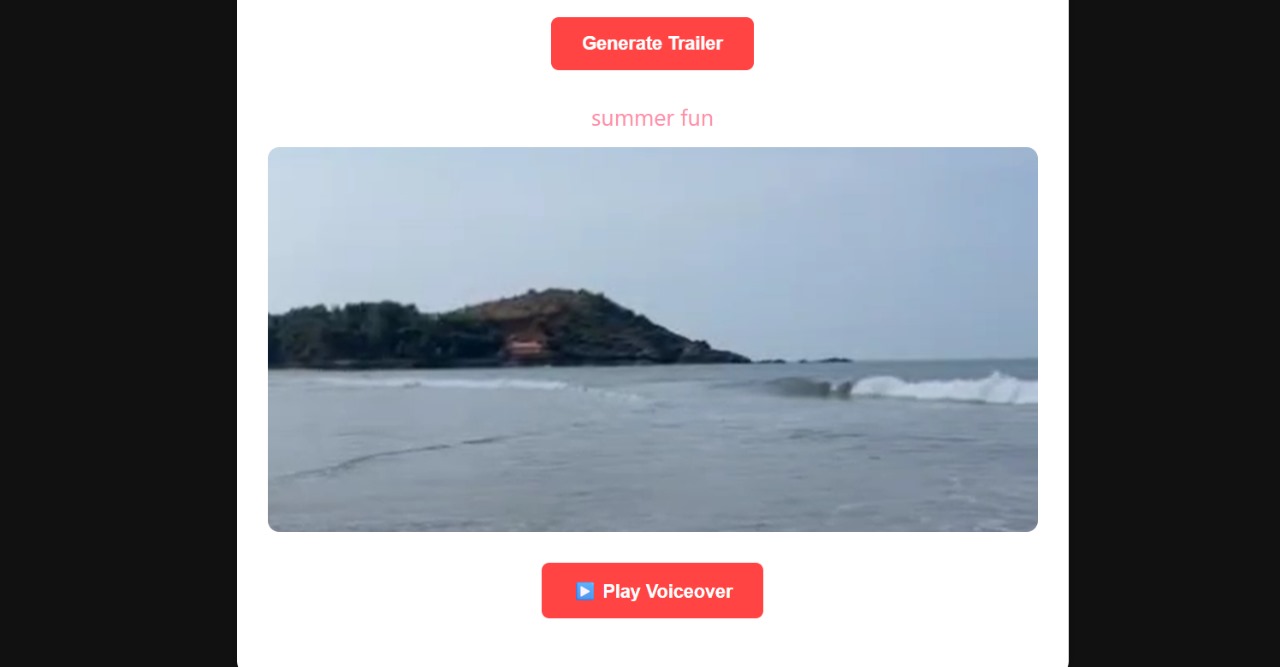
We built a working prototype of our add-on using React.js for the front end and JavaScript animations to simulate cinematic effects like zoom-ins and transitions. Users can upload their own clips and generate a stylized trailer with dramatic text, visuals, and even an AI generated voiceover. We focused on making the UI beautiful and playful using pastel color schemes and thoughtful layouts to match the creative vibe of Adobe Express. While we haven’t used the official Adobe Express SDK yet, our prototype mimics the experience inside the Express editor. We’ve structured the app in a way that it can be easily integrated using the Adobe Express UI Extensions SDK in the next stage. The voiceover feature uses a third party AI tool to turn trailer text into narration, which gives the trailer a real Hollywood feel. We also included a preview window where users can watch their trailers play out in sequence.
Challenges we ran into
It was tricky to make the videos play one after another smoothly with animations and effects. We didn’t fully use the Adobe Express API, so we had to build everything from scratch to show how it could work. Making the voiceover sound natural and match the trailer took a lot of trial and error. We also spent time figuring out the right design style that looks fun and matches Adobe’s vibe. With only a few weeks, getting everything done on time while learning new tools was a challenge.
Accomplishments that we're proud of
Built a working prototype that turns images and videos into a Hollywood-style trailer with animations and voiceovers. Designed a clean, pastel-themed UI that’s both fun and user-friendly. Added features like video transitions, zoom effects, and voiceover generation to enhance storytelling. Managed to bring our idea to life as a team of three, without showing our faces or using heavy tools.
What we learned
How to create smooth video transitions, zoom effects, and animations using React and CSS. Ways to simulate add-on behavior even without direct access to Adobe Express APIs. How voiceovers can be generated and synced to video content using AI. The importance of user experienc, especially how colors, layout, and flow affect engagement. Team collaboration and quick problem-solving during tight deadlines.
What's next for cinematic trailer maker
Integrate fully with Adobe Express using the Add-On SDK once available. Improve AI to better analyze scenes and suggest relevant transitions and effects. Add options for custom voiceovers, including different tones and user-uploaded samples. Create genre-based theme packs with pre-designed animations and styles.

Log in or sign up for Devpost to join the conversation.