-
-
1
-
2
-
3
-
4
-
5
-
6
-
7
-
8
-
9
-
-
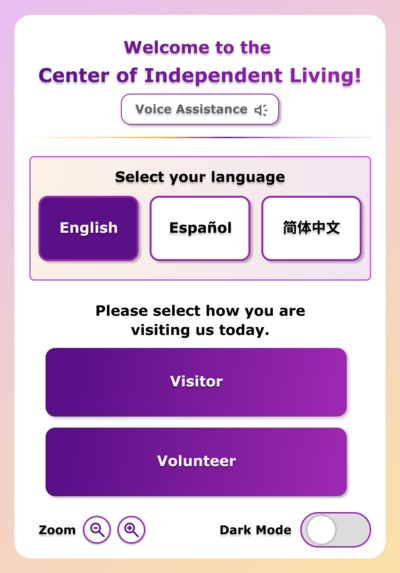
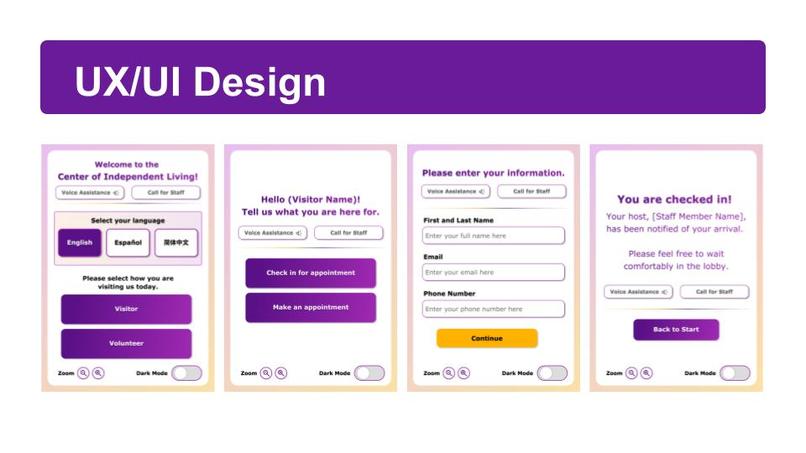
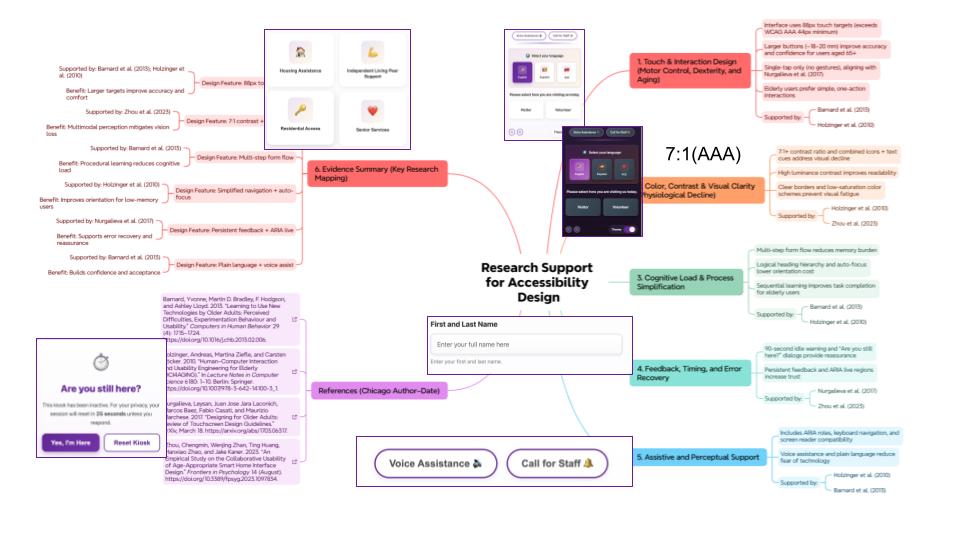
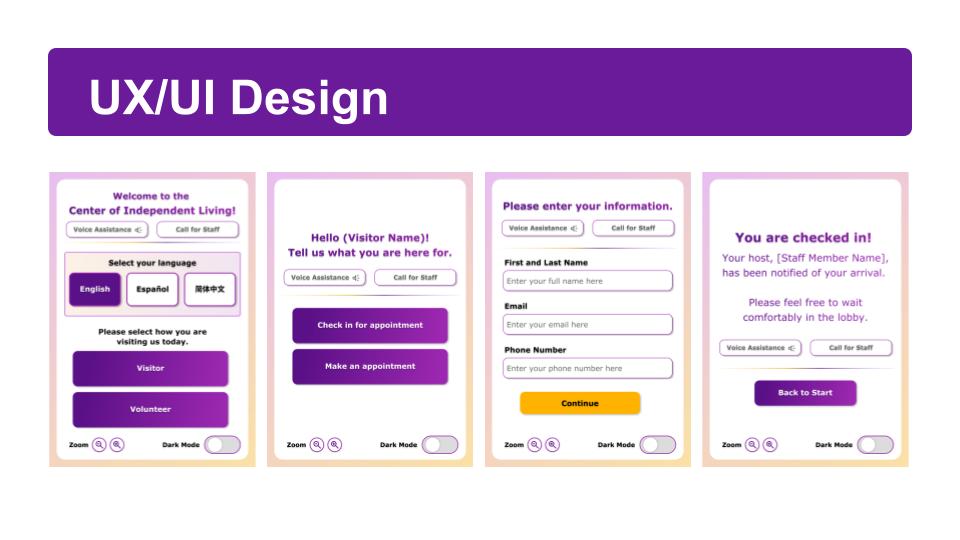
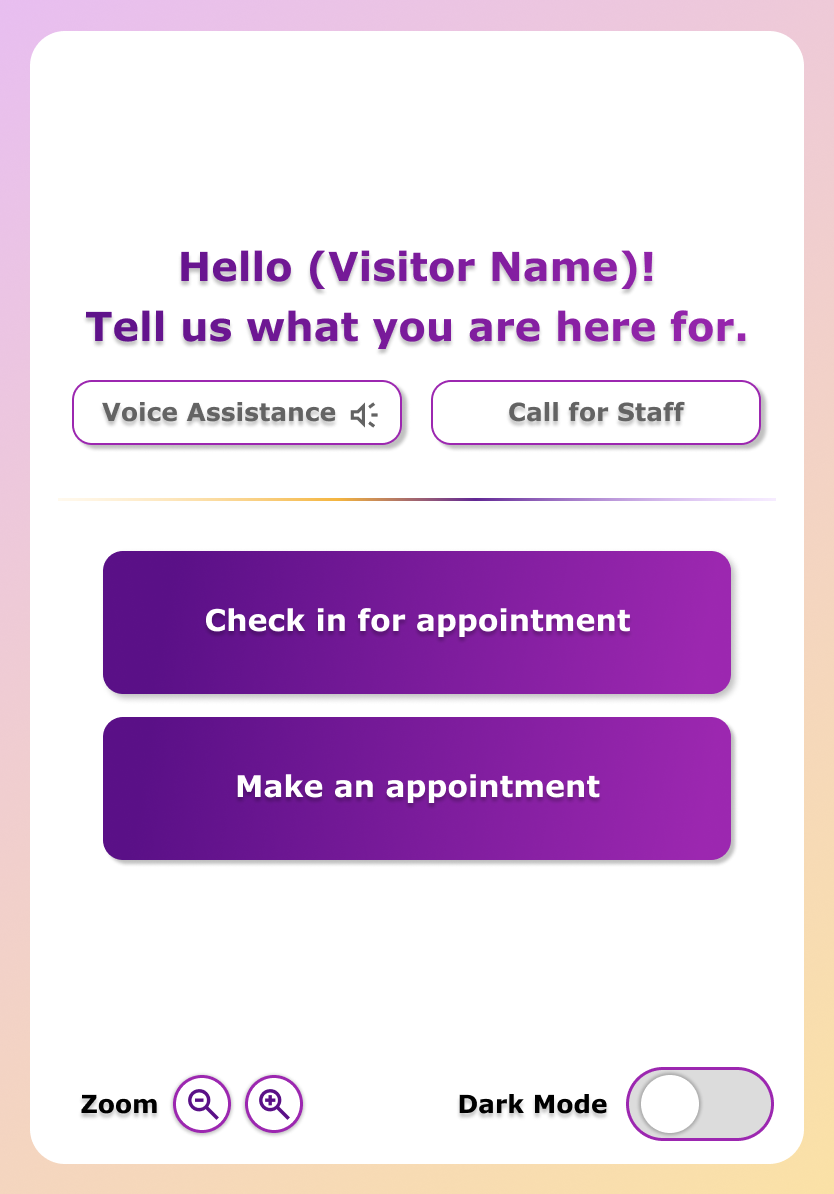
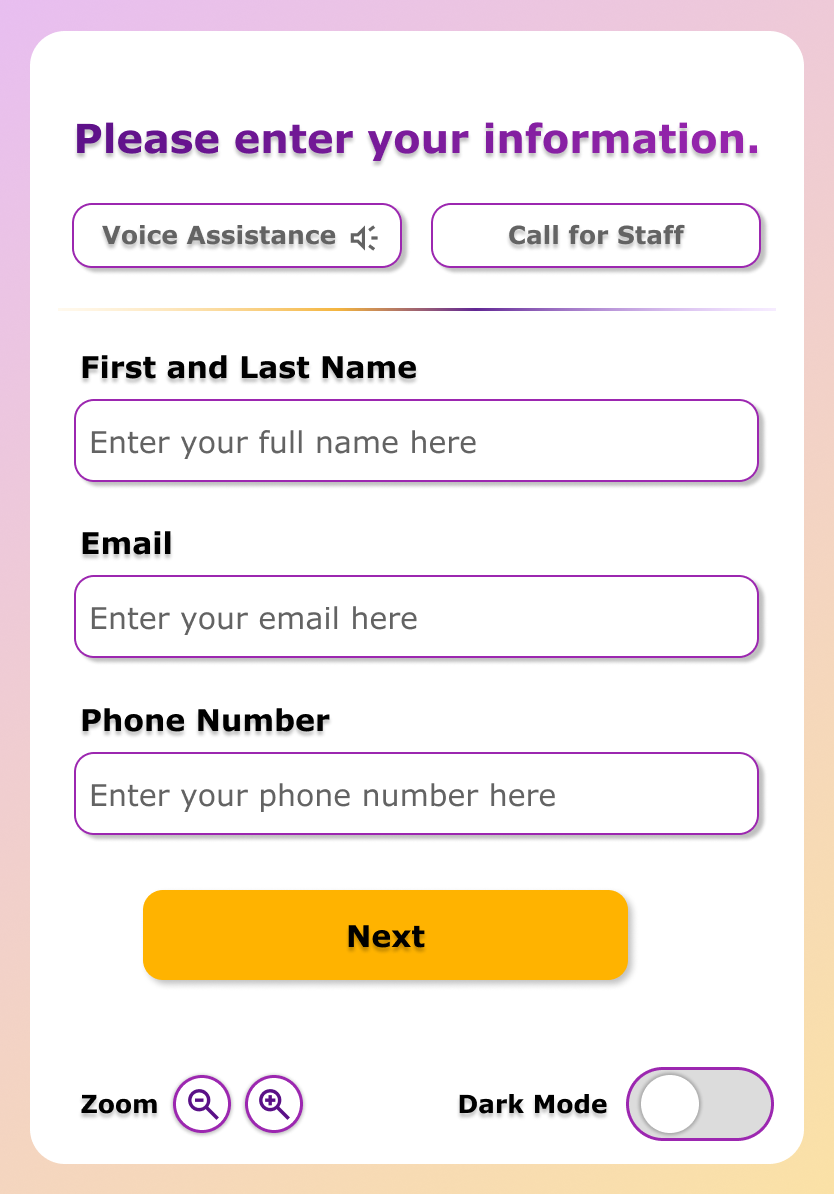
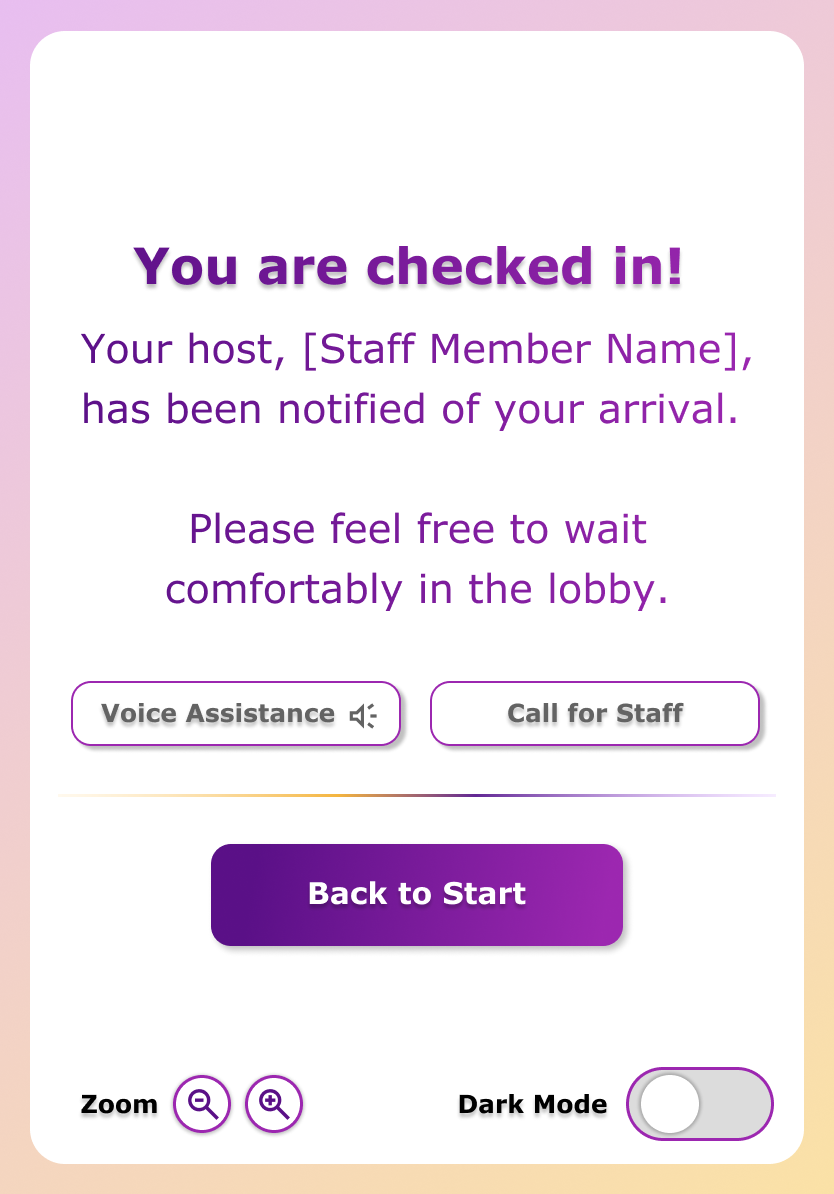
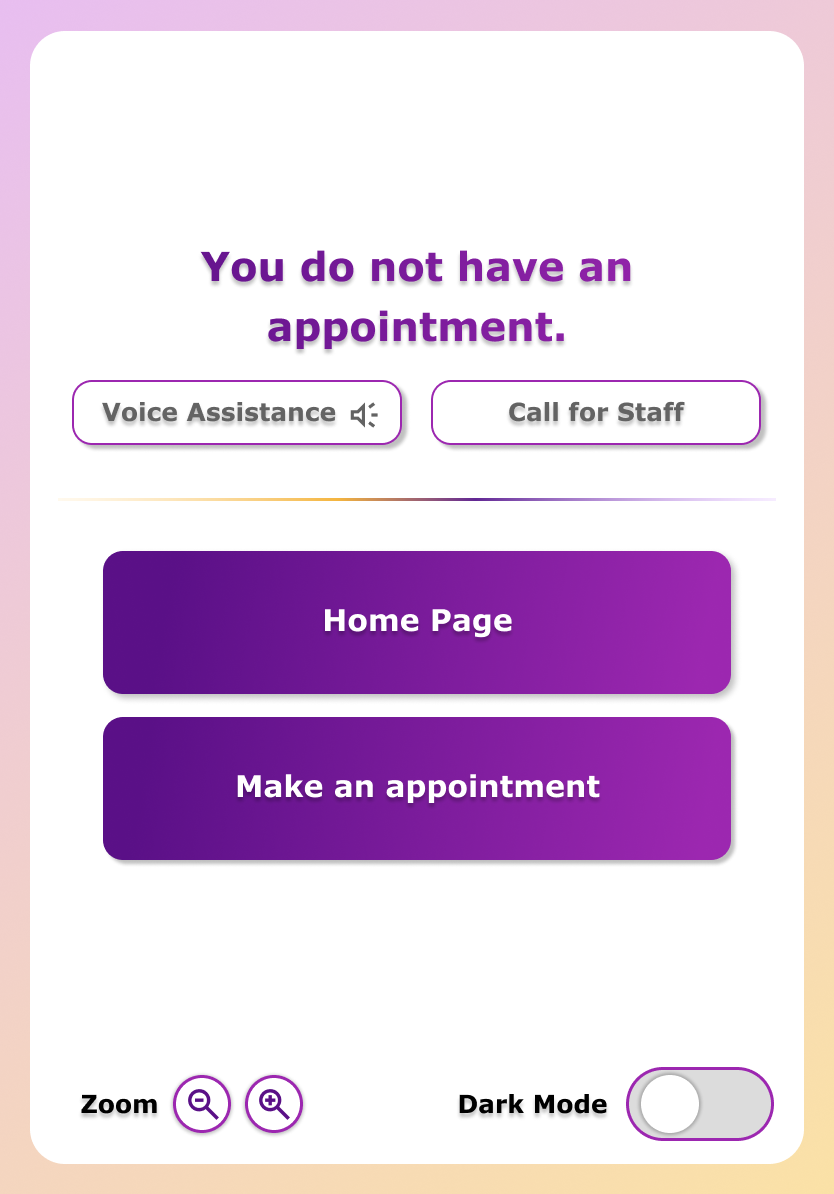
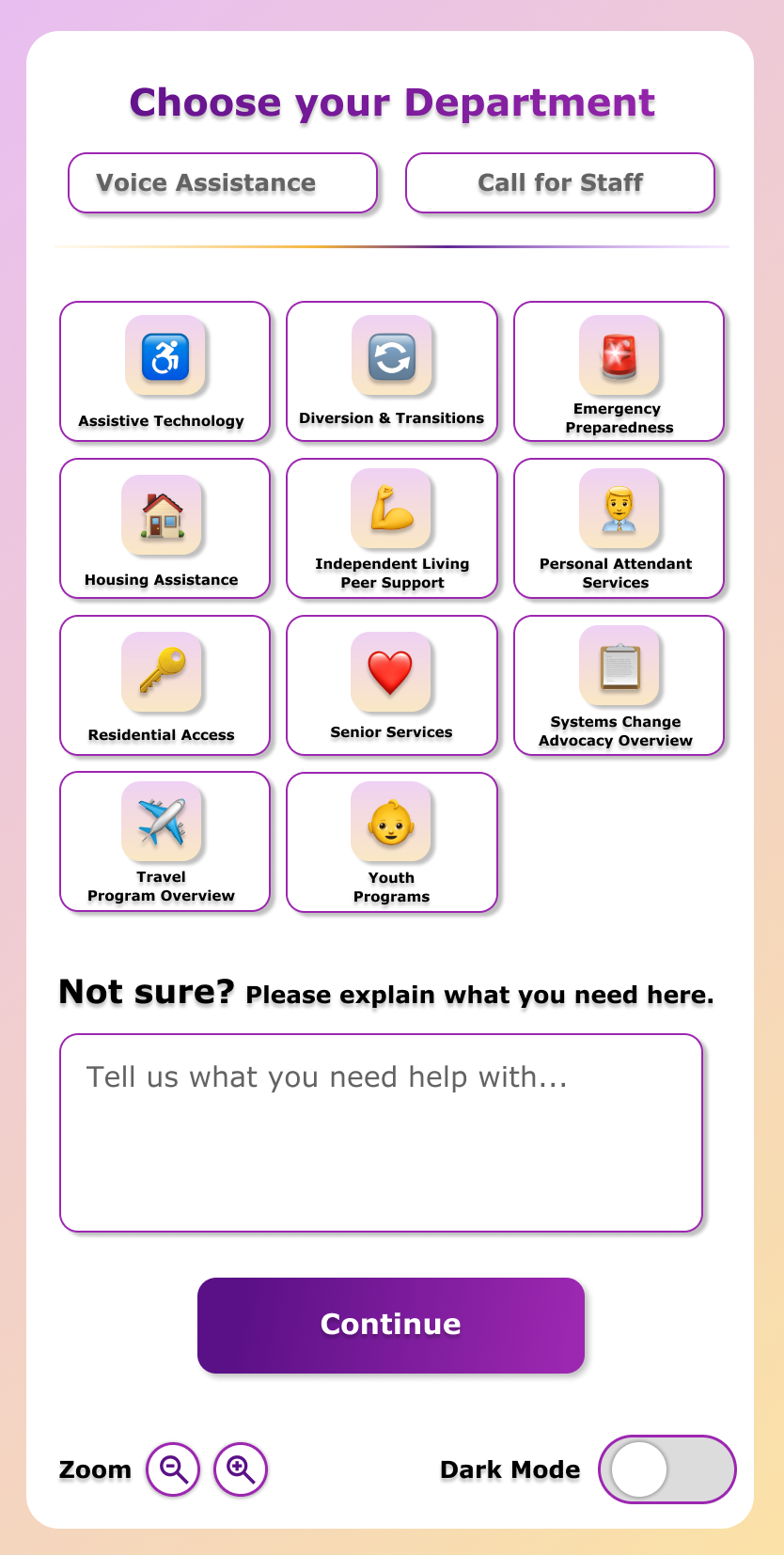
There is always option to talk to a staff, and accessibility-related functions are always on top.
-
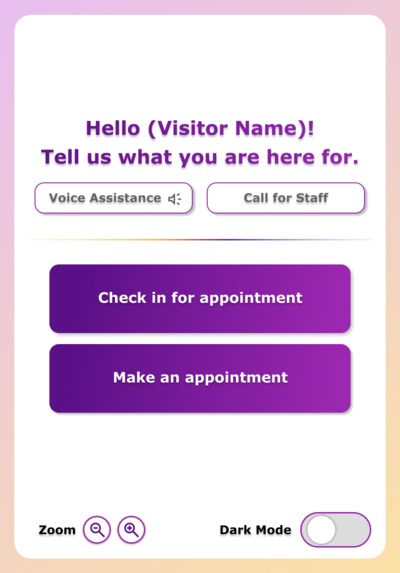
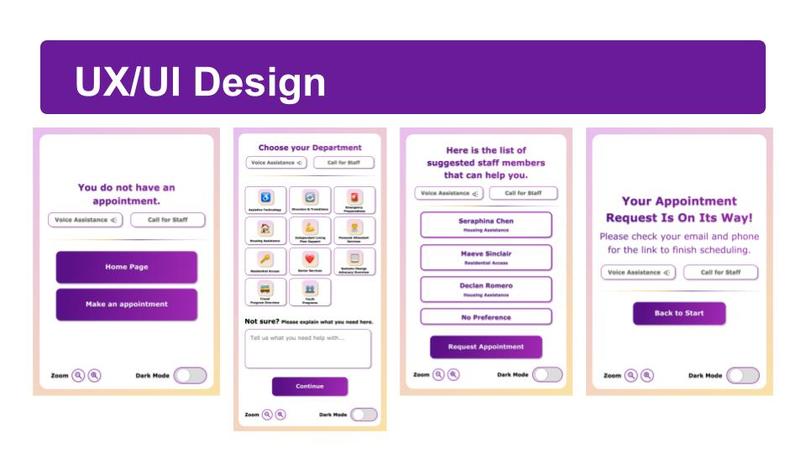
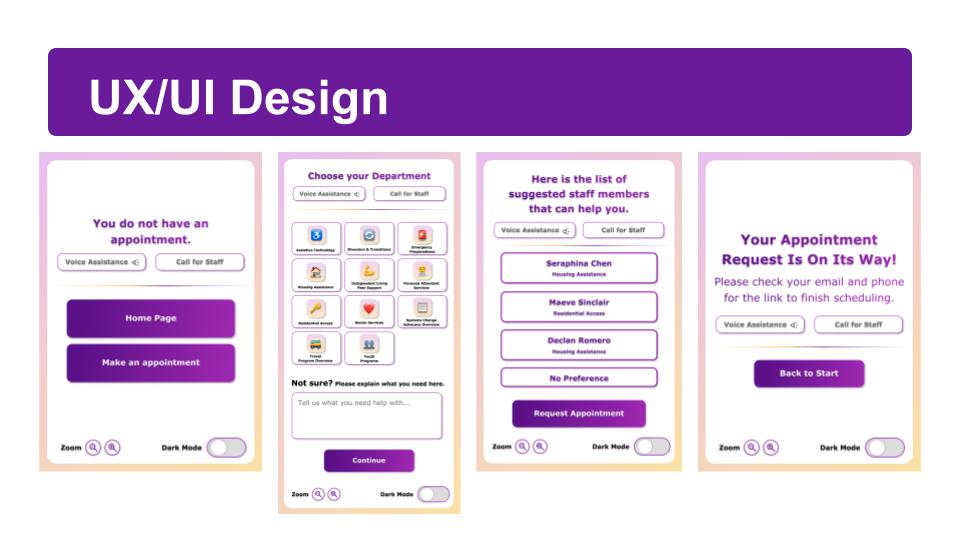
We help them know what they have come here for by helping them identify and categorize their needs according to the services we offer.
-
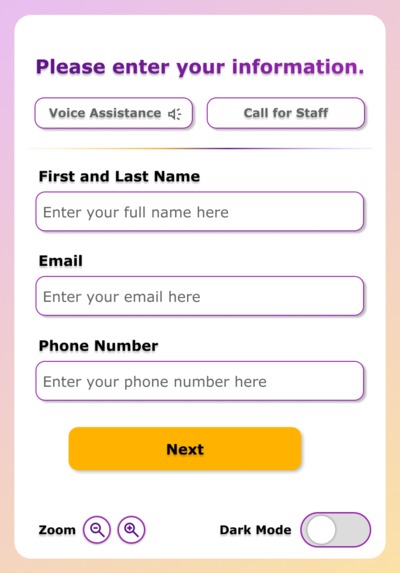
If someone who has had an appointment, we will check-out for them.
-
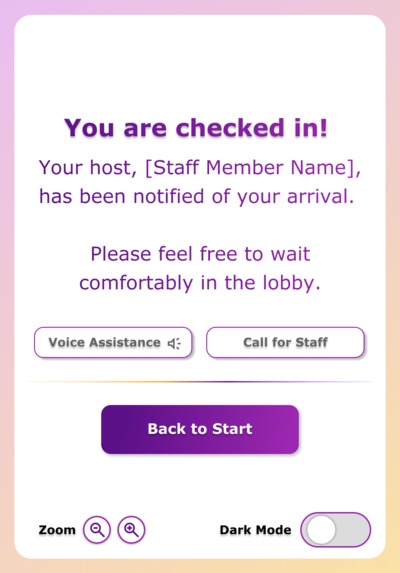
Once they have checked in, we will notify the staff.
-
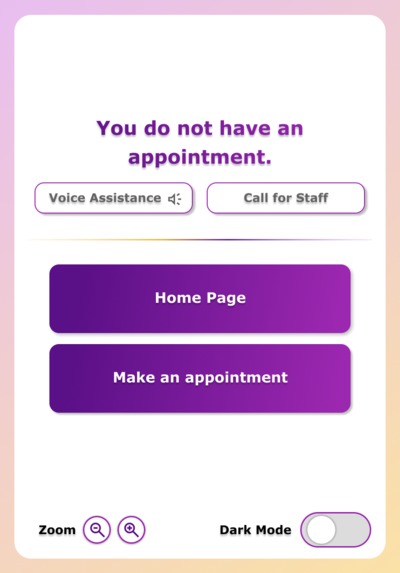
If they do not have an appointment, we will guide them on how to make one only if they want.
-
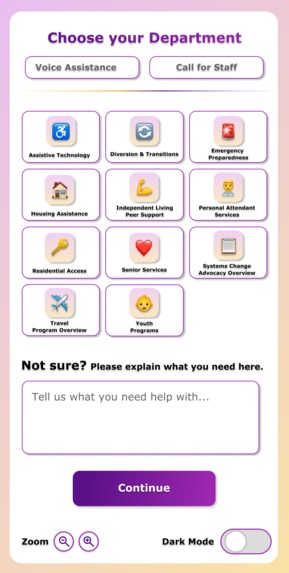
Finding the right resource is the first step to better life.
-
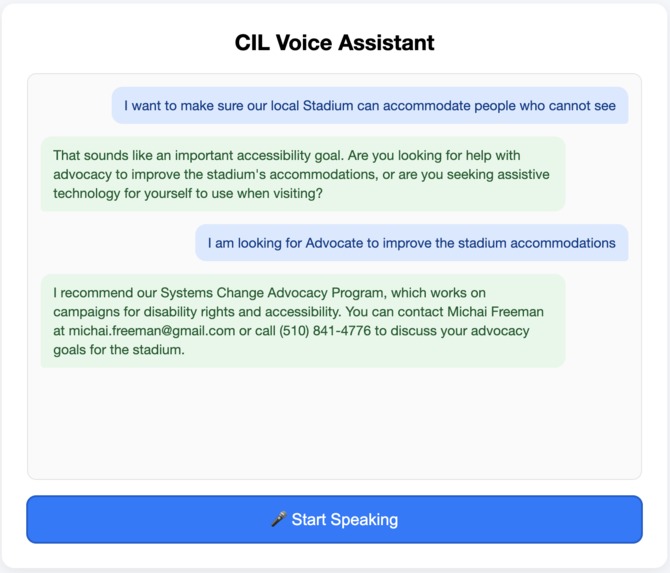
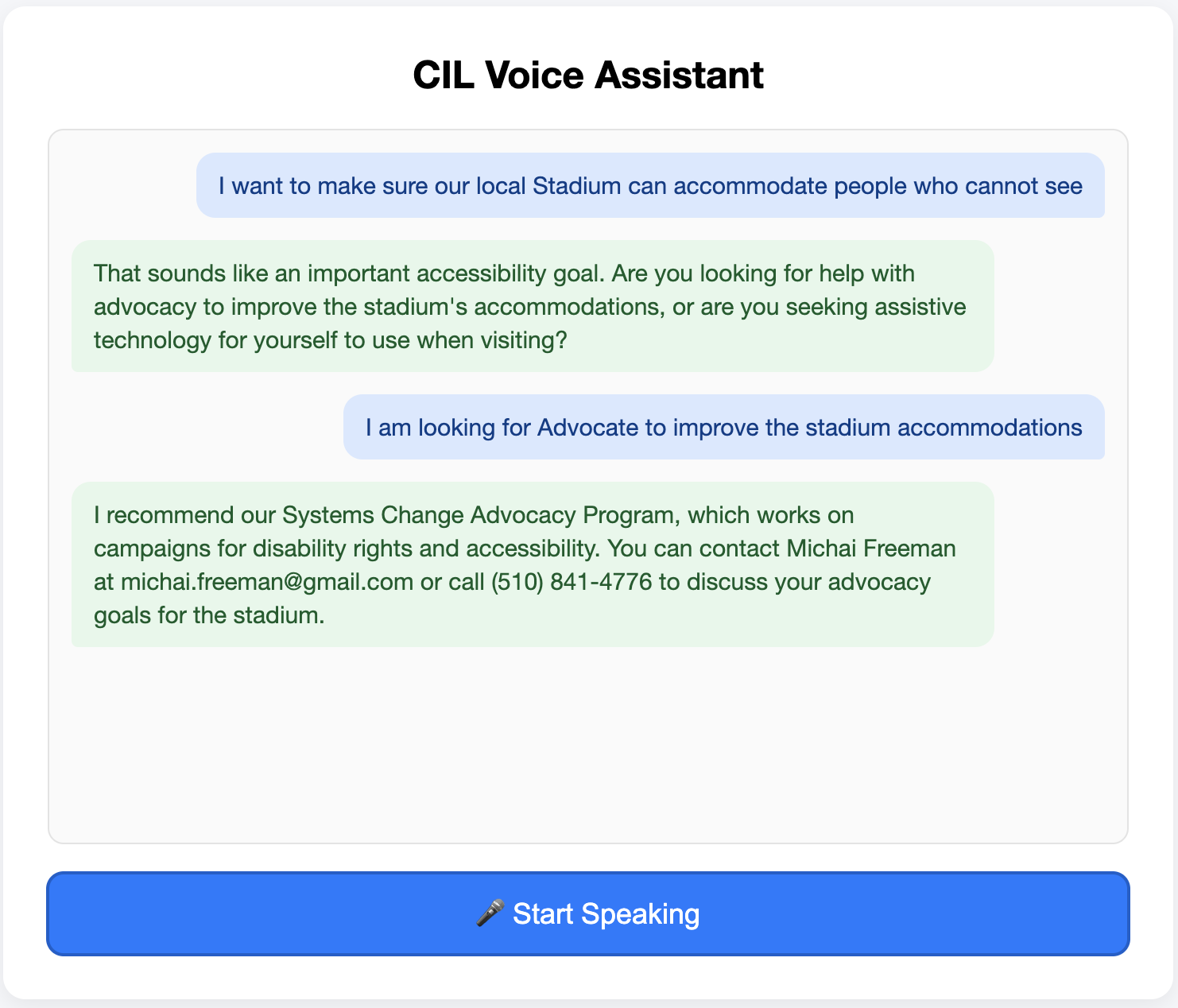
Voice interaction of our AI reference system
-
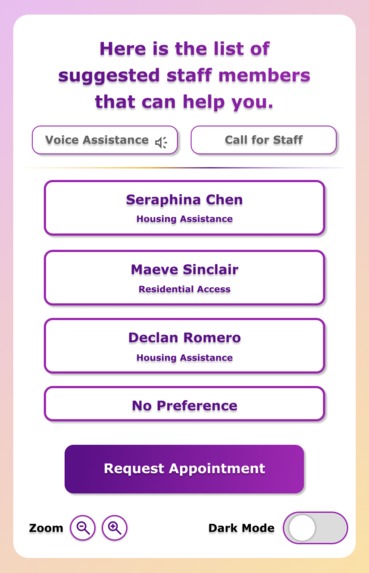
Talk to someone who can actually help to make a differences!

Inspiration
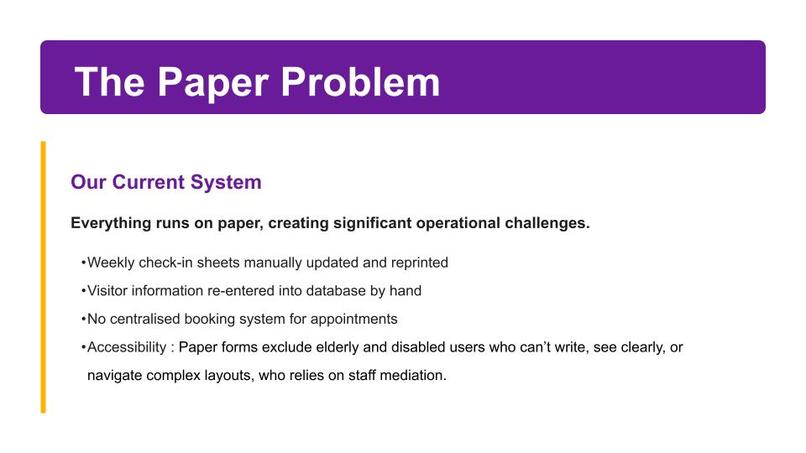
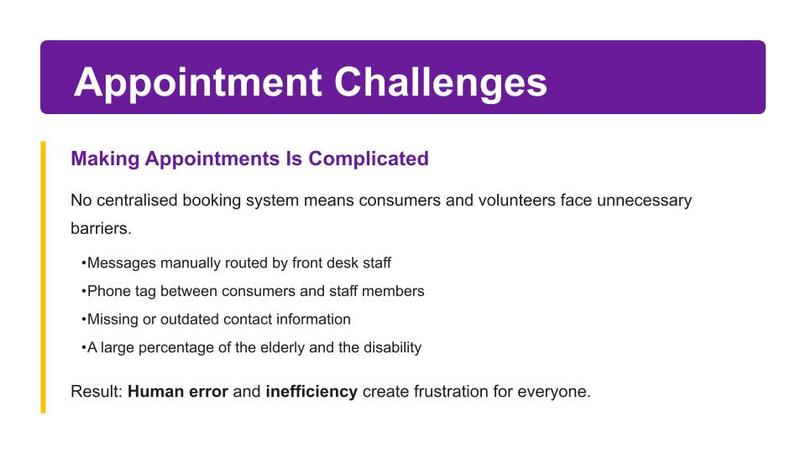
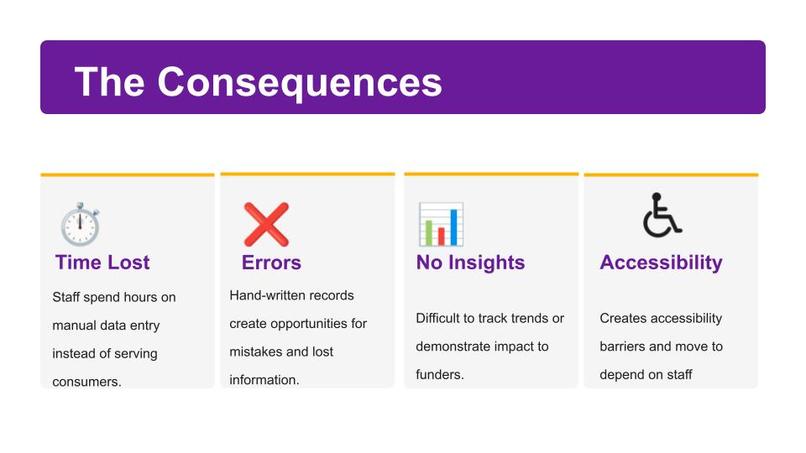
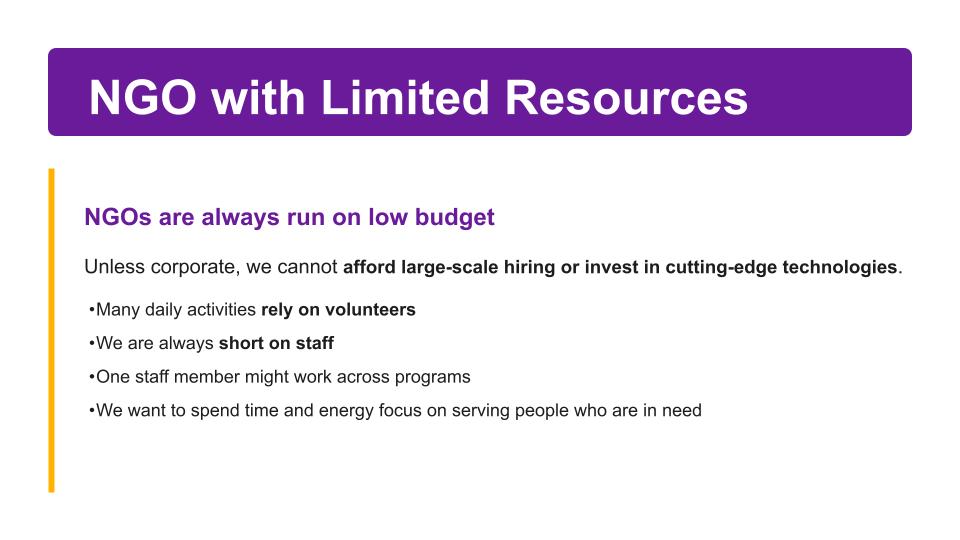
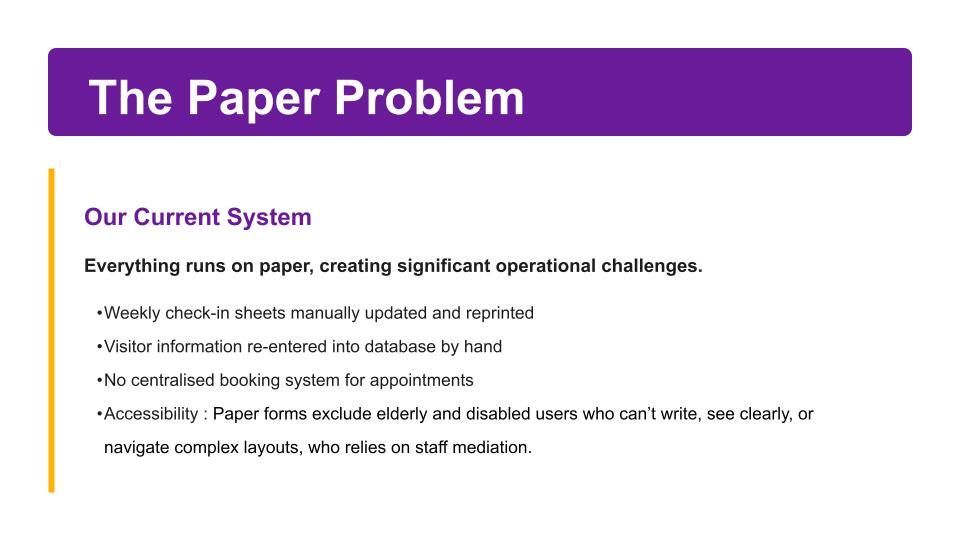
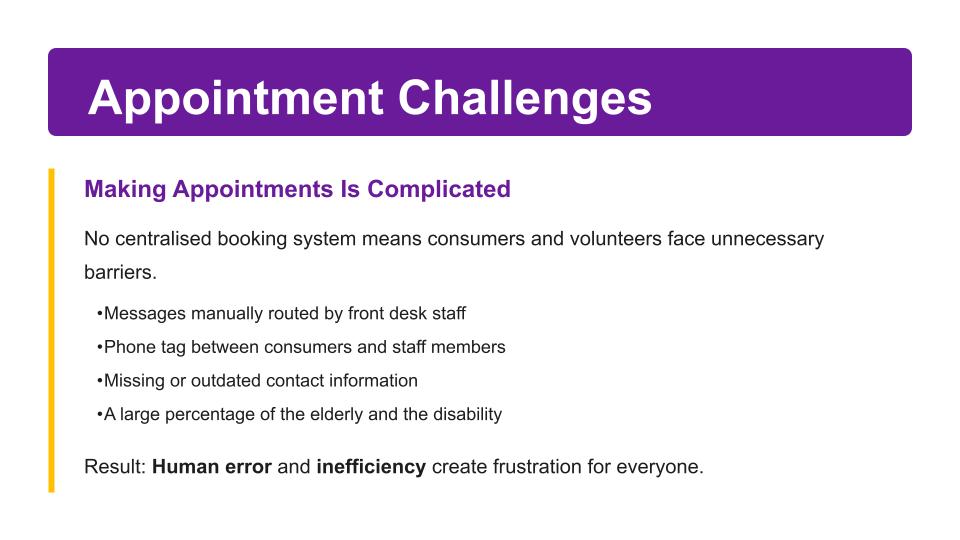
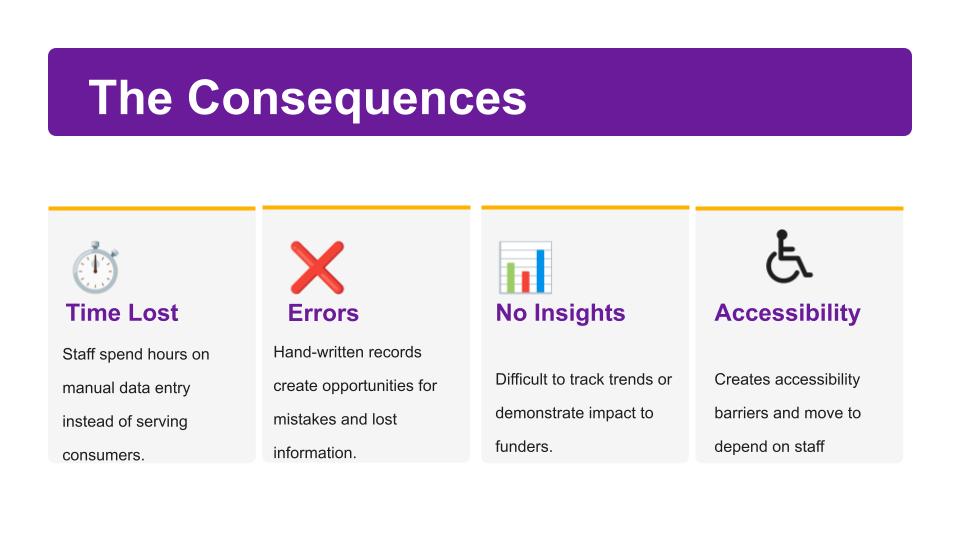
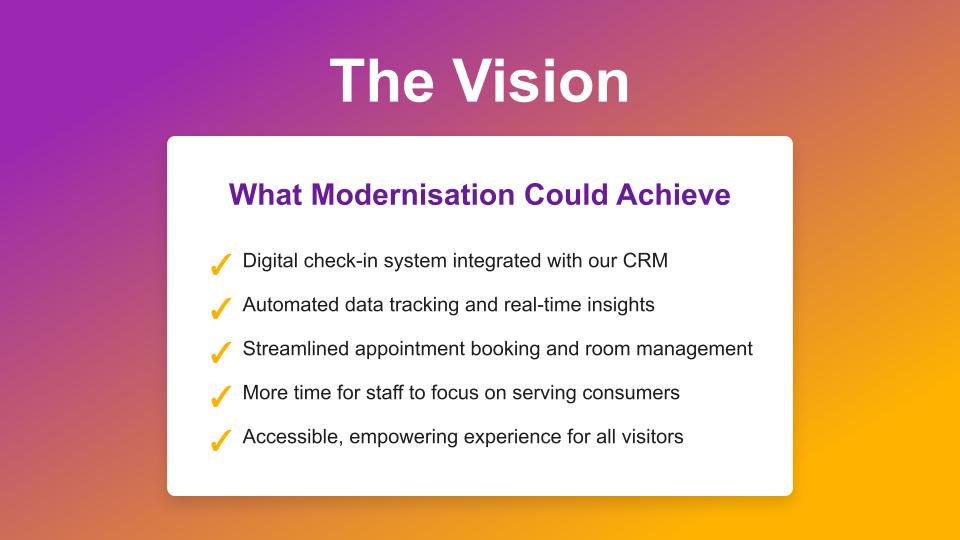
Our work is inspired by the need to create a seamless, accessible, and efficient check-in experience at the Centre for Independent Living (CIL). Currently, administrative tasks, volunteer and customer check-ins, and appointment management are paper-based mainly, leading to inefficiencies such as weekly reprinting of sign-in sheets, manual spreadsheet updates, and duplicate data entry into databases. Staff frequently encounter missed delivery notifications, inconsistent front-desk coverage, and limited capacity to report the impact to funders. Accessibility concerns, particularly for individuals using screen readers or other assistive technologies, further motivated us to rethink the process. Our goal was to create a system that digitises check-in and volunteer tracking while preserving the welcoming and accessible environment that CIL prides itself on.
What it does
- Digital Check-In Kiosk
- Minimal typing with selectable options.
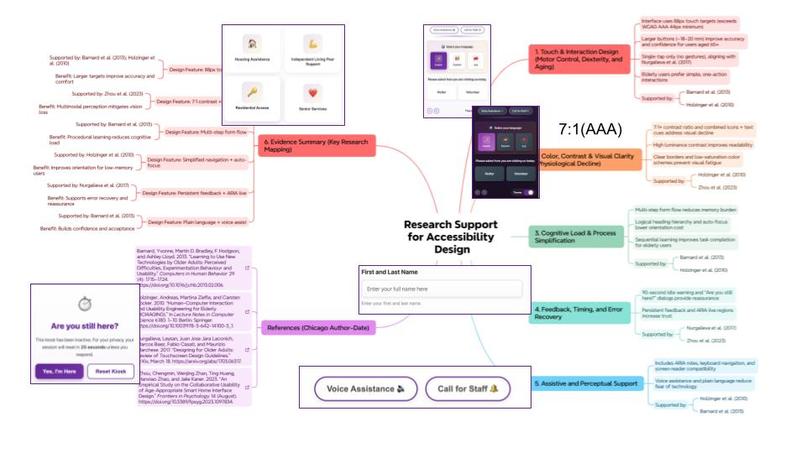
- Adjustable text size, high-contrast mode, and audio check-in.
- Helps visitors locate existing appointments and matches them to the right staff or resources using AI.
Supports creating new appointments, sending notifications and reminders, and syncing staff calendars to mark availability.
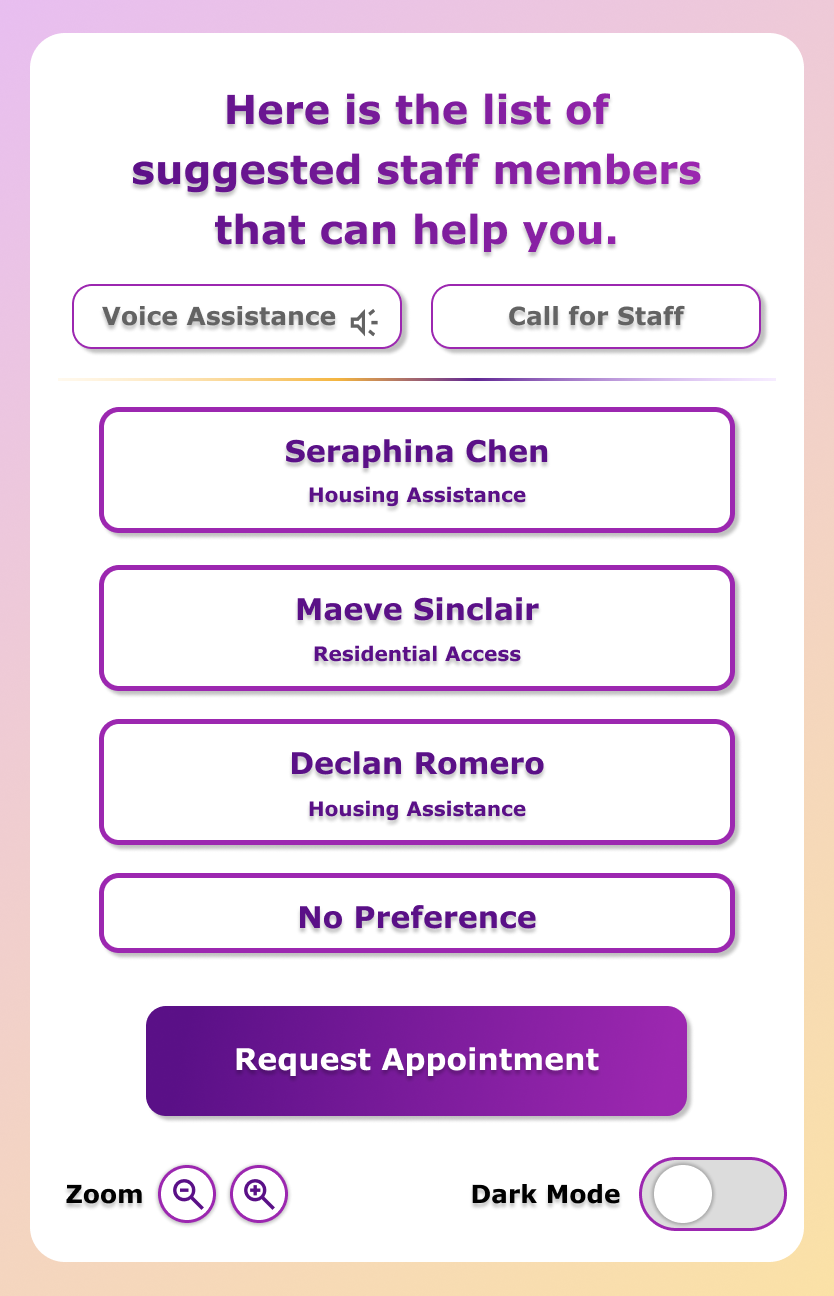
Smart matching system to help people find the right staff member to can help them with their problems.
How we built it
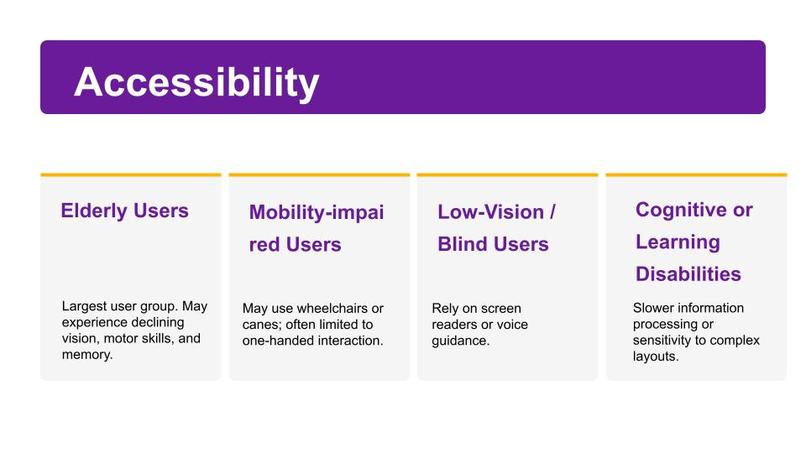
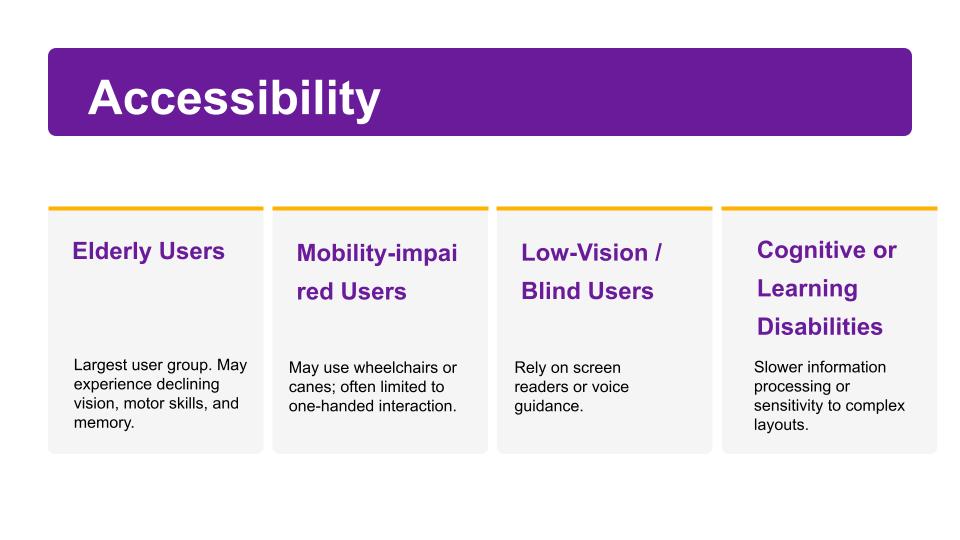
We designed the system through a phased, accessibility-first approach. The interface prioritises simplicity with minimal required fields, adjustable text size and contrast settings, and compatibility with JAWS, NVDA, and voice input software. The architecture supports gradual expansion from basic check-in to advanced features such as AI-assisted service matching.
Challenges we ran into
How to make the experience comprehensive in a short amount of time
Accomplishments that we're proud of
We managed to come up with a demo with full backend codes and front-end codes Feel free to try them out.
What we learned
MVP is everything! Putting ourselves into other's shoes
What's next for CIL
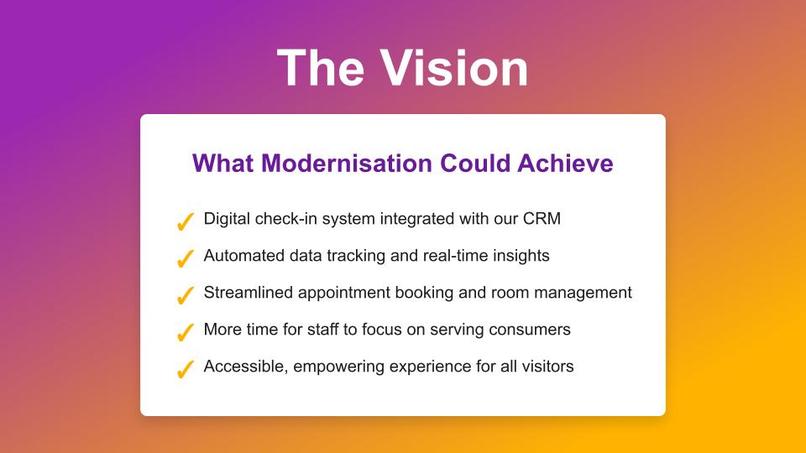
Implementing a full organisation management system

Log in or sign up for Devpost to join the conversation.