Inspiration
ChronoVision: The Digital Eyetic Memory We live in a world of information overload. Whether it’s a specific line of code in a three-hour tutorial, a unique design element on a fast-scrolling feed, or a critical detail mentioned in a late-night video call, our brains are not designed to remember every pixel we see.
We were inspired to build ChronoVision to solve "digital amnesia." We wanted to leverage the massive 1 million+ token context window of Gemini 3 to create a tool that doesn't just record your screen, but actually understands your day. Our goal was to turn your "digital exhaust" into a searchable, intelligent timeline.
What it does
ChronoVision acts as a personal historian for your computer. It runs silently in the background and provides three core capabilities:
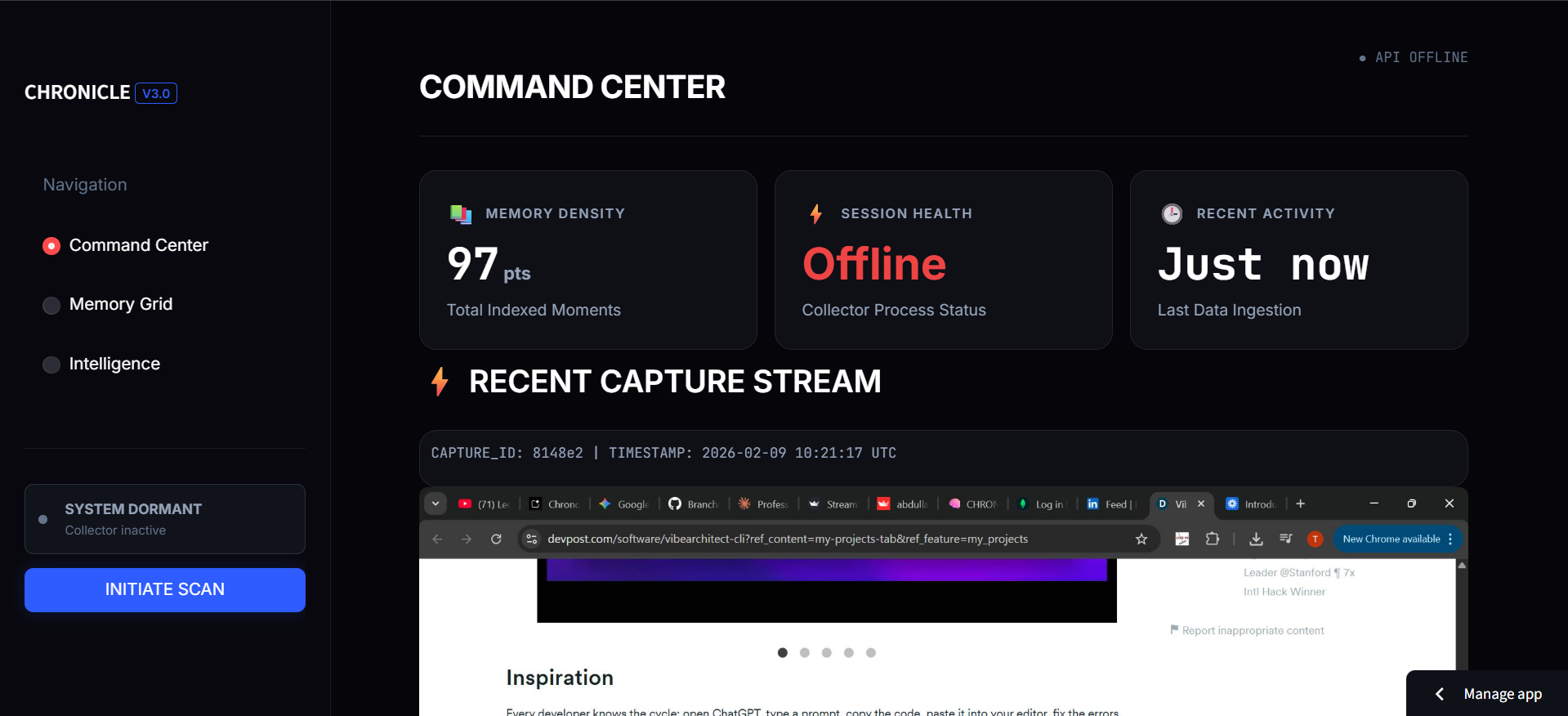
Intelligent Indexing: Instead of just recording raw video, it captures screenshots and uses Gemini 3's vision capabilities to "read" and describe what you are doing (e.g., "User is researching flight prices to Tokyo on Expedia").
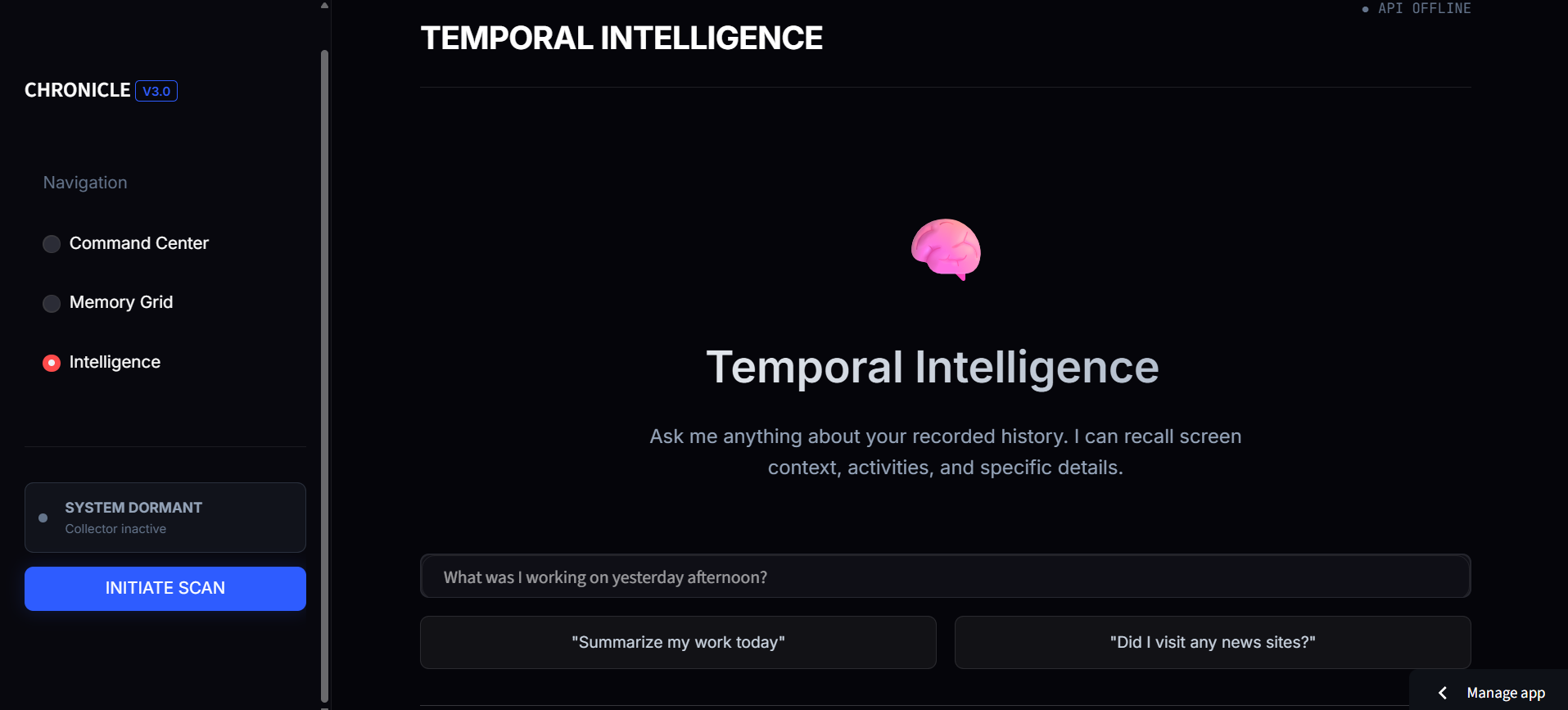
Semantic Search: You don't need to remember keywords. You can ask natural questions like, "What was that blue ergonomic chair I saw on a blog two days ago?" or "What did my boss say about the API keys during the meeting?"
Temporal Reasoning: Because it holds your recent history in a massive context window, it can connect dots over time, helping you find specific moments across hours of activity in seconds.
Smart Sensitive-Data Filter The application should not blindly record everything. You can implement a "Privacy Guard" that automatically pauses the collector in sensitive scenarios:
App Blacklist: Automatically stop screenshots if the active window is a Password Manager (e.g., 1Password), a Banking app, or an Incognito browser tab.
Keyword Trigger: Use Gemini 3 to scan the first screenshot of a session. If it detects words like "Confidential," "Credit Card," or "SSN," it can auto-redact that area or delete the memory immediately.
How we built it
We designed ChronoVision with a focus on speed, local privacy, and deep reasoning.
The Collector (Python): We built a background service using PyAutoGUI that takes high-efficiency snapshots of the screen at set intervals.
The Brain (Gemini 3 Pro): We utilized the Gemini 3 API to analyze these images. We specifically used "Low Thinking" mode for rapid indexing and "High Thinking" mode for complex user queries.
The Vault (MongoDB Atlas): We chose MongoDB for its flexible document schema. This allowed us to store varied metadata (app names, extracted text, and AI summaries) without the overhead of a rigid SQL structure.
The Recall UI (Streamlit): We built a clean, "Google-style" search interface using Streamlit, which allows for real-time interaction with the MongoDB cluster and the Gemini reasoning engine.
What we learned
Multimodal Reasoning: We mastered using Gemini 3 to translate visual screen pixels into structured, searchable text data.
Long-Context Power: We learned how to leverage the 1M+ token window to analyze hours of history in a single query, rather than using complex data chunking.
NoSQL Scalability: Using MongoDB Atlas taught us how to handle unstructured AI metadata and perform high-speed time-series searches.
Production Optimization: We learned to manage serverless constraints by pruning dependencies to fit Vercel’s 250MB limit.
What's next for ChronoVision
We are moving beyond a local script to build a unified experience across all devices:
Desktop App: A native Windows/macOS system tray application for high-performance, low-latency background indexing. Mobile App: A Flutter-based mobile application to capture and search "real-world" memories using your phone's camera and Gemini Live.
To ensure 100% user privacy, we plan to integrate Gemini Nano. This allows the AI to describe and index your screen locally on your device, ensuring sensitive data never leaves your hardware.


Log in or sign up for Devpost to join the conversation.