-
-
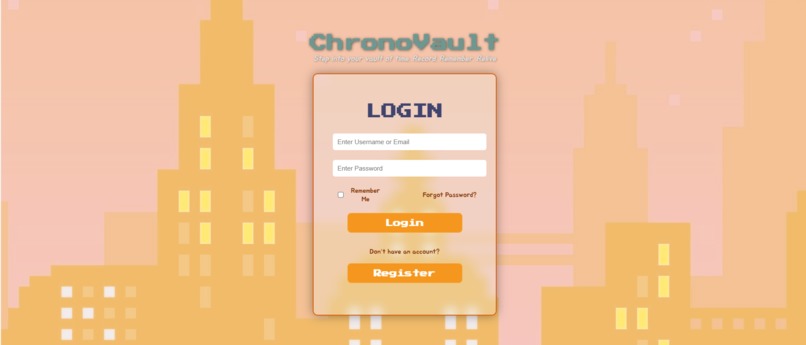
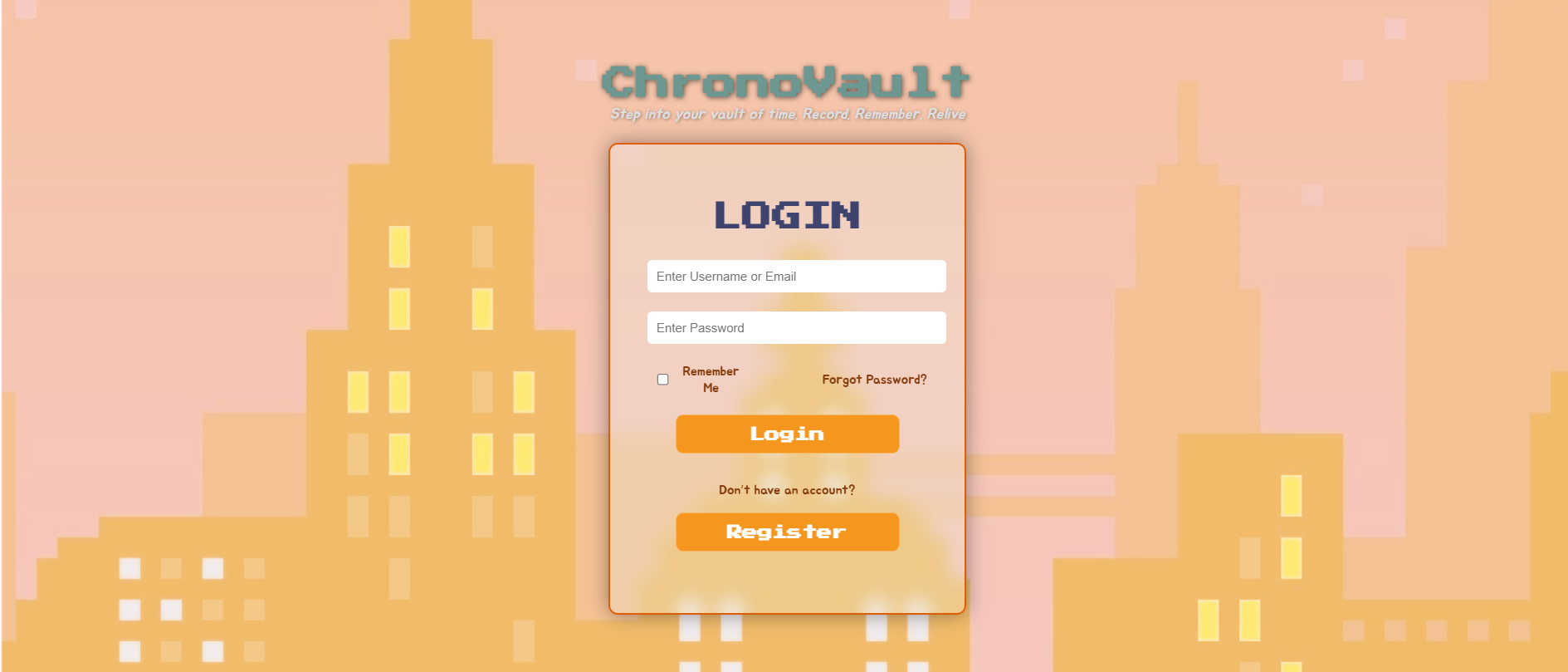
Login Page
-
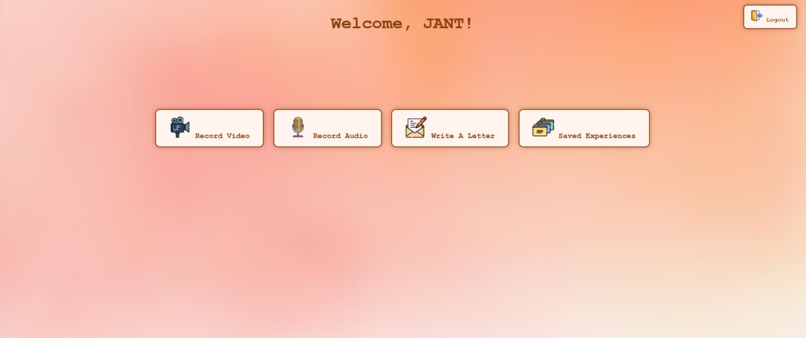
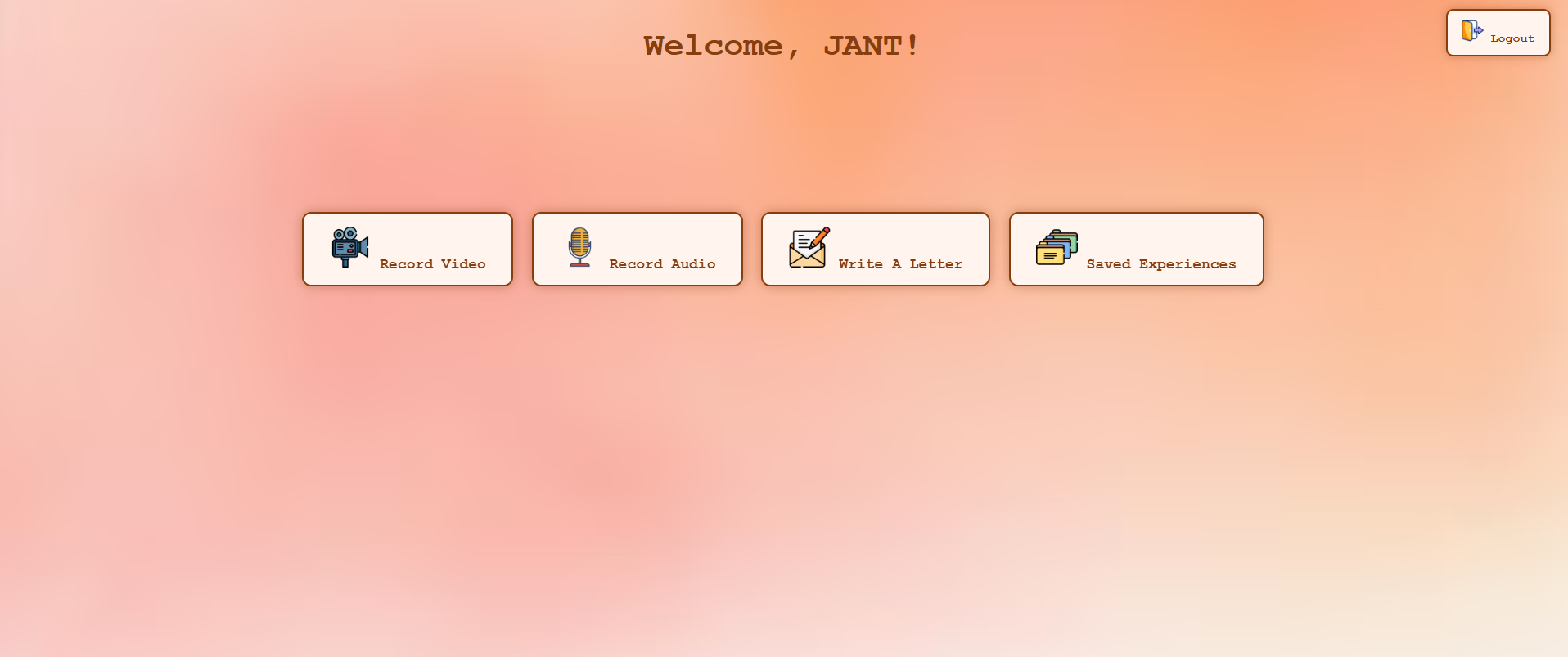
Entry Capturing Page
-
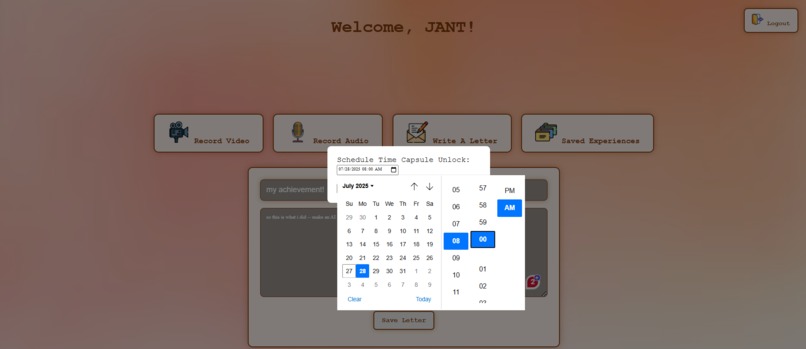
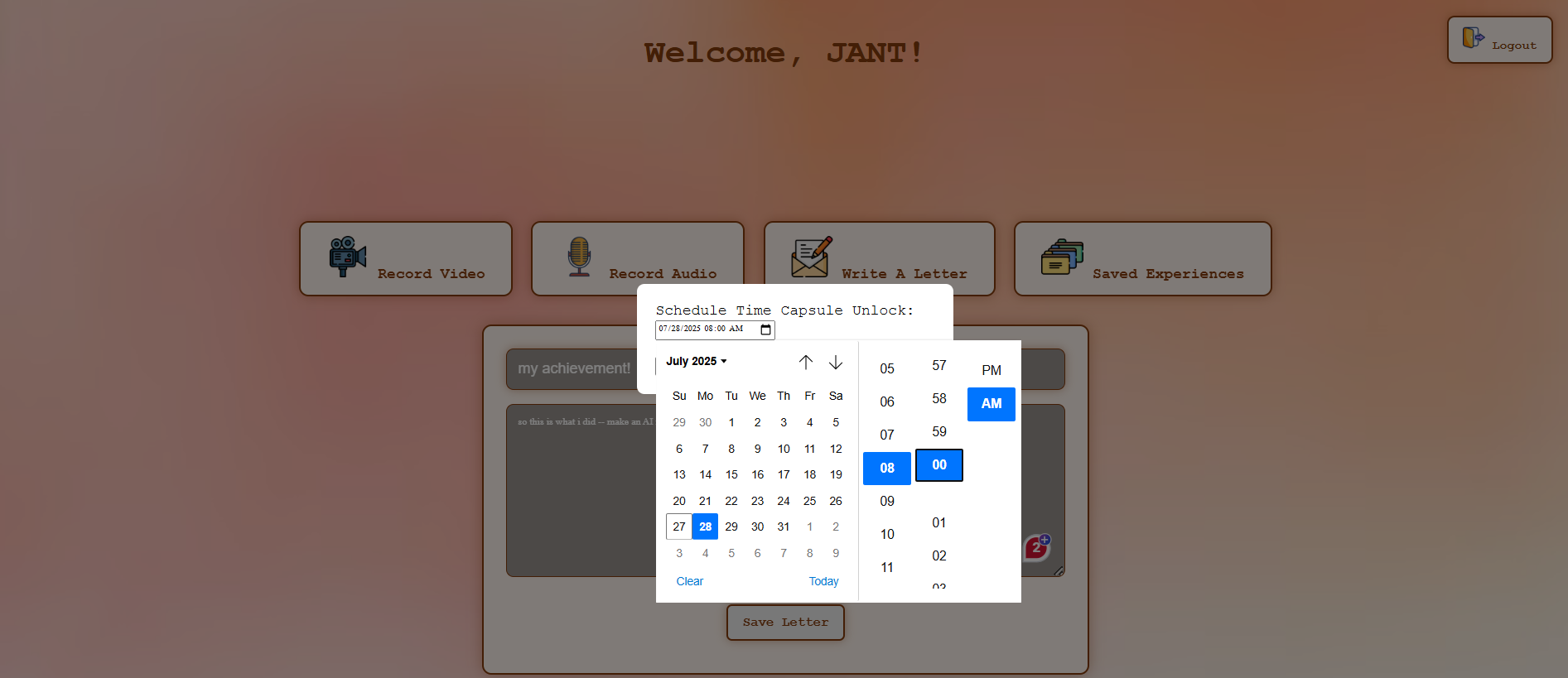
Scheduling Unlock Date & Time
-
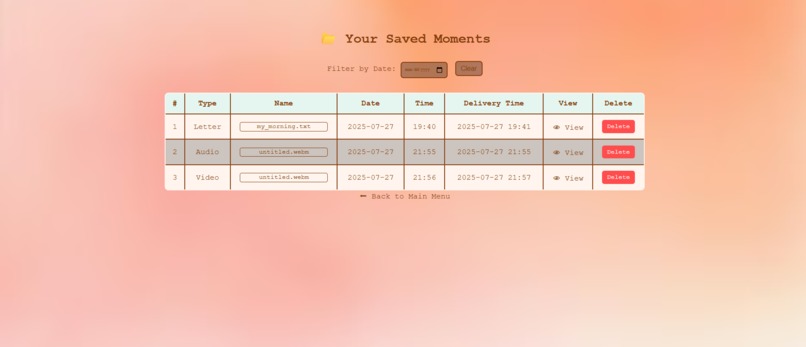
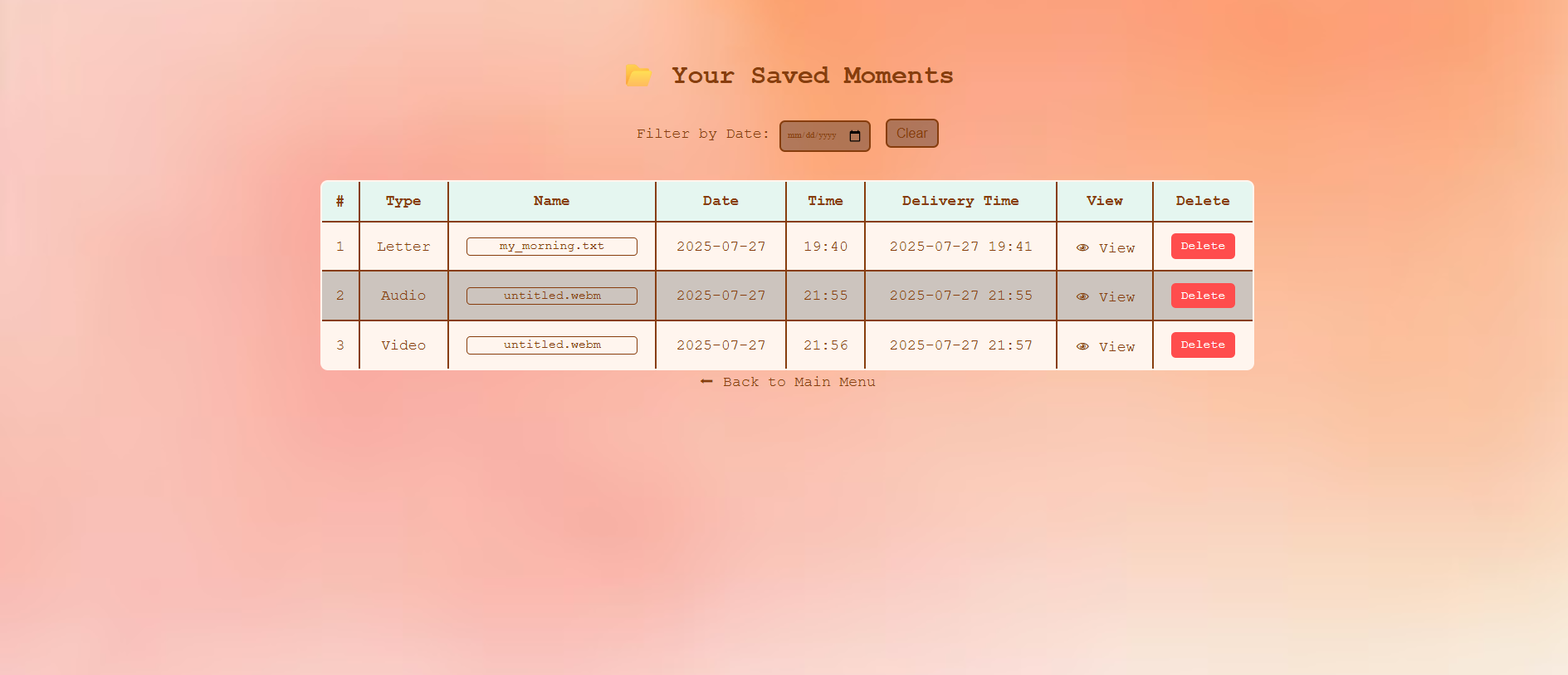
Viewing Entries When Unlocked
-
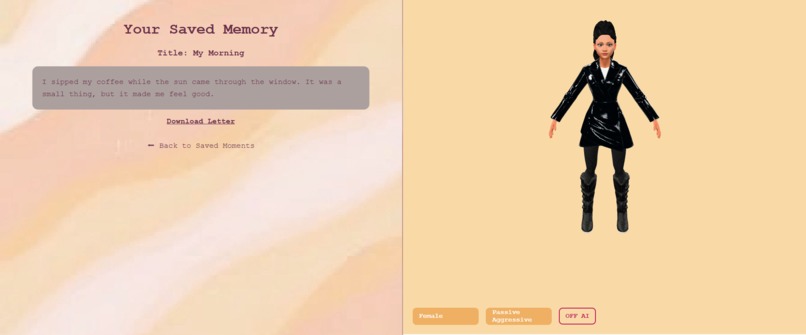
AI Interpretor with an Avatar

Inspiration
We built Chronovault out of a shared love for nostalgia — that quiet, powerful feeling when you look back on old memories and realize how far you've come. Time passes quickly, and we often forget the little things: the sound of our voice, the dreams we had, or the joy in a fleeting moment. Chronovault acts as a digital time capsule to preserve those memories, letting us reconnect with our past selves.
Why AI Narration? We asked ourselves: what if memories could tell their own story? The AI commentator feature was born from the idea that narration can enhance emotional connection — turning a transcript into something more human, more expressive, more cinematic. Some users may want to just read, but others might want to feel the moment again, as if a trusted guide — or even a version of themselves — were telling it back to them.
It’s not about replacing the memory. It’s about re-experiencing it in a new light.
What it does
Chronovault allows users to create time-locked digital entries — either written letters or voice-based media — and unlock them in the future with an optional AI-powered narration experience.
Core Workflow
- Sign Up: Users register via email. Accounts are stored in Firebase with unique user IDs.
- Entry Types: Users can create two types of time capsules:
- Text-based entries (e.g. letters, written reflections)
- Media entries (voice/video) captured in-app
- Scheduled Delivery: Every entry has a future unlock date — until then, it's locked and inaccessible.
- Voice Transcription: Voice-based media is automatically transcribed into text behind the scenes, which is later used for AI narration.
- Notifications: Users receive in-app alerts when entries are unlocked.
- View Unlocked Memories: Once unlocked, entries appear in a dedicated viewing tab.
- Choose Narration Option:
- AI Narration – YES:
- Users can choose narration tone and voice gender
- A corresponding avatar appears
- The AI narrates the entry aloud
- AI Narration – NO:
- The user simply views the memory as-is
- AI Narration – YES:
How AI Narration Works
- Transcripts (from text entries or media) are sent as prompts to OpenRouter’s Qwen AI model.
- The model generates a narrative-style response based on the original content.
- This AI response is then converted to speech using the browser’s built-in Text-to-Speech (TTS) API.
- Voice gender and tone are chosen based on user preferences using available system voices.
How we built it
We built Chronovault as a web app using a modular approach.
Frontend: We used vanilla JavaScript, HTML, and CSS to keep the interface fast and accessible, avoiding the complexity of heavier frameworks. UI elements handle form input, time selection, avatar rendering, and audio playback.
Backend & Auth: User registration and authentication are handled through Firebase Authentication, with unique user IDs created and stored in Firestore. Entries are either stored locally or synced via Firebase depending on entry type.
Media & Voice Handling: Voice-based entries are captured using the Web Speech API, then converted to text transcripts via SpeechRecognition. These transcripts are stored for later use in narration.
AI Narration: We integrated OpenRouter’s Qwen model to generate rich, story-style AI responses based on user entries. The prompts include emotion cues and memory context.
Text-to-Speech (TTS): Narration output is read aloud using the browser’s native Text-to-Speech API based on what's available in their browser.
Scheduling & Unlocking: Each entry has a set unlock date. The app checks timestamps and shows entries only when their time has arrived. In-app notifications are triggered when an entry becomes available.
Hosting: The entire project is deployed on Netlify, allowing us to iterate quickly and share the working build easily.
Challenges we ran into
As first-year university students, this was our first time working with API integrations — and diving into OpenRouter’s AI APIs alongside browser-based Text-to-Speech definitely pushed us outside our comfort zones. One major challenge was getting voice-based media to flow smoothly through multiple steps: capturing the audio, converting it to accurate transcripts, crafting effective prompts for the Qwen model, and finally delivering the narration through the browser’s TTS. Each step had its own hurdles — from handling speech recognition errors to dealing with browser inconsistencies in voice playback. It was a steep learning curve, but figuring it out taught us a lot about working with real-world APIs, debugging asynchronous behavior, and connecting different tech layers into a unified experience.
Accomplishments that we're proud of
One of the accomplishments we're most proud of is designing a clean and intuitive user experience using just plain JavaScript — without relying on any frontend frameworks. Even in prototype form, the app flows smoothly and feels thoughtful, which was important to us given the emotional nature of the concept. But our biggest milestone was getting the AI narrator working end-to-end : capturing voice and generating transcripts (for media based entries), sending automatic text-based prompts to OpenRouter’s Qwen model based on the entry unlock, and converting the text-based response into real-time voice playback with browser-based TTS. As first-timers in API integration, seeing the narration come to life during internal testing was a huge moment for us and proved we could pull off something ambitious in a short time.
What we learned
This hackathon taught us the immense value of teamwork and clear communication — coordinating our efforts made it possible to move fast and solve problems together. We also gained hands-on experience with time and project management, balancing ambitious goals with the limited timeframe. Architecting the prototype end-to-end gave us insight into designing smooth user flows and integrating multiple technologies seamlessly. Most importantly, as first-timers with API integration, we learned how to connect front-end interfaces with powerful AI services like OpenRouter’s Qwen model and browser-based Text-to-Speech, turning abstract ideas into a working, interactive app.
What's next for Chronovault - The Time Capsule
- Develop a more polished and visually appealing UI to enhance the user experience.
- Implement advanced avatar designs and more natural, customizable voice generation.
- Evolve the AI narration into a two-way interaction, allowing users to chat or converse with their avatars while it provides real-time thoughtful answers.
- Prepare for a full live release, making Chronovault available to the public.
Built With
- css
- firebase
- html
- javascript
- netlify
- openrouter

Log in or sign up for Devpost to join the conversation.