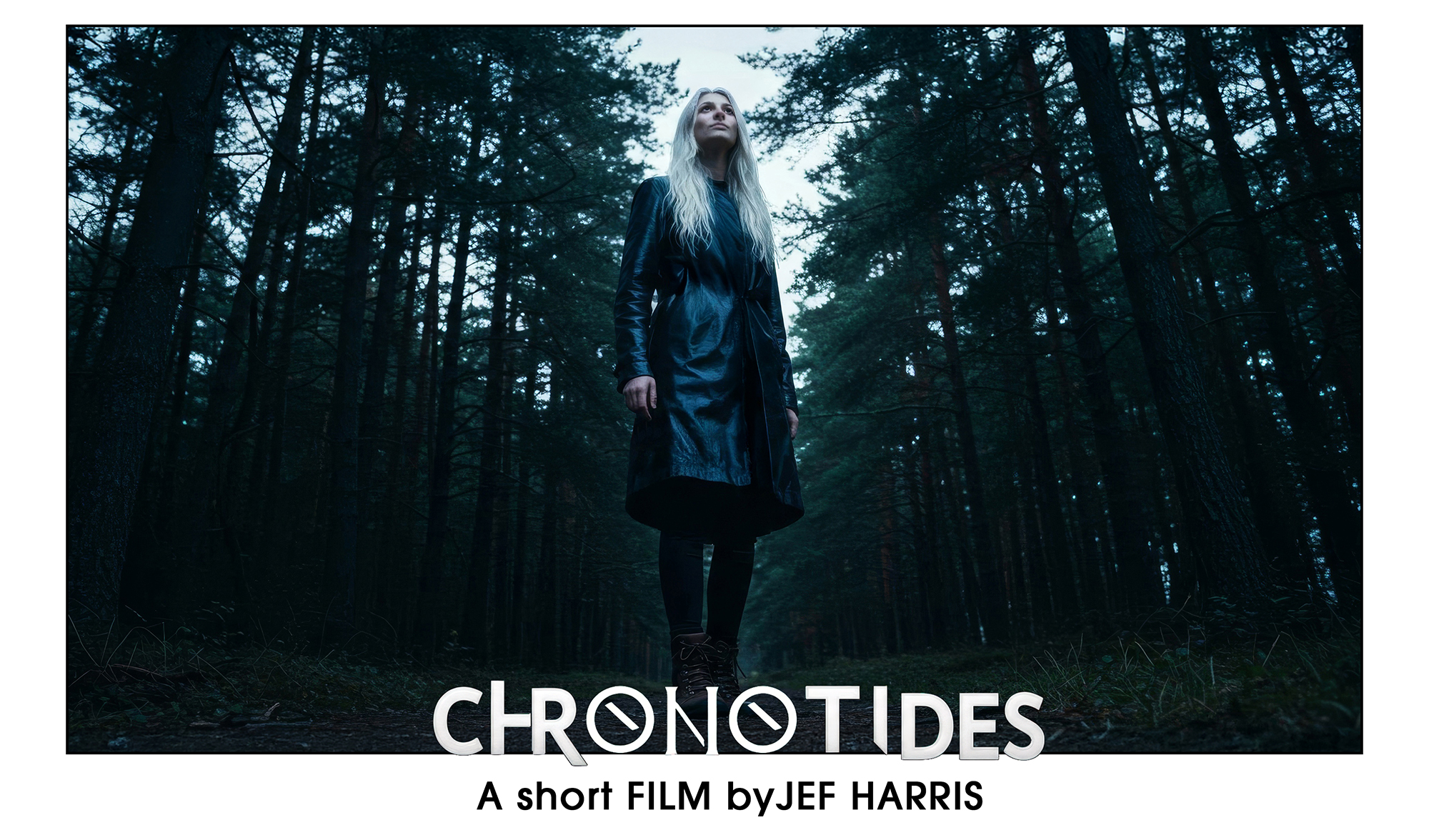
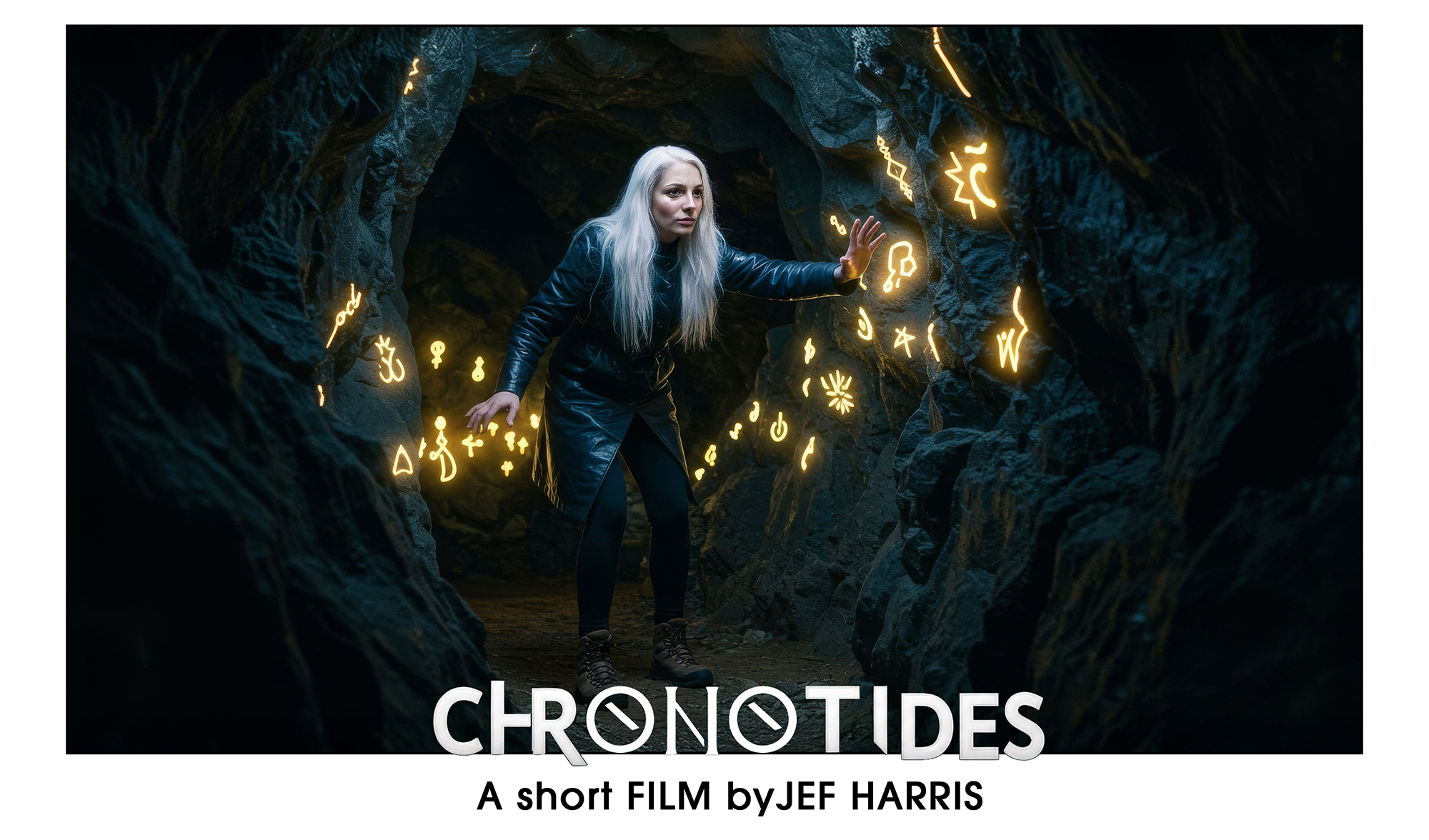
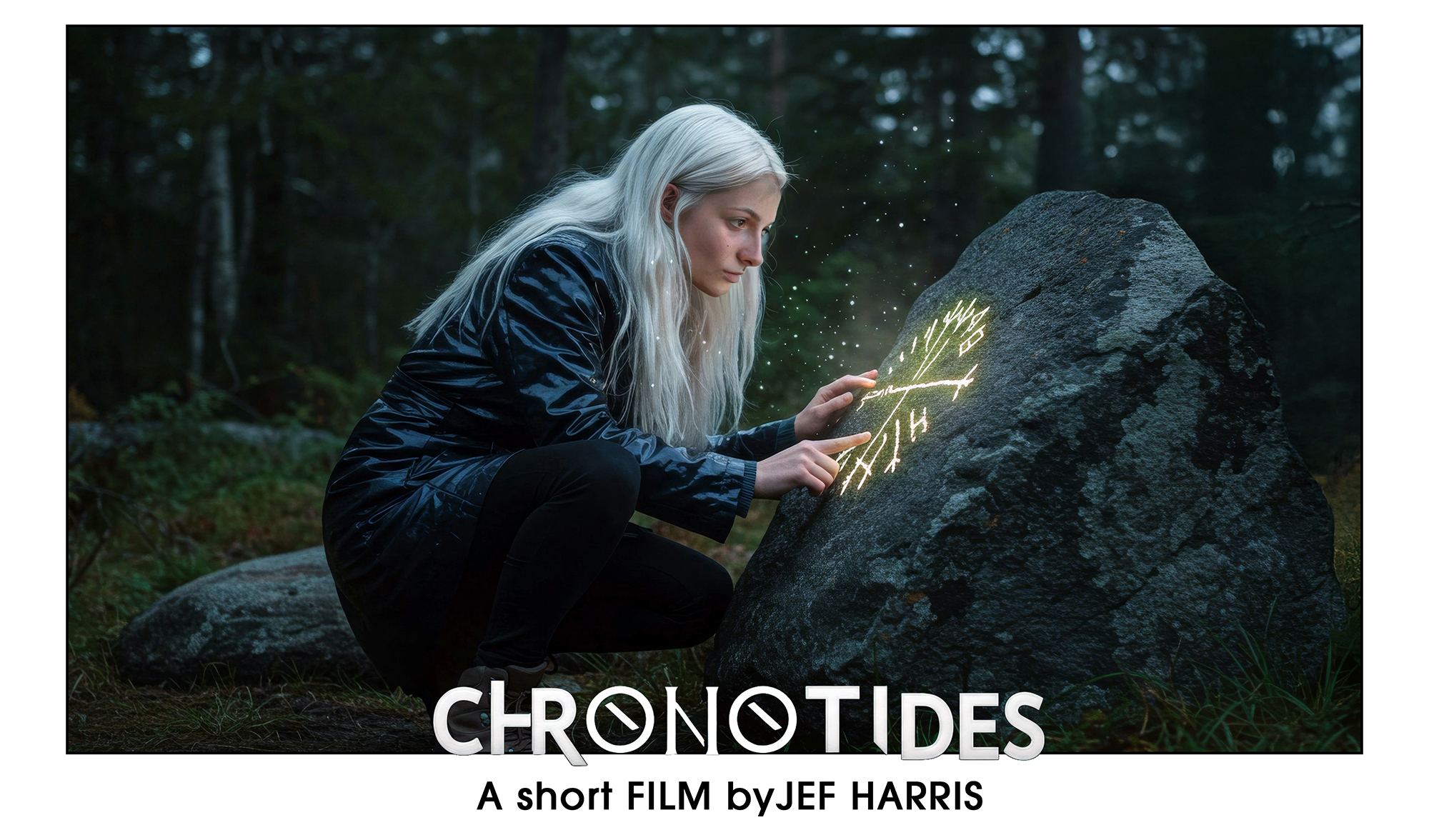
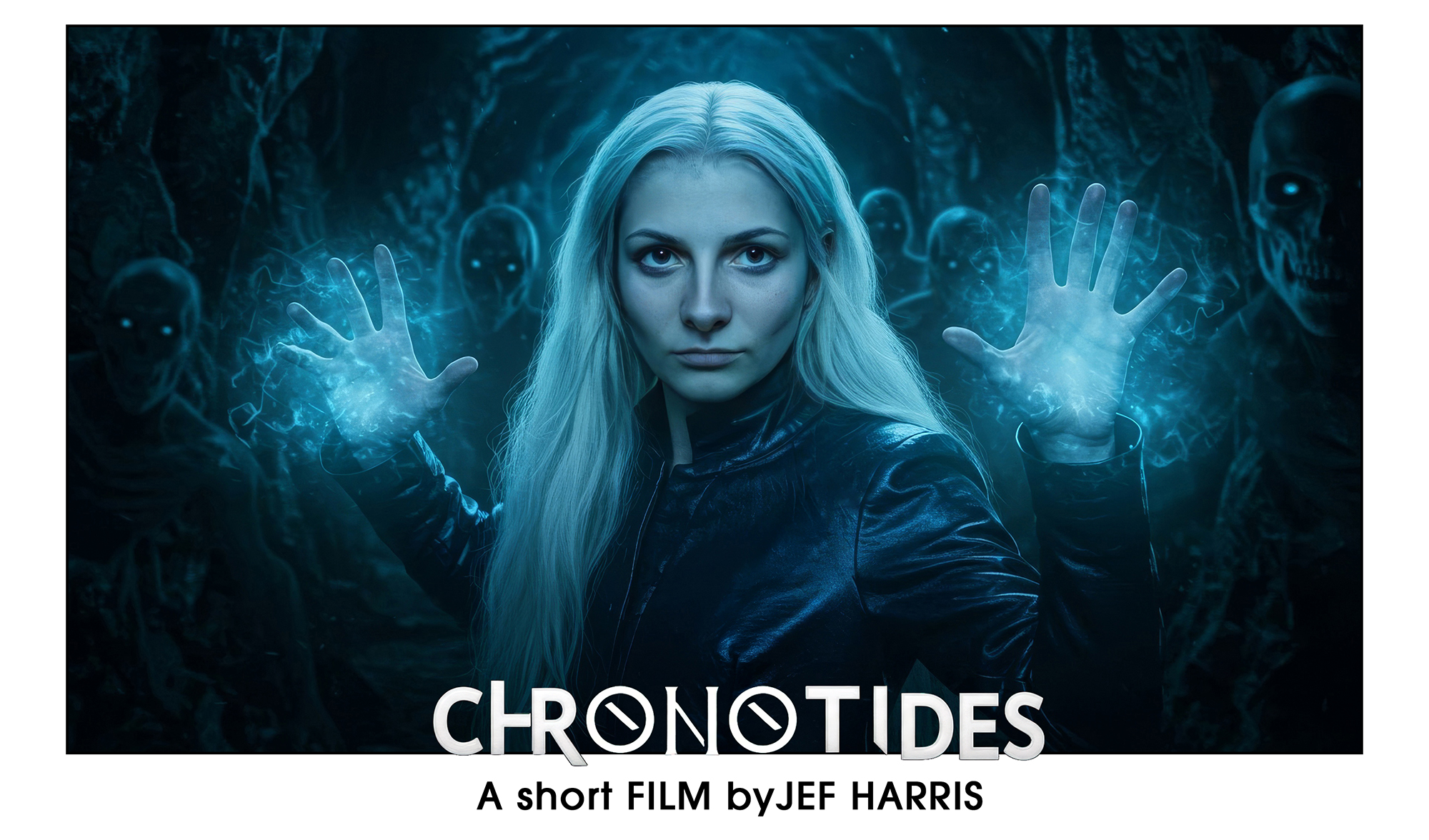
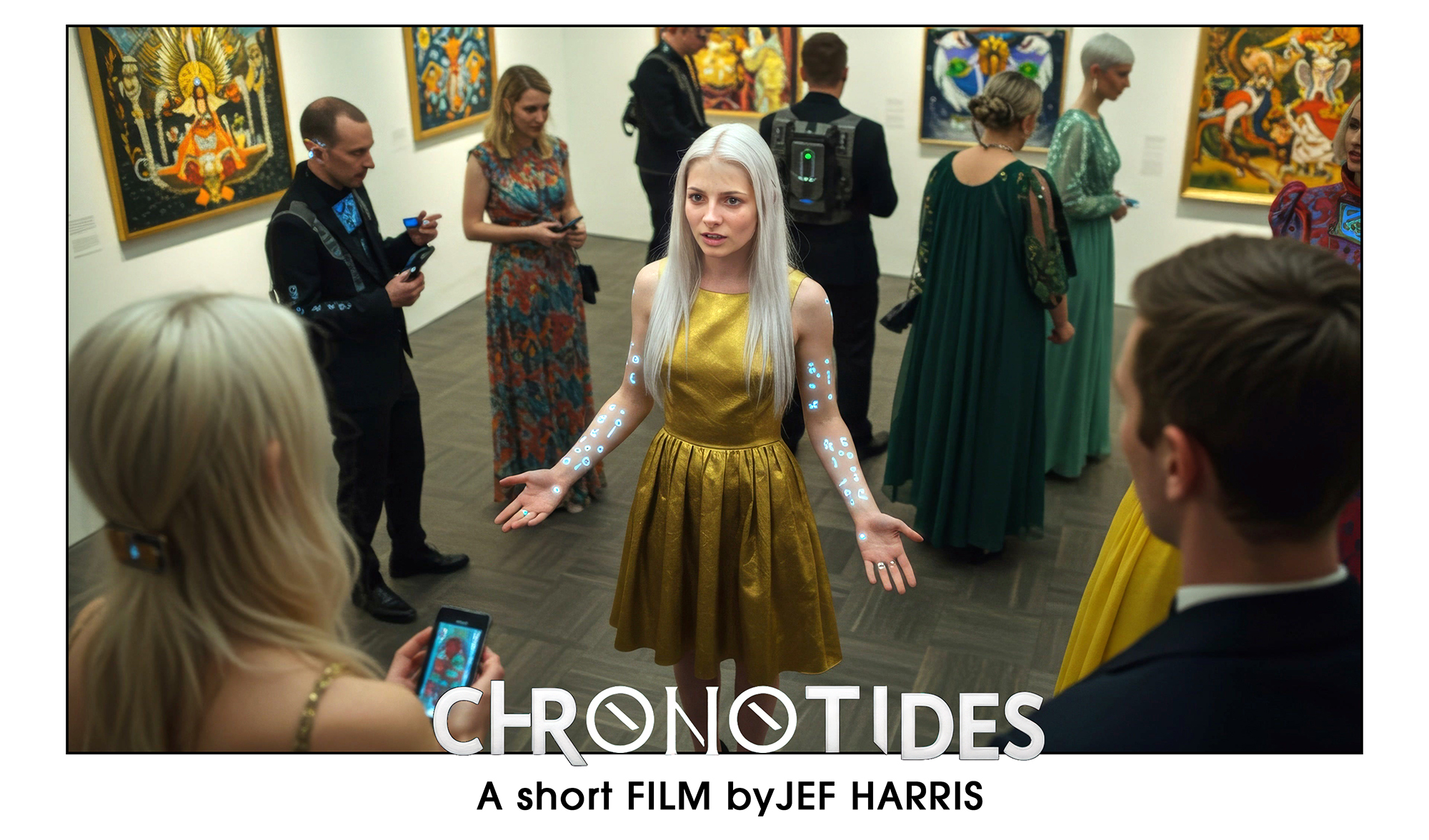

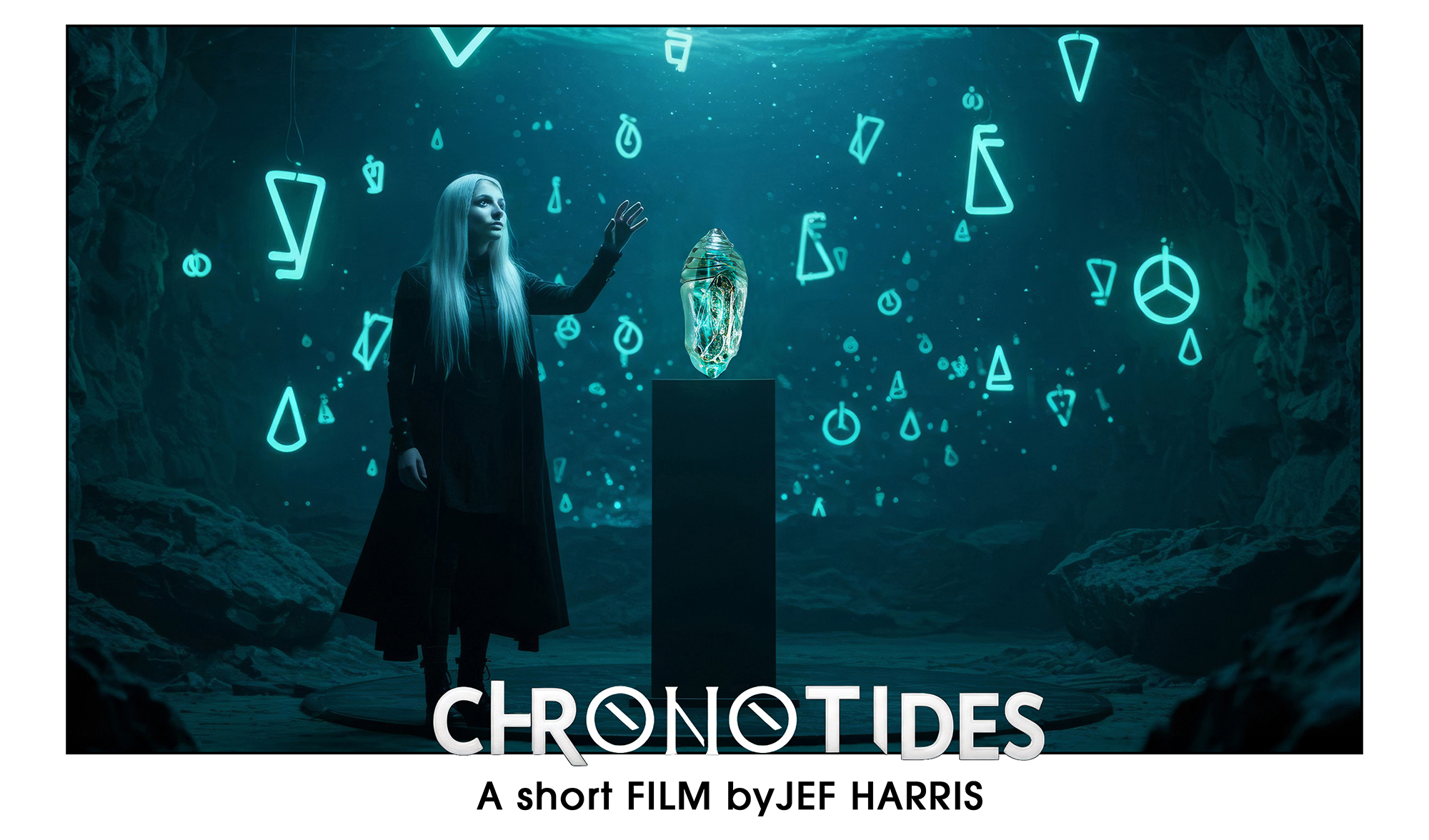
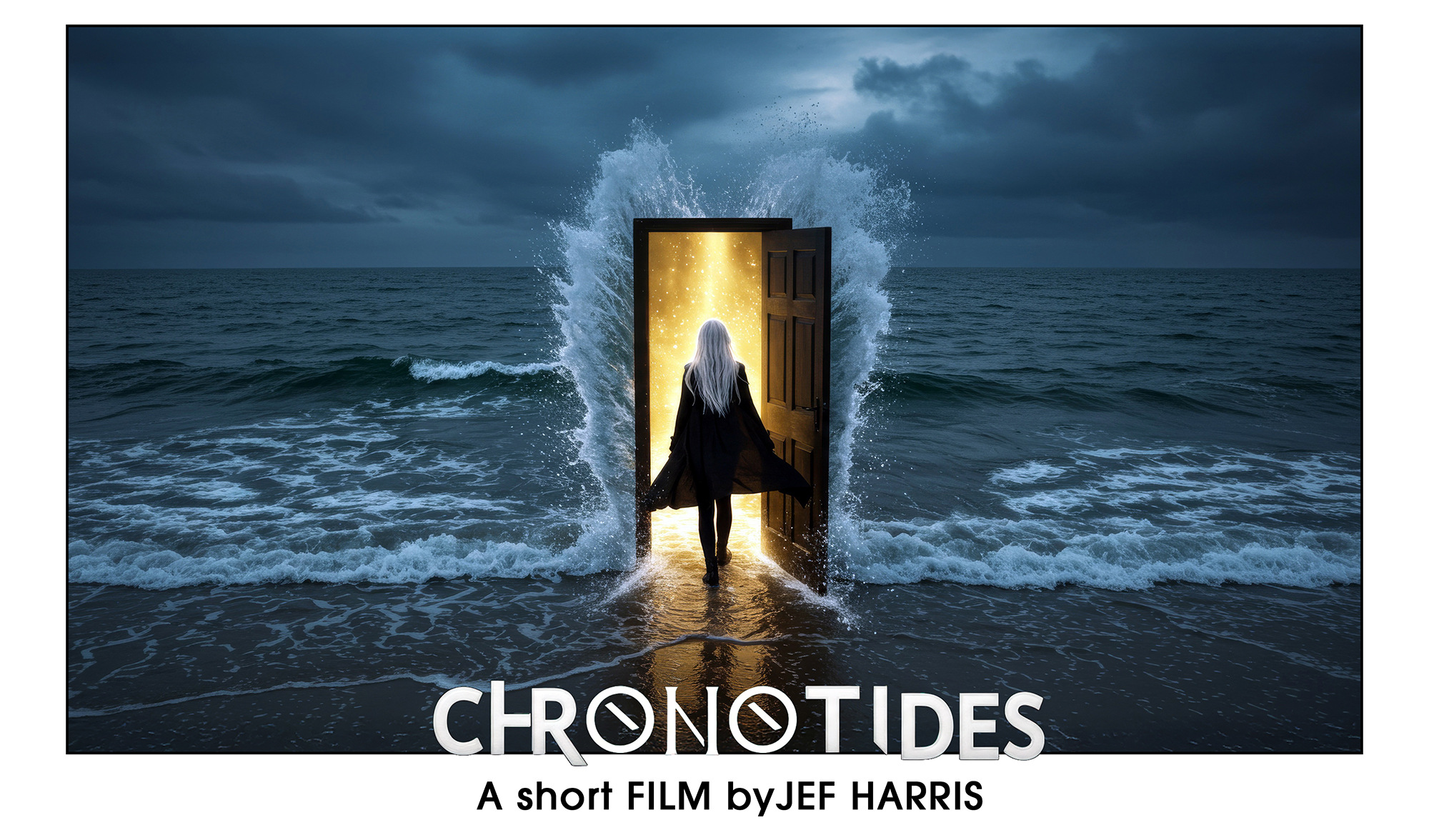
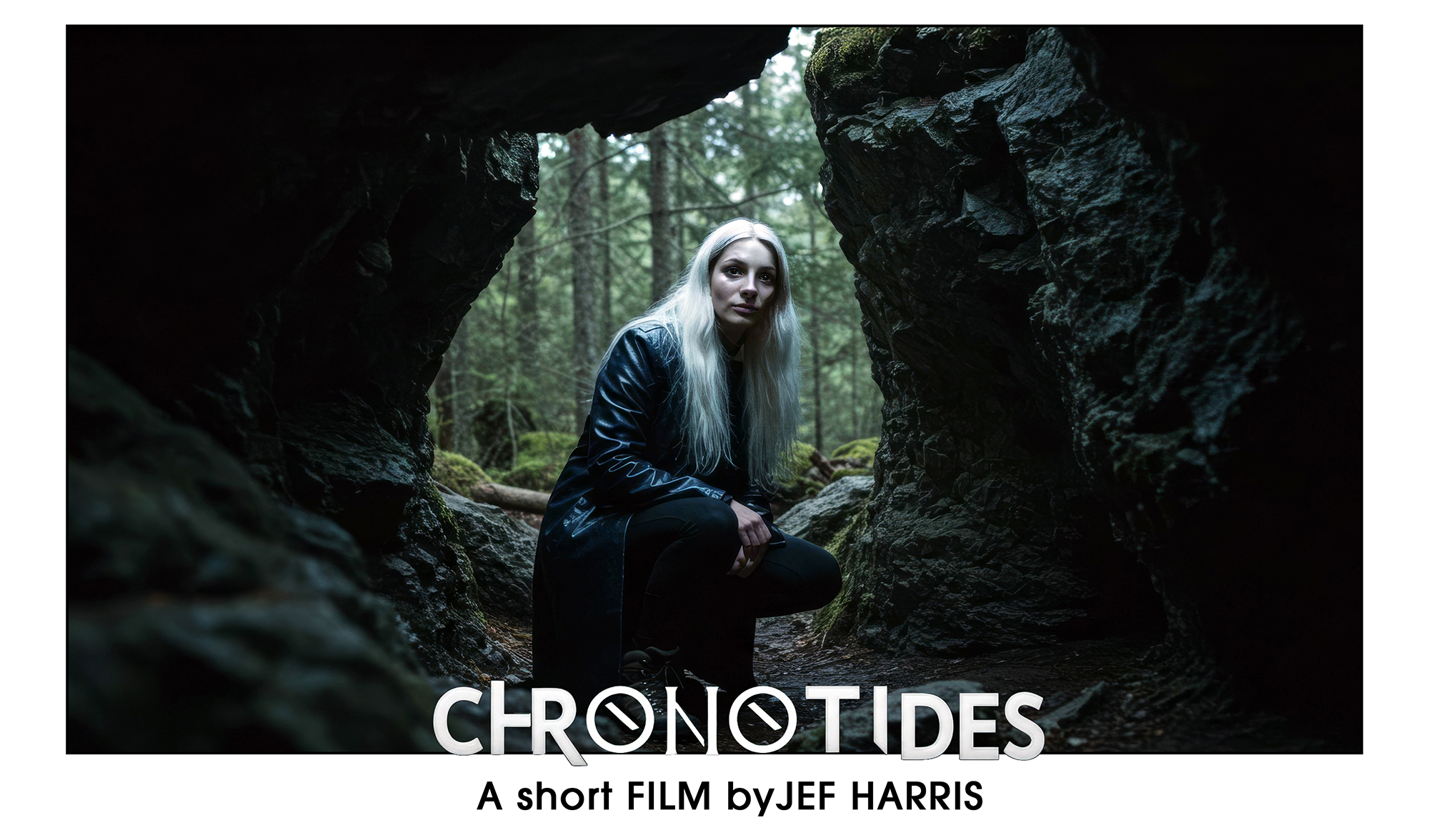
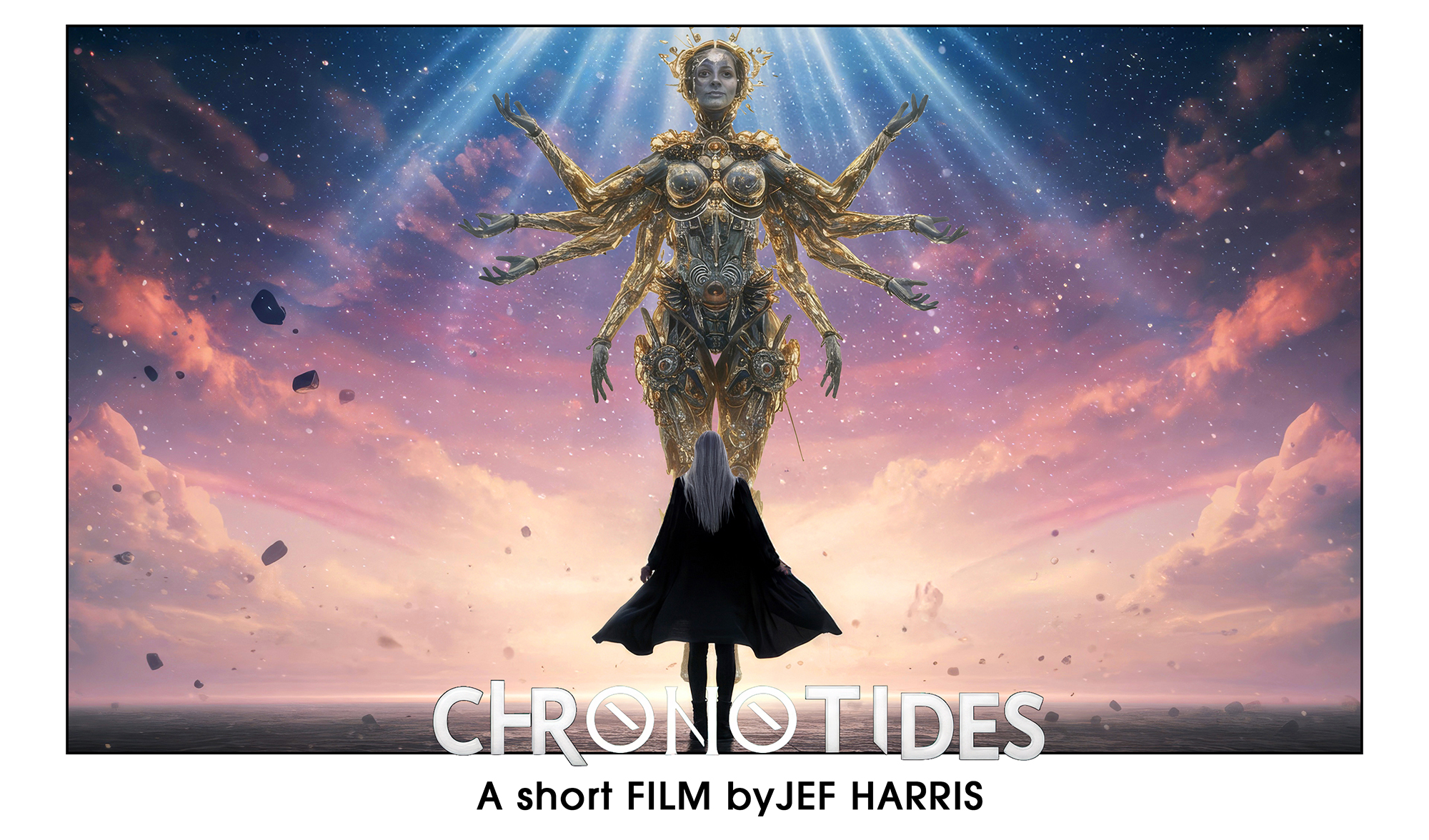
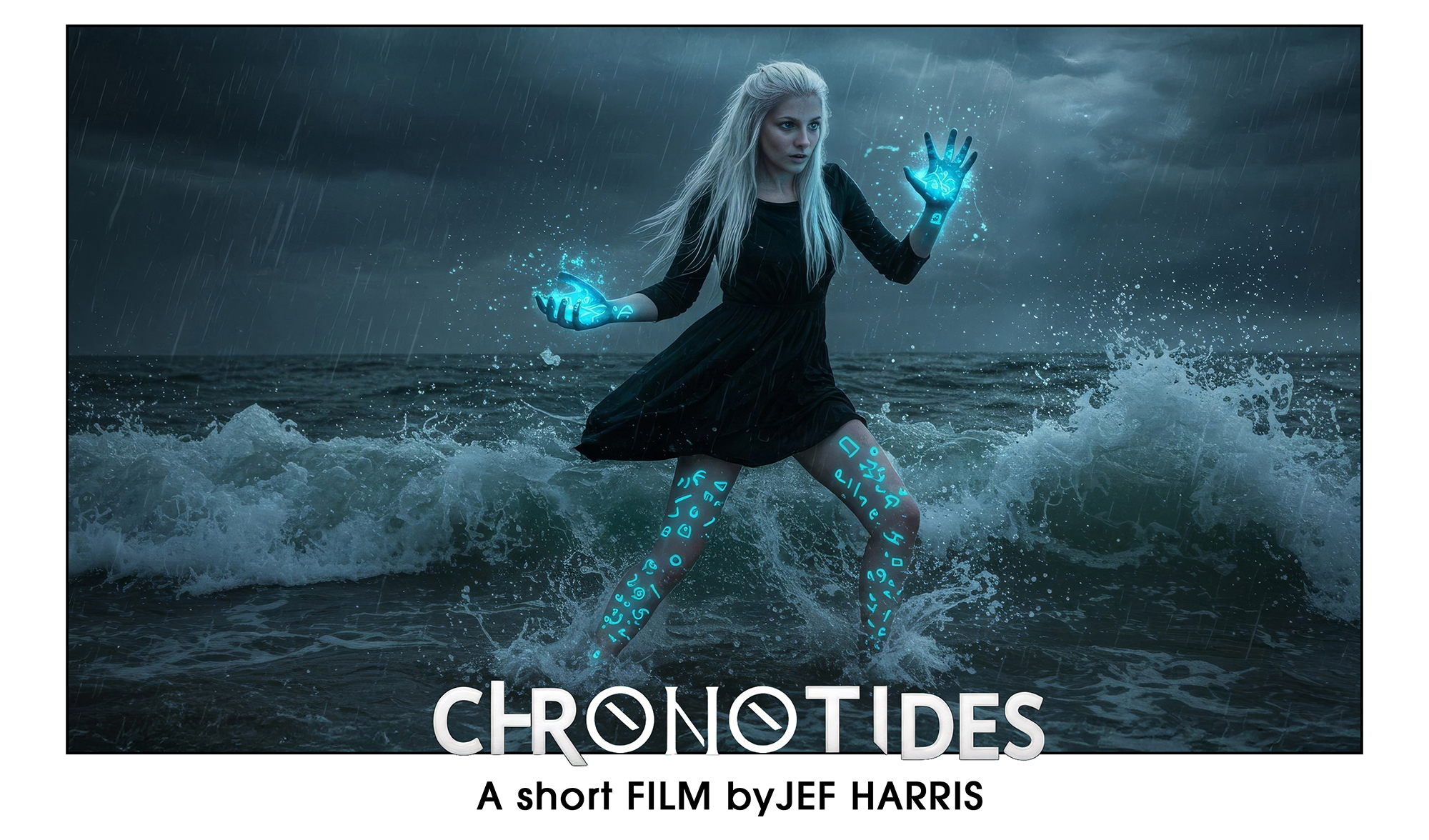

About a month before WAN2.1 was released I had started prepping the content for a short AI movie. I don't know when I'm going to be able to make a short movie, but I wanted to be ready. I didn't have much funds so most of the tools I used are free. I used Imagen3 for the ref images. It's free right now. https://labs.google/fx/tools/image-fx I made super detailed prompts in ChatGPT to help with consistency, but oh boy did it suck at not understanding that from one prompt to another there is no recall. Like it would say, "like the coat in the previous prompt". haha.
Photoshop for fine tuning those inconsistencies, like jacket length, hair length etc. I built a storyboard timeline with the ref images in Premier. Ready to go. Then WAN2.1 dropped and I JUST happened to get some time on RunPod. About a month of time. Immediately, I was impressed with the quality. Some scenes took a long time to get, like days and days, and other scenes were right away. But it took about 40 days to render the 135 scenes I liked. I rendered out all scenes at 1280x720. I did this because in Adobe Premiere has a video AI scene extender that works for footage at 1280x720. All scenes were exported at 49 frames, (3 seconds). Steps where between 30-35 CFG between 5-7 Model used - WAN2.1 i2v 720p 14B bf16 I used premier extent to make the scenes longer when needed. It's not perfect but fine for this project. This became invaluable in the later stages of my editing to extend scenes for transitions. Topaz for up scaling to 4K. Used FaceFusion running locally, (on my Mactop M1 32GB), to further refine the characters as well as for the lip-sync. I tried using LatentSyncWrapper in comfy but results where not good. I found FaceFusion really good with side views. I used this work flow with a few custom changes, like adding a lora node. https://civitai.com/articles/12250/wan-21- For the LoRas I used. Wan2.1 fun 14b input hps2.1 reward lora The HPS2.1 helped the most following my prompt. https://huggingface.co/alibaba-pai/Wan2.1-Fun-Reward-LoRAs/blob/main/Wan2.1-Fun-14B-InP-HPS2.1.safetensors Wan2.1 fun 14b input MPS reward lora https://huggingface.co/alibaba-pai/Wan2.1-Fun-Reward-LoRAs/tree/036886aa1424cf08d93f652990fa99cddb418db4 Panrightoleft.safetensors This one worked pretty well. https://huggingface.co/guoyww/animatediff-motion-lora-pan-right/blob/main/diffusion_pytorch_model.safetensors Sound effects and music were found on Pixabay. Great place for free Creative Commons content. For voice I used https://www.openai.fm Not the best, and imo the worst part of the movie, but it's what I had access to. I wanted to use kokoro but I just couldn't get it to run. Not on my windows box, MacTop, or on runpod and as of 3 weeks ago I haven't found any feed back on what could be a fix. There are two scenes that are not AI. One scene is from Kling. One scene is using VEO2. Total time from zero to release was just under 3 months. I used the A40 on runpod running on "/pytorch:2.4.0-py3.11-cuda12.4.1-devel-ubuntu22.04". I wish I could say what prompts work well, short or long etc. And what camera prompts worked. But it was really a spin of the roulette wheel. Tho the spins with WAN2.1 where WAY less that other models. I did on average get what I wanted within 1-3 spins. Didn't use TeaCache. I did a few tests with it and I found the quality lowered. So each render was around 15min. One custom node I love now is the PlaySound node in the "ComfyUI-Custom-Scripts" node set. Great for hitting Run then going away. Connect it to the "filenames" output in the "Video Combine" node. https://github.com/pythongosssss/ComfyUI-Custom-Scripts I come from an animation background, being an editor at an Animation studio for 20 years. Doing this was a kind of experiment to see how I could apply a traditional workflow to this. My conclusion is in order to be organized with a short list that was as big as mine. It was essential to have the same elements of a traditional production in action. Like shot lists, story board, proper naming conventions etc. All the admin stuff.
Built With
- runpod

Log in or sign up for Devpost to join the conversation.