-
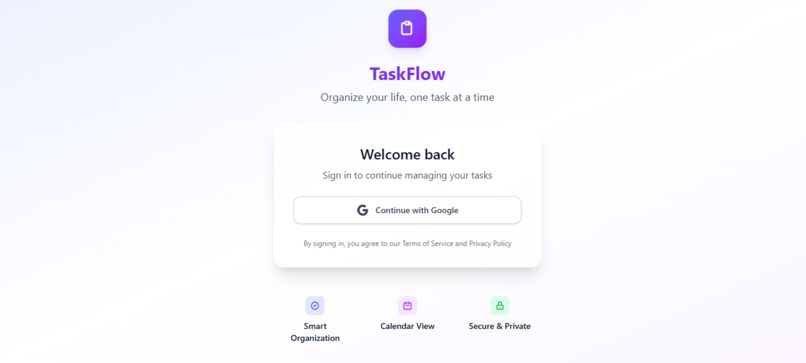
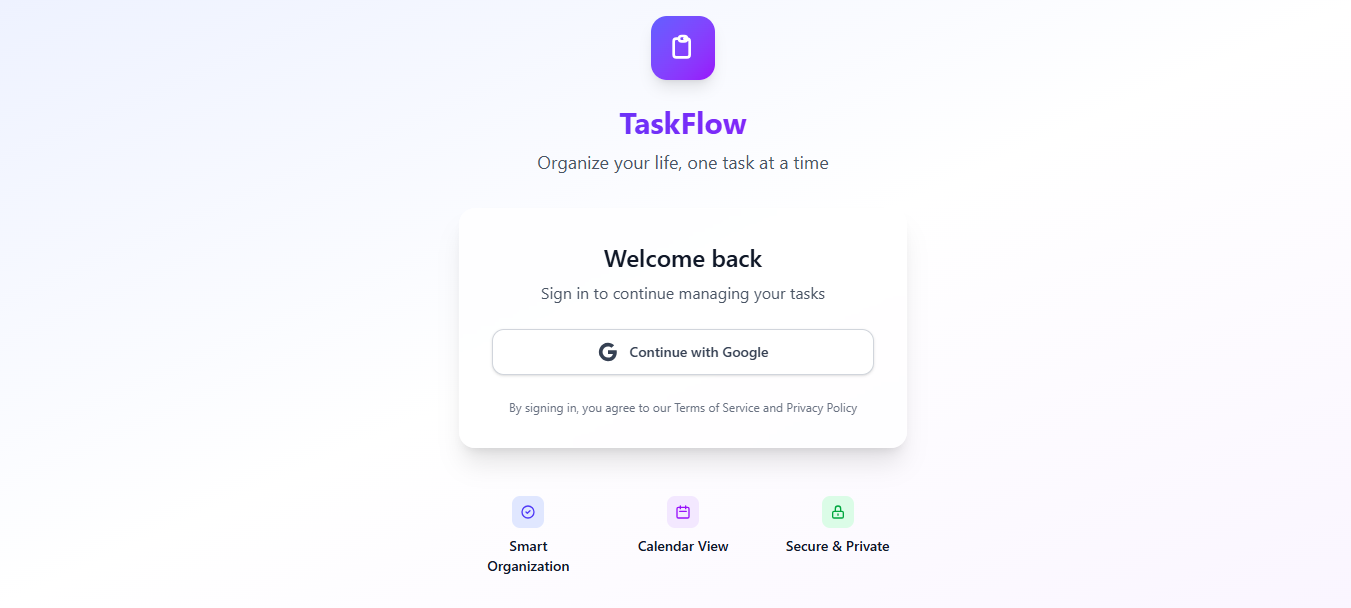
Clean TaskFlow login with Google auth, purple branding, and feature cards showing organization, calendar, and security
-
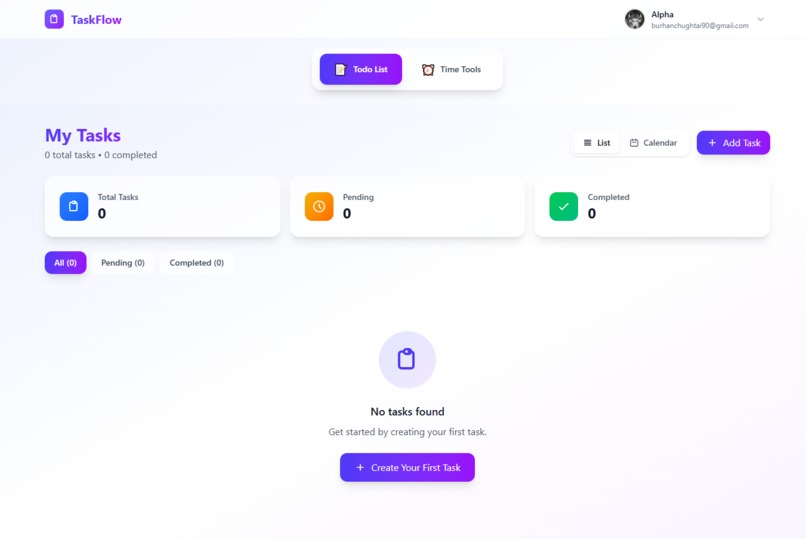
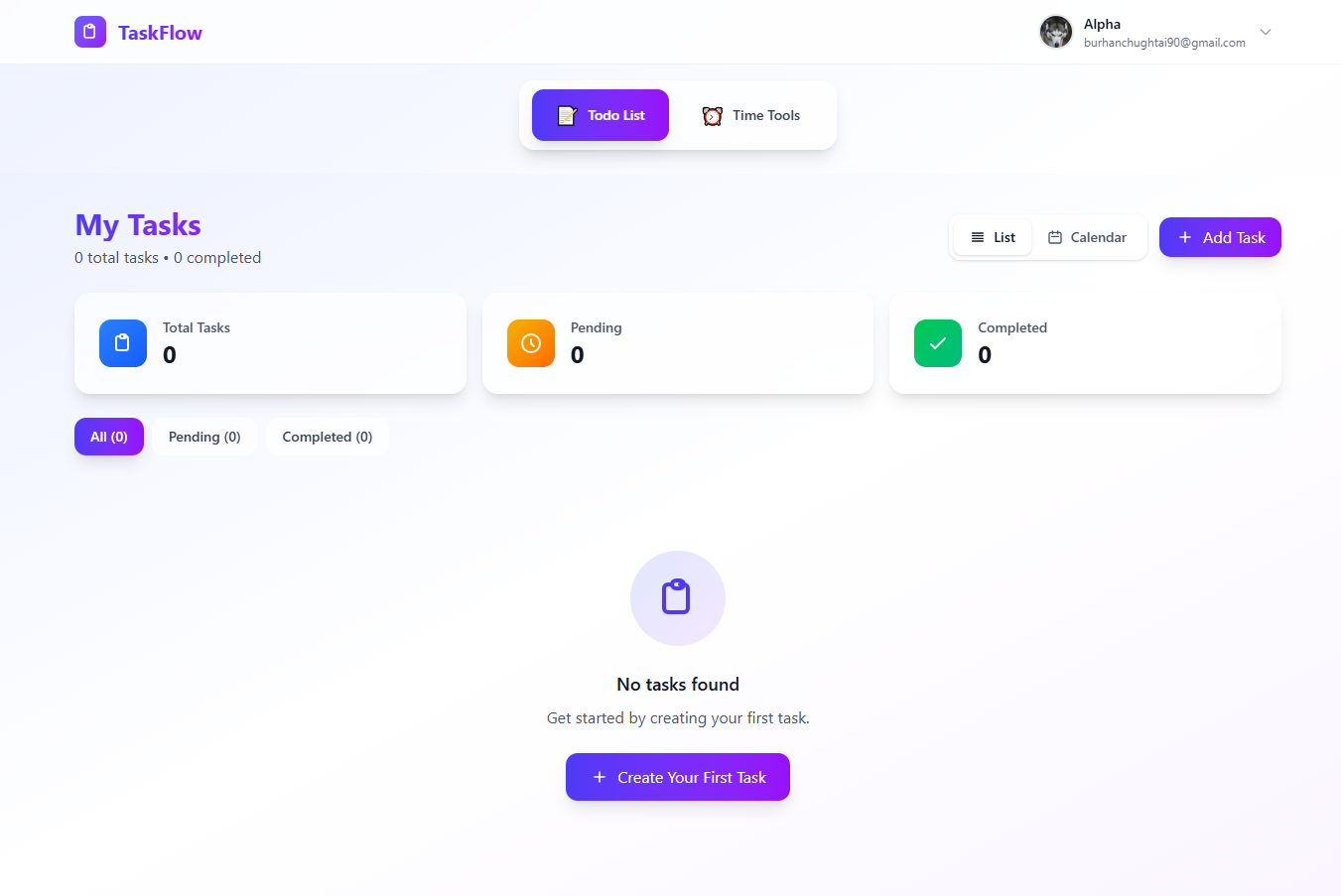
Clean TaskFlow dashboard with task stats, filters, and add task button - currently showing empty state
-
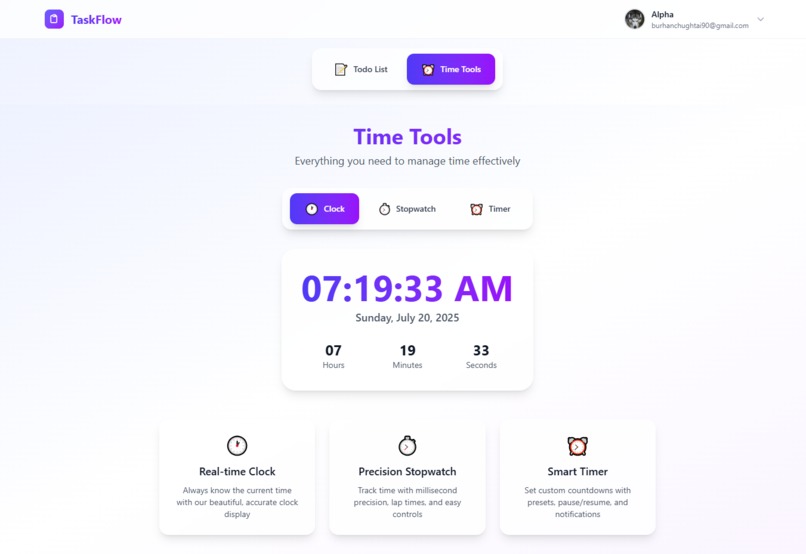
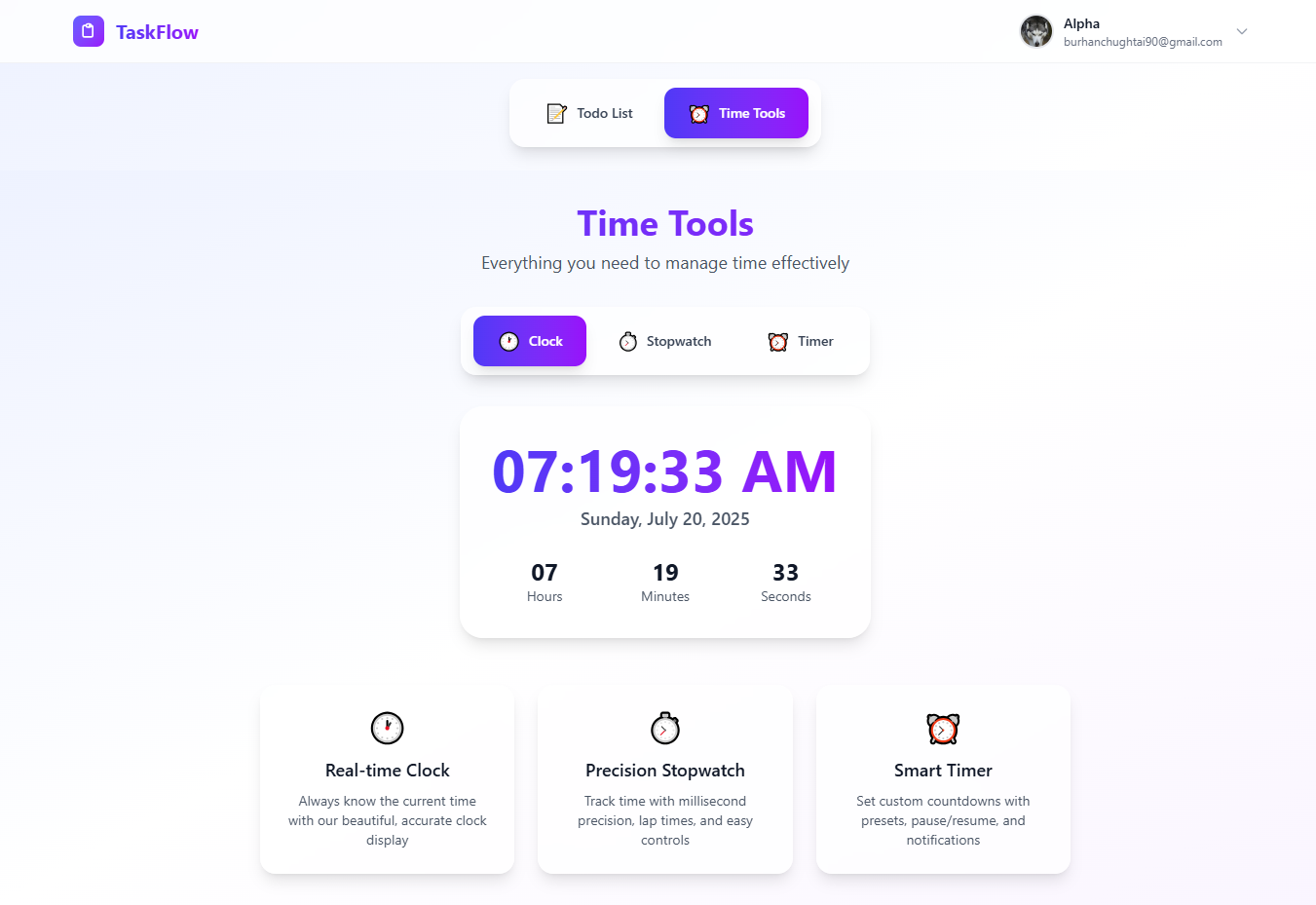
TaskFlow Time Tools: Real-time clock display with date, plus stopwatch and timer features in sleek design
-
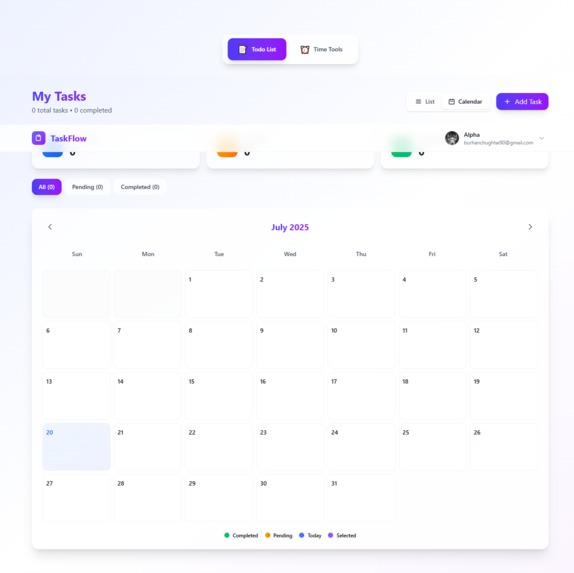
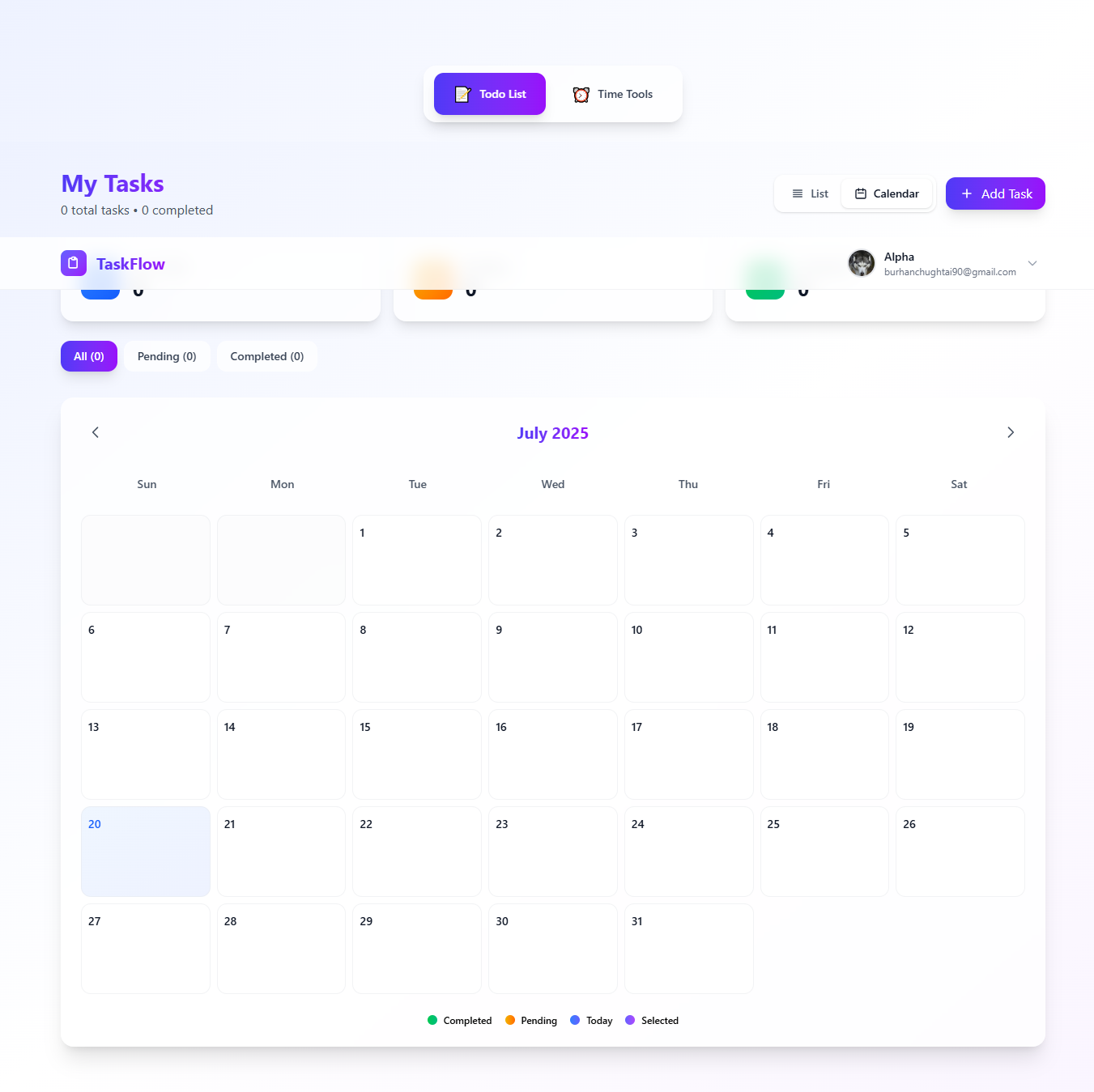
TaskFlow's calendar interface displaying July 2025 with task stats, filters, and status indicators
Inspiration
Time management is a universal challenge that affects everyone's productivity. We were inspired by the need for a comprehensive, all-in-one solution that combines essential time tools with task management. Traditional apps often separate these functions, forcing users to switch between multiple applications. We wanted to create a seamless experience where users could track time, set timers, and manage tasks all in one beautiful, modern interface.
What it does
ChronoTask is a comprehensive time management suite that combines four essential tools:
�� Real-time Clock:
Beautiful digital clock with current date and time display
⏱️ Precision Stopwatch:
High-accuracy stopwatch with lap times and millisecond precision
⏰ Smart Timer:
Countdown timer with presets, custom settings, and browser notifications
📝 Task Manager:
Full-featured todo list with calendar integration, due dates, and filtering The app features Google Sign-In authentication, real-time Firebase synchronization, and a responsive design that works perfectly on both desktop and mobile devices.
How we built it
Frontend:
Built with React 19 and Tailwind CSS for a modern, responsive UI
Backend:
Firebase Firestore for real-time data synchronization
Authentication:
Firebase Auth with Google Sign-In State Management: React hooks and context API
Styling:
Custom gradient designs with glassmorphism effects
Deployment:
Vercel-ready with environment variable configuration The architecture follows a component-based approach with reusable UI elements, ensuring consistency across all time tools while maintaining clean, maintainable code.
Challenges we ran into
Real-time Synchronization:
Implementing seamless real-time updates across multiple time tools while maintaining performance
Timer Precision:
Ensuring accurate countdown timing without drift, especially during browser tab switches
Mobile Responsiveness:
Creating touch-friendly interfaces for stopwatch and timer controls on mobile devices State Management: Managing complex state across multiple time tools and user authentication Browser Notifications: Implementing reliable timer completion notifications across different browsers
Accomplishments that we're proud of
✅ Complete Time Suite:
Successfully integrated four essential time tools in one application
✅ Real-time Performance:
Achieved millisecond precision in stopwatch functionality
✅ Modern UI/UX:
Created a beautiful, responsive interface with smooth animations
✅ Firebase Integration:
Implemented secure, real-time data synchronization
✅ Mobile Optimization:
Ensured perfect functionality across all device sizes
✅ User Experience:
Designed intuitive navigation between different time tools
What we learned
React 19 Features:
Explored new React features and best practices for modern web development
Firebase Security:
Implemented proper Firestore security rules and user authentication
Time Management:
Deep dive into JavaScript timing APIs and browser notification systems
Component Architecture:
Learned to design reusable, maintainable React components
Responsive Design:
Mastered Tailwind CSS for creating beautiful, mobile-first interfaces
Real-time Development:
Gained experience with Firebase real-time database synchronization
What's next for ChronoTask
🔔 Enhanced Notifications:
Push notifications and sound alerts for timer completion
📊 Analytics Dashboard:
Time tracking analytics and productivity insights
🔄 Pomodoro Timer:
Specialized timer for productivity techniques
📱 PWA Features:
Offline functionality and app-like experience
🎨 Custom Themes:
User-selectable color schemes and themes
📈 Progress Tracking:
Visual progress indicators and goal setting features
�� API Integration:
Connect with calendar services and productivity tools
🌍 Internationalization:
Multi-language support for global users The vision is to become the go-to time management solution for students, professionals, and anyone looking to optimize their productivity.
Built With
- eslint
- firebase
- javascript
- jsx
- react
- tailwind
- vercel
- vite


Log in or sign up for Devpost to join the conversation.