-
-
Main Logo
-
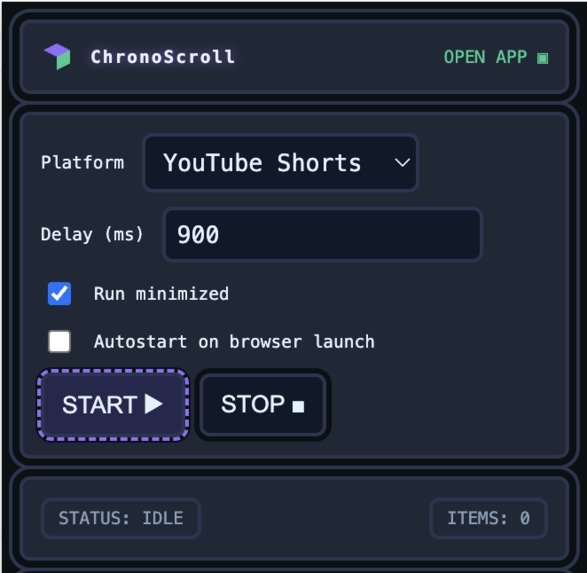
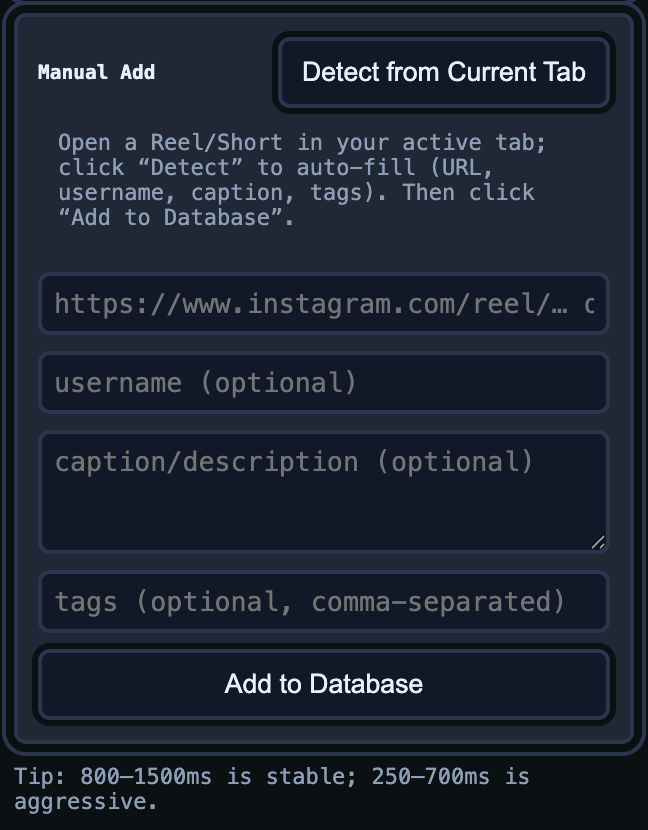
Popup
-
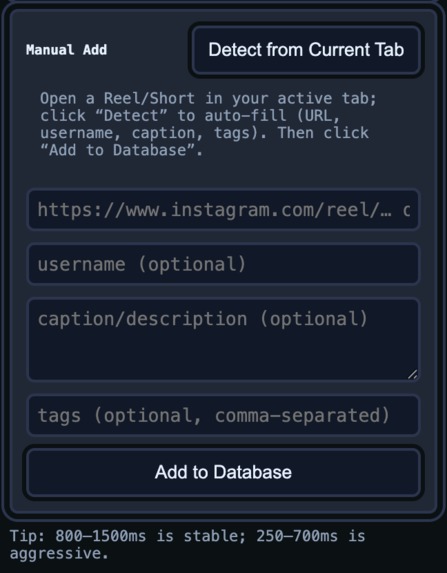
Manual Add Feature
-
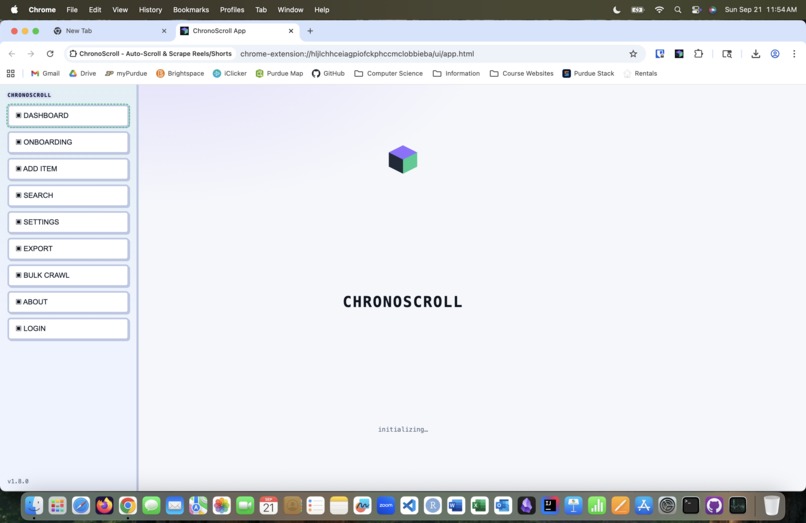
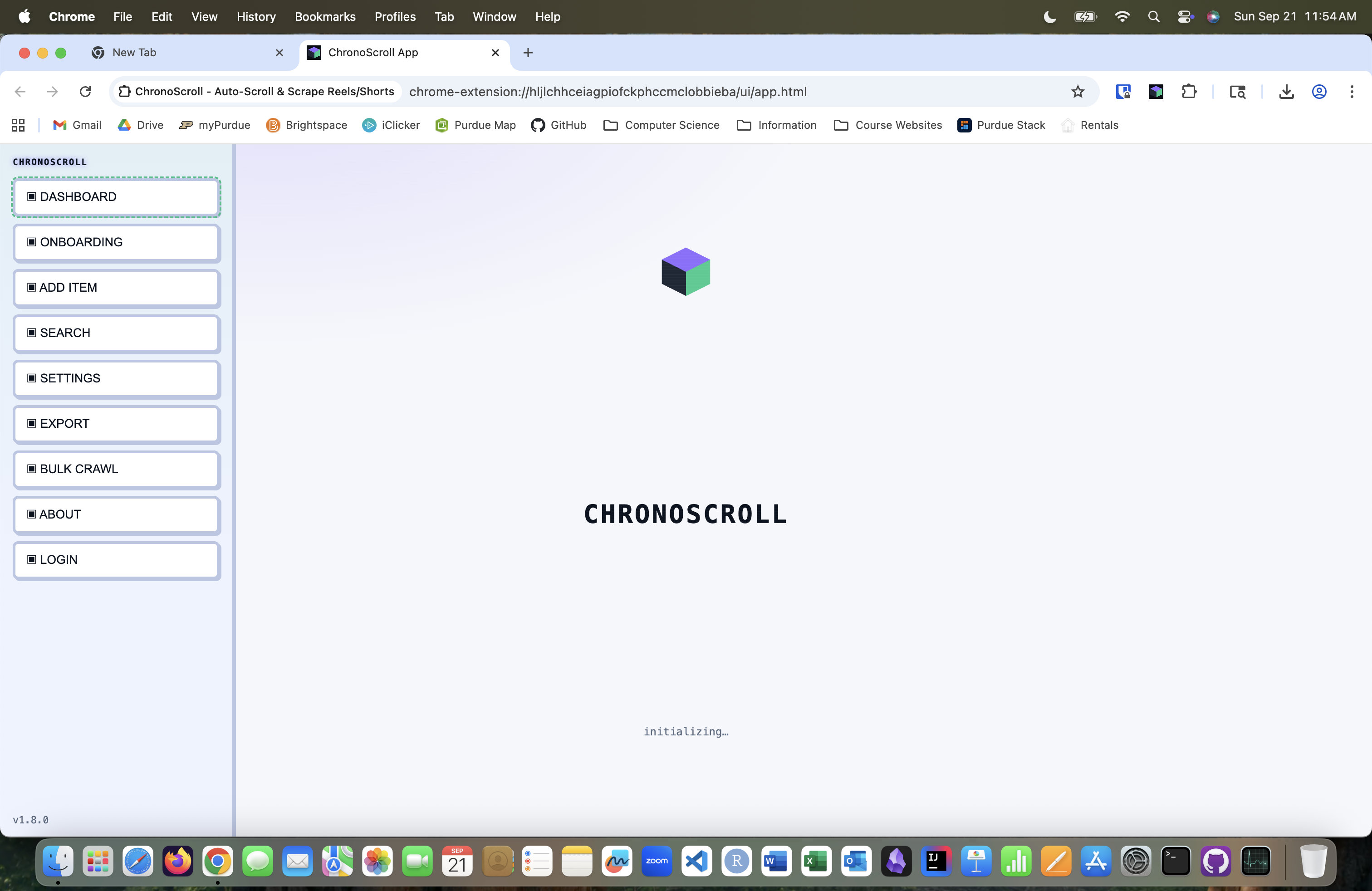
Light Mode and Dark Mode
-
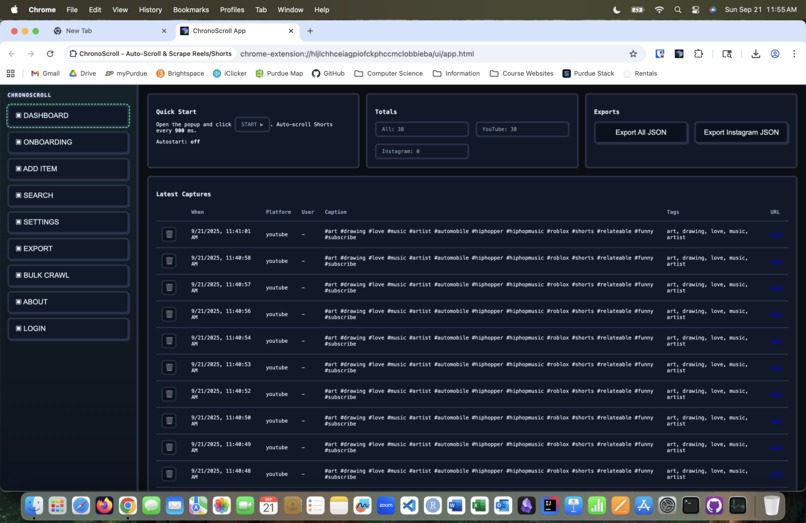
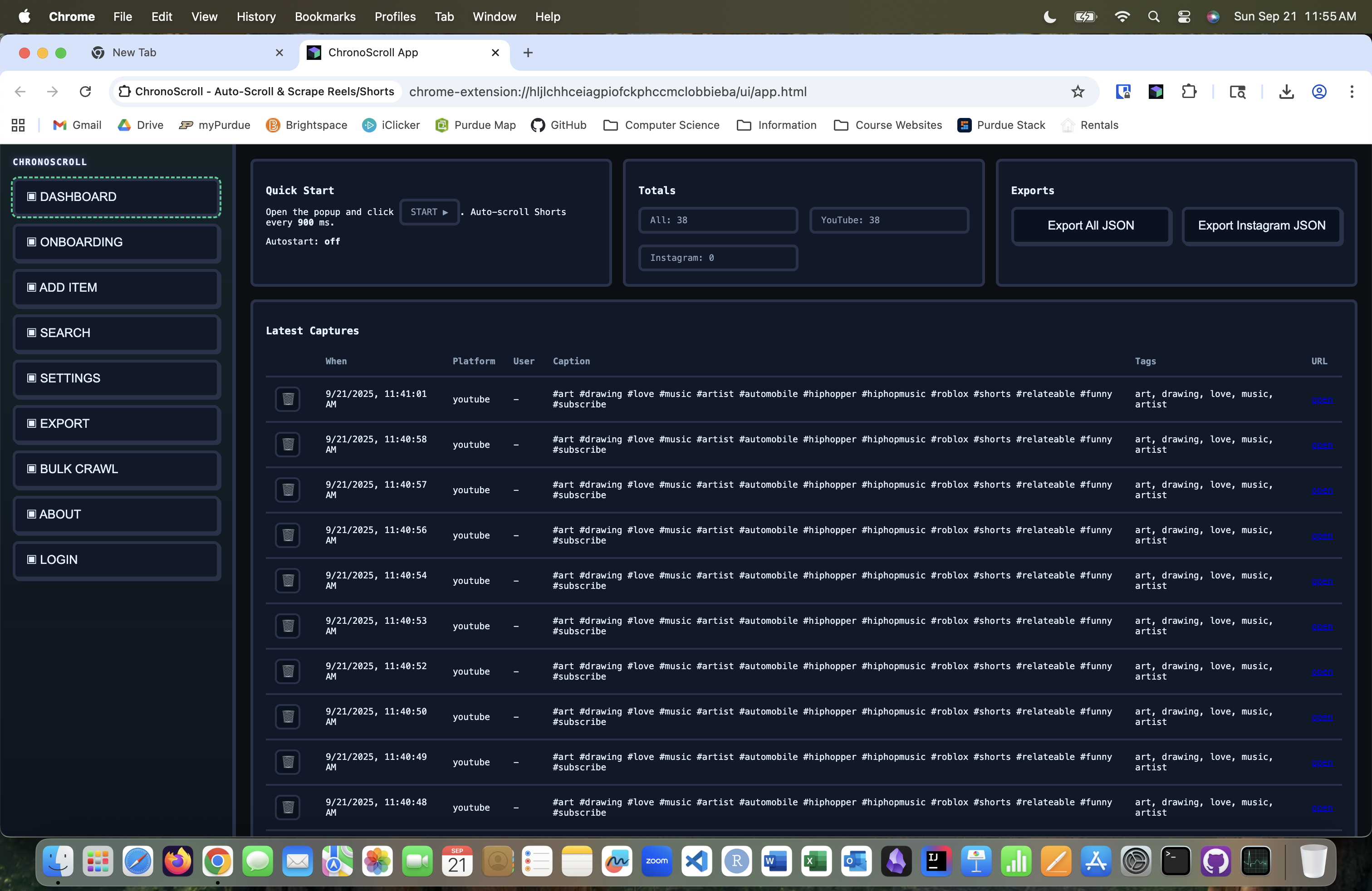
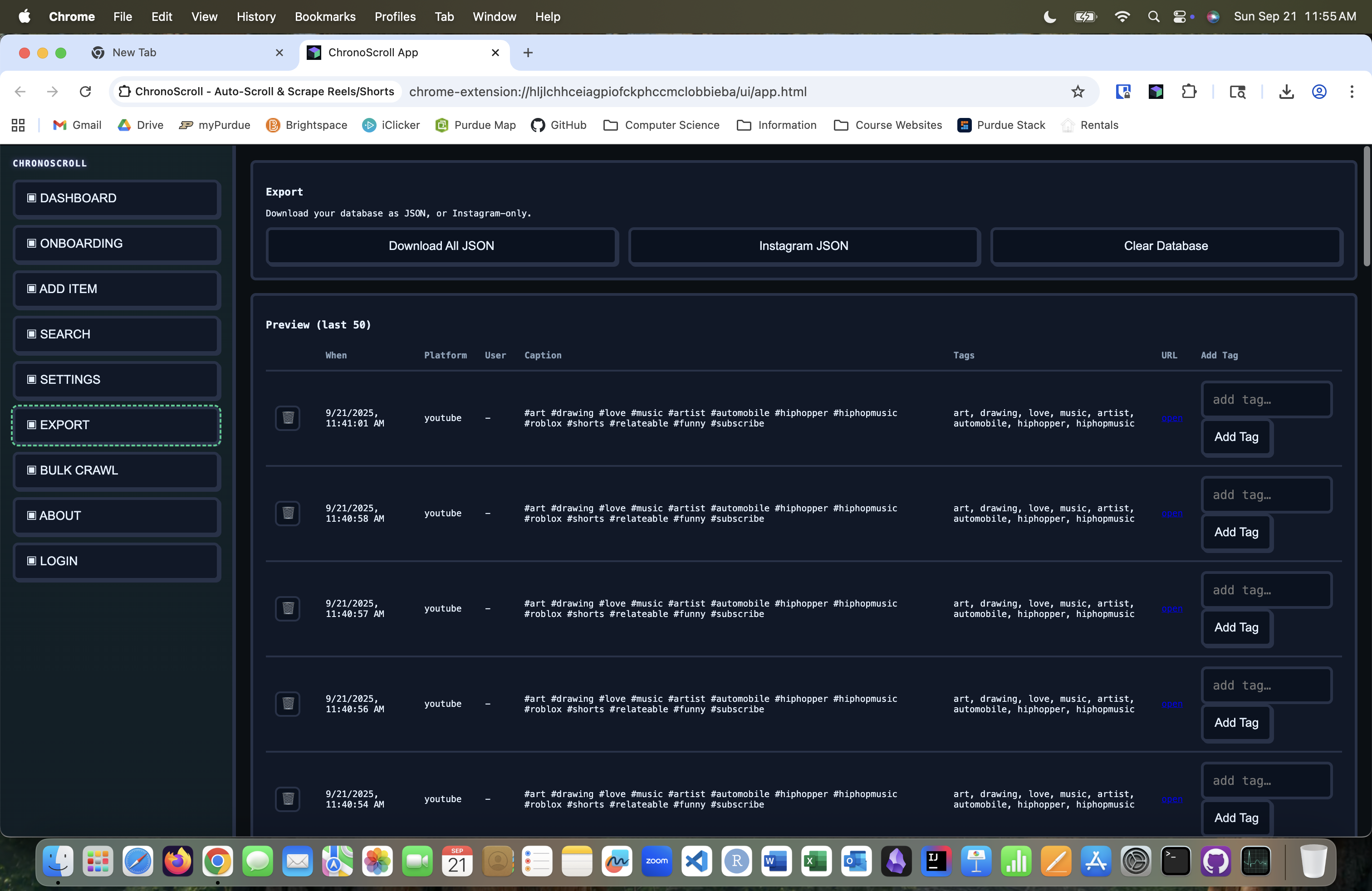
Searchable Database
-
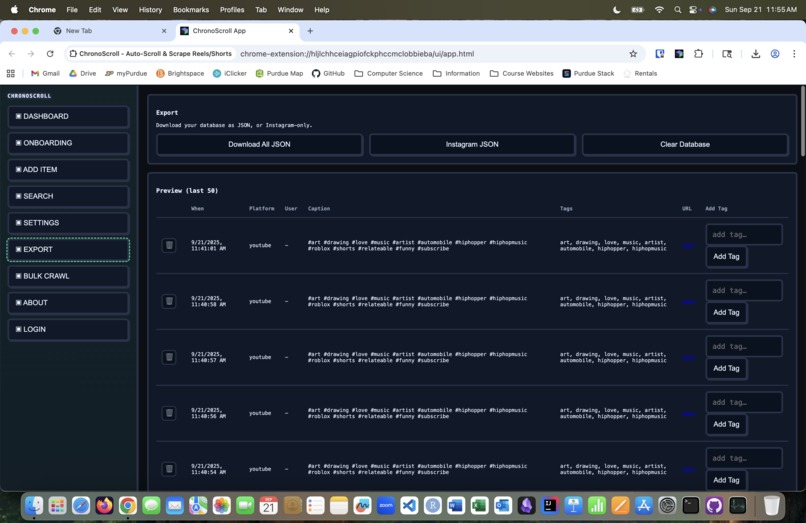
Custom generated summaries and intelligent tagging
-
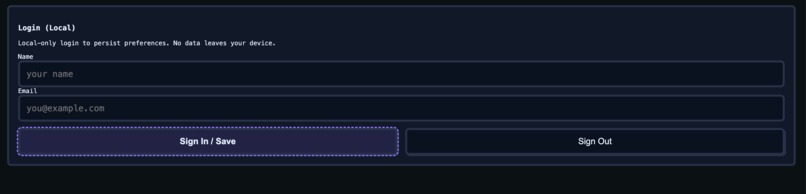
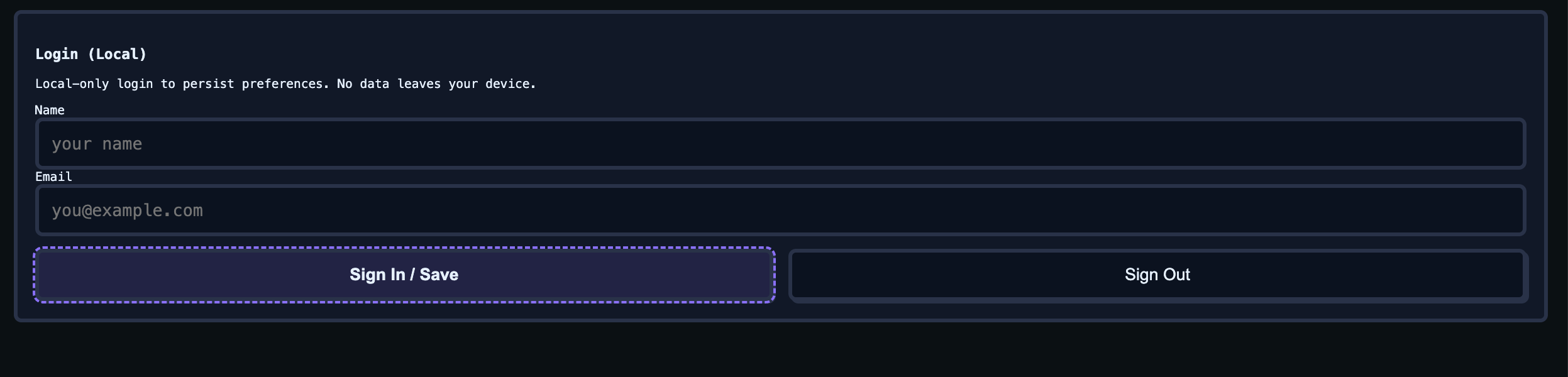
Login function for saving your work
-
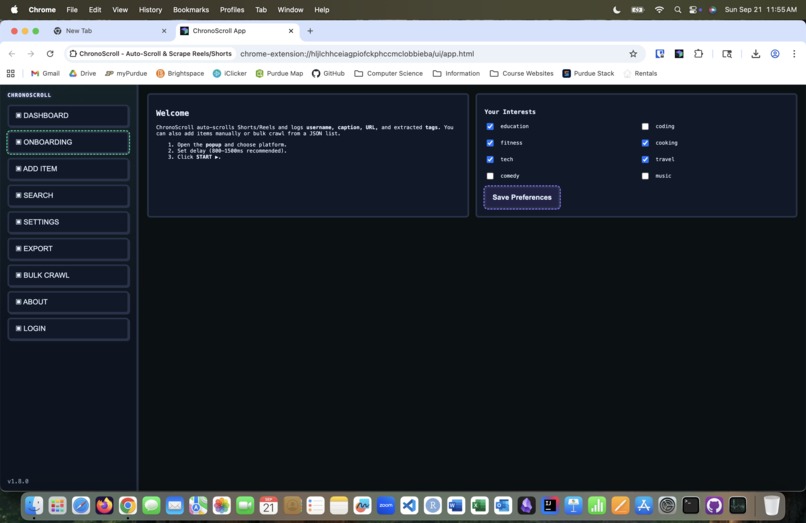
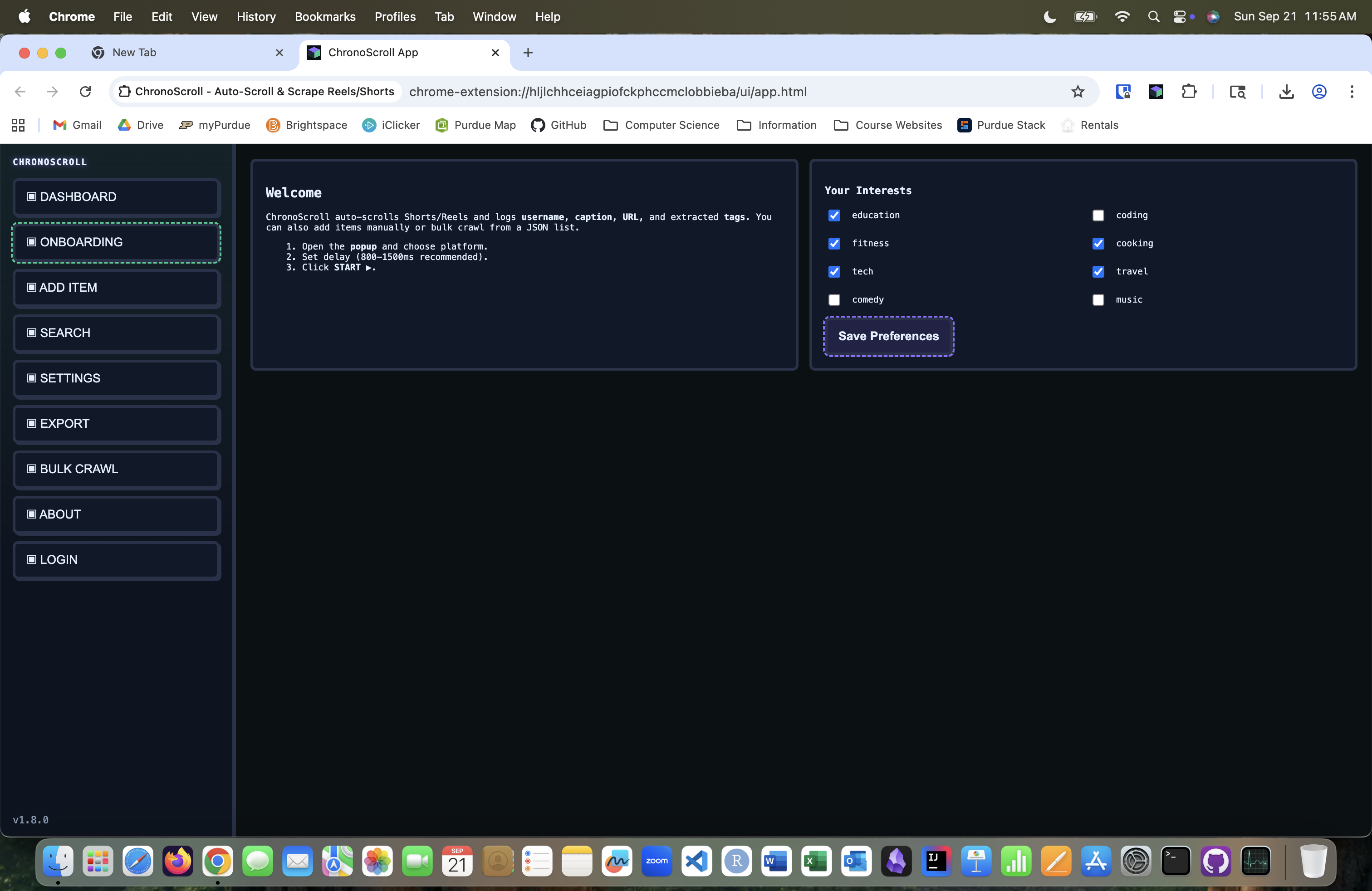
Custom preferences to crawl the web for the reels you want

Instagram reels aggregator that helps you find the reels you're interested in so you can stay informed. No ads, spam content, or off-topic posts to waste your time.
Inspiration
When the algorithm cheats you with one or two interesting reels underneath a mound of content farm slop, you cheat it back. ChronoScroll helps you beat the short-form content algorithms by scraping through your feed in the background and curating a database of reels that are relevant to your preselected topics of interest without stifling browser performance.
Challenges
Social media websites are always fighting with web scrapers and content aggregators who are eager to rip their content off their websites and port it to third-party apps. As one of those third-party apps, we learned about threads and delays to build tools against this. The extension automatically freezes a tab after 10 reels/shorts to allow some time for buffering, then loads the next reel before reloading and intentionally closing the connection to trigger a restart. Then, the app continues to scroll through your feed at a variable rate of 800 to 1500 ms based on the internal packet tracer. In addition, the extension avoids affiliate links and audio attributions (we're building a reel scroller here...not a Spotify util, which has no shortage of tools out there, like Shazam), going right for the link, content handle, tags, and other relevant metadata so the back-end tools can transcribe the reel audio to see if it's worth taking a look at.
Worth it? Detected audio keywords line up with your listed preferences? Into the curated ChronoScroll feed it goes. Advertiser junk? ChronoScroll keeps it in the database, but it keeps it out of your peak-interest summary feed.
Oh, yeah. About the tags. Not all videos have them, and some can be misleading, so we had to implement a fix where if the number of tags is either 0 or greater than 15, ChronoScroll automatically deletes any currently existing tags of the video and uses the transcription to automatically generate more accurate tags. Also, Instagram Reels was out for blood during the development process, using our own tools against us by freezing feeds and creating jittery feeds whenever the in-app reel scroll rate exceeded somewhere between 200-300 reels per minute. We had to do some performance profiling to adjust the latency metrics accordingly, learning a lot about telemetry, computer networking, and web servers in the process.
Our team also dealt with challenges related to working with unfamiliar APIs that would often block us out, demanding payment for uses after free trials expired. Our solution was to write a script to bulk-create accounts and run the processes in parallel for improved speed. Audio could also be too long for the transcription API to handle, so we added in edge case handling where the extension would tag audio over 1 minute as being marked for splitting, and send it to multiple sources for transcription before merging the text into a user-readable summary.
Tech Stack
- Next.js (front-end user interface)
- NodeJS & SignalDB (local database for storing Instagram reels and YouTube shorts captures.
- Python (back-end data processing using LLM APIs and transcription modules)
Front-End Rendering and Automation
William created a web automation testing tool that uses Selenium to automatically load reels in batches of 8 and export URLs. He also designed the user interface for the extension popup and the database search page for the extension.
Data Analysis and Back-End API
Ray and Sayam created a backend data analysis framework that loads a JSON file and processes a transcript for each reel/short. Ray worked on the Python code to create a summary of the reels at the top of the curated feed, while Sayam processed the transcript using a JavaScript API and handled the unfortunately common case of reels have spam-like tags or no tags at all.
Scaling and Future Plans
We plan to submit this extension to the Chrome Web Store, and hope that this tool will be useful to other users in the future for treating reels/short-form content as a searchable database. Sure, it might be mostly memes and prank-related content, but the audio transcriptions, aggregated descriptions, and user-relevant tags can make it a lot easier to navigate an otherwise junk-infested space on the internet. Our database can handle an estimated 150-200 concurrent users, and we plan to port it to another service like Vercel for scaling in the near future, targeting 500+ users.
FAQ
Why is the database populating so slowly? The aggregator's latency is set to a dynamic rate between 800 ms to 1500 ms based on the in-app packet tracing optimizer. You can set the rate to be as low as 250 ms, but stability can become an issue. We reccomend lowering the latency to approximately 500 ms at the lowest to get an extra-large collection of content to productively scroll.
The extension is freezing! Help! Try clearing your browser cache or pruning entries in the database. Some short-form content can have excessively long lists of tags for the purpose of search-engine optimization (SEO). ChronoScroll lets you fine-tune metadata like tags, timestamps, and captions to speed up in-app search indexing.
How do I install this extension?
Open the browser of your choice (preferably the 31 GB memory hog, Google Chrome) and enable developer mode for extensions. Then, load the decompressed ZIP file as an unpacked extension. Click on the ChronoScroll logo to open the settings page and start configuring your feed.

Log in or sign up for Devpost to join the conversation.