-
-
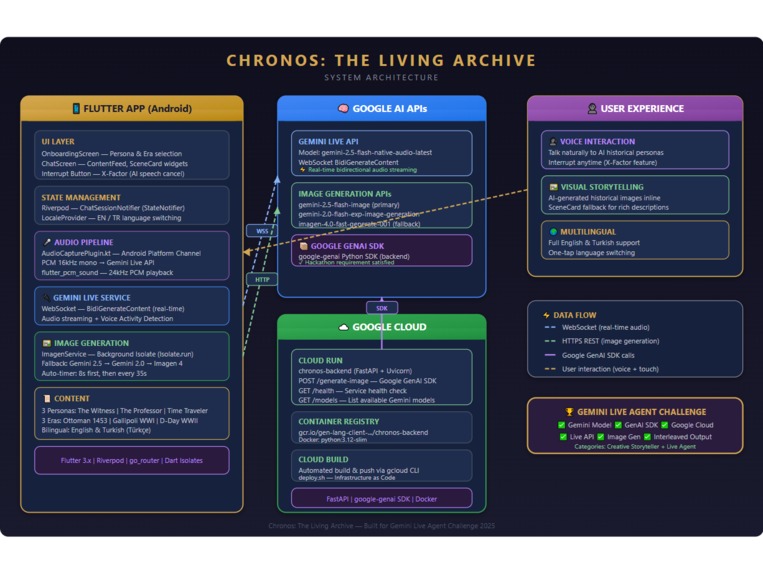
Architecture Diagram
-
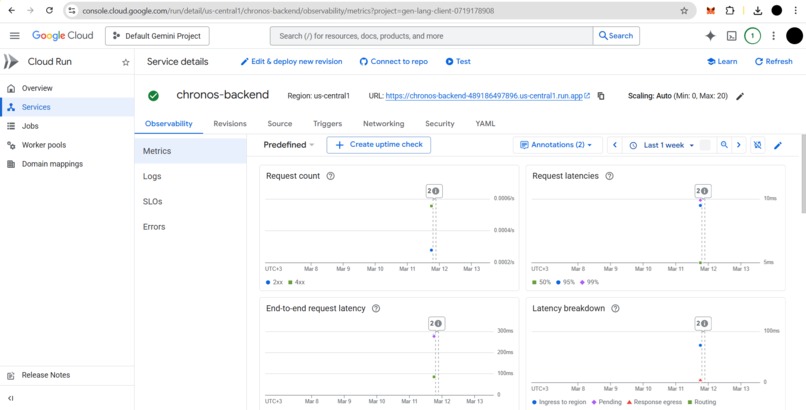
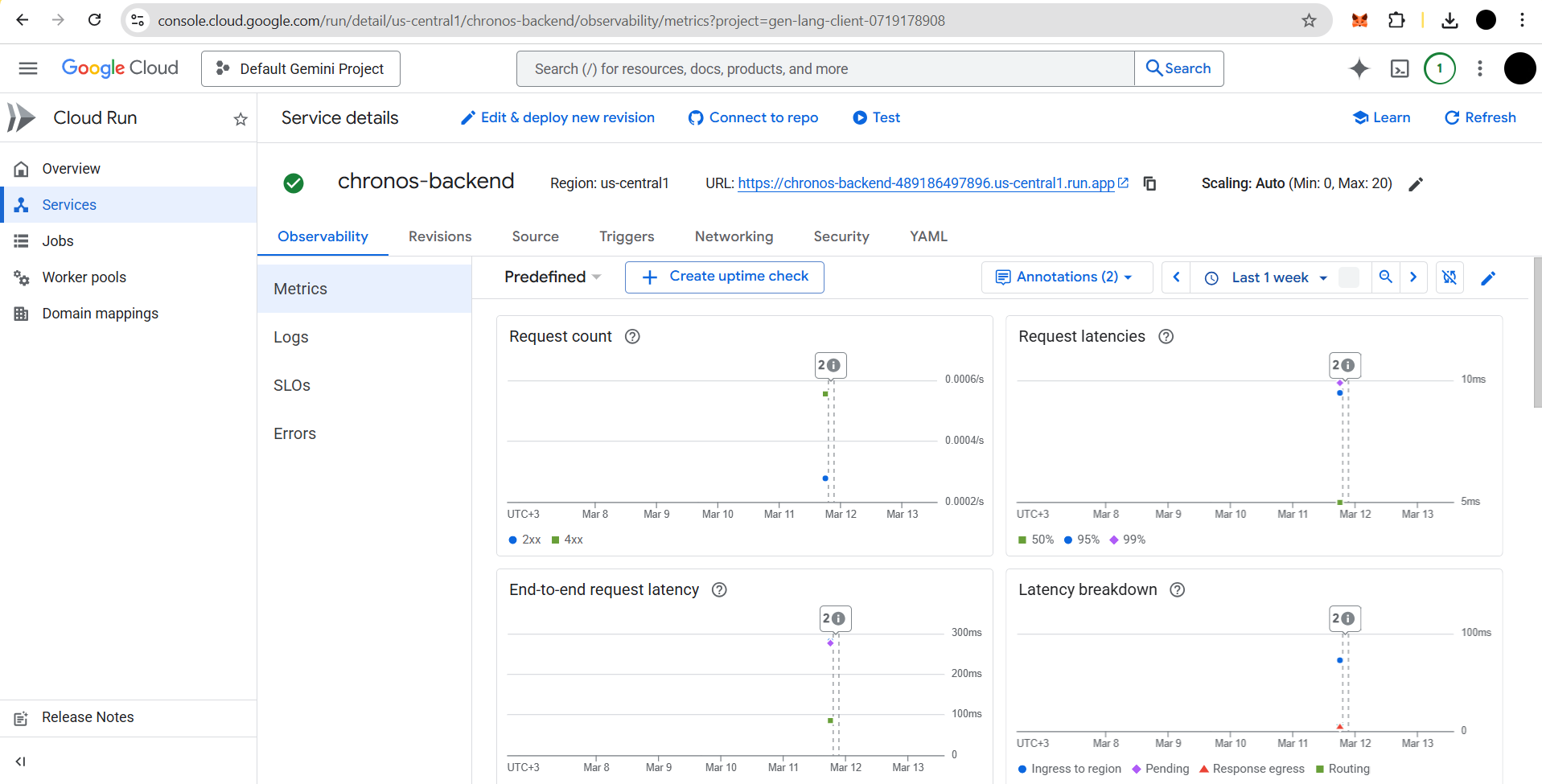
Cloud Run Console
-
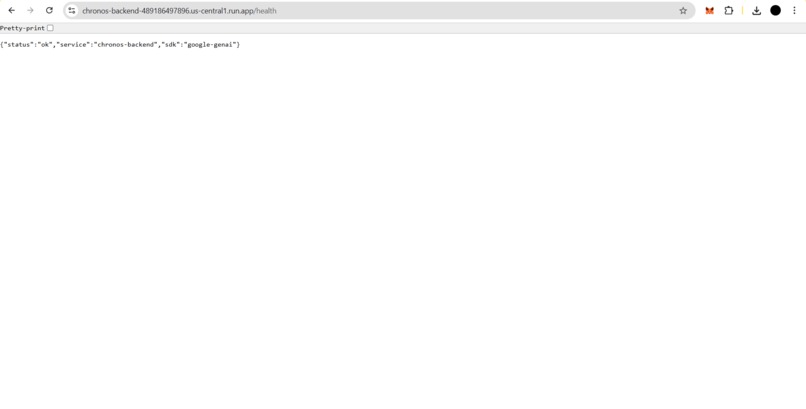
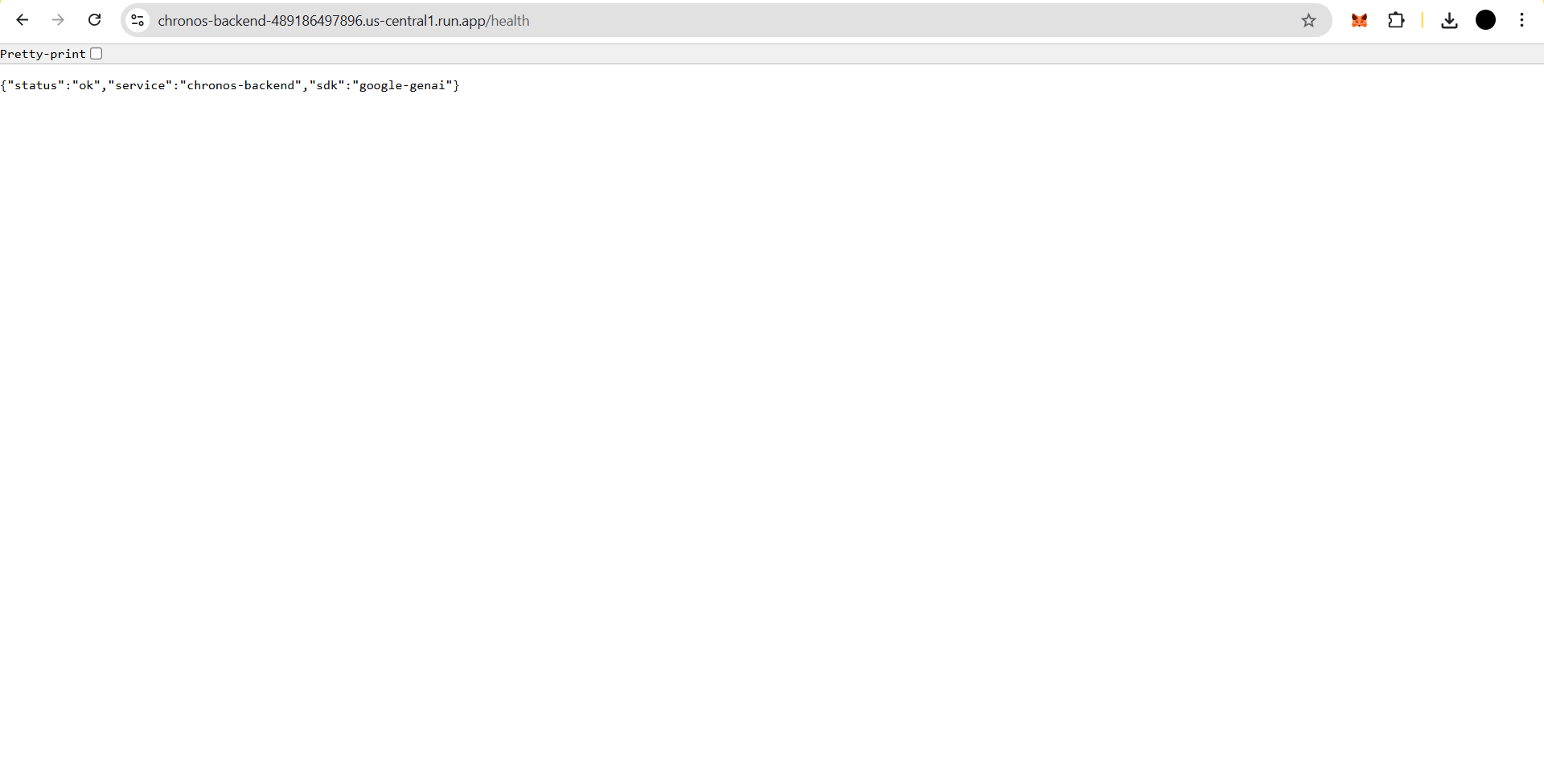
Health Check
Inspiration
History education has always been static — textbooks, documentaries, and lectures. I asked: What if you could actually talk to someone who lived through history? What if a soldier from Gallipoli could describe the trenches in his own voice, while AI-generated images of the scene appeared on your screen?
That question led to Chronos: The Living Archive — an app that transforms history from something you read into something you experience.
What it does
Chronos lets users select an AI persona (a soldier, a professor, or a time traveler) and a historical era, then engage in real-time voice conversations powered by the Gemini Live API. As the AI narrates events:
- AI-generated images appear inline, visualizing the scenes being described
- Users can interrupt anytime to ask questions (X-Factor feature)
- Text narration flows alongside voice and images for a rich multimedia feed
- Full English and Turkish bilingual support
Three Personas
| Persona | Style |
|---|---|
| The Witness | Emotional, first-person — a soldier who lived through events |
| The Professor | Academic, analytical — a historian providing scholarly analysis |
| The Time Traveler | Cinematic, immersive — transports you to the scene |
Three Historical Eras
- Fall of Constantinople (1453) — The Ottoman siege that changed the world
- Battle of Gallipoli (1915) — WWI's most devastating campaign
- D-Day: Normandy Landings (1944) — The largest seaborne invasion in history
How we built it
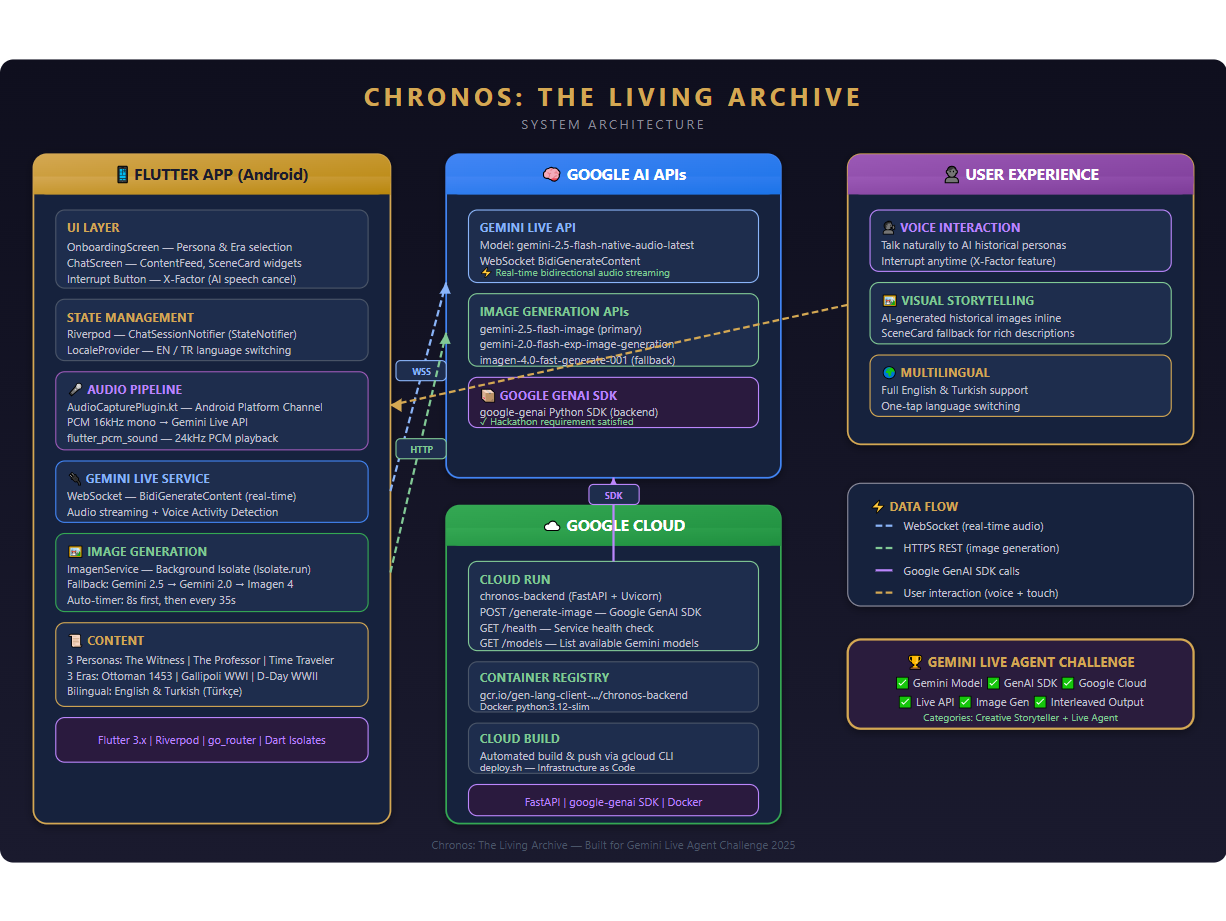
Frontend: Flutter (Android) with Riverpod state management. A custom Android Platform Channel (Kotlin) captures microphone audio at 16kHz PCM. Audio playback uses flutter_pcm_sound at 24kHz.
Voice AI: Gemini Live API via WebSocket (BidiGenerateContent) using gemini-2.5-flash-native-audio-latest for real-time bidirectional audio streaming with Voice Activity Detection.
Image Generation: Three-model cascading fallback system:
gemini-2.5-flash-image(primary)gemini-2.0-flash-exp-image-generation(fallback)imagen-4.0-fast-generate-001(fallback)
All image generation runs in a background Dart Isolate (Isolate.run()) to prevent audio crackling during HTTP requests. Auto-timer triggers contextual images (first at 8s, then every 35s).
Backend: FastAPI on Google Cloud Run using the Google GenAI SDK (google-genai). Provides /generate-image, /health, and /models endpoints. Deployed via Cloud Build with automated deploy.sh script.
Infrastructure: Google Cloud Run + Container Registry + Cloud Build. Docker container with python:3.12-slim base image.
Challenges we ran into
Audio crackling during image generation: HTTP requests and base64 decoding on the main isolate caused audio dropouts. Solved by moving the entire image pipeline to
Isolate.run().Image API rate limits: Free-tier API keys returned
limit: 0for image generation. Solved by upgrading to Tier 1 and implementing a cascading fallback across three different models.Voice Activity Detection timing: Getting natural conversation flow with Gemini Live API required careful tuning of silence detection and end-of-turn signals.
Bilingual persona prompts: Crafting system prompts that make AI personas speak naturally in both English and Turkish while maintaining historical accuracy.
Accomplishments that we're proud of
- Seamless voice + image experience: Users can have a natural conversation while AI-generated historical images appear inline.
- Interrupt feature (X-Factor): One-tap interrupt that clears the audio buffer and auto-opens the microphone, creating truly natural conversation
- Background Isolate architecture: Too little audio artifacts during image generation thanks to complete isolation of network calls
- Three distinct personas: Each with unique narrative styles that fundamentally change the storytelling experience
What we learned
- Gemini Live API's WebSocket protocol enables remarkably natural voice interactions with proper VAD tuning
- Dart Isolates are essential for CPU-intensive or network-heavy tasks in Flutter when audio is playing
- Cascading model fallbacks provide resilience — if one model is unavailable, the experience degrades gracefully with SceneCard fallbacks
- The Google GenAI SDK simplifies server-side integration significantly
What's next for Chronos
- More historical eras: Ancient Rome, the Moon Landing, the Renaissance
- User-created eras: Let users define custom historical scenarios
- AR integration: Overlay historical scenes onto real-world locations
- Classroom mode: Multi-user sessions for history education
- iOS support: Expand beyond Android


Log in or sign up for Devpost to join the conversation.