-
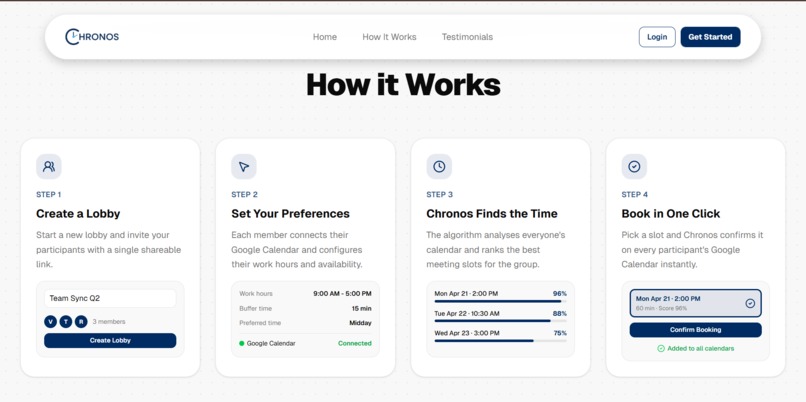
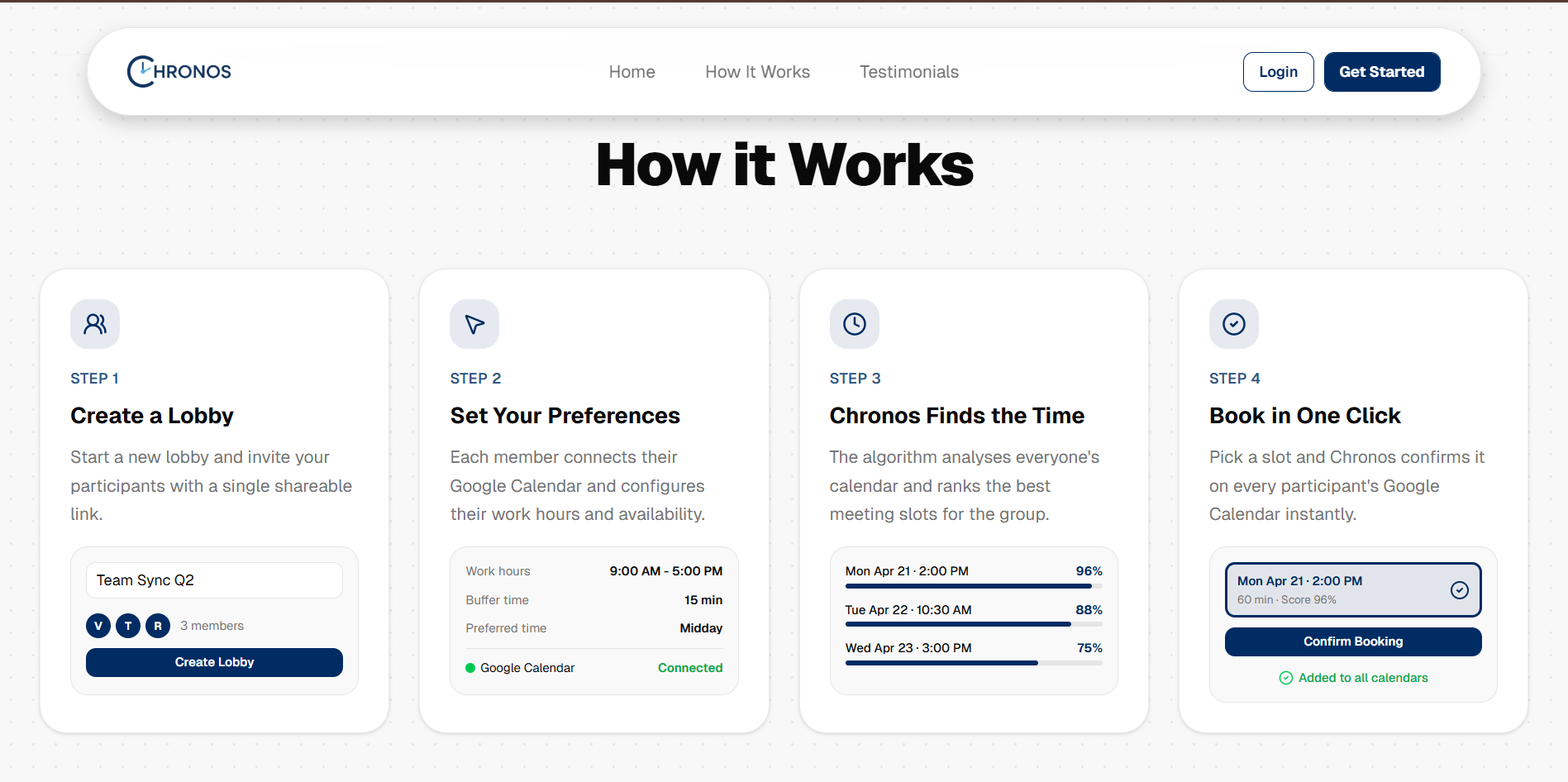
How it Works Subsection, Website Homepage
-
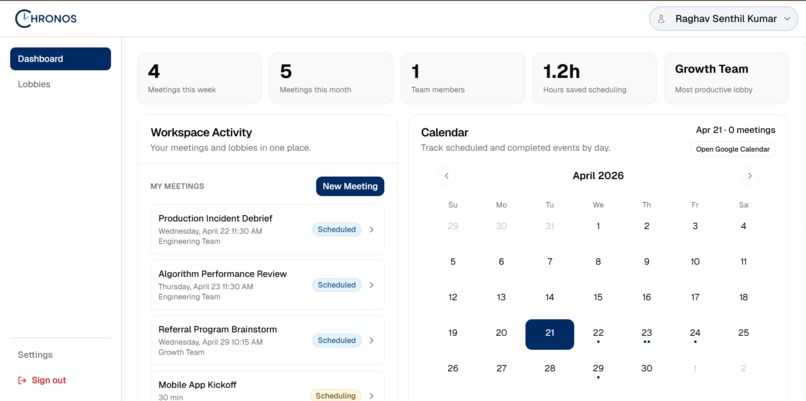
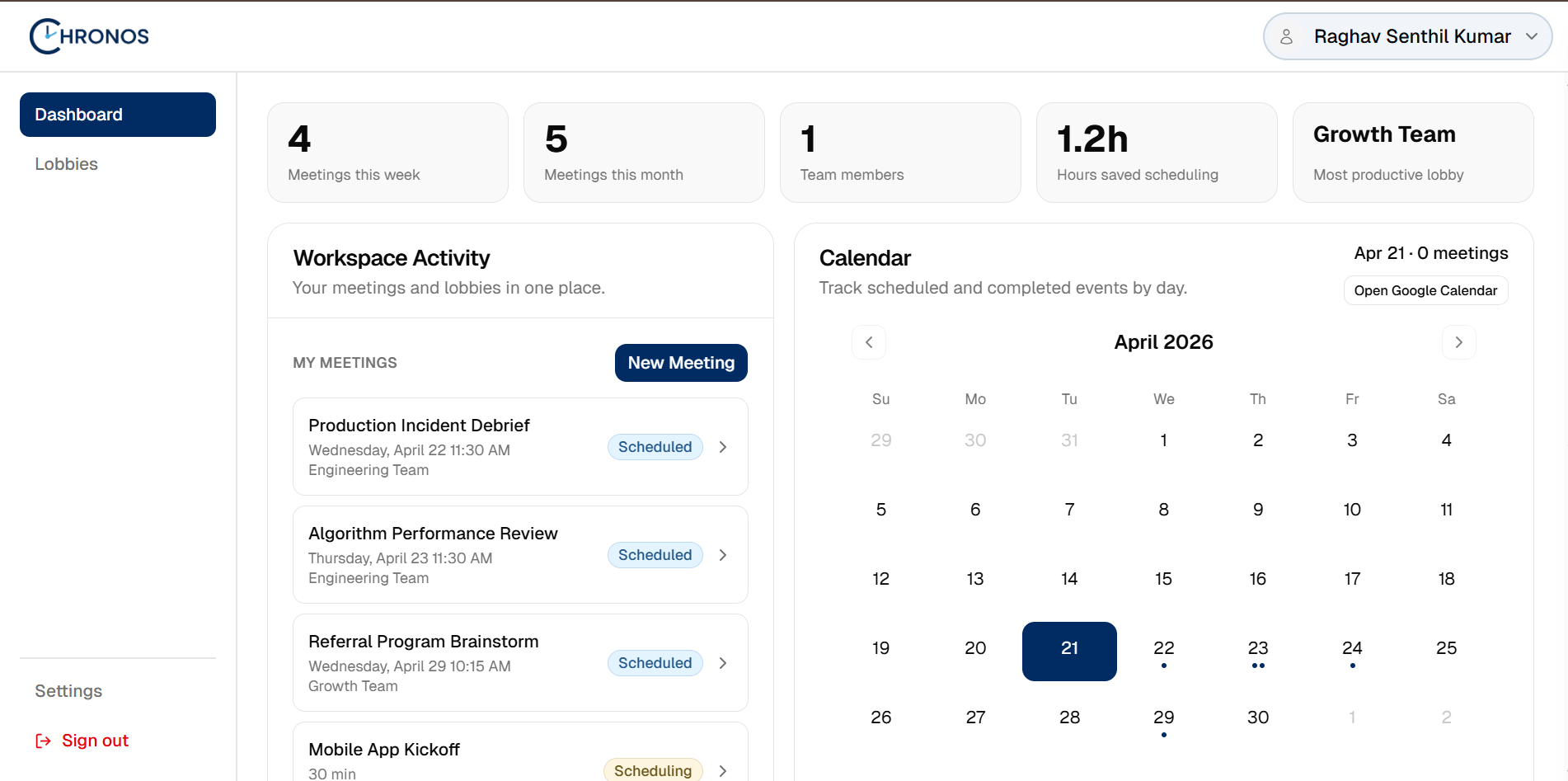
Scheduling Engine, User Dashboard
-
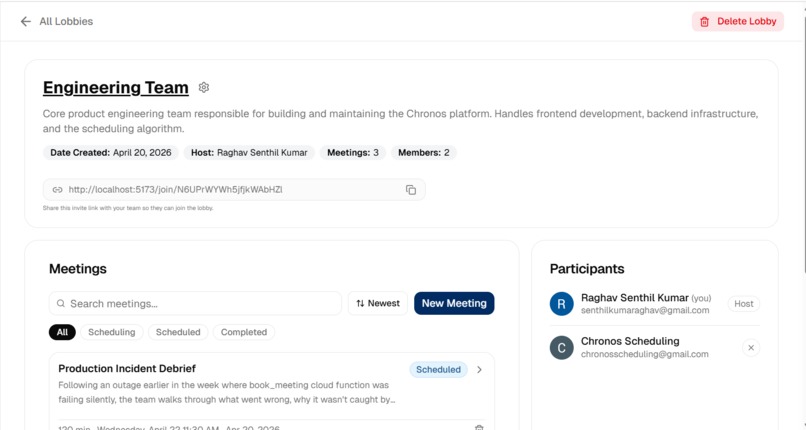
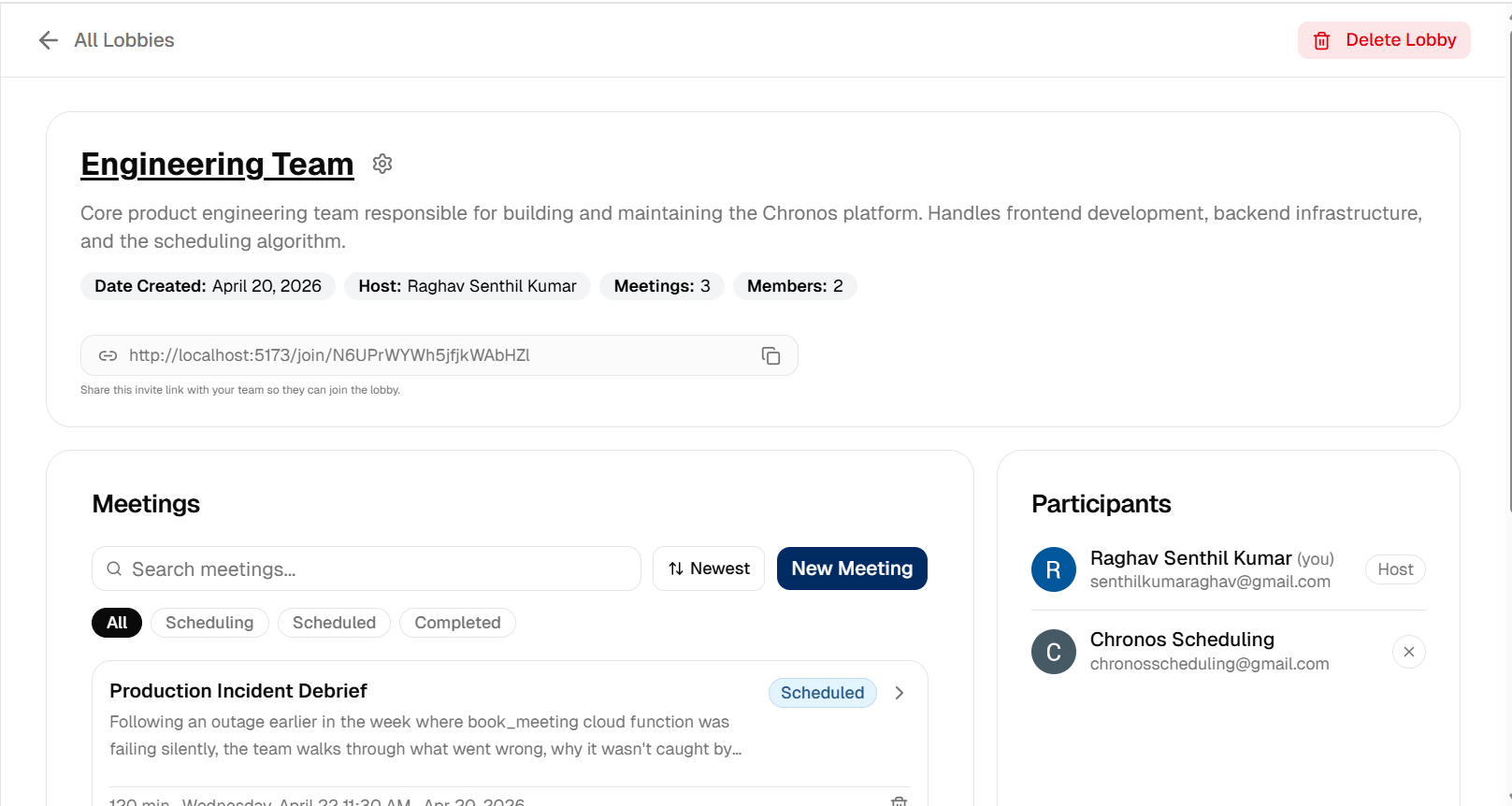
Team Manamgement Page, User Dashboard
-
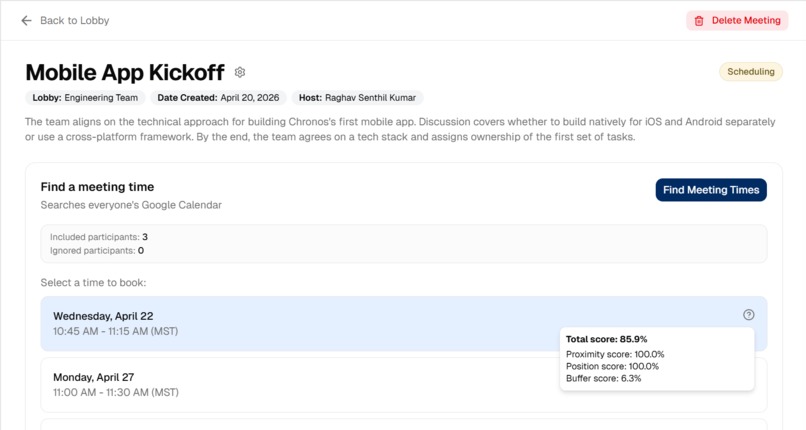
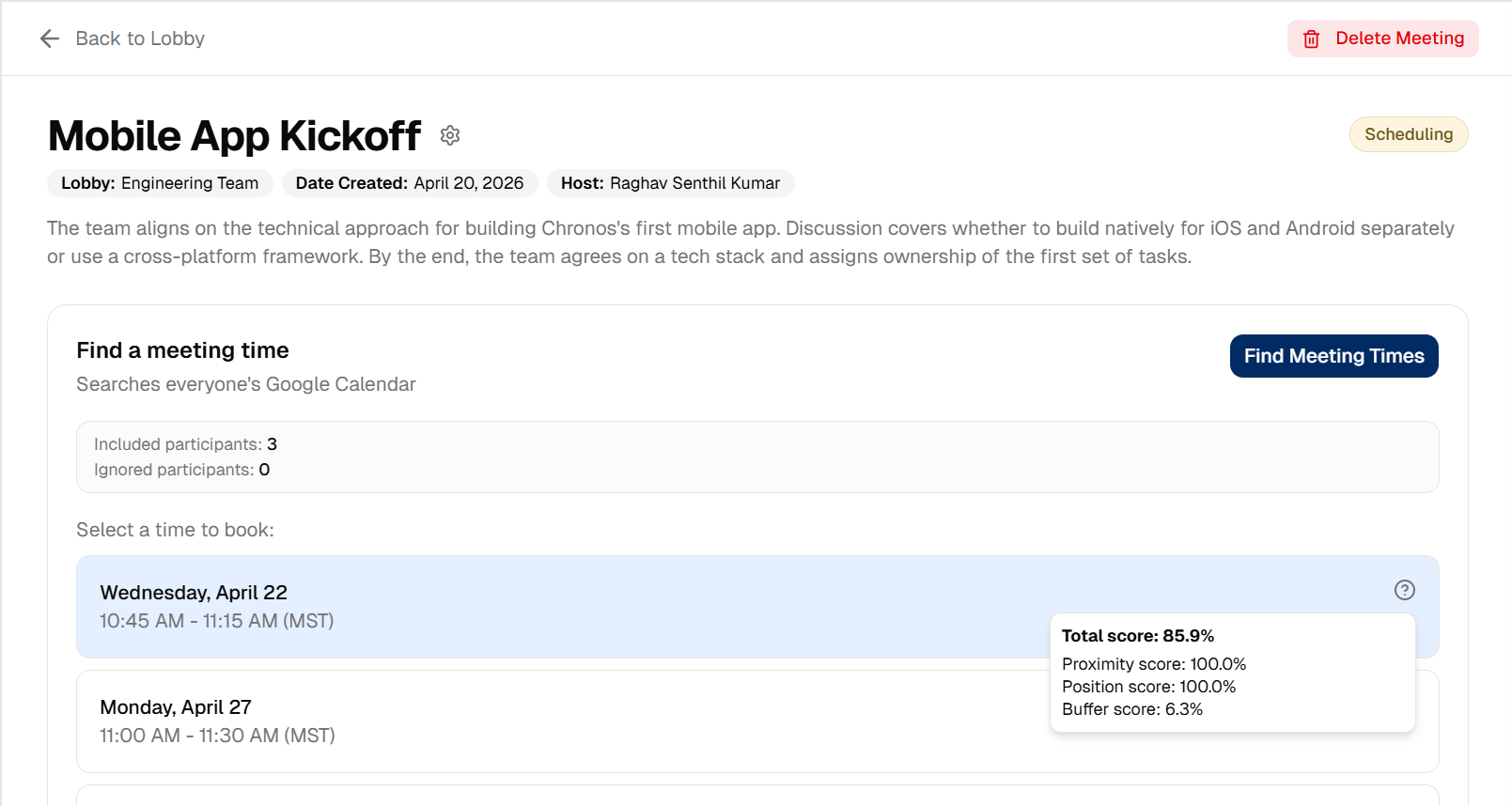
Meeting Management Page, User Dashboard
Chronos
Chronos is a full-stack web application that automatically schedules meetings on Google Calendar for large groups. It achieves this by connecting to each participant's Google Calendar, analyzing availability across the group and ranking candidate time slots using a multi-factor scoring algorithm.
Live App: https://usechronos.live/
Alternate Link: https://chronos-ba69a.web.app/
Chronos v1 Launch: https://www.producthunt.com/products/chronos-11
Tech Stack
Frontend







Backend





Infrastructure




Scheduling Algorithm
The algorithm lives in functions/scheduling/algorithm.py and runs inside the schedule_meeting Cloud Function.
Step 1: Collect availability
For each participant with a connected Google Calendar, the backend calls the Google Calendar FreeBusy API to fetch their busy intervals over the next 4 weeks.
Step 2: Compute the shared work window
Each participant stores their work hours (start/end time + timezone) and work days in Firestore. The algorithm:
- Converts every participant's work hours to UTC using their timezone
- Takes the latest start and earliest end across all participants as the shared window for each day
- Takes the intersection of work days so only days everyone works are considered
Step 3: Find candidate slots
For each valid working day, the algorithm steps through the shared window in 15-minute increments. Each candidate slot is checked against all participants' busy intervals, expanded by each person's configured buffer time (default 15 minutes). A slot is only kept if it is conflict-free for everyone and starts at least 1 hour from now.
Step 4: Score each slot
Every passing slot receives three component scores:
Position score (15% of total score): The work window is divided into three equal thirds: morning, midday and afternoon. The score peaks at the center of the preferred third and decays linearly toward 0 at the opposite end.
Buffer score (15% of total score): Measures how much free time surrounds the slot for each participant. The gap between the slot and the nearest adjacent event on each side is measured and normalised to 0–1 (120 minutes of free time = full score of 1.0).
Proximity score (70% of total score): When the user specifies a target date, every slot receives a proximity score calculated as:
proximity = 1 / (1 + days_away_from_target)
Final score:
score = 0.7 * proximity_score + 0.15 * position_score + 0.15 * buffer_score
Step 5: Return ranked slots
The top 5 ranked slots are returned.
Getting Started
Prerequisites
- Node.js 18+ — nodejs.org
- Python 3.11 — python.org
- Firebase CLI —
npm install -g firebase-tools, thenfirebase login - Firebase project with Auth, Firestore, Functions, and Hosting enabled — console.firebase.google.com
- Google Cloud OAuth 2.0 client with the Google Calendar API enabled — console.cloud.google.com
- Resend account with a verified sending domain — resend.com
- Sentry account (optional, for error monitoring) — sentry.io
1. Clone the repository
git clone https://github.com/Raghavsk24/Chronos.git
cd Chronos
2. Frontend environment variables
cp .env.example .env.local
Fill in .env.local:
VITE_FIREBASE_API_KEY=
VITE_FIREBASE_AUTH_DOMAIN=
VITE_FIREBASE_PROJECT_ID=
VITE_FIREBASE_STORAGE_BUCKET=
VITE_FIREBASE_MESSAGING_SENDER_ID=
VITE_FIREBASE_APP_ID=
VITE_SENTRY_DSN=
3. Backend environment variables
Create functions/.env:
GOOGLE_CLIENT_ID=
GOOGLE_CLIENT_SECRET=
RESEND_API_KEY=
[email protected]
SENTRY_DSN=
4. Install frontend dependencies
npm install
5. Set up the Python virtual environment
macOS / Linux:
cd functions
python3.11 -m venv venv
source venv/bin/activate
pip install -r requirements.txt
cd ..
Windows:
cd functions
python -m venv venv
venv\Scripts\pip install -r requirements.txt
cd ..
6. Connect the Firebase project
firebase use --add
Select your Firebase project from the list.
7. Run locally
npm run dev
8. Deploy to production
firebase deploy --only hosting,functions,firestore


Log in or sign up for Devpost to join the conversation.